






















More AI Video Generators
Explore our collection of specialized AI video generators designed for different creative needs and styles



Skull Cap Trend AI: Your Photo, Two Attitudes
Turn A Portrait Into A Playful Glow-Up Video
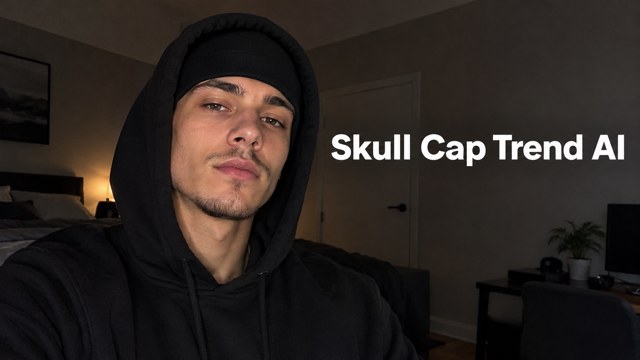
Skull Cap Trend AI turns a clear portrait into a short transformation video built around a dramatic change in attitude. Start with an awkward, playful expression, then reveal a serious look beneath a black cap and hood. Your photo supplies the identity, while a built-in reference guides the movement and transition. Create a personal take on the trend without filming both performances or assembling the shots yourself.
How To Make Your Skull Cap Video
Start with a clear portrait and let the prepared reference guide the transformation. You can review the finished sequence before downloading or sharing it through your preferred social app.

Upload Your Photo
Add one sharp portrait with your face visible and some room around your head and shoulders. Choose even lighting and avoid hats, deep shadows, or heavy filters. Your photo gives the generator the facial details needed for both parts of the video.

Click Generate
Check the available settings and displayed credit cost, then start generation. The page combines your portrait with its built-in video reference and prepared instructions. You do not need to write a prompt or upload a separate performance clip to begin.

Download Your Video
Watch the opening, transition, and final expression before downloading. Check that the same person appears throughout and the cap reveal reads clearly. Save your preferred result, then add a caption or select suitable music in the app where you plan to post.
Best AI Video Tools for Creative Projects
Explore creative tools for video, learn tips and tricks, and see how AI can be your assistant in turning concepts into finished projects.

























The Contrast That Makes The Trend Work
A successful transformation needs more than a hat appearing on a head. The opening performance, transition, and final expression should tell one short visual story. These illustrations highlight the portrait details, playful setup, lens-cover movement, and hooded reveal that shape the effect.
A Recognizable Person In Both Parts
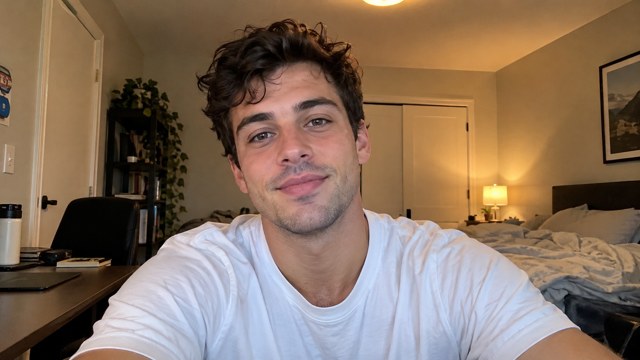
The upload supplies the person for the whole sequence, including the darker reveal where the hood covers much of the hair. The instructions prioritize facial identity rather than borrowing the reference performer's features. A clear portrait gives the model more useful detail than a distant group photo. When reviewing your result, compare the eyes, mouth, and face shape across the cut, not just the outfit.

A Playful Opening With Room For Personality
The first part establishes the contrast through expression and movement. A slightly awkward look, a small gesture, or a hair adjustment gives the reveal something to play against. The reference provides an action sequence, so you are not starting from an empty timeline. This is useful when you want a personal reaction clip but do not want to record several takes in front of a camera.

A Clear Transition Into The Cap Reveal
The moment between the two looks carries the joke. A brief movement across the camera hides the switch and connects the bright opening to the darker reveal. The built-in reference provides that visual timing instead of leaving the sequence entirely to text instructions. Review this moment closely: a readable cut and a consistent face are more important than adding extra movement, visual effects, or elaborate scenery.
A Confident Ending That Holds The Frame
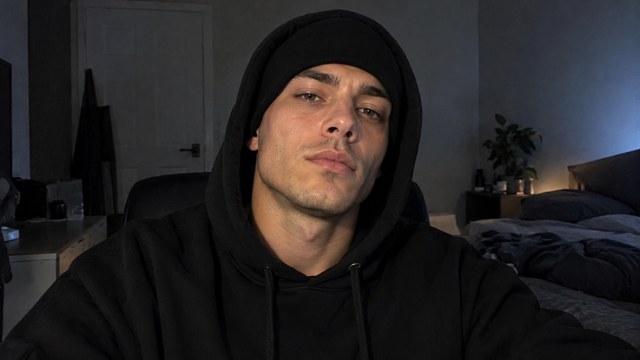
The final look pairs a close black cap with a raised hood and a composed expression. Small head movements can give the ending presence without distracting from the face. The prepared direction asks for a controlled performance rather than a dance routine or a complete character change. Watch through the last frame before choosing a result, especially if you plan to use the ending as a video thumbnail.
Make The Transformation Your Own
Skull Cap Trend AI gives you a short visual format you can adapt through the portrait you choose and the context you add afterward. Keep the transformation central, then shape the caption, music, and posting format around your audience.

Personal Trend Posts
For people joining the trend with their own face, a familiar portrait makes the reveal immediately personal. Start with a photo friends would recognize, then use the contrast as the centerpiece of a short post. A brief caption can set up the joke without explaining every movement or covering the face during the final reveal.

Creator Reaction Clips
Lifestyle and entertainment creators can use the two-part format for a playful change in mood. Pair the opening with an everyday situation and let the serious ending deliver the reaction. The generated clip becomes one element in your content plan, while you retain control over the caption, thumbnail choice, and platform-specific presentation.

Friend Group Challenges
Friends can each create a separate version using their own portrait and compare the final expressions. Keep each upload to one person so the identity reference stays clear. The shared format makes the results easy to compare, while different faces and opening looks give every clip a distinct personality for a group challenge.

Short-Form Editing Practice
Video editors and social content learners can use a finished transformation to practice captions, sound placement, or thumbnail selection. Compare how the same clip feels with a different opening line or soundtrack. Work on those finishing choices in your editing app while keeping the central transition and facial performance visible to the viewer.
What Creators Look For In A Glow-Up Clip
These illustrative, fictional reactions describe the priorities different creators may have when reviewing this video format. They are not verified customer reviews or evidence of a tested generation result.
I like a transformation where the opening sets up a clear joke and the ending lets the expression breathe. That contrast gives me something useful to build a caption around.
The transition is what I would check first. A readable cut and the same recognizable face matter more to me than a complicated background or lots of extra movement.
A portrait-based workflow makes sense for testing a different mood. I would choose a sharp source image and compare the facial details before using the result on a creator profile.
The two-part structure is easy for an audience to understand. I prefer a short setup and a focused reveal that leave room for my own caption and publishing style.
I can see this working as a friendly group challenge. Each person starts with their own photo, and the fun comes from comparing expressions within the same familiar format.
A serious ending after a goofy opening fits the reaction clips I enjoy. I would keep the face unobstructed and choose a thumbnail that makes the change in mood clear.
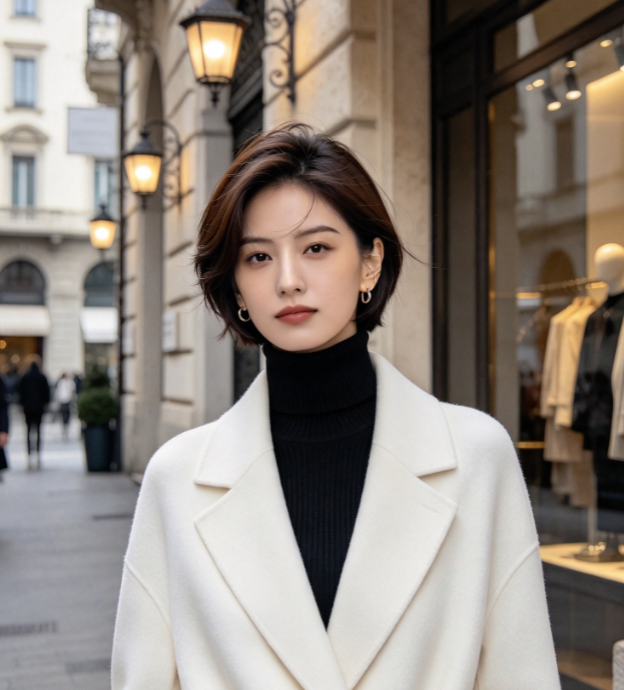

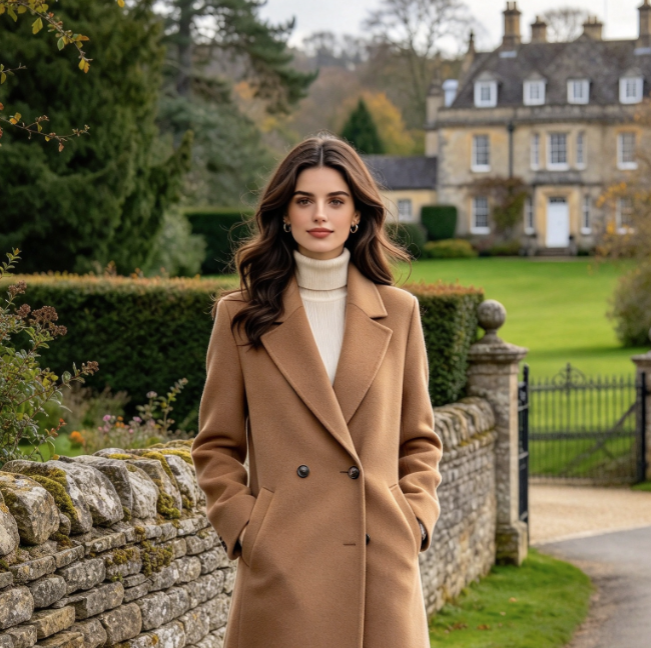
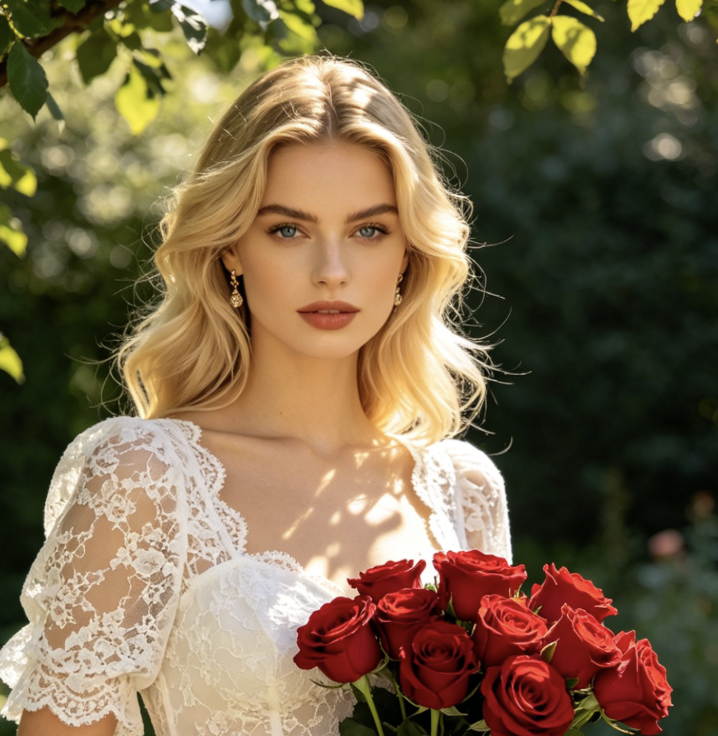
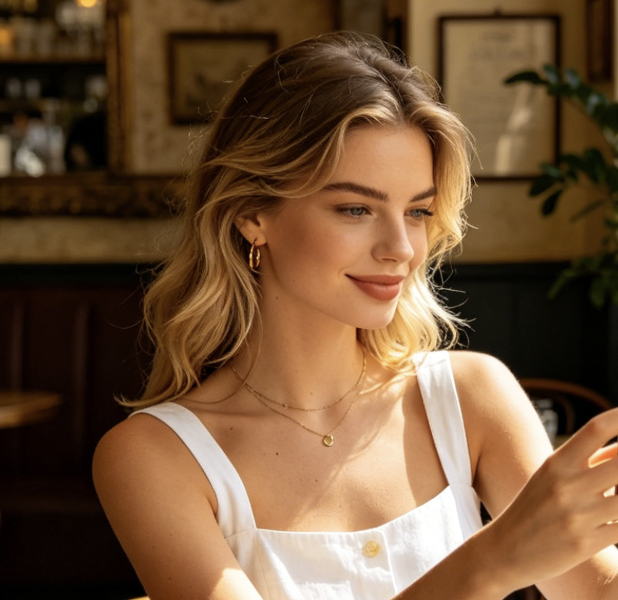
Skull Cap Trend AI Questions
Prepare the right source photo and understand what the page controls before starting. These answers cover the video format, reference workflow, settings, and finishing steps that matter when choosing a result.
It is a video effect built around a playful before-and-after transformation. A casual or awkward opening leads to a more serious appearance with a fitted cap and hood. This page uses a portrait for identity and a built-in video reference for the performance, rather than producing a still image of someone wearing a hat.
Choose one clear portrait with a visible face, even lighting, and an unobstructed head-and-shoulders view. Avoid group photos, strong beauty filters, or sunglasses that hide the eyes. The face needs to remain recognizable in both brighter and darker scenes, so a sharp source usually provides more useful information than a dramatic but shadowed photograph.
No separate performance upload or prompt writing is needed for the configured effect. The page includes a reference video and built-in instructions. You supply the portrait that defines the person. The reference guides the visual sequence, while the instructions describe how your identity should carry through the transformation and final hooded look.
The instructions ask the model to preserve your identity across the entire clip, but generation can change facial details, especially during motion or under the hood. Review both halves at normal speed and pause around the transition. If identity drifts, try a clearer portrait before spending credits on another version.
The reference supplies a visual sequence, but this page does not guarantee the original licensed song or frame-exact reproduction. Listen to the generated output before posting. If you want a specific trend sound, select it in the destination platform or your editor and align it with the transition using the tools available there.
This page uses Seedance 2.5 with reference input. Check the generator for the currently available duration, quality, and credit cost before submitting. No fixed price, free generation allowance, or delivery time is promised here. Settings and service availability can change, and additional generations may incur additional credits.
Create Your Skull Cap Glow-Up Video
Choose a clear portrait and give it a two-part transformation with Skull Cap Trend AI. Check the generation settings, create your clip, and review the face and transition before downloading. Add your own caption and finishing touches to make the reveal feel personal.
