
More AI Video Generators
Explore our collection of specialized AI video generators designed for different creative needs and styles
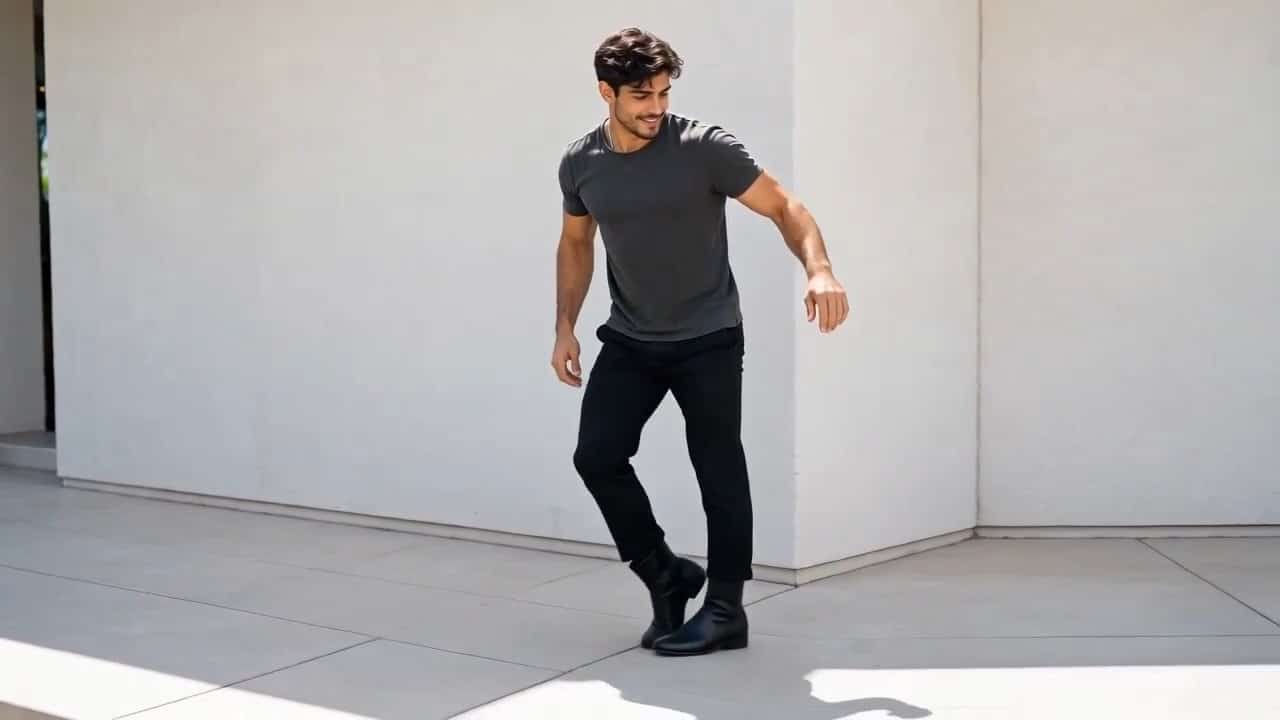
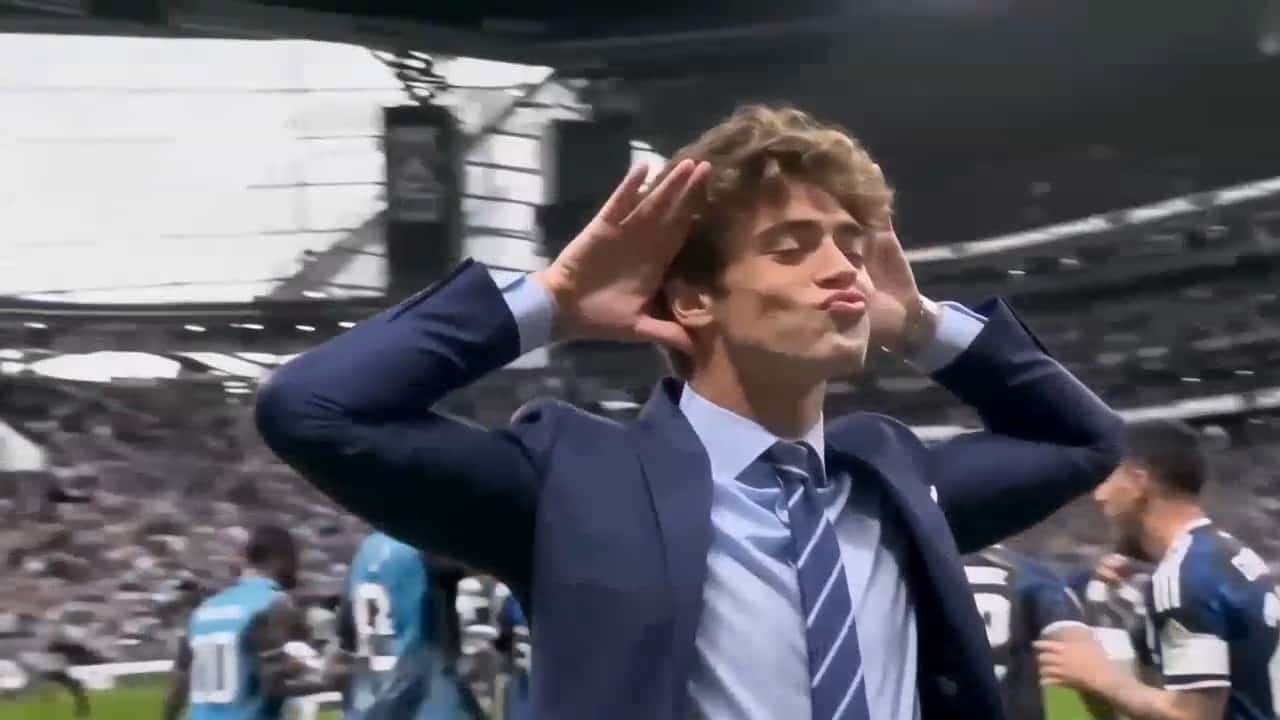
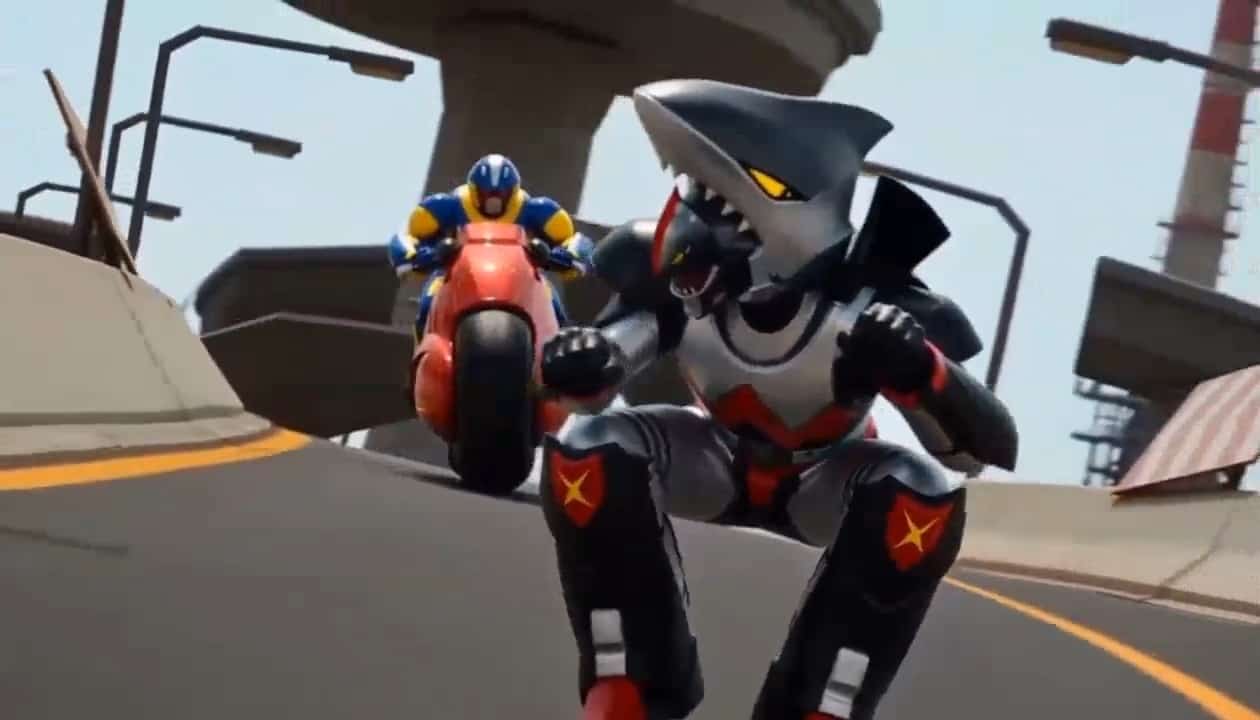
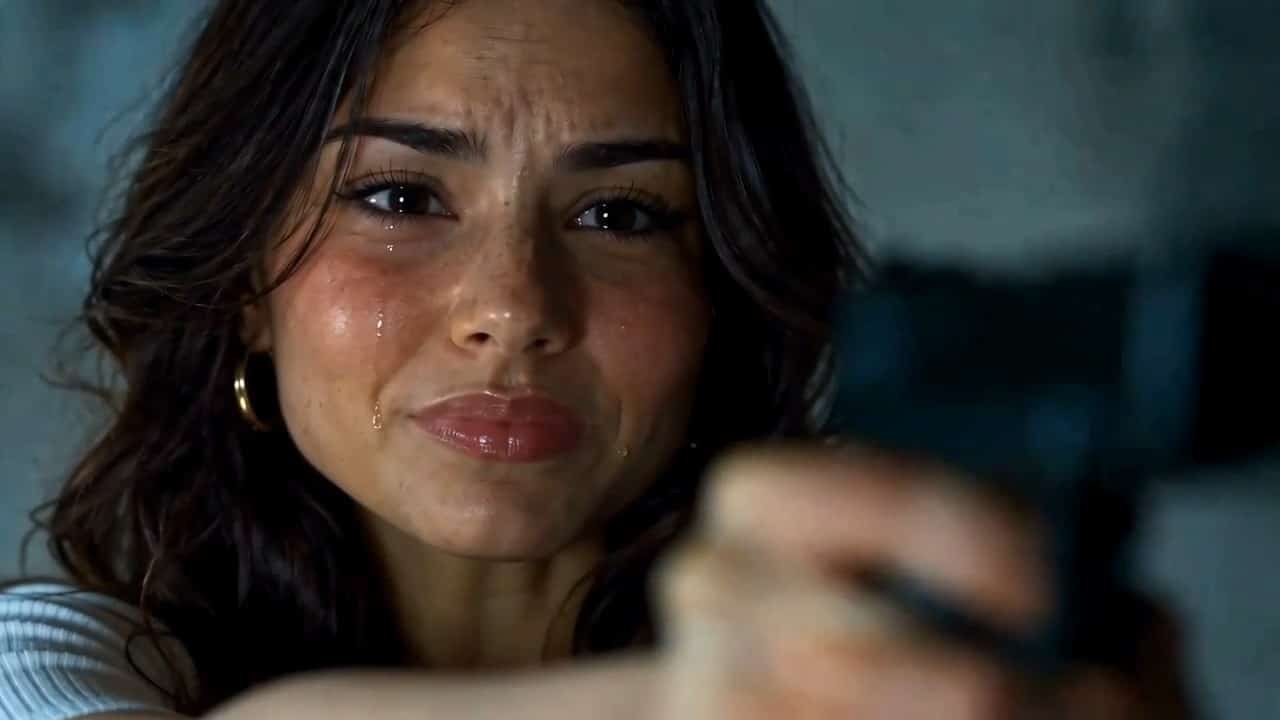
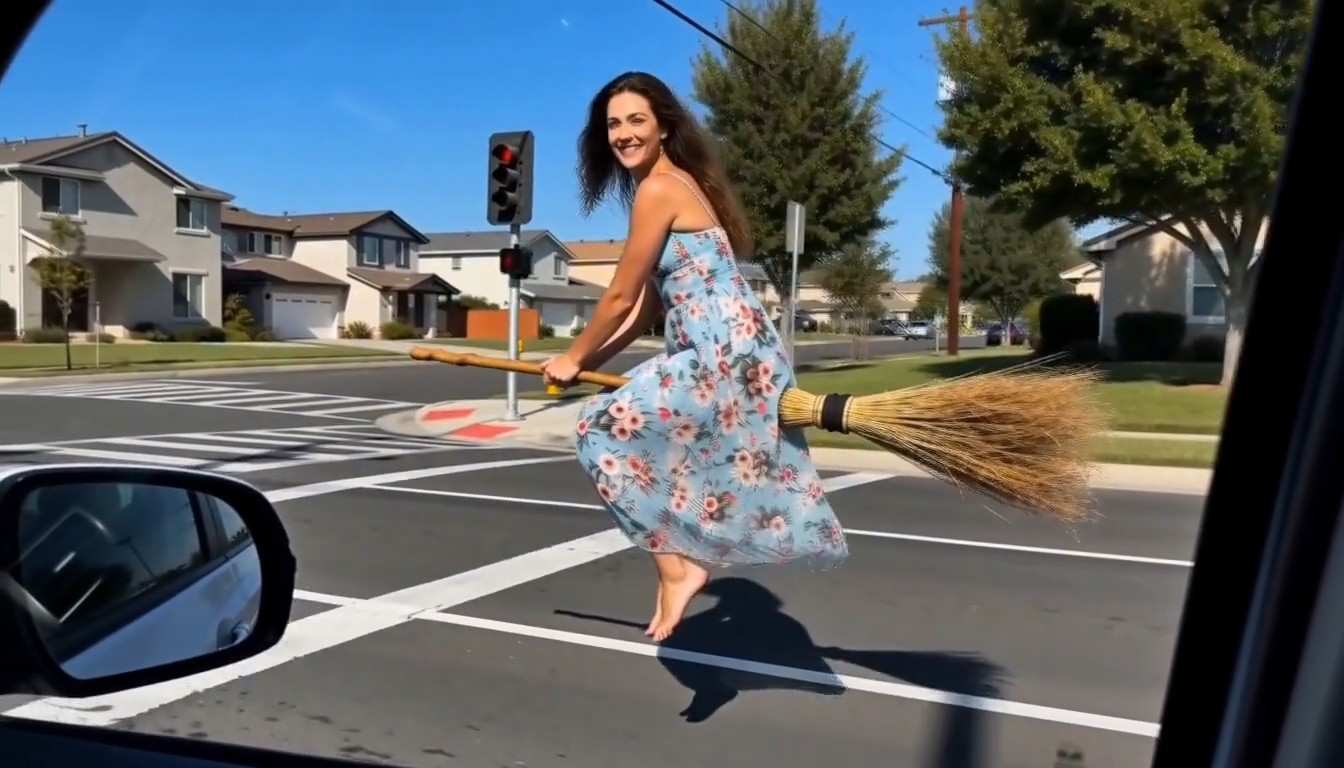
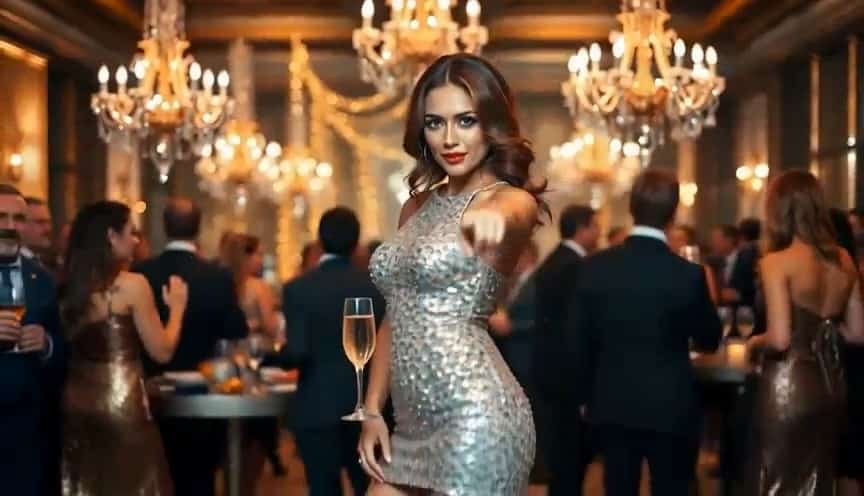
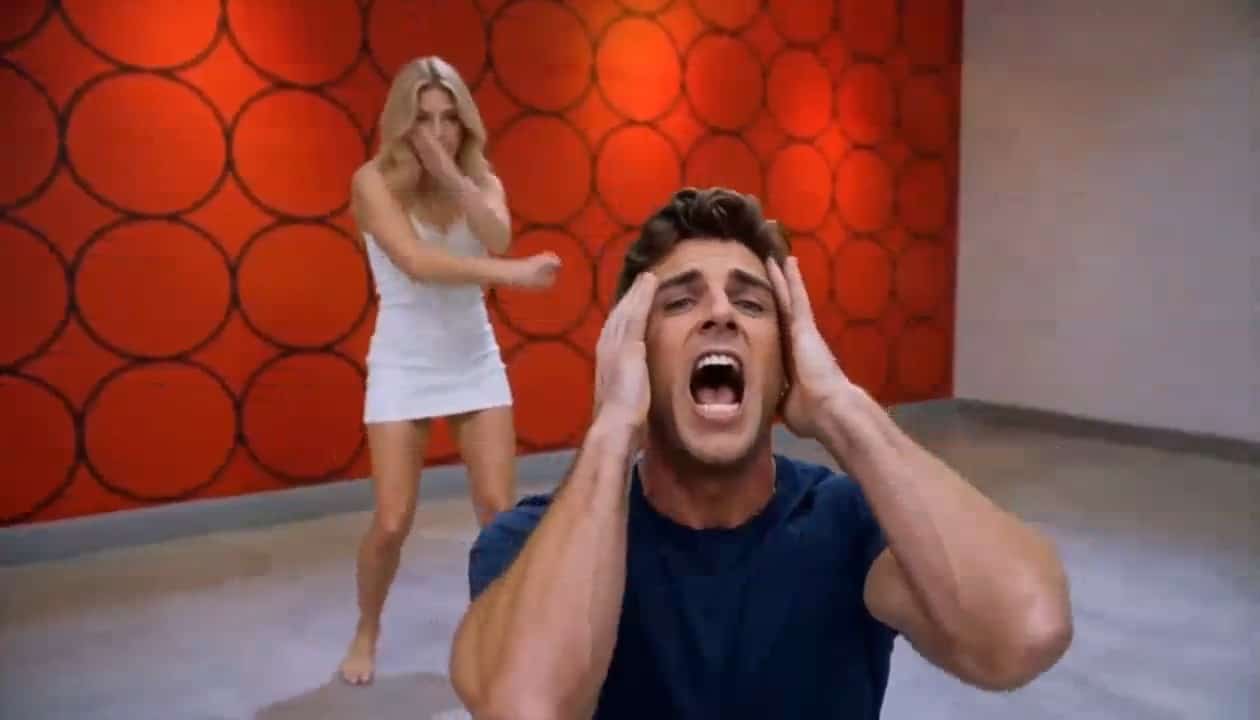
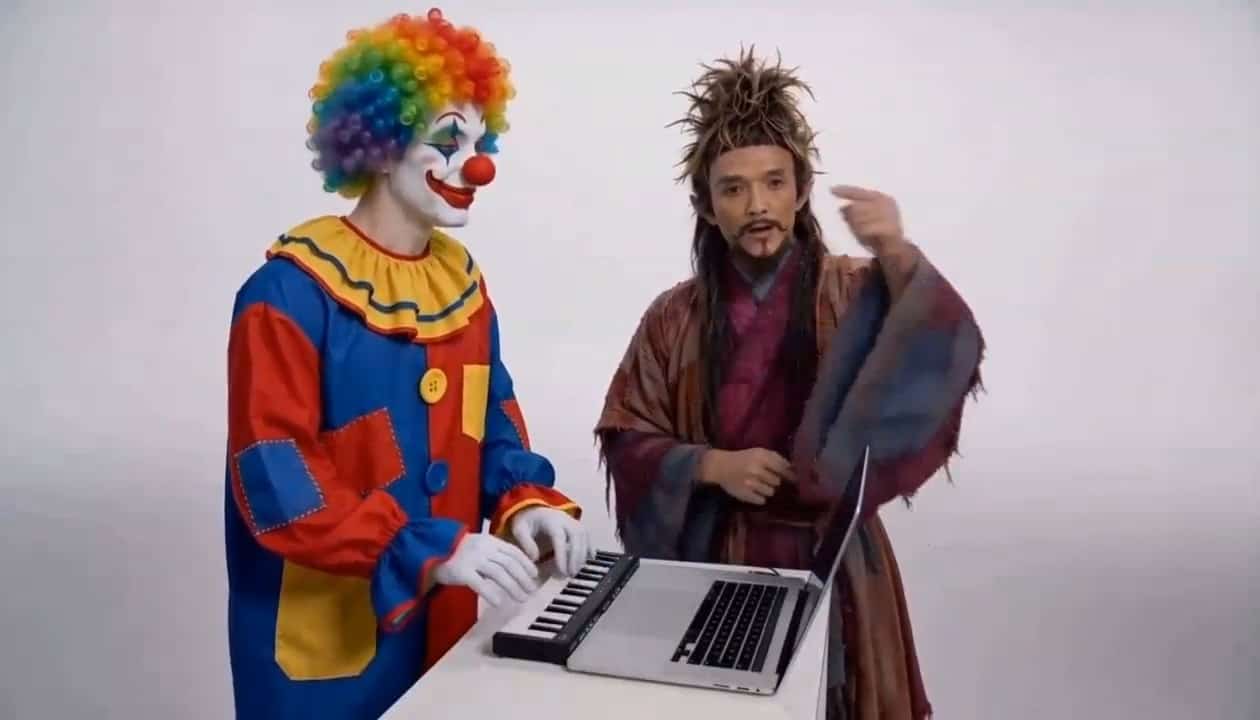



Carpool Karaoke AI Video Generator
Turn Photos Into Musical Moments With Friends
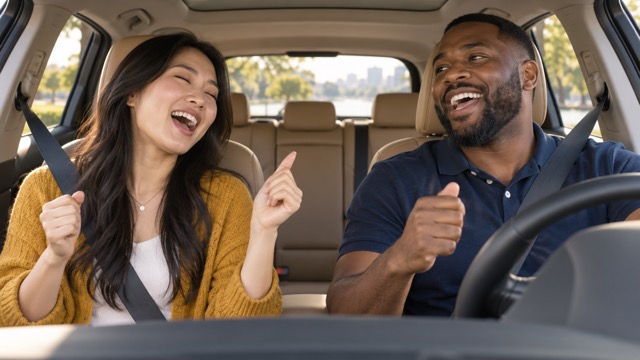
Turn a familiar photo into a lively musical moment. Carpool Karaoke AI Video brings friends, couples, or original characters into a car scene with singing expressions, gentle head movements, and playful interaction. Use SuperMaker as your AI Carpool Karaoke Generator to direct an original rap, a cheerful chorus, or a warm duet. Create a Carpool Karaoke AI Video without a professional editing timeline, then review the performance and refine your favorite idea. Try the AI Carpool Karaoke Generator.
How To Create A Carpool Karaoke AI Video
Create your Carpool Karaoke AI Video in three steps. Give the AI Carpool Karaoke Generator a clear photo and brief English direction for seats, original music, natural movement, and a fixed dashboard view.

Upload Your Photo
Upload a clear portrait, a two-person photo, or a prepared car scene showing two to four people. For your Carpool Karaoke AI Video, describe each person’s seat, singing expression, rhythm, and gentle gestures. Give the AI Carpool Karaoke Generator an unobstructed view of every face.

Click Generate
Choose Veo 3.1 Basic and click Generate. Guide your Carpool Karaoke AI Video with subtle nodding, smiles, and an original musical performance when audio is enabled. The AI Carpool Karaoke Generator follows the reference and prompt; review the completed result for identity, seating, and natural movement.

Download Your Video
Watch your Carpool Karaoke AI Video, checking faces, seats, hands, and audio. Download the version you like for sharing. If movement looks inconsistent, simplify your prompt and regenerate. The AI Carpool Karaoke Generator lets you refine the mood before choosing your final clip.
Best AI Video Tools for Creative Projects
Explore creative tools for video, learn tips and tricks, and see how AI can be your assistant in turning concepts into finished projects.






















Build Your Carpool Karaoke AI Video Scene
Give your Carpool Karaoke AI Video a clear performance idea, readable faces, and stable seating. Direct the AI Carpool Karaoke Generator through an original chorus, a friendly response, and natural expressions. Images illustrate scene concepts rather than verified outputs from the selected video model.
Four Friends With Carpool Rap Energy
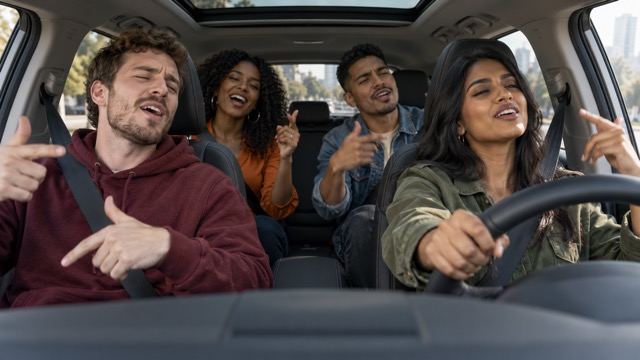
Create a Carpool Karaoke AI Video with two friends in front and two behind. Identify each person by clothing and seat, then request small gestures and shared reactions. The AI Carpool Karaoke Generator can explore the confident atmosphere of Walk It Like I Talk It style clips through original beats and words. It does not supply the song or a dedicated template. Check every face in your group Carpool Karaoke AI Video.
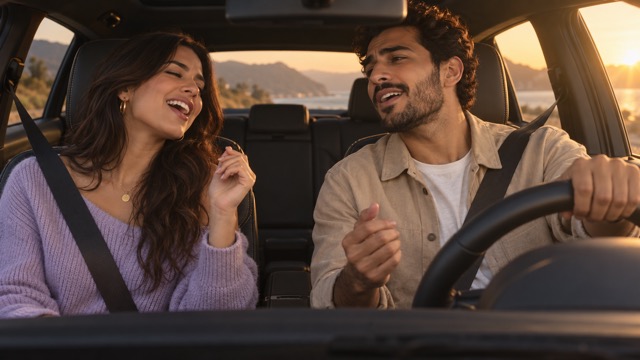
A Warm Cinematic Couple Duet
Give your Carpool Karaoke AI Video sunset light, comfortable clothes, and an affectionate exchange across the front seats. Ask the AI Carpool Karaoke Generator for alternating singing expressions, a brief glance, and a shared smile. An original acoustic mood lets the connection carry the scene. Keep the reference close to your intended framing. A simple Carpool Karaoke AI Video can make a personal greeting feel warm and recognizable.
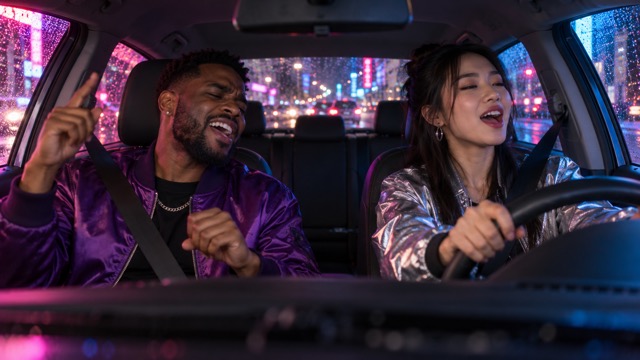
Neon Nights With Musical Energy
Place your Carpool Karaoke AI Video inside a parked car with colorful street reflections. Describe cabin lighting, small rhythmic nods, and expressive singing faces. The AI Carpool Karaoke Generator works from your reference and direction, so keep facial details visible even in a darker scene. Begin with a fixed dashboard angle. Try camera transitions after a stable Carpool Karaoke AI Video succeeds.
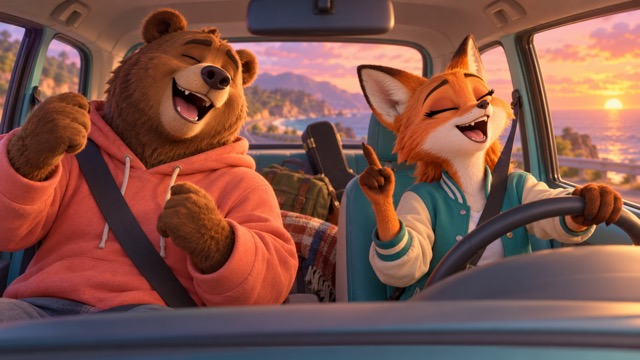
Creative Characters In A Carpool Chorus
Prepare an original cartoon duo or fictional band together in one car image. Guide the AI Carpool Karaoke Generator with consistent character shapes, distinct seats, and playful singing gestures. A Carpool Karaoke AI Video can turn a character concept into a short entertainment idea without a real shoot. Keep the illustration style consistent and motion restrained. Check your Carpool Karaoke AI Video for changing shapes or extra limbs.
Carpool Karaoke AI Video Ideas For Every Occasion
Make a Carpool Karaoke AI Video for a moment your audience recognizes. The AI Carpool Karaoke Generator supports different creative directions through the same photo and prompt workflow. Give each short performance one clear purpose.

TikTok, Instagram Reels, And YouTube Shorts
Create a Carpool Karaoke AI Video around one memorable musical exchange for TikTok, Instagram Reels, or YouTube Shorts. Choose a reference that keeps faces visible in your intended crop. The AI Carpool Karaoke Generator develops the scene; review the downloaded file and adjust framing if needed. Original audio and a clear opening expression help your Carpool Karaoke AI Video feel personal.

Friends, Parties, And Shared Jokes
Turn a group photograph into a Carpool Karaoke AI Video with the energy of a friends’ night together. Let one person sing while others smile or nod naturally. Give the AI Carpool Karaoke Generator a clean image showing everyone you want, rather than expecting it to reconstruct missing friends. Keep shared jokes and original musical direction simple.

Birthdays And Couple Messages
Use a Carpool Karaoke AI Video for a birthday greeting, anniversary idea, or playful surprise between partners. Describe an original cheerful refrain and warm expressions. The AI Carpool Karaoke Generator keeps basic creation approachable. Check generated words and timing, adding a separate personal message when exact wording matters. Gentle movement often makes a Carpool Karaoke AI Video more expressive.

Original Characters And Music Concepts
Test an original band, mascot duet, or character ensemble with a Carpool Karaoke AI Video. Prepare distinct silhouettes and readable seats in one reference. The AI Carpool Karaoke Generator can follow a focused performance prompt and visual style. Use designs and audio you own or may use, then assess the result as a creative concept before publishing.
Creative Reactions To Carpool Karaoke AI Video
These fictional names and illustrative reactions are not verified customer endorsements. They describe creative preferences for a Carpool Karaoke AI Video: friendly interaction, expressive faces, and a focused musical idea.
I like a Carpool Karaoke AI Video built around a shared smile. I would use the AI Carpool Karaoke Generator to explore a warm duet with gentle movement and clear expressions.
A Carpool Karaoke AI Video makes an original chorus with friends feel easy to imagine. I enjoy giving the AI Carpool Karaoke Generator a simple rhythm and clear seats.
A sunset Carpool Karaoke AI Video feels lovely for a personal greeting. Soft light and subtle glances give the AI Carpool Karaoke Generator a focused mood to follow.
A group Carpool Karaoke AI Video sounds fun when every friend stays recognizable. I prefer simple actions and a careful review before sharing the clip. The AI Carpool Karaoke Generator suits this idea.
I enjoy a Carpool Karaoke AI Video starring an original illustrated duo. Consistent character shapes and a clear dashboard composition matter most to me. The AI Carpool Karaoke Generator suits this idea.
I like a Carpool Karaoke AI Video with a simple story: one person starts, another responds, and both smile. That is enough to make a memorable moment. The AI Carpool Karaoke Generator suits this idea.



Carpool Karaoke AI Video Questions Answered
Plan your Carpool Karaoke AI Video with practical answers about photos, supported models, group scenes, and original music. Your AI Carpool Karaoke Generator result depends on the reference, prompt, and chosen settings.
A Carpool Karaoke AI Video imagines people or characters singing, rapping, and reacting to music inside a car. On SuperMaker, the AI Carpool Karaoke Generator is a workflow using supported video models, not a separate AI model. Your photo anchors appearance and seating; your English prompt directs expressions, interaction, and rhythm.
Start your Carpool Karaoke AI Video with the available Veo 3.1 Basic model, which supports image and text input with native audio. Image to Video gives the AI Carpool Karaoke Generator a reference for recognizable faces and seats. Text to Video can create an imagined scene, with less control over a real person’s appearance.
Give your Carpool Karaoke AI Video a reference showing everyone inside the cabin. Identify clothing and seat positions, then request stable faces and restrained movement. The AI Carpool Karaoke Generator has no dedicated four-person seat assignment feature.
Direct your Carpool Karaoke AI Video toward a confident carpool rap mood with playful reactions and original rhythms. The AI Carpool Karaoke Generator does not provide Walk It Like I Talk It, its recording, or a song template. Describe the energy in your own words and use original or licensed music.
A Carpool Karaoke AI Video may show singing mouth movements, but an AI Singing Video does not guarantee exact lyrics or precise AI Lip Sync. The AI Carpool Karaoke Generator follows your performance direction; watch and listen to the output.
Create a basic Carpool Karaoke AI Video by uploading a clear photo, adding direction, clicking Generate, and downloading the result. Good lighting and unobstructed faces help the AI Carpool Karaoke Generator interpret your reference. Review appearance, anatomy, framing, and audio before sharing.
Create Your Carpool Karaoke AI Video
Give your photo a musical story. Create a Carpool Karaoke AI Video with friends, a partner, or original characters. Guide the AI Carpool Karaoke Generator with a clear reference and focused English prompt. Upload your photo, click Generate, review the result, and download your favorite Carpool Karaoke AI Video. Start with the AI Carpool Karaoke Generator.
