















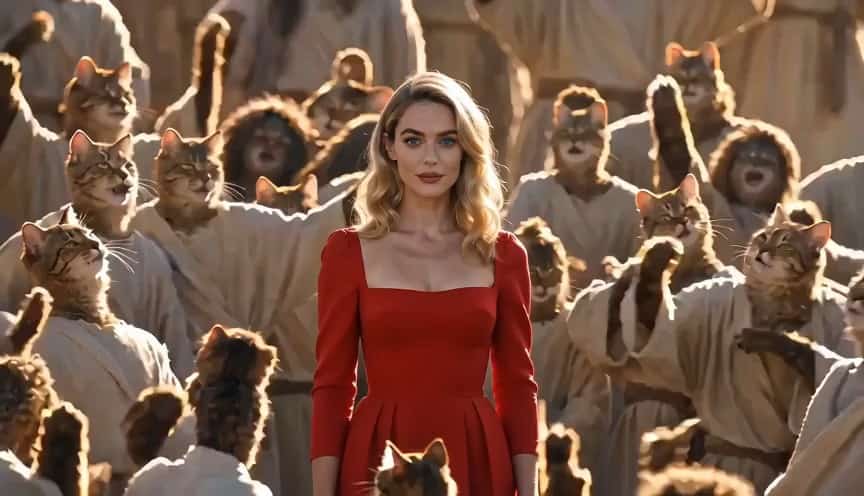
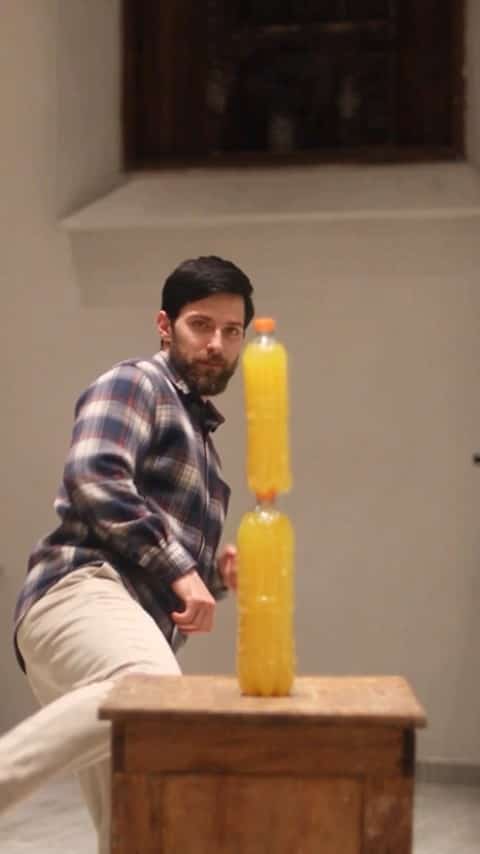
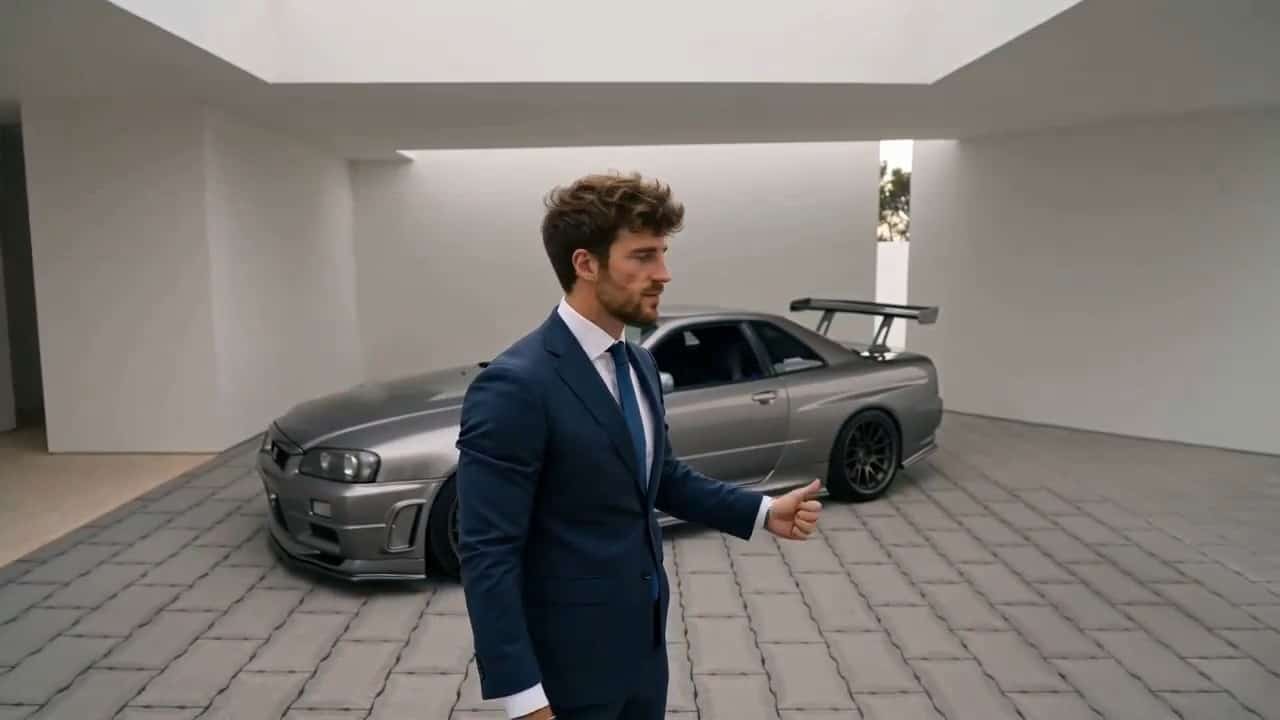
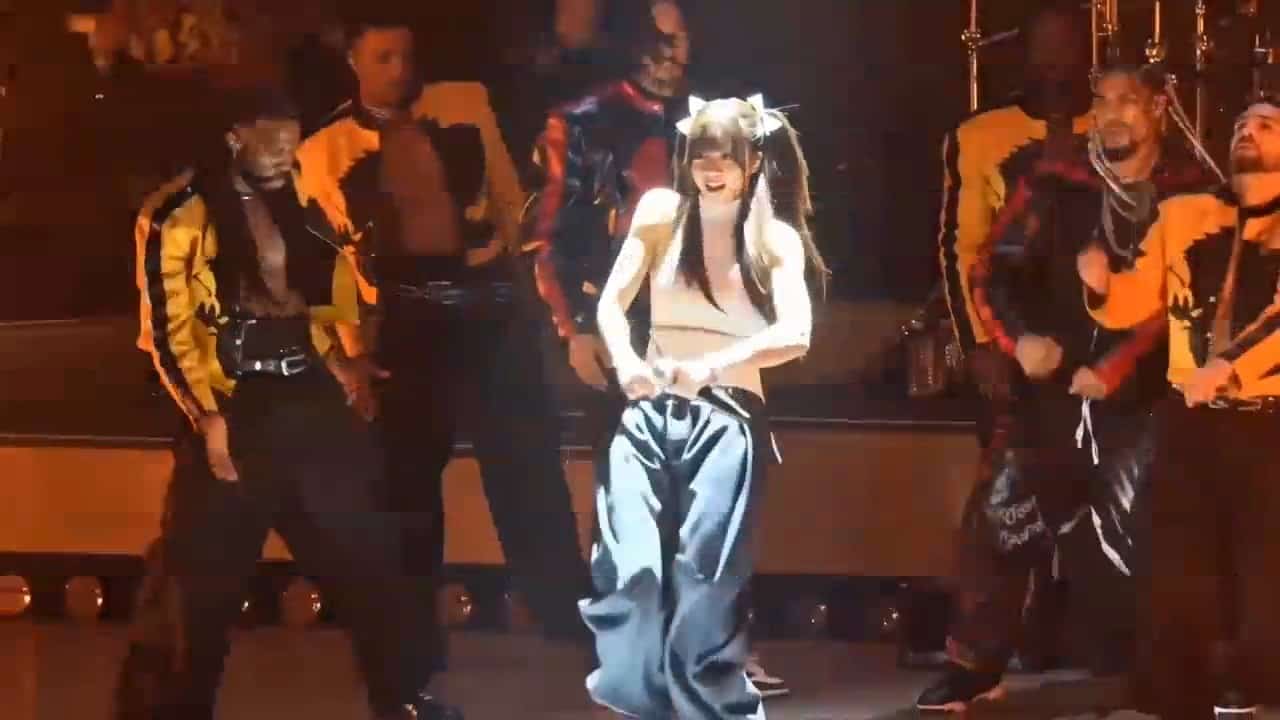

More AI Video Generators
Explore our collection of specialized AI video generators designed for different creative needs and styles



Free I2V Generator: Give Your Photos a Moving Story
Turn a photo into a video with image to video AI
Explore the free I2V generator to animate photos online. Upload a still, describe the motion, and review a new video. Use available free credits to test your idea, with generation costs shown before you create.
How to Use the Free I2V Generator with Image to Video AI
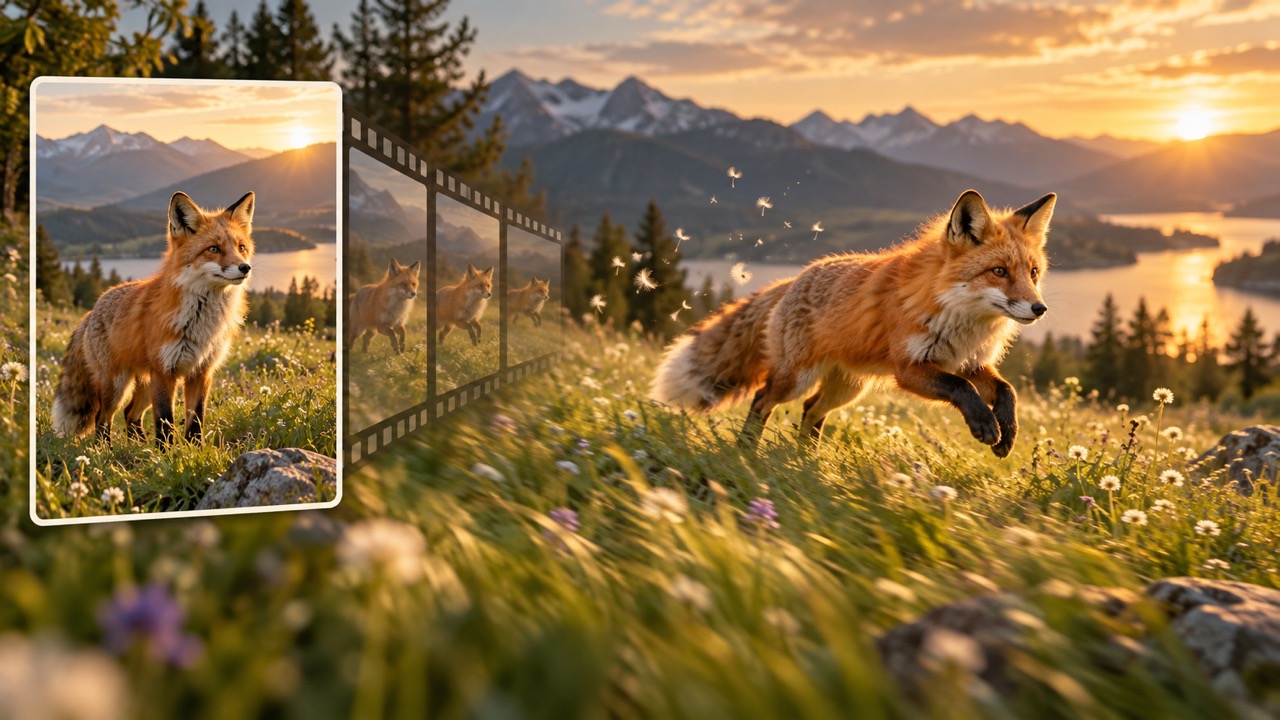
The free I2V generator starts with a picture you already like. Instead of describing an entire scene from scratch, tell image to video AI what happens next. An AI video generator from images gives your composition a starting role while your prompt directs the action. Follow these steps, then refine your result.

1. Choose a Clear Starting Image: Free I2V Generator
Upload one clear photograph or illustration to the free I2V generator. Choose a visible subject with enough surrounding space for the movement you want. A portrait with clear eyes, a product against a simple background, or a landscape with defined foreground details gives image to video AI a useful starting reference. Before you turn a photo into a video, crop distracting edges and decide what should stay still. The free I2V generator works from your chosen composition, so spend a moment getting that first frame right.

2. Describe What Should Move: Free I2V Generator
Give the free I2V generator a short motion brief: a slow camera push, a gentle head turn, or leaves moving in a breeze. Use a clear subject, action, and camera instruction rather than a list of competing effects. If you want to animate photos online, begin with one main movement and explain which details matter most. Image to video AI can reinterpret ambiguous instructions, so ask for stable faces, product shapes, or background geometry when needed. The free I2V generator then has a more focused creative direction.

3. Generate, Watch, and Refine: Free I2V Generator
Check the displayed credit requirement before running the free I2V generator, then generate your clip. Watch the complete result, including the first and last moments, before deciding whether it works. An AI video generator from images may change small details, so inspect faces, hands, lettering, and moving edges. If something drifts, simplify the motion prompt and try another version within your available credits. Use the free I2V generator to compare a purposeful adjustment, and download the result you prefer using the available controls.
Best AI Video Tools for Creative Projects
Explore creative tools for video, learn tips and tricks, and see how AI can be your assistant in turning concepts into finished projects.
























Free I2V Generator Features: Guide Image to Video AI
The free I2V generator helps you move from a finished still to a specific visual moment. Use image to video AI to explore subject motion, camera direction, atmosphere, and pacing. These choices make an animation useful for a real project. Start with a modest brief, inspect the result, and make the free I2V generator part of a repeatable creative review process.

Keep Your Starting Composition in Focus: Free I2V Generator
The free I2V generator gives you an image-led starting point when the subject and setting are already decided. Upload the photo you want to develop, then describe a movement that fits its pose and available space. A seated portrait might need only a blink and a small head turn; a tabletop scene might benefit from a slow push toward the main object. Image to video AI uses the reference as guidance, although fine details can still change. When you turn a photo into a video, review the features that make the source recognizable. The free I2V generator is most useful when you define what matters before generating.

Direct Camera Motion with a Clear Purpose: Free I2V Generator
Use the free I2V generator to explore how framing changes attention. A slow push can emphasize an expression, while a gentle sideways move can reveal depth in a landscape. Ask for one camera path and keep the subject action simple enough to follow. Image to video AI responds to your direction, but it does not replace careful review of perspective and object shapes. To animate photos online for a presentation, favor a readable movement over a dramatic spin. Compare the beginning and ending composition after generation. The free I2V generator lets you test that visual idea before committing to a larger edit.

Make Existing Images Useful in New Contexts: Free I2V Generator
Bring an approved still into the free I2V generator when you need a motion concept for a social post, product introduction, or visual pitch. You can explore soft fabric movement, drifting clouds, or a subtle change in a character's expression without planning a complete shoot. Image to video AI offers a creative interpretation, so check important text and product details before using a result. An AI video generator from images is especially helpful at the concept stage, where a short clip can explain the direction to collaborators. The free I2V generator turns a discussion about movement into something your team can watch.
Refine One Decision at a Time: Free I2V Generator
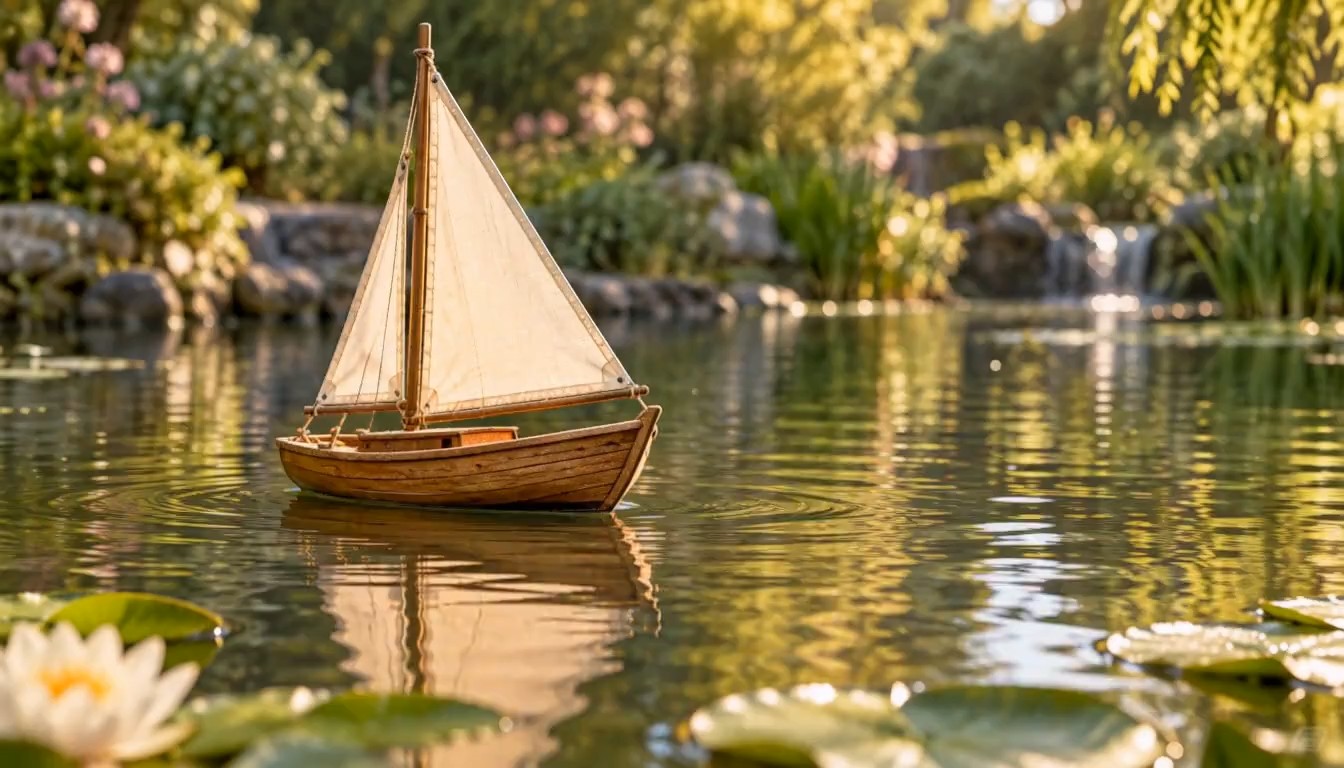
Treat each free I2V generator result as feedback on your brief. If the scene feels busy, remove a secondary action. If the subject changes, reduce the camera move and make the preservation instruction more specific. Image to video AI can vary between generations, so compare versions against the same source image rather than relying on memory. When you turn a photo into a video, a simpler second attempt may communicate more clearly than a more elaborate one. Keep a note of the prompt that works for your project. Return to the free I2V generator with a clear next adjustment instead of restarting the entire idea.
Put the Free I2V Generator to Work with Image to Video AI
Choose the free I2V generator for a small, clearly defined motion task. Creators, shop owners, educators, and designers can use image to video AI to communicate an idea from an existing visual. Each audience needs a different kind of movement. The free I2V generator gives those projects a common starting workflow: one image, one motion brief, and a careful review.

Social Content Creators: Free I2V Generator
Use the free I2V generator to develop an opening moment from a portrait, travel photo, or illustration. A gentle reveal or a small subject action can give a post a clear visual hook. Image to video AI helps you animate photos online while keeping your existing creative direction in view. Plan space for any captions you will add later, and review the clip at the size your audience will see. The free I2V generator can support your concept, while final editing shapes the finished post.

Product and Shop Teams: Free I2V Generator
Take a product photograph into the free I2V generator to explore a presentation idea: a slow camera approach, soft background movement, or a restrained lighting mood. Use image to video AI to make the proposal easier for a team to assess. An AI video generator from images may reinterpret packaging, lettering, and geometry, so verify those details before using the result in a listing or campaign. The free I2V generator is a useful place to test motion concepts around an existing product image.

Teachers and Presenters: Free I2V Generator
The free I2V generator can help introduce a visual topic with a short animated scene. Start with a landscape, illustration, or classroom visual, and request movement that draws attention to the point you will explain. When you turn a photo into a video, keep the action limited enough that viewers can still study the source. Image to video AI creates imagined motion, so identify generated interpretations when factual context matters. Use the free I2V generator as an opening visual alongside your explanation and supporting material.

Illustrators and Story Planners: Free I2V Generator
Bring a character illustration or environment concept to the free I2V generator to explore a story beat. Ask for a glance, drifting fabric, or a slow camera reveal that suits the original style. Image to video AI can help you animate photos online and develop illustrated references through the same basic workflow. Review linework, anatomy, and continuity before sharing a draft. The free I2V generator gives collaborators a motion reference they can discuss, refine, or use to guide the next stage of production.
Free I2V Generator: Four Creative Scenarios
These fictional creator scenarios illustrate ways to use the free I2V generator; they are not verified customer reviews. Each example shows a practical decision, from choosing a quieter camera move to checking product details. Image to video AI supports the exploration, while the creator decides whether the resulting clip fits the project.
My free I2V generator brief would start with a travel photograph and a slow camera reveal. I would keep the clouds moving gently and leave the main subject stable. Image to video AI would help me compare that idea with a still opening. Before sharing, I would watch the complete clip and choose the version with the clearest first moment. The free I2V generator would help me evaluate that opening.
I would use the free I2V generator to pitch a motion concept around an existing product photo. The first test would be a small camera push rather than a full rotation. Image to video AI would make the concept easier to discuss, and I would verify the packaging shape and lettering before moving the free I2V generator draft into a campaign review.
A free I2V generator could help me turn a landscape reference into a short lesson opening. I would request gentle environmental movement and explain that the animation is generated. My goal would be to bring attention to the image, then pause for discussion. I would use the free I2V generator result alongside the original picture so learners could compare both.
I would test a character's small head turn with the free I2V generator before planning a longer sequence. The image would establish the design; the prompt would describe the action and steady camera. Image to video AI would provide a motion interpretation to review with collaborators. I would return to the free I2V generator with a narrower instruction if the character design drifted.




Free I2V Generator FAQ: Using Image to Video AI
Find practical answers about the free I2V generator, from free credits and source images to motion prompts and output review. Image to video AI works best with a clear reference and a specific creative goal. Use these answers to plan your first attempt and understand what to check afterward.
The free I2V generator creates a video from an uploaded still image and your motion instructions. I2V means image to video. You choose the visual starting point, describe what happens next, and review the generated interpretation before downloading or refining it.
The free I2V generator offers access through available free credits. SuperMaker lists login and check-in credits on its pricing page; generation costs and model access vary. Check your balance and the displayed requirement before generating, because free access does not mean unlimited videos.
Choose a clear image with a visible subject and enough space for the requested action. The free I2V generator has a stronger starting reference when important features are easy to see. Avoid heavy blur, obstructed faces, and crops that remove the parts you want to move.
Give the free I2V generator one main action and a simple camera direction. For example: slowly approach the subject while the grass moves gently, keeping the face and clothing consistent. Image to video AI can produce clearer interpretations when the instructions avoid several competing movements.
Yes, you can animate photos online by uploading an image and describing movement in ordinary language. The free I2V generator does not require you to build a keyframe sequence for this workflow. Start with a small action, review the result, and change one instruction if needed.
Yes, you can turn a photo into a video to explore a product presentation. Ask the free I2V generator for restrained movement that suits the source. Check packaging, lettering, reflections, and object geometry afterward, since generated details may differ from the original photograph.
This is an AI video generator from images that generates movement from a still reference. The free I2V generator workflow uses one uploaded image for the starting scene. A slideshow instead sequences separate pictures; that is a different task from animating the content of one image.
Simplify the action and identify the detail that needs to stay stable. The free I2V generator may produce a more useful interpretation with a smaller camera move or fewer simultaneous gestures. Compare the complete output with your source, then regenerate only when the adjustment justifies the displayed credits.
Free I2V Generator: Start Creating with Image to Video AI
Choose one image and give the free I2V generator a focused motion idea. Use image to video AI to explore the result, review the details, and refine the movement that matters. Available free credits give you a way to get started; check the displayed generation cost before creating. Your next visual story can begin with a photo you already have.
