
More AI Video Generators
Explore our collection of specialized AI video generators designed for different creative needs and styles








AI Doc to Video: Turn Document Text into Video
Upload document files or add a reference webpage, choose Wan 3.0, and use AI doc to video to turn source material into a clear visual story without starting from a blank timeline.
SuperMaker makes AI doc to video practical for reports, notes, policies, lessons, and briefs. Upload references, add a webpage when useful, and guide Wan 3.0 with a prompt so AI doc to video can turn source material into watchable scenes.
How to Use AI Doc to Video with Wan 3.0
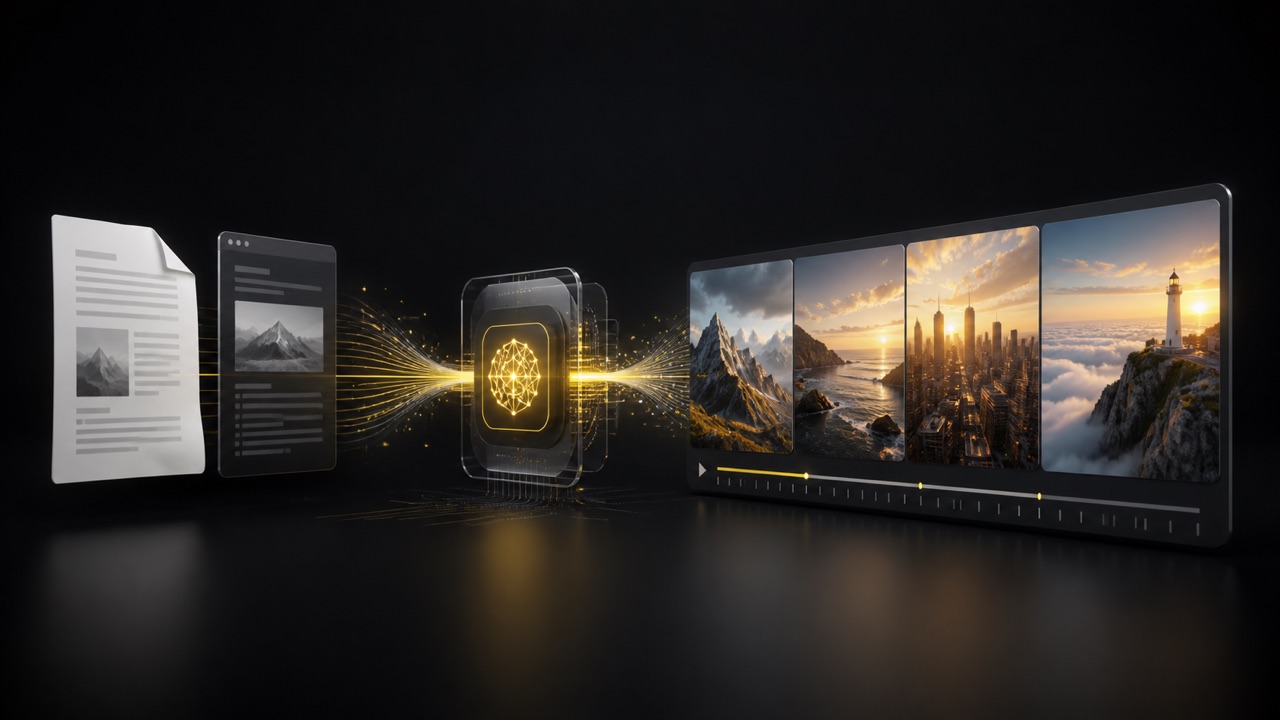
The SuperMaker AI doc to video workflow follows the Wan 3.0 reference interface: upload files or add a webpage, write a prompt with @ references, choose duration and output controls, then review credits and generate. This direct AI doc to video method helps you move from source material to a watchable first draft without a complicated editing timeline.

Upload References or Add a Webpage
Start in Upload References. Add supported documents, images, videos, audio, or other files from your device, or choose existing assets from the Assets Library. You can also paste a source URL into Reference Webpage. AI doc to video can use these materials as context, so include the Word file, PDF, Google Doc export, report, article, or page that contains the information you want Wan 3.0 to interpret.

Write a Prompt and Call References
Describe the video in the Prompt box and type @ when you need to point Wan 3.0 to a particular uploaded image, video, audio clip, or file. Tell AI doc to video the audience, objective, structure, visual style, and facts that must remain accurate. AI doc to video can then combine your instruction with the selected references instead of guessing which source matters most.

Choose Duration and Output Settings
Use Auto Duration or choose the required Video Duration. Select 480p, 720p, or 1080p resolution, then choose Adaptive, 16:9, 4:3, 1:1, 3:4, 9:16, or another available aspect ratio. AI doc to video also lets you decide whether to generate audio and how many videos to create, so the AI doc to video result fits the channel, budget, and review plan.

Review Credits and Generate Video
Choose Public Visibility only when you want the result visible publicly, check the Required Credits shown for the selected settings, and click Generate Video. Review whether the AI doc to video output reflects the references, communicates the main message, and uses suitable pacing. If a detail is missing, refine the prompt or @ reference and generate another AI doc to video version.
Best AI Video Tools for Creative Projects
Explore creative tools for video, learn tips and tricks, and see how AI can be your assistant in turning concepts into finished projects.






















What AI Doc to Video Helps You Accomplish
SuperMaker combines AI doc to video references, a detailed prompt, and Wan 3.0 so written knowledge can become visual communication. The AI document to video workflow helps you extract a narrative, visualize abstract information, adjust the message for a defined audience, and control the output. Each document to video AI feature focuses on a real communication decision, not a generic editing claim.

Find the Story Hidden in a Long Document
- AI doc to video helps convert headings, arguments, examples, and conclusions into a visual sequence with a beginning, middle, and end.
- Instead of treating every paragraph equally, AI doc to video lets you tell Wan 3.0 which facts deserve attention and which context can be compressed.
- An AI doc to video prompt can define the audience, desired outcome, and tone before generation begins.
- The resulting AI doc to video draft is useful for finding a narrative path through reports, policies, research notes, and educational material without manually planning every shot.
- AI doc to video keeps the selected source central during review.

Turn Written Explanations into Visual Moments
- A strong AI doc to video result does more than scroll text across the screen. It represents ideas with relevant environments, actions, objects, and transitions.
- Use AI doc to video to transform a process into sequential scenes, a concept into a visual metaphor, or a summary into concise narrative beats.
- With AI doc to video guidance, Wan 3.0 can match a professional, educational, cinematic, friendly, or energetic direction.
- This AI doc to video approach gives viewers visual context while keeping the source message recognizable and avoids relying on a static document view for the entire clip.
- AI doc to video connects the prompt to the referenced materials.
Adapt the Same Source for Different Audiences
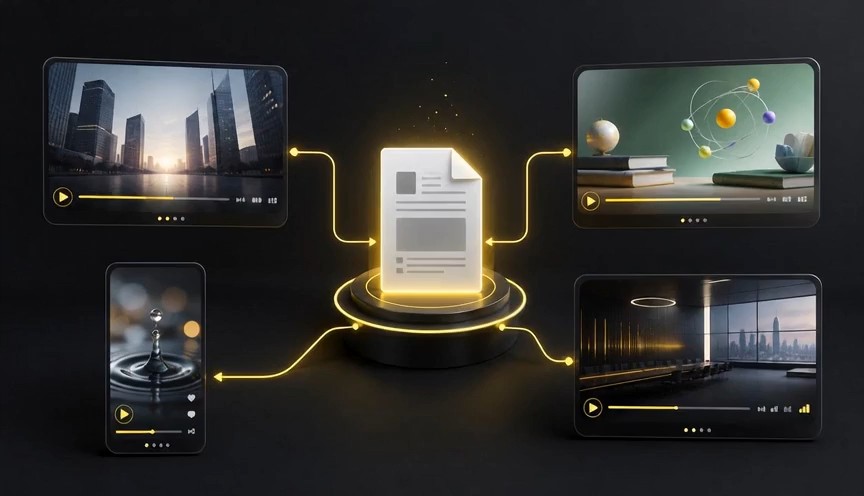
- AI doc to video can reshape one source for employees, customers, students, executives, or social viewers when you name the audience clearly.
- Ask AI doc to video to simplify specialist language, emphasize practical steps, or foreground outcomes while preserving the source facts.
- An AI doc to video version for onboarding may explain procedures carefully, while a marketing version may lead with the problem and benefit.
- The document to video AI workflow makes this adaptation faster because you can change the instruction and regenerate rather than rebuild the complete story from scratch.
- AI doc to video makes audience versions easier to compare.
Move from Source Text to a Shareable First Draft
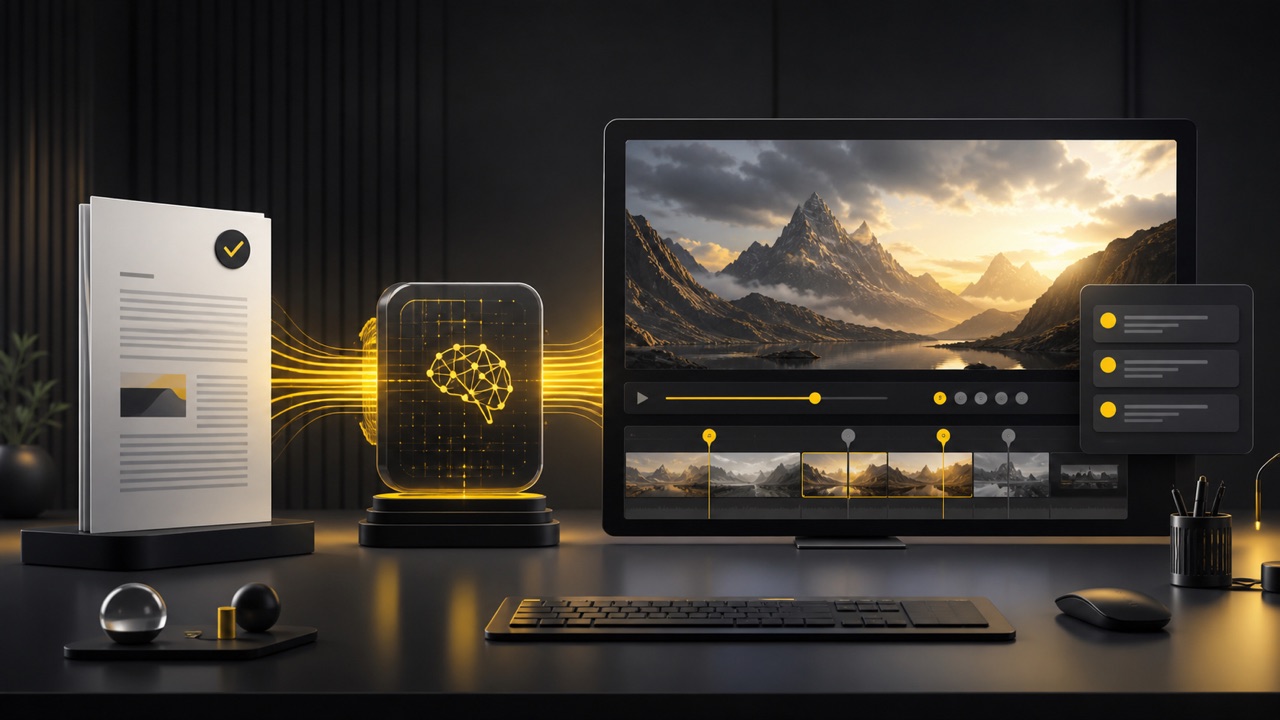
- AI doc to video removes the blank-canvas problem by beginning with material you already trust.
- Upload the relevant source, add a production goal, and use AI doc to video to create a visual first draft that can be reviewed with your team.
- The AI document to video process is especially helpful when a written update must become a short, accessible explanation.
- A document to video AI draft can reveal where the source is too detailed, where context is missing, and which ideas deserve a clearer visual treatment before you publish or present it.
- AI doc to video turns reference context into a reviewable starting point.
Practical Uses for AI Doc to Video
AI doc to video supports teams that already have useful written material but need a more accessible format. From training and reports to lessons and product briefs, AI doc to video turns a source into a guided creative starting point. Use AI document to video when message accuracy matters, and shape each document to video AI result around a specific viewer and purpose.

Training and Onboarding
Use AI doc to video to turn handbooks, policies, process notes, and onboarding guides into concise visual explanations. AI doc to video can highlight responsibilities, sequences, and key reminders for new team members. An AI document to video draft makes dense internal knowledge easier to introduce, while document to video AI prompts let L&D teams specify the role, tone, and learning objective. AI doc to video also supports visual reminders for key steps.

Reports and Executive Updates
AI doc to video can transform a written summary into a focused update for stakeholders who need the main story quickly. Ask AI doc to video to foreground outcomes, milestones, risks, and next steps without inventing figures. The AI document to video workflow creates a more watchable narrative, and document to video AI direction helps keep the emphasis aligned with the original report. AI doc to video makes stakeholder review more concrete.

Lessons and Study Material
Teachers and learners can use AI doc to video to visualize lesson notes, reading summaries, timelines, and difficult concepts. A clear AI doc to video prompt can define the grade level, pace, and examples. AI document to video generation makes written material easier to revisit, while document to video AI scenes can support explanation without replacing careful review of the source. AI doc to video helps structure a focused lesson sequence.

Product and Service Briefs
Use AI doc to video to repurpose product briefs, feature notes, and approved messaging into short visual overviews. AI doc to video helps structure the problem, solution, and benefit in a logical order. An AI document to video prompt can protect approved wording, while document to video AI generation gives marketing and sales teams a faster way to explore a presentation concept. AI doc to video keeps the source brief available as a reference.

Policies and Process Communication
AI doc to video is useful when a written policy needs a friendlier introduction. Tell AI doc to video which steps, exceptions, and responsibilities must remain accurate. The AI document to video workflow can represent procedures as a clear sequence, and document to video AI prompts can request a neutral, professional tone for workplace, community, or service information. AI doc to video makes important responsibilities easier to highlight.

Articles and Knowledge Sharing
Creators can use AI doc to video to give articles, research notes, and expert explanations a visual format. AI doc to video helps identify an opening hook, central insight, supporting example, and conclusion. An AI document to video draft can extend the reach of written work, while document to video AI instructions keep the result focused on the audience and platform.
How Teams Use AI Doc to Video
People use AI doc to video to shorten the distance between finished writing and an understandable video concept. These examples show how AI document to video can support review, adaptation, and visual planning. Each document to video AI workflow begins with existing knowledge and a clearly defined communication goal.
AI doc to video gave our onboarding team a faster way to turn policy text into a visual draft. The AI document to video structure helped us identify what new hires needed first, and the document to video AI result made review much easier than starting with an empty timeline.
I used AI doc to video for a client report that needed a short executive recap. The AI document to video prompt kept the important findings in focus, while the document to video AI draft gave us a clear direction for pacing and visual emphasis.
For course development, AI doc to video helps me test how lesson notes could work as scenes. The AI document to video workflow is straightforward, and the document to video AI output reveals which explanations need simplifying before students see them.
AI doc to video is useful when an approved product brief must become a visual story quickly. The AI document to video direction preserved our core message, and the document to video AI draft helped our creative team discuss scenes instead of debating an abstract outline.




AI Doc to Video FAQ
Learn how AI doc to video handles document text, Word content, Google Docs, PDF passages, and free online generation. These answers explain the real SuperMaker workflow so you can use AI document to video effectively and evaluate every document to video AI result against the original source.
Upload reference files or add a reference webpage, describe the audience and desired style, choose the output settings, and click Generate Video. AI doc to video uses those materials with your prompt as the basis for a visual narrative. Review the result against the source before sharing it.
Upload the supported Word file as a reference, or export the content to a supported format when needed. In the word doc to video AI workflow, use @ in the prompt to call the correct file and add clear direction for tone, duration, audience, and required facts.
Add the Google Doc as a Reference Webpage when it is accessible, or export and upload it as a supported file. For a google doc to video AI workflow, name the source with @ in the prompt, preserve important facts, and describe the desired visual style.
Yes, you can try the doc to video AI free workflow online, subject to the credits and generation limits shown in your SuperMaker account. This document to video AI workflow uses Wan 3.0 and your references. AI doc to video does not claim unlimited rendering or bypass account usage rules.
Use clear source text, state the audience, specify the target duration, and name the facts that must remain. AI doc to video performs better when the request includes a visual direction instead of only raw paragraphs. Always review the output for accuracy before sharing it.
Upload the PDF as a reference when the interface accepts it, then use @ in the prompt to identify that source. If the file cannot be read, export the useful content to another supported format. AI doc to video can then turn the selected information into a visual draft with Wan 3.0.
Turn Your Document Text into a Video with Wan 3.0
Bring a report, lesson, policy, brief, or article to life with AI doc to video. Upload references or add a webpage, tell Wan 3.0 what viewers should understand, choose the output settings, and generate a focused visual draft. SuperMaker AI document to video gives you a direct path to a reviewable document to video AI result.
