





More AI Video Generators
Explore our collection of specialized AI video generators designed for different creative needs and styles

Huss Huss Huss AI Video
Put Your Face In The Gym Lip Sync
Everyone else in town is out partying. You have a dumbbell, an empty evening and a very serious explanation. Put yourself in the Huss Huss Huss AI Video with one portrait. Your face delivers the opening line, turns away for the noisy curl and comes back to finish the argument. The fun is in recognizing someone you know taking this ridiculous workout completely seriously.
How To Make A Huss Huss Huss AI Video
Set aside one clear portrait and decide where you want to share the finished clip. The Huss Huss Huss AI Video comes with a gym performance and soundtrack already loaded, so you can go straight from choosing a face to framing the shot.

Upload Your Portrait
Pick a photo in which both eyes, the mouth and the outline of the jaw are easy to see. A plain shirt and an ordinary room work well. The Huss Huss Huss AI Video uses the portrait for the lifter’s face and supplies the gym clothes and setting. A close group selfie is a tricky choice because two people may both look like the intended performer.

Choose Your Frame
Think about the moment when the weight comes up beside the lifter’s shoulder. A vertical Huss Huss Huss AI Video gives the face and dumbbell most of the screen. Landscape leaves more room for racks and floor space, which suits a wide post or a video you plan to show on a larger screen.

Generate Your Take
With your portrait in place, check the aspect ratio, resolution and credit amount shown on the generator. Start your Huss Huss Huss AI Video when those settings look right. Seedance 2.0 has the reference performance, so you can leave your dumbbells on the rack. There is no choreography to film or line to memorize.

Review Your Huss Huss Huss AI Video
Watch your Huss Huss Huss AI Video once with sound, all the way through. On a second pass, look at the face just before the lifter turns sideways and just after the weight drops. These two angles make it easier to judge the likeness. Listen for the break in the monologue where the three breaths belong.
Best AI Video Tools for Creative Projects
Explore creative tools for video, learn tips and tricks, and see how AI can be your assistant in turning concepts into finished projects.



















Inside The Huss Huss Huss AI Video
The gym joke has a setup, a physical interruption and a very committed speaker who picks up right where they left off. Follow those beats in the Huss Huss Huss AI Video samples below. The close portrait take and the wide gym still show how much the choice of frame changes what you notice.
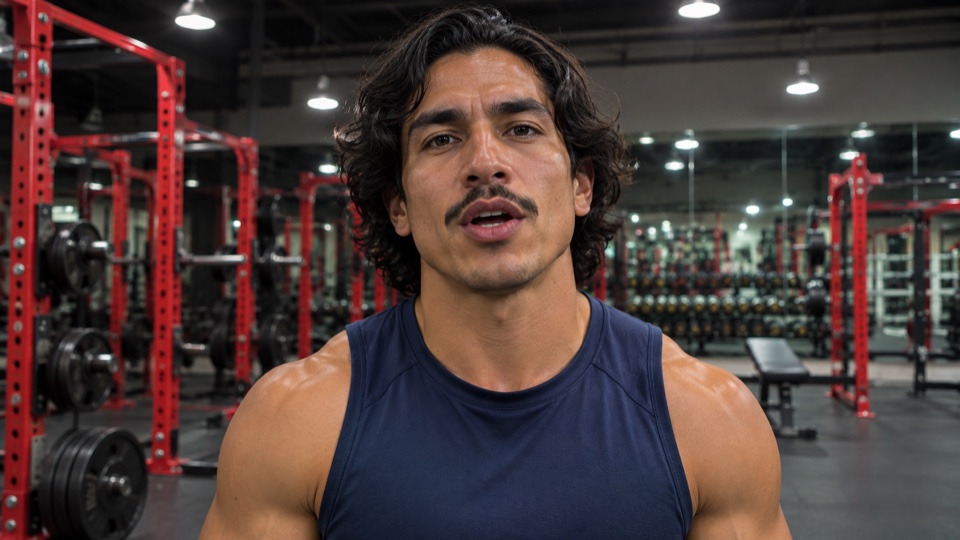
The Opening Line
The lifter looks directly into the lens to explain what everybody else in town is doing tonight. This is the best moment in the Huss Huss Huss AI Video to spot a familiar brow, hairline or half smile before the exercise begins. A straight face sells the opening. Let the voice get through its complaint before putting a joke of your own on screen.
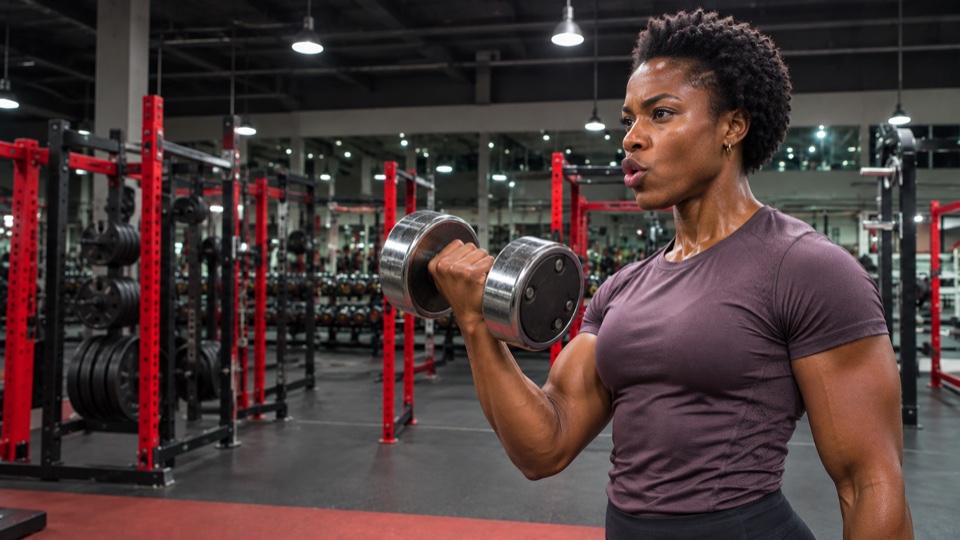
The Dumbbell Curl
When the talking gives way to the huss sounds, the arm brings the dumbbell across the body and the camera gets a side view of the lift. In the vertical Huss Huss Huss AI Video sample, you can see the round end of the weight pass close to the lens. Listen for the breaths against that movement. A curl that happens several words later changes the joke.
The Gym Floor
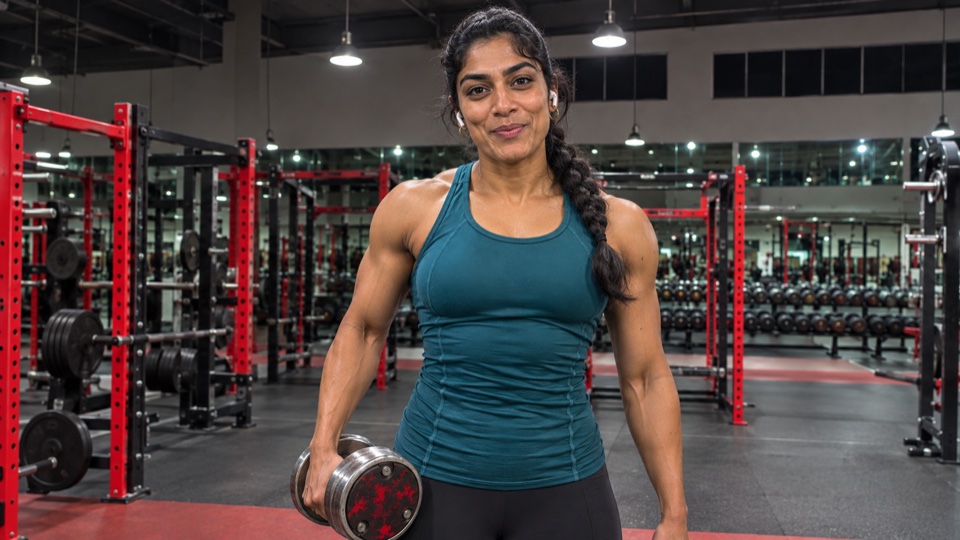
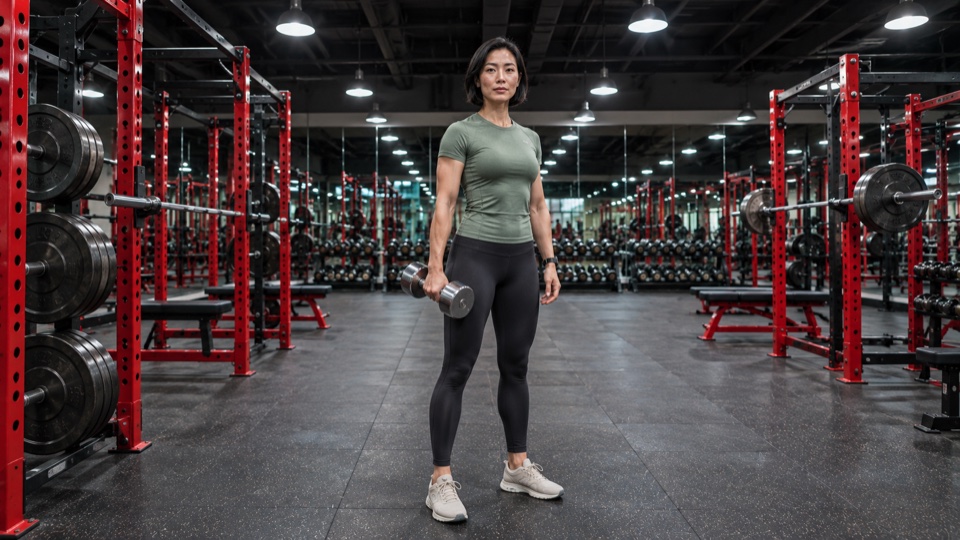
The red uprights, weight plates and strips of gym flooring give the speaker a real place to stand. Look at the horizontal Huss Huss Huss AI Video sample to see how the rows of equipment frame the lifter on both sides. A portrait version brings the shoulder and the weight closer to the edges. Choose based on which detail you want your viewer to catch first.
The Return To Camera
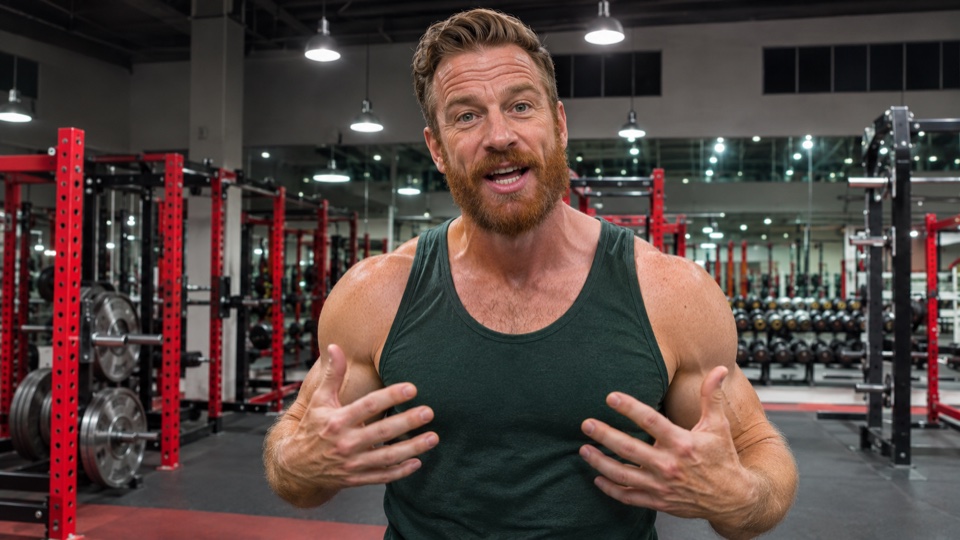
After the curl, the lifter faces the camera again and tries to finish the story. In the male Huss Huss Huss AI Video sample, watch the hands come up to the chest near the end. That gesture makes the complaint feel personal. When you play your own version, follow the mouth through the turn and check that the same face carries the final few words.
Ways To Share Your Huss Huss Huss AI Video
The same performance can read like a training diary, a deadpan reply or an excuse for missing a night out. Give your Huss Huss Huss AI Video a little context with the message you send alongside it.

A Friday Workout Post
Put the Huss Huss Huss AI Video ahead of a real clip from your Friday session. The mock-serious monologue sets up a nice cut to what actually happened at the gym, even if it was just one ordinary set. A caption naming the exercise or the friend who invited you out gives the two shots a reason to sit together.
A Training Partner Reply
When your training partner asks if you are still coming tonight, send a Huss Huss Huss AI Video starring you. Try leaving the message itself blank so the first spoken line does the answering. If the two of you have a running joke about skipping curls or spending too long between sets, save it for the caption.

A Vertical Reel
For a phone feed, a 9:16 Huss Huss Huss AI Video gives the expression room to register before the viewer scrolls. If you add text when posting, try the space above the head first. Play through the curl before settling on a position. The weight moves up into parts of the frame that look empty at the start.

A Team Chat Reaction
Practice scheduled on party night practically writes its own team-chat reply. A square Huss Huss Huss AI Video works as a compact reaction, while a wide take gives the setting more of a role. Pair it with the actual invitation or practice time. Even teammates who missed the original meme will know what the lifter is grumbling about.
Captions For Your Huss Huss Huss AI Video
Choose one line that adds something the speaker leaves out. A weight, a Friday plan or an inside joke can make the Huss Huss Huss AI Video feel like it came from your own group chat. For a quick reply, the short captions below leave the spoken punchline easy to follow.
Everybody went out. I went up five pounds.
Friday plans? Three sets of ten.
My gym partner said to work on my breathing.
The only bar I visited tonight was the curl bar.
I said I was going to a club. I meant the health club.
POV: the squat rack is finally free.
Huss Huss Huss AI Video FAQ
A few small choices affect how clearly the person, outfit and timing come through in a Huss Huss Huss AI Video. Here is what to look for before you generate and when you play it back.
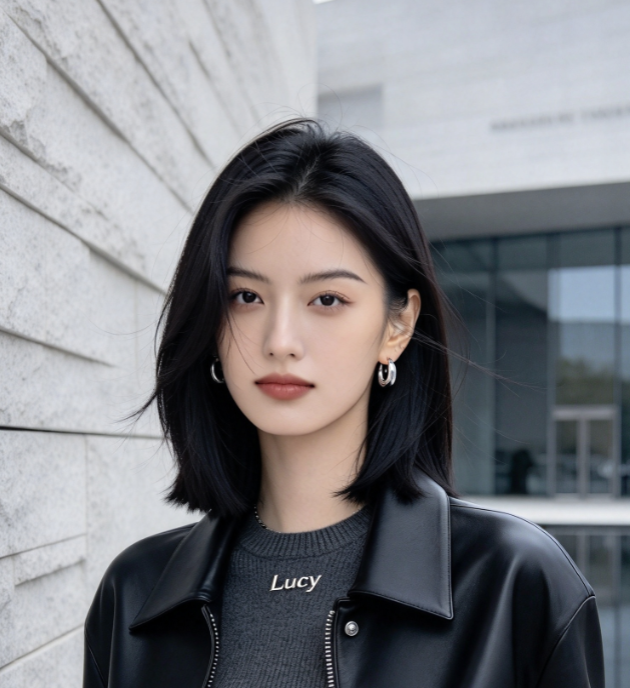
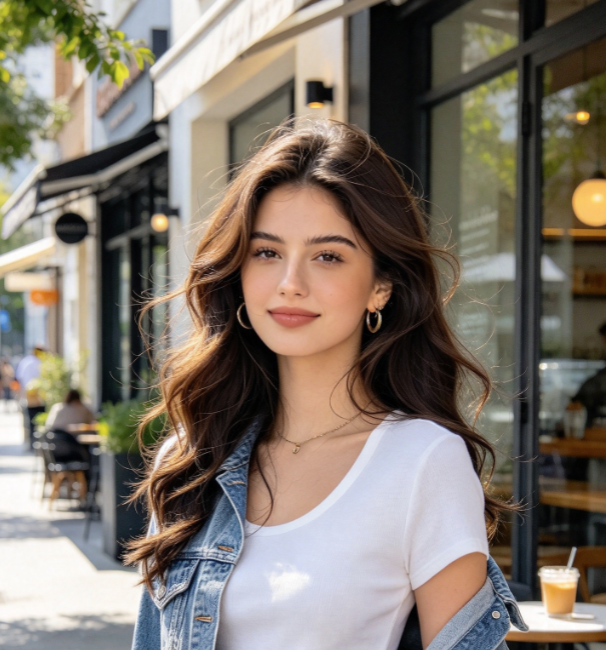
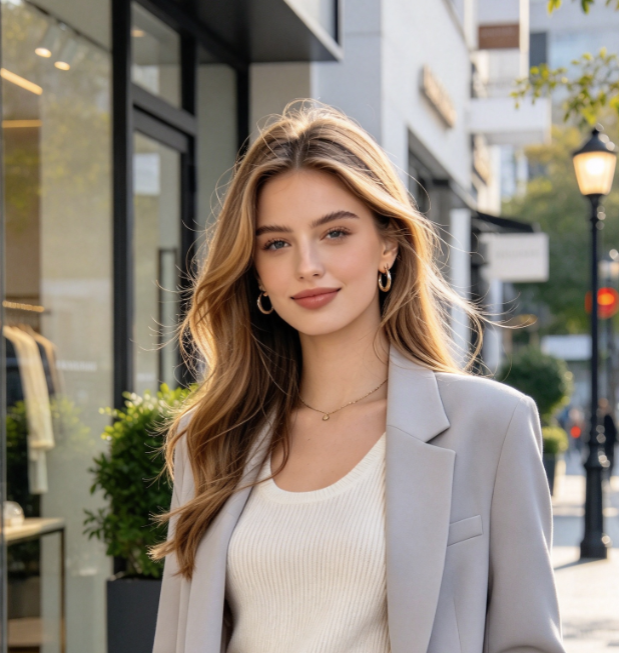
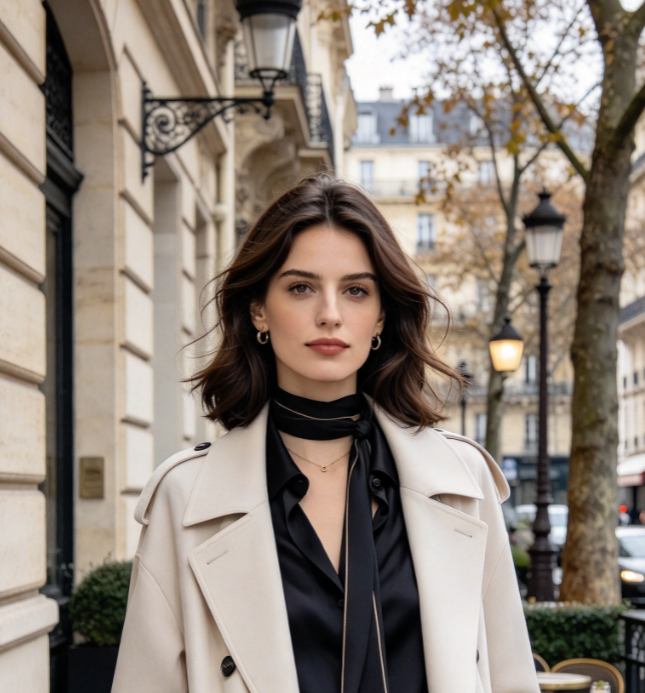
For a Huss Huss Huss AI Video, choose a well-lit portrait of one person, preferably taken around eye level. A face partly hidden by a phone, sunglasses or another person gives the model less to work with during the side turn. If you are choosing between a distant full-body gym picture and a clear everyday headshot, the headshot is usually the more informative reference.
One portrait is enough for the Huss Huss Huss AI Video. The built-in video supplies the gym, dumbbell, camera move and performance timing. Your photo can come from an entirely different setting. A picture taken at a kitchen table can put a recognizable face into the scene just as a locker-room selfie can.
The Huss Huss Huss AI Video styles the performer in gym clothes. The men’s look uses a training tank and shorts. The women’s look uses a fitted performance top and training leggings. A plain athletic tee and shorts provide a neutral option. In a tight crop, the upper half of the outfit is easiest to see, particularly when the lifter turns sideways.
Each Huss Huss Huss AI Video uses the built-in clip for the spoken performance, breath rhythm and backing audio. Uploading your portrait gives the lifter your likeness. You do not need to record yourself speaking. Playback can vary between takes, so check the first line, the breaths during the curl and the point where the speaker starts talking again.
The Huss Huss Huss AI Video lasts 15 seconds. That gives the opening complaint, the breath sequence and the return to camera a place in one continuous take. If you trim the result while making a longer post, keep the pause around the curl. It gives the viewer time to see exactly why the lifter interrupted the story.
For a Huss Huss Huss AI Video closest to the source composition, select 9:16. Pick 16:9 for a wider look at the gym or 1:1 for a square post. Set the ratio before generating so the model can frame the performance for that shape. The fixed duration is the same across these choices.
Make Your Huss Huss Huss AI Video
Pick the portrait your friends would recognize across the gym, choose a frame for the post you have in mind and let the lifter do the talking. Your Huss Huss Huss AI Video starts with that one photo.