
More AI Video Generators
Explore our collection of specialized AI video generators designed for different creative needs and styles
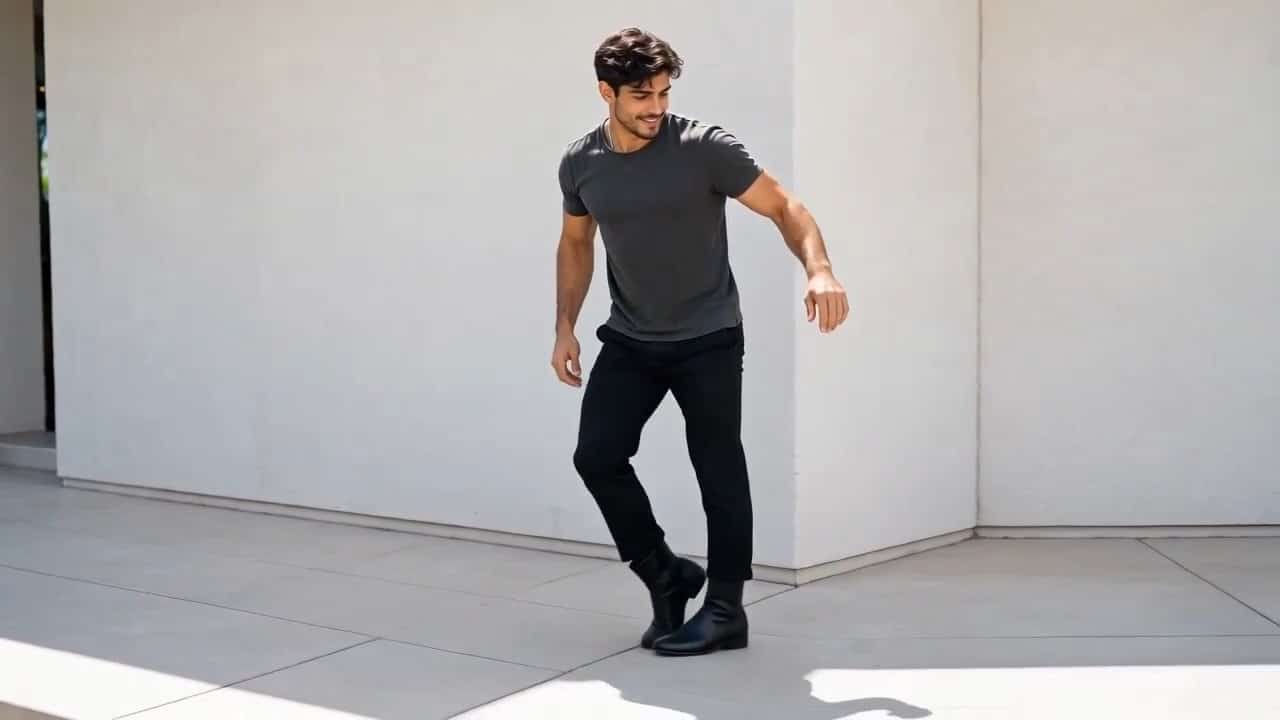



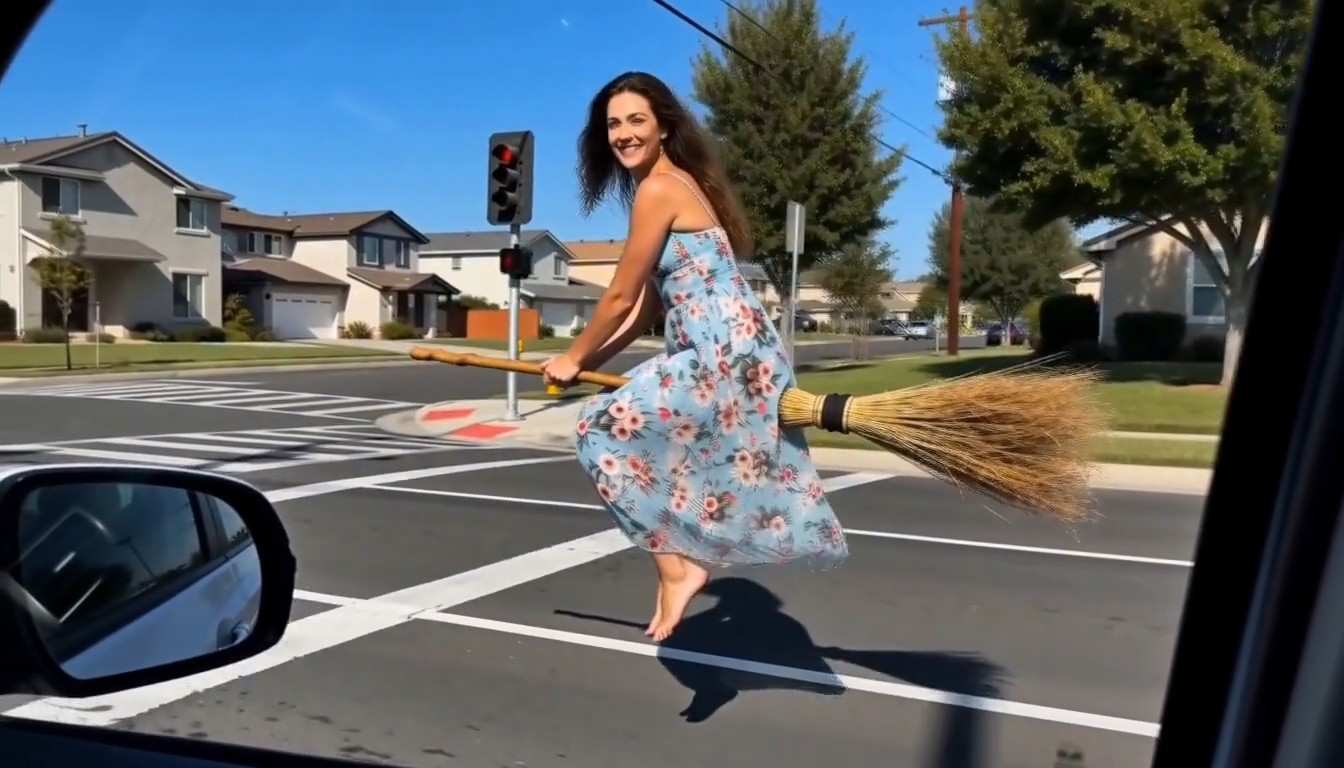






AI Ceiling Fan Transition Generator
Turn One Portrait Into A Spinning Outfit Reveal
Create an AI Ceiling Fan Transition from one portrait and give your wardrobe story a moving reveal. SuperMaker combines your image and English prompt in a supported image to video workflow, with rotating fan blades hiding outfit changes. Use the AI Fan Transition Generator for casual looks, seasonal layers, statement fashion, or OOTD videos. An AI Ceiling Fan Transition aims to keep the face recognizable, proportions steady, and overhead composition continuous. Describe your looks, generate, and review before sharing. The AI Fan Transition Generator is a creative workflow using an available video engine; precise changes on every sweep are not guaranteed.
How To Create An AI Ceiling Fan Transition
Create your AI Ceiling Fan Transition: upload a portrait, add direction and generate, then download. Give the AI Fan Transition Generator a steady camera angle and contrasting looks.

Upload Your Photo
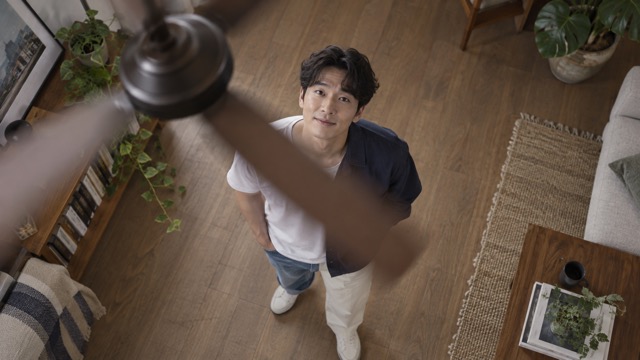
Upload one portrait for your AI Ceiling Fan Transition, preferably overhead with clothing and floor visible. A sharp face, readable limbs, and simple lighting help the AI Fan Transition Generator interpret the person. Avoid group shots and heavy cropping.

Click Generate
Describe the overhead camera, spinning fan, blade occlusion, and outfits. Use the AI Fan Transition Generator to preserve identity and framing. Select an engine and click Generate. Simplify your AI Ceiling Fan Transition prompt if results drift.

Download Your Video
Review your AI Ceiling Fan Transition after sweeps, checking the face, hands, clothing, and camera. Download your result and prepare for sharing. The AI Fan Transition Generator interprets creative directions, so inspect details.
Best AI Video Tools for Creative Projects
Explore creative tools for video, learn tips and tricks, and see how AI can be your assistant in turning concepts into finished projects.
























AI Ceiling Fan Transition Ideas For Every Wardrobe
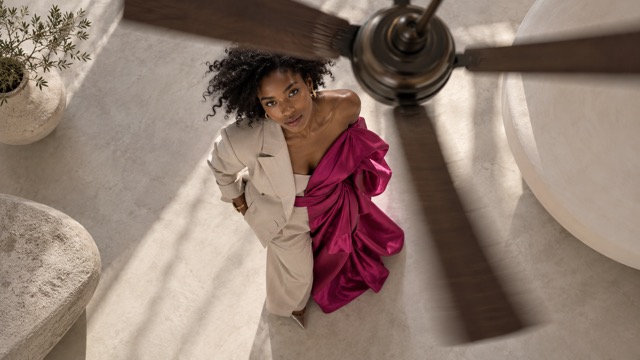
An AI Ceiling Fan Transition reveals a new outfit after a blade crosses the view. Guide the AI Fan Transition Generator with contrasting fabrics, colors, and silhouettes. These illustrative scenes show creative directions rather than verified outputs from a specific video model.
AI Ceiling Fan Transition: Fashion Transformations With A Steady Identity
Make an AI Ceiling Fan Transition feel like one person trying several styles. Start with an everyday outfit, then reveal tailoring or eveningwear behind the fan. Tell the AI Fan Transition Generator to preserve facial features, hairstyle, skin tone, and proportions. A simple stance and uncluttered floor help keep changes readable. For your AI Ceiling Fan Transition, describe coordinated looks instead of many accessories, with natural fabric motion, coherent shadows, and a fixed overhead camera. The AI Fan Transition Generator may interpret directions differently between attempts. Inspect each transition; if the face changes, reduce motion and simplify the wardrobe sequence rather than expecting exact garment replacement.

AI Ceiling Fan Transition: Seasonal Outfit Transitions In One Scene
Use an AI Ceiling Fan Transition to move from summer linen into knitwear or a winter coat. Fan blades separate each look while the person remains centered. Give the AI Fan Transition Generator an ordered sequence: shirt and sandals, sweater and trousers, then coat and boots. Keep the room consistent so clothing carries the seasonal story. Your AI Ceiling Fan Transition needs no simultaneous weather changes or camera movement. Focus the AI Fan Transition Generator on sleeve length, layers, texture, and silhouette. Leave a readable pause between reveals, then check hems, sleeves, and shoes before selecting a clip for your seasonal collection or wardrobe post.
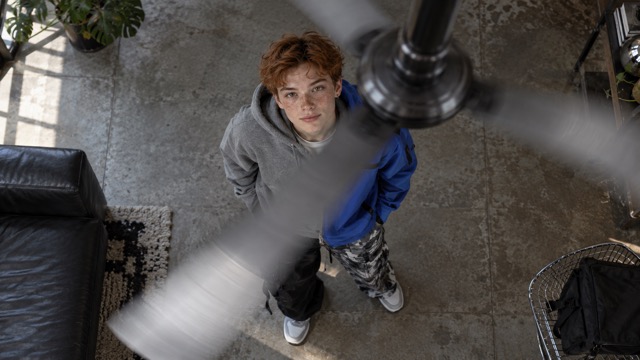
AI Ceiling Fan Transition: Streetwear Reveals With A Spinning Fan
Build an AI Ceiling Fan Transition around oversized shapes, bold colors, or layered streetwear. The spinning fan supplies rhythm without complicated dancing. Ask the AI Fan Transition Generator for a steady stance and a foreground blade sweep before a hoodie becomes a technical jacket. In your AI Ceiling Fan Transition prompt, keep sneakers grounded, hands natural, and lighting consistent. Give the AI Fan Transition Generator a short outfit sequence with clear changes in color and silhouette. A fixed overhead camera lets the clothes remain the focus; avoid extra camera spins that compete with the fan.
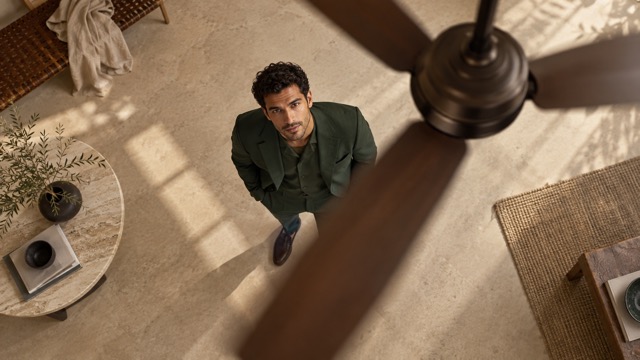
Brand Clothing Stories And Coordinated Looks
An AI Ceiling Fan Transition helps clothing teams explore a collection in motion. Start with a shirt and trousers, then reveal a jacket or coordinated set behind the fan. Give the AI Fan Transition Generator specific colors, materials, fits, and outfit order. Generated stitching, labels, and garment details may differ from real products. Before using an AI Ceiling Fan Transition for promotion, compare the clothes with your merchandise. The AI Fan Transition Generator supports mood and pacing concepts, with final product accuracy requiring human review.
Where To Share Your AI Ceiling Fan Transition
Match your AI Ceiling Fan Transition to an audience and a readable outfit story. Use the AI Fan Transition Generator for personal experiments or professional concepts, planning the opening look, reveal, and final pose before generation.

TikTok And AI Outfit Challenges
Create an AI Ceiling Fan Transition with an immediately readable starting outfit and reveal. Use the AI Fan Transition Generator for an original fashion challenge interpretation, adding licensed music and finishing edits separately. Keep the person visible between sweeps, allow for your social crop, and choose a short sequence viewers can follow on a small screen.

Instagram Reels And OOTD Videos
Turn a portrait into an AI Ceiling Fan Transition for an OOTD post. Reveal a styled alternative to your casual look while keeping the person and room consistent. Use the AI Fan Transition Generator to explore coordinated colors, then check the crop and opening frame before sharing to Reels.
YouTube Shorts And Style Reveals
Give your AI Ceiling Fan Transition a simple narrative: a familiar outfit, a blade sweep, and a confident final look. The AI Fan Transition Generator provides a foundation for before and after style storytelling. Leave time to register each reveal and check the ending. Assemble clips, adjust pacing, or add commentary in your usual editor when needed.
Fashion Campaign Concepts
Use an AI Ceiling Fan Transition for a launch mood, seasonal wardrobe, or coordinated apparel story. The AI Fan Transition Generator helps teams compare creative concepts. Plan varied people and styles while keeping each generated person consistent. Check product details, fit, and brand claims, and make the footage's illustrative purpose clear in your campaign.
Creative Perspectives On AI Ceiling Fan Transition
These fictional names and illustrative reactions are not verified endorsements. They suggest how an AI Ceiling Fan Transition and the AI Fan Transition Generator might fit creative fashion workflows.
The AI Ceiling Fan Transition makes an outfit story playful. I like a casual starting look and one bold reveal, with time to notice both. The AI Fan Transition Generator gives my visual experiment a useful direction.
A steady overhead composition makes the AI Ceiling Fan Transition appealing. The clothes get attention while the person stays familiar. With the AI Fan Transition Generator, I would keep looks limited and check the face after each sweep.
An AI Ceiling Fan Transition helps me discuss collection mood and reveal timing. The AI Fan Transition Generator makes a styling concept tangible, though I would still check the result against actual products.
The AI Ceiling Fan Transition creates a strong hook for streetwear silhouettes. I would reveal a striking jacket after a hoodie, with a readable pause rather than a busy sequence.
Seasonal layers give an AI Ceiling Fan Transition a clear purpose. Linen, knitwear, and a coat make distinct reveals. I prefer a steady room and natural pose to emphasize styling.
The AI Ceiling Fan Transition combines a simple portrait with a cinematic reveal. I would check hands, face, and blade timing, then refine the final pacing in my usual editor.






AI Ceiling Fan Transition Questions Answered
Learn the AI Ceiling Fan Transition workflow and how to use the AI Fan Transition Generator with a suitable portrait and realistic expectations.
An AI Ceiling Fan Transition uses rotating ceiling fan blades to hide outfit changes from an overhead view. SuperMaker's AI Fan Transition Generator interprets your photograph and prompt through a supported image to video engine. The effect is not an independent model or a dedicated built-in template. Its clothing sequence, camera continuity, and identity consistency depend on the source, selected engine, and instructions, so review the generated result.
Choose one clearly photographed person with a visible face and enough clothing for your framing. An overhead portrait helps an AI Ceiling Fan Transition; other angles require the model to imagine the top view, potentially changing proportions. Give the AI Fan Transition Generator readable limbs, simple surroundings, and consistent lighting. A face-only crop requires more invented outfit details and can reduce fidelity to the original person.
Try this English direction: Fixed overhead camera above a spinning ceiling fan; blades sweep across the foreground, hiding a white shirt and jeans changing into a navy suit. Preserve the same face, hairstyle, proportions, pose, and room, with natural fabric motion. Give the AI Fan Transition Generator a few ordered looks. Review your AI Ceiling Fan Transition and simplify or revise the prompt if needed.
Ask for consistent facial features, hair, skin tone, body proportions, and framing throughout the AI Ceiling Fan Transition. This sets a goal rather than guaranteeing identity preservation. Inspect the face after each sweep, since occlusion and major wardrobe changes can cause drift. If your AI Ceiling Fan Transition changes the person too much, use a clearer portrait, fewer outfits, less motion, and a simpler camera instruction.
This page uses MiniMax H3, listed in SuperMaker as supporting image input and video generation. The AI Fan Transition Generator uses that image to video workflow rather than a separate fan model. Follow the engine controls currently shown in the generator. An AI Ceiling Fan Transition requests a creative sequence; image input support does not guarantee precise changes on every blade pass. Review and iterate as needed.
An AI Ceiling Fan Transition can support TikTok, Instagram Reels, YouTube Shorts, OOTD posts, seasonal styling, and apparel concepts. Check your clip, platform requirements, and rights for photos, music, and commercial use. The AI Fan Transition Generator cannot guarantee exact garment fit or product details. Download and inspect the result, then finish your edit for the audience before sharing.
Create Your Next AI Ceiling Fan Transition
Bring a portrait, choose contrasting looks, and plan your AI Ceiling Fan Transition reveal. Describe the overhead camera and blade sweep, then let the AI Fan Transition Generator interpret your direction. Review clothing changes, refine awkward moments, and download your preferred clip. Start creating an outfit transformation on SuperMaker.
