
More AI Video Generators
Explore our collection of specialized AI video generators designed for different creative needs and styles









Create With Website to Video Tool AI
Turn a webpage into a clear story with website to video tool AI
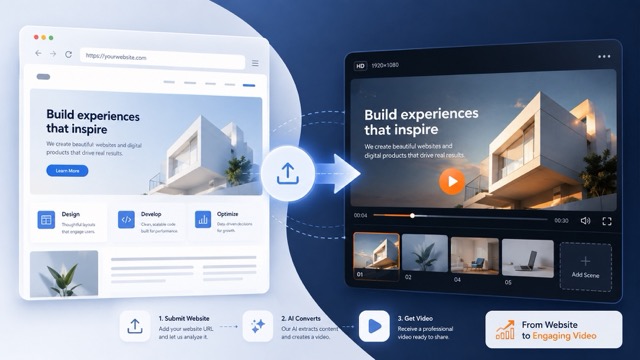
Paste a public webpage URL and let website to video tool AI interpret its visible structure, message, and visual identity as a video concept. Website to video tool AI helps you move from a static site to a polished sequence without manually rebuilding every screen or planning every shot.
How Website to Video Tool AI Works
Website to video tool AI turns a familiar URL-first action into a practical creative workflow. From source page to final sequence, website to video tool AI keeps the process focused on your message rather than manual scene construction.

Paste a Website URL
Start by adding the public page you want to transform. Website to video tool AI uses that website as the reference for its content hierarchy, visual cues, products, sections, and overall story.

Add Creative Direction
Tell website to video tool AI what audience, mood, pace, format, or message matters most. Your direction can focus the video while the source page remains the creative anchor.

Generate the Video
Let website to video tool AI organize the page into an engaging sequence with purposeful movement, transitions, framing, and emphasis. The generation follows both the website reference and your optional instruction.

Review and Refine
Watch the result, identify what should lead, and try another direction when needed. Website to video tool AI makes it easy to explore a tighter demo, a faster social cut, or a more cinematic story.
Best AI Video Tools for Creative Projects
Explore creative tools for video, learn tips and tricks, and see how AI can be your assistant in turning concepts into finished projects.






















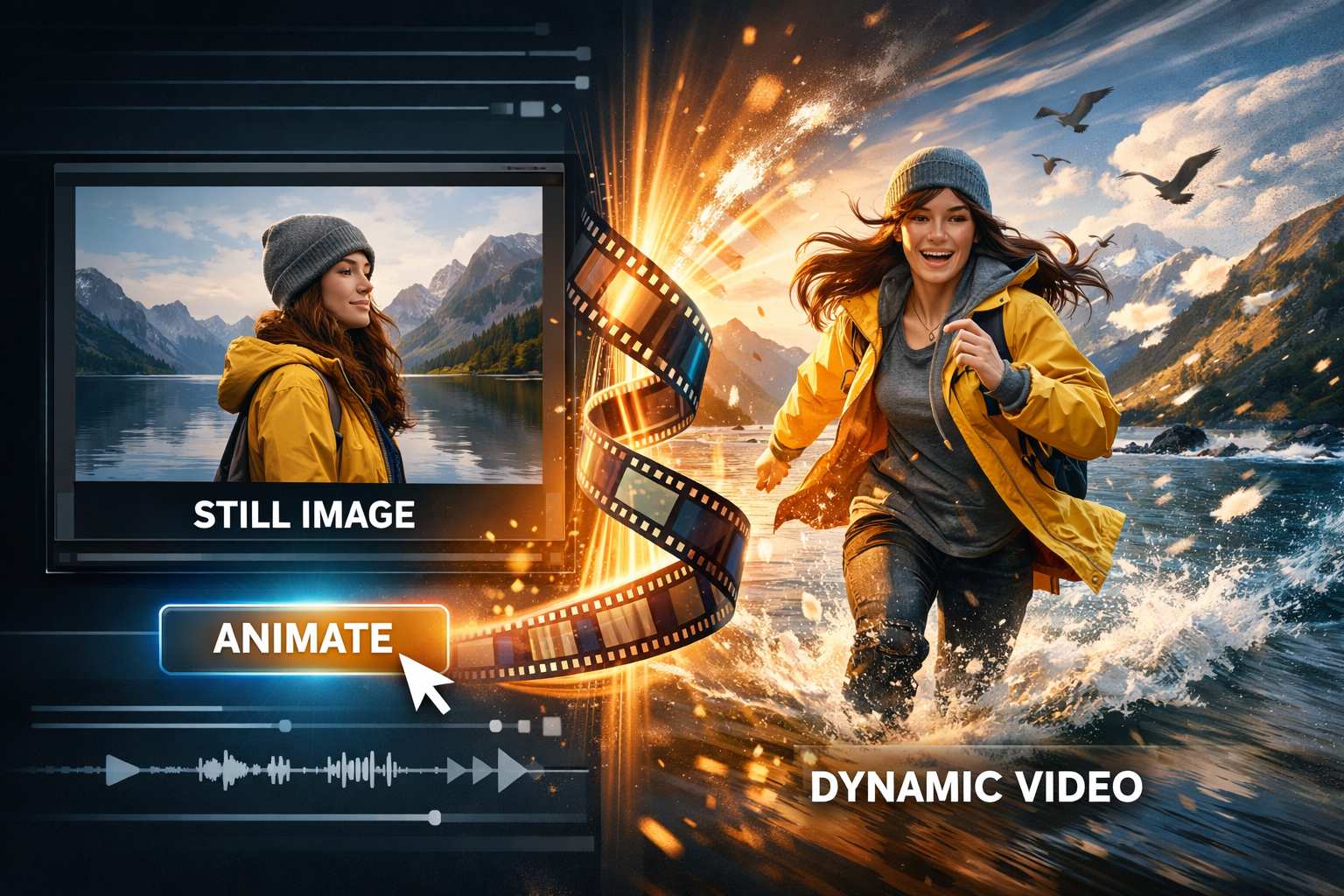
Why Choose Website to Video Tool AI
Website to video tool AI connects the information already on your page with a flexible generation workflow. Instead of rewriting every scene from scratch, website to video tool AI helps you shape the source into an ordered story with movement, focus, and creative intent.
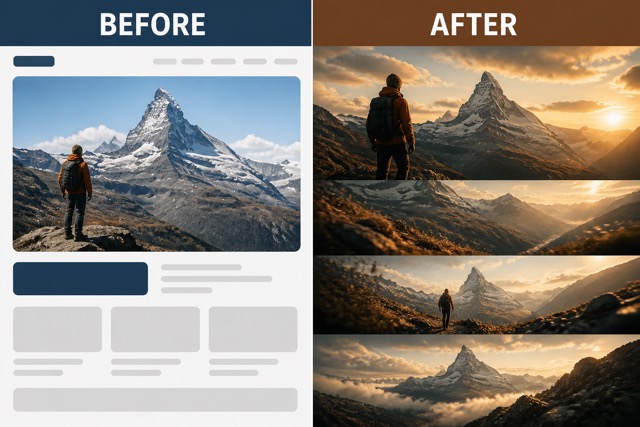
Website to Video Tool AI That Reads the Page
Website to video tool AI treats the supplied webpage as a creative reference instead of a blank prompt. Website to video tool AI can use visible sections, imagery, typography hierarchy, and key messages to shape a coherent video direction while keeping the source recognizable.
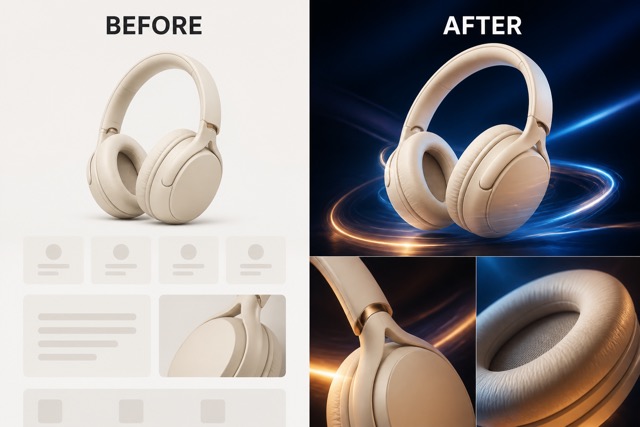
Website to Video Tool AI With Director Control
Website to video tool AI includes a built-in direction for source-aware storytelling and leaves room for your own brief. Ask website to video tool AI to emphasize a product launch, simplify a complex service, adjust the pace, or match a specific audience without starting over.
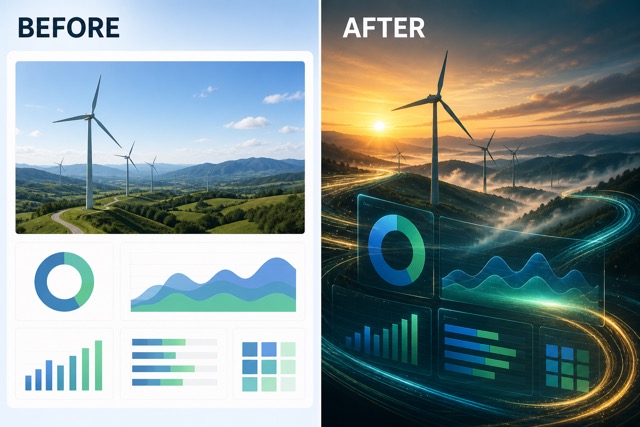
Website to Video Tool AI for Structured Motion
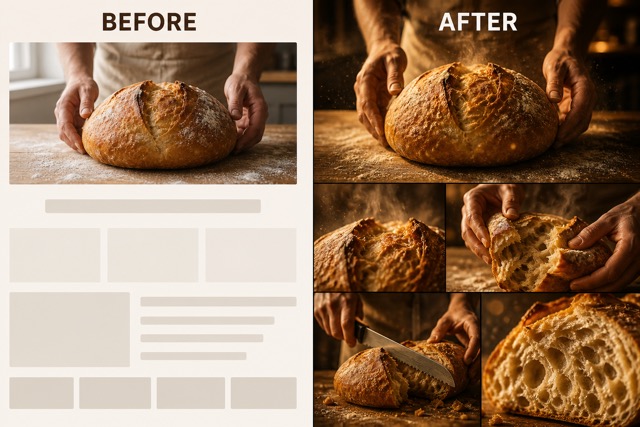
Website to video tool AI can translate static page relationships into movement, focus, transitions, and scene progression. Website to video tool AI helps transform headlines, product views, feature groups, and calls to action into a sequence that feels intentional rather than like a basic screen recording.
Website to Video Tool AI for Repeatable Ideas
Website to video tool AI gives the same source page more than one creative path. Use website to video tool AI to compare a concise promo, an educational walkthrough, a cinematic brand story, or a social-first edit while preserving the page as the shared reference.
Ways to Use Website to Video Tool AI
Website to video tool AI supports marketing, education, sales, editorial, and product communication. Whether your source is a landing page or a detailed resource, website to video tool AI gives existing web content a new visual format.

Product Launch Videos
Use website to video tool AI to turn a launch page into a focused product reveal. Website to video tool AI can draw attention to the problem, key benefit, feature proof, and next step in a concise promotional sequence.
SaaS Feature Explainers
Give website to video tool AI a feature or solution page and ask for a clear walkthrough. Website to video tool AI helps organize dense interface ideas into a more approachable flow for prospects, onboarding, or sales conversations.

Ecommerce Campaign Clips
Let website to video tool AI build a visual narrative from a product or collection page. Website to video tool AI can emphasize materials, use moments, benefits, and campaign mood without requiring a separate storyboard for every clip.

Social and Pitch Content
Ask website to video tool AI for a compact story suitable for social channels, meetings, or early campaign testing. Website to video tool AI helps teams explore tone and structure before committing to a larger production.
Creative Reactions to Website to Video Tool AI
These illustrative reactions show how website to video tool AI might support different creative roles. Website to video tool AI can help teams turn existing pages into clearer concepts for campaigns, explainers, presentations, and social storytelling.
Website to video tool AI gave my launch page a clear beginning, middle, and final message. I could see how the same material might work as a polished campaign concept without outlining every scene myself.
Website to video tool AI helped me turn a complicated feature page into a sequence that felt easier to explain. The URL-first workflow made early creative exploration feel much faster and more focused.
I liked how website to video tool AI kept the source website at the center while still leaving room for a different mood and pace. That balance made it useful for testing several brand-story directions.
Website to video tool AI turned a product page into a much more dynamic concept than a straightforward screen capture. The result helped our team discuss what information should lead the story.
Website to video tool AI gave an article page a visual rhythm that made the main argument easier to follow. I could imagine adapting the idea for social, presentations, and educational content.
The most useful part of website to video tool AI was being able to add a short creative direction after supplying the URL. It made each variation feel connected to the same page instead of completely random.






Website to Video Tool AI FAQ
Learn how website to video tool AI uses a webpage URL, how creative direction works, and what to review before sharing a generated result.
Website to video tool AI is an AI workflow that uses a supplied webpage URL as a creative reference for video generation. It can interpret visible page structure, content cues, and visual direction, then combine them with an optional user brief to create a more coherent sequence.
Paste the public URL, add optional direction for audience, mood, pace, or emphasis, and generate. Website to video tool AI uses the page as the source while the built-in prompt guides story structure, motion, transitions, and source-aware output.
A public page that loads normally and presents a clear hierarchy is the best starting point. Website to video tool AI works more effectively when the main message, headings, images, products, charts, or sections are visible and easy to distinguish.
Yes. Website to video tool AI supports optional creative direction, so you can ask for a product-focused story, an educational walkthrough, a social-friendly pace, a cinematic mood, or another emphasis that remains grounded in the source page.
Website to video tool AI is designed for public webpage content, but you should only use pages and assets you are allowed to transform. Avoid submitting private dashboards, confidential information, restricted material, or third-party content you do not have permission to reuse.
The result depends on the clarity of the source page, the available model settings, and your instruction. Website to video tool AI can reduce manual storyboarding and concept work, but reviewing facts, text, branding, pacing, and visual continuity remains an important final step.
Try Website to Video Tool AI
Give your web content a new way to move, explain, and persuade. Start with website to video tool AI, add one public URL, and let website to video tool AI shape the page into a focused video concept now.
