
More AI Video Generators
Explore our collection of specialized AI video generators designed for different creative needs and styles
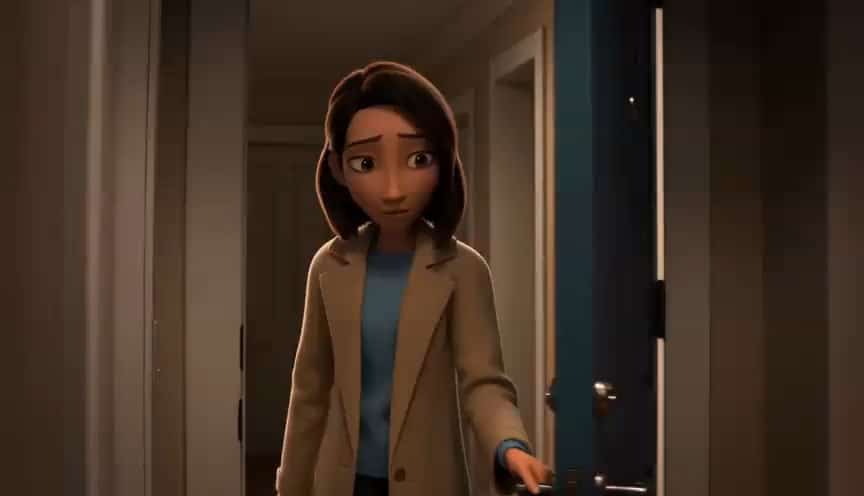
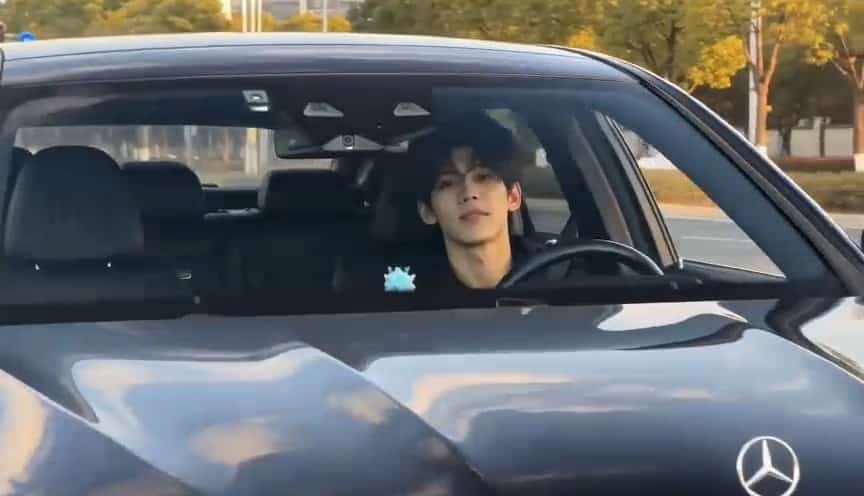
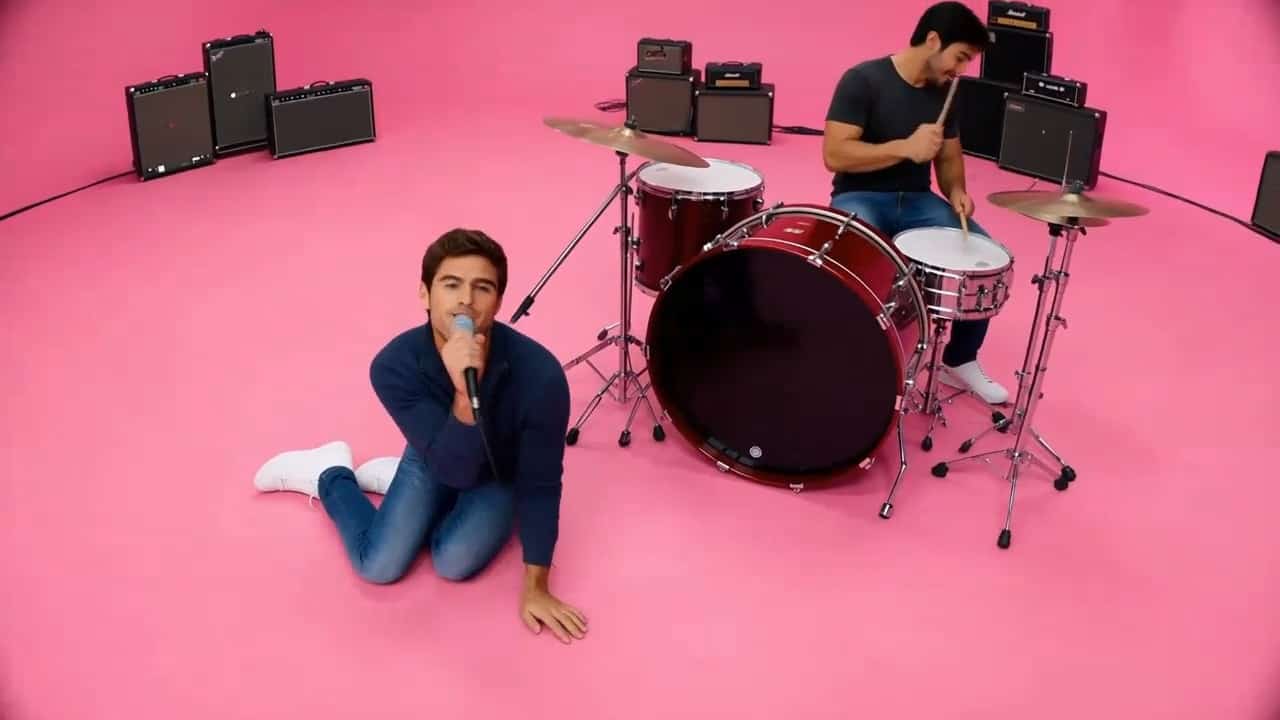



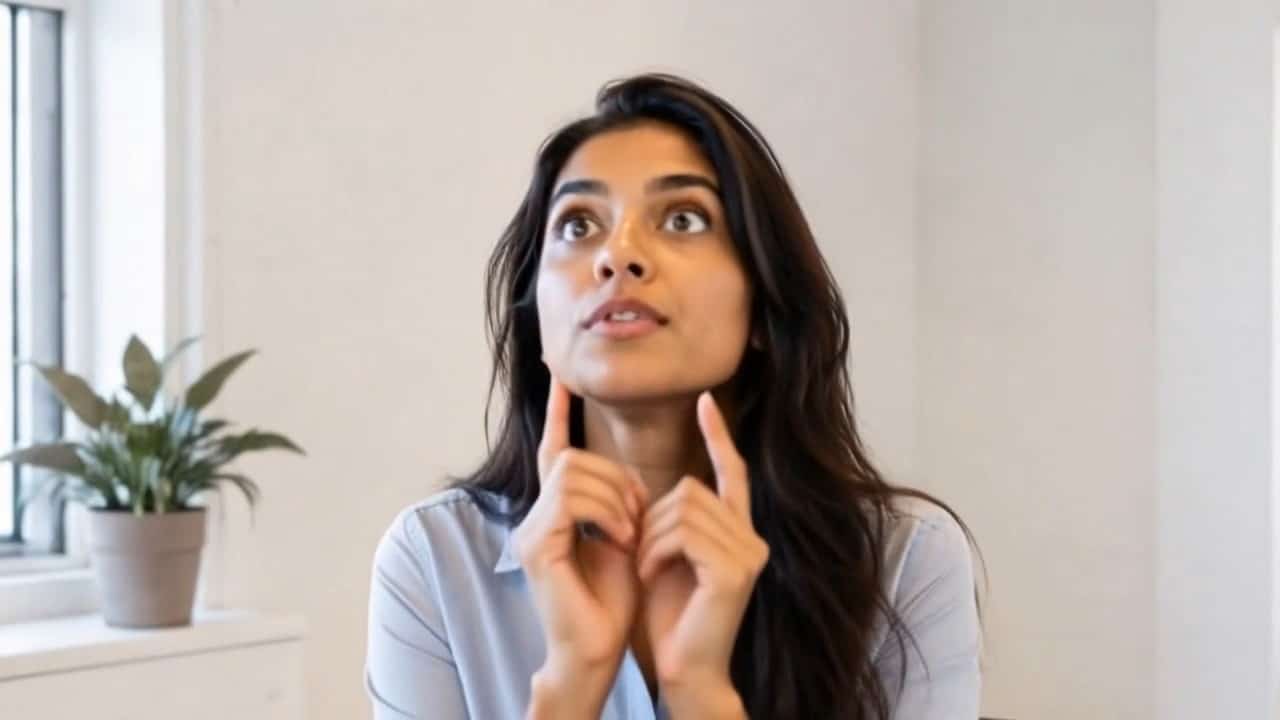



Cartoon To Video: AI Cartoon Video Maker
Turn Any Photo Into A Cartoon Animation
Use SuperMaker AI to create a cartoon to video effect from one uploaded image. Upload a portrait, pet photo, product image, selfie, couple shot, travel photo, or character design, then enter your video prompt and generate a vivid animated result. This cartoon video maker helps you turn still images into cartoon-style motion with clean outlines, bright colors, expressive movement, and smooth camera energy. Whether you want a cute anime moment, a playful cartoon clip, a social media avatar video, or a stylized storytelling scene, the AI cartoon video generator gives you a fast way to make cartoon to video content without editing skills.
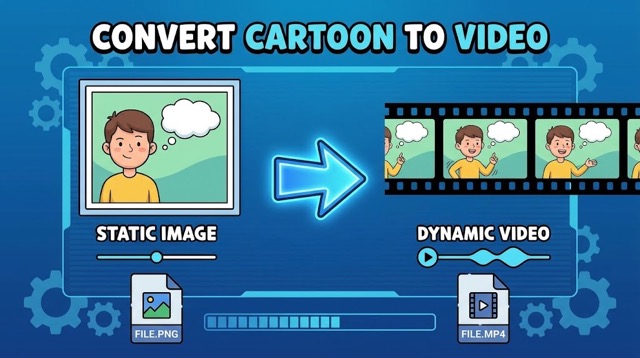
How To Create Cartoon To Video With SuperMaker AI
The cartoon to video workflow is simple: upload an image, describe the motion you want, and generate the final cartoon animation. SuperMaker AI works as a cartoon video maker that reads the uploaded photo, transforms the visual style, and follows your creative prompt. The AI cartoon video generator can keep the original subject recognizable while adding cartoon-style movement, camera motion, background atmosphere, and animated storytelling details.

Upload Your Image
Start your cartoon to video project by uploading a cartoon-style image. You can use a portrait, pet picture, couple photo, fashion image, product shot, landscape, illustration, or AI artwork. The cartoon video maker analyzes the subject, pose, outfit, face, object shape, lighting, and background so the AI cartoon video generator can create a cartoon to video result that still feels connected to the original image.

Enter Your Video Prompt
Describe what you want the cartoon to video result to do. You can ask for blinking, smiling, dancing, walking, floating hearts, magical lights, anime wind, cute stickers, cinematic camera movement, or a full cartoon story moment. This cartoon video maker follows your text prompt, so the AI cartoon video generator lets you combine the uploaded image with your own creative idea.

Generate Cartoon Animation
Click generate and let SuperMaker AI create the final cartoon to video animation. The cartoon video maker turns the still image into a vivid video with cartoon style, smooth motion, and social-ready energy. Download the AI cartoon video generator result and use it for TikTok, Instagram Reels, YouTube Shorts, profile content, ads, stories, or creative posts.
Best AI Video Tools for Creative Projects
Explore creative tools for video, learn tips and tricks, and see how AI can be your assistant in turning concepts into finished projects.





















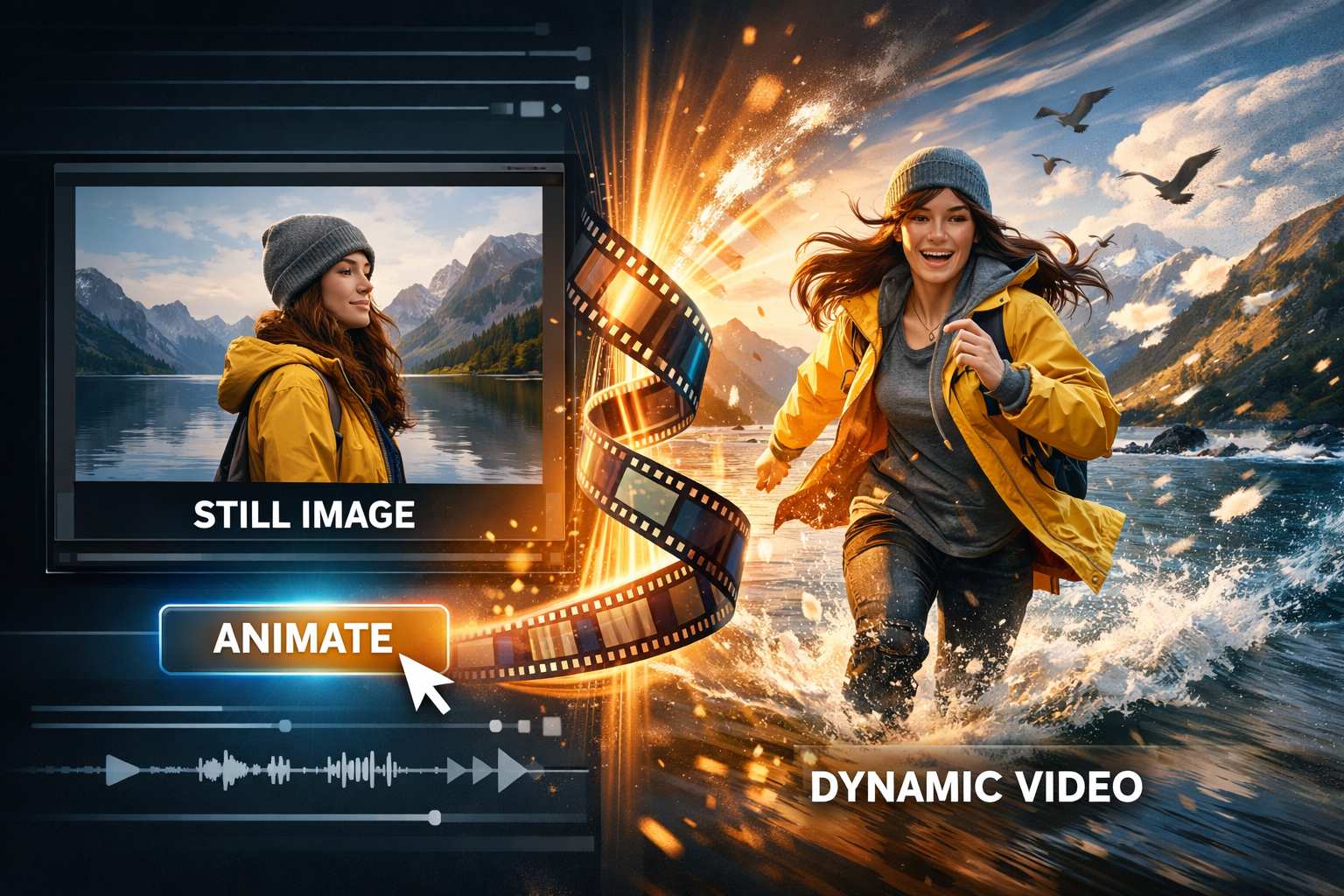
Create Cartoon To Video From Any Image
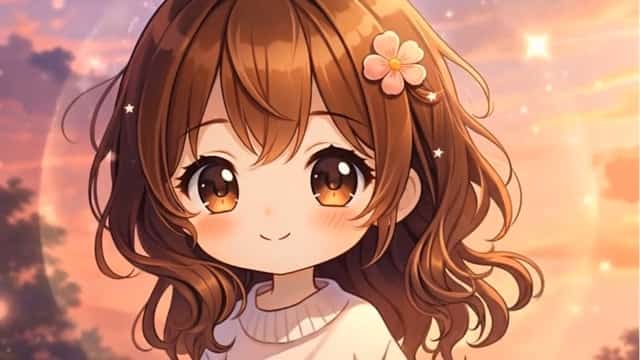
SuperMaker AI is built for users who want a fast cartoon to video experience with flexible prompt control. Instead of only applying a static cartoon filter, this cartoon video maker transforms the uploaded image into animated video. The AI cartoon video generator can create anime-style motion, cute cartoon movement, cinematic character animation, playful social clips, and imaginative scenes based on your prompt.
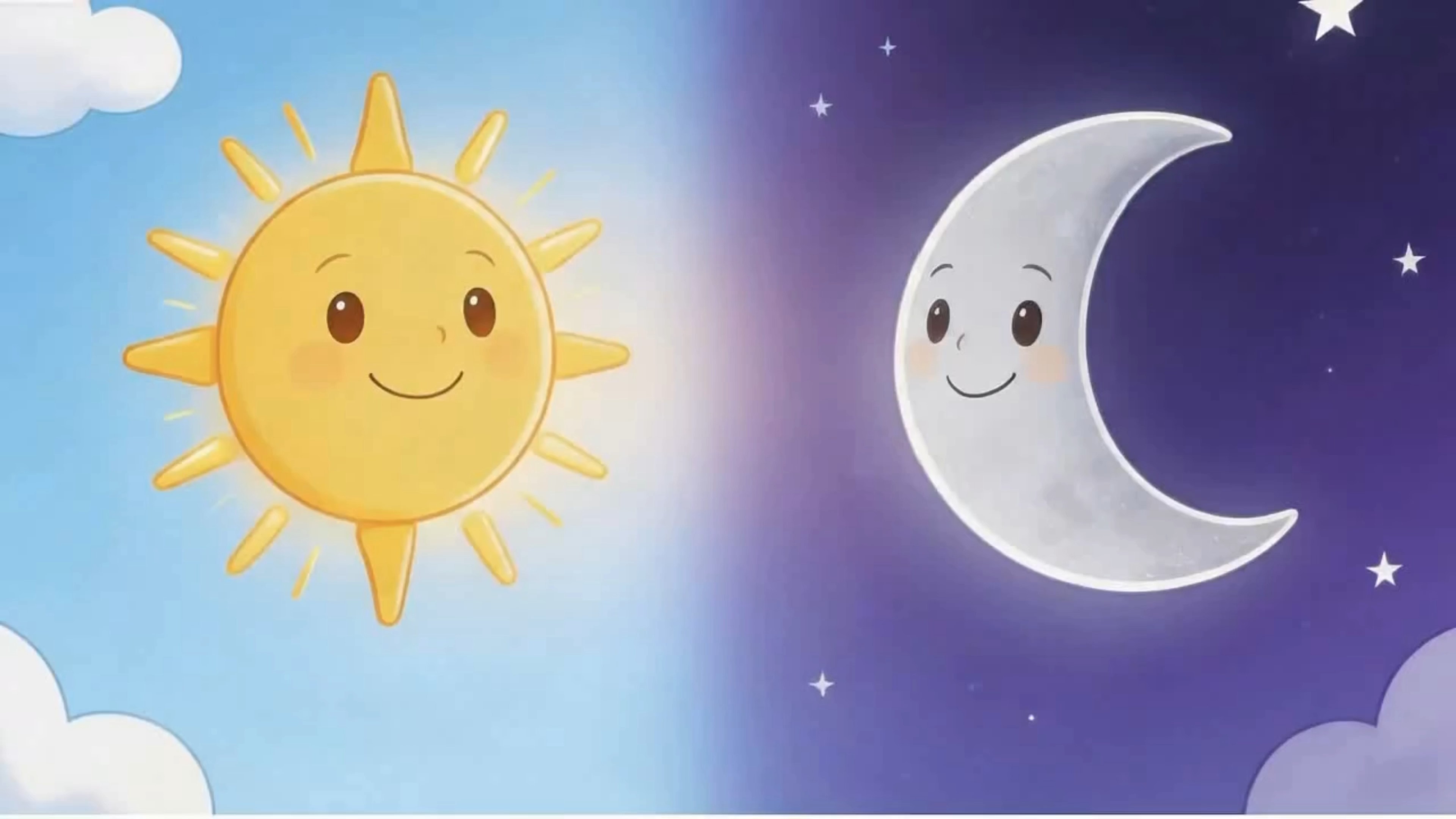
Turn Portraits Into Cartoon To Video Clips
Upload a selfie or portrait and create a cartoon to video clip that feels lively and expressive. The cartoon video maker can add natural blinking, gentle head movement, soft smiles, hair motion, outfit movement, and animated background details. The AI cartoon video generator is useful for profile videos, creator avatars, personal edits, fan-style animations, and social media content. You can keep the person recognizable while turning the photo into a polished cartoon to video result.
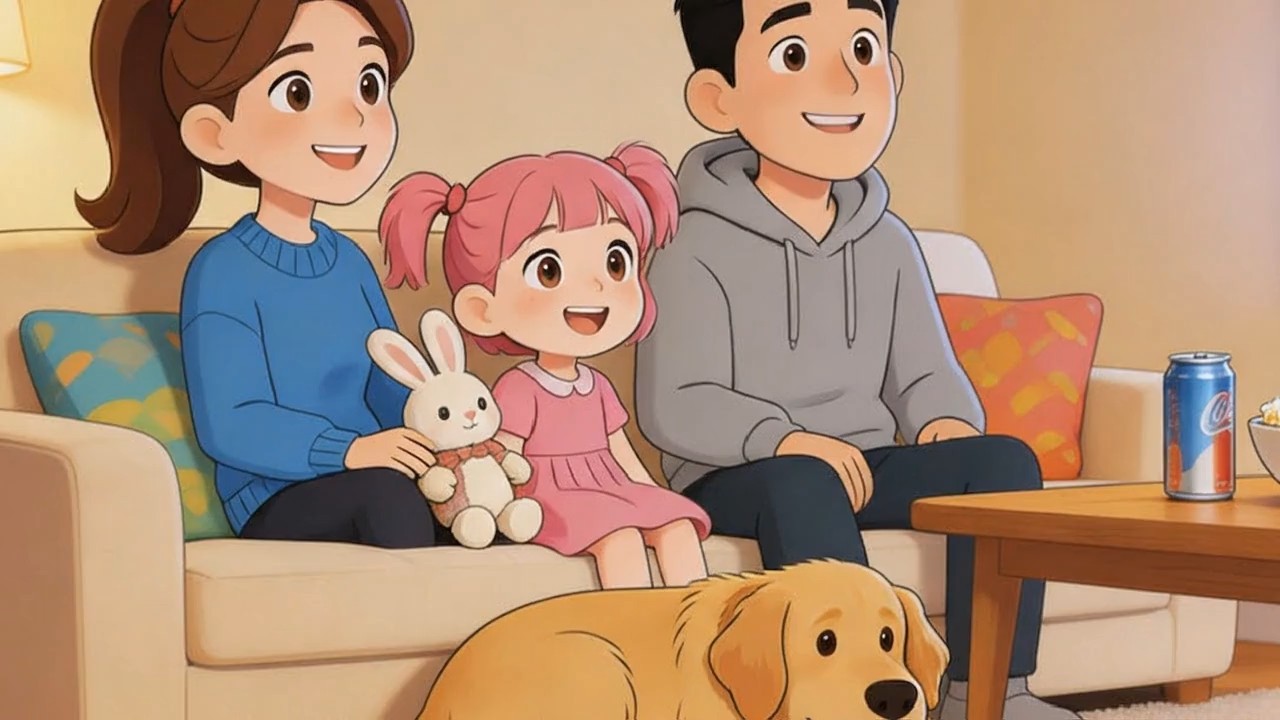
Make Anime And Cartoon Story Videos
Use cartoon to video for short story scenes, fantasy moments, romantic clips, pet adventures, travel memories, or character-based content. This cartoon video maker allows you to enter a prompt such as magical forest, city night, birthday party, cute dance, cinematic wind, or dreamy anime lighting. The AI cartoon video generator uses your uploaded image as the base and turns it into a cartoon to video scene with controlled movement and visual consistency.
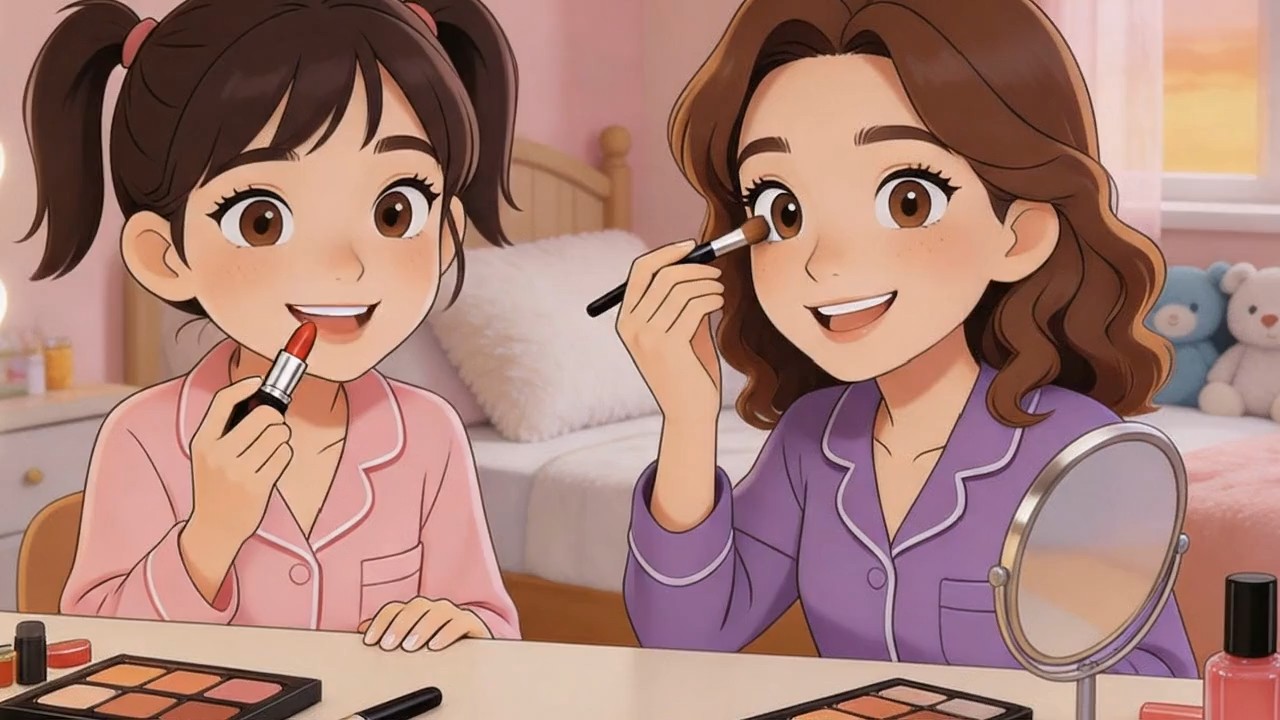
Generate Social Media Cartoon Video Effects
The cartoon to video effect is perfect for viral posts, creator edits, profile animations, pet videos, product reveals, and playful brand content. SuperMaker AI works as a cartoon video maker for users who want fast results without timeline editing. The AI cartoon video generator can add sparkles, stickers, camera zoom, background motion, expressive cartoon action, and smooth animation. Create cartoon to video content that is bright, fun, and ready to share.
Popular Cartoon To Video Use Cases
Use SuperMaker AI when you need a cartoon to video tool for fun edits, marketing content, short videos, personal memories, or creative storytelling. The cartoon video maker gives creators a simple way to animate photos, while the AI cartoon video generator helps brands and everyday users create cartoon-style videos from a single image and a prompt.

Creator Avatar Videos
Turn your profile photo into a cartoon to video avatar with blinking, smiling, waving, or cute motion. The cartoon video maker helps creators build memorable identity content, and the AI cartoon video generator makes each animation feel playful and shareable.

Pet Cartoon Animations
Upload a pet photo and use cartoon to video to create a funny animated pet clip. The cartoon video maker can add head tilts, happy movement, floating hearts, or magical cartoon backgrounds. The AI cartoon video generator is ideal for pet accounts and viral short videos.

Product Cartoon Promos
Use cartoon to video for product reveals, cute packaging animations, gift content, toy promotions, and social ads. The cartoon video maker can make a product feel more expressive, while the AI cartoon video generator adds motion and cartoon-style brand energy.

Anime Memory Clips
Transform travel photos, couple photos, or lifestyle images into cartoon to video memories with anime lighting, camera movement, soft wind, and emotional motion. This cartoon video maker makes still photos feel cinematic, and the AI cartoon video generator turns simple images into animated moments.
What Users Say About Cartoon To Video
Creators, marketers, designers, and everyday users use SuperMaker AI as a cartoon video maker for fast visual content. The AI cartoon video generator helps them turn static photos into cartoon to video clips that feel more dynamic than ordinary image filters.
SuperMaker AI made my cartoon to video workflow much faster. I uploaded one selfie, added a simple prompt, and the cartoon video maker generated a clean animated clip for my profile. The AI cartoon video generator kept the image recognizable while making it fun.
I use this cartoon to video tool for short social posts. The cartoon video maker is easy because I only need an image and a prompt. The AI cartoon video generator gives me different cartoon scenes that work well for Reels and Shorts.
The cartoon to video effect is great for pet content. I uploaded a dog photo and asked for cute blinking, bouncing, and floating hearts. The cartoon video maker created a lively result, and the AI cartoon video generator made the clip feel ready to post.
As a designer, I like that the cartoon to video result is prompt-based. The cartoon video maker lets me test different moods, and the AI cartoon video generator helps me turn concept images into animated references for campaigns.
I needed a cartoon video maker for product launch content, and SuperMaker AI was simple. The cartoon to video animation gave the product more personality, and the AI cartoon video generator made the final clip feel more engaging than a static image.
The best part is how easy the cartoon to video process feels. Upload, prompt, generate. This cartoon video maker helps me create anime-style clips without editing software, and the AI cartoon video generator gives me quick ideas for storytelling.


Cartoon To Video FAQ
Learn how SuperMaker AI works as a cartoon video maker and how to get better results from the AI cartoon video generator.
Cartoon to video is an image to video effect that transforms an uploaded image into a cartoon-style animated video. With SuperMaker AI, you upload a photo, enter a video prompt, and generate a moving cartoon result. The cartoon video maker can animate portraits, pets, products, objects, scenes, and AI artwork. The AI cartoon video generator adds cartoon style, motion, camera movement, and prompt-based creative details.
The cartoon video maker works in three steps. First, upload your image. Second, type a prompt describing the video content, motion, mood, or scene. Third, click generate. SuperMaker AI then creates a cartoon to video animation based on the uploaded image and prompt. The AI cartoon video generator can add blinking, smiling, wind, sparkles, camera zoom, background motion, and other animated effects.
Yes. The cartoon to video page is designed for prompt-based animation. You can tell the cartoon video maker what you want, such as make the person wave, add anime wind, create a magical forest, add birthday confetti, make a cute pet animation, or create a cinematic cartoon scene. The AI cartoon video generator uses your prompt to guide the final video.
You can upload portraits, selfies, pet photos, couple photos, product images, travel photos, object shots, character designs, and AI images. For the best cartoon to video result, use a clear image with a visible subject. The cartoon video maker works better when the face, object, or main scene is not blurry or heavily covered.
Yes. Cartoon to video is ideal for TikTok, Instagram Reels, YouTube Shorts, profile videos, story posts, product promos, pet clips, and creator content. SuperMaker AI works as a cartoon video maker for fast social content, and the AI cartoon video generator helps turn ordinary images into animated cartoon videos that are easier to share.
A good cartoon to video prompt should describe the motion, mood, scene, and style. For example, you can write: make the person smile and wave in a cute cartoon style, add soft camera zoom and floating sparkles, or turn the scene into an anime night street with gentle rain. The cartoon video maker follows clear instructions, and the AI cartoon video generator performs best when the prompt is specific.
Create Your Cartoon To Video Now
Upload an image, enter your idea, and let SuperMaker AI cartoon to video converter turns it into a cartoon to video animation. Use the cartoon video maker to create anime clips, cute social videos, pet animations, product promos, avatar videos, and creative story scenes. Start with one photo and let the AI cartoon video generator bring your cartoon idea to life.
