




More AI Video Generators
Explore our collection of specialized AI video generators designed for different creative needs and styles
Deck The Halls Dance From Your Photos
Your Christmas Pajama Dance With Familiar Faces
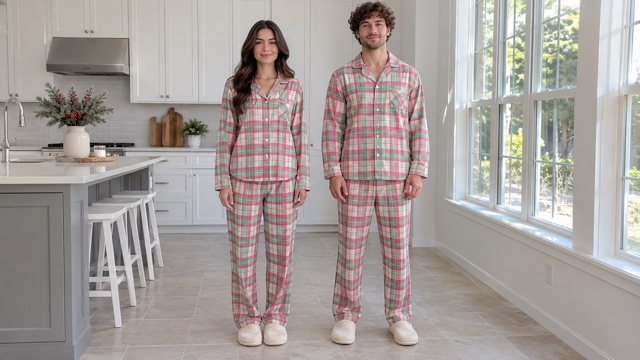
Bring a friend into Deck the Halls Dance without arranging a rehearsal or filming together. Upload two portraits, or one clear photo of both people, and turn a familiar pairing into a short kitchen performance. This Christmas dance AI effect uses a prepared routine, so your photos choose the dancers while the reference guides the movement. Expect the relaxed home setting, coordinated pajamas and playful gestures associated with Christmas pajama dance videos. Deck the Halls Dance from photos makes a seasonal greeting feel personal: the surprise is seeing who steps into the frame beside you.
Make Deck The Halls Dance In Four Steps
Choose two people and clear photos. The routine is prepared, so there is no prompt to write.

Choose Your Pair
Pick two people for Deck the Halls Dance. Find one clear portrait of each person or a single photo showing both faces.

Upload Your Photos
Upload the left dancer first and the right dancer second. With a shared photo, the person on the viewer's left takes the left role.

Generate The Dance
Select Generate Video after adding your photos. Christmas dance AI uses the prepared reference and instructions to create the duo performance.

Review Your Video
Play Deck the Halls Dance from beginning to end. Check both faces, the turns and the sound before downloading the take you want to share.
Best AI Video Tools for Creative Projects
Explore creative tools for video, learn tips and tricks, and see how AI can be your assistant in turning concepts into finished projects.












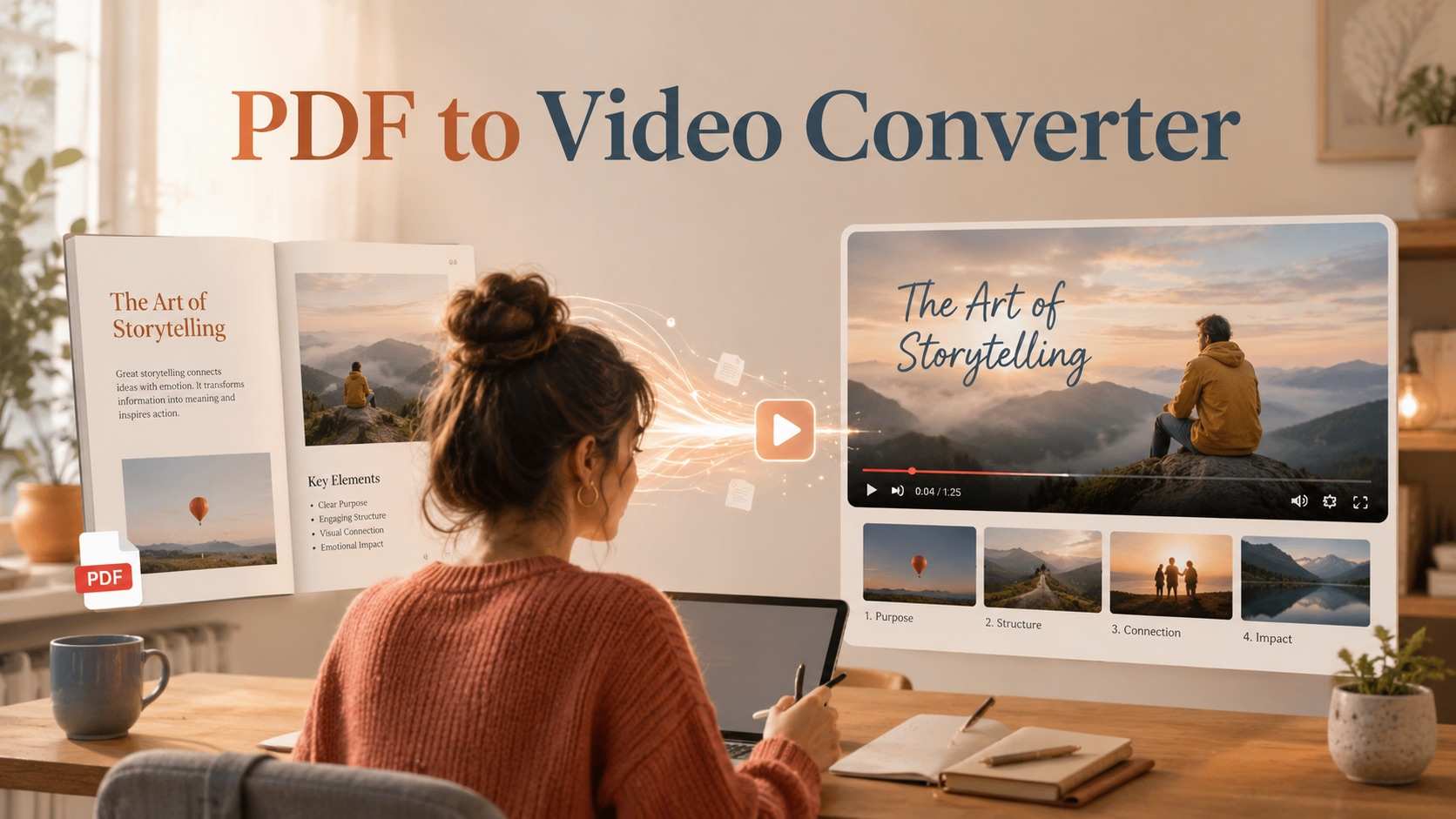




What Makes Deck The Halls Dance Recognizable
Deck the Halls Dance brings your pair into one continuous performance. Christmas dance AI uses the reference for movement and your photos for identity. The Christmas pajama dance setting keeps the scene familiar, with both people visible throughout the routine.
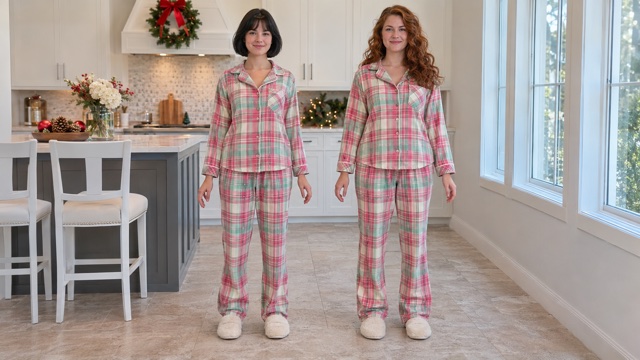
Give Each Dancer A Clear Role
Deck the Halls Dance from photos starts with a casting decision: who begins on the left, and who begins on the right? Two individual portraits let you choose the order directly. A shared photo uses the positions already visible in your picture. The assignment stays connected to each person as the dance develops, rather than changing whenever someone moves across the frame.
Christmas dance AI uses your photos for faces and hair while the preset supplies coordinated pajamas and the kitchen scene. That is useful when your pictures were taken on different days. Deck the Halls Dance does not require both people to pose in the same room first. Choose images with clear, uncovered faces and similar levels of detail. In a Christmas pajama dance, recognizable expressions make the pairing interesting before the bigger gestures begin. Review both dancers throughout the finished take, especially when their faces turn away and return.
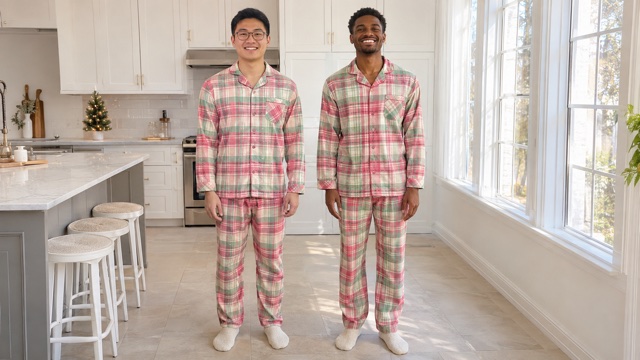
Keep The Routine In One Shared Shot
Deck the Halls Dance steps include alternating knee lifts, hip movement, coordinated arm gestures and a turn before the final poses. The built-in clip supplies their order and timing, along with the spacing between the dancers. Christmas dance AI follows that continuous reference so the performance has a shared rhythm rather than two unrelated animations placed next to each other.
The static kitchen view gives you room to see feet, hands and expressions together. Deck the Halls Dance stays focused on the pair instead of adding unrelated camera moves or changing locations halfway through. For a Christmas pajama dance, straightforward framing is part of the appeal: it feels like a routine friends might record at home. Watch transitions between the main gestures, especially the turn back toward the camera and the closing pose. Those moments help you judge Deck the Halls Dance as a complete performance, beyond a single flattering frame.
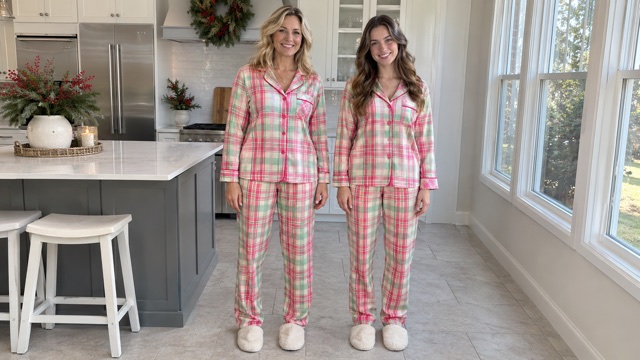
Start With Photos Instead Of A Rehearsal
Deck the Halls Dance from photos lets you appear beside someone who cannot be there to film. Your partner might live in another city, or your best pictures might come from separate occasions. Christmas dance AI brings those references into the same prepared setting, with movement already defined by the clip.
There is no need to describe every gesture or write out Deck the Halls Dance steps. Upload the faces in the intended order, generate the performance and choose the take that feels most like your pair. The Christmas pajama dance format gives the result a seasonal context without requiring decorations in your source photos. Deck the Halls Dance can become a greeting, a private joke or the start of an invitation. A short personal message beside the video often gives it more meaning than a long caption. Choose words that suit the person receiving it, then let the familiar faces carry the moment.
Choose Your Deck The Halls Dance Partner
Choose who will watch your Deck the Halls Dance video. A familiar pairing makes a Christmas pajama dance affectionate or unexpected. Christmas dance AI lets you begin with that relationship.
Give Your Best Friend A Dance Cameo
Make Deck the Halls Dance for the friend who sends you every routine but never learns one with you. Choose portraits with familiar expressions. Christmas dance AI brings that pairing into a shared performance without matching schedules. A Christmas pajama dance lands well in a group chat where everyone knows both personalities. Send Deck the Halls Dance with a line about finally committing to rehearsal. Recognizing the faces is often what carries the joke. Your Deck the Halls Dance video needs little introduction when the people watching already know exactly which friend always misses the first beat.

Send A Christmas Pajama Dance Greeting
Use Deck the Halls Dance as a greeting from you and your partner. Coordinated clothing makes the Christmas pajama dance easy to understand, even for someone unfamiliar with the trend. Christmas dance AI is useful when separate portraits look better than your few photos together. Build Deck the Halls Dance around those clearer images, then add a holiday message. Mention a memory from the year or a plan to meet. Deck the Halls Dance gives that note a playful opening while the personal message tells your recipient why you thought of them.

Bring Family Faces Into One Frame
Deck the Halls Dance can put adult siblings, cousins or a parent and adult child beside one another. Separate portraits help when family members live in different places. Christmas dance AI gives them a shared scene with a manageable setup. Choose personalities that make a Christmas pajama dance entertaining to the family. A Deck the Halls Dance video can accompany a reunion message before the gathering. Use photos both people are comfortable sharing. Deck the Halls Dance works particularly well as a conversation starter for relatives who already exchange seasonal jokes.

Open An Invitation With A Christmas Pajama Dance
Open an invitation with Deck the Halls Dance featuring the two hosts, then put event details in the accompanying message. Christmas dance AI supplies the festive opening; your caption supplies the date and place. The Christmas pajama dance format suits an informal gathering. Keep logistics outside the video so both faces remain visible. Deck the Halls Dance can also accompany a thank-you afterward. Choose a recognizable duo rather than fitting the guest list into a two-person effect. Deck the Halls Dance gives the hosts a shared entrance before the practical details.
Ways To Share Deck The Halls Dance
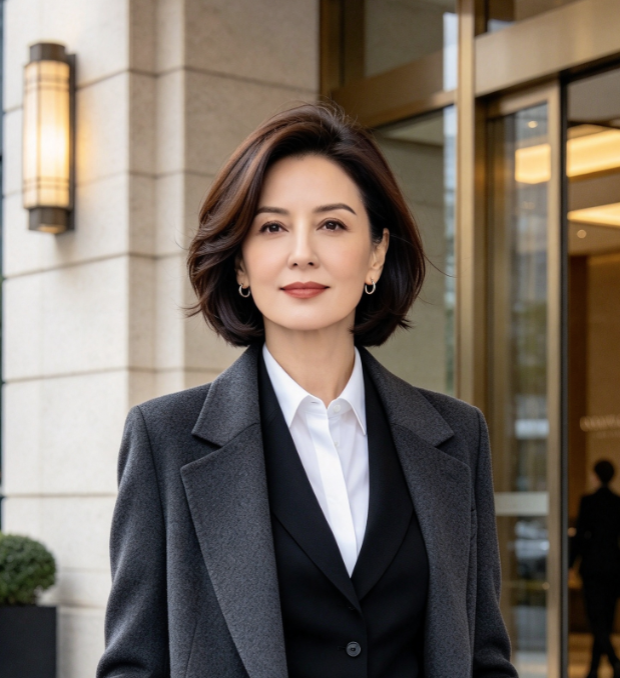
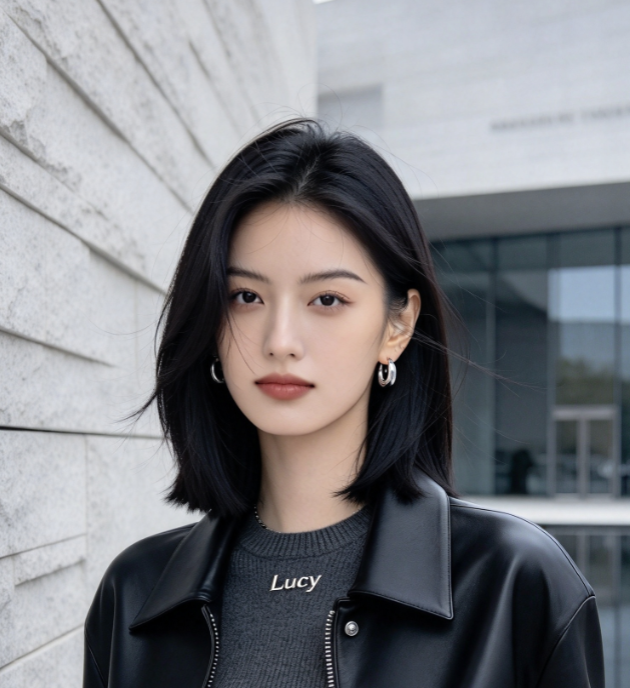
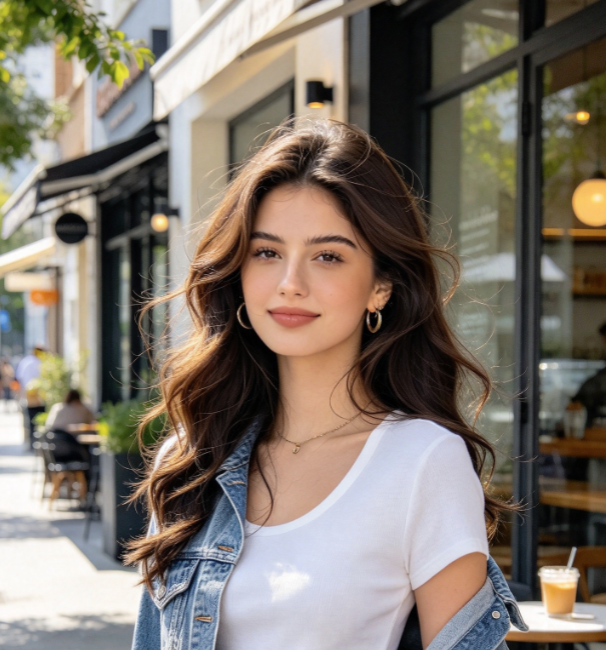
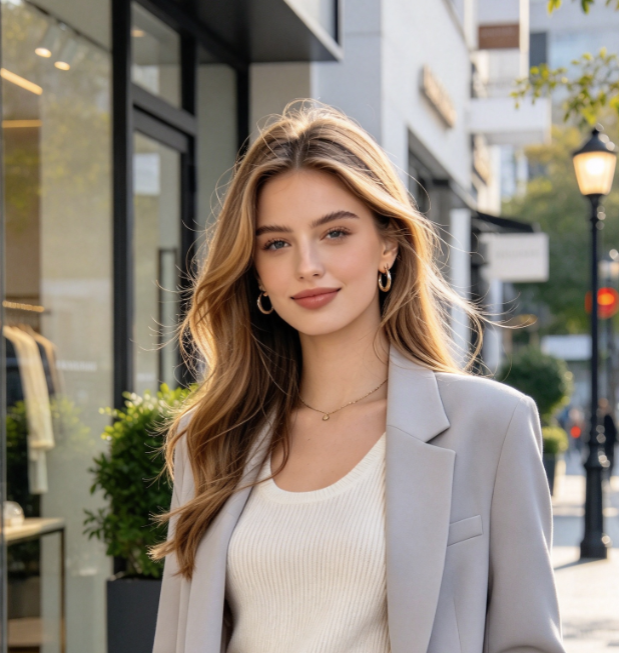
Fictional reactions illustrating how different pairs might share a seasonal dance clip.
Seeing us finally dance together would be the whole joke. I'd send it to the friend who keeps postponing rehearsal.
Separate portraits make this appealing when we're in different cities. A shared holiday scene would feel more personal than a sticker.
I'd pick two relatives with completely different personalities. The family would recognize the pairing before the first big gesture.
A greeting from both hosts would be a fun opening. I'd put the party date and details in the message beside it.
Deck The Halls Dance Questions
Prepare your photos and know what to check in Deck the Halls Dance.
Deck the Halls Dance is a short routine performed to a remix of the Christmas carol. Two people often wear coordinated pajamas, giving it the Christmas pajama dance association. This page places your pair in a reference-guided kitchen performance. Christmas dance AI uses photos for identity and a prepared clip for movement. Deck the Halls Dance is the specific seasonal theme here; you do not need to choreograph a new routine. Review the finished faces and gestures before sharing.
Deck the Halls Dance remix versions commonly use DJ Izzy Duzzit's combination of the carol and the beat from Blow the Whistle. The selected Deck the Halls Dance remix reference includes original audio, and the instructions ask to retain its soundtrack and timing. Christmas dance AI follows that reference; play the result to check its sound. If you add a platform sound when posting your Christmas pajama dance, avoid two tracks playing over each other. Deck the Halls Dance remix versions can differ, so compare the actual track.
Deck the Halls Dance supports two portraits or one photo of both dancers. With two uploads, the first starts on the left and the second on the right. A shared image follows the viewer's left and right. Christmas dance AI keeps those role assignments through the performance. Clear faces matter more than elaborate backgrounds because the Christmas pajama dance setting comes from the reference. Avoid group shots with ambiguous subjects. Deck the Halls Dance needs two easily identifiable people.
You do not need to perform Deck the Halls Dance steps or type a choreography prompt. The clip supplies movement and the preset supplies instructions. Christmas dance AI combines them with your uploaded faces. Make a Christmas pajama dance greeting without filming a new performance. Review Deck the Halls Dance during the turn, hand gestures and closing pose. If someone is unclear, replace their portrait with a sharper photo before making another take. Clearer source detail gives the model more to work with.
The page is configured for a 14-second Deck the Halls Dance video in a vertical 9:16 frame, matching the reference. Duration is fixed, so there is no separate length to choose. Christmas dance AI follows the sequence from opening gestures to final pose. Watch your Christmas pajama dance in full instead of judging a still. Deck the Halls Dance steps change direction, making transitions useful checkpoints. Download the take you are happy to send or post.
Watch Deck the Halls Dance once for each face, then replay it for hands, feet and sound. Christmas dance AI can vary between takes, especially during turns or partial occlusion. A sharper source portrait may help if someone is hard to recognize. Deck the Halls Dance remix should stay in time without a second track doubling it. Keep captions away from faces in your Christmas pajama dance. Deck the Halls Dance is ready to share when you are happy with the entire performance.
Make Deck The Halls Dance With Your Favorite Person
Choose two faces that make Deck the Halls Dance worth opening. Bring portraits or a photo together, and let Christmas dance AI handle the prepared routine. Your Christmas pajama dance can greet someone far away or introduce both party hosts. Keep the message personal and review the performance before sending it. Deck the Halls Dance is more memorable when its people mean something to the viewer.