








More AI Video Generators
Explore our collection of specialized AI video generators designed for different creative needs and styles

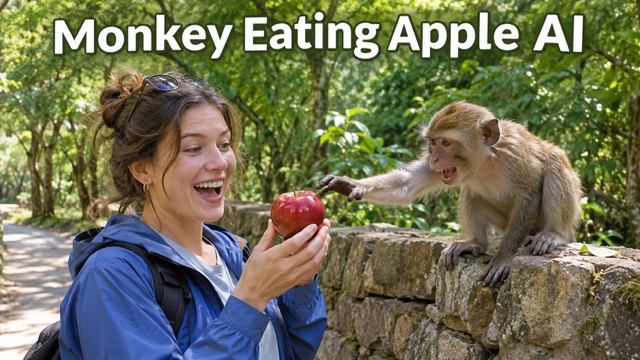
Monkey Eating Apple AI: Turn Your Photo Into A Snack Heist
Try The Monkey Steals Apple AI Trend With Your Own Photo
Create a monkey eating apple AI video with your face, a red apple, and a mischievous macaque. Start with your photo and let a sudden snack theft become the punchline. The monkey steals apple AI trend pairs an ordinary moment with an unexpected animal encounter. Use monkey eating apple AI to explore that playful setup, then review the grab, the bite, and your reaction before sharing your favorite take.
How To Make A Monkey Eating Apple AI Video
Build your monkey eating apple AI scene in three steps. A clear portrait provides the starting point, while the prepared action keeps the snack theft central.

Upload Your Photo
Start monkey eating apple AI with a clear photo of one person. Keep the face visible and leave room around the upper body. For the monkey steals apple AI trend, a relaxed portrait provides a useful starting point for the apple, reaching hands, and surprised expression.

Click Generate
The monkey eating apple AI scene prompt is already prepared, so you do not need to write the monkey action yourself. Check the available settings and displayed credit requirement, then generate your take on the monkey steals apple AI trend. Wait for the result before choosing your next step.

Download Your Video
Watch your monkey eating apple AI result from beginning to end. Check that the apple changes hands clearly and the reaction feels connected to the action. Download the take you like, then add captions or music in your usual editor before posting your monkey eating apple AI clip.
Best AI Video Tools for Creative Projects
Explore creative tools for video, learn tips and tricks, and see how AI can be your assistant in turning concepts into finished projects.





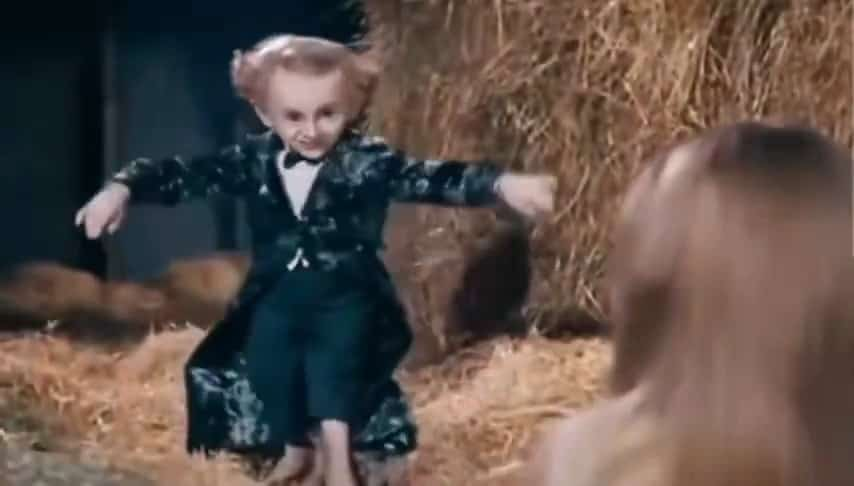


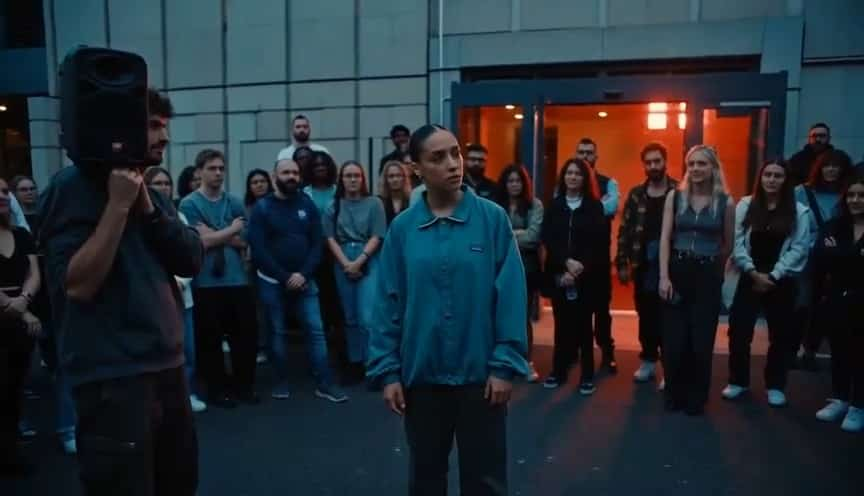












Build The Joke With Monkey Eating Apple AI
The appeal of monkey eating apple AI comes from a small sequence viewers can follow: a tempting snack, a quick interruption, and a human reaction. These details give the monkey steals apple AI trend its recognizable comic setup.
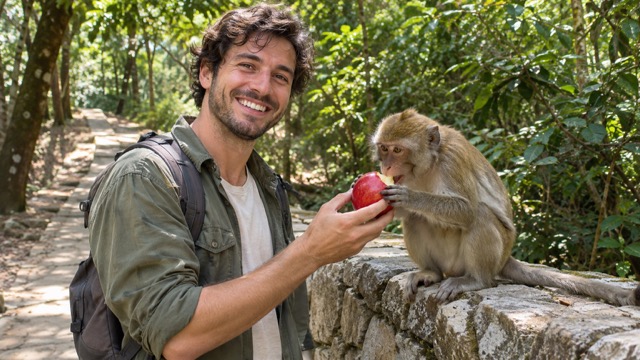
Put Yourself In The Monkey Eating Apple AI Scene
A personal photo gives monkey eating apple AI a more familiar lead character than a generic animal clip. Choose a readable expression, visible features, and uncomplicated lighting. The scene direction places that person beside a curious macaque, with a red apple connecting the two. This makes the monkey steals apple AI trend personal while keeping the story readable.
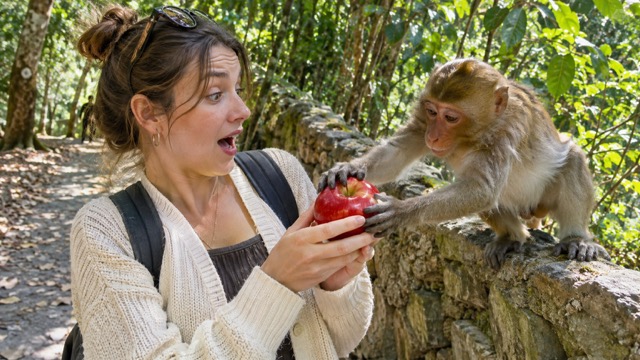
Follow The Apple In Monkey Eating Apple AI
A bright red apple gives monkey eating apple AI a clear focal point. The prepared prompt follows its journey from the person’s hand to the monkey’s grasp and mouth, giving the joke a clear payoff. When reviewing monkey eating apple AI results, watch the hands and fruit together. The monkey steals apple AI trend works best when the transfer reads clearly, without distracting extra objects.
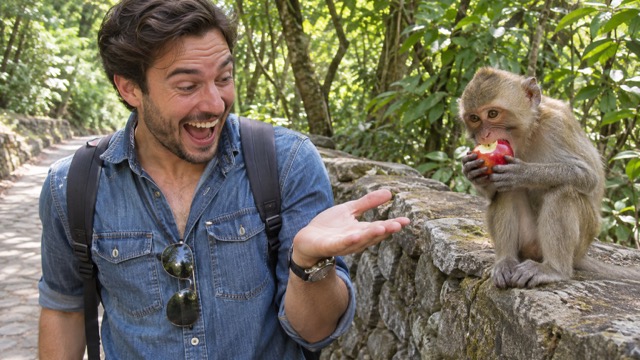
Let The Reaction Finish Your Monkey Eating Apple AI Clip
The monkey takes the snack, but the person’s expression completes the joke. In monkey eating apple AI, the intended progression moves from a casual moment to surprise and amusement. Give that ending room in your edit. For the monkey steals apple AI trend, a reaction that follows the grab is more useful than a random grin that starts before anything has happened.
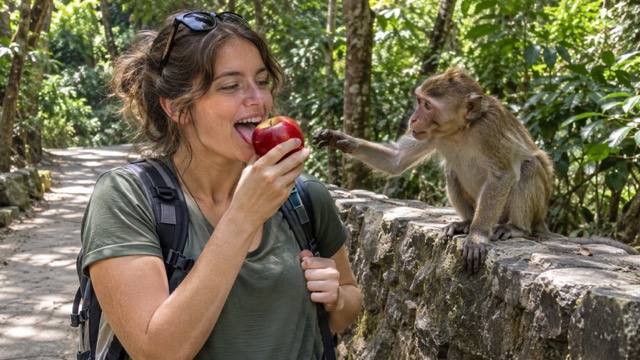
Start With A Prepared Monkey Eating Apple AI Prompt
The page includes a focused monkey eating apple AI scene prompt, so you can begin with a photo instead of assembling a long instruction. It describes the forest setting, the macaque, the red apple, and the order of the action. This guides the monkey steals apple AI trend. Concentrate on choosing a suitable portrait and checking your result before posting.
Ways To Share Monkey Eating Apple AI
Use monkey eating apple AI for a compact visual joke with a recognizable lead character. The monkey steals apple AI trend can fit personal posts, creator experiments, and lighthearted reactions when the apple grab remains easy to see.

Monkey Eating Apple AI For Short Videos
Short-form creators can use monkey eating apple AI to build a post around one readable surprise. Introduce the apple, let the monkey interrupt, and hold on the reaction. Connect it to an everyday snack joke with a caption. For a monkey steals apple AI trend post, keep overlays away from the hands so viewers can follow the moment without explanation.

Monkey Eating Apple AI For Group Chats
Friends can turn an ordinary portrait into a monkey eating apple AI reaction clip for conversations about missing snacks or sharing food. The familiar face makes the animal encounter specific to your group. Use the monkey steals apple AI trend with a photo you have permission to use, then add a caption suited to your shared sense of humor.

Travel-Themed Comedy Posts
Travel creators can use monkey eating apple AI as a playful imagined detour between trip updates. The leafy path provides an outdoor setting without a wildlife shoot. Frame the monkey steals apple AI trend as a creative skit in your post, and use the reaction to connect it with stories about unexpected moments while exploring somewhere new.

Practice A Visual Comedy Sequence
New video creators can study how monkey eating apple AI moves attention between a person, a prop, and an animal. Review the setup, interruption, and final expression. The monkey steals apple AI trend offers a compact exercise in cause and effect. A monkey eating apple AI clip can then become material for experimenting with caption placement and the timing of a cut.
Creator Perspectives On Monkey Eating Apple AI
These fictional example reviews illustrate different creative priorities for monkey eating apple AI; they are not verified customer testimonials. Each perspective highlights a different creative priority.
The monkey eating apple AI idea gives my short videos a simple setup. I like having one obvious prop and a reaction to build around, instead of trying to explain a complicated joke.
For a group-chat gag, monkey eating apple AI feels personal without needing a whole script. The familiar face and missing snack give me a clear starting point for a funny caption.
I like the outdoor setting in monkey eating apple AI. It fits the playful side of travel storytelling, and the person’s expression gives the scene a stronger ending than the animal alone.
The monkey steals apple AI trend makes me pay attention to the exact moment the apple changes hands. That little transfer is a useful lesson in making a visual joke readable.
With monkey eating apple AI, I can focus on choosing a good portrait and checking the reaction. A prepared scene direction is helpful when I want to try an idea without writing everything.
My favorite part of monkey eating apple AI is the pause after the surprise. Leaving that moment in the edit gives the expression time to work and makes the snack joke feel complete.



Monkey Eating Apple AI Questions Answered
Before making monkey eating apple AI, check the input, the intended scene, and how you will review the result. Explore the photo-led monkey steals apple AI trend workflow.
monkey eating apple AI is a photo-led video idea built around a monkey taking an apple and eating it while the person reacts. That reversal supplies the humor. A prepared prompt supplies the scene and action; your uploaded image provides the person used as the visual starting point.
For the monkey steals apple AI trend, upload a portrait and generate with the prepared scene prompt. The intended action is simple: the person holds an apple, a macaque grabs it, and surprise follows. This monkey eating apple AI workflow creates a new interpretation of that idea rather than matching a particular reference video frame for frame.
Choose a clear image of one person for monkey eating apple AI, with the face visible and enough space around the upper body. Avoid heavy blur, hidden faces, and group shots. Even lighting helps facial details, while an uncluttered composition gives the scene a clearer starting point.
No separate wildlife recording is needed for this monkey eating apple AI workflow. The page supplies the scene prompt, and you provide the photo. The monkey steals apple AI trend action is described in advance, including the apple grab and reaction. You do not need to stage the encounter or approach an animal to create the clip.
Watch the full monkey eating apple AI result and check the face, hands, apple, and order of the action. The fruit should stay visible, with the reaction following the surprise. If an interaction looks unclear, try a clearer source photo or another generation before adding captions in your editor.
Check the generator’s current credit requirement and your account balance before starting monkey eating apple AI. The cost depends on the settings available when you generate, so this page does not promise a fixed price or unlimited attempts. Review the displayed requirement for each run, including additional takes.
Make Your Own Monkey Eating Apple AI Snack Heist
Choose a clear portrait and turn a simple apple into the center of a comic encounter. Start monkey eating apple AI with the prepared scene, review the surprise, and keep the take you enjoy. Put your own face into the monkey steals apple AI trend and make the reaction yours.