




More AI Video Generators
Explore our collection of specialized AI video generators designed for different creative needs and styles
Rubber Band Prank AI Video Generator
Two Photos, One Prank That Backfires
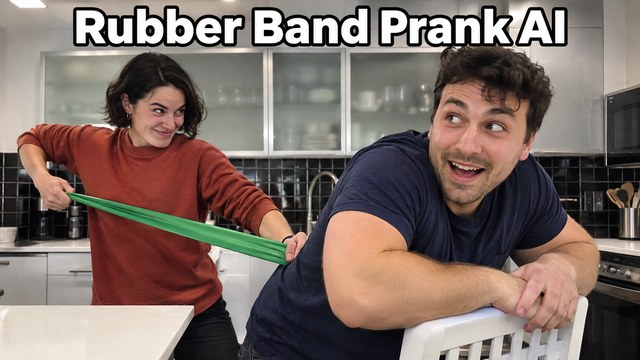
Turn two portraits into a kitchen comedy with Rubber Band Prank AI. One character stretches a bright green resistance band, aims behind an unsuspecting friend, and gets the surprise instead. The sudden reversal and awkward attempt to look busy give the scene its punchline. Rubber Band Prank AI Video Generator puts your chosen pair into that familiar setup without organizing a shoot. Upload the prankster first and the friend second, then generate with the prepared effect. Rubber Band Prank AI Template supplies the scene direction, so you can make a prank video from two photos without describing every movement. Create a playful reply for your partner, a roommate joke, or a short comedy post. The effect keeps the idea focused on a readable setup, a rubber band prank backfire, and the reaction that follows. Make a couple prank video from photos for a private joke between partners.
How To Use Rubber Band Prank AI
Rubber Band Prank AI Video Generator uses your portraits as appearance references, while Rubber Band Prank AI Template carries the kitchen scene and action sequence. Follow four steps to create an AI prank video without writing a prompt. You do not need to film a rubber band prank gone wrong or handle a real elastic band.

Choose Your Prankster
Add a clear photo of the person who starts the joke. This first upload tells Rubber Band Prank AI Video Generator who should stretch the band and receive the comic surprise. Use a recent portrait with the face unobstructed and enough of the outfit visible to guide the appearance. Rubber Band Prank AI Template gives this role the setup and the embarrassed reaction.
Add The Friend Who Turns Around
Upload the second person separately. This is the character near the kitchen counter who notices the commotion, rather than the one holding the band. Rubber Band Prank AI Template treats the two uploads as separate roles, so check the order before continuing. Rubber Band Prank AI Video Generator can use portraits taken in different places; you do not need a matching kitchen photoshoot. If you want to make a prank video from two photos, distinct faces and uncluttered framing are a useful starting point.

Generate The Prepared Scene
Check the available generation settings and displayed credit requirement, then start Rubber Band Prank AI. The prepared direction covers the pull, the rubber band prank backfire, the surprised pause, and the attempt to appear innocent. You can create an AI prank video without writing a prompt because the action is already defined. Rubber Band Prank AI Video Generator is a focused scene workflow; there is no need to invent dialogue or describe a new location.

Review The Whole Punchline
Watch from the first stretch through the final reaction. Rubber Band Prank AI Template is built around a small story, so the ending matters as much as the snap. Check that the two characters stay distinct, the band returns toward the prankster, and the cover-up is understandable. Keep a result that tells a clear rubber band prank gone wrong story. With Rubber Band Prank AI, selecting a better source portrait is more useful than expecting every blurry image to produce the same facial detail.
Best AI Video Tools for Creative Projects
Explore creative tools for video, learn tips and tricks, and see how AI can be your assistant in turning concepts into finished projects.




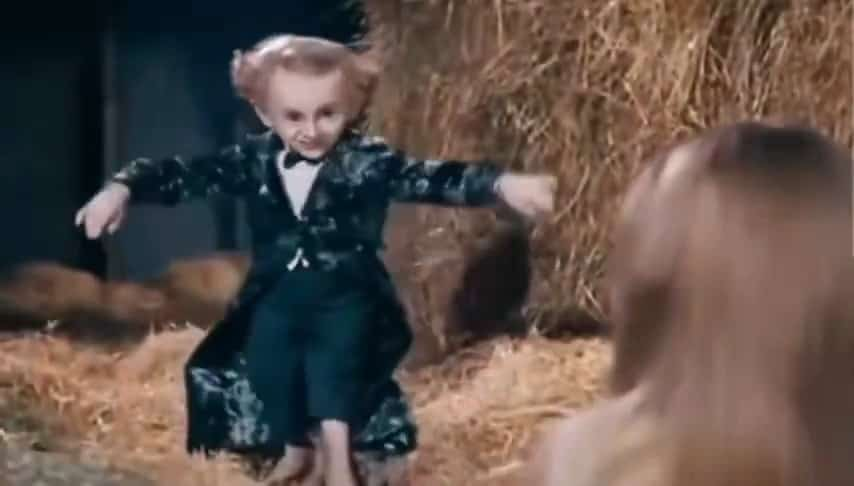


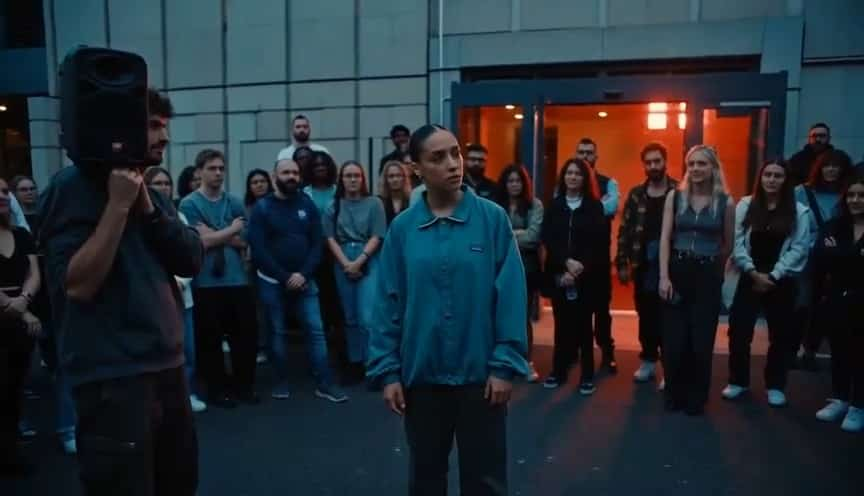






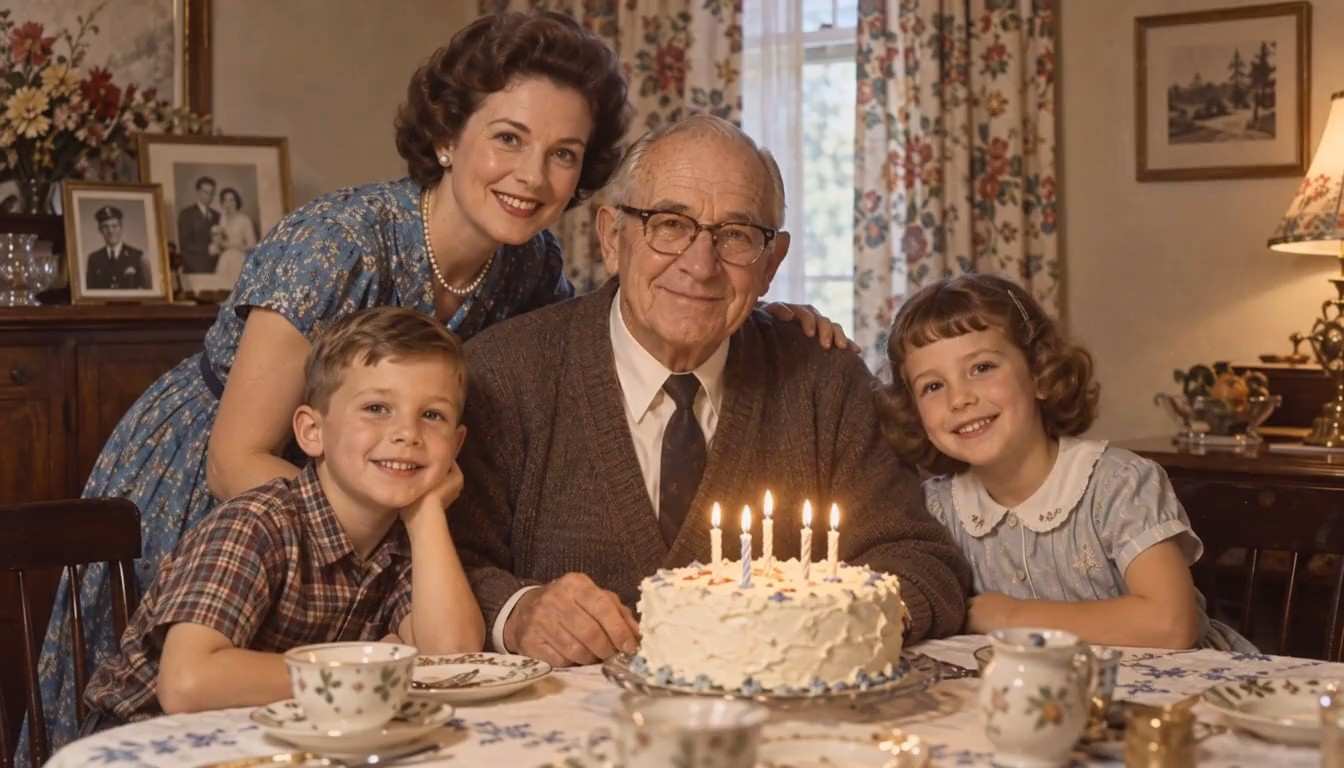






Why Choose Rubber Band Prank AI For This Joke
The humor comes from anticipation and reversal. Rubber Band Prank AI Video Generator gives you a focused way to cast a pair in that sequence, while Rubber Band Prank AI Template supplies the same central premise across your variations.
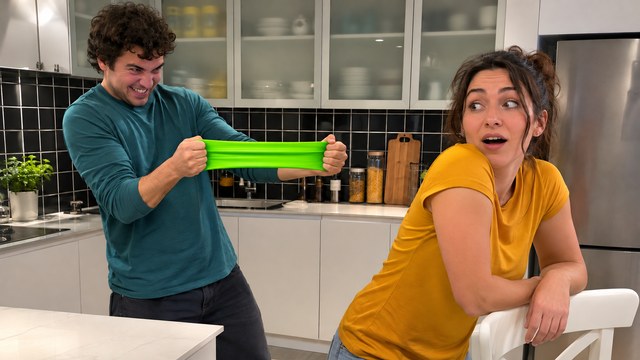
Cast Two Familiar Faces
The person who always starts a joke is an obvious choice for the first role. The friend who sees through everything makes a good second character. Let that relationship carry the scene. Rubber Band Prank AI Video Generator uses separate photos, giving each role its own appearance reference rather than asking you to find a perfect shared picture. Rubber Band Prank AI Template provides the setting and interaction that connect them.
To make a prank video from two photos, choose portraits with visible eyes, a clear mouth, and consistent facial detail. Avoid heavy filters or a crowd of competing faces. The source background is less important than the people: Rubber Band Prank AI Video Generator builds the prank around a kitchen reference. Rubber Band Prank AI Template is particularly suited to a pair whose personalities make the reversal funny. The personal connection makes the joke feel specific. For a couple prank video from photos, cast the partner whose personality makes the reversal obvious.
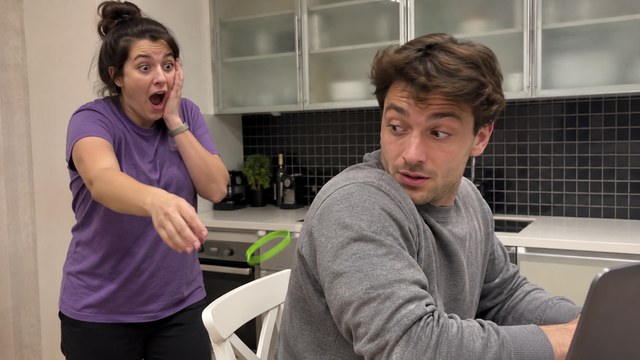
Keep The Backfire Easy To Follow
A rubber band prank backfire works when viewers understand who planned the joke and who receives the surprise. Rubber Band Prank AI Template organizes the sequence around that reversal. First comes the stretched green band, then the sudden return toward the prankster, followed by a startled expression. Rubber Band Prank AI focuses on a compact physical comedy setup rather than a collection of unrelated visual effects.
Rubber Band Prank AI Video Generator uses the motion reference to guide the scene progression. The reference supplies a common starting point for the framing and action; your uploaded photos supply the chosen characters. This makes an AI prank video without writing a prompt a practical creative format for people who already know the gag they want. Rubber Band Prank AI Template keeps the intended action narrow, and Rubber Band Prank AI Video Generator gives you a result to review as a complete sequence. Check that the reversal reads clearly, especially during fast movement or when a hand covers a face. A funny rubber band prank gone wrong should remain understandable even before someone reads the caption.
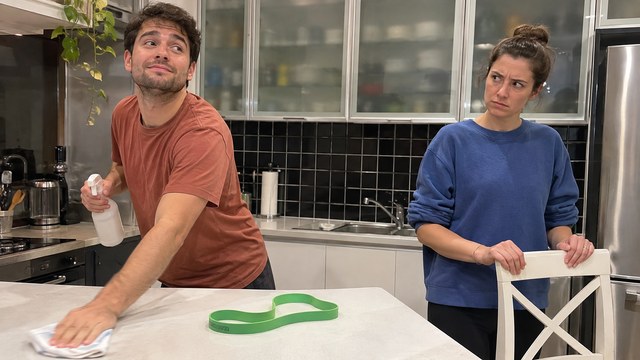
Give The Ending Room To Land
The awkward moment after the surprise is part of the entertainment. Rubber Band Prank AI includes this cover-up in its prepared direction. The template gives the second character a reason to turn around, so the ending feels connected to the opening action.
Use the generator to build a short comedy idea around that contrast: bold planning followed by obvious embarrassment. You can make a prank video from two photos and then choose a brief caption that suits the pair. Rubber Band Prank AI Template does not need a long explanation to introduce the premise, and Rubber Band Prank AI Video Generator does not ask you to perform the stunt yourself. Watch the final seconds before choosing your favorite take; a readable glance or an innocent pose may be the strongest part of the scene. The appeal is the whole miniature story, from confidence to an unsuccessful attempt to look casual.
Ideas For Your Rubber Band Prank AI Video
Choose an audience who knows the two characters. Rubber Band Prank AI Video Generator is useful for a joke that feels personal, and the template gives different pairs the same recognizable comic situation. Keep the caption short enough that the scene remains the main event.
Couple Comedy
Cast the partner who usually plans the pranks in the first role. The effect turns that familiar habit into a playful reversal, with the other partner noticing the aftermath. Rubber Band Prank AI Template provides a kitchen comedy setup for a teasing message or shared post. Let the rubber band prank backfire be the joke, then add a caption that both people enjoy. Use Rubber Band Prank AI Video Generator to make a couple prank video from photos for a joke both partners enjoy.
Roommate And Friend Replies
Use Rubber Band Prank AI Video Generator for the friend who is always convinced their next joke will work. The self-inflicted surprise gives the group an immediate reason to laugh. Rubber Band Prank AI can frame a friendly reply without assembling everyone for a video shoot.

Adult Sibling Group Chats
Rubber Band Prank AI Template can turn an old sibling rivalry into a small piece of comedy for the family chat. Put the usual instigator first, then the sibling who knows something is up. Rubber Band Prank AI Video Generator gives the idea a visual form from separate portraits. A rubber band prank gone wrong works best here as an affectionate joke that everyone involved understands.
Short Comedy Posts
Use Rubber Band Prank AI as a compact setup for a social comedy edit. Rubber Band Prank AI Template introduces the action quickly, leaving the reactions to deliver the ending. If you want an AI prank video without writing a prompt, prepare the two portraits and focus on who plays each role. Review framing and facial consistency before posting, and identify realistic synthetic content using the destination platform's AI labeling tools.
Creative Reactions To Rubber Band Prank AI
Illustrative names and reactions describe the appeal of this comedy format; they are not verified customer endorsements.
The reversal is what appeals to me. You understand the plan immediately, and the person with the most confidence gets the surprise. A familiar pair makes this simple joke feel personal.
I like that Rubber Band Prank AI Template includes the awkward pause after the snap. That is where a familiar face can make the scene feel personal. The final glance deserves time to finish.
Making an AI prank video without writing a prompt appeals to me. I would rather choose the right pair than describe a whole sequence. The prepared scene keeps that first decision simple.
The ordinary kitchen feels like a recognizable little mishap. I enjoy the contrast between a dramatic plan and an obvious attempt to look innocent, especially with two people who already have a playful dynamic.

Rubber Band Prank AI Questions Answered
Understand the photos, role order, and review process before starting Rubber Band Prank AI Video Generator. These answers explain the prepared scene and how to choose a useful source pair.
Rubber Band Prank AI is a photo-based video effect built around a kitchen prank that reverses on the person who planned it. A long green resistance band returns toward the prankster, followed by a surprised reaction and an awkward cover-up. Rubber Band Prank AI Template carries that scenario, while Rubber Band Prank AI Video Generator uses your uploaded photos to guide the two characters. It is a generated comedy scene, so you can explore the gag without staging the physical stunt.
For this scene, upload the prankster first and the friend second. The first character holds the band and receives the surprise; the second is near the counter and turns toward the commotion. Rubber Band Prank AI Template uses this assignment throughout its direction. To make a prank video from two photos, use one clearly visible adult in each image. With Rubber Band Prank AI Template, a couple prank video from photos starts with one clear portrait per partner.
No. Rubber Band Prank AI Template includes the effect direction, and the workflow is designed around adding photos and generating. You do not need to describe the kitchen or write a shot list. Rubber Band Prank AI Video Generator handles that prepared instruction as part of the effect. Choose clear source images, review the displayed settings, and check the finished sequence. This effect is suited to the fixed prank idea rather than an open-ended request for an unrelated story.
The reversal is the central joke. Viewers expect the person in front to be surprised, but the elastic returns toward the person holding it. The scene then follows the reaction and attempted cover-up. Rubber Band Prank AI Template is designed around this rubber band prank backfire sequence, not an instructional demonstration of a real stunt. Rubber Band Prank AI Video Generator creates the scene digitally; keep real resistance bands away from faces and eyes.
Watch both faces during the pull, snap, and turn. Rubber Band Prank AI Video Generator can produce variations, so check identity, hands, band movement, and the continuity of the kitchen. Rubber Band Prank AI Template supplies the intended action, but a clear source image still matters. If a face is obscured or the roles look confused, try a sharper portrait and confirm upload order. The effect works best as a readable joke, with enough of the ending retained to understand the embarrassed reaction.
Check the current generation panel for the available parameters and required credits before starting a generation. Rubber Band Prank AI Video Generator shows the workflow for this effect. Review the complete Rubber Band Prank AI Template result before deciding to generate another variation, since a new submission may consume additional credits. Processing time varies with the selected parameters and service demand. Check the displayed credit requirement rather than assuming that a free account includes this generation.
Create Your Own Rubber Band Prank AI Moment
Pick the confident prankster and the friend who will notice the aftermath. Rubber Band Prank AI Video Generator gives those two portraits a kitchen comedy to play, while Rubber Band Prank AI Template supplies the setup, surprise, and awkward ending. Start with clear photos, confirm the roles, and turn a familiar dynamic into a short visual joke. With Rubber Band Prank AI, your next group-chat reply can begin with a simple pair of portraits.