






More AI Video Generators
Explore our collection of specialized AI video generators designed for different creative needs and styles
Like Jennie AI Dance Trend: Lead Your Own Dance Crew
One Photo Puts You At The Center Of The Performance
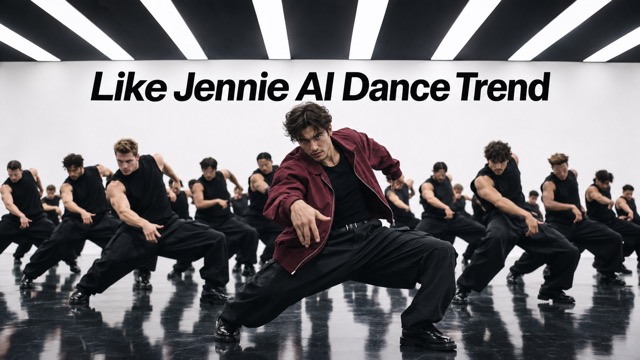
Turn one photo into a studio dance video with you leading a full crew. Your face, hairstyle, and outfit guide the central performer, while a prepared reference supplies the choreography and camera cuts. Move from an opening close-up to synchronized group scenes and overhead floor formations. Bring a distinctive look to a personal performance without learning the routine, filming yourself dancing, or organizing a room full of backup dancers.
How To Create Your Like Jennie AI Dance Trend Video
Upload your photo, generate the prepared dance, and download your favorite result. No choreography prompt is needed.

Upload Your Photo
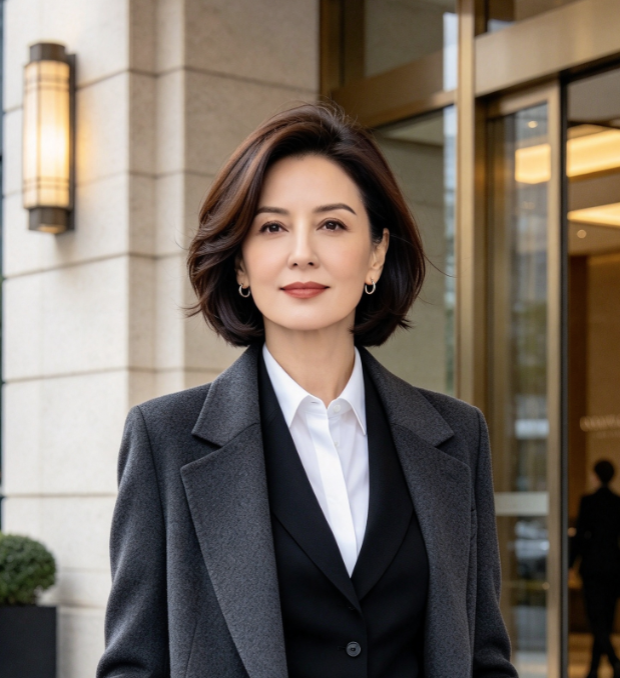
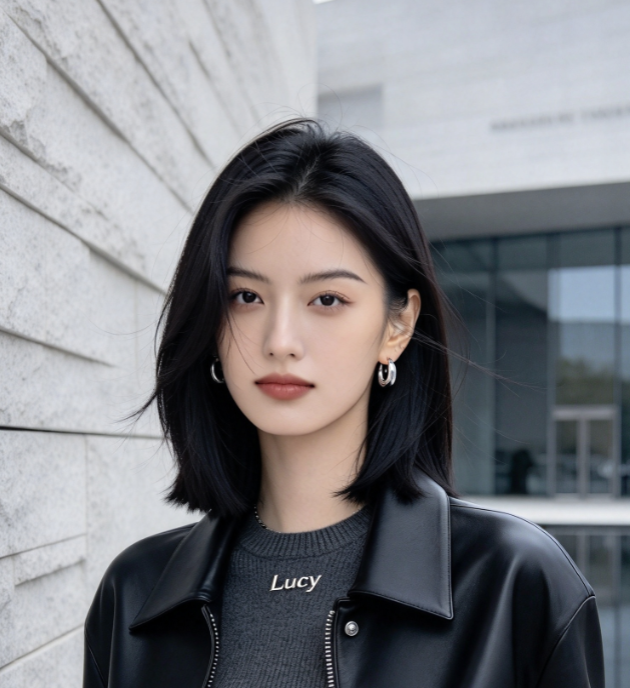
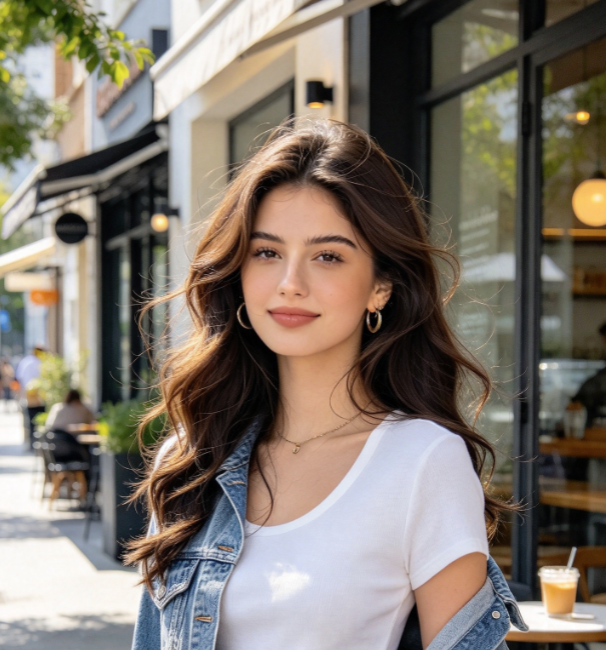
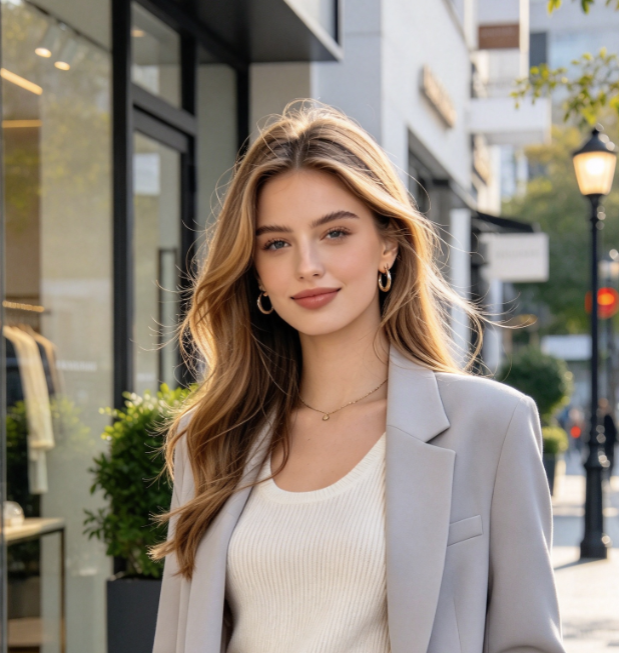
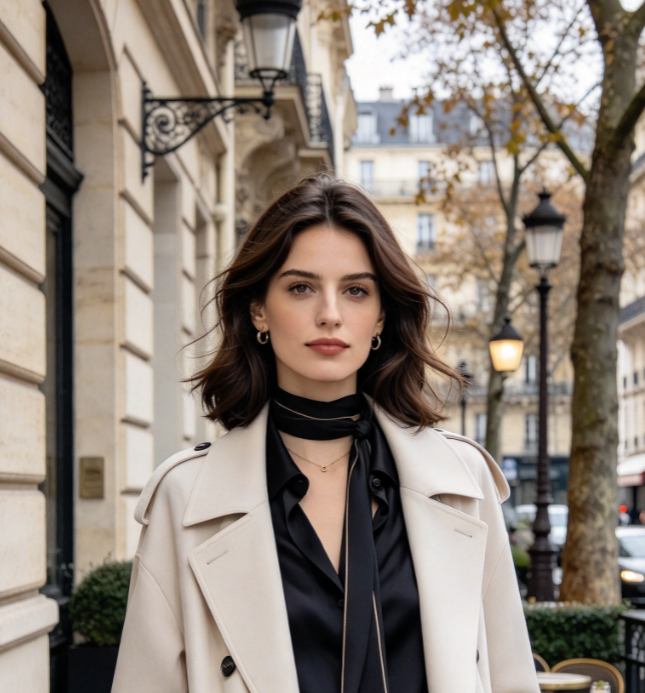
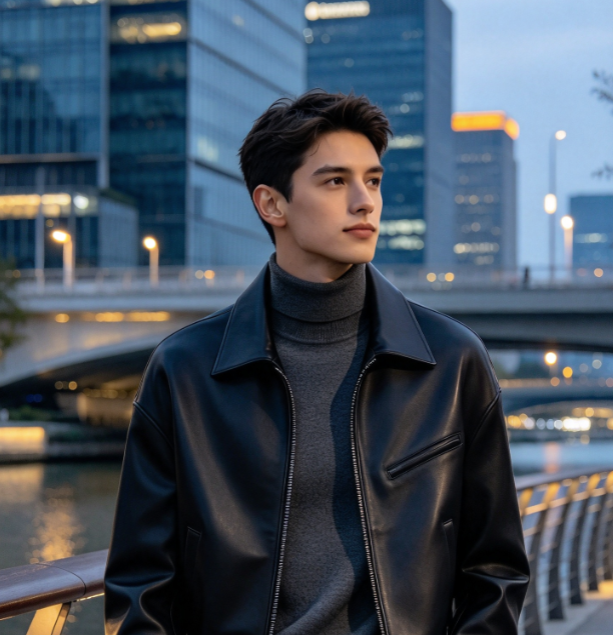
Upload a clear photo of one person with a visible face and outfit. Use even lighting and avoid blur, sunglasses, or other people in the frame.

Click Generate
Check the video settings and credit cost, then click Generate. Your photo guides the lead's appearance while the prepared reference supplies the dance, crew, and camera sequence.

Download Your Video
Watch the result and check your face, outfit, and movement across shots. Download your favorite version, then adjust its framing and soundtrack for your chosen platform.
Best AI Video Tools for Creative Projects
Explore creative tools for video, learn tips and tricks, and see how AI can be your assistant in turning concepts into finished projects.















What Makes The Like Jennie AI Dance Trend Stand Out
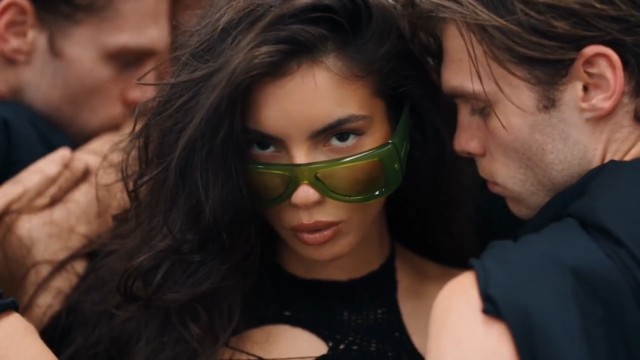
A recognizable lead, coordinated black-clad dancers, and changing camera angles give this template its character. Your photo brings the personal detail; the prepared studio routine provides the visual structure.
Your Face And Outfit In The Like Jennie Dance
Give the lead a look your friends recognize. Your uploaded photo guides the performer's facial features, hairstyle, and visible clothing through close shots, group choreography, and floor poses. A clear silhouette or distinctive color helps your character stand out against the black-clad crew. Choose a waist-up or full-body photo when the outfit matters: showing more detail gives the model a stronger appearance reference across the different camera angles.
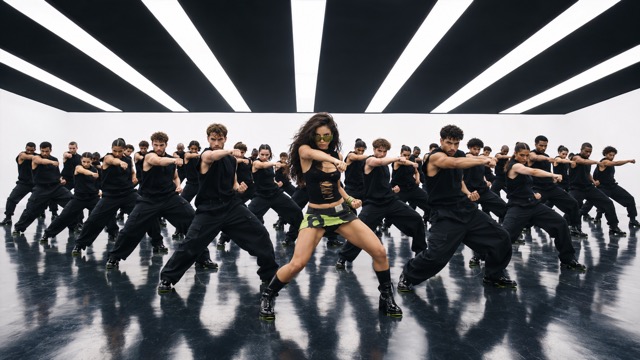
Lead A Coordinated AI Dance Crew
Take the front position in a large ensemble, with bright white studio walls and a dark reflective floor framing the performance. Black outfits and staggered rows create a strong visual contrast around the lead. The prepared routine guides synchronized arm accents, stance changes, and coordinated drops, bringing the group into one scene. You choose the portrait and personal look, while the reference provides the formation that makes the performance feel connected.
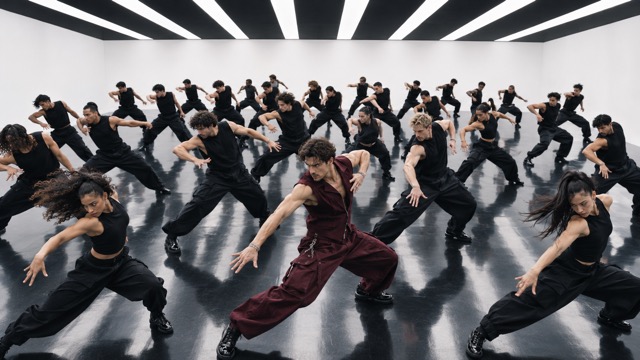
Follow The Like Jennie Dance Camera Sequence
Give your clip the progression of a short music-video scene. The reference moves from a tight opening to frontal group views, angled choreography, and overhead compositions, with instructions to keep the same lead throughout. Each viewpoint reveals a different part of the performance: your expression, the crew's movement, or the arrangement across the floor. Watch the transitions when reviewing your result, especially where fast cuts or overlapping dancers briefly obscure the lead.
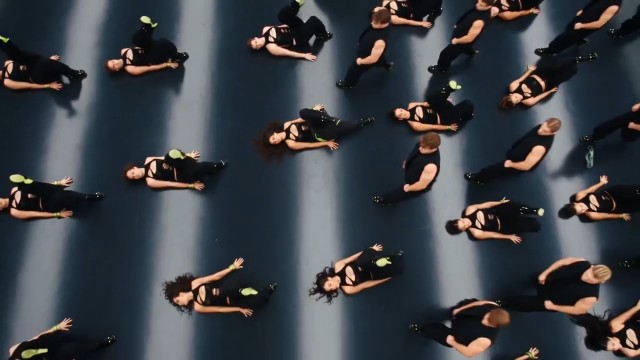
Complete The Dance With Overhead Floor Formations
Carry the performance beyond the standing choreography. Later shots bring the dancers onto the reflective floor, then reveal their geometric arrangement from above. This changing perspective is a defining part of the template, so the reference includes the floor sequence alongside the opening and group scenes. The lead keeps a distinct role within the ensemble. Review the ending as carefully as the opening when selecting the version you want to share.
Creative Ways To Use The Like Jennie AI Dance Trend
Turn a familiar face and a distinctive outfit into a personal post, fan edit, or surprise for friends. Choose the context first, then pick a photo that makes the lead instantly recognizable.

Like Jennie Dance Posts For K-Pop Fans
For fans who enjoy music-video choreography, turn a favorite photo of yourself into a playful lead-dancer concept. Share it alongside your thoughts on the routine or your own dance practice. The prepared ensemble gives the clip a performance setting, while your face makes it personal without needing a studio shoot or a rehearsed cover.

AI Dance Clips For Short-Form Creators
For creators building a dance-themed post, use the generated performance as a starting clip for your edit. Introduce the portrait first, then reveal the studio scene to make the change easy to follow. Check how the wide composition fits your chosen platform before cropping, since the backup dancers and floor formations need room to remain visible.

Personal Dance Videos For Birthday Surprises
For a friend who loves taking the spotlight, use a photo they are happy for you to transform into a dance clip. Send the result with a personal message or include it in a birthday montage. The joke comes from seeing someone familiar lead an entire crew, especially when their recognizable everyday outfit stays part of the scene.

Studio Dance Concepts For Distinctive Outfits
For style creators and character designers, explore how a chosen look reads as the central figure in a group performance. Start with a clear image showing the intended clothing and silhouette. The studio's restrained colors make a contrasting lead outfit easy to notice, giving you a playful visual concept to discuss before planning a real shoot.
Like Jennie Dance: Creative Perspectives
These fictional reactions illustrate creative goals for this page. They are not verified customer reviews; they describe the appeal of the workflow and performance concept.
I like that the idea gives me a place at the front of a whole dance crew. My own outfit makes the performance feel personal instead of like a generic dancer clip.
The changes from close shots to the full group give me a clear structure to work with. I would keep the wide framing so the choreography still has room to breathe.
The floor formation is the detail that makes this version interesting to me. It feels like a complete performance idea, with an ending worth watching rather than just an opening pose.
Putting a familiar friend in front of a serious-looking dance crew is a fun contrast. I would choose a photo with their usual outfit so everyone recognizes the person immediately.
The black-clad supporting dancers make the lead's clothes the obvious focal point. That is what appeals to me: seeing how a strong color or silhouette changes the feel of the scene.
Starting from one photo makes this idea approachable for me. I can spend my time choosing a good portrait and checking the finished sequence instead of trying to explain every dance movement.
Like Jennie AI Dance Trend: Frequently Asked Questions
These answers cover the lead role, reference sequence, photo choice, and practical decisions before sharing your clip.
It creates a personalized dance-video concept using one photo as the lead's appearance reference and a prepared studio video as the motion reference. This version features a black-clad ensemble, white walls, a reflective floor, changing camera angles, and overhead floor formations. It is a specific template variation, rather than an open-ended choreography editor.
Use one clear person photo with a visible face, natural lighting, and clothing you want to carry into the clip. Waist-up or full-body framing provides more outfit detail than a tight headshot. Avoid heavy blur, hidden eyes, and overlapping people. Choose a picture of yourself or someone who agrees to the transformation.
No prompt is needed for this page's fixed workflow. The dance reference and instructions are prepared in advance, while you provide the person photo. Your image guides the lead's appearance; the video guides the scene, movement, and shot order. Check the generator's available settings and displayed cost before starting your request.
The instructions ask for a consistent lead across close views, group shots, and floor poses, using the visible details in your photo. Generated results can still vary, especially during fast movement or partial occlusion. Review the entire clip for changes in identity, clothing, hands, and body proportions before choosing a result to download.
This page is configured for one person as the lead dancer. It does not provide a separate pet mode or individual replacement controls for the supporting dancers. The crew remains part of the prepared scene. For the intended result, upload a single-person portrait and keep the focus on that person's recognizable face and outfit.
Watch the full result, then choose a crop that keeps the lead and important formations visible. A narrow crop can remove supporting dancers from a wide studio shot. If you want to use the song on a social platform, check that platform's available music options; this page does not promise a licensed soundtrack in the download.
Create Your Like Jennie AI Dance Trend Video
Choose the photo that looks most like you, bring a distinctive outfit, and step into the prepared studio routine. Create your own group-dance concept, review every shot, and keep the version that makes the lead feel unmistakably yours. Your next performance starts with one image.