











More AI Video Generators
Explore our collection of specialized AI video generators designed for different creative needs and styles

I Just Beat The Case AI Template
Your Photo, Your Victory Dance
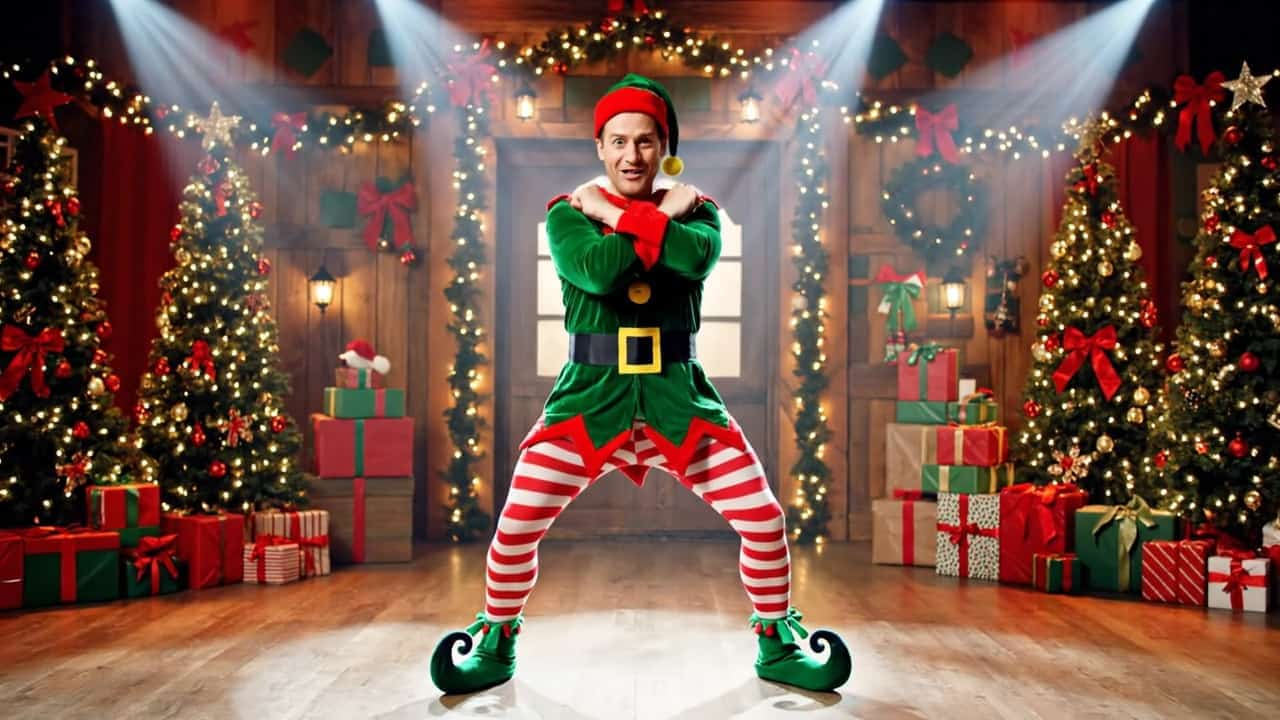
Put yourself in a triumphant courthouse dance with the I Just Beat The Case AI Template. Your photo supplies your appearance, while a prepared video guides the entrance, gestures, sideways kicks, and final bounce. Create an I Just Beat The Case AI Video when a tiny problem finally disappears. The I Just Beat The Case AI Template turns that familiar relief into an exaggerated celebration you can personalize without filming the routine yourself.
How To Use The I Just Beat The Case AI Template
Start the I Just Beat The Case AI Template with a recognizable photo, review the settings, and watch the result. Review the whole clip before sharing.

Upload Your Photo
Choose one clear person photo for the I Just Beat The Case AI Template. Show the face and intended outfit clearly. A full-body image gives your I Just Beat The Case AI Video more clothing detail, especially during the wide dancing shots.

Click Generate
Check the available settings and displayed credit cost, then start the I Just Beat The Case AI Template. Your photo guides identity; the reference supplies the action. No separate choreography prompt is needed.

Download Your Video
Watch your I Just Beat The Case AI Video from the opening doors to the final squat. Check the face, hands, clothing, and moving feet before downloading your preferred result. Add a caption and suitable audio before sharing.
Best AI Video Tools for Creative Projects
Explore creative tools for video, learn tips and tricks, and see how AI can be your assistant in turning concepts into finished projects.




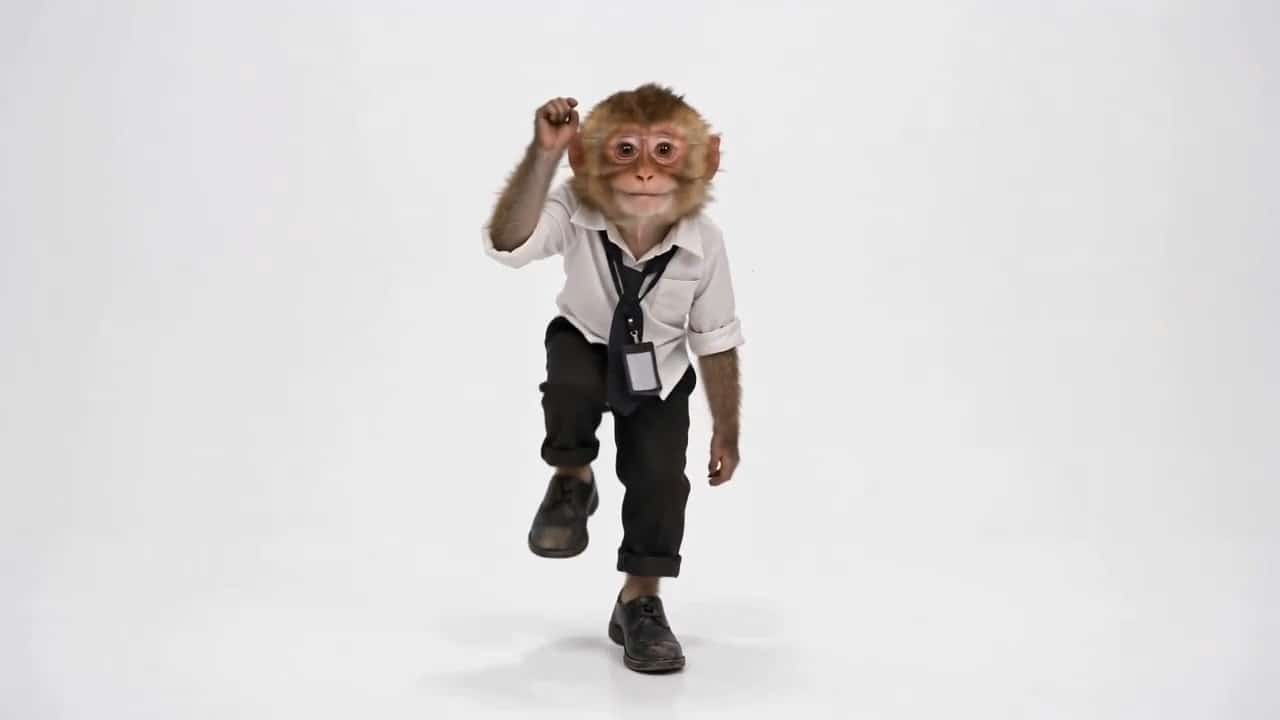




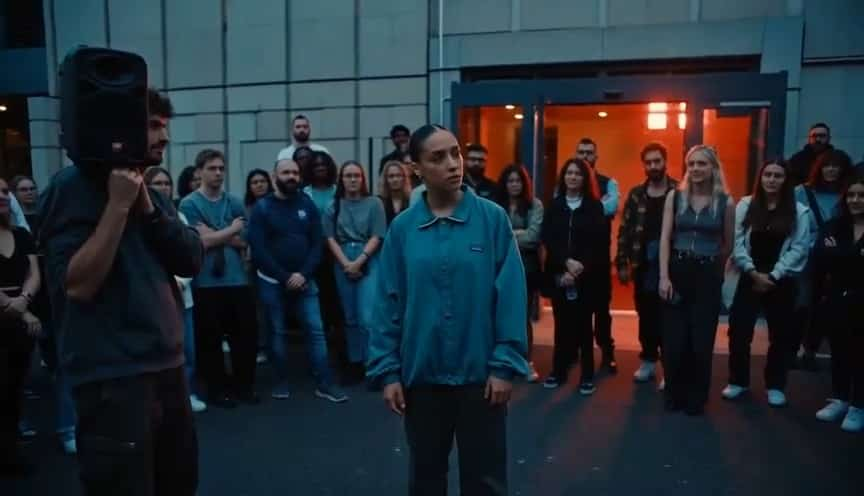






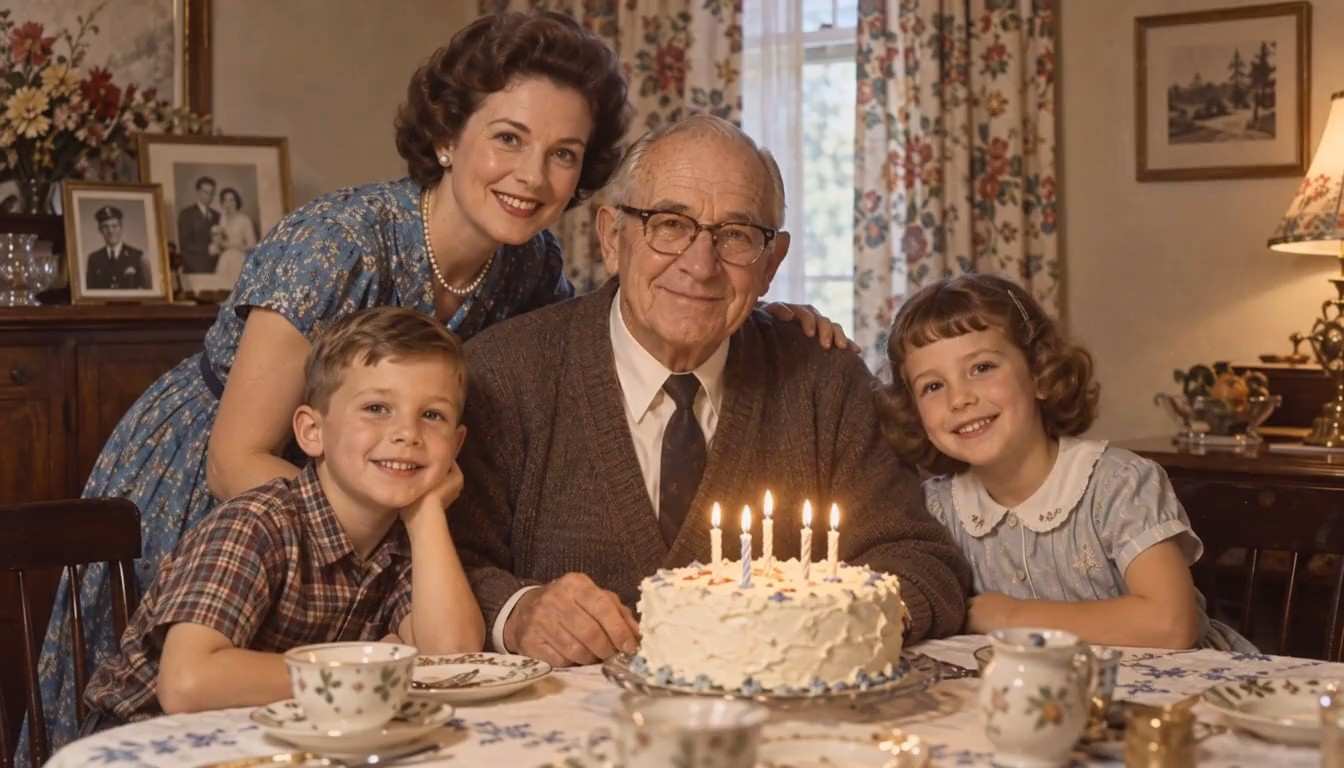






Explore The I Just Beat The Case AI Template
The I Just Beat The Case AI Template combines a familiar entrance with oversized confidence. Each part of the I Just Beat The Case AI Video establishes the scene, reveals your face, builds momentum, or finishes the joke.

A Courthouse Entrance With The I Just Beat The Case AI Template
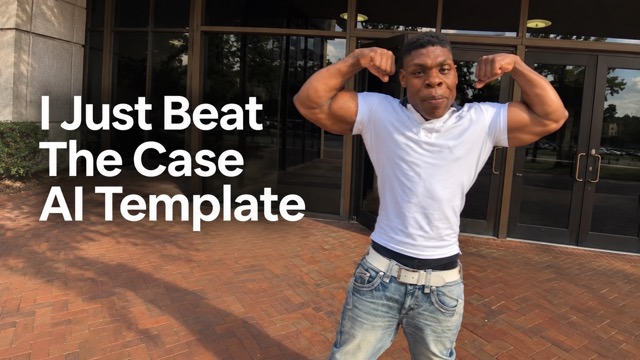
The I Just Beat The Case AI Template opens at glass doors beside a brick walkway, establishing the setting before the celebration takes over. Your character approaches the camera so viewers can recognize the face and outfit. An I Just Beat The Case AI Video needs no lengthy introduction: the movement explains the mood. The I Just Beat The Case AI Template connects this entrance to the later dance, keeping the comic progression intact.

Make The I Just Beat The Case AI Template Feel Like You
The I Just Beat The Case AI Template uses your image as the appearance reference, including visible hair and clothing. The pointing gesture brings those details closer. Choose a clean photo for your I Just Beat The Case AI Video, with enough light to read the eyes. The I Just Beat The Case AI Template is a creative transformation, so inspect identity consistency throughout the finished clip.

Keep The I Just Beat The Case AI Template Moving
The I Just Beat The Case AI Template moves from direct gestures to a raised-arm flex and sideways skipping kicks. The handheld camera follows the lead along the walkway, keeping the energy spontaneous. That progression gives an I Just Beat The Case AI Video more personality than a single victory pose. With the I Just Beat The Case AI Template, the reference guides timing and direction while your appearance supplies the personal variation.

Finish The I Just Beat The Case AI Template With A Punchline
The I Just Beat The Case AI Template carries the performance into a lowered stance, giving your caption a clear endpoint. Keep the feet visible when framing an I Just Beat The Case AI Video; tight crops can hide the funniest movement. Review the ending, then choose audio in your posting app that fits the joke.
I Just Beat The Case AI Template Uses
Use the I Just Beat The Case AI Template to celebrate small wins with oversized confidence. Connect the walkout to an everyday win with a specific caption.

The I Just Beat The Case AI Template For Everyday Wins
For students, the I Just Beat The Case AI Template turns a completed deadline or solved problem into a playful victory lap. Pair your I Just Beat The Case AI Video with a caption about the actual moment, such as finishing an assignment. The contrast turns an ordinary success into a dramatic punchline.

The I Just Beat The Case AI Template For Group Chats
For friends, the I Just Beat The Case AI Template offers a personal reaction clip when someone escapes an inconvenient plan. Choose a photo the person is happy for you to use, then send the I Just Beat The Case AI Video with a short message.

The I Just Beat The Case AI Template For Short-Form Posts
For creators, the I Just Beat The Case AI Template supplies a clear beginning, energetic middle, and comic ending for a trend-inspired edit. Add a concise caption, then let the I Just Beat The Case AI Video carry the reaction. Preview the crop inside your publishing app so interface overlays do not hide the pointing gesture, moving feet, or final pose.

The I Just Beat The Case AI Template For Gaming Reactions
For gamers, the I Just Beat The Case AI Template can celebrate escaping a close round or finally clearing a stubborn challenge. Place the I Just Beat The Case AI Video after the gameplay moment. The I Just Beat The Case AI Template works as an exaggerated reaction insert, adding a recognizable face and physical punchline.
I Just Beat The Case AI Template Reactions
These fictional reactions illustrate creative uses and preferences, rather than verified customer reviews.
The I Just Beat The Case AI Template has a clear visual joke. I like how a serious-looking entrance turns into a huge celebration, leaving space for my own small-win caption.
I would use the I Just Beat The Case AI Template after a difficult deadline. The I Just Beat The Case AI Video idea makes that ordinary feeling of relief much more expressive than a selfie.
The I Just Beat The Case AI Template gives me a complete reaction. I can imagine cutting from a tense match straight into that ridiculously confident walkout.
What appeals to me about the I Just Beat The Case AI Template is the familiar outfit. Seeing someone recognizable doing the celebration is what would make the clip land in our chat.
I like the wide movement in the I Just Beat The Case AI Template. An I Just Beat The Case AI Video would need room around the feet, so I would check the crop before posting.
The I Just Beat The Case AI Template gives me a specific scene. I would focus on a clear photo and good caption instead of describing the dance.





I Just Beat The Case AI Template Questions Answered
Prepare your photo and understand the I Just Beat The Case AI Template workflow, from its reference sequence to audio choices and checking the final clip.
The I Just Beat The Case AI Template creates a celebratory courthouse walkout. Your image supplies the lead's appearance; a prepared reference guides the scene and movement. An I Just Beat The Case AI Video is a humorous reaction clip with an entrance, expressive gestures, sideways kicks, and a final lowered pose.
Use one clear person photo with an unobstructed face and visible clothing. Full-body framing helps the dancing shots in the I Just Beat The Case AI Template. Avoid overlapping people, blur, and dark shadows. Review your I Just Beat The Case AI Video for facial and outfit consistency, especially during faster movement.
The I Just Beat The Case AI Template has prepared instructions and a built-in motion reference. You provide the person photo rather than describing each action. Check the settings and displayed credit cost before starting your I Just Beat The Case AI Video. The reference guides the entrance, gestures, camera movement, and ending.
Do not assume an I Just Beat The Case AI Video includes the exact original recording or synchronized speech. The I Just Beat The Case AI Template uses visual reference and character replacement. Listen to your result, then choose suitable audio in your publishing app. Match it to the movement and caption before sharing.
Choose a photo of someone who agrees to the transformation. The instructions use visible face, hair, and clothing details as reference. Show the outfit clearly, including trousers and shoes when possible. Inspect close views and moving shots before sharing your I Just Beat The Case AI Video; generated details can vary.
Start with a sharp, evenly lit photo and review the entire clip. Look for a consistent face, coherent hands, grounded feet, and a complete ending. Keep enough space around the dancer when cropping your final post.
Try The I Just Beat The Case AI Template
Turn a familiar photo into an oversized celebration with the I Just Beat The Case AI Template. Choose a clear image, let the prepared routine guide the action, and review your I Just Beat The Case AI Video before sharing. Give your next everyday victory a punchline your friends will recognize.