



More AI Video Generators
Explore our collection of specialized AI video generators designed for different creative needs and styles
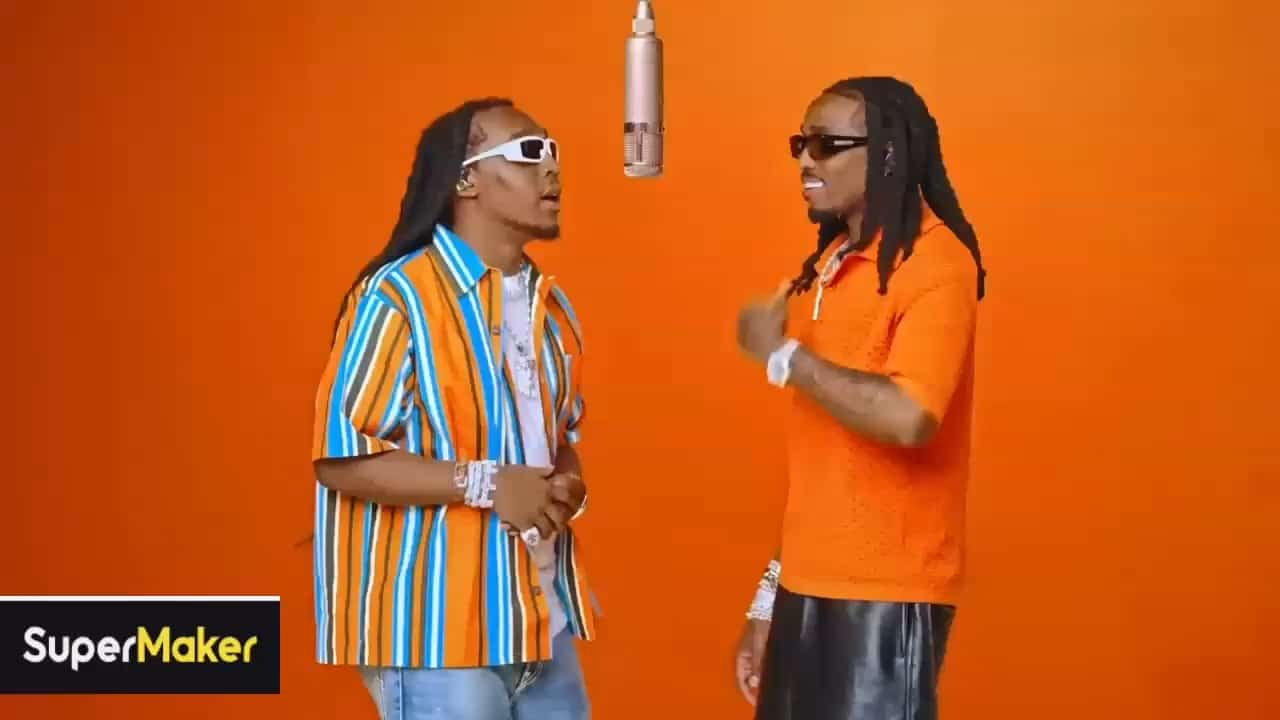
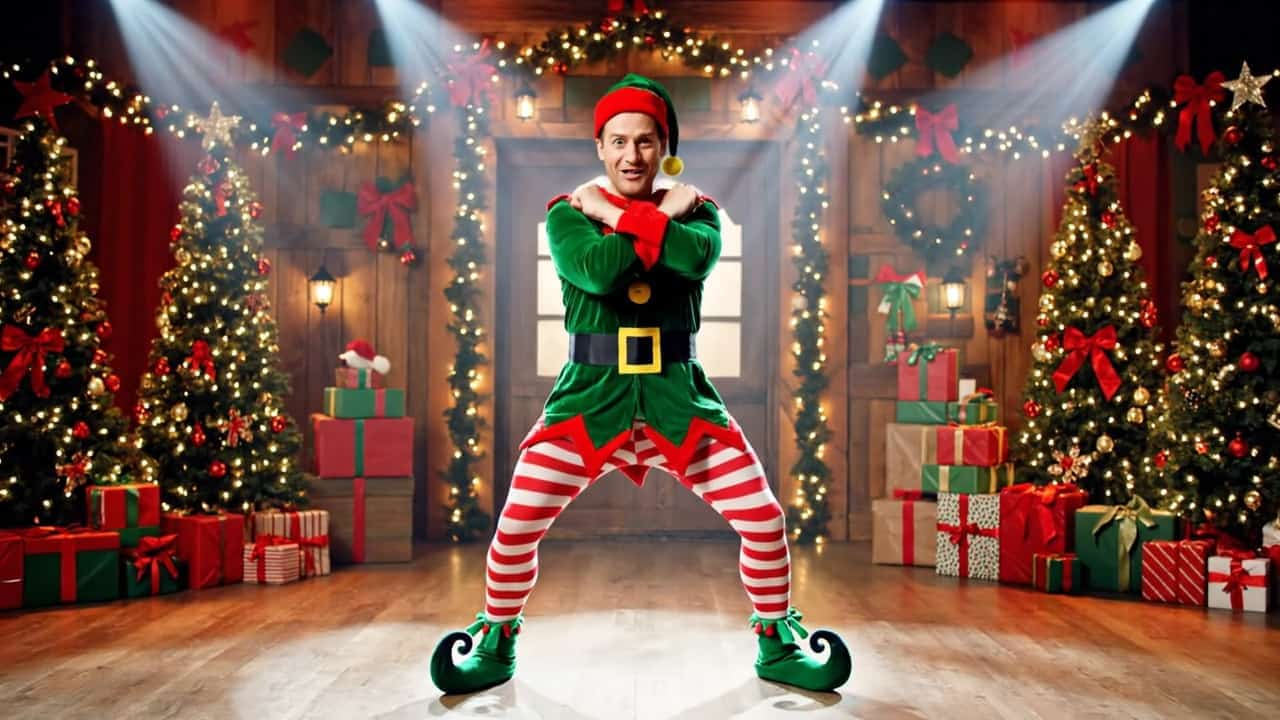
Christian Dior Dance Trend: Put Your Duo In Motion
Two Familiar Faces In One Playful Studio Dance
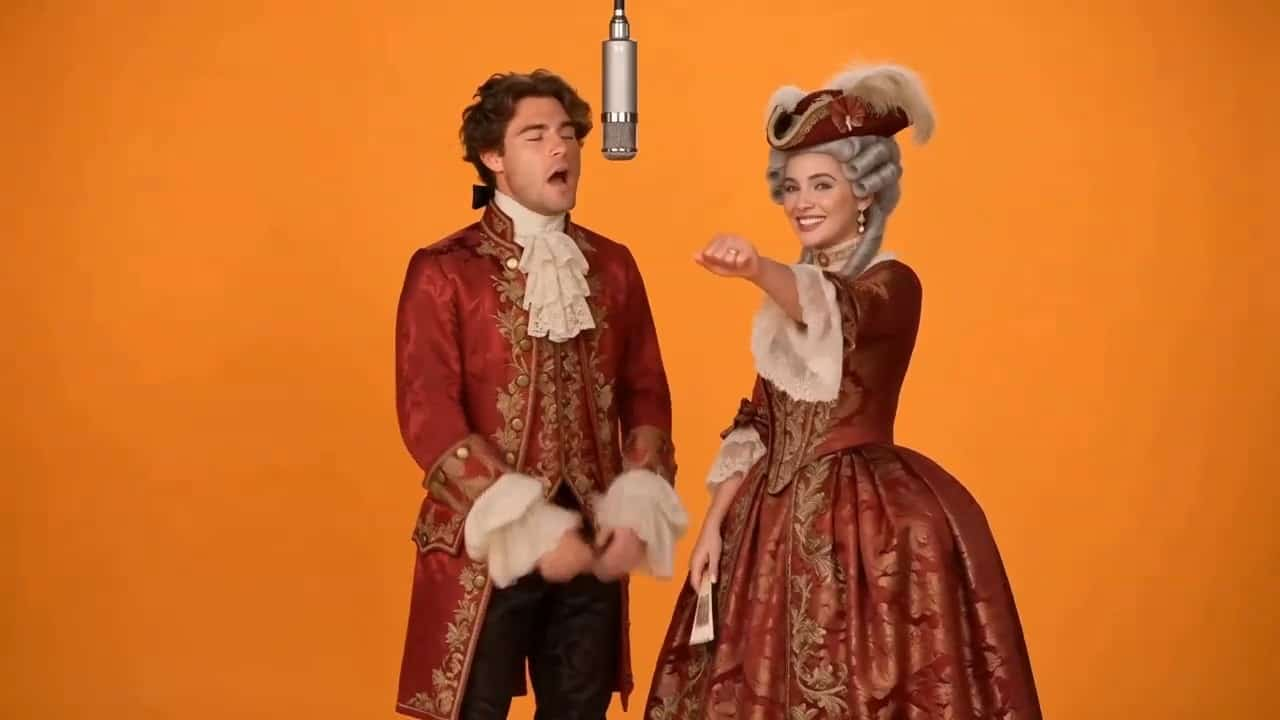
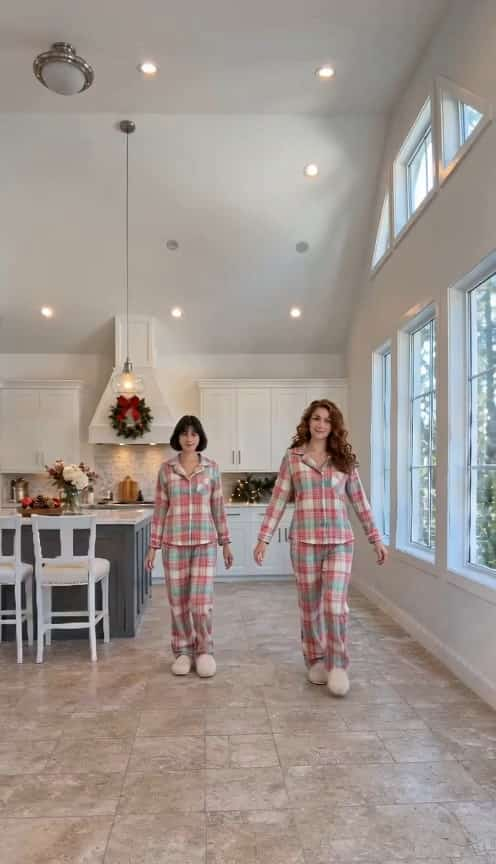
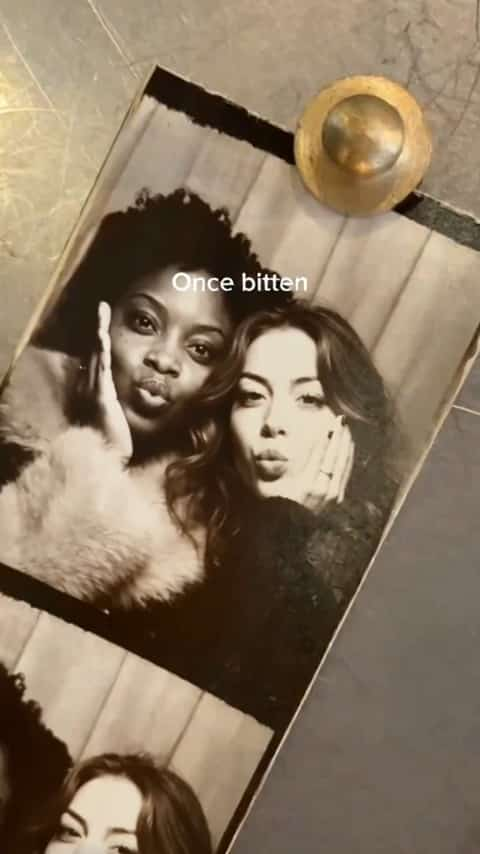
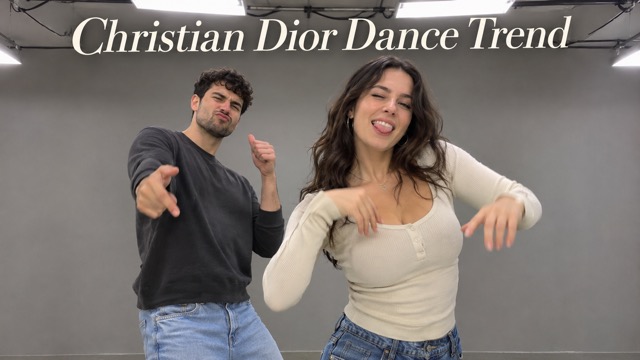
Bring yourself and a friend into the Christian Dior dance trend with a photo of you together. A prepared video guides the studio setting, gestures, and rhythm, while your picture provides the two dancers’ faces and outfits. Create a shared performance without arranging a shoot or learning every move. From small shoulder accents to the hand reaching toward the camera, the fun comes from seeing your own pair take the stage.
Make Your Christian Dior Dance Trend Video
Choose a clear photo of your pair, let the prepared routine guide the performance, then review the finished clip. Your creative starting point is the people and outfits you bring.

Upload Your Photo
Upload one photo showing both people with clear, unobstructed faces and visible outfits. The person on the left takes the reference’s left dancer role; the person on the right takes the right role. Avoid crowded group pictures and heavily overlapping faces.

Click Generate
Review the available settings and displayed credit cost, then click Generate. The dance direction is already prepared, so there is no choreography prompt to write. Your photo guides appearance while the reference supplies the movement, studio composition, and relative timing.

Download Your Video
Watch the whole result before downloading. Check both faces, the arm movements, and the final hand gesture, then save the version you like. Add a permitted soundtrack in your preferred editor or social app if you want music before sharing with friends.
Best AI Video Tools for Creative Projects
Explore creative tools for video, learn tips and tricks, and see how AI can be your assistant in turning concepts into finished projects.












Why Make Your Duo Dance Here?
A shared photo, a prepared movement reference, and a focused generation flow give you a practical way to try this two-person performance. Each part has a clear job: your picture supplies the identities, the video guides the routine, and you choose the result worth keeping.
Your Duo Becomes The Main Attraction
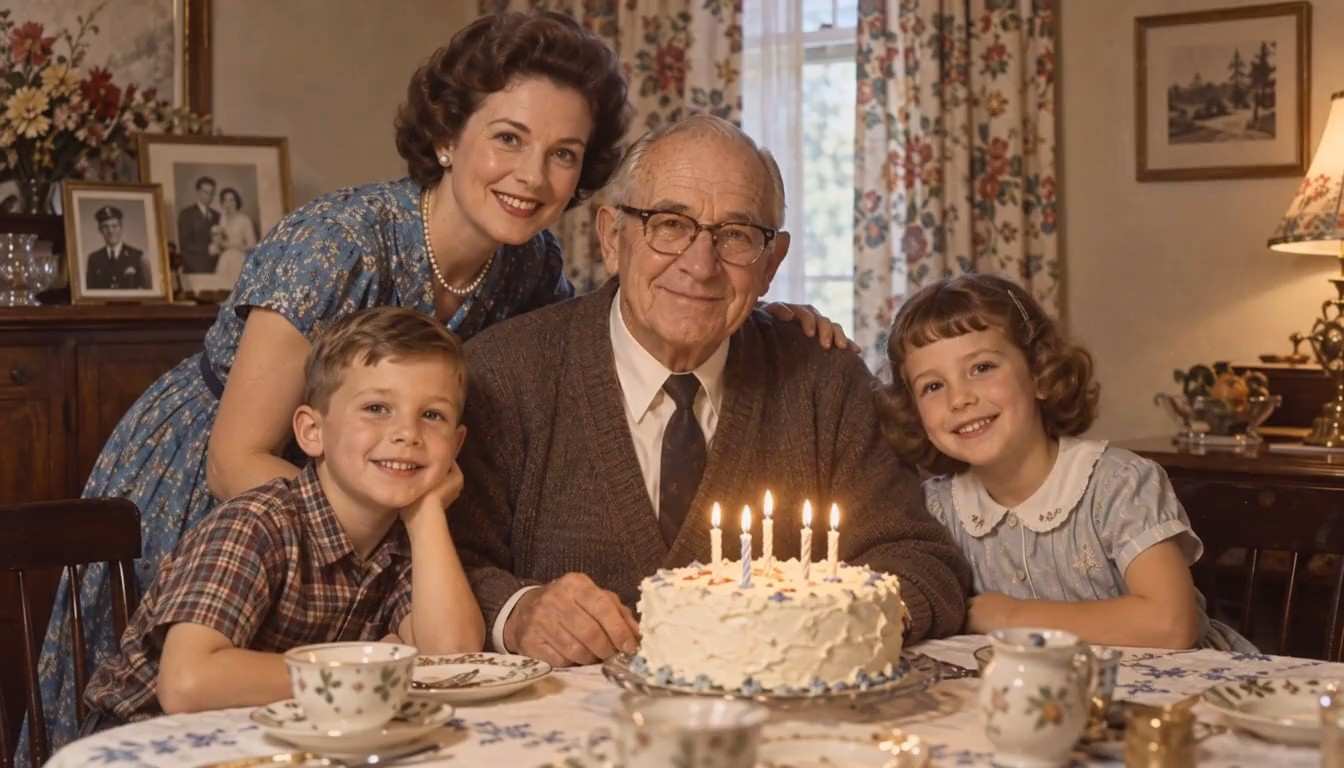
A dance trend feels more personal when you recognize both people. Use a photo with two distinct faces and let their hairstyles, visible outfits, and individual looks guide the performers. The prepared direction assigns each person a separate role, helping keep the pair easy to follow throughout the routine. Choose a favorite everyday picture or take a fresh one together; you do not need a photograph of yourselves already dancing.
A Prepared Routine Gives The Clip Direction
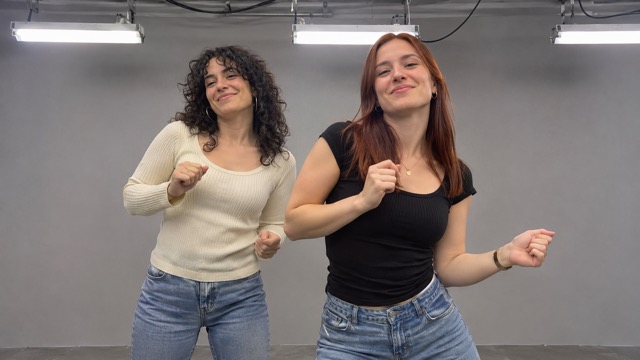
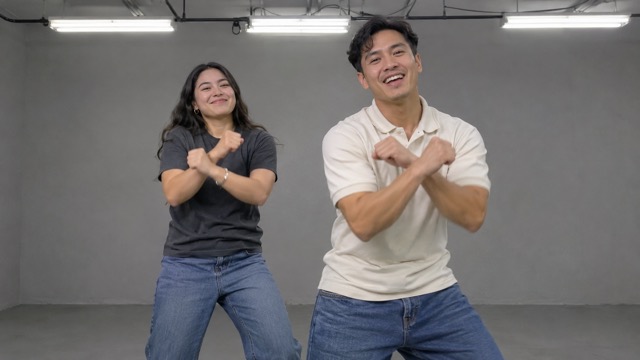
The Christian Dior dance trend reference provides more than a general suggestion to dance. It supplies the order of upper-body gestures, shoulder and hip accents, and the playful finish toward the lens. This gives the generation a visual movement guide instead of asking you to explain every beat. Keep your attention on choosing the pair and checking the result, with the performance shaped around one specific short-video variation.
A Simple Studio Keeps Both People In View
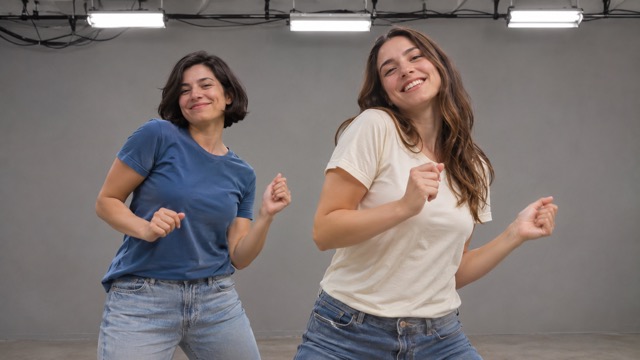
The reference uses a plain gray studio with visible overhead lights and a steady frontal view. One dancer stands slightly ahead, creating depth while keeping both people in the same performance. That modest setting leaves room for facial expressions, clothing, and hand movements to carry the clip. Your source picture provides the people; its original background is not the stage, so choose it for clear subjects rather than elaborate scenery.
A Playful Finish Makes The Moment Memorable
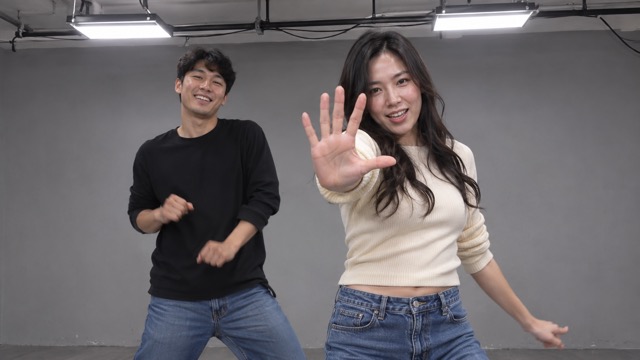
Small gestures lead into a final hand reaching closer to the camera, giving the duo a clear ending. The reference-guided direction asks for the same progression while keeping each person consistent through the movement. Watch that closing moment along with the rest of the clip before you save it. Once you have a version you enjoy, it becomes a personal video to send to your partner or include in a social edit.
Give Your Pair A Reason To Dance
The best starting point is a pair with a shared story. Make a small surprise, join a social trend with a collaborator, or turn a favorite snapshot into something you can enjoy together.
Best-Friend Video Surprises
Turn a photo of you and your best friend into a playful shared performance for a birthday message or a casual group chat. The familiar faces make the joke personal without needing everyone to meet for a dance shoot. Choose a picture with both people clearly visible, then send the clip after checking the result together.
Couples Trying A Trend Together
Create a couple’s dance moment from a photo you already like. It is a simple idea for partners who enjoy short-video trends but do not want to rehearse a routine or set up a camera. Bring contrasting outfits or a coordinated look, then use the finished clip as a lighthearted addition to a personal memory edit.

Short-Video Creator Experiments
Creators can explore the Christian Dior dance trend with a collaborator’s consent and a clear duo photo. Use the prepared scene as the foundation for a personal social post, then make your own caption and music choices outside the generator. Review the faces and gestures before including the clip in a feed, story, or compilation.

Party And Reunion Memories
Give a two-person snapshot from a party or reunion another life as a short dance clip. It can become a fun follow-up message for the people in the picture or a moment in a private recap. Pick two clear subjects rather than a crowded group photo so each dancer has a readable face and outfit.
Creative Reactions To The Duo Dance
These fictional creator perspectives illustrate how different people might use the page. They are examples of creative preferences, not verified customer testimonials or claims about tested generation results.
I like having the routine prepared before I start. Choosing a picture with my friend feels much easier than planning a shoot, and the shared performance gives us a fun idea to work with.
The two-person setup is what appeals to me. It gives our photo a shared story, and I can focus on the outfits and expressions instead of writing detailed dance instructions.
A familiar pair makes a birthday clip feel personal. I appreciate the simple studio setting because the attention stays on the people, their expressions, and the playful movement together.
The clear left-and-right roles help me choose the right photo. I want both friends to stay recognizable, so having an easy way to think about their positions is useful.
I enjoy the idea of turning a reunion photo into a short performance. It gives two friends another shared moment without asking them to film something after the event.
The hand gesture at the end gives the clip a playful finish. I like a routine with a clear beginning and ending that can fit into a personal social edit.
Christian Dior Dance Trend Questions
Get the essentials before you start: how to choose the photo, how the reference guides the pair, and what to check before sharing. These answers keep the focus on making your own duo clip.
Here, the Christian Dior dance trend refers to a short two-person social dance, using the supplied studio variation as its movement reference. This page turns a photo of your pair into an AI interpretation of that performance. The name identifies the trend; the page is not an official Dior service.
Use one photo containing exactly two people, with sharp faces and enough of each outfit visible to guide their appearance. Avoid faces hidden by hands, heavy blur, or extreme sideways angles. The photo’s left person maps to the left dancer, and the right person maps to the right dancer.
No choreography prompt is needed. The page uses a prepared movement direction and a built-in reference video, so your input is the photo of your two people. You can review the available generation settings before starting. The source photo should guide appearance, rather than supply the dance pose or studio background.
The reference guides the action sequence, framing, and relative rhythm, while your photo guides both identities. AI results can still vary, especially when hands pass in front of faces or people move quickly. Review each dancer throughout the clip and try a clearer source photo if important details drift.
The prepared reference is used for visual movement, and the page does not promise the original song or exact audio synchronization. After downloading, you can add music you are allowed to use in an editor or social platform. Check that platform’s available soundtrack and usage terms for your intended post.
You can download a result you like and include it in a personal message or social edit. Use photos you have permission to animate and get agreement from the other person before sharing their likeness. Review the finished clip, then choose captions and any added audio appropriate for your audience.
Give Your Duo A Dance Moment
Choose a clear photo of you and your favorite dance partner, then put your pair into the Christian Dior dance trend. Bring your own faces and outfits to the prepared studio routine, review the result, and keep the performance you want to share.