














More AI Video Generators
Explore our collection of specialized AI video generators designed for different creative needs and styles



AI Face Dance Generator for Expressive Photo Animation
Bring one portrait to life with an AI face dance generator
Upload one clear portrait to the AI face dance generator, describe the mood, and create an expressive dance clip. The AI face dance generator keeps the face recognizable while adding lively movement for social posts, character ideas, or playful messages.
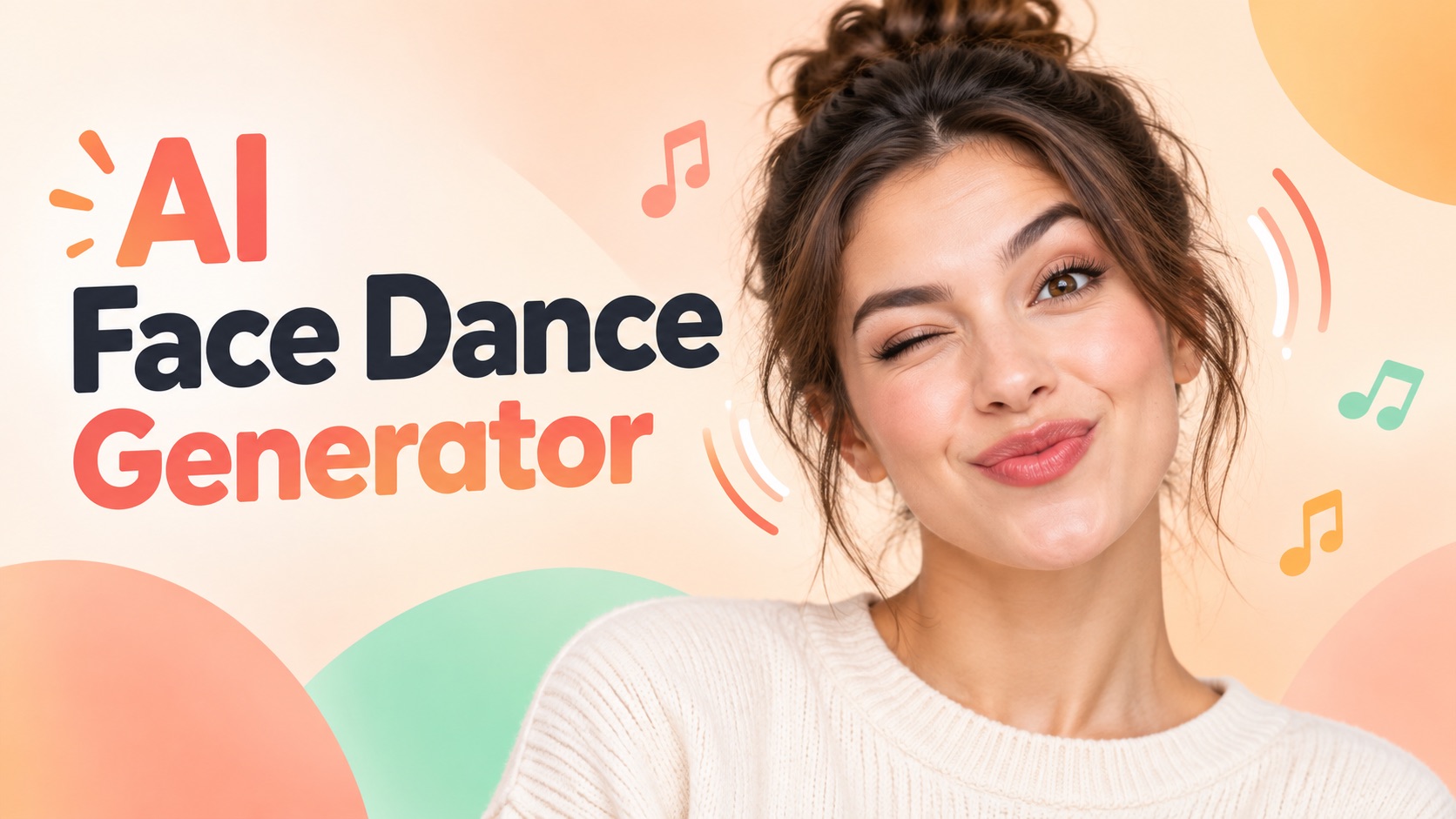
How the AI Face Dance Generator Works
The AI face dance generator uses a simple three-step workflow: upload a portrait, add a short dance direction, and review the generated video. This AI face dance generator is designed for fast creative exploration, so you can make a photo dance with AI without manual keyframes or a complicated editing timeline.

Upload a Clear Portrait
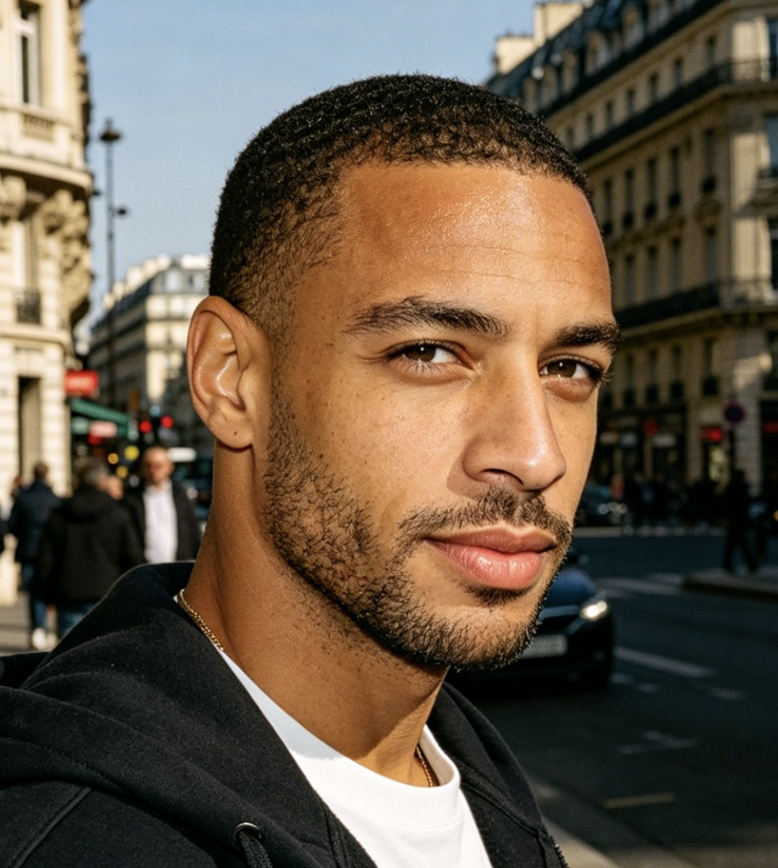
Upload a clear, front-facing photo with your face fully visible. A well-lit portrait helps AI Face Dance Generator recognize your facial features and create natural, expressive movements.

Generate Your AI Face Dance
Click Generate to bring your photo to life. AI Face Dance Generator automatically animates your eyebrows, eyes, cheeks, and mouth into a playful facial dance. No prompts or dance instructions are needed.

Preview and Download Your Video
Watch your AI Face Dance video and see your facial expressions come alive. Preview the result, then download your video to share on TikTok, Instagram, or with friends.
Best AI Video Tools for Creative Projects
Explore creative tools for video, learn tips and tricks, and see how AI can be your assistant in turning concepts into finished projects.

























Creative Control with the AI Face Dance Generator
The AI face dance generator combines a protected source-image workflow with flexible motion prompts. Use the AI photo dance generator to explore dance styles, test short-form ideas, and create an AI dance video from photo while checking identity, framing, and movement at every step.
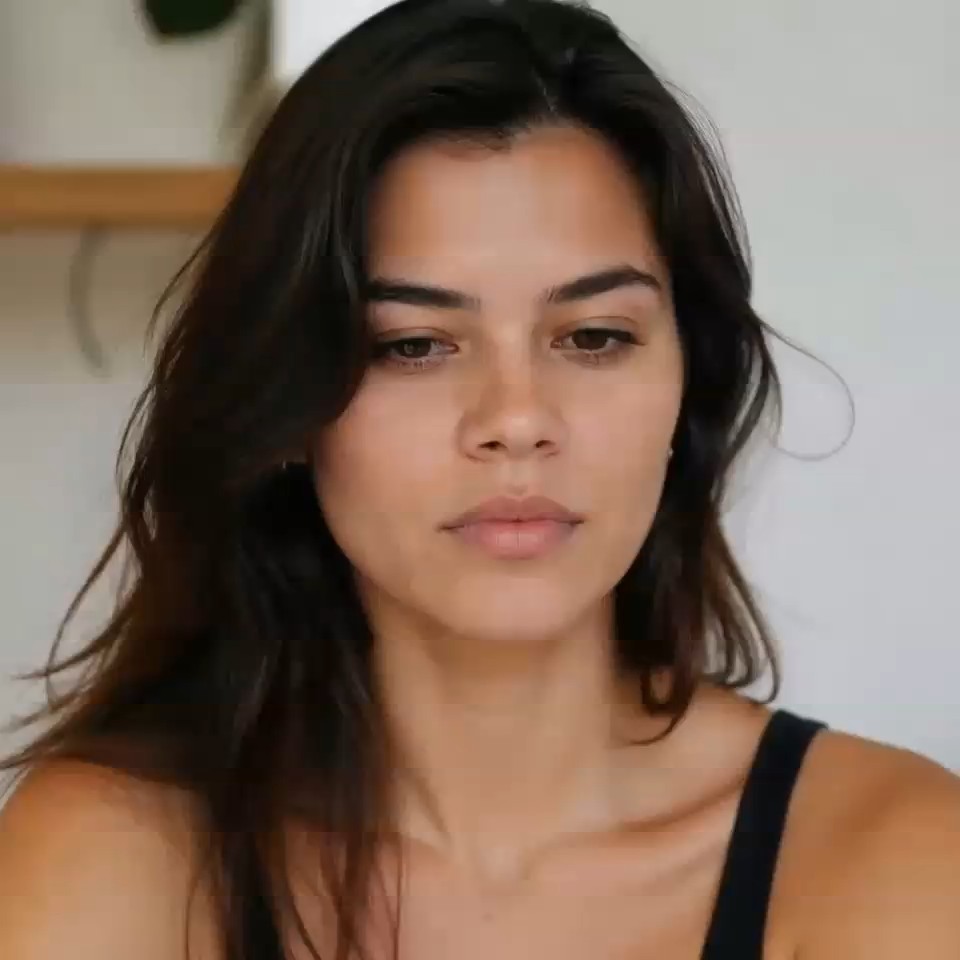
Keep the Face Central to the Performance
A useful AI face dance generator should treat the uploaded face as the visual anchor, not as a disposable detail. The built-in instruction asks the model to retain recognizable facial structure, hairstyle, clothing, lighting, and background while it adds dance motion. That makes the AI face dance generator suitable for portraits, avatars, illustrations, and character concepts where continuity matters. The AI face dance generator also keeps your request focused on motion rather than an unrelated scene change. For the clearest result, use an adult subject with an unobstructed face, balanced framing, and enough room for the shoulders or body to move. If the first clip changes too much, shorten the prompt and ask the AI face dance generator for gentler choreography. This practical workflow helps you make a photo dance with AI while staying close to the source image.
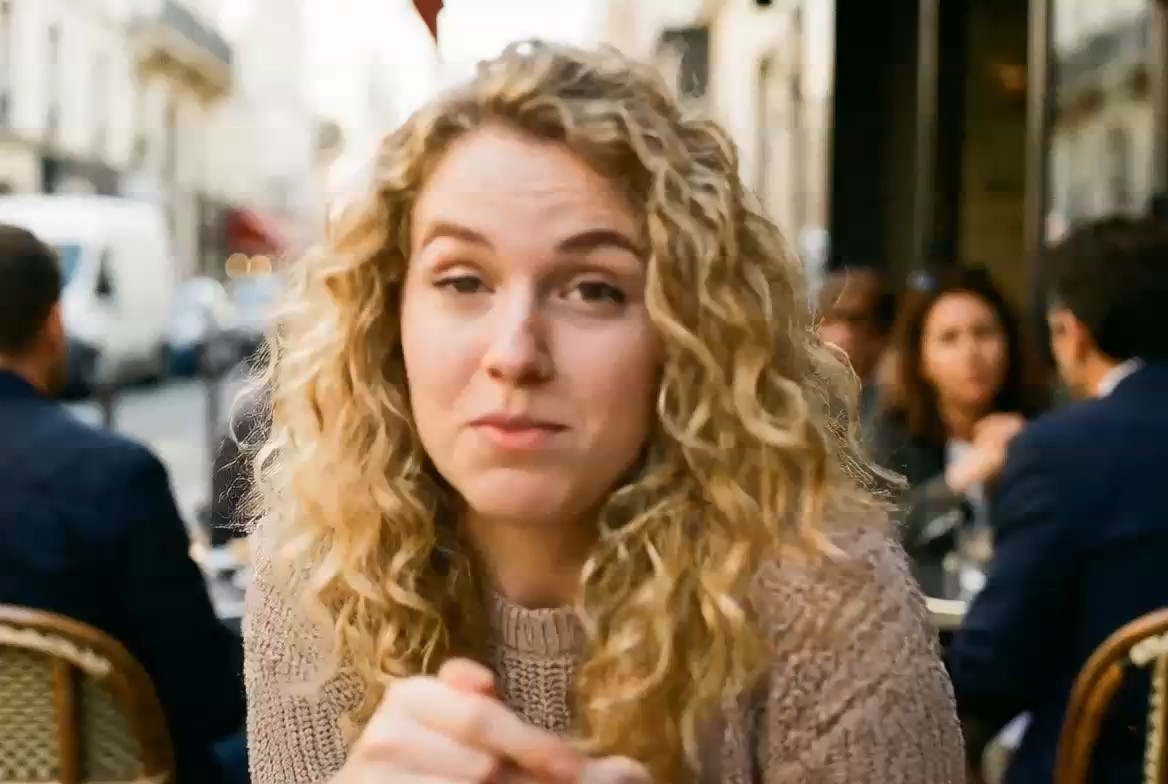
Animate Facial Expressions Without Writing Prompts
AI Face Dance Generator brings your portrait to life with playful facial movements, all from a single uploaded photo. Watch eyebrows bounce, eyes blink, cheeks lift, and lips form expressive smiles as your face performs a lively dance. No dance instructions or technical prompts are required. The built-in animation direction automatically focuses on facial expressions rather than full-body choreography, keeping shoulders, arms, and the background still. Whether you want a funny reaction clip or a cheerful animated portrait, AI Face Dance Generator makes it easy to turn photo into dance video with just one click.
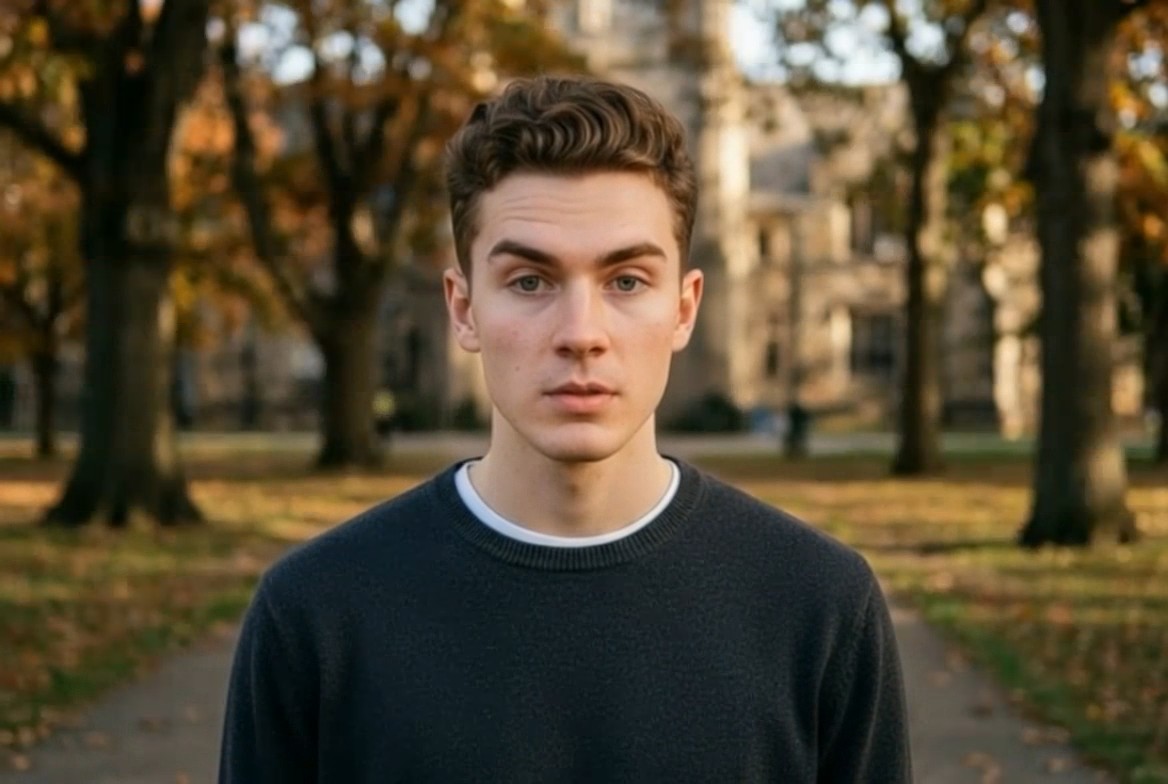
Create Short-Form Ideas from One Still Image
Use the AI face dance generator to explore motion before filming, animating, or editing a complete social post. A single portrait can become a reaction, character beat, playful greeting, creator hook, or draft for a short-form concept. The AI photo dance generator gives marketers and creators a quick way to test whether a still subject feels engaging in motion. Because the AI face dance generator starts from one image, it is also useful when a complete video shoot is not available. Frame the source image for the platform you plan to use, then request movement that stays readable within that composition. An AI dance video from photo works best when the dance does not push the subject outside the visible frame. Review each AI face dance generator result before sharing and regenerate if the face, hands, or background shift too much.
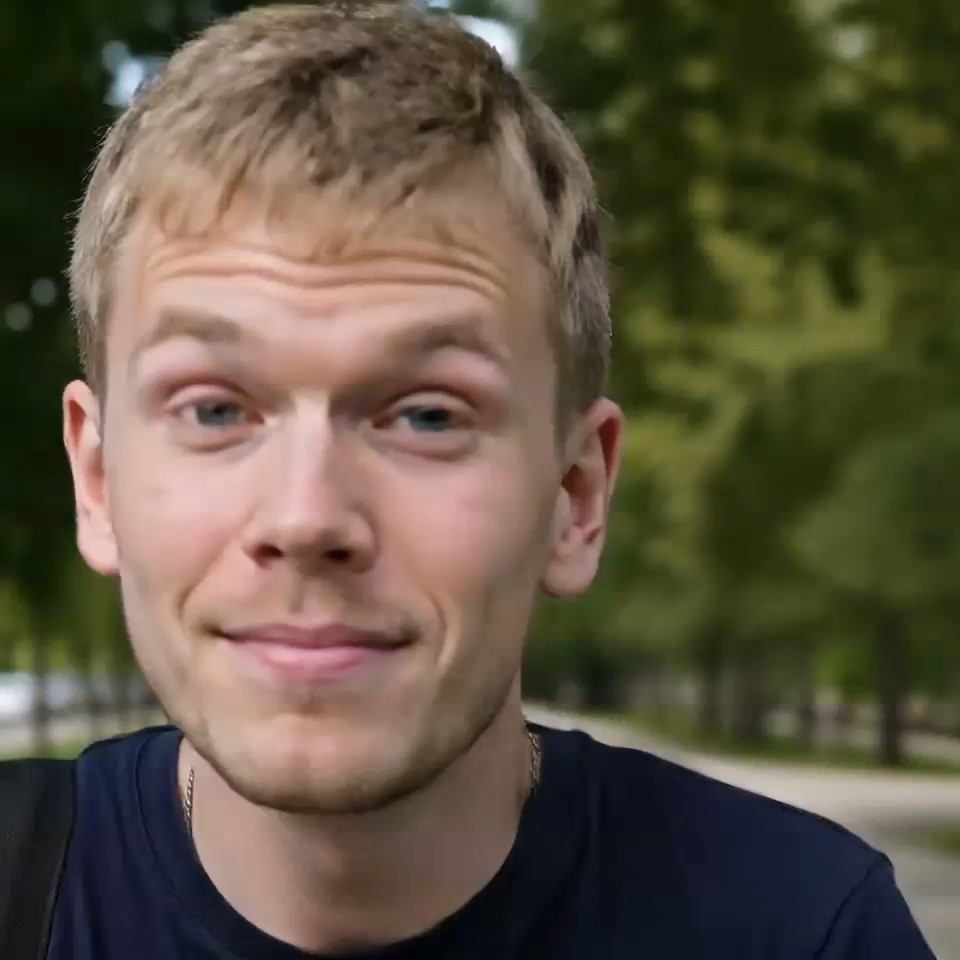
Turn Any Expression into a Fun, Shareable Video
Turn an ordinary portrait into an entertaining facial dance that captures attention in seconds. AI Face Dance Generator transforms a still face into a playful sequence of winks, eyebrow raises, cheek movements, and animated smiles. Create funny reaction videos, personalized greetings, animated profile pictures, or short clips for TikTok, Instagram Reels, and YouTube Shorts. Whether you want to surprise a friend or add personality to your social content, AI Face Dance Generator makes it easy to turn photo into dance video without filming yourself or learning animation skills.
Ways to Use an AI Face Dance Generator
The AI face dance generator can support creators, artists, marketers, and everyday storytellers. Whether you want an AI dance video from photo or a quick movement concept, the AI photo dance generator offers a practical starting point for testing how one still image can perform on screen.

Social Media Creators
Creators can use the AI face dance generator to turn portraits, profile images, or character art into lively hooks for vertical posts. The AI photo dance generator helps test different moods before building a longer edit. Use it to make a photo dance with AI for reaction clips, trend-inspired ideas, or playful intros, then review the output for identity and framing before publishing. The AI face dance generator is especially handy when a still visual needs a more dynamic first impression.

Character Artists and Storytellers
Illustrators can use the AI face dance generator to explore how a character might move, react, or perform without building a full rig. An AI photo dance generator can animate a polished drawing, avatar, or stylized portrait while the prompt defines the energy. This creates an AI dance video from photo that can support storyboards, concept reviews, or fan-content experiments. The AI face dance generator works best when the character has a clear face and readable body shape.
Marketing and Campaign Teams
Campaign teams can use the AI face dance generator to prototype motion for mascots, creator concepts, or attention-grabbing social variations. The AI photo dance generator offers a fast path to turn photo into dance video before investing in a complete production. Compare several prompt directions, choose the clearest performance, and treat the result as a creative option rather than a guaranteed campaign outcome. The AI face dance generator keeps the workflow accessible to non-animators.

Personal Greetings and Playful Messages
Use the AI face dance generator for lighthearted greetings, group-chat reactions, birthday concepts, or imaginative character messages. An AI photo dance generator can add cheerful movement to a permitted adult photo without requiring manual choreography. When you make a photo dance with AI, choose a clear source and a simple mood that matches the occasion. The AI face dance generator lets you iterate until the movement feels fun, readable, and appropriate for the people involved.
What Creators Say About the AI Face Dance Generator
These fictional examples show how different people might use the AI face dance generator to explore movement, refine a prompt, and compare creative directions with an AI photo dance generator.
The AI face dance generator helped me turn a static creator portrait into a playful hook for a concept reel. I liked that I could ask for calmer shoulder motion instead of rewriting a technical animation brief. The AI photo dance generator gave me several directions to compare, and the best AI face dance generator result became a useful reference for the final edit.
I used the AI face dance generator to see how a character design might feel in motion. The prompt was simple, and the AI photo dance generator let me soften the head movement while keeping the pose expressive. For an early AI dance video from photo, the AI face dance generator gave my storyboard discussion a much clearer starting point.
Our team tried the AI face dance generator during a campaign brainstorm to compare energetic and relaxed versions of the same mascot. It was an approachable way to turn photo into dance video without setting up a shoot. The AI photo dance generator made iteration quick, and each AI face dance generator result helped us discuss motion more concretely.
The AI face dance generator made a birthday message concept feel much more alive. I could make a photo dance with AI, check whether the face stayed recognizable, and try a gentler routine. The AI photo dance generator felt easy to direct, while the final AI face dance generator clip gave our group chat exactly the playful tone I wanted.

AI Face Dance Generator FAQ
Learn how the AI face dance generator handles image input, motion prompts, creative checks, and common workflows for an AI dance video from photo.
An AI face dance generator turns one uploaded portrait or character image into a short video with dance-like movement. The AI face dance generator uses your image as the visual reference while a built-in instruction and optional style prompt guide the performance.
Upload a clear permitted adult portrait, enter a simple dance direction, and run the AI face dance generator. The AI photo dance generator processes the image and prompt together. Review the result, then adjust one detail at a time if you want to make a photo dance with AI more gently or energetically.
Choose a sharp image with a visible face, good lighting, and enough space around the head and shoulders or full body. The AI face dance generator benefits from readable hands and minimal obstruction. A clean source helps the AI photo dance generator interpret the intended subject and movement.
Yes. Add a short direction such as cheerful pop, relaxed groove, elegant stage movement, or playful meme dance. The AI face dance generator combines that choice with its preservation instruction. Keep the prompt focused when you turn photo into dance video, then refine the AI photo dance generator result with one change per attempt.
The AI face dance generator can work with portraits, avatars, and stylized character images when the face and body shape are readable. Results vary by source and prompt. For an AI dance video from photo art, use a clean composition and ask the AI photo dance generator for movement that fits the visible framing.
Check face consistency, hand shape, body coordination, camera stability, and the background before using the clip. If something drifts, simplify the request and regenerate. The AI face dance generator is an iterative creative tool, and the AI photo dance generator may produce different interpretations across runs.
Create Motion with the AI Face Dance Generator
Upload one clear portrait and let the AI face dance generator turn it into a lively performance. Use the AI photo dance generator to describe the dance energy, compare variations, and make a photo dance with AI for your next concept, greeting, character idea, or social post. Start with one focused prompt, review the face and movement, then refine the AI face dance generator until the clip fits your creative direction.
