














More AI Video Generators
Explore our collection of specialized AI video generators designed for different creative needs and styles



Talk Dirty Dance AI: Your Turn To Lead
One Familiar Concert. One Unexpected Star.
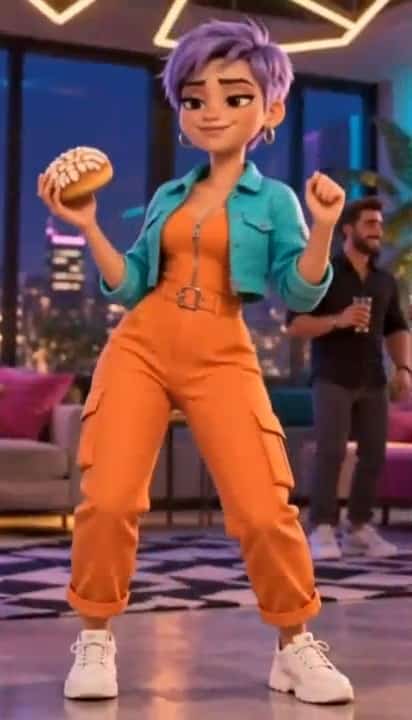
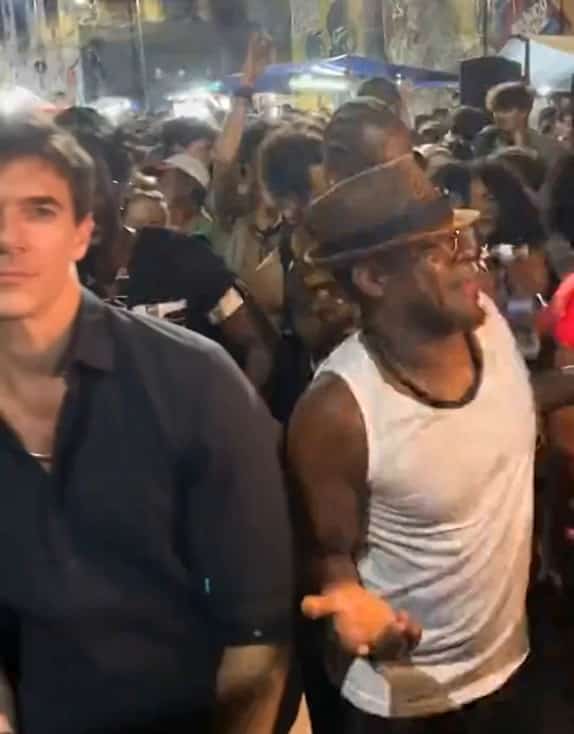
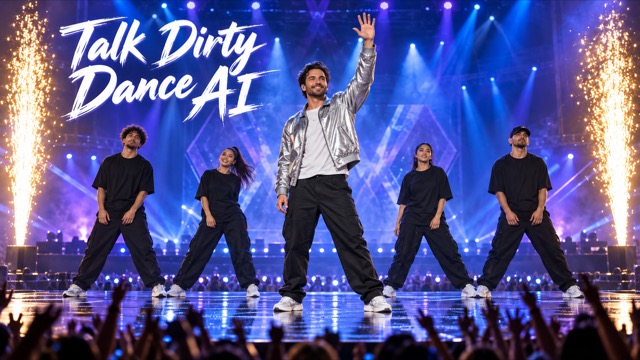
Put yourself at the center of the Talk Dirty dance, or hand the spotlight to grandma or a superhero. Talk Dirty Dance AI uses your photo to recast only the lead performer, while the original video supplies the choreography, backup dancers, music and flame-filled stage. The surprise comes from who is dancing.
How To Make A Talk Dirty Dance AI Video
Choose your star and let the reference performance guide the scene. You do not need to film yourself dancing or describe every move.

Pick Your Lead Performer
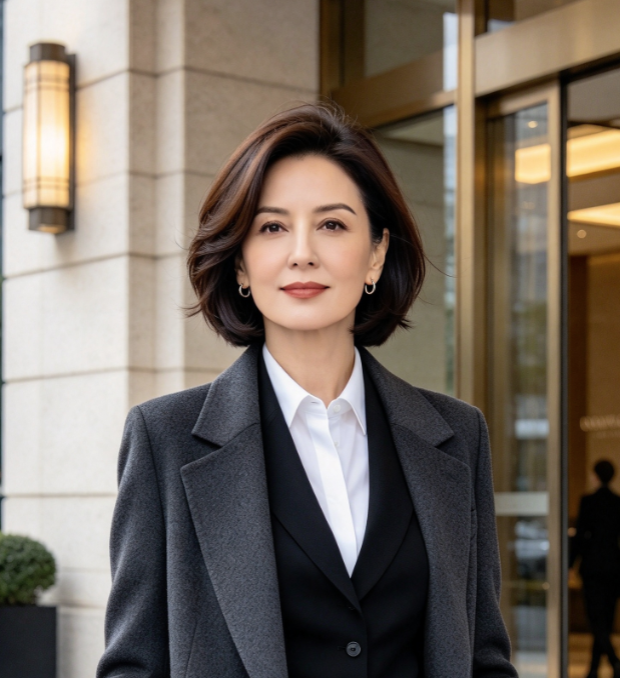
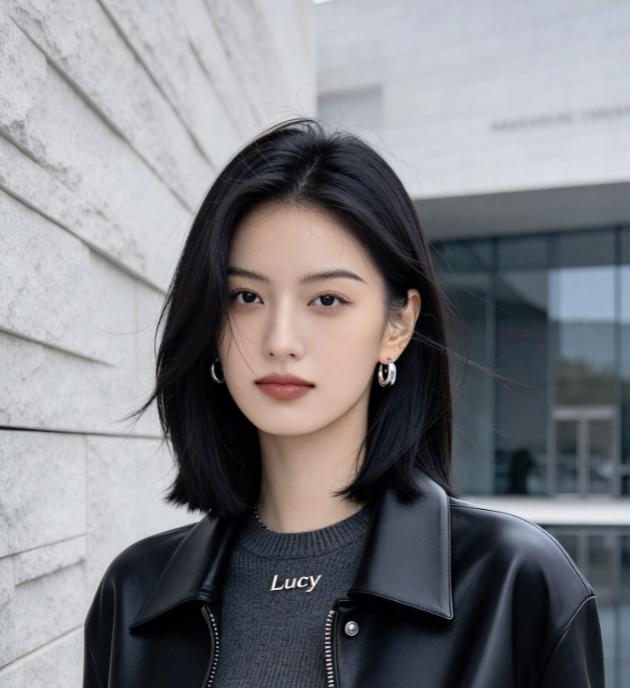
Start with yourself, grandma, or a character whose appearance makes the concert scene surprising. Choose an image showing just the person or character you want in the lead role.

Upload One Clear Photo
Use a sharp photo with a recognizable face and visible clothing. A full-body image gives more information about the outfit, silhouette, and shoes that should appear in the performance.

Generate The Dance
The prepared instructions combine your photo with the dance reference. The replacement targets the central lead performer, with the surrounding dancers and stage effects retained as the visual setting.

Preview Your New Headliner
Watch the whole clip. Check the lead's identity, outfit, hands, and feet, then look at the backup dancers and flame timing. Try a clearer photo if important details drift.
Best AI Video Tools for Creative Projects
Explore creative tools for video, learn tips and tricks, and see how AI can be your assistant in turning concepts into finished projects.

























A New Lead In A Familiar Performance
Talk Dirty Dance AI is built around a simple creative idea: keep the concert recognizable and change the person commanding it.
Put Your Own Photo Center Stage
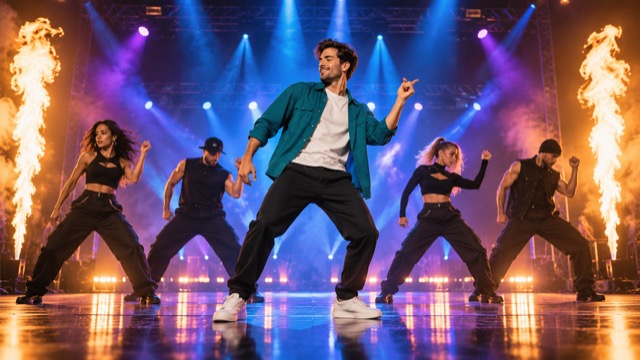
Trade an ordinary portrait for a lead role in the concert scene. Your photo supplies the performer's appearance, while the reference video guides the dance. The prompt asks for a consistent face, hairstyle, body shape, and outfit throughout the movement, so the person remains recognizable as the routine unfolds.
Keep The Backup Dancers And Flames
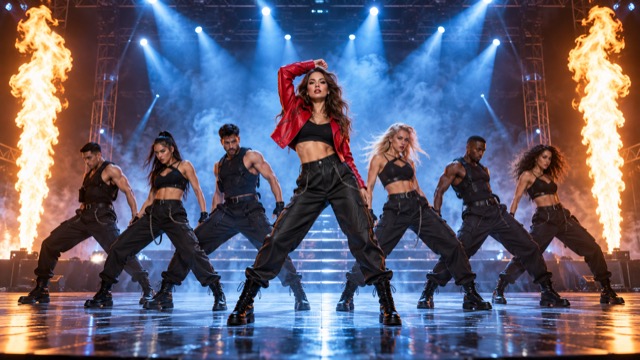
Keep the concert around your new star. The edit targets only the central lead and asks for the backup dancers, their movements and formations, the camera work, and every flame column to stay consistent with the reference. It also asks to retain the original music and its timing without a remix or replacement soundtrack. Review the result for unintended visual or audio changes.
Give Grandma The Headline Spot
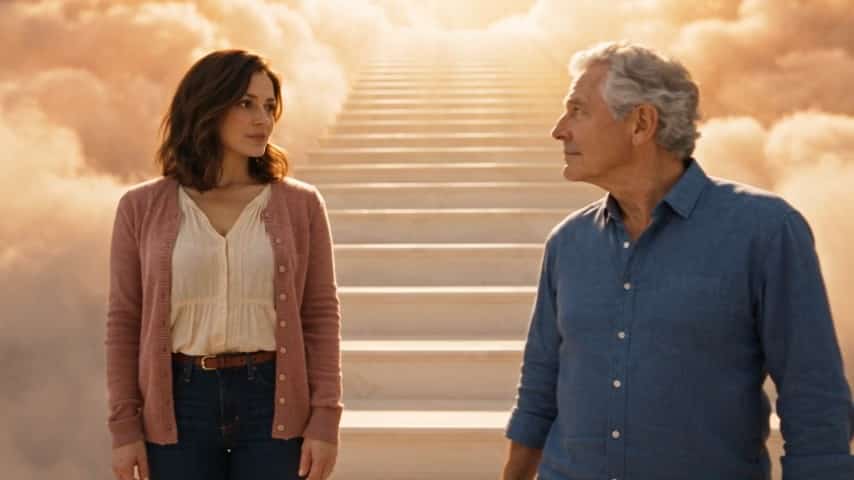
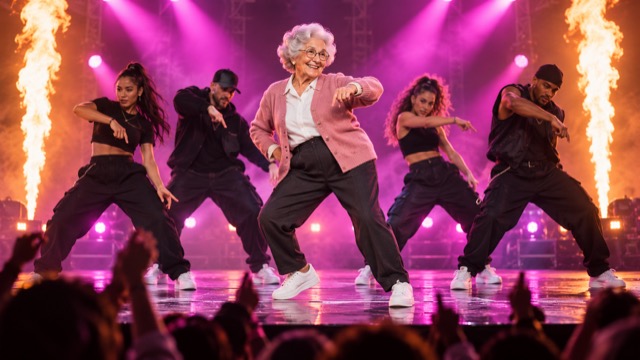
A familiar face in an unexpected role makes the joke clear immediately. Cast grandma in the center of an energetic concert routine, keeping the hairstyle and everyday outfit that make her recognizable. The contrast between her familiar look and the stage performance provides the punchline without needing a complicated setup.
Who Gets The Spotlight Next?
Use the same concert setup to explore four different casting ideas.

Your Concert Cameo
Make a personal version with your own face and favorite outfit. The reference performance gives your cameo a full stage setting without arranging a shoot.

Family Group Chat Remixes
Give grandma or another family member the lead role for a playful reveal. A recognizable face and familiar clothes make the transformation easy for the family to spot.

Superhero Dance Edits
Cast an armored hero or another distinctive fictional character. The serious costume and energetic choreography create a visual contrast that works even before a caption appears.

Social Video Casting Series
Build a sequence of different leads for TikTok, Reels, or Shorts. Keep the concept consistent and let each new face or outfit change the joke.
The Reactions Behind The Remix
Illustrative creative reactions to these casting ideas, rather than verified customer reviews.
Seeing a familiar face in that huge concert setting is the part that makes the idea click.
Grandma taking the headline spot is the version I would want to send to the family chat.
A serious armored hero doing the routine is exactly the kind of unexpected combination I enjoy.
The backup dancers and bursts of fire give the scene its identity. Keeping them makes the new lead funnier.
A different outfit can change the whole joke, even when the concert setting stays familiar.
The strongest version is the one where you recognize the new star immediately and want to watch the dance again.




Talk Dirty Dance AI Questions
Get the essentials before choosing your lead performer.
It is a photo-based concert dance effect designed to replace the main performer in a reference video. Your chosen person or character takes the lead role, while the choreography, backup dancers, and flame columns provide the familiar setting.
Those are all casting ideas for this effect. Upload one clear image of the person or character you want to feature. A visible face, distinctive outfit, and clear silhouette give the model more information to work with; results can vary with the source image.
The instructions target only the central lead's appearance and ask to retain the backup dancers, choreography, stage, flame effects and original music with their source timing. The original reference video is included. Generative video may still change visual or audio details, so review the whole result rather than assuming an identical reproduction.
Choose one clearly visible person or character, with a sharp face and as much of the outfit as possible. A full-body image can help communicate clothing and shoes. Avoid group photos, heavy blur, and large objects blocking the subject.
The intended workflow uses a prepared dance video and built-in editing instructions, so you only need to choose your character photo. The reference supplies the performance; the photo supplies the new lead's appearance.
Check the lead's face, costume, body proportions, and identity during turns or overlaps with other dancers. Also review hands, foot contact, background performers, and flame timing. If the result misses key details, try a clearer image and generate another version.
Make The Next Headliner Unexpected
You, grandma, or an armored superhero: choose who takes the lead in your Talk Dirty Dance AI video. Start with one clear photo and give the familiar concert a new star.
