















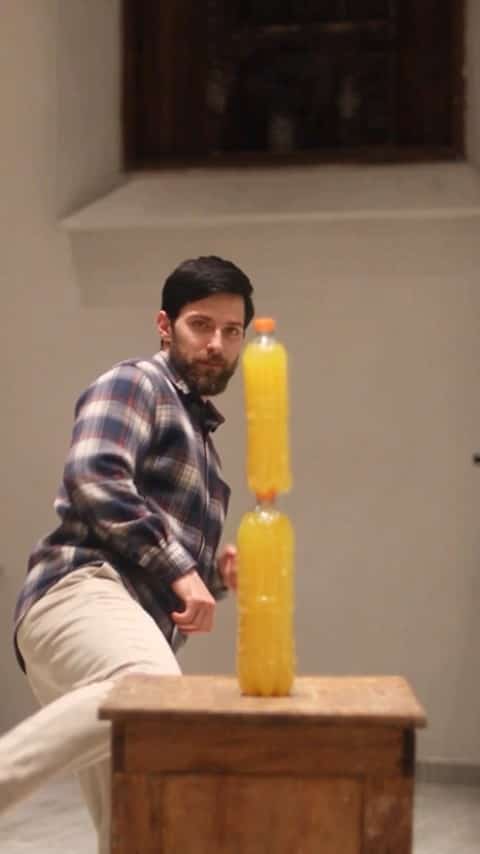
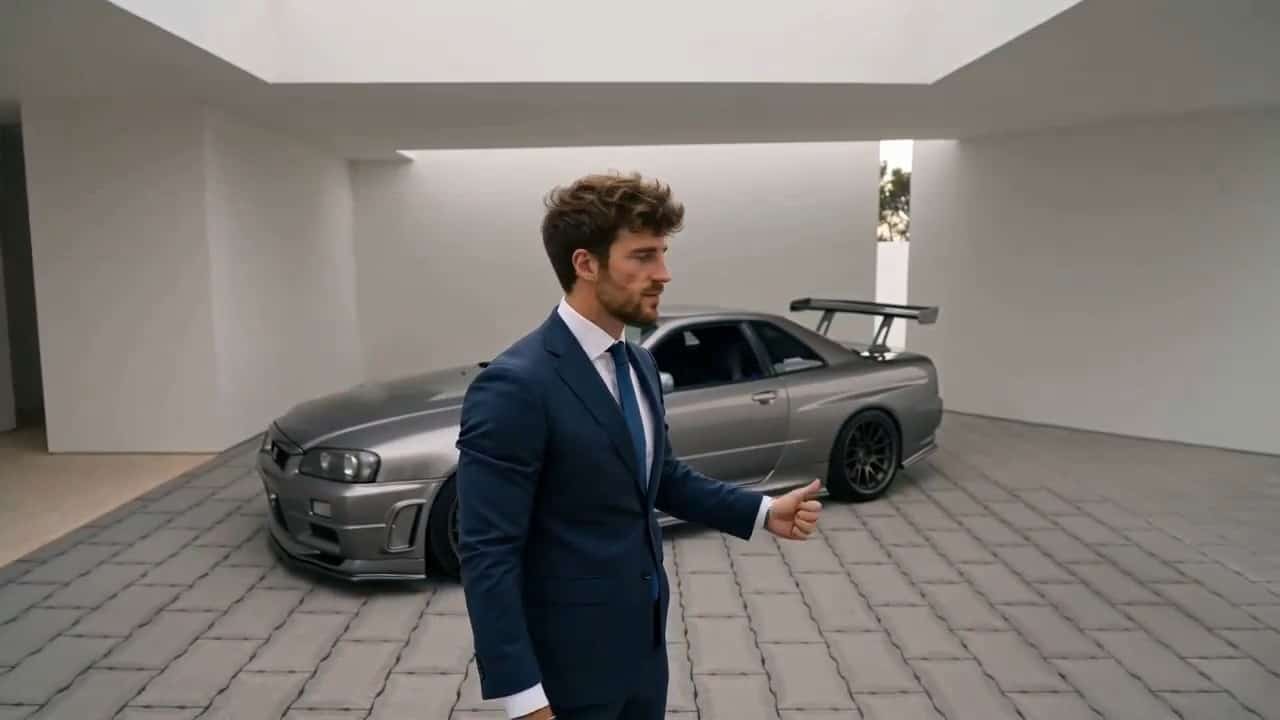
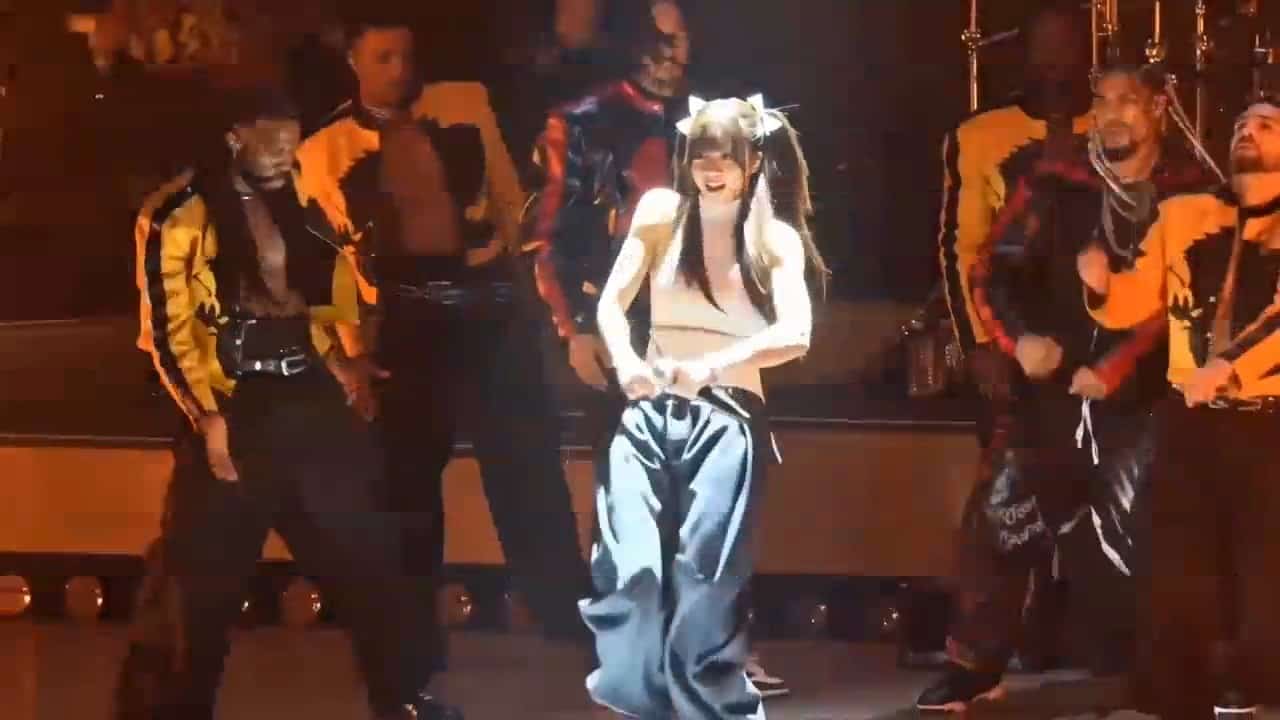


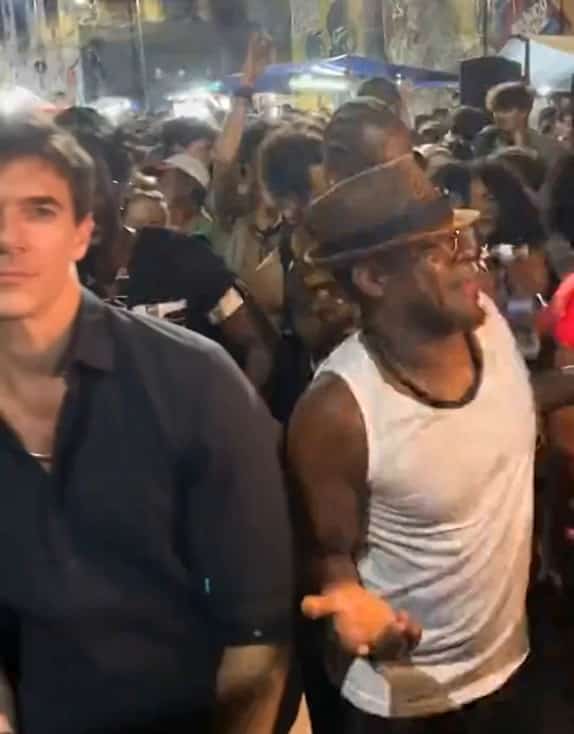
More AI Video Generators
Explore our collection of specialized AI video generators designed for different creative needs and styles



Closed On Sunday AI Video Generator
Your Lead Photo, Your Choir Characters, Your Creative Theme
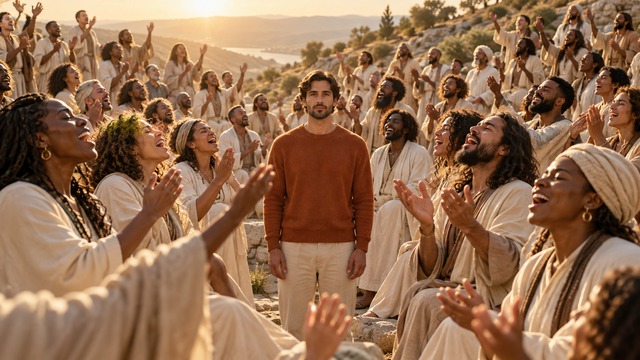
Closed On Sunday AI turns your lead portrait into a hillside choir scene built around a wonderfully simple contrast: you stay composed while everybody around you moves. Use Closed On Sunday AI Video Generator to put image 1 at the center of an AI choir video, then describe who should surround that character. Closed On Sunday AI From A Photo also accepts optional image 2 as the crowd-character reference. Choose cats, robots, skeletons, or another coherent cast without changing your lead. The illustrations below show creative concepts; actual faces, crowd details, and movement vary by generation.
Make A Closed On Sunday AI Video In Four Steps
Closed On Sunday AI separates your main character from the surrounding cast. Closed On Sunday AI Video Generator uses image 1 for the lead, while your prompt or optional image 2 guides the choir. Follow these steps to build an AI choir video with a clear focal point and a crowd you direct.

Upload Your Lead As Image 1
Start Closed On Sunday AI From A Photo that shows exactly one main subject facing the camera. Upload this picture first as image 1. Keep the eyes, hairstyle, clothing, or fur markings easy to see. Closed On Sunday AI Video Generator keeps this subject as the central lead even when you change everyone around it. For an AI choir video, avoid heavy filters, sunglasses, cropped ears, or hands covering the face.
Describe Or Reference Your Choir
Tell Closed On Sunday AI what every surrounding performer should become. Type cats in beige robes, friendly metallic robots, or Halloween skeletons with pumpkins and autumn mist. Alternatively, upload image 2 as the shared visual reference for the crowd characters. Closed On Sunday AI Video Generator uses image 2 for their appearance, while compatible prompt details add costumes or props around the choir. To Make A Closed On Sunday AI Video, keep these roles separate: image 1 is your lead, image 2 is the choir, and text directs only the surrounding choir. Leave both custom inputs blank to keep the reference cat choir in your AI choir video.

Generate The Choir Scene
Generate with Closed On Sunday AI after checking the available quality and credit information in the form. The configured landscape scene uses a fourteen-second duration, giving the crowd room to establish its rhythm and the camera room to reveal the rows. Closed On Sunday AI Video Generator applies your cast direction while asking the lead to stay calm. An AI choir video works best when that contrast remains obvious throughout. Check upload order before starting; generation is interpretive, so likeness, motion, and the number of visible choir members can differ between results.

Review And Save Your Clip
Watch Closed On Sunday AI from the opening frame to the ending. Check that image 1 remains the lead and that every surrounding performer follows your requested crowd type. Closed On Sunday AI Video Generator aims for one coherent shot, but busy crowds can produce small visual errors. Review an AI choir video at normal playback speed before saving a result you like. If the identities blend, simplify the prompt or choose a clearer reference. Closed On Sunday AI From A Photo is easiest to evaluate when the source portraits have simple lighting and unobstructed faces.
Best AI Video Tools for Creative Projects
Explore creative tools for video, learn tips and tricks, and see how AI can be your assistant in turning concepts into finished projects.

























Closed On Sunday AI With A Character You Recognize
Closed On Sunday AI combines a still lead, a moving choir, and a gradual reveal with your choice of surrounding characters. Closed On Sunday AI Video Generator separates lead identity from crowd appearance, so a serious portrait can face an absurd cast. These AI choir video concepts illustrate creative directions rather than verified output samples.
Become The Calm Center Of The Choir
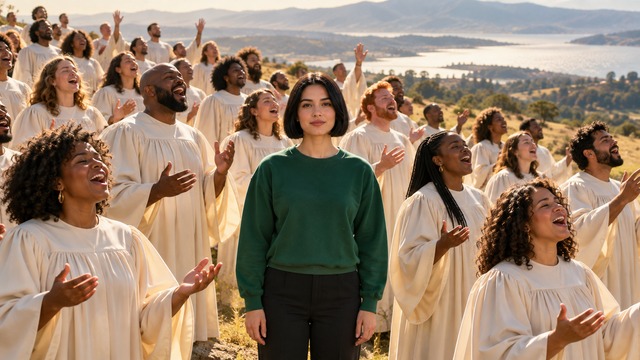
Closed On Sunday AI places the subject from image 1 among layered rows of choir performers. Closed On Sunday AI Video Generator requests a closed mouth, relaxed arms, and an almost motionless stance while the choir sways and lifts its hands. The result is an AI choir video with a clear visual center. Closed On Sunday Choir Trend humor comes from that difference in energy, so the lead does not need elaborate choreography. Your prompt changes only the surrounding cast and its props, never the protagonist. Closed On Sunday AI From A Photo can keep the familiar hillside setup while you explore a completely different choir.
Choose Cats Or Another Creative Choir
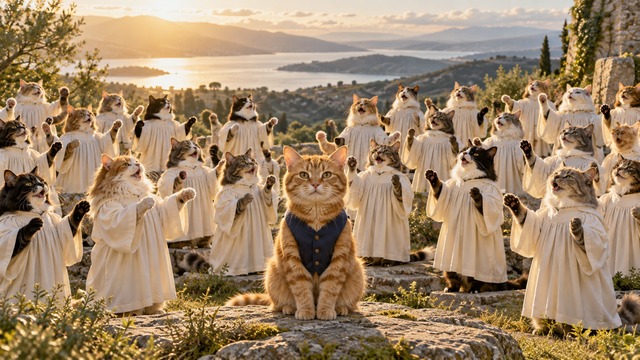
Closed On Sunday AI For Pets can feature your animal as the lead, but the choir no longer has to match its species. Keep a person or pet in image 1, then describe cats around them or upload a cat portrait as image 2. Closed On Sunday AI Video Generator uses that second image as the crowd-character reference. Closed On Sunday Cat Choir imagery becomes especially playful when one familiar lead stays calm while rows of robed cats move around it. An AI choir video can still interpret paws, posture, and fur differently, so inspect those details before choosing the final clip. Closed On Sunday AI also accepts ideas such as penguins, plush creatures, or friendly robots in the prompt box.
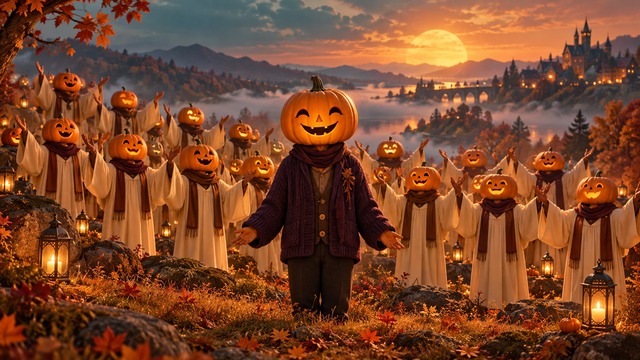
Turn The Surrounding Cast Into Halloween Characters
Closed On Sunday AI lets you keep your original lead while changing everyone else into a seasonal cast. Describe Halloween skeletons, pumpkin-headed singers, or another unified character type, then request pumpkins and lantern props. Closed On Sunday AI Video Generator applies those ideas only around the choir, keeping the image 1 protagonist separate. An AI choir video keeps its recognizable rhythm as the visual theme changes. Closed On Sunday Choir Trend composition remains clearest when the lead contrasts with the surrounding performers. Closed On Sunday AI also accepts image 2 for a particular skeleton or character design, with text adding compatible seasonal details. Artwork illustrates a possible theme.
Ideas For Your Closed On Sunday AI Clip
Closed On Sunday AI works as a compact visual reaction when one calm lead faces collective enthusiasm. Closed On Sunday AI Video Generator keeps that setup recognizable while you direct the surrounding cast through text or image 2. Choose surrounding characters and their props to suit the audience for your AI choir video.

A Deadpan Reaction For Your Feed
Closed On Sunday AI can turn a composed portrait into a reaction about an energetic group chat, an enthusiastic friend group, or a noisy weekend mood. Keep the caption short enough that the visual contrast does the work. Closed On Sunday AI Video Generator supplies the performance structure; your prompt chooses who fills the crowd. To Make A Closed On Sunday AI Video that reads immediately, try one clear theme, such as tiny robots cheering around a serious office portrait. A focused AI choir video reaction needs very little explanation.

A Pet With A Very Serious Expression
Closed On Sunday AI For Pets is a playful fit for a cat who always looks unimpressed or a dog with a naturally solemn face. Closed On Sunday Cat Choir concepts can surround a human, dog, or cat lead, depending on your two image roles. Closed On Sunday AI Video Generator reads image 1 as the protagonist and image 2 as the optional crowd reference. Your AI choir video should keep those identities distinct, so check coat patterns and ear shape. Closed On Sunday AI keeps the reference cat choir when you supply no custom cast direction.
An Original Character Moment
Closed On Sunday AI gives a fictional persona a setting you can art-direct without writing a full story. Put that design in image 1 and choose a separate surrounding cast, such as silver robots, plush bears, or friendly forest spirits. Closed On Sunday AI Video Generator keeps their activity around the still protagonist. Closed On Sunday Choir Trend framing can communicate quiet confidence, awkward patience, or exaggerated seriousness. Use an AI choir video as a character reaction, then add your caption during editing so the generated picture remains clean. Image 2 guides crowd appearance, not the lead’s identity.

A Shared Creative Challenge
Closed On Sunday AI can give friends a consistent performance setup with different crowd ideas. Each person uploads their lead first, then chooses a cast through text or image 2. Closed On Sunday AI Video Generator keeps one protagonist per clip while the surrounding choir becomes the creative variable. Closed On Sunday AI For Pets can join the same challenge with an animal lead. A Closed On Sunday Cat Choir is one possible entry; skeletons with Halloween decorations are another. Keep each AI choir video clearly labeled as generated content when sharing the set.
Creative Reactions To Closed On Sunday AI
These fictional names and illustrative reactions describe possible creative impressions, not verified customer endorsements or tested result claims.
Closed On Sunday AI feels strongest when the character stays completely composed. I like how the busy crowd gives a plain portrait in an AI choir video an immediate visual joke. Closed On Sunday AI Video Generator has a focused idea that makes the scene easy to understand.
Closed On Sunday AI For Pets is an appealing way to imagine a serious-looking animal in a ridiculous situation. Closed On Sunday Cat Choir imagery makes that contrast especially funny. I would choose an AI choir video by how clearly the pet remains recognizable.
Closed On Sunday AI gives an original character a setting that supports its expression. I prefer the calm pose and surrounding movement to a complicated dance. Closed On Sunday AI Video Generator keeps this AI choir video focused on the character rather than on writing a long setup.
Closed On Sunday AI has a readable visual rhythm: a still face, active rows, and a wider ending. I would review the whole shot for continuity. A convincing AI choir video keeps the central identity clear even as the crowd fills more of the frame.




Closed On Sunday AI Questions Answered
Understand the two image roles, prompt options, and result checks before you start. Closed On Sunday AI Video Generator keeps the lead calm while your directions shape the surrounding choir and theme.
Closed On Sunday AI Video Generator creates a calm lead surrounded by an animated hillside choir. Image 1 sets the central character, while your prompt or optional image 2 can change the surrounding cast. The visual idea is associated with the choir ending of Ye’s 2019 music video. Closed On Sunday Choir Trend recreations use that contrast as a meme. This page offers a generated interpretation, not official music-video footage or an artist endorsement.
Upload your lead portrait first as image 1. Describe the surrounding characters in the prompt box, or add image 2 as their visual reference, then check the generation settings. Closed On Sunday AI Video Generator also accepts both together: image 2 guides appearance and text adds compatible theme details. Review the lead and crowd separately before saving. Closed On Sunday AI From A Photo works most clearly with one unobstructed main subject and a focused crowd idea.
Yes. Describe a choir of cats, or upload a cat image as image 2 to guide every surrounding performer. Closed On Sunday AI keeps image 1 as the central lead, which can be a person or pet. You can also request another cast, such as skeletons or robots. Your AI choir video remains an interpretation, so review fur patterns, anatomy, crowd consistency, and the separation between both image roles.
Closed On Sunday AI Video Generator uses image 1 only for your lead. Image 2 is optional and supplies the crowd’s shared character appearance. Text can name the choir without image 2, or add compatible costumes and nearby props alongside it. For example, request every other performer as a Halloween skeleton with pumpkins and autumn mist. Leave both custom inputs blank to keep the reference cat choir. Image 2 and text never direct the lead. Actual likeness and theme details can vary.
The original recording is not promised or supplied by this page. The instruction requests an original wordless choir atmosphere if the model generates audio. You can add an appropriate sound during your later editing or posting workflow. Check the finished soundtrack separately from your AI choir video, since audio and visual quality can vary. The effect’s main recognizable feature is the contrast between the still character and moving choir.
Watch your AI choir video at normal speed. Confirm that image 1 stays recognizable and almost still while every other performer follows the crowd reference or text description. Check hands or paws, changing faces, repeated bodies, seasonal details, and the final wide shot. If the crowd looks inconsistent, simplify the idea and use a clear image 2 reference. Save the result that communicates the contrast cleanly. Page illustrations are concept artwork rather than proof of a particular render.
Create Your Closed On Sunday AI Choir Moment
Bring your lead portrait and choose who joins the choir. Closed On Sunday AI Video Generator keeps one recognizable protagonist calm while your text or optional image 2 directs everyone around them. Start with cats, friendly robots, or Halloween skeletons, then create an AI choir video with a clear visual punchline.
