














More AI Video Generators
Explore our collection of specialized AI video generators designed for different creative needs and styles



Charme Dance AI: Step Into The Street Party
Your Photo, A Familiar Groove, A New Lead Dancer
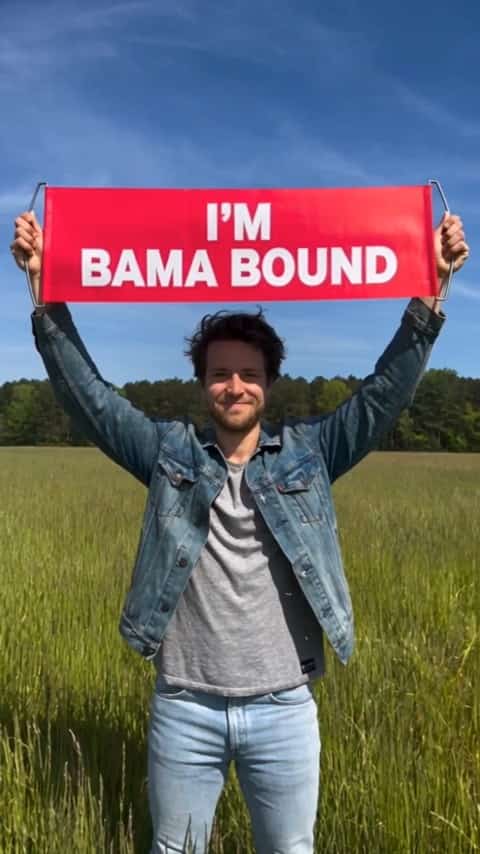
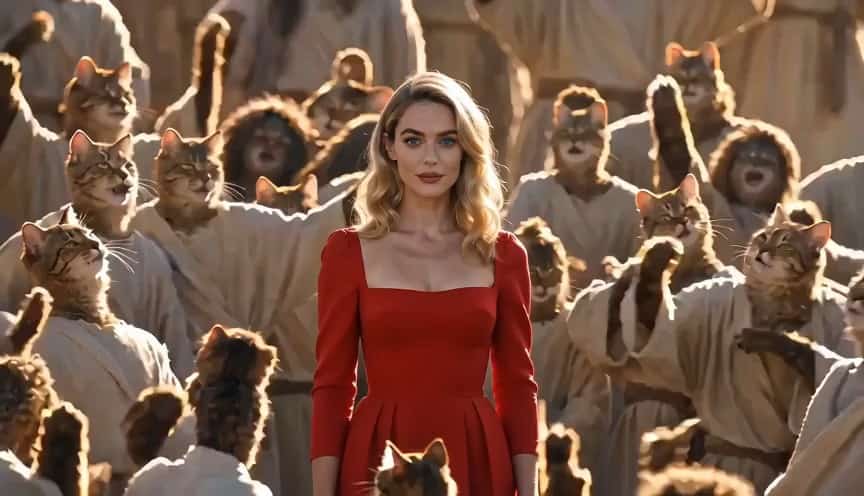
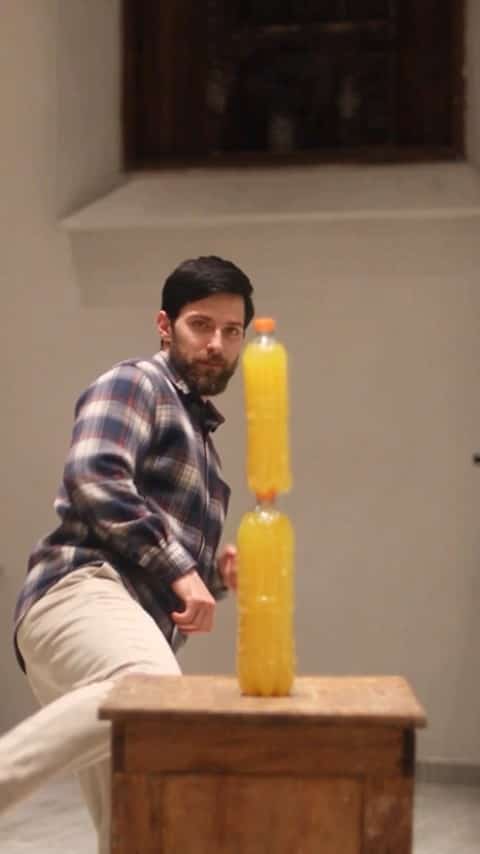
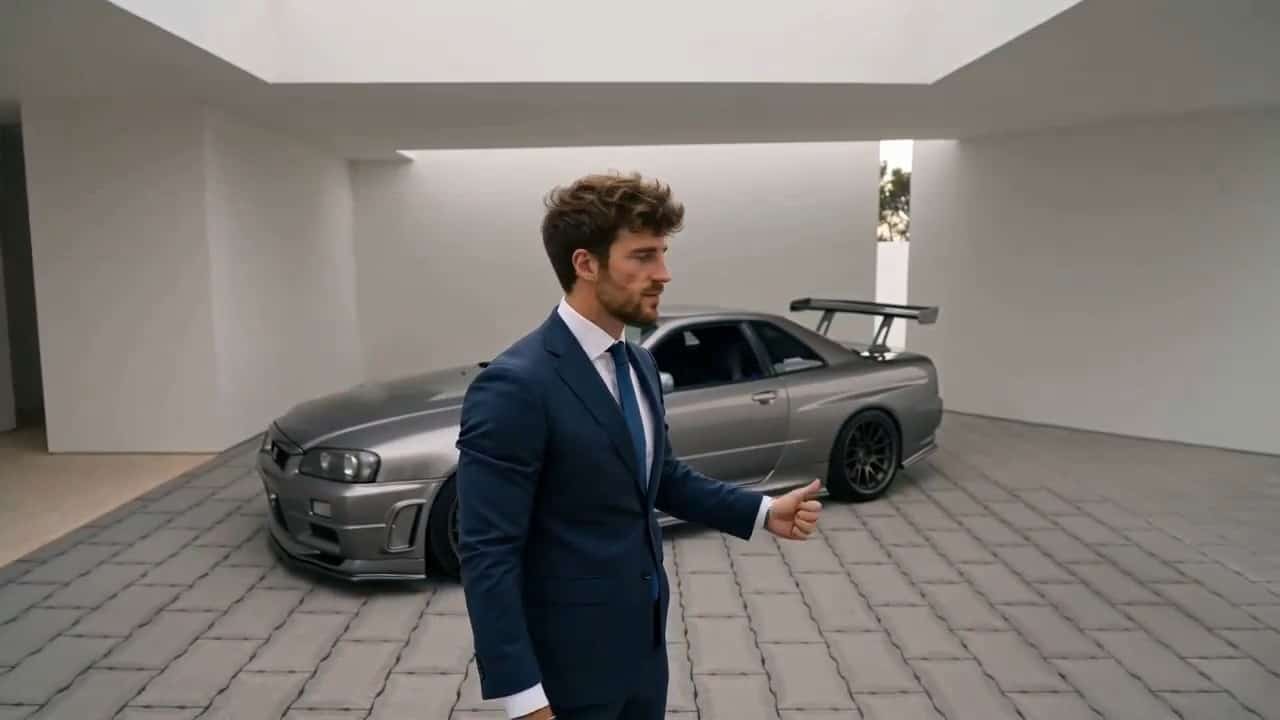
Charme Dance AI generator puts your chosen adult at the center of a lively street-party dance. Upload a clear photo and let a prepared motion reference guide the rhythm, camera movement, and crowd setting. Charme Dance AI generator brings the familiar shoulder groove and relaxed side steps into a personalized clip without asking you to film a routine. Create a Charme Dance AI video from one photo, then review the face, clothing, and movement before sharing. Baile Charme AI is a playful way to imagine yourself joining the dance floor. The artwork below illustrates suitable source photos, not verified generated results.
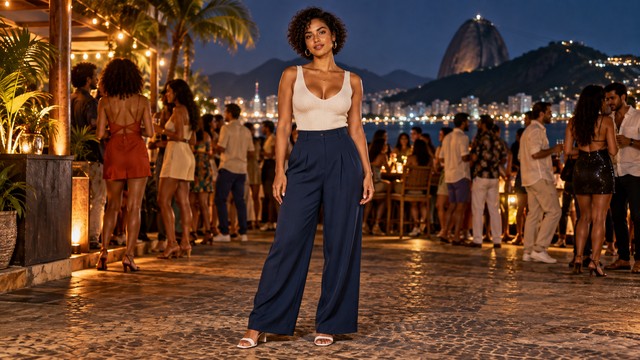
How To Make A Charme Dance Video
Charme Dance AI follows a simple upload, generate, and review workflow. Baile Charme AI uses a prepared reference so you can focus on a strong photo instead of learning choreography. Use this Charme dance template online to explore a personal version of the scene. You do not need to write a prompt or provide a dance video yourself.

Choose One Clear Photo
Start with a sharp photo of one consenting adult, with the face unobstructed and the outfit easy to see. Charme Dance AI uses this image to guide the lead dancer’s appearance, so avoid group shots, tiny faces, and heavy beauty filters. For an AI dance video from a photo, full-body framing gives useful information about clothing and proportions. Charme Dance AI generator works from the image you choose; a good starting photo helps Baile Charme AI distinguish your subject from everyone around them.

Upload And Check Your Subject
Add your chosen image to the photo slot and check that you selected the right person. Charme Dance AI already has its dance reference prepared, so the visitor workflow stays focused on one image. To make a Charme dance video, choose a photo that represents the look you want to carry into the scene. Charme Dance AI generator requests continuity of face, hair, and clothing. Baile Charme AI does not require you to recreate the reference dancer’s pose in your original photograph.

Generate With The Dance Reference
Review the options and any credit estimate shown in the generation form, then start your clip. Charme Dance AI follows the supplied routine and handheld scene reference while replacing the lead subject. Charme Dance AI generator gives the motion a defined starting point, although individual results can vary. A Charme Dance AI video from one photo is generated media rather than footage of you attending a real event. Baile Charme AI keeps the process approachable without a timeline editor or a written choreography brief.

Review Before You Share
Watch the whole result, including head turns and moments when nearby people overlap the dancer. Charme Dance AI aims for a recognizable subject and coherent movement, but faces, fingers, and clothing may need another attempt. Charme Dance AI generator is most useful when you assess the finished clip rather than judging one attractive frame. For Charme Dance AI for TikTok, check the crop and sound in your publishing app. Baile Charme AI gives you a creative starting point; decide what is ready for your audience.
Best AI Video Tools for Creative Projects
Explore creative tools for video, learn tips and tricks, and see how AI can be your assistant in turning concepts into finished projects.

























Charme Dance AI Features For A Personal Remake
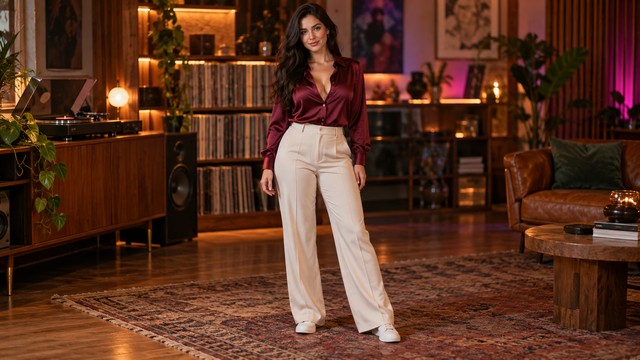
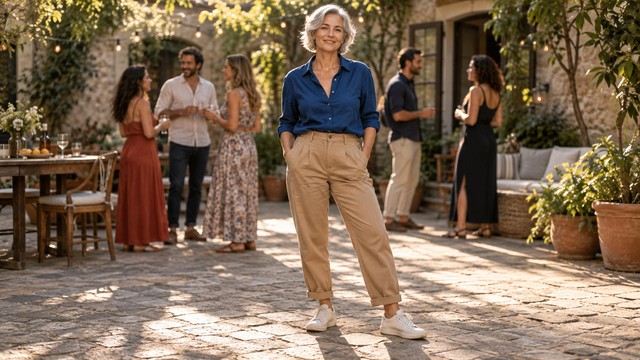
Charme Dance AI combines an appearance reference with a prepared dance scene. These three illustrated source-photo ideas show how clear identity, visible clothing, and a readable subject support the workflow. Charme Dance AI generator requests the same core effect for every input; it does not ask visitors to invent a different routine. Baile Charme AI results should always be reviewed as generated interpretations.
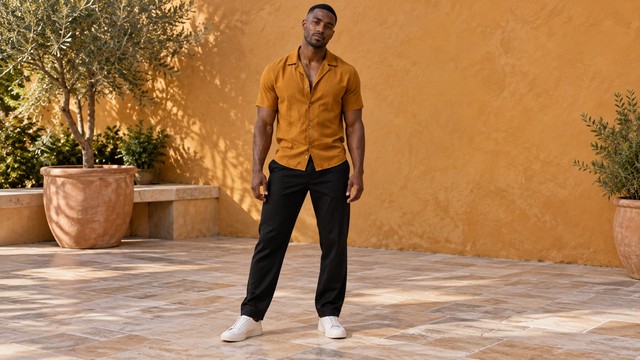
Bring Your Own Face And Outfit
Your source image gives Charme Dance AI the visual details that make the lead feel like your chosen person. A clear face, distinct hairstyle, and visible outfit provide a stronger reference than a distant selfie or a crowded group photo. Charme Dance AI generator asks for that consistency throughout the scene, while keeping surrounding people separate.
Create a Charme Dance AI video from one photo taken in a simple patio, a living room, or another well-lit place. An AI dance video from a photo uses the picture as an identity reference; the prepared video supplies the setting and movement. Baile Charme AI brings those two references together. The illustration here is an input idea, not proof that every face or outfit will be reproduced perfectly.
Keep accessories simple and choose an image with enough detail to judge your result. Charme Dance AI generator can still produce small changes, especially during occlusion or fast movement. This Charme dance template online is easier to evaluate when you know exactly which visual details matter most.
Follow The Familiar Charme Groove
Charme Dance AI uses the built-in reference to guide the relaxed rhythm of the dance. Expect the reference’s small side steps, soft knees, shoulder movement, low hand gestures, and short turns to shape the scene. Charme Dance AI generator follows a defined reference rather than asking you to describe each gesture.
Baile Charme AI is useful if you want to make a Charme dance video without recording your own choreography. An AI dance video from a photo does not demonstrate your actual dancing ability; it creates a fictional visual interpretation for entertainment.
Watch the rhythm and ground contact when reviewing Charme Dance AI generator. Charme Dance AI generator asks for coherent anatomy and stable clothing, but these are generation goals, not guarantees. Baile Charme AI makes the creative setup simple while leaving room for you to judge the result. This Charme dance template online keeps the same reference-based workflow across different source photos.
Create A Clip Worth Reviewing And Sharing
Charme Dance AI turns a recognizable photo into a playful idea for short-form content. Use Charme Dance AI for TikTok, a personal Reel, or a small group message when the result suits the people involved. Charme Dance AI generator supplies a prepared scene so the creative decision begins with your subject.
Baile Charme AI can work as a lighthearted birthday idea or a personal creator experiment without a camera crew. A Charme Dance AI video from one photo should be presented as an AI remake, especially when it could be mistaken for an actual appearance at the party.
Charme Dance AI does not establish music clearance or promise that every social platform will accept a particular soundtrack. Check the result’s audio and use your publishing platform’s permitted music options when needed. Baile Charme AI lets you focus on a concise visual moment, while your final edit determines how it lands with viewers. Charme Dance AI for TikTok benefits from a readable face, clear framing, and a brief caption that gives the joke context.
Ways To Use Charme Dance AI
Charme Dance AI works best with a clear person and a simple reason to share. These ideas keep the same one-photo workflow while giving the finished clip a different social context. Baile Charme AI is an entertainment effect; use a subject who is comfortable appearing in generated media.
A Personal Social Post
Make yourself the lead in a dance-floor joke your friends can understand immediately. Charme Dance AI generator gives you a prepared scene without requiring a performance recording. Use Charme Dance AI for TikTok or another short-form post, then check that the result still resembles you. Baile Charme AI is strongest when the subject remains readable even on a small phone screen.

A Birthday Surprise For An Adult
Choose a consenting adult’s favorite photo and make a Charme dance video with a playful celebration in mind. Charme Dance AI can turn a familiar outfit or expression into the center of a lighthearted group message. Charme Dance AI generator is a creative way to frame the surprise, and you can review it privately before showing anyone. Baile Charme AI should feel enjoyable for the person in the clip as well as its viewers.

A New Creator Persona
Try a distinct outfit, confident portrait, or original adult character as the lead of the same routine. Charme Dance AI helps you explore how visual identity changes the feel of a familiar scene. An AI dance video from a photo can support a recurring creator joke without asking you to learn every move. Charme Dance AI generator still follows its prepared reference, so choose your image to shape the personality.

A Dance-Trend Experiment
Compare two separate attempts from different photos of yourself to see which source makes the clearest result. Charme Dance AI generator gives both attempts the same general reference-based direction, making framing and outfit choices easier to assess. This Charme dance template online is a practical starting point for learning what a strong input looks like. Baile Charme AI can be entertaining to explore even when you decide to keep a result private.
Creative Reactions To Charme Dance AI
Illustrative names and imagined reactions describe possible creative preferences; these are not verified customer reviews or evidence of actual generated results.
I like the idea of putting a familiar everyday look into a lively Baile Charme AI scene. Charme Dance AI feels approachable because the routine is already prepared. I would judge the full clip by the face and movement, not just a polished first frame.
A photo-first workflow makes this kind of dance joke easy to understand. Charme Dance AI generator gives the idea a clear direction without a long choreography brief. The most satisfying version would keep the person recognizable throughout the turn.
For an adult birthday surprise, I want something playful that the person would enjoy seeing. Baile Charme AI offers that imaginative setup. I would still ask for permission, review the result, and share it with context.
I prefer source photos with clear faces and simple clothing. That makes Charme Dance AI easier to evaluate. For Baile Charme AI, a recognizable person, a readable gesture, and a coherent crowd matter more to me than an overly complicated scene.




Charme Dance AI Questions Answered
Understand the photo requirements, prepared reference, and practical limits before starting. Charme Dance AI generator keeps the workflow focused on a single source image.
Charme Dance AI is a photo-based video effect that places your chosen adult in the lead role of a Charme dance scene. The prepared reference guides the routine and crowd setting, while your photo guides the main person’s appearance. Baile Charme AI is another common name used around this style of generated dance video.
Upload one clear photo, review the available generation settings and credit estimate, and start the clip. You do not need to write a prompt, film yourself, or upload a separate dance video. Charme Dance AI already includes the reference and effect direction. This Charme dance template online focuses on one lead dancer, so a group photo is a poor choice. Charme Dance AI generator uses the source person’s face and clothing as guidance, then asks the video model to follow the reference routine.
Choose a sharp image with one adult facing the camera, an unobstructed face, and enough body detail to understand the outfit. Charme Dance AI does not require your original photograph to show a party or a dance pose. To make a Charme dance video that is easy to recognize, avoid tiny faces, strong filters, and overlapping people. Review any change to hair, accessories, or clothing after generation. Baile Charme AI starts with your subject, not a performance recording.
No. This workflow has its own prepared reference and effect instruction, so you do not need to find a CapCut link or write the dance sequence yourself. Charme Dance AI generator follows the built-in direction after you supply the photo. Baile Charme AI describes the creative theme here; this page is not an official CapCut template.
You can prepare Charme Dance AI for TikTok or another social platform after reviewing the image, movement, crop, and audio. Use photos you have permission to use and describe the result as AI-generated when that context matters. The presence of sound in a reference does not establish music rights for every use. Check the soundtrack in your publishing app and replace it with permitted audio when appropriate. Charme Dance AI is designed for a playful personal remake; your own review determines what you are comfortable sharing.
No exact match is guaranteed. Charme Dance AI requests consistent appearance and reference-led motion, but generated video can change facial details, fingers, clothing, and nearby people. Watch the entire result, especially turns and overlaps, before sharing it. A clearer source photo may improve the information available to the model, and another generation may produce a different interpretation. Charme Dance AI generator simplifies the setup rather than eliminating every video artifact. Baile Charme AI is most useful when you watch for consistency throughout the whole sequence.
Create Your Charme Dance AI Remake
Choose one clear photo and give your familiar look a new dance-floor role. Charme Dance AI generator brings the prepared scene and routine; you bring the person. Review your finished performance, keep the strongest result, and share a playful AI moment with your audience.
