
More AI Video Generators
Explore our collection of specialized AI video generators designed for different creative needs and styles
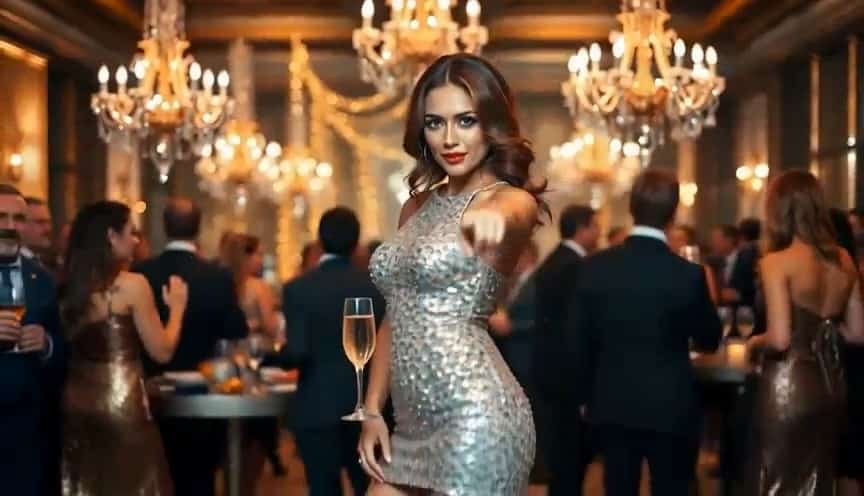
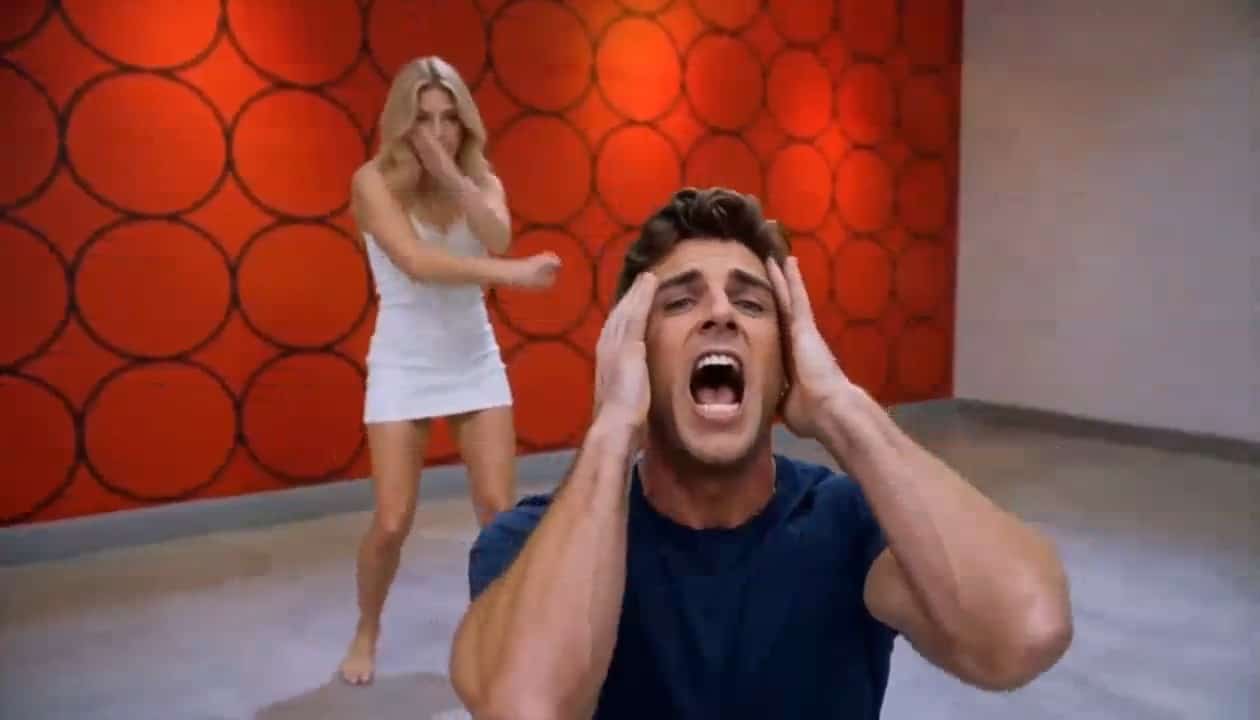
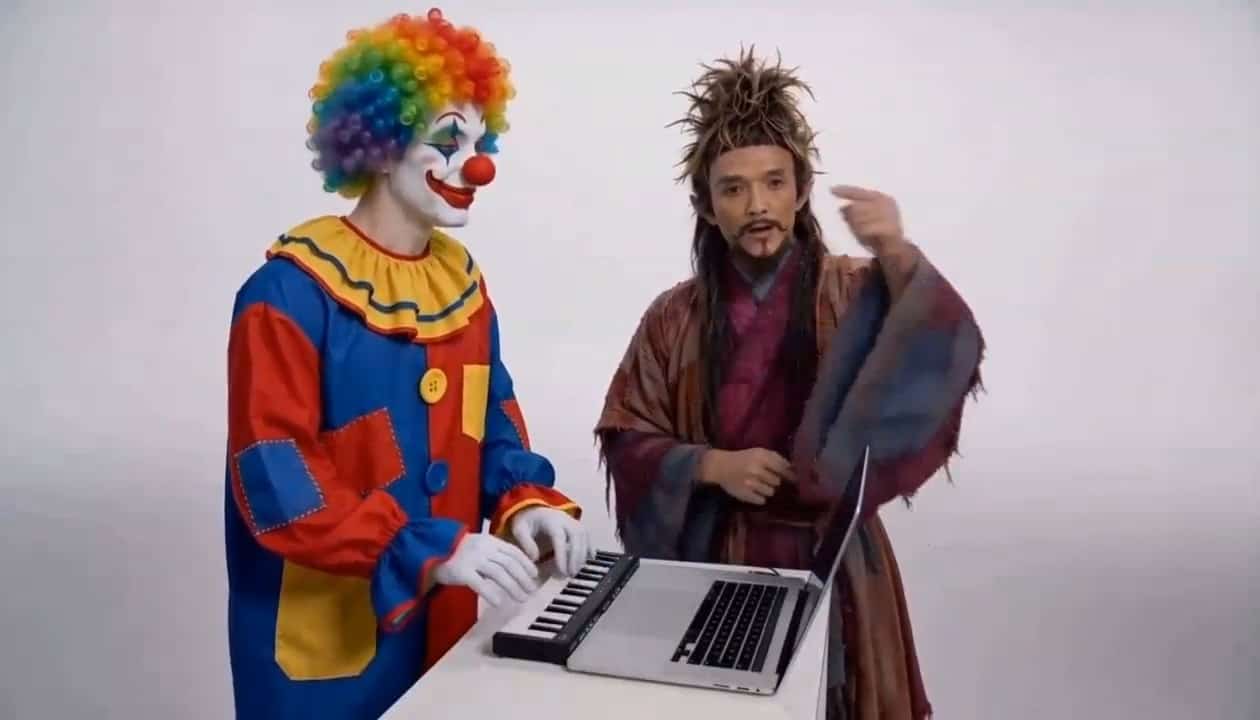



Create Your AI Moonwalk Dance Video
Your Photo, Your Setting, Iconic Gliding Moves
Turn a still portrait into an AI moonwalk dance video that puts a familiar person at the center of an unexpected dance moment. Upload one image and let Seedance 2.0 animate a backward glide inspired by pop performance. The photo supplies the face, outfit, and surroundings, while Michael Jackson AI Dance supplies the creative theme. Start with an everyday picture, a carefully posed portrait, or a favorite full-body photograph. A clear image gives the generator useful visual detail, and a visible floor gives the movement somewhere believable to happen. Your AI moonwalk dance video begins with your own visual story rather than a generic dancer or an unrelated stage.
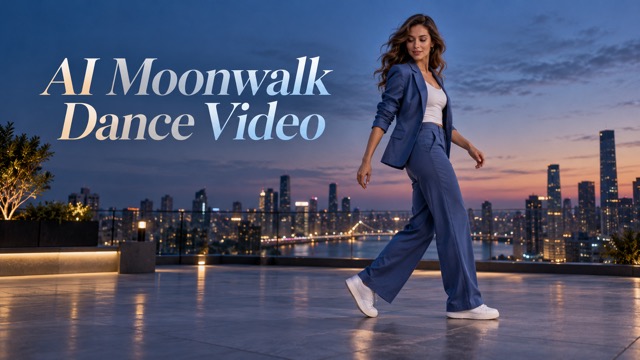
How To Create An AI Moonwalk Dance Video
Build an AI moonwalk dance video from one photo through four straightforward steps. The workflow connects the Michael Jackson AI Dance theme to your own subject and setting, with Seedance 2.0 handling the animation. You provide the starting image; the effect provides the movement direction. Good source selection is often the most useful creative decision you can make before generating.

Upload One Portrait
Choose a photograph showing one recognizable person. For a stronger AI moonwalk dance video, use a sharp face, an unobstructed body, and enough surrounding space to suggest movement. Full-body photos with visible shoes are especially helpful because the glide depends on the relationship between the feet and floor. You can begin with a closer portrait, but missing body details must be imagined. The Michael Jackson AI Dance concept works best when the source already offers a believable starting pose. Upload the picture you want to animate instead of trying to recreate it through a long description.

Keep Your Photo As The Starting Point
Let the uploaded picture establish the person and environment for your AI moonwalk dance video. Clothing, hairstyle, lighting, and background become visual references for the animation. The intention is to bring the photographed person into motion, with the surrounding scene remaining connected to the source. Michael Jackson AI Dance describes the style of performance, not a request to replace the face with a celebrity. If the original picture contains a courtyard, room, or walkway, that setting can give the dance its own distinctive character. Simple backgrounds and clear floor space make this relationship easier to read.

Generate With Seedance 2.0
Run the effect with the configured Seedance 2.0 model. The AI moonwalk dance video direction asks for a smooth backward slide, alternating heel-toe support, controlled upper-body movement, and natural turns. The supplied motion reference guides the dance while your uploaded image remains the reference for appearance and setting. You do not need to film yourself dancing to explore a Michael Jackson AI Dance idea. Generation interprets the available visual information, so different photographs can produce different movements and framing. Keep the creative goal focused: a recognizable person, a coherent scene, and a convincing glide.
Review The Dance And Refine Your Source
Watch the entire AI moonwalk dance video, paying attention to the face, shoe contact, body proportions, and background stability. A convincing result should feel like a short performance rather than a person floating over the ground. If the motion looks crowded or the feet are unclear, try a photograph with wider framing and better visibility. For a Michael Jackson AI Dance tribute, small details such as posture and restrained hand movement can matter more than a dramatic backdrop. Keep the version that communicates your idea clearly, and review every generated AI moonwalk dance video before including it in a finished project.
Best AI Video Tools for Creative Projects
Explore creative tools for video, learn tips and tricks, and see how AI can be your assistant in turning concepts into finished projects.


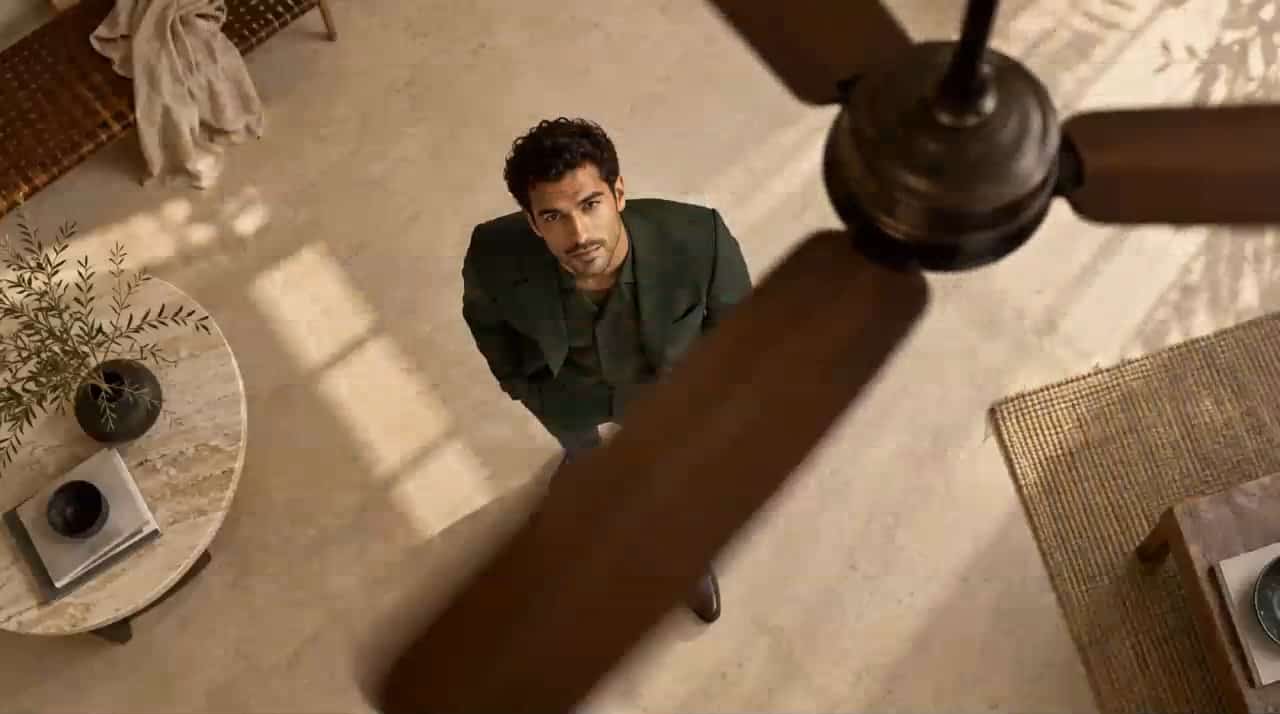




















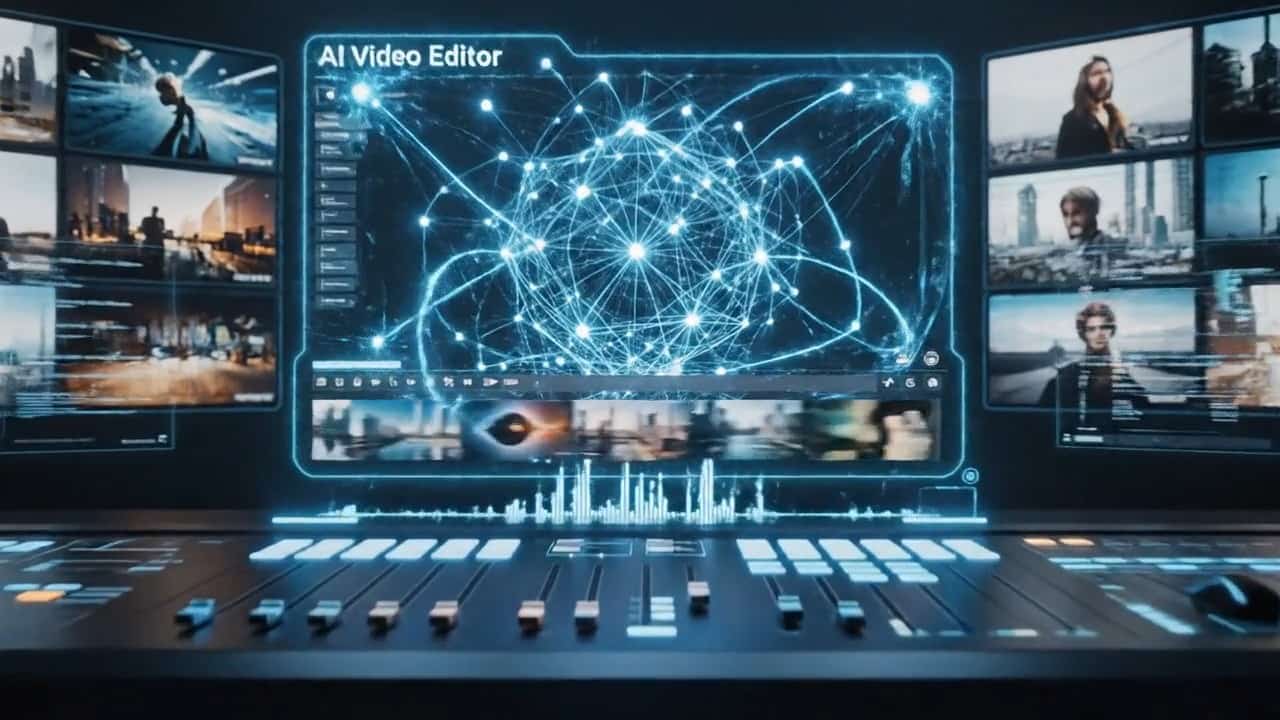

Make An AI Moonwalk Dance Video From Your Photo
An AI moonwalk dance video combines recognizable appearance, a photo-based setting, and iconic movement. These four priorities help you choose a useful source and judge the result. Think of Michael Jackson AI Dance as a creative dance reference, with your own photograph supplying the personal detail that makes the clip distinctive.
An AI Moonwalk Dance Video With Your Own Identity
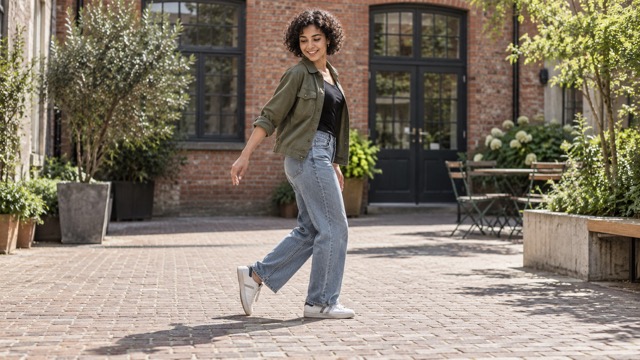
Keep the person in your photo at the heart of the AI moonwalk dance video. The effect is directed to retain recognizable facial features, hairstyle, clothing, and overall appearance as the body moves. This makes the surprise personal: someone familiar suddenly performs an iconic backward glide. Michael Jackson AI Dance is the inspiration for the movement, while your image defines who appears. A clear face with natural lighting provides stronger reference information than a heavily filtered or blurred portrait. Identity consistency can vary during generated motion, especially through large turns, so inspect the result closely. The goal is a playful animation rooted in the source, with a face and outfit that remain visually connected across the clip. An AI moonwalk dance video becomes more engaging when viewers immediately recognize the subject before noticing the dance.
Bring The Moonwalk Into Your Original Setting
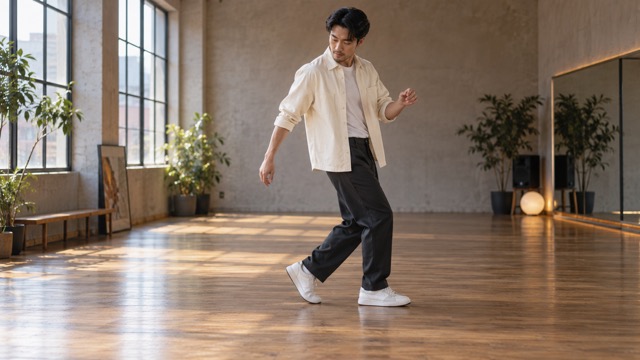
The location in your uploaded photograph helps shape the AI moonwalk dance video. A garden terrace, city pavement, living room, or studio floor can all create a different mood without requiring a newly invented concert stage. The prompt asks the model to preserve the scene and lighting logic while making room for the person to move. This approach gives Michael Jackson AI Dance a personal context instead of relying on familiar costumes or celebrity imagery. Choose an image with a clear ground plane and avoid furniture hiding the lower legs. Reflections, repeating tiles, and hard shadows are useful details to inspect after generation because movement can expose inconsistencies. Treat the AI moonwalk dance video as a creative interpretation of your original photo, and favor a clean scene that supports the dance without distracting from it.
Give Your AI Moonwalk Dance Video A Believable Glide
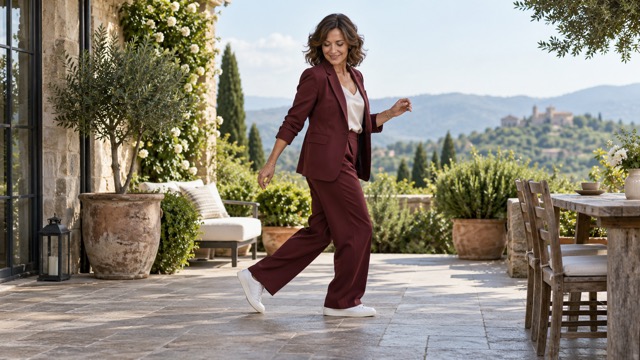
The appeal of an AI moonwalk dance video comes from the illusion of forward stepping combined with backward travel. The effect direction emphasizes alternating heel positions, supported body weight, restrained arm motion, and shoes that remain connected to the surface. These details distinguish a readable glide from ordinary backward walking. Michael Jackson AI Dance inspiration also suggests a calm upper body and a confident rhythm, giving the lower-body movement space to stand out. Clear trousers, visible shoes, and adequate floor space help communicate the choreography. Generated footage may still show sliding artifacts or awkward joints, so review the sequence rather than judging only a single frame. Your AI moonwalk dance video should feel intentional from the first stance through the turn and final pose, with movement that belongs to the person and environment.
Explore A Focused Seedance 2.0 Dance Effect
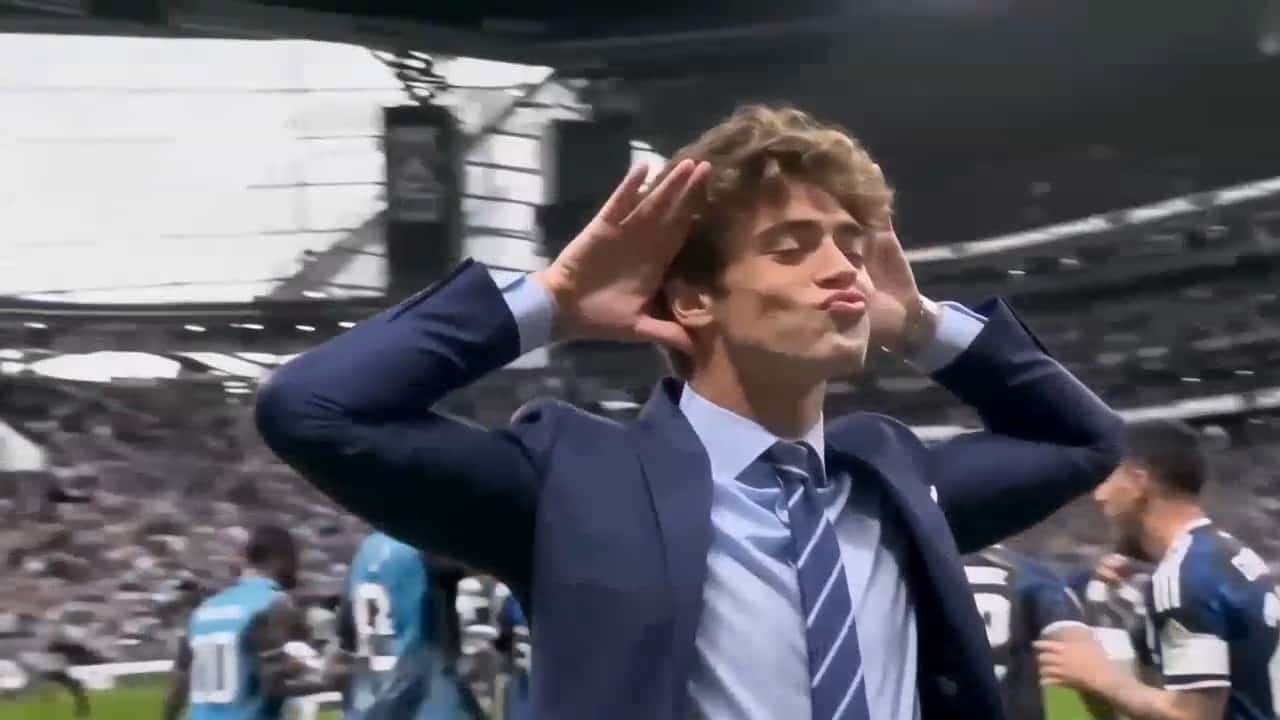
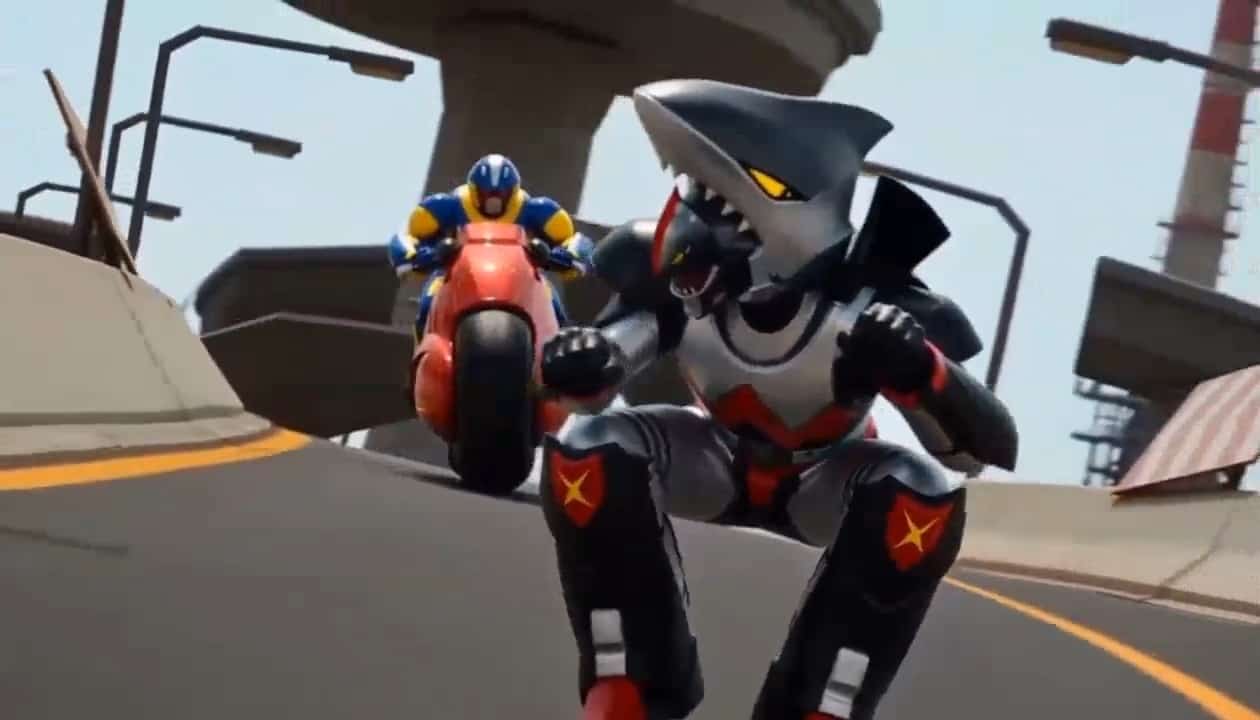
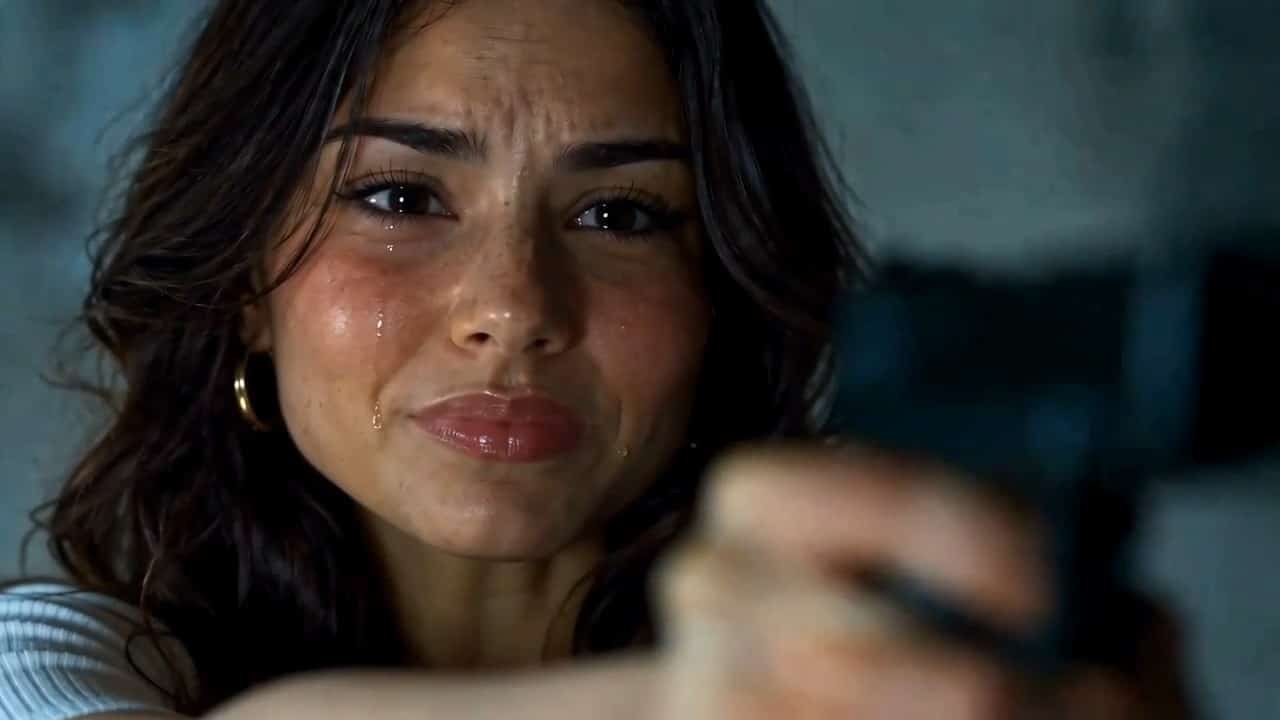
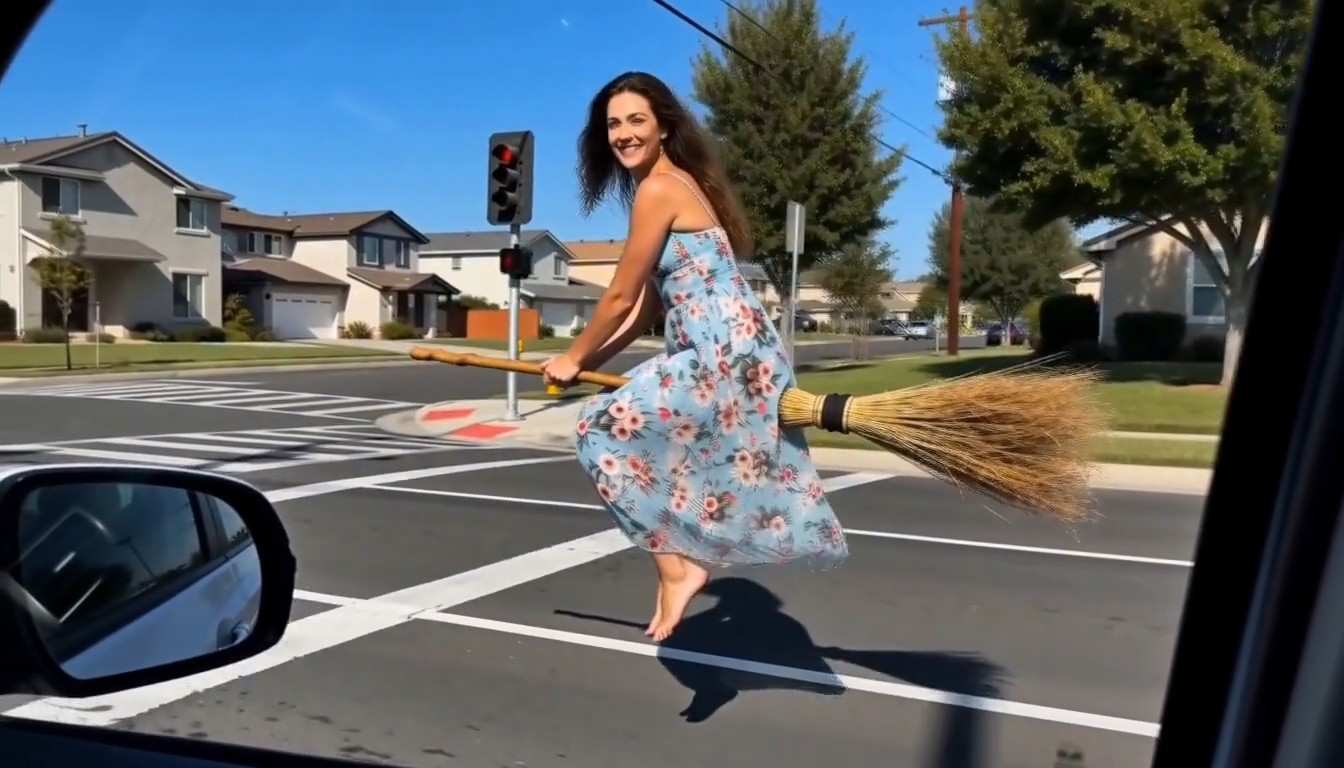
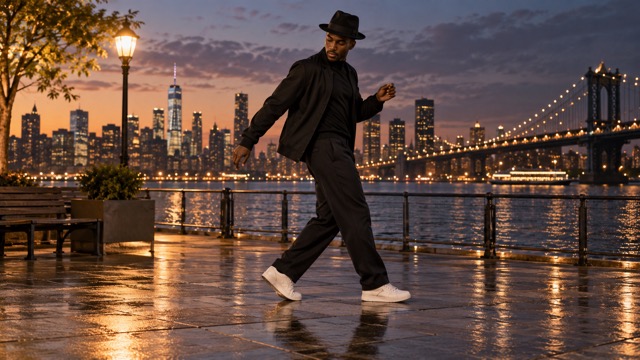
This AI moonwalk dance video page uses Seedance 2.0 for a focused photo-to-video workflow. You upload one portrait instead of selecting among unrelated visual effects. The configured direction combines a dance reference with instructions to preserve the uploaded person and scene, keeping the creative task easy to understand. Michael Jackson AI Dance provides a recognizable performance idea without requiring you to choreograph every second. Start with a full-body casual photograph for a playful result, or use a carefully composed portrait for a more polished visual concept. The artwork on this page illustrates possible creative directions and is not a verified Seedance 2.0 benchmark. Actual results depend on the source and generation. Evaluate each AI moonwalk dance video on its own merits, especially the face, grounded footwork, and continuity of the original setting.
Ideas For Your AI Moonwalk Dance Video
Use an AI moonwalk dance video for personal humor, celebrations, tribute concepts, or creator experiments. The same Michael Jackson AI Dance inspiration can feel very different when it starts from a different face, outfit, and location. Choose the source to match the mood you want, then keep the performance easy to recognize.

Personal Social Posts
Give a familiar portrait an unexpected twist with an AI moonwalk dance video. A casual outfit and everyday location can make the reveal fun because viewers recognize the scene before the glide begins. The Michael Jackson AI Dance theme offers a clear visual hook for a personal post without needing a complicated story. Choose a simple opening pose and leave breathing room around the dancer. Review the framing before incorporating the clip into a vertical or landscape edit, and keep the strongest dance moment easy to see.

Playful Birthday Surprises
Build an AI moonwalk dance video around a celebratory portrait for a lighthearted birthday idea. A recognizable face, favorite outfit, or familiar terrace can make the animation feel tailored to the occasion. The Michael Jackson AI Dance inspiration gives the moment an energetic theme while the source photo provides the personal connection. Use a clear image that the subject is comfortable having animated, then review the final expression and body motion. A short visual surprise can complement a greeting without adding distracting text inside the generated scene.

Pop Dance Tribute Concepts
Explore an AI moonwalk dance video as a visual tribute to a recognizable dance style. Focus on backward gliding, heel-toe contrast, restrained posture, and a confident turn rather than trying to duplicate a specific performance shot. Michael Jackson AI Dance is a useful theme for fans developing their own interpretation with an original subject. The result can become a starting point for a wider creative edit. Any music added later is a separate choice, and the template name does not imply that a licensed song or original recording is included.

Character And Creator Experiments
Test how a distinctive portrait translates into an AI moonwalk dance video. A bold jacket, expressive hairstyle, or unusual photographic setting can give a creator concept a memorable silhouette. The Michael Jackson AI Dance theme establishes the movement while the original image keeps the concept visually specific. Try different source compositions to compare how clearly the person and floor read during the glide. The point is creative exploration, so inspect anatomy and scene continuity before using a result as a polished presentation or showing it as a completed piece.
Creative Perspectives On An AI Moonwalk Dance Video
These fictional names and illustrative reactions describe possible creative preferences, not verified customer endorsements or measured product results.
I like the idea of an AI moonwalk dance video that still feels connected to the original portrait. The Michael Jackson AI Dance theme makes a familiar portrait feel playful while keeping the person central.
An AI moonwalk dance video gives a simple visual idea a clear focal point. The Michael Jackson AI Dance theme makes a familiar portrait feel playful while keeping the person central.
The contrast between an ordinary photo and an AI moonwalk dance video is the part I find fun. The Michael Jackson AI Dance theme makes a familiar portrait feel playful while keeping the person central.
I value an AI moonwalk dance video concept that keeps the whole body visible. The Michael Jackson AI Dance theme makes a familiar portrait feel playful while keeping the person central.
The one-photo starting point makes an AI moonwalk dance video easy to imagine for a playful personal project. The Michael Jackson AI Dance theme makes a familiar portrait feel playful while keeping the person central.
An AI moonwalk dance video feels like a useful way to explore movement from a still character portrait. The Michael Jackson AI Dance theme makes a familiar portrait feel playful while keeping the person central.






AI Moonwalk Dance Video FAQ
Find practical answers about the AI moonwalk dance video workflow, photo preparation, original settings, and the Michael Jackson AI Dance theme. Understanding the source requirements helps you make better creative choices before generating.
An AI moonwalk dance video is generated footage that animates a photographed person with backward-gliding dance moves. This page uses Seedance 2.0 and one uploaded portrait as the starting point. The Michael Jackson AI Dance theme refers to the recognizable style of movement, while the photo supplies the person and surrounding scene. It is a creative interpretation rather than a recording of the subject actually performing.
A full-body image with a sharp face, visible shoes, and open floor space is the most helpful starting point for an AI moonwalk dance video. Portraits with cropped legs require the model to imagine missing details. For Michael Jackson AI Dance, choose a natural stance and avoid strong blur, overlapping people, or objects hiding the ankles. Simple, well-lit scenes make it easier to assess the generated footwork.
The AI moonwalk dance video direction asks the model to use the uploaded image as the scene reference and preserve its background, lighting, clothing, and identity. Generation can reinterpret details as the person moves, so exact preservation is not guaranteed. The Michael Jackson AI Dance theme should guide choreography rather than replace your location with a stage. Inspect furniture, shadows, and floor patterns for continuity in the final clip.
No. The visitor workflow for an AI moonwalk dance video requires one portrait image; the motion reference is configured inside the effect. You do not need to perform or film the choreography yourself. The Michael Jackson AI Dance direction guides the backward glide while your photograph defines appearance and setting. Select a source with enough room to show the movement, then review the generated performance carefully.
This AI moonwalk dance video page is configured with Seedance 2.0. The effect combines the uploaded portrait with a built-in dance direction and reference motion. Michael Jackson AI Dance is the creative theme, not a separate model name. Results can vary with framing, image clarity, and the amount of movement, so consider the finished clip an interpretation that needs visual review rather than a guaranteed replica of the reference.
The AI moonwalk dance video concept describes the visual dance effect. The Michael Jackson AI Dance name does not promise a licensed Michael Jackson track, original performance audio, or a particular soundtrack. Check the actual generated output before planning a music edit. If you add sound later, choose audio appropriate for your intended use and align it with the strongest visible dance moments.
Create Your AI Moonwalk Dance Video Today
Choose a clear portrait and turn a familiar still image into an AI moonwalk dance video. Let your own person, outfit, and setting give the performance its character. Explore the Michael Jackson AI Dance theme through a focused Seedance 2.0 effect, then review the glide, face, and scene before choosing your favorite result. Your next AI moonwalk dance video starts with one photograph.
