
More AI Video Generators
Explore our collection of specialized AI video generators designed for different creative needs and styles
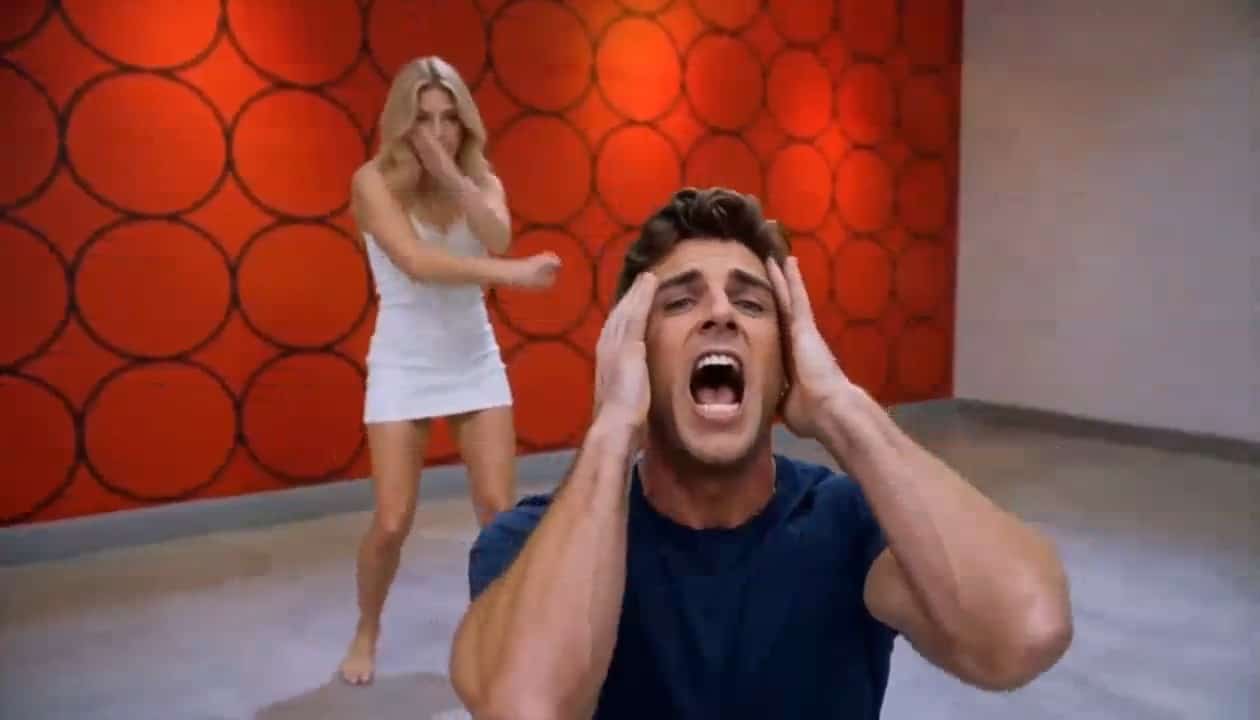
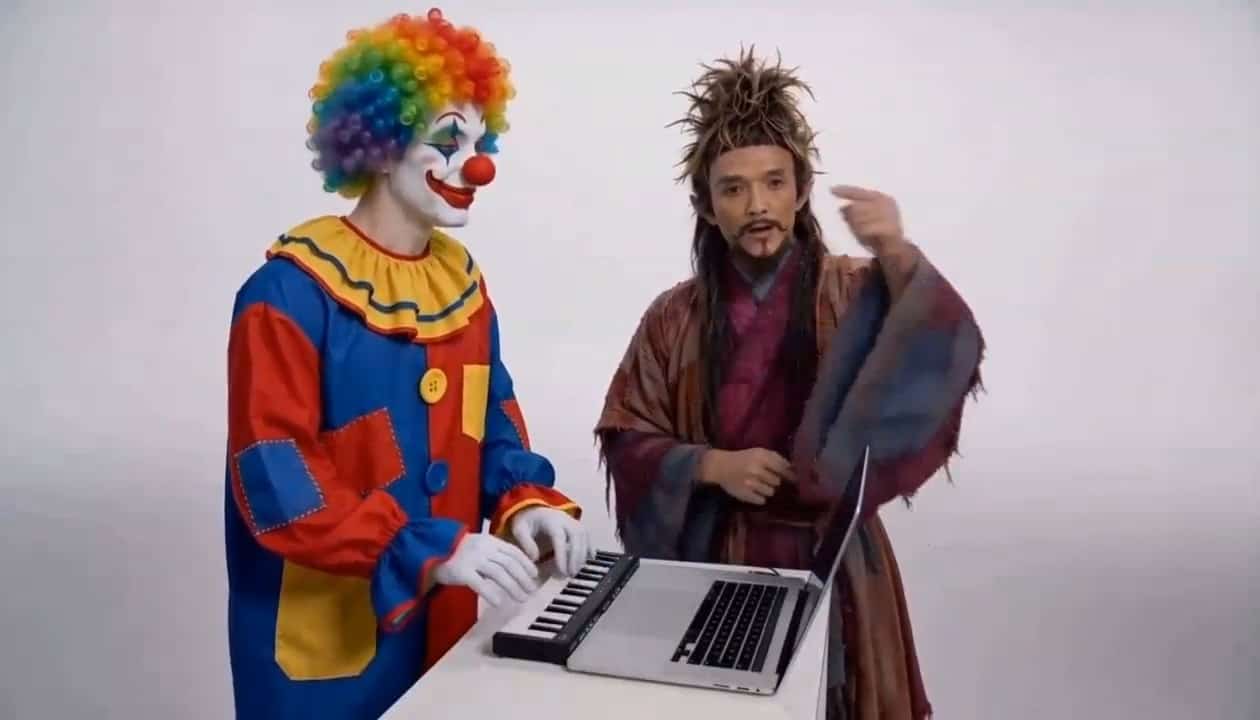
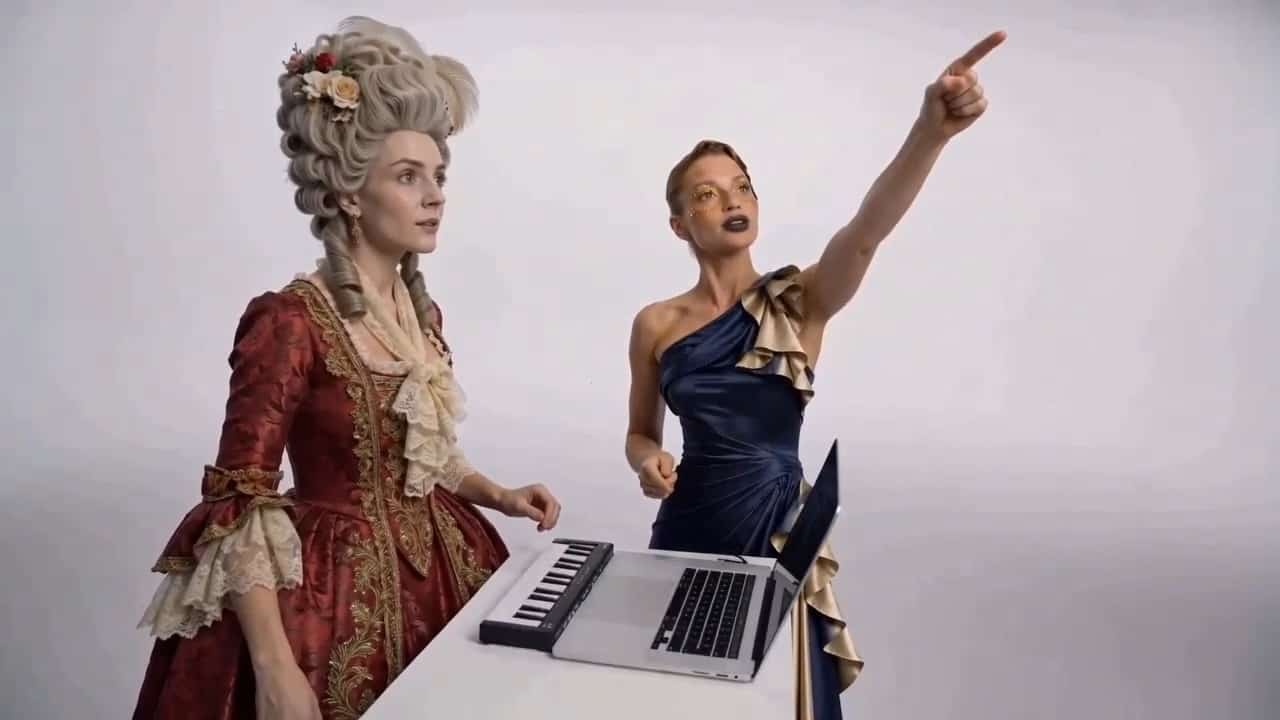
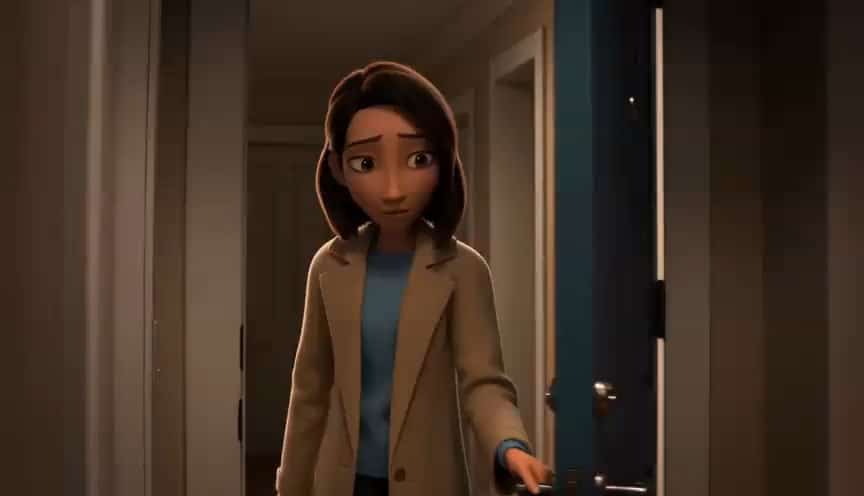
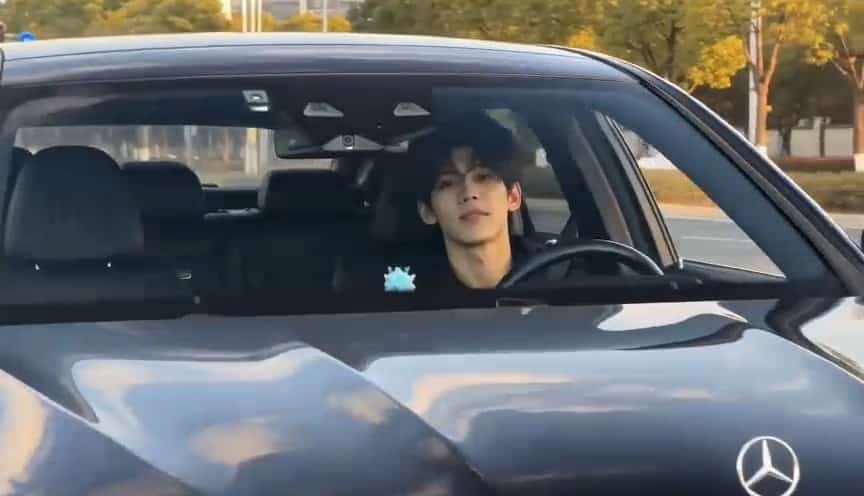
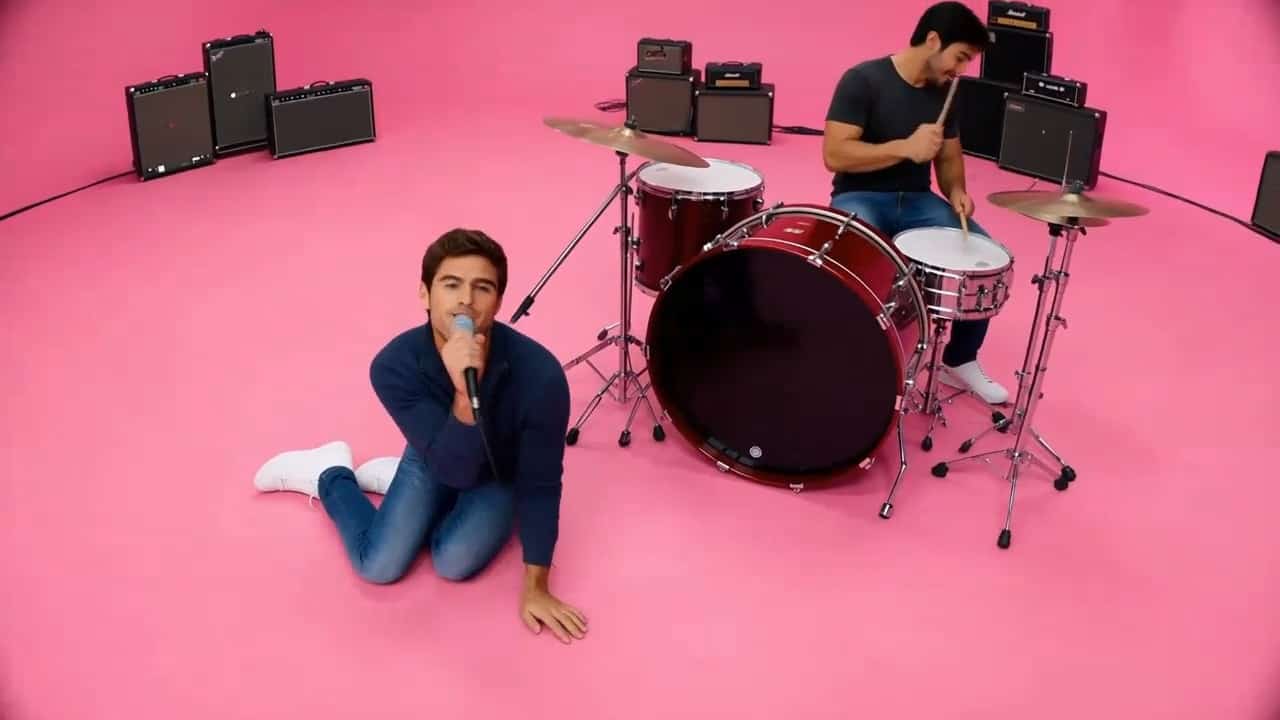




Burning Bridges AI Video Generator
Your Photo. Your Character. Your Party Spotlight.
Step into a chandelier-lit party with the Burning Bridges AI Video Generator. Upload your photo, click Generate, and download a personalized performance with expressive movement and warm lighting. Create a Drake AI Video featuring your character at the center of the celebration, ready to share with friends or use in your next creative post.
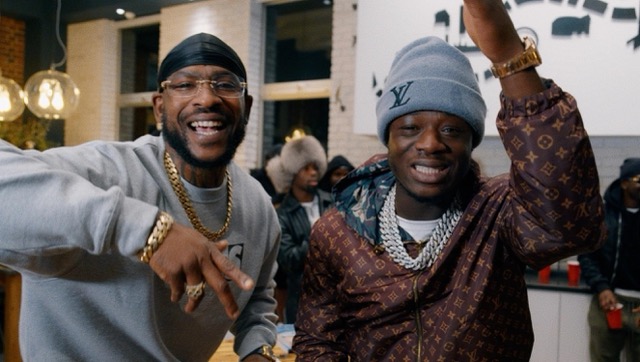
How to Use the Burning Bridges AI Video Generator
Create your party clip in three simple steps: upload a photo, click Generate, and download your video. The Burning Bridges AI Video Generator turns your image into a personalized party performance.

Upload Your Photo
Upload a clear photo with a visible face and upper body. Choose an evenly lit image so the Burning Bridges AI Video Generator can capture your character's appearance.

Click Generate
Click Generate to turn your photo into a party-themed clip. The Burning Bridges AI Video Generator animates your character with expressive movement and a warm party atmosphere.

Download Your Video
Preview the completed clip and download your video. Save your Drake AI Video to share with friends or include in your next creative post.
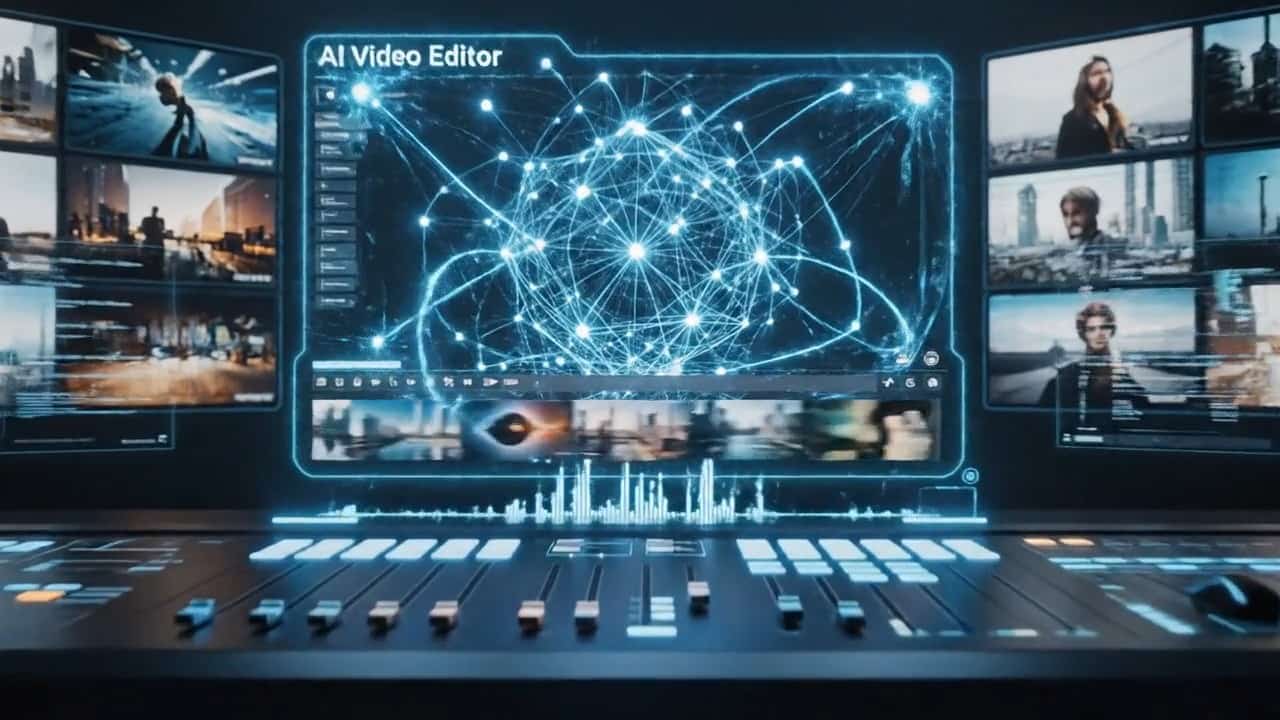
Best AI Video Tools for Creative Projects
Explore creative tools for video, learn tips and tricks, and see how AI can be your assistant in turning concepts into finished projects.





















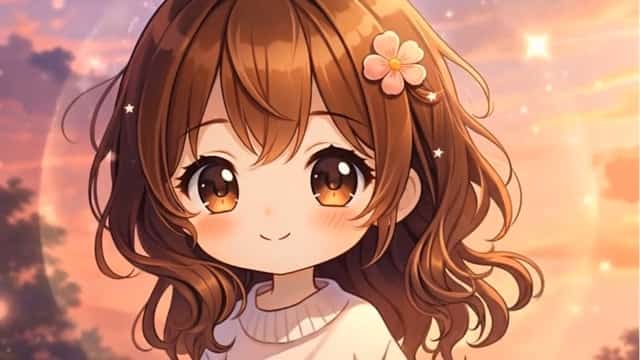

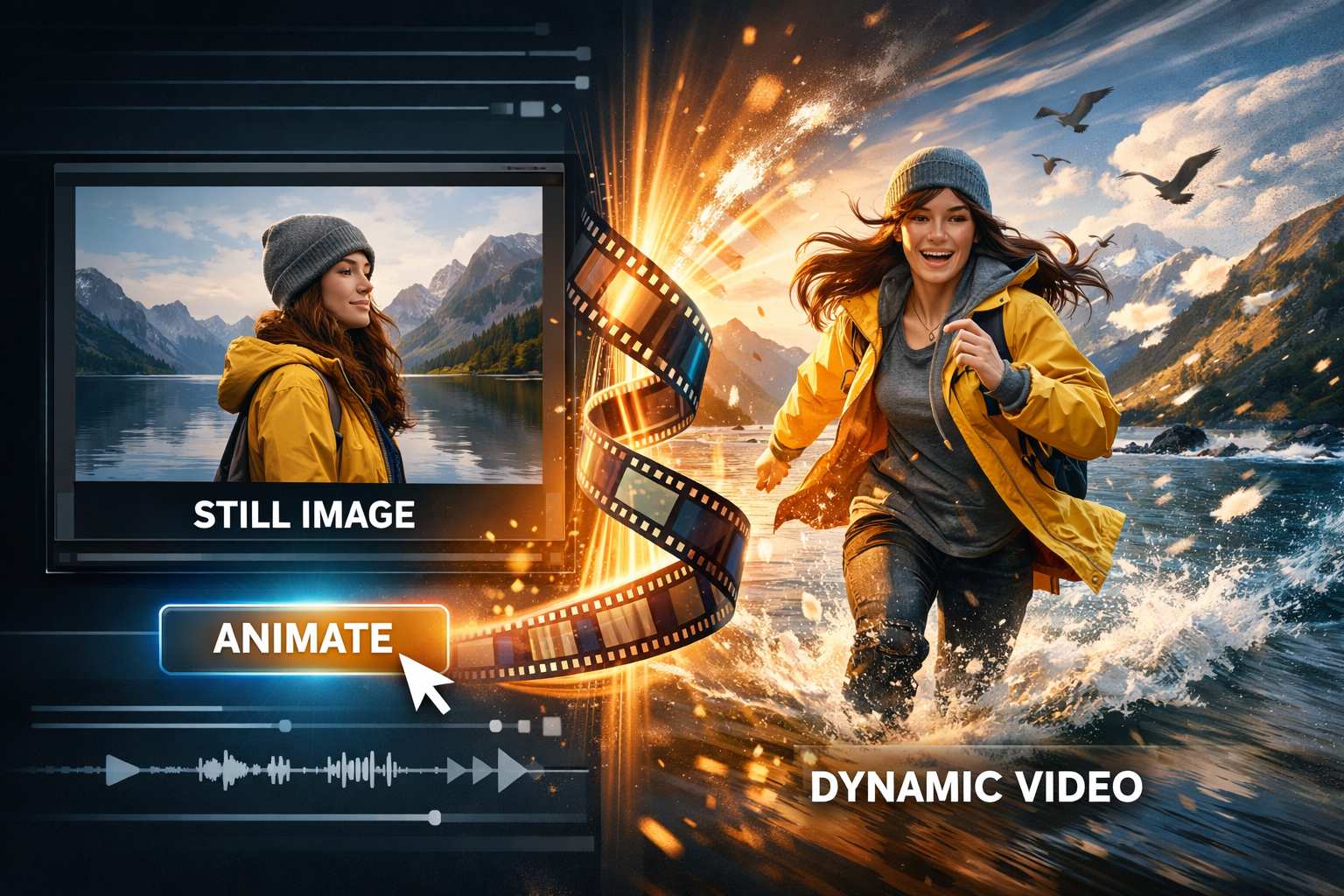
Bring Your Photo Into the Party
Create a recognizable lead, expressive movement, and a warm party setting with the Burning Bridges AI Video Generator. Upload your image and let the generation process bring your Drake AI Video concept to life.
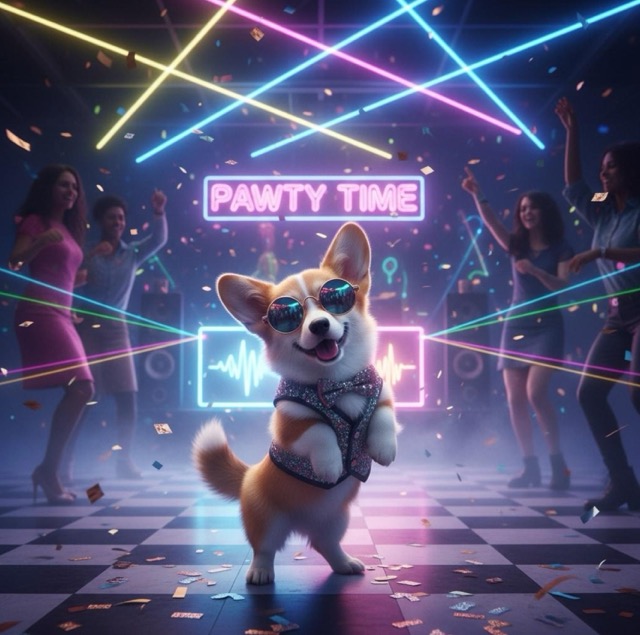
Your Character in the Spotlight
Make your photo the starting point of a personalized party performance. The Burning Bridges AI Video Generator uses your uploaded image to establish the lead character's appearance, including visible facial features, hairstyle, and clothing. A clear portrait helps your subject stand out against the surrounding guests. Preview your Drake AI Video after generation to see how your character appears throughout the clip.
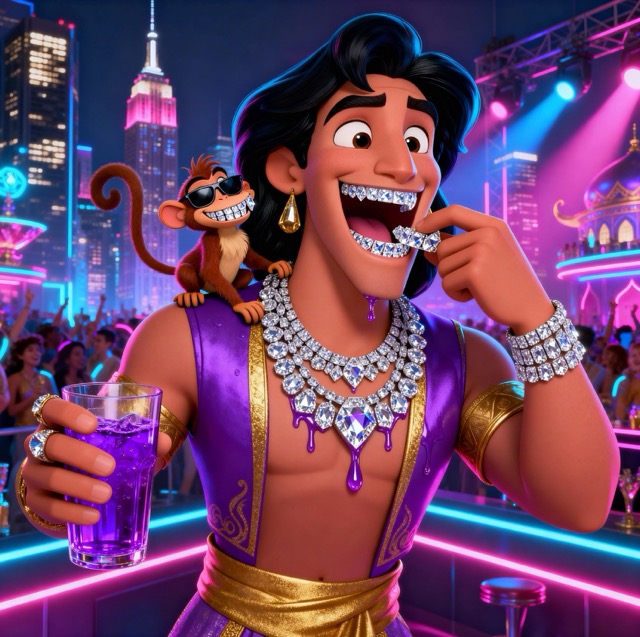
Expressive Party Movement
Bring energy to a still image through expressive gestures and body movement. Click Generate and let the Burning Bridges AI Video Generator create the party performance without requiring a separate motion reference. Your character becomes the visual focus of a Drake AI Video concept, with movement adding personality to the scene. The exact gestures and their consistency may vary between generated results.
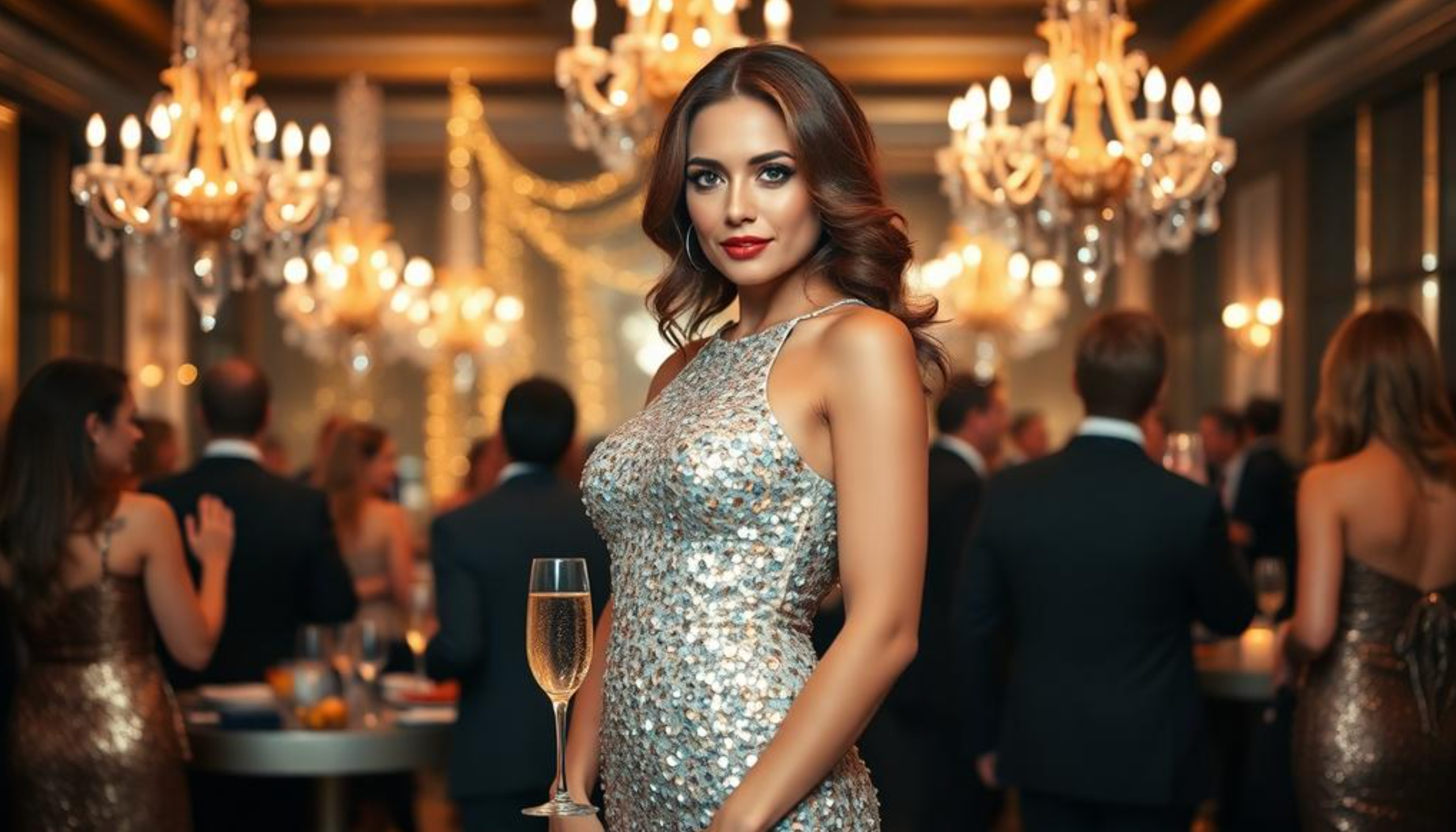
A Warm Party Atmosphere
Place your character in a celebration shaped by chandelier lighting, warm highlights, and surrounding guests. The Burning Bridges AI Video Generator combines the lead performer with a party-themed setting to give the clip a coherent mood. Your Drake AI Video brings together personal character details and an inviting atmosphere. Preview the finished result to check how the lighting, background, and subject work together.
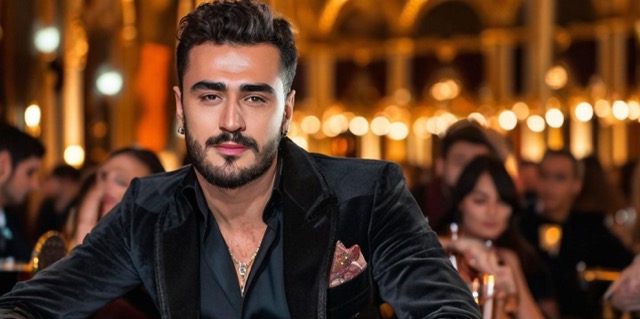
A Simple Photo-to-Video Workflow
Create your clip through a straightforward sequence: upload a photo, click Generate, and download the result. The Burning Bridges AI Video Generator keeps the process accessible without a separate motion-reference upload or manual choreography setup. Start with a suitable image and preview your Drake AI Video once processing finishes. Download the completed clip for sharing or further editing in your preferred video editor.
Creative Ideas for the Burning Bridges AI Video Generator
Explore personal performances, original characters, playful pet concepts, and celebratory greetings with the Burning Bridges AI Video Generator. Each Drake AI Video starts with an uploaded image and follows the same simple generation workflow.

A Personal Party Performance
Upload your portrait, click Generate, and see yourself become the lead in a party-themed performance. The Burning Bridges AI Video Generator adds movement and atmosphere to your image. Preview your Drake AI Video, then download a personal clip to share with friends or include in a social post.

An Original Character Showcase
Give an original illustrated character a new way to appear on screen. Upload a clear character image to the Burning Bridges AI Video Generator and click Generate. Preview how its design translates into a moving party scene, then download your Drake AI Video for a character showcase or creative project.

A Playful Pet Character Experiment
Try a clear pet character image with the Burning Bridges AI Video Generator for a playful party concept. Upload the image, click Generate, and preview the result before downloading. Animal movement can be less predictable, so check the paws, facial features, and body proportions in your Drake AI Video.

A Creative Greeting or Celebration
Create a party-themed greeting from a consenting participant's photo or an original character image. Upload it to the Burning Bridges AI Video Generator, click Generate, and download the completed performance. Add a personal message afterward in an editor to turn your Drake AI Video into a celebratory greeting.
Burning Bridges AI Video Generator Feedback Examples
Illustrative names, roles, and feedback only. Replace these Burning Bridges AI Video Generator examples with verified customer testimonials before publishing.
I would upload a clear portrait to the Burning Bridges AI Video Generator, click Generate, and download a short party performance to share.
I would use the Burning Bridges AI Video Generator to explore how my illustrated character looks in a moving party scene.
For a celebratory Drake AI Video, I would generate a performance from a photo and add a personal message after downloading.
I would generate a clip with the Burning Bridges AI Video Generator, preview the movement, and download it for further editing.
I would upload an original character image to the Burning Bridges AI Video Generator and preview its animated party performance.



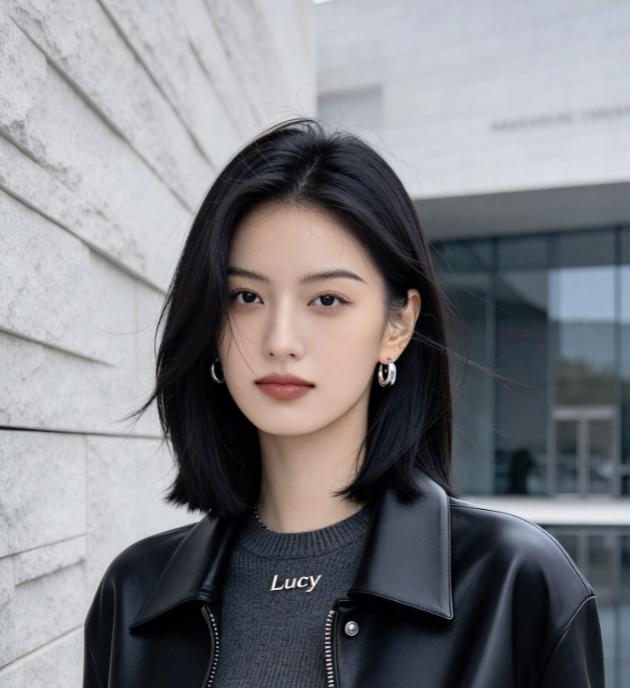

Burning Bridges AI Video Generator Questions
Learn which photo to upload, how generation works, and what to check before downloading your Burning Bridges AI Video Generator result.
The Burning Bridges AI Video Generator turns an uploaded image into a personalized party-themed performance. Upload your photo, click Generate, and download the completed clip. The concept combines your character with expressive movement and warm lighting, without implying official artist affiliation.
No separate reference-video upload is required in this workflow. Upload your photo, click Generate, and preview the completed result. The Burning Bridges AI Video Generator handles the party animation, although the exact gestures and movement may vary.
Choose a sharp, evenly lit image with a visible face and clear upper-body details. Avoid heavy blur, cropped facial features, or objects covering the subject. A suitable photo gives the Burning Bridges AI Video Generator a clearer starting point for your Drake AI Video.
Audio and lip sync depend on the generation model. The Burning Bridges AI Video Generator does not guarantee the original song or accurate mouth movements. Preview the output and add permitted audio after downloading if your Drake AI Video needs additional sound.
Start with a clearer photo showing the subject's face, clothing, and upper body. After clicking Generate, preview the face, hands, and movement before downloading. If needed, upload a more suitable image and generate another Burning Bridges AI Video Generator result.
Pricing, credits, processing time, and download options depend on the selected model and your account. Check the current interface before clicking Generate. Once your Burning Bridges AI Video Generator task finishes, preview the result and download it using the available export options.
Create With the Burning Bridges AI Video Generator
Bring your photo into the party with the Burning Bridges AI Video Generator. Upload a clear image, click Generate, and download your personalized performance. Create a Drake AI Video with expressive movement and a warm celebratory atmosphere, ready to share or add to your next creative project.
