
More AI Video Generators
Explore our collection of specialized AI video generators designed for different creative needs and styles

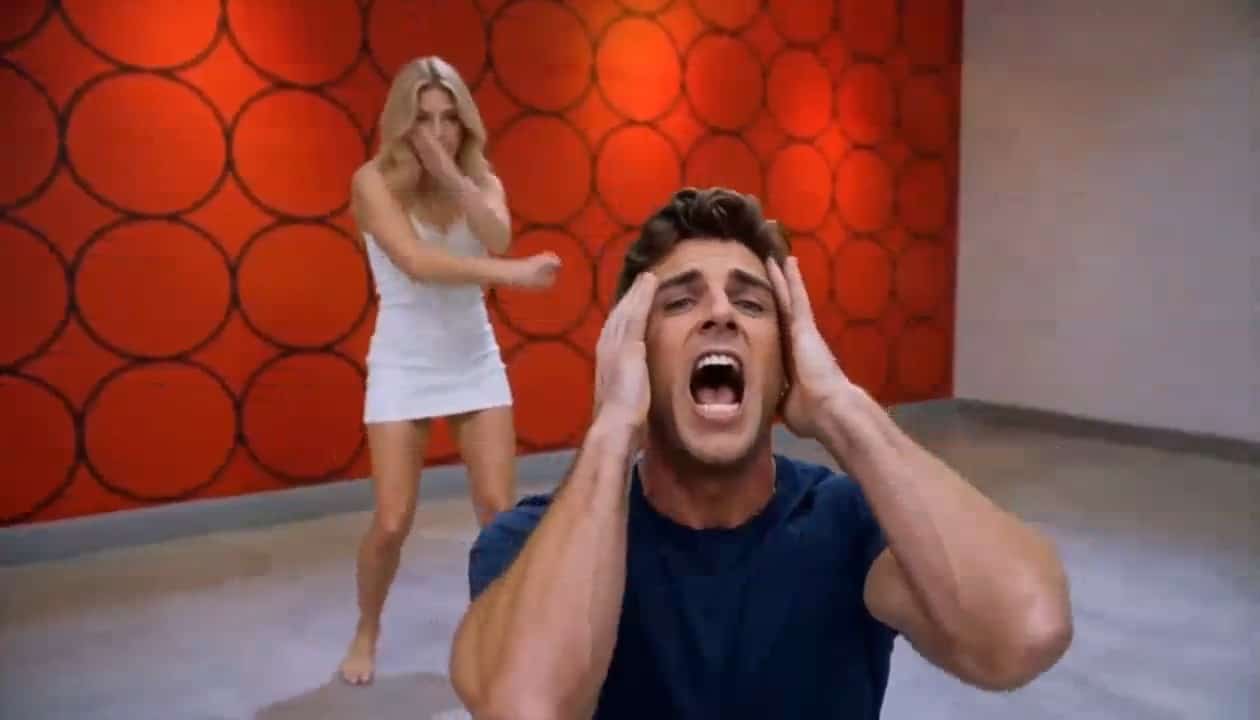
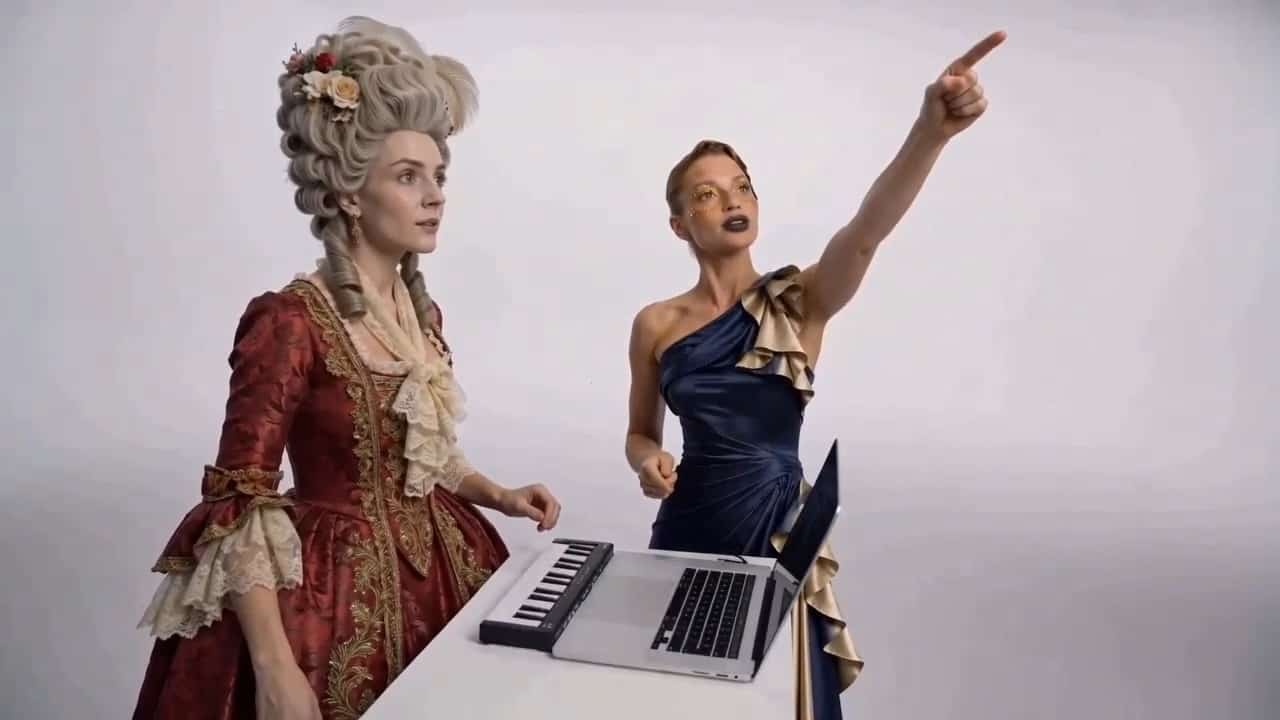
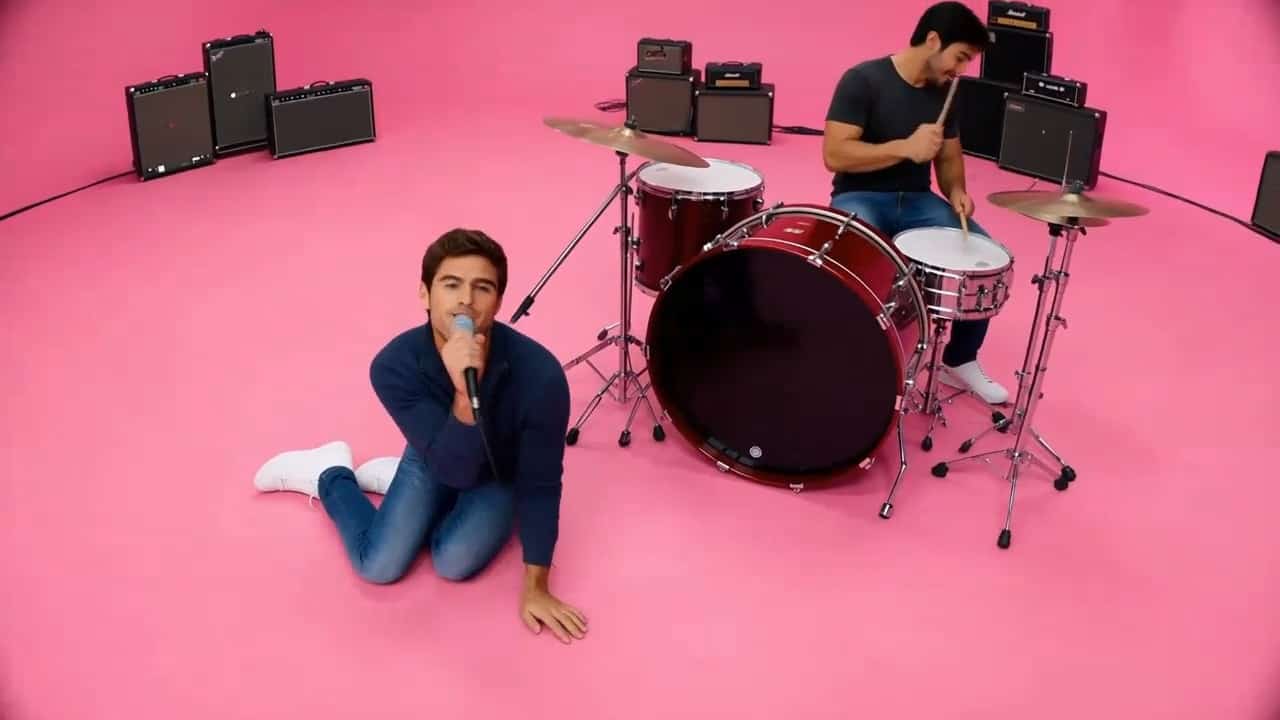




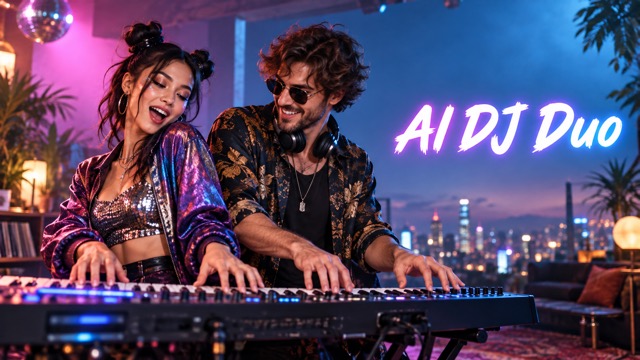
AI DJ Duo: Put Your Favorite Pair At One Keyboard
Make A Kong Kong King King Video With Two Portraits
Cast two people in an energetic keyboard performance with AI DJ duo. Upload a clear portrait for each role and watch them step into a playful, synchronized music-video moment. The Kong Kong King King setup centers on one keyboard, two distinct personalities, and the little reactions that make a short clip worth replaying. AI DJ duo uses MiniMax H3 with a prepared source video and direction, so you can focus on the pairing instead of writing a prompt. The intended result keeps the source camera work, setting, actions, and audio timing while replacing the two designated performers. AI DJ duo results can vary, so review the final clip before sharing.
How To Create An AI DJ Duo Video
The Kong Kong King King concept needs only two separate portraits. AI DJ duo supplies the short performance reference and a prepared direction for MiniMax H3. Follow these four steps to give each person a defined role and make the finished scene feel like your own pairing.

Choose The First Portrait
Start with a clear image of the person you want in the left performer role. A visible face, simple lighting, and enough detail around the hair and clothing help AI DJ duo identify the appearance to carry into the video. For the Kong Kong King King scene, this first portrait maps to the performer on the left when both people first appear together. Avoid a tiny face, heavy obstruction, or several people in the same image. This AI DJ duo role assignment stays fixed as the scene cuts and the performers move.
Add The Second Portrait
Upload a different image for the right performer. AI DJ duo treats the second portrait as its own identity rather than a variation of the first. The two people do not need to have been photographed together, which makes a Kong Kong King King pairing easy to imagine across different places or moments. Choose a clear front or three-quarter view when possible. For AI DJ duo, use only portraits you have permission to use, especially if you plan to post the resulting clip publicly.

Generate The Shared Performance
With both portraits ready, start AI DJ duo. MiniMax H3 receives the two references, the fixed 15-second source clip, and a prepared instruction to replace the original pair. The Kong Kong King King direction asks for the same keyboard scene, gestures, cuts, camera framing, and audio timing while assigning one new person to each original performer. You do not have to describe every motion or build an editing timeline. AI DJ duo generation may interpret fine details differently from run to run, but the intended structure remains the same: one shared keyboard and two recognizable roles.

Review And Share The Result
Play the finished AI DJ duo video before you save or share it. Look at the first two-person shot to confirm that the left and right assignments match your uploads. Then watch for stable faces, believable hands at the keyboard, natural reactions, and cuts that keep each person in the right role. The Kong Kong King King joke lands best when the timing and personalities feel connected. If a face is unclear, try a sharper portrait or a photo with less obstruction and generate again. A quick review also helps you choose the version that fits your intended audience and context.
Best AI Video Tools for Creative Projects
Explore creative tools for video, learn tips and tricks, and see how AI can be your assistant in turning concepts into finished projects.






















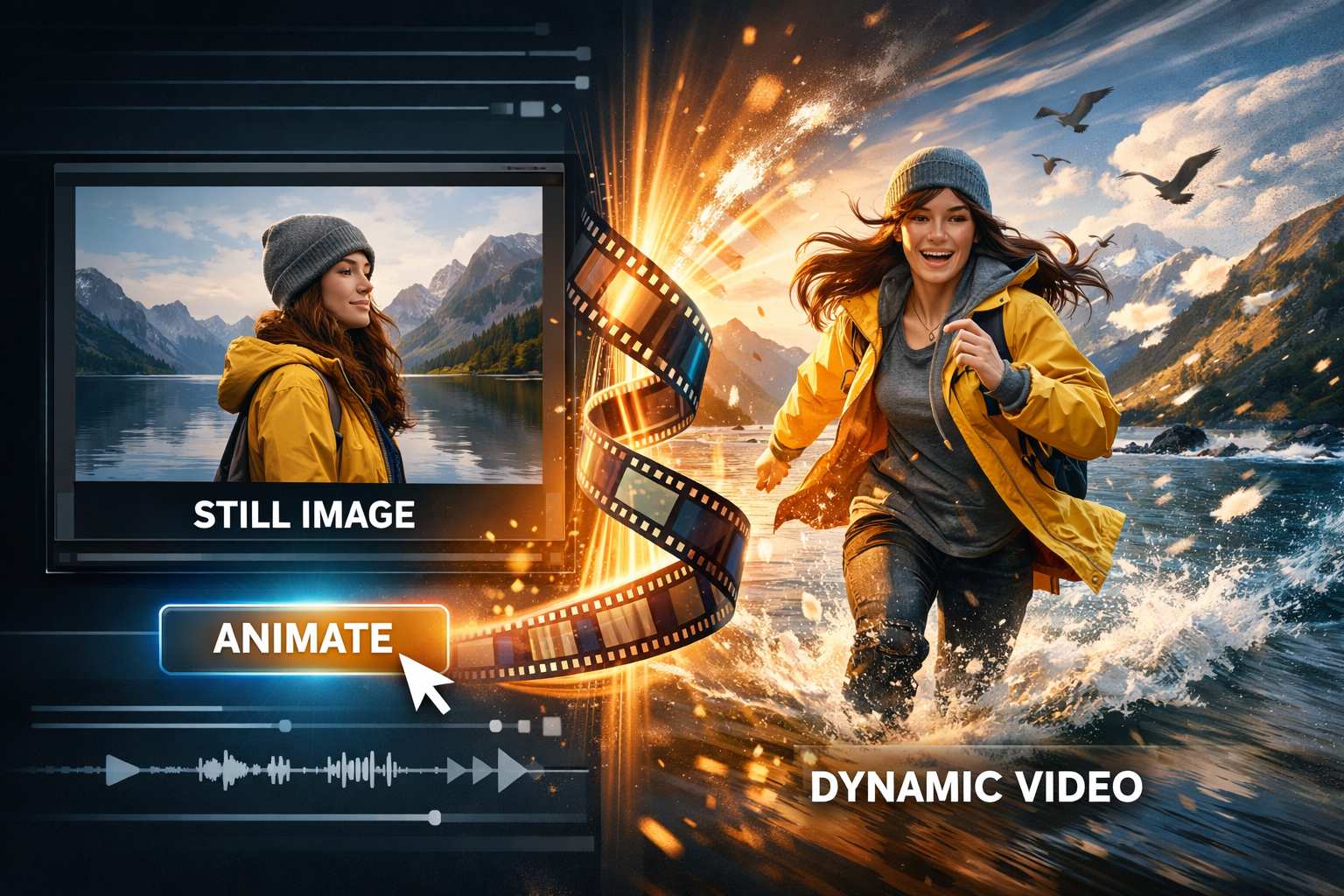
What Makes The AI DJ Duo Scene Work
AI DJ duo is built around a short, readable visual idea rather than a complicated plot. The Kong Kong King King performance gives your two portraits a shared setting, defined actions, and a soundtrack to react to. These details are why a familiar pair can feel instantly funny in the finished clip.
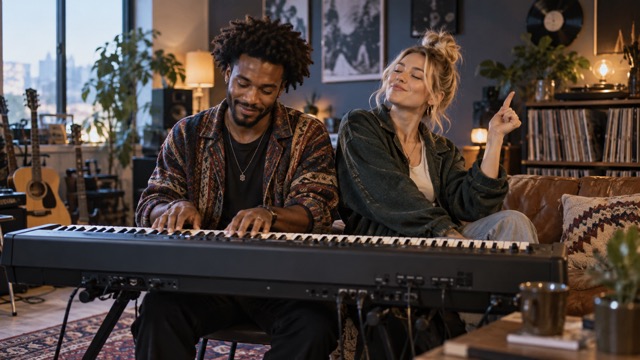
Two People, One Keyboard
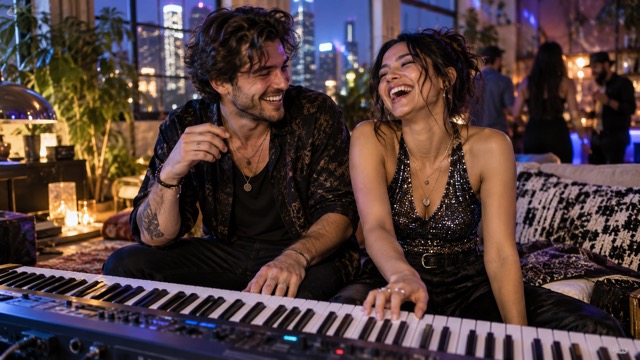
The center of AI DJ duo is a compact keyboard performance with two people occupying different roles in the same frame. Their hands, expressions, and turns toward each other make the scene legible even before someone knows who they are. The Kong Kong King King format becomes more personal when the left and right performers are people your audience recognizes. AI DJ duo aims to keep each portrait attached to its assigned role across cuts, occlusion, and movement. That gives the video a consistent pair instead of a sequence of unrelated faces. Choose a contrast that means something to your audience: the careful planner beside the spontaneous friend, the quiet musician beside the loudest dancer, or two collaborators who always disagree about the playlist. One setup makes room for many stories.
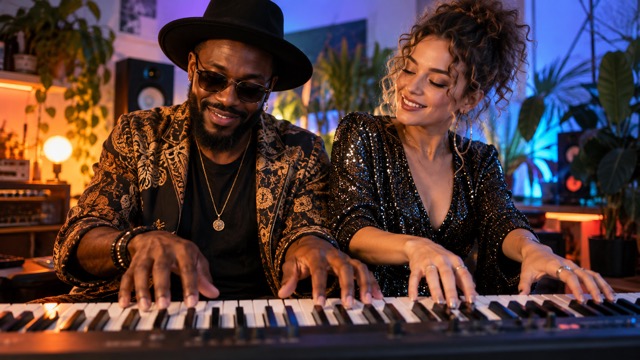
Actions That Follow The Beat
A convincing AI DJ duo clip depends on timing. The prepared direction asks the replacement performers to follow the source gestures, head turns, gaze, mouth movements, and interactions frame by frame. In the Kong Kong King King scene, a small glance or a confident reach toward the keys can carry the joke as strongly as a bigger dance move. The original audio track is intended to remain in place, keeping the music, effects, and performance rhythm aligned with the picture. AI DJ duo does not ask MiniMax H3 to invent a new song or voice. That focus makes the result feel like a recast performance instead of a loosely inspired remake. Watch the finished video with sound on, because the relationship between action and beat is a large part of the effect.
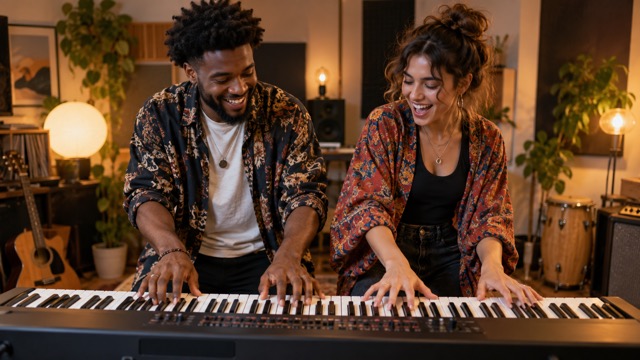
A Familiar Scene With New Personalities
The environment, props, camera movement, lighting, cuts, duration, and aspect ratio provide continuity for AI DJ duo. The two uploaded people are the creative variable. A Kong Kong King King video can therefore feel recognizable in structure while becoming specific to your friend group, family, or creative team. The prepared instruction asks for natural perspective, scale, shadows, reflections, and motion blur so the new performers sit inside the existing footage. Results can still show artifacts, especially around fast hands or partially hidden faces, and a clear reference portrait can help. Treat every AI DJ duo generation as a draft to review. What matters most is that the scene keeps its one-keyboard rhythm and the two people remain distinct through every change of angle.
A Short Clip Built For Sharing
AI DJ duo turns a simple casting idea into a brief video you can send with a message, add to a celebration, or use as a lighthearted introduction. The Kong Kong King King setup works because viewers understand the relationship quickly: two people, one keyboard, and an exaggerated sense of musical teamwork. You might make a private joke for a birthday, surprise a sibling who always controls the music, or announce a creator collaboration with a playful visual. Keep the context clear when posting, and use portraits with consent. When the result feels right, the names and connection of your chosen pair do the storytelling.
Who Should Star In Your AI DJ Duo?
The best Kong Kong King King casting idea often starts with a relationship your audience already knows. AI DJ duo gives each pairing the same shared keyboard stage, but the meaning changes with the people you choose. Try one of these four directions, or use them as a starting point for your own story.

Best Friends With Opposite Energy
Put the friend who plans every detail beside the one who improvises everything. AI DJ duo lets that familiar contrast play out through the same keyboard gestures and reactions. A Kong Kong King King clip is especially fun when your group can guess who will take charge before the first note. A clear portrait of each friend keeps the joke focused on their personalities, not on an unclear face or a confusing role swap.

Couples Who Share The Playlist
Turn a recurring music debate into a playful performance. AI DJ duo gives both partners a spot at one keyboard, so neither has to be the background character. The Kong Kong King King scene can work as a birthday note, an anniversary joke, or a quick answer to who controls the music on a road trip. Choose portraits that feel like the two people now, then review the output for natural expressions and stable identities. The result is a small shared moment rather than a claim that either person actually played the song.

Siblings And Family Group Chats
Some pairings have years of history behind one glance. AI DJ duo can stage adult siblings, cousins, or parents as an unlikely keyboard team. In a Kong Kong King King video, the timing of a turn or reaction may be enough to remind the family of an old joke. Use current photos with permission, particularly when the clip might leave a private chat. If the people have similar features, choose images with clear faces and distinctive clothing to help separate their roles throughout the scene.

Creators And Music Fans
Give a collaboration an informal opening with AI DJ duo. Two creators, bandmates, or playlist obsessives can share the one-keyboard scene before introducing a project of their own. The Kong Kong King King format is strongest as a playful teaser, not proof of a real musical performance. If you want a different chemistry, change the pairing of portraits and generate again. Review the final cut for hands, faces, and audio timing before using it in a public post.
Imagined Reactions To AI DJ Duo
These six fictional reactions illustrate ways people might enjoy an AI DJ duo concept. They are creative examples, not verified customer reviews or promises about a specific generated result.
I would cast my most serious friend beside the one who dances at every party. AI DJ duo makes that contrast visible in a few seconds. The Kong Kong King King keyboard scene gives our group a joke we would understand immediately, especially when both faces stay recognizable.
My partner and I keep disagreeing over the playlist, so an AI DJ duo video would be a perfect reply. I like how the Kong Kong King King setup puts us both behind the keys instead of choosing one winner. The timing could make our tiny debate feel like a whole performance.
I would use AI DJ duo as a cheerful first look at a collaboration. The Kong Kong King King scene is simple enough that viewers could focus on our personalities. I would still watch the generated clip carefully and pick the version where the two roles and expressions make sense.
Our family chat would immediately know which two siblings belong in an AI DJ duo. The Kong Kong King King rhythm makes the idea funny before anyone needs an explanation. I would choose clear portraits and keep the resulting clip as a light, affectionate joke.
An AI DJ duo of the friends who send each other tracks every week feels inevitable. The Kong Kong King King keyboard is a playful stage for that habit. I would share it with a caption naming our imaginary act and let the reactions tell the rest of the story.
I like that AI DJ duo starts with two photos rather than a complicated edit. The Kong Kong King King format gives me a ready-made moment to personalize. If the first generation misses a face or hand movement, I would try sharper portraits and compare another result.






AI DJ Duo Questions Answered
Here is what to know before making an AI DJ duo video, from portrait order to the source music. The Kong Kong King King effect is simple to start, but checking the result makes a real difference.
AI DJ duo is a two-person video effect based on a short keyboard performance. You upload two portraits, and MiniMax H3 uses a prepared 15-second source video to place the chosen people into the two main roles. The Kong Kong King King scene keeps the shared keyboard, camera framing, choreography, and original audio as the intended reference. It is a playful recasting idea rather than footage of the people actually performing.
The first portrait in AI DJ duo is assigned to the original performer on the left in the first frame where both people appear together. The second portrait is assigned to the right performer. The Kong Kong King King direction asks the model to hold those assignments through cuts, crossings, temporary occlusion, and later reappearances. Choose separate images with one clearly visible person in each, then check the first shared shot in the generated result.
No separate prompt writing is required for AI DJ duo. The page includes a prepared direction that describes how the two uploaded people should replace the original performers while preserving the source scene and audio timing. For Kong Kong King King, your main choices are the two portraits and the pairing they create. You can generate another version if the first one does not capture the expressions or identities clearly enough.
The AI DJ duo instruction asks MiniMax H3 to preserve the source audio track unchanged, including music, vocals, sound effects, and timing. The Kong Kong King King performance relies on the actions meeting that audio rhythm. Generated output can vary, so listen to the finished clip before sharing it. The page is designed to recast the visible performers, not to make a new song or recreate anyone’s voice.
For AI DJ duo, choose a sharp image with a visible face and enough detail to distinguish hair, clothing, and expression. Avoid heavy blur, extreme crops, obstructed faces, or several people in one photo. The Kong Kong King King scene includes motion and changing angles, so a clear reference gives the model more useful appearance information. You do not need a photo of the two people together; two separate portraits are the intended input.
You can decide how to use your AI DJ duo result after reviewing it and checking that you have permission to use both portraits and the finished content. An AI DJ duo Kong Kong King King video can suit a private message, a family chat, or a playful creator post. Explain the joke in your caption if the audience does not know the pair. Do not present the synthetic performance as footage of something the people actually did.
Make Your AI DJ Duo Video
Pick two portraits and bring your favorite pairing into the Kong Kong King King keyboard scene. AI DJ duo uses MiniMax H3 and a prepared performance reference, so your next step is simple: choose the people, generate the clip, and watch their shared moment. Review the finished result, then share the version that captures their chemistry.
