
More AI Video Generators
Explore our collection of specialized AI video generators designed for different creative needs and styles
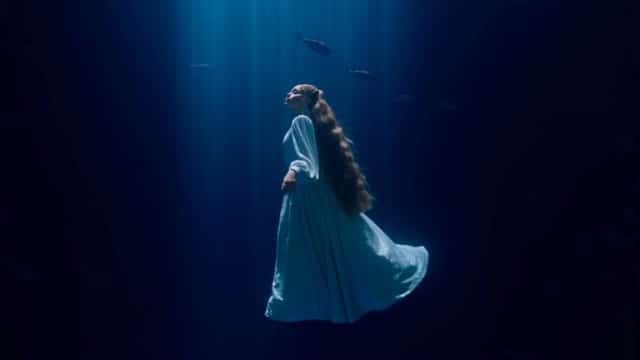

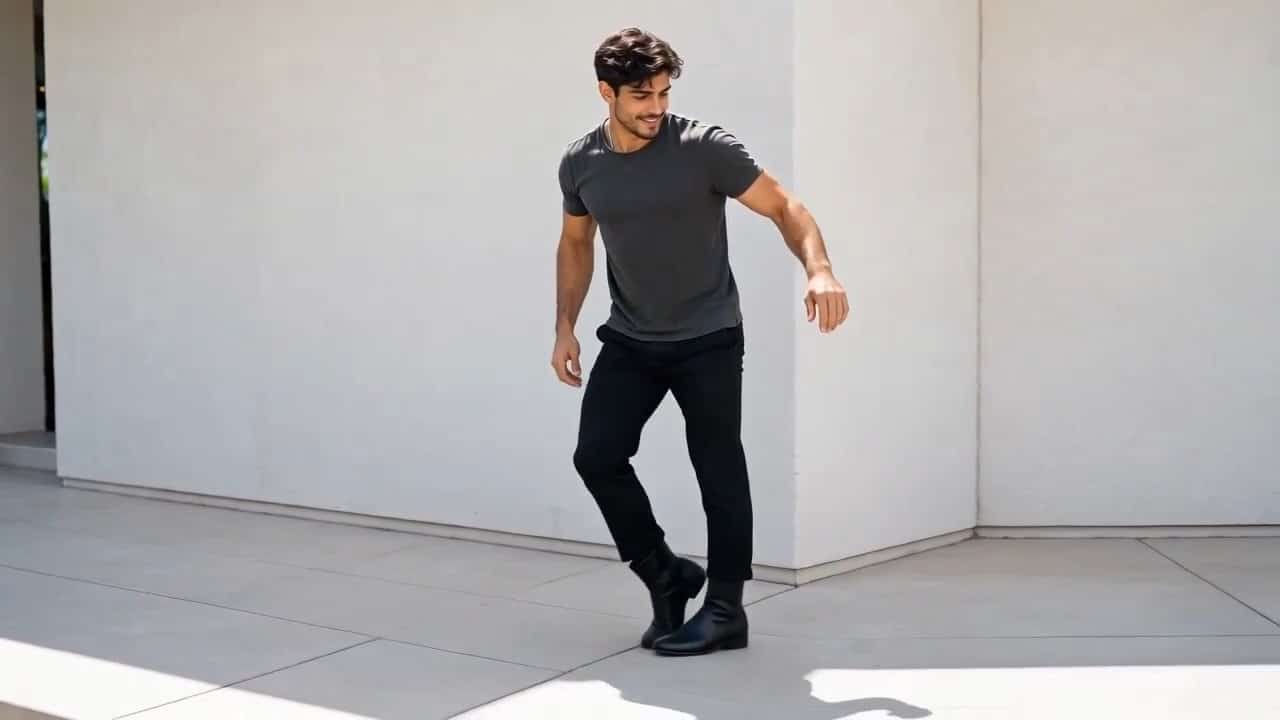
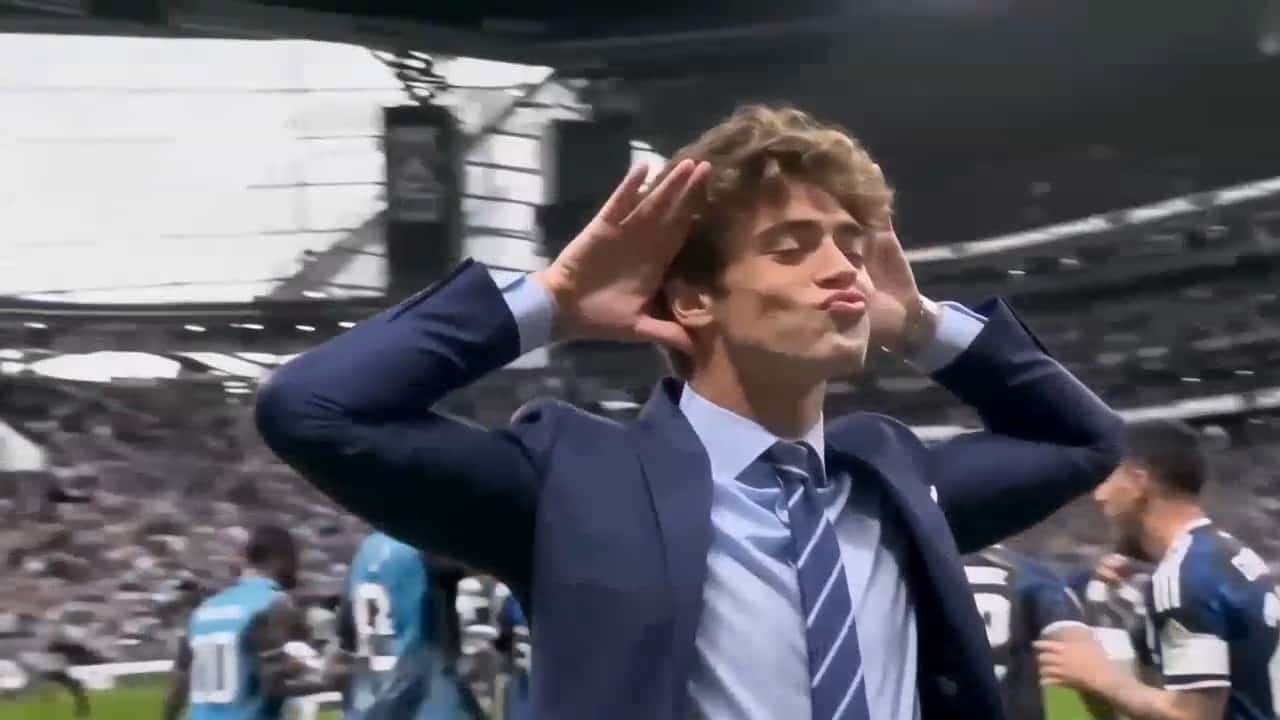
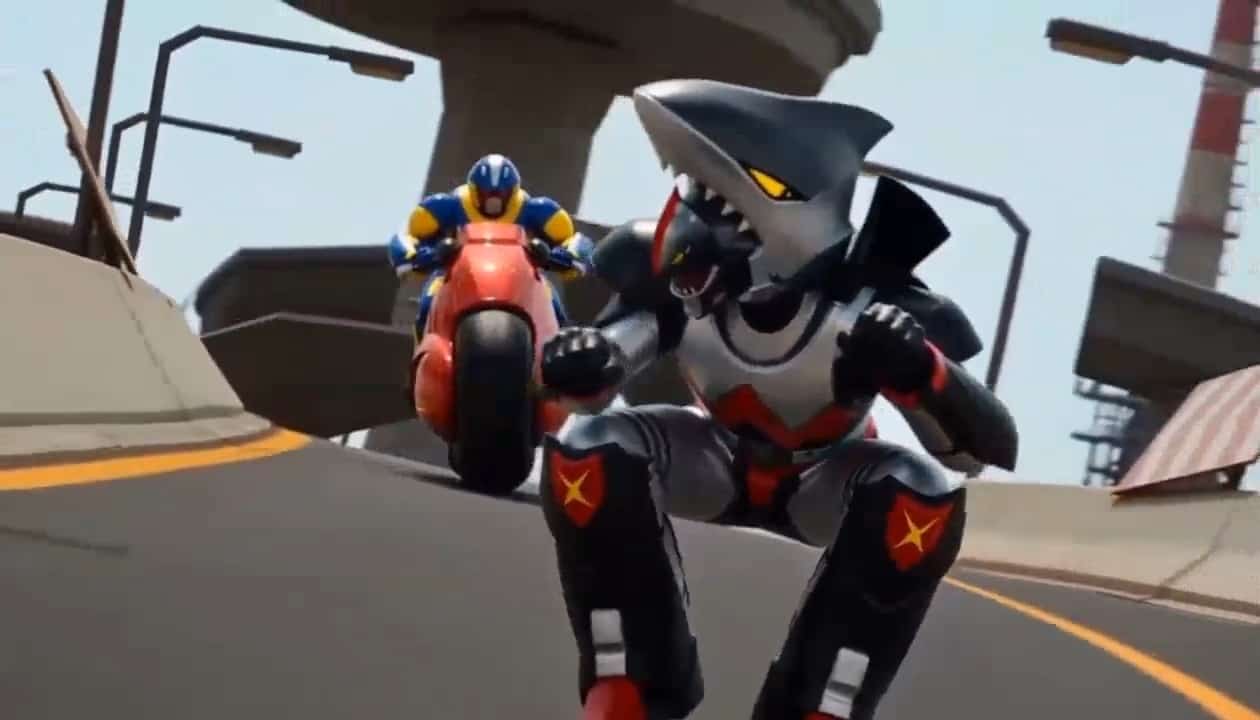
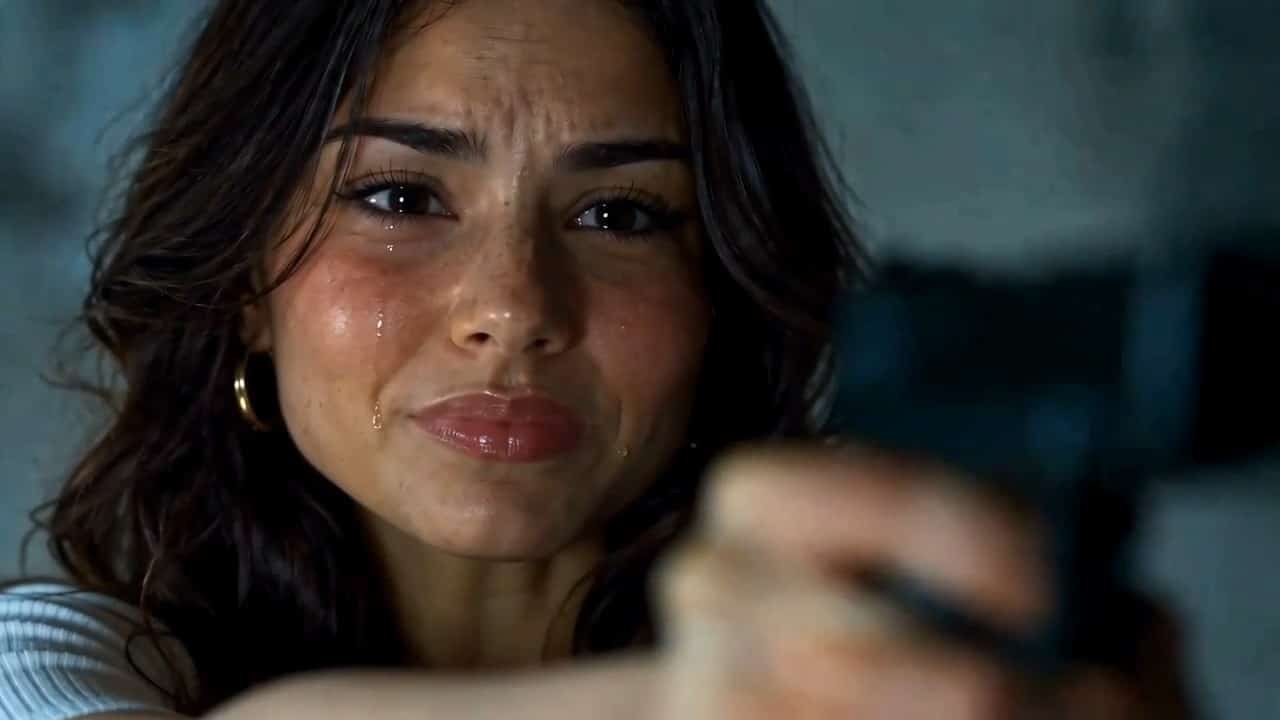
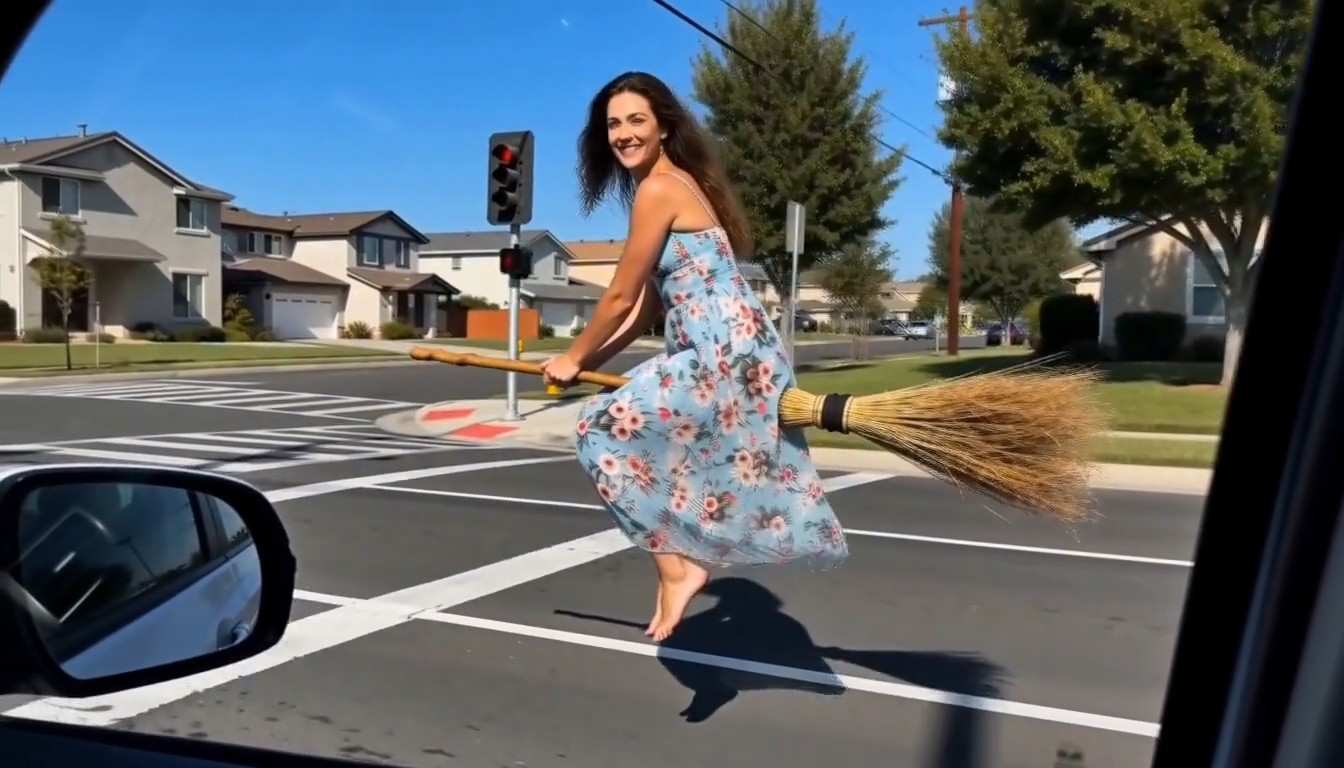



Create Your AI Thriller Dance Video
Your Photo At The Front Of The Zombie Dance
Turn a clear character photo into an AI Thriller Dance video with a built-in dance reference. Put your chosen person in the lead role of a nighttime zombie dance scene, with choreography and camera movement guided by the reference clip. Upload one photo to begin; the dance direction is already prepared.
How To Make An AI Thriller Dance Video
Start with one person and let the prepared reference guide the performance.

Choose Your Character
Pick a well-lit photo showing one person clearly. A full-body image gives the model more information about clothing and proportions.

Upload One Photo
Add your character image to the generator. The dance reference is built in, so you do not need to upload a separate choreography video.

Review And Generate
Check the available generation settings and the credit estimate before starting. The prepared instructions guide the lead character replacement.

Check Your Dance
Review the face, hands, footwork and audio in the completed result before sharing. AI-generated details can vary between attempts.
Best AI Video Tools for Creative Projects
Explore creative tools for video, learn tips and tricks, and see how AI can be your assistant in turning concepts into finished projects.

























Four Character Ideas For Your AI Thriller Dance
Explore gothic fashion, a playful silver-haired lead, Halloween costumes and everyday outfits. These AI-created concept images illustrate character ideas, not actual video outputs. Your clip uses the built-in night street reference; results may vary.
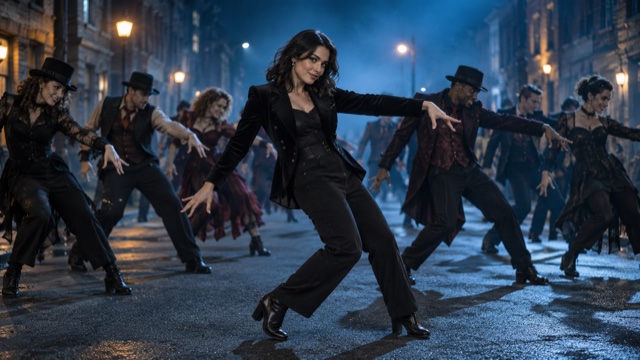
Gothic Woman Leading A Night Street Dance
Bring a dark, dressed-up character into the lead role. A clear photo with visible hair, face and clothing gives the AI Thriller Dance effect useful details to follow. This gothic look pairs black tailoring with a blue-lit street and a theatrical dance crowd.
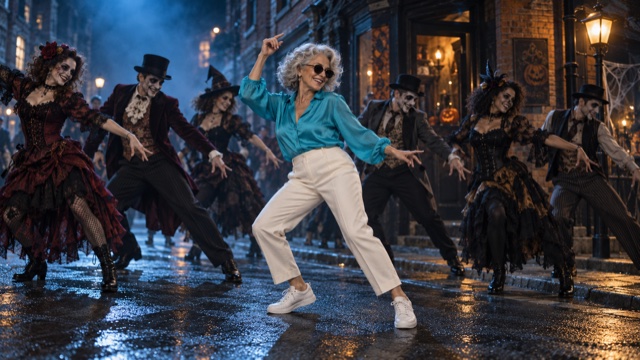
Silver-Haired Woman Dancing In Sunglasses
Try a playful contrast between a familiar face and a Halloween dance scene. Silver hair, sunglasses and a turquoise outfit give this character a distinctive look. For your own photo, keep the face well lit and avoid accessories that hide too much of it.
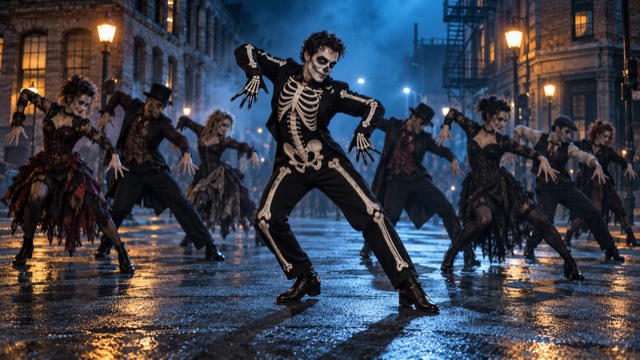
Skeleton-Costumed Dancer With A Halloween Crowd
Make the costume part of the character: a skeleton-print outfit and Halloween face paint create a bold lead silhouette. Use a clear full-body photo to show the outfit and makeup. The built-in video provides the dance reference, so you do not need to perform the moves yourself.
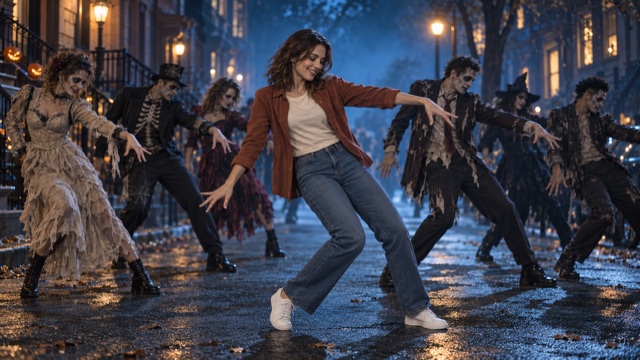
Casually Dressed Woman Leading A Zombie Dance
Start with an everyday look, such as a casual shirt, jeans and sneakers. Your photo supplies the character's appearance while the prepared clip guides the nighttime dance scene. Upload one image to try the effect without writing a prompt.
Ideas For Your Thriller Dance Video
Give a familiar face an unexpected role in a spooky dance scene.

Halloween Posts
Create a personal dance moment for Halloween greetings or a costume-party post.

Short Social Clips
Build a dance clip to review and adapt for your next TikTok or Reels post.

Character Experiments
Try a clear image of an original character and see how its appearance translates into the lead performance.

Playful Friend Greetings
Use an appropriate photo of a friend to create a lighthearted zombie dance greeting.
AI Thriller Dance Questions
What to prepare and what to check in your generated video.
AI Thriller Dance is a photo-to-video effect that uses a built-in zombie dance reference to guide a new clip featuring your chosen person as the lead dancer.
No. This page includes its dance reference. Upload one clear character photo; you do not need to record yourself dancing or provide a separate video.
Choose one clearly visible person with good lighting and an unobstructed face. A full-body image provides more information about the outfit, arms and legs. Details missing from a close-up may need to be generated.
The effect is configured to use the reference video's nighttime street and zombie crowd. Your photo supplies the lead character's appearance, not the scene background.
The reference guides the choreography, pacing and scene, but exact movement and audio preservation are not guaranteed. Review the generated video and its audio before sharing. This page does not promise delivery of the original Thriller recording.
Check the generator's current credit estimate and your available balance before starting. This page does not promise free or unlimited generation.
Make Your Own AI Thriller Dance Video
Choose a clear character photo and bring a familiar face into the lead role of a zombie dance scene.
