Gemini Live Explained: How Google’s Real-Time AI Assistant Works
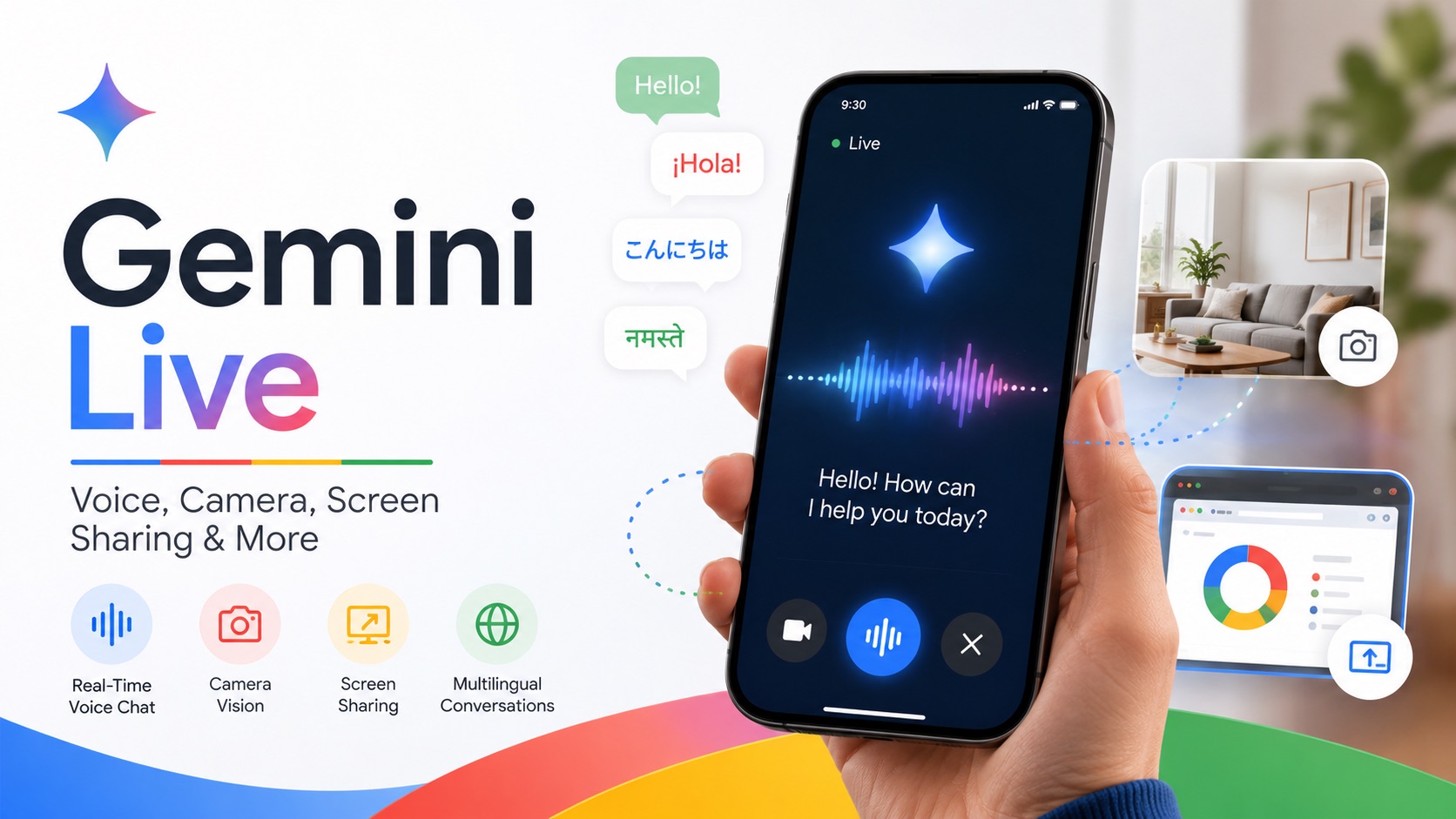
Explore what Gemini Live is, how its real-time voice conversations work, and how features like camera access, screen sharing, voice options, multilingual support, and Google service integrations create a more natural AI experience.
AI assistants have traditionally relied on a familiar pattern: type a prompt, wait for a response, then enter another prompt. Gemini Live changes that interaction by making conversation itself the main interface.
With Gemini Live, users can speak naturally, interrupt Gemini while it is answering, add new details, or change direction without restarting the conversation. The experience also extends beyond voice. On supported devices, Gemini can use camera input, understand a shared screen, communicate in multiple languages, and adapt how it speaks.
These capabilities make Gemini Live more than a voice version of a chatbot. It is designed for situations where ideas develop through conversation and where showing something can be easier than describing it in a carefully written prompt.
What Is Gemini Live?
Gemini Live is Google’s real-time conversational experience within Gemini. Instead of preparing a complete prompt before every question, users can begin speaking and develop the request naturally as the conversation continues.
For example, you might start with, “Help me plan a weekend trip.” After Gemini responds, you could add that you do not want to fly, that your budget is limited, or that you would prefer outdoor activities. Those details become part of the same discussion rather than forcing you to rewrite the original request.
Gemini Live also allows interruptions. If an answer is going in the wrong direction, you can stop Gemini and clarify what you meant. If an explanation is too complicated, you can immediately ask for a simpler version.
It is important to distinguish Gemini Live from the models behind it. Gemini Live is not a standalone model name in the same sense as Gemini Flash or Gemini Pro. Live refers to the conversational experience, while Google can continue updating the real-time audio and multimodal technology that powers it.
How Is Gemini Live Different From Regular Gemini?
Regular Gemini and Gemini Live can help with many of the same subjects, but they are designed for different ways of working.
Regular Gemini is generally better suited to tasks that require long written outputs, detailed editing, structured analysis, or information that needs to be carefully reviewed. Gemini Live becomes more useful when the request develops as you speak or when typing would interrupt what you are doing.
| Regular Gemini | Gemini Live |
|---|---|
| Mainly centered on written prompts | Mainly centered on real-time conversation |
| Requests are usually submitted one at a time | Requirements can develop as you speak |
| Better for long writing, analysis, and editing | Better for discussion and immediate assistance |
| Visual information is usually uploaded deliberately | Camera and screen sharing can provide visual context |
| Users often organize a request before sending it | Users can think aloud and change direction |
The two experiences therefore complement each other. A detailed article or code review may still be easier to handle through text, while brainstorming, speaking practice, or getting help with something in front of you can feel more natural in Live.
Voices, Languages, and Speaking Styles
Gemini Live gives users some control over how the AI sounds, not just what it says.
Different Voice Options
Google originally introduced Gemini Live with 10 distinct voice options, giving users a choice of different voice profiles. The exact selection can vary depending on language, region, and rollout, and Google has continued expanding its voice and regional dialect options.
This means the voice experience is not necessarily fixed. Different users may have access to different choices as Gemini Live continues to evolve.
Multilingual Conversations
Gemini Live was expanded to support more than 40 languages, and users can configure up to two supported languages on the same device.
That makes Live useful in situations such as:
- holding a conversation in another language;
- switching between two preferred languages;
- practicing everyday expressions;
- asking for explanations of unfamiliar phrases;
- rehearsing spoken responses before a real conversation.
Language support can vary by platform and region, so users looking for a specific language should check Google's current Gemini availability information.
Control Over Speed, Tone, and Accent
Gemini Live goes beyond simply reading an answer aloud. Users can ask it to speak faster or slower, change its tone, or adopt different speaking styles and accents.
That flexibility can be especially helpful when a user wants Gemini to slow down during a difficult explanation, make a practice conversation sound more realistic, or deliver information in a different style. Changes in pace, pitch, and intonation can make the interaction feel less like standard text-to-speech and more like an actual spoken exchange.
What Can You Do With Gemini Live?
Voice is the starting point, but the most useful parts of Gemini Live come from combining conversation with visual information and ongoing context.
1. Have a Natural Real-Time Conversation
Gemini Live allows users to speak without organizing every thought into a polished prompt first. You can begin with an incomplete idea, listen to Gemini's response, and add details as they occur to you.
This is useful when:
- brainstorming an idea;
- planning a project or trip;
- comparing several possibilities;
- thinking through a decision;
- asking a chain of related questions.
If the conversation moves in the wrong direction, you can interrupt and correct it immediately rather than waiting for a complete response and then writing another prompt.
2. Show Gemini What You See With the Camera
On supported mobile devices, Gemini Live can use the phone's camera during a conversation. This lets users show an object or environment rather than explain everything verbally.
For example, you could point the camera at ingredients and ask what you could cook, show an unfamiliar device and ask about its controls, or move around a room while discussing organization ideas.
Camera input can be useful for:
- identifying or discussing objects;
- getting help with something in front of you;
- comparing physical items;
- discussing a room or environment;
- working through a visual problem while talking.
Instead of taking a photo, uploading it, explaining it, and then asking a question, the visual context can become part of the same Live conversation.
3. Share Your Screen With Gemini
Gemini Live can also work with screen sharing on supported devices. Rather than copying information from a webpage or app into a prompt, users can show Gemini what is already on the screen and talk about it directly.
Suppose you are comparing several products online. You could ask which option looks better for travel and then add, “I care more about weight than battery life.” Gemini can continue from the context already visible on the screen.
Screen sharing can also help when you want to:
- compare information on a webpage;
- understand an unfamiliar interface;
- discuss something you are reading;
- review several choices on the screen;
- ask questions about content already open on your phone.
Google provides a dedicated Gemini Live camera and screen-sharing guide for users who want to try these visual features on supported devices.
Where Gemini Live Is Most Useful
Not every task benefits from real-time conversation. Gemini Live is strongest when the interaction itself is part of the task.
Brainstorming and Planning
A rough idea does not always translate easily into a detailed written prompt. Gemini Live lets users talk through an idea before all the details are settled.
You might begin with a vague plan for a presentation, video, trip, or work project. As the discussion develops, Gemini can suggest different directions while you accept, reject, or modify them.
This is especially useful when the goal is not simply to receive an answer, but to work out what you actually want.
Learning Through Follow-Up Questions
Gemini Live can also work as an interactive learning partner. If an explanation is too difficult, you can ask Gemini to simplify it immediately. If the next explanation is too basic, you can request a more technical version.
You can also ask for another example, change the pace of the explanation, or focus on one part of a topic without starting over.
That continuous adjustment makes Live useful when learning requires several rounds of clarification rather than one final answer.
Language and Speaking Practice
Real-time voice naturally fits language learning because users are not limited to reading translations or memorizing written phrases.
A Live session could be used to:
- practice everyday conversations;
- rehearse questions and responses;
- ask for explanations of unfamiliar expressions;
- practice listening and responding quickly;
- simulate situations such as ordering food or checking into a hotel.
The ability to adjust speaking speed can also make conversations easier to follow for learners who are not yet comfortable with normal conversational pace.
Interview and Conversation Rehearsal
Gemini Live can simulate situations where users need to respond without preparing every sentence in advance. Someone preparing for an interview can ask Gemini to act as an interviewer and continue asking follow-up questions based on each answer.
The same approach can be used for presentation Q&A, client conversations, negotiations, or other situations where speaking under pressure matters.
The benefit is not simply getting a suggested answer. It is practicing the process of listening, thinking, and responding in real time.
Help When Typing Is Inconvenient
There are also situations where stopping to type repeatedly is impractical. Cooking, organizing a room, checking equipment, or comparing physical objects are good examples.
Voice and camera input allow the user to continue dealing with the task while discussing it with Gemini at the same time.
Gemini Live Can Work With More Than the Conversation
Gemini Live is gradually becoming more than a standalone voice chat. Google has been connecting Gemini with other information and services so that conversations can include more useful context.
Depending on availability, permissions, and account settings, Gemini can work with information from services such as:
- Gmail;
- Google Calendar;
- Google Maps;
- YouTube;
- Google Keep;
- Google Tasks.
This creates more practical possibilities. A conversation about tomorrow's plans becomes more useful when relevant calendar information is available. A discussion about where to go can benefit from Maps context. Instead of manually collecting all of that information and pasting it into one long prompt, connected services can bring useful context closer to the conversation itself.
For users who want to explore the feature directly, Google's official Gemini Live page also shows how Live is evolving across voice, visual input, and connected experiences.
Do You Still Need Good Prompts With Gemini Live?
Yes, but Gemini Live changes what a good prompt needs to look like.
Traditional AI prompting often encourages users to put all important requirements into the first message. A detailed travel prompt, for example, might specify the destination, number of days, budget, transportation, schedule, and preferred activities before the AI starts answering.
With Gemini Live, those requirements can emerge through several conversational turns:
- “Help me plan a three-day trip.”
- “I don't want the schedule to be too packed.”
- “Keep it affordable.”
- “I'd like one day near the coast.”
Clear communication still matters, but the first sentence does not need to contain every possible condition. Instead, refinement becomes part of the interaction itself.
This is one of the biggest practical differences between Live and traditional prompt-based chat. Users can begin with a general direction and make the request more precise as the discussion develops.
What Are the Limitations of Gemini Live?
A natural voice can make Gemini Live feel more human, but it is still an AI system and can make mistakes.
Speech and Context Can Be Misunderstood
Background noise, unusual names, unclear pronunciation, or ambiguous sentences can lead Gemini to misunderstand what the user said. It can also lose or misinterpret part of the conversational context.
Camera and Screen Understanding Is Not Perfect
Showing something to Gemini does not guarantee that it will identify or interpret it correctly. Objects can be misrecognized, visual details can be missed, and content shown through screen sharing can be misunderstood.
Features Can Vary Between Users
Gemini Live availability can depend on factors such as:
- device;
- operating system;
- language;
- region;
- account;
- permissions;
- Google's rollout schedule.
Some features may therefore appear for one user before they become available to another.
For medical, legal, financial, safety-related, or other high-stakes decisions, important information should still be verified rather than accepted solely because Gemini's spoken response sounds natural and confident.
What Does Gemini Live Change?
The most interesting part of Gemini Live is not any individual feature, but the way those capabilities work together.
Voice reduces the need to repeatedly type prompts, while different voices, speaking styles, and adjustable speed make the interaction more flexible. Multilingual support gives spoken language practice a more natural format. Camera access lets users show real-world objects instead of describing them, while screen sharing brings digital content directly into the discussion.
Connected services add another layer by allowing useful information from the Google ecosystem to become part of the broader Gemini experience. Together, these capabilities move AI interaction away from submitting isolated prompts and toward maintaining an ongoing exchange.
That does not make text chat obsolete. Long-form writing, detailed editing, code review, research, and other tasks that require careful rereading are still often better suited to text. Gemini Live is most valuable when speaking is easier than typing, when requirements are still evolving, or when showing something is more efficient than explaining it.
Conclusion
Gemini Live is more than a voice button added to Google Gemini. It is a real-time conversational experience that combines speech, visual context, multilingual interaction, and an expanding range of connected capabilities.
Users can interrupt conversations, introduce new requirements as they think of them, choose between different voices, adjust speaking styles, show Gemini the physical world through a camera, and discuss information already visible on a shared screen.
These capabilities give Gemini Live a different role from a standard text chatbot. Instead of requiring every interaction to begin with a carefully structured prompt, it allows questions, limitations, and new ideas to emerge naturally as the conversation develops.
As Google continues improving voice choices, language support, visual assistance, multimodal understanding, and connected services, Gemini Live provides a clear example of how AI assistants are moving toward more continuous, natural, and context-aware interaction.