Nano Banana 2.5 Flash Rumor: Should Creators Wait or Start Now?
Keep image, storyboard, and video projects moving while the Nano Banana 2.5 Flash report remains unconfirmed. Choose between today’s Nano Banana 2, Pro, and 2 Lite by task, follow a practical SuperMaker workflow, and preserve prompts and original assets for a useful future comparison.
Availability checked September 18, 2026. This is a production decision guide, not a hands-on test of an unreleased model.
If the Nano Banana 2.5 Flash rumor has put your next image, storyboard, or video project on hold, keep the project moving. Start with an available model, preserve your inputs, and leave room for a small evaluation later. Waiting makes sense only when an existing tool demonstrably cannot meet a necessary requirement and your deadline allows it.
Nano Banana 2.5 Flash: what the dated rumor actually says
On September 5, 2026, TestingCatalog reported code traces suggesting a Nano Banana upgrade, naming “Nano Banana 2.5 Flash” and referencing a September 4 social post. Its broader story concerns closed Gemini desktop testing; it gives no confirmed public launch date for this image model.
At our September 18 check, Google’s model directory listed Nano Banana 2, Nano Banana Pro, and Nano Banana 2 Lite. We did not find a listing there for the rumored name. Treat the report as a reason to save an evaluation brief, not as a production dependency. There is no verified release schedule, specification sheet, or speed comparison to plan around here.
The name also needs care: our 2025 Gemini 2.5 Flash Image introduction covers the original Nano Banana launch. That historical article does not establish the identity or capabilities of this newly rumored model.
Choose Nano Banana 2, Pro, or 2 Lite by the asset
The following allocation is an editorial recommendation based on Google’s documented positioning, not a measured ranking.
| Your immediate task | Starting choice | What to check before accepting it |
|---|---|---|
| Independent mood images, background ideas, disposable visual directions | Nano Banana 2 Lite | Is the composition useful without repeated reference-heavy editing? |
| Product keyframes, reference-led scenes, and storyboard continuity | Nano Banana 2 | Do shape, subject identity, framing, and lighting stay consistent? |
| A demanding hero image, detailed layout, or localized campaign visual | Nano Banana Pro | Are exact copy, placement, and brand details correct at delivery size? |
Google’s image-generation guide positions Nano Banana 2 as the general-purpose choice and Pro for complex professional work. It describes Lite as the efficiency specialist and explicitly says Lite is not optimized for multiple reference inputs or sequential editing across turns. For a storyboard with recurring subjects, that limitation matters more than the word “Lite” in a menu.
Google’s June 30 announcement confirms Lite access through Google AI Studio and other Google developer surfaces. That does not establish its availability inside SuperMaker.
On September 18, we verified SuperMaker’s Nano Banana 2 and Pro generation interfaces, plus Veo 3.1’s image-to-video option. We did not verify a SuperMaker Lite entry. These were interface and documentation checks, not completed generation tests or uptime guarantees. Check the selected model, account access, and displayed credit charge before submitting a job.
A workflow you can start now: one product, three shots
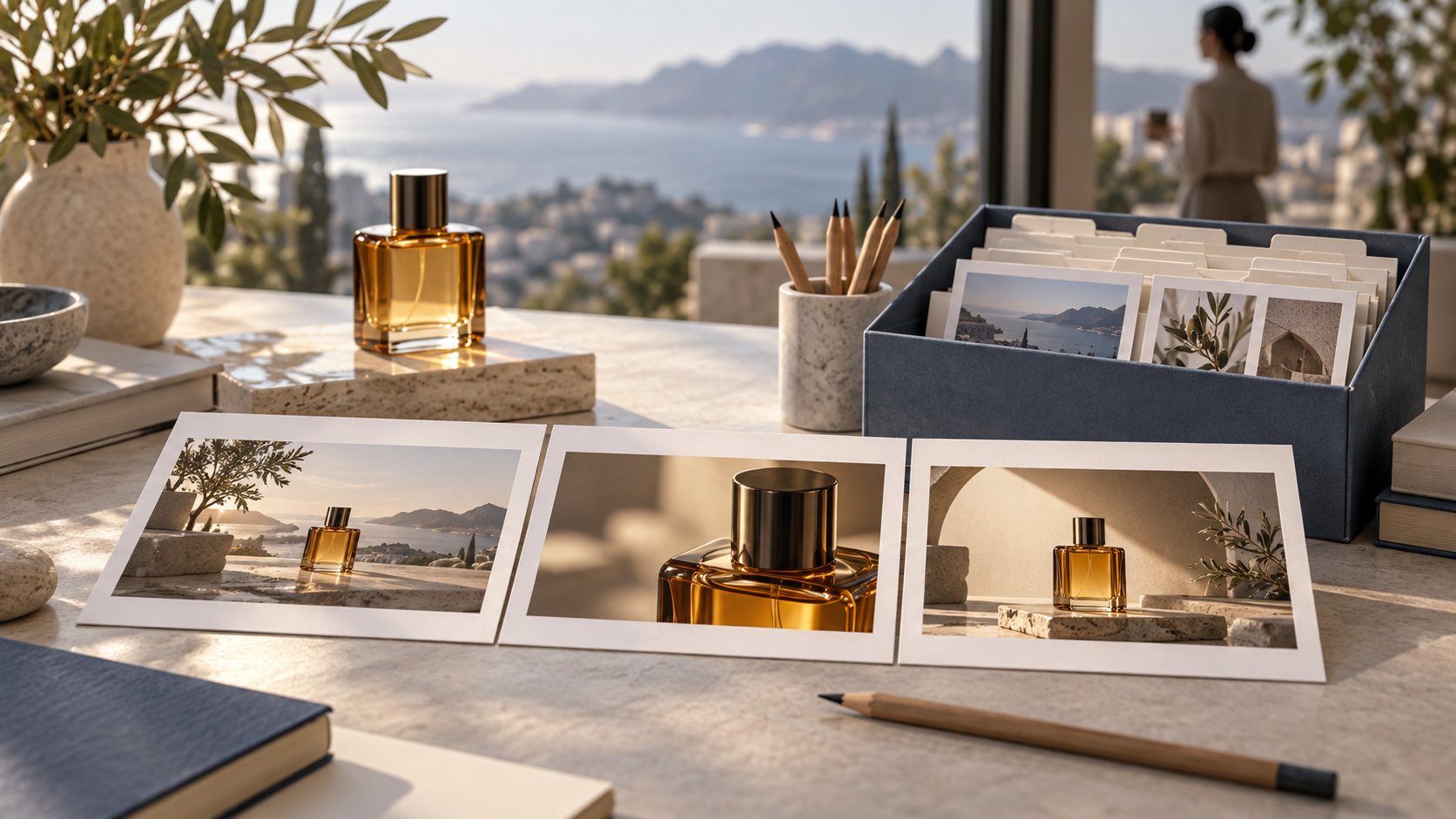
Use an unbranded amber perfume bottle as a small campaign exercise. The deliverables are one hero still, three approved storyboard frames, and one motion test. This keeps the experiment bounded while producing reusable material.
1. Lock the brief and references. Photograph or choose a product reference you have permission to use. Define bottle shape, cap, glass color, background, lighting direction, and delivery ratio. Plan three shots: a wide introduction, a close-up, and a final hero composition. Write down the elements that must not change.
2. Make the master still. Open Nano Banana 2 in SuperMaker and choose Image to Image for a reference-led task. A starting prompt is:
Use the supplied bottle as the product reference. Preserve its silhouette, cap proportions, and amber glass. Place it on a pale stone plinth in a warm daylight studio, soft light from camera left, restrained shadows, no added lettering. Frame a clean hero composition with space for copy on the right.
Set the required ratio in the available controls. Inspect the result before generating variants. If a demanding composition remains unresolved, try the same brief in Nano Banana Pro; keep both outputs for review.
3. Build the storyboard from the approved reference. Generate each planned shot separately. Reuse the original product reference and approved master where supported, changing only framing or camera distance. Review the three images together for bottle geometry, reflections, background, and light direction. Avoid treating a montage as three ready-to-animate source files.
4. Animate one approved frame. In SuperMaker’s Veo 3.1 workspace, choose Image to Video and upload the selected original. Try: “Slow camera push-in toward the bottle. Keep the bottle stationary and its shape unchanged. Maintain the existing lighting; no new objects or lettering.” Use the duration and output settings actually offered. Review motion, distortion, and unwanted changes before committing to more clips.
5. Finish outside the generation loop. Add final typography and assemble the sequence in your editor. Preserve clean source images separately from cropped, captioned, and compressed deliverables.
Save a reusable test pack, not just your favorite image
Create folders named references, prompts, originals, storyboard, video, and review. Give every attempt a stable identifier, such as bottle-shot02-v003. Download original files rather than saving compressed previews.
For each attempt, record the date, platform, exact displayed model, prompt verbatim, reference filenames and order, settings, output filename, edit history, and pass/fail notes. Record credits spent and elapsed time only when observed. Keep unsuccessful attempts: they reveal whether a later model solves a real problem.
Before any future test, freeze three acceptance checks—for example, unchanged cap geometry, consistent lighting across shots, and a usable crop. If the rumored model becomes officially accessible, replay the same small brief with supported equivalent settings. Compare accepted outputs and total rework, allowing for generation variability.
When should you actually wait?
Continue now when available tools can meet the brief. Pause only the blocked asset when a specific requirement fails, your schedule has slack, and you have a dated review checkpoint. Reassess after an official announcement and practical access, not another rumor post.
For Nano Banana 2.5 Flash, the useful preparation today is an organized project and a repeatable test pack. Start the master image, approve the storyboard, and reserve future evaluation for evidence that could change your decision.