Tung Tung Tung Sahur AI Prompts for Meme Images and Photo Edits
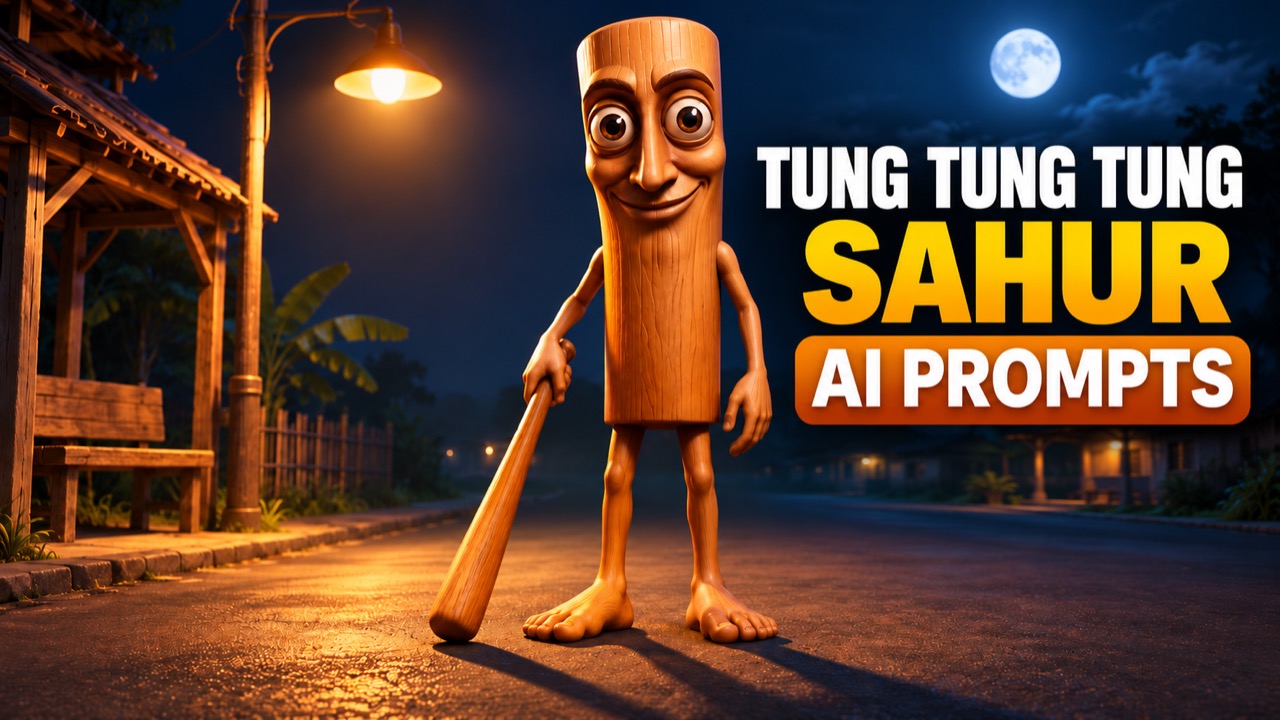
Turn a photo, sketch, or everyday object into a surreal wooden meme character. Explore ready-to-use Tung Tung Tung Sahur AI prompts for portraits, pets, reaction images, wallpapers, and more, plus practical tips for getting the composition you want.
A wooden character, an unexpectedly dramatic setting, and a wonderfully absurd expression: that is a great starting point for a Tung Tung Tung Sahur-inspired image. With the right prompt, you can turn a portrait, pet photo, sketch, or everyday object into your own playful brainrot meme.
Below, you’ll find ready-to-use Tung Tung Tung Sahur AI prompts for character edits, social covers, reaction images, stickers, and more. Copy one, change the details to suit your idea, and use it as a starting point for your next creation.
How to Create a Tung Tung Tung Sahur AI Image
You can start with a picture you already have or describe a new scene from scratch. For an image-based edit, try SuperMaker’s Image to Image tool and follow these steps:
- Choose a reference. Upload a photo, drawing, or object image you own or have permission to edit.
- Add a prompt. Describe what should stay recognizable, then specify the wooden texture, expression, setting, and mood you want.
- Generate and refine. Review the result and adjust one or two details at a time. For example, ask for a closer crop, a simpler background, or a funnier expression.
For more surreal character ideas, explore the Brainrot AI Image Generator.
Tung Tung Tung Sahur AI Prompts to Copy
The following examples are starting points. Replace details such as the location, colors, or mood to make each image your own.
1. Classic Wooden Character
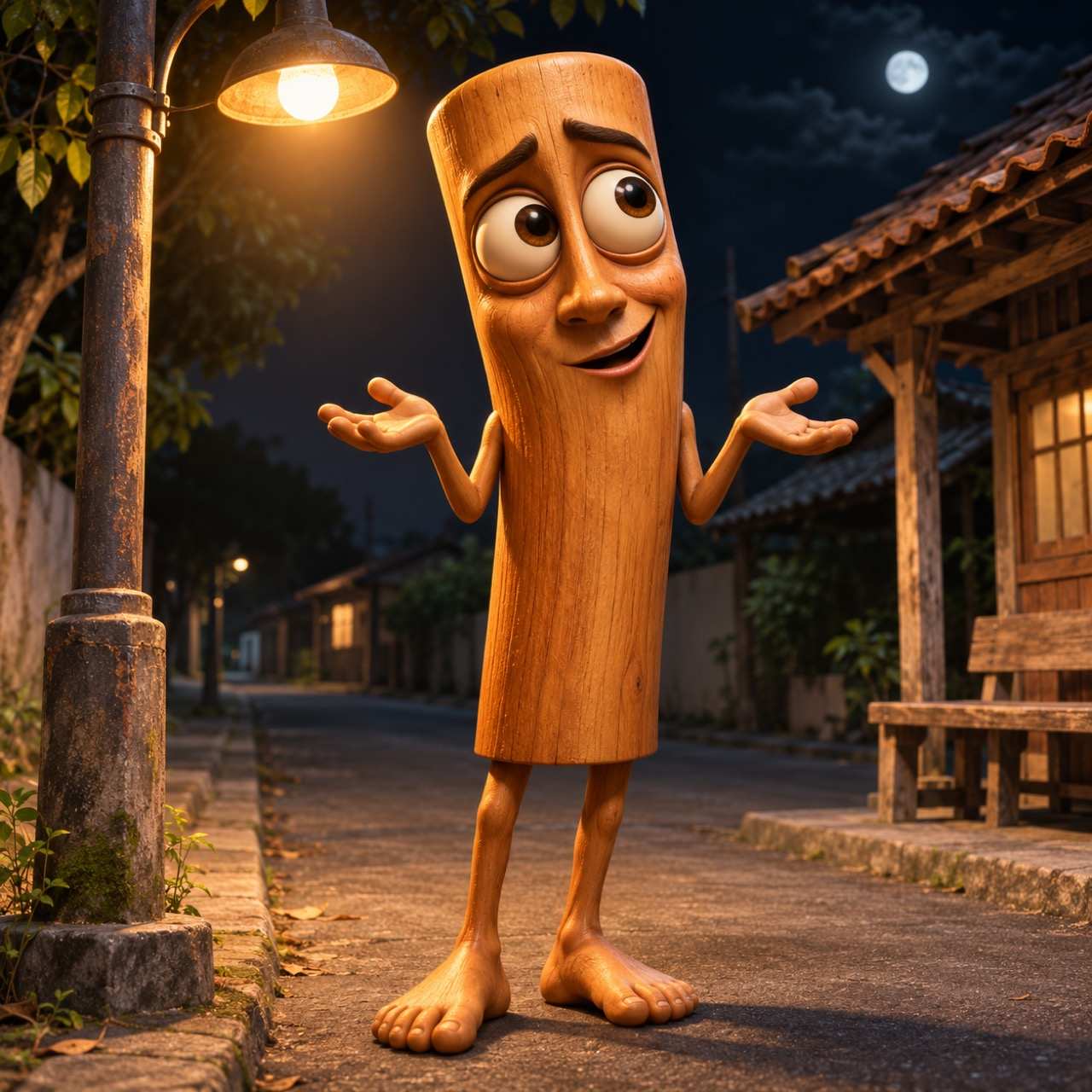
Give your reference image a recognizable wooden character look with a simple nighttime setting.
Transform the subject in my reference image into a playful wooden meme character. Give it a tall carved-wood body, expressive round eyes, small arms and legs, and a friendly, puzzled expression. Place it on a quiet street under a warm streetlamp at night. Keep the subject’s main silhouette recognizable and use a clean square composition.
Try changing: the expression, camera angle, or background color.
2. Portrait to Brainrot Character
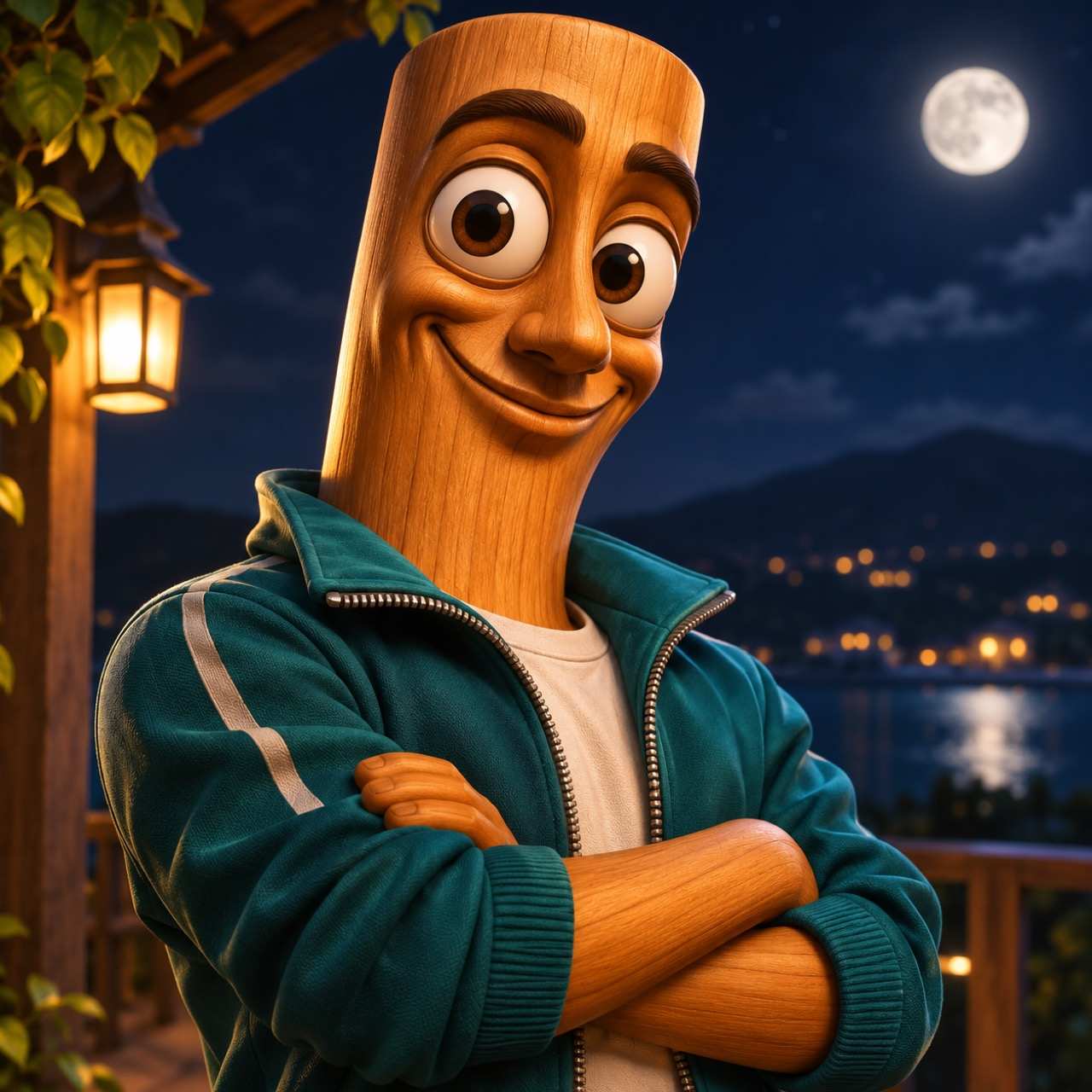
Use this prompt when you want a portrait-inspired character while keeping some visual connection to the original.
Reimagine the person in this portrait as a surreal wooden meme character. Preserve the pose and the main colors of the outfit, while turning the figure into a carved-wood design with exaggerated eyes and a humorous expression. Add a softly lit nighttime background and frame the character as a profile picture.
Tip: Specify which features matter most to you. A shorter preservation instruction is often easier to refine than a long list of competing details.
3. Pet Meme Remix
Turn a favorite animal photo into a playful character without losing its charm.
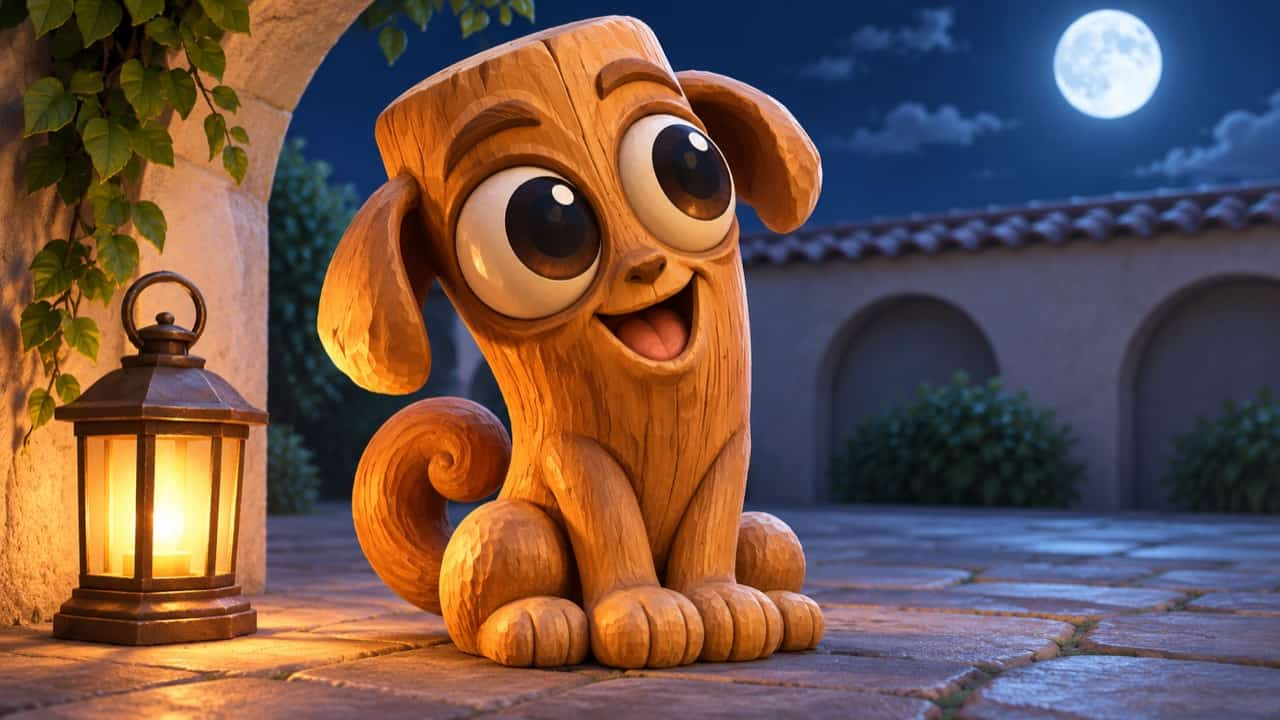
An illustrated idea for a playful wooden pet character.
Use my pet photo as the reference for a funny wooden meme character. Keep the animal’s recognizable coloring and expression, and add a small carved-wood costume with oversized cartoon eyes. Set the scene in a moonlit courtyard with warm lantern light. Make the result cute, playful, and suitable for a square social post.
Try changing: the setting to a kitchen, garden, or imaginary stage.
4. Everyday Object Character
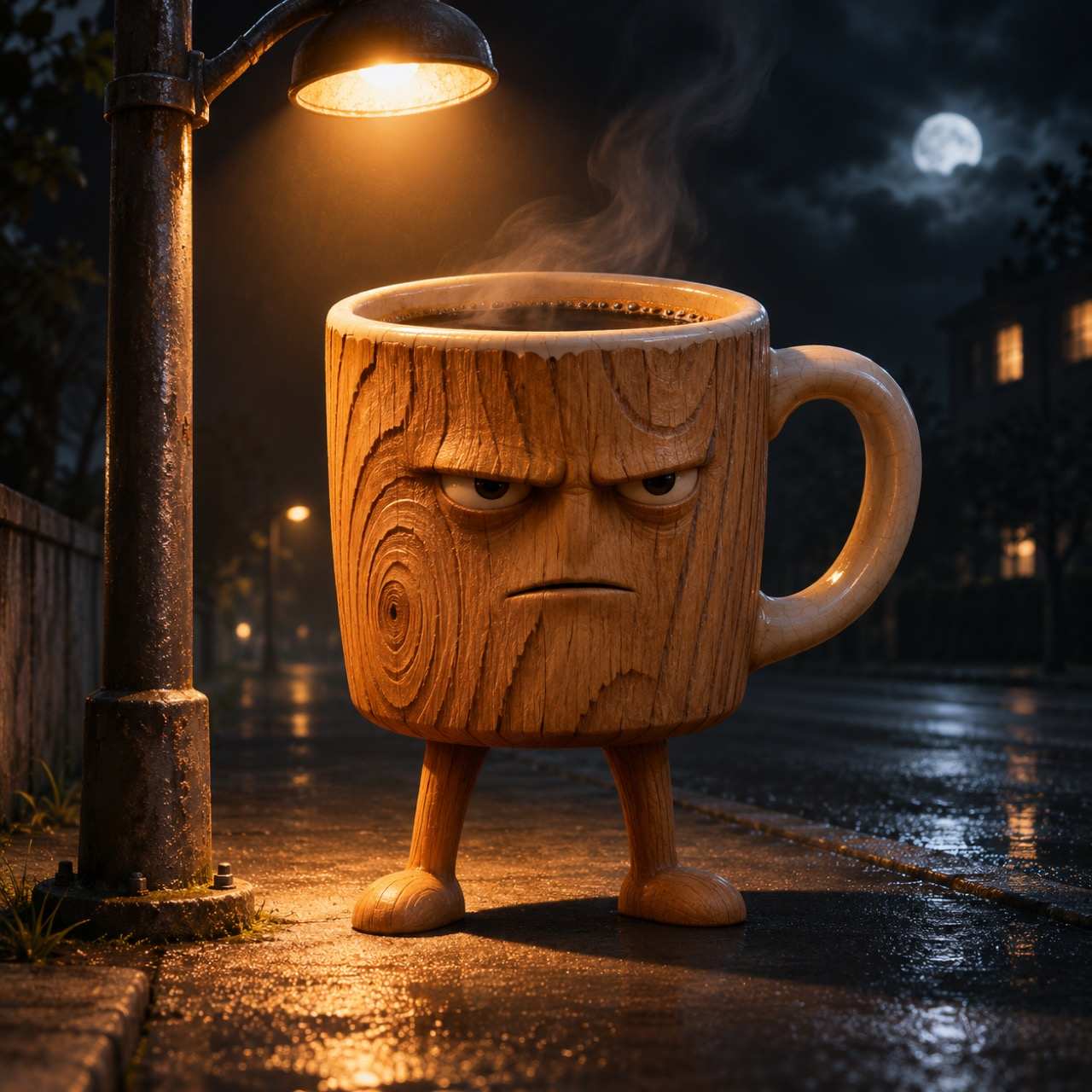
A mug, shoe, or piece of fruit can become the main character of an absurd little scene.
Turn the object in my reference image into an original brainrot-style character. Preserve its overall shape, add a subtle wood-grain surface, small expressive eyes, and simple legs. Show it standing beneath a streetlight with a comically serious expression. Use cinematic lighting and a clean composition with no text.
Tip: Choose an object with a clear silhouette so its shape remains easy to recognize.
5. Reaction Meme Template
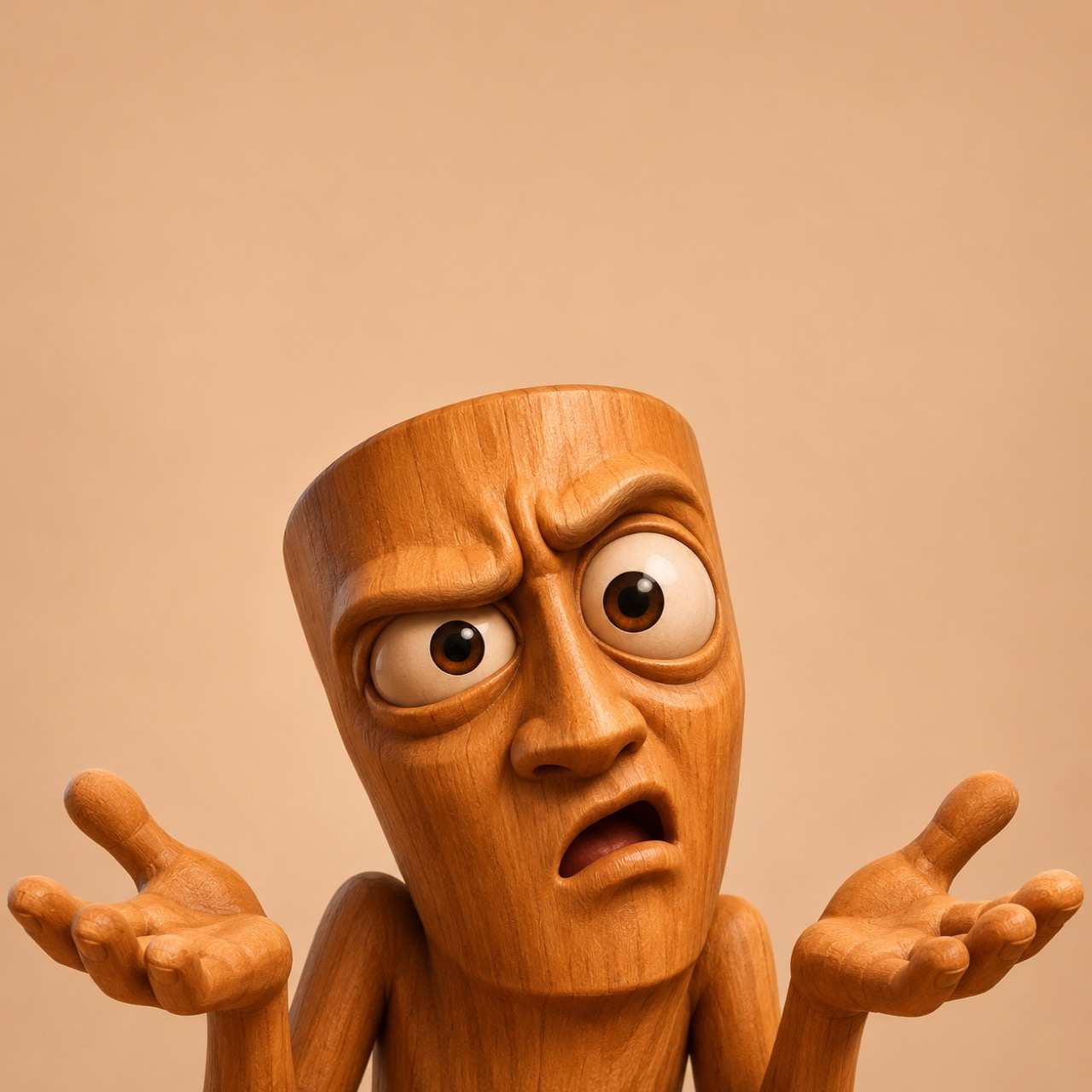
Create an image with room to add your own caption afterward.
Create a reaction image featuring a wooden character looking directly at the camera with a dramatically confused expression. Use a plain background, a close-up crop, and soft warm lighting. Leave clear empty space above the character for a caption. Do not add any words or logos.
Try changing: the emotion to suspicion, surprise, or awkward excitement.
6. Short-Form Video Cover
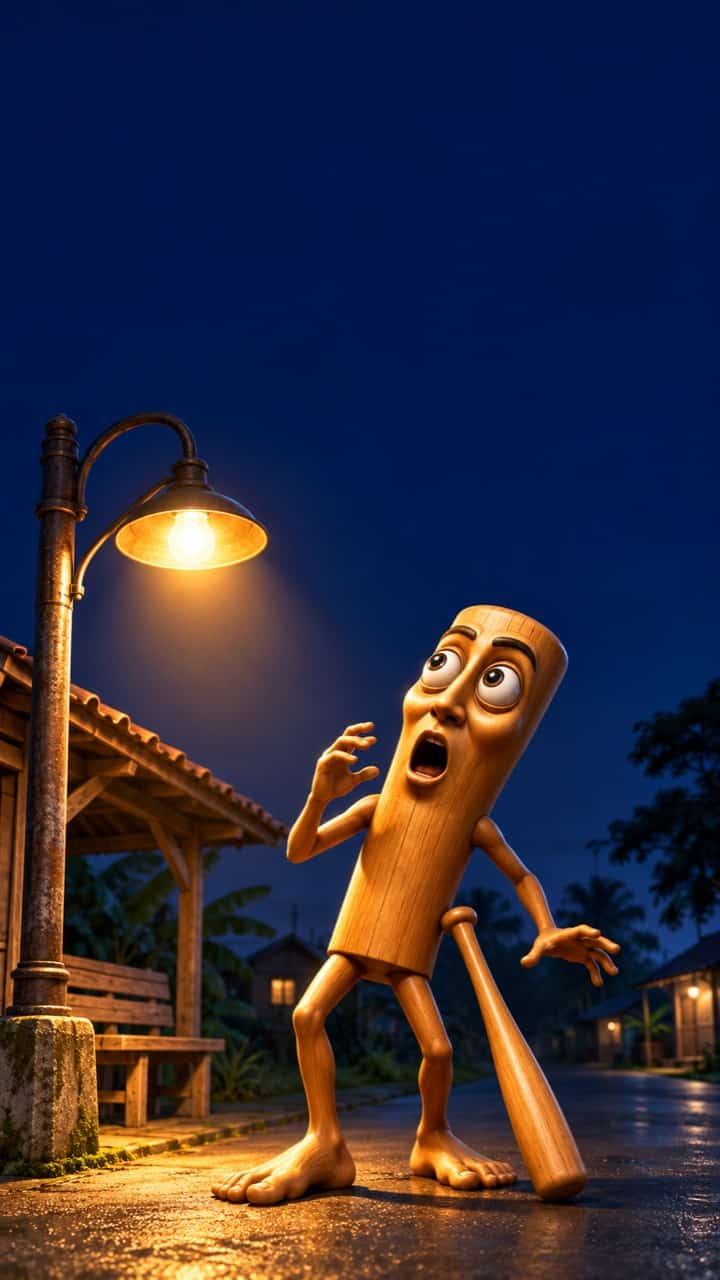
Build a vertical cover with a clear focal point and space for your own title.
Create a vertical cover image inspired by surreal wooden meme characters. Put the character in the foreground with a surprised expression, a glowing streetlamp behind it, and a dark blue night sky. Use bold contrast and a simple composition. Leave open space near the top for a title, without generating any text.
Tip: Add text in an editor afterward if you need the wording to be exact.
7. Funny Midnight Poster
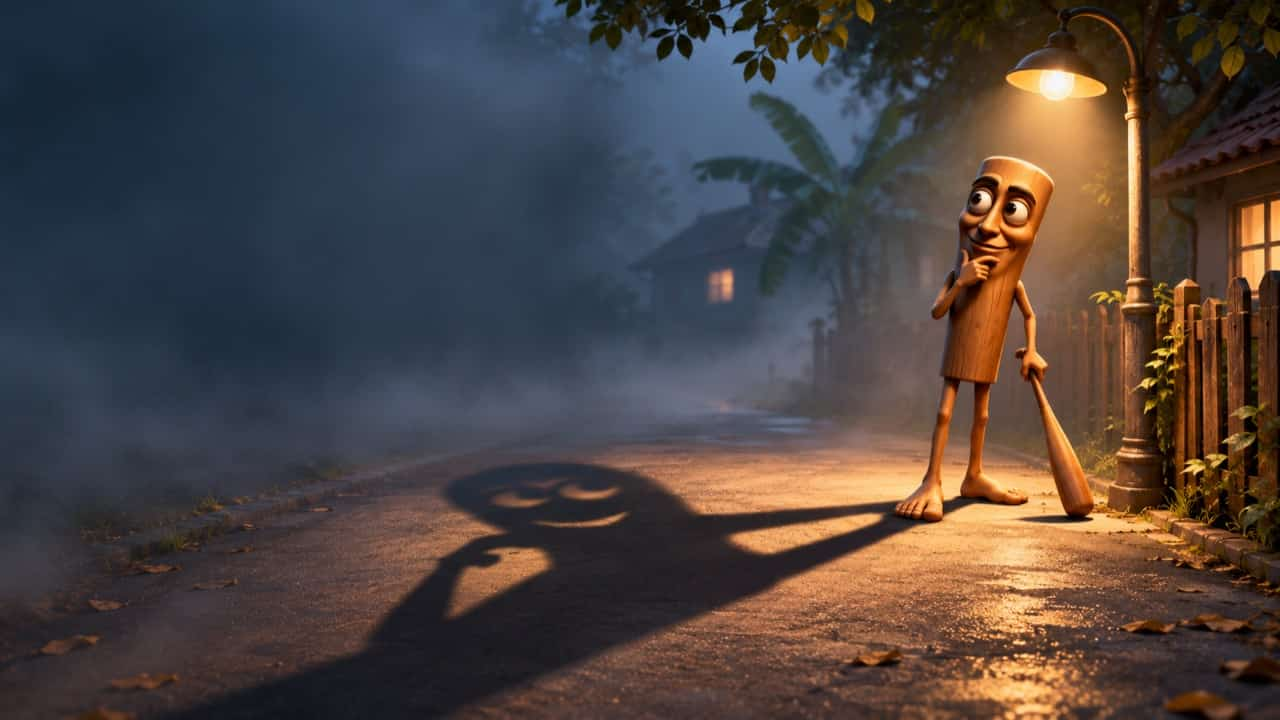
A little suspense can make the joke stronger without making the image frightening.
Design a playful mystery poster with an original wooden character standing at the end of a quiet lane. Add light mist, a single warm streetlamp, and an oversized shadow that makes the scene feel dramatic but funny. Keep the character’s expression curious rather than threatening. Leave space for a title and include no text.
Try changing: the lane to a school hallway, apartment corridor, or backyard.
8. Surreal Character Group
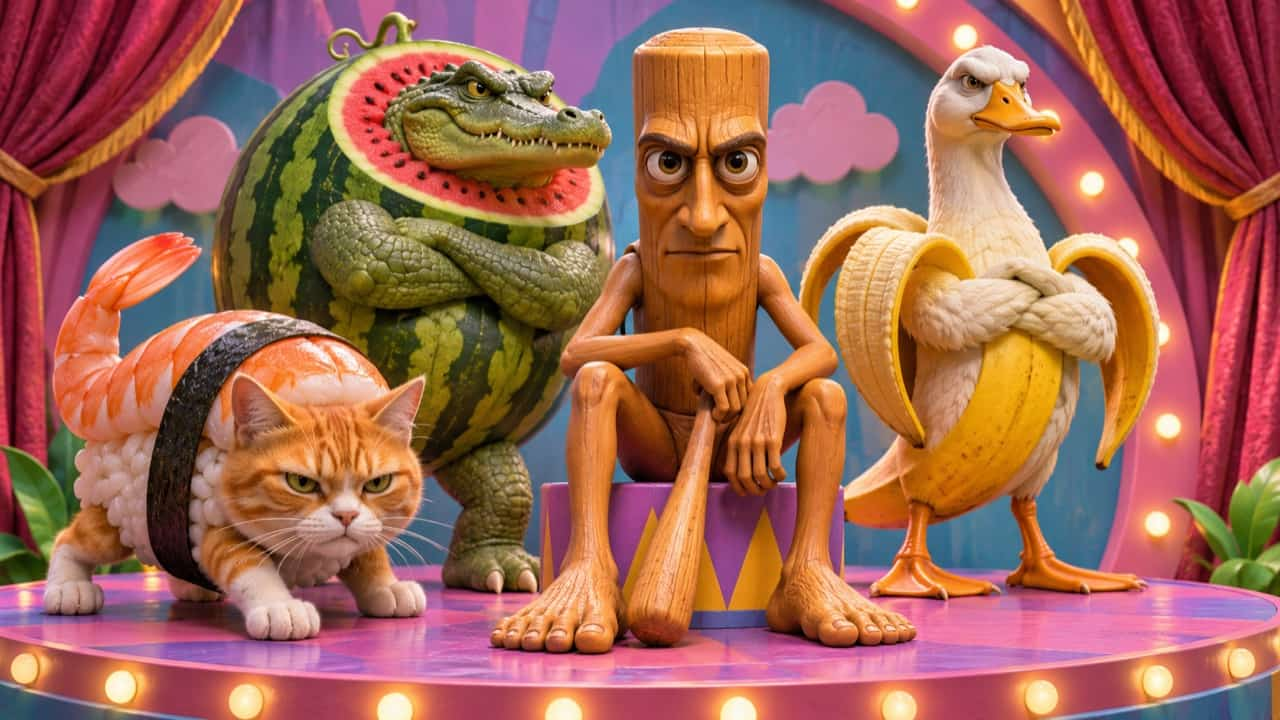
Create a cast of original creatures for a group meme or story concept.
Create a group portrait of an original wooden meme character and three invented surreal creatures. Give each character a distinct silhouette and an unexpectedly serious expression. Place them together on a small stage with colorful lights. Make the scene look like a funny team photo, with a clear focal point and no written words.
Tip: Describe each supporting character separately if they begin to blend together.
9. Mobile Wallpaper
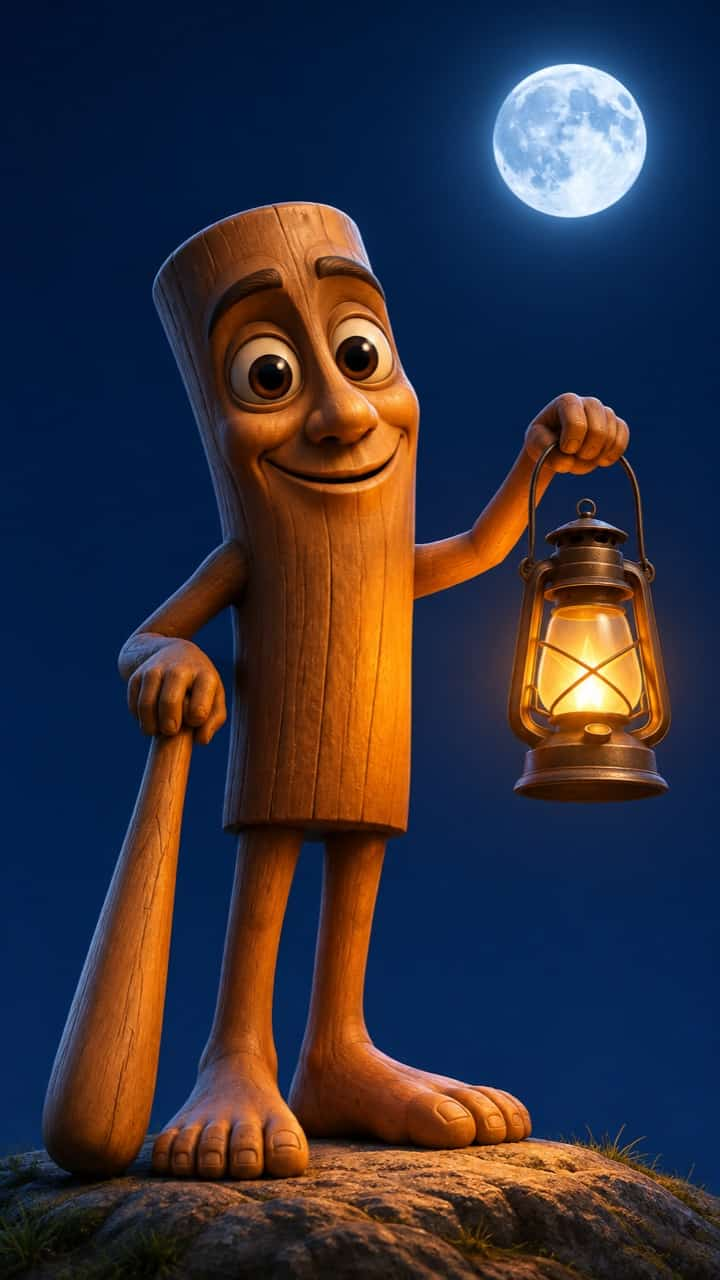
Keep the subject readable and leave the center of the screen uncluttered.
Make a vertical phone wallpaper featuring a wooden character under a moonlit sky. Use a deep blue background, a warm lantern glow, and a simple central silhouette. Add a few subtle surreal details in the distance, while keeping the overall image clean and easy to read behind app icons. No text or logos.
Try changing: the palette to sunset orange, misty green, or neon purple.
10. Sticker Expressions
Use one character design to explore a range of reactions.
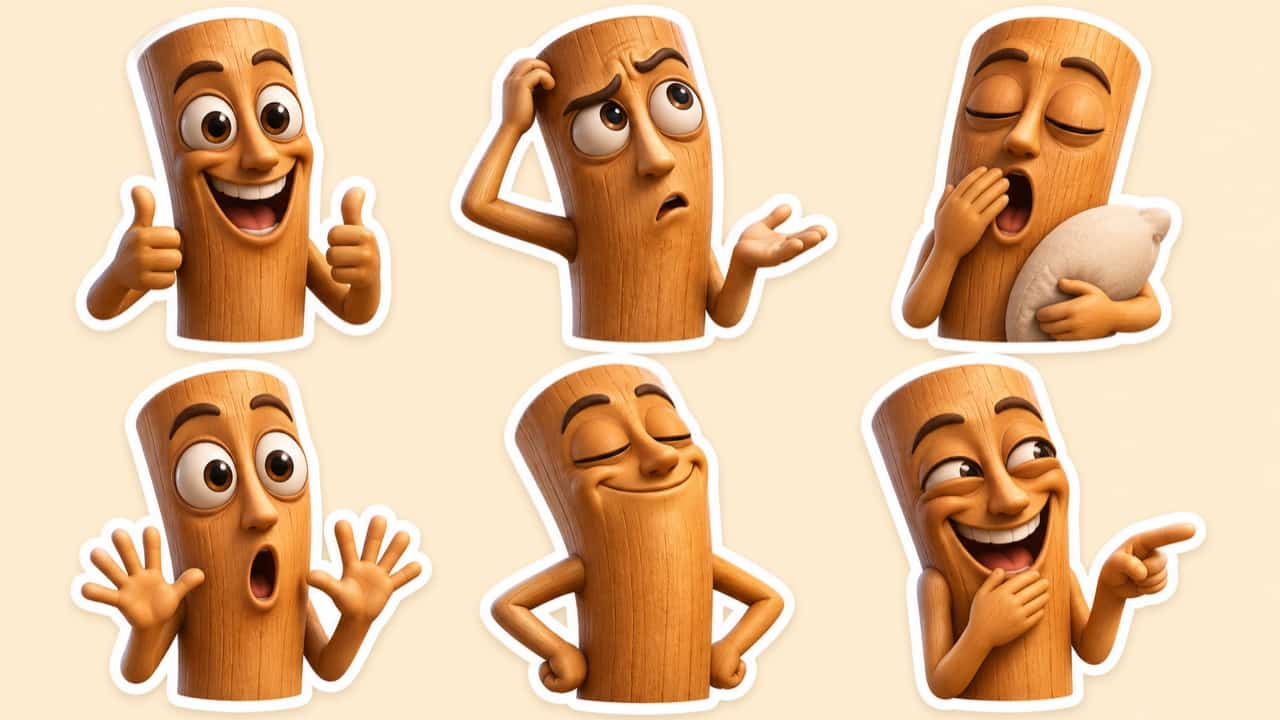
Six expressions can turn one character into a collection of reactions.
Create a sticker-style sheet featuring the wooden character from my reference image in six distinct expressions: happy, confused, sleepy, surprised, proud, and amused. Keep the character design consistent across the sheet. Use simple poses, clear spacing, and thick white borders. Do not include captions or logos.
Tip: If the expressions look too similar, generate a few individual stickers and combine them afterward.
How to Write Better Tung Tung Tung Sahur Prompts
A useful prompt gives the image generator a clear subject and a clear job. Start with these five elements:
- Reference: What should the image use as its starting point?
- Subject: Is the main character a person, pet, object, or original creature?
- Appearance: Describe the material, expression, shape, and clothing or props.
- Setting and mood: Choose a location and specify whether the image should feel funny, mysterious, cute, or dramatic.
- Format: Ask for a square post, vertical cover, wallpaper, or another composition.
If a result feels too busy, simplify the background. If it loses the original subject, explicitly name the feature you want to preserve. And if the image includes unwanted writing, request empty space and add your own caption later.
Frequently Asked Questions
Can I Use My Own Photo as a Reference?
Yes. A portrait, pet photo, sketch, or object image can provide the starting point for an image-to-image prompt. Use an image you own or have permission to edit, and explain which features you want to keep.
What Makes a Good Brainrot Meme Prompt?
A strong prompt combines one clear subject with a surprising detail. An ordinary object with a serious face, a dramatic night scene, or an unlikely group of characters can all create the absurd contrast that makes a meme memorable.
Can I Make a Wallpaper or Sticker?
Yes. Describe the intended format in the prompt: ask for a vertical composition for a phone wallpaper or separated expressions with clear borders for a sticker sheet. You can refine the framing after reviewing the result.
How Do I Keep My Reference Recognizable?
Name the features you want to retain, such as the subject’s silhouette, pose, colors, or expression. Then describe the changes you want in separate, simple instructions.
Start Creating Your Own Meme Image
The best Tung Tung Tung Sahur AI prompts leave room for experimentation. Start with a reference you like, pick one of the prompts above, and change the expression, setting, or composition until the result feels like yours.
Ready to try an edit? Open SuperMaker’s Image to Image tool and turn your idea into a wooden meme character.