
Edit, Refine, and Create — Experience Real-Time Control with Flux2 Klein Image Generator
Flux2 Klein AI empowers creators with precision image editing, seamless local control, and fluid creative freedom.
Flux2 Klein Image Generator (9B Base) is built for creators who need fast, local image editing with unmatched accuracy. It delivers pixel-level precision, enabling you to refine regions, recolor tones, and reshape compositions in seconds — all powered by Flux2 Klein AI’s adaptive diffusion. With intuitive prompt-editing and stable fine-tuning, it transforms complex image workflows into intuitive artistry.
More AI Image Generators
Explore our collection of specialized AI image generators designed for different creative needs and styles









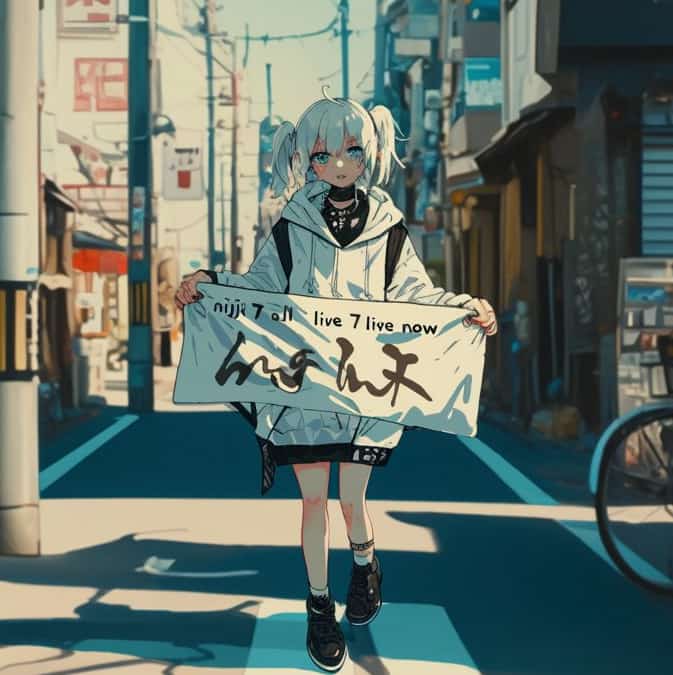
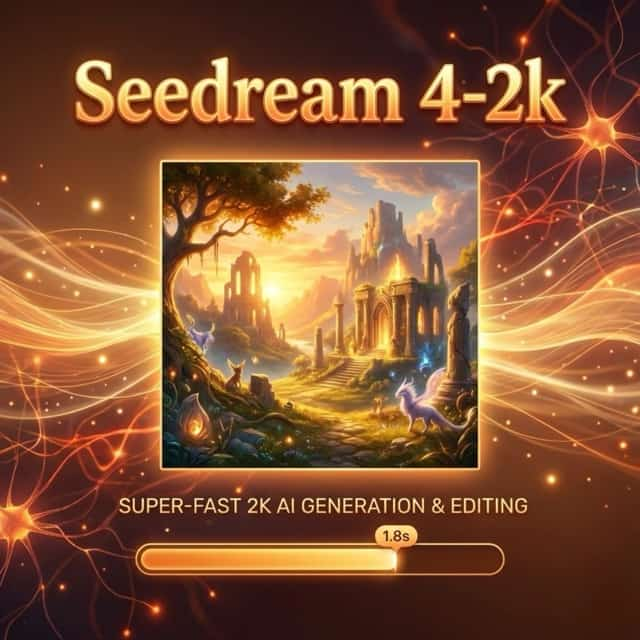
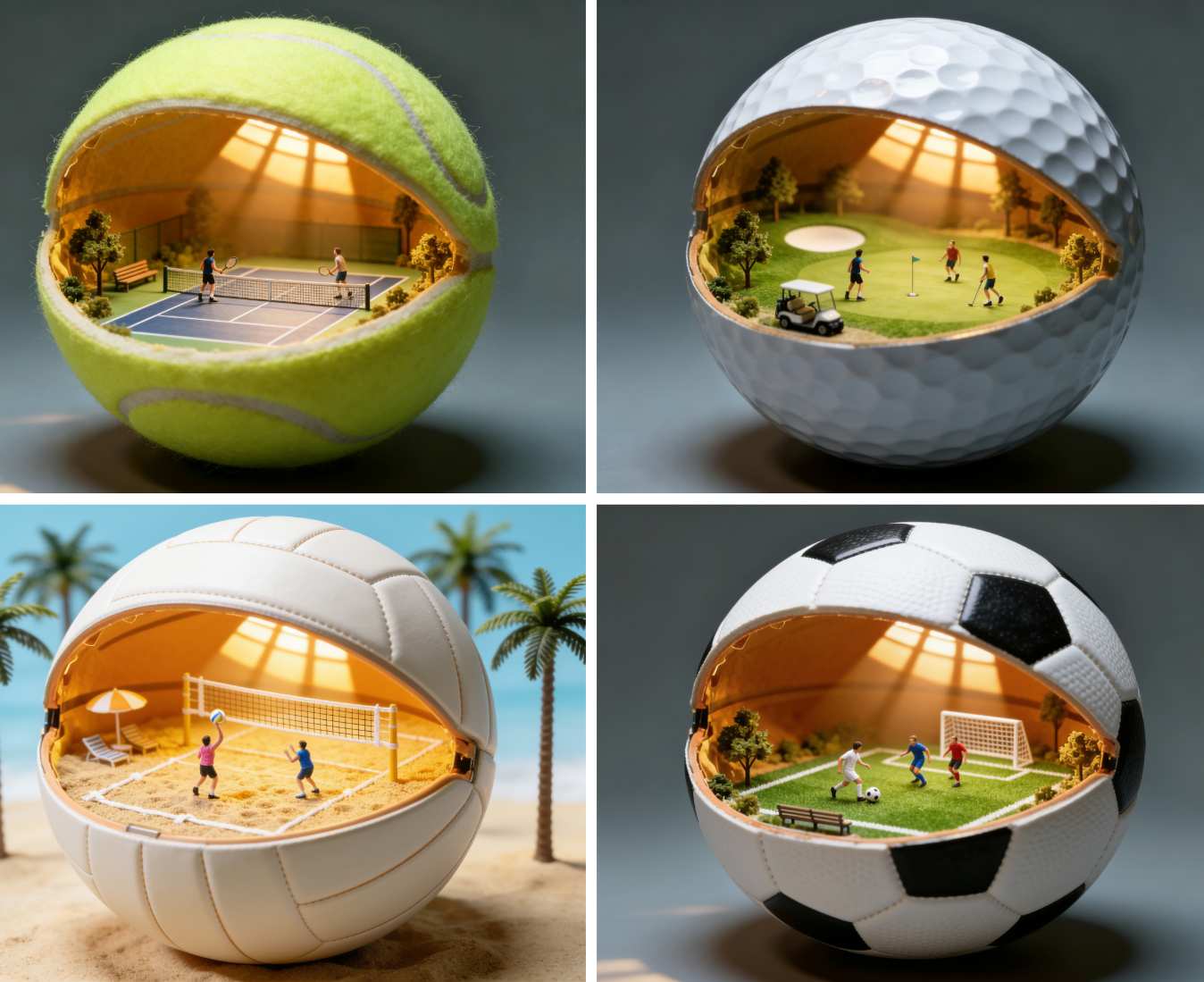




![FLUX.1 Krea [dev]](https://static.supermaker.ai/cdn-cgi/image/q=55/https://static.supermaker.ai/files/vtp5vmm87f65.png)
Precision Meets Creativity in Flux2 Klein AI
Create, adjust, and perfect your visuals instantly with the 9B Flux2 Klein Image Generator.
Flux2 Klein AI redefines creative freedom. Unlike conventional diffusion models, it allows fine-grained local adjustments — light correction, object refinement, and stylistic blending — without regenerating the entire frame. Built upon the Flux2 9B architecture, it ensures sharper edges, stable detail preservation, and coherent texture transitions that align perfectly with your prompts.
How to Use Flux2 Klein Image Generator
Create, refine, and enhance images in four intuitive steps with the Flux2 Klein AI workflow.

Upload or Generate
Start by uploading an existing image or describing your concept in text. Flux2 Klein Image Generator interprets prompts with fine-grained spatial understanding, ready to deliver professional-level visuals instantly.

Select Region & Prompt Edit
Highlight the area you want to modify — whether it’s a face, fabric, or background. Adjust the prompt in real time; Flux2 Klein AI updates your image instantly, maintaining structural harmony and color realism.

Refine with Local Diffusion
Use the model’s local diffusion engine to fine-tune lighting, contrast, or style. The Flux2 Klein Image Generator offers localized control without full re-rendering, ensuring speed and visual stability.

Preview and Export
Instantly preview the result, make micro-adjustments, and export your image in high resolution. Share your creation or continue editing within the SuperMaker workspace.
Best AI Image Tools for Creative Projects
Explore creative tools for image, learn tips and tricks, and see how AI can be your assistant in turning concepts into finished projects.

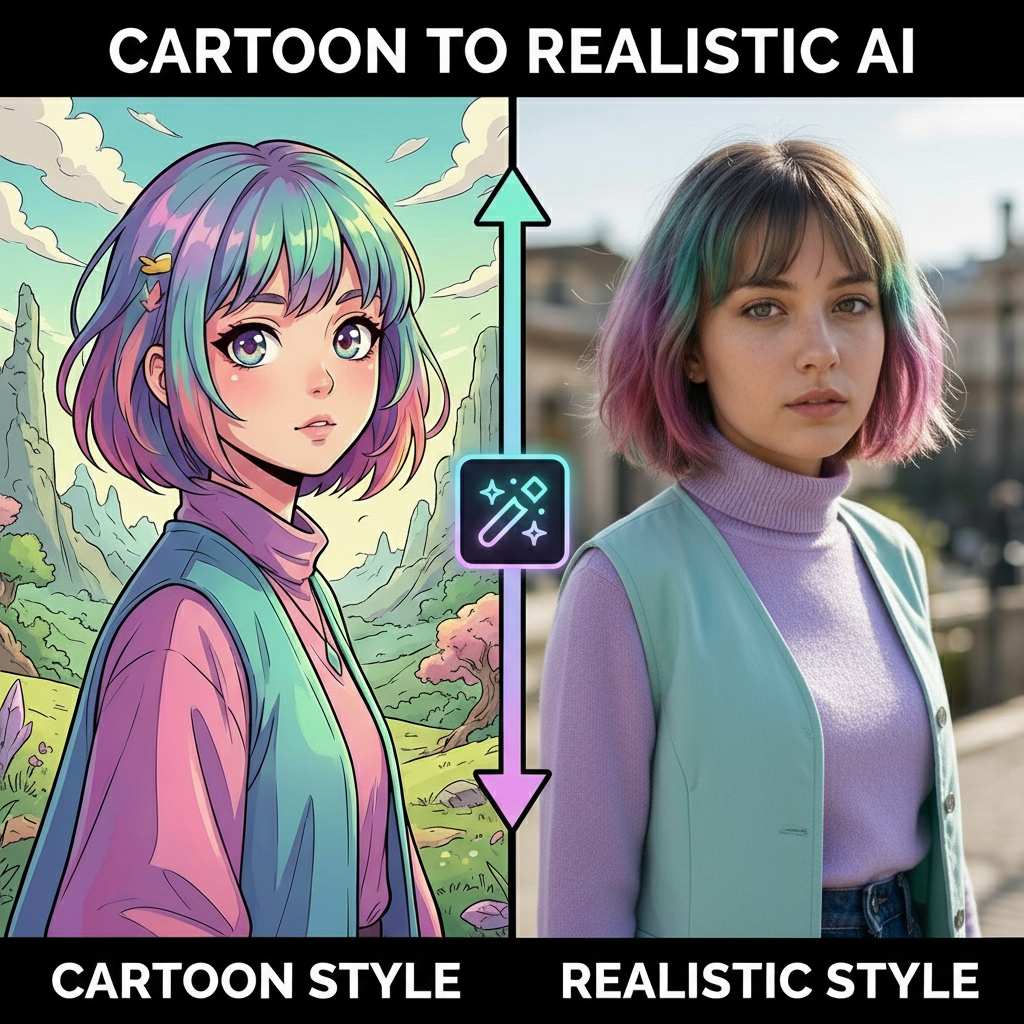


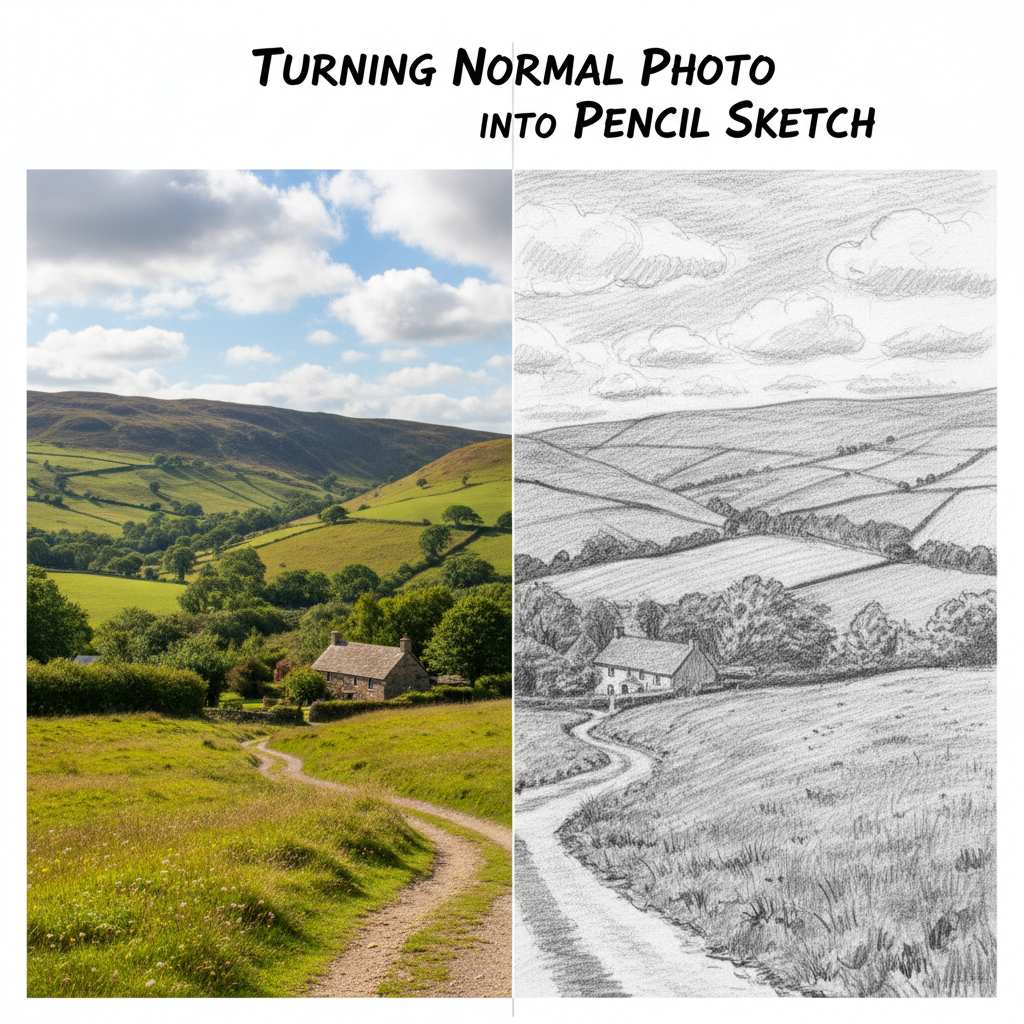
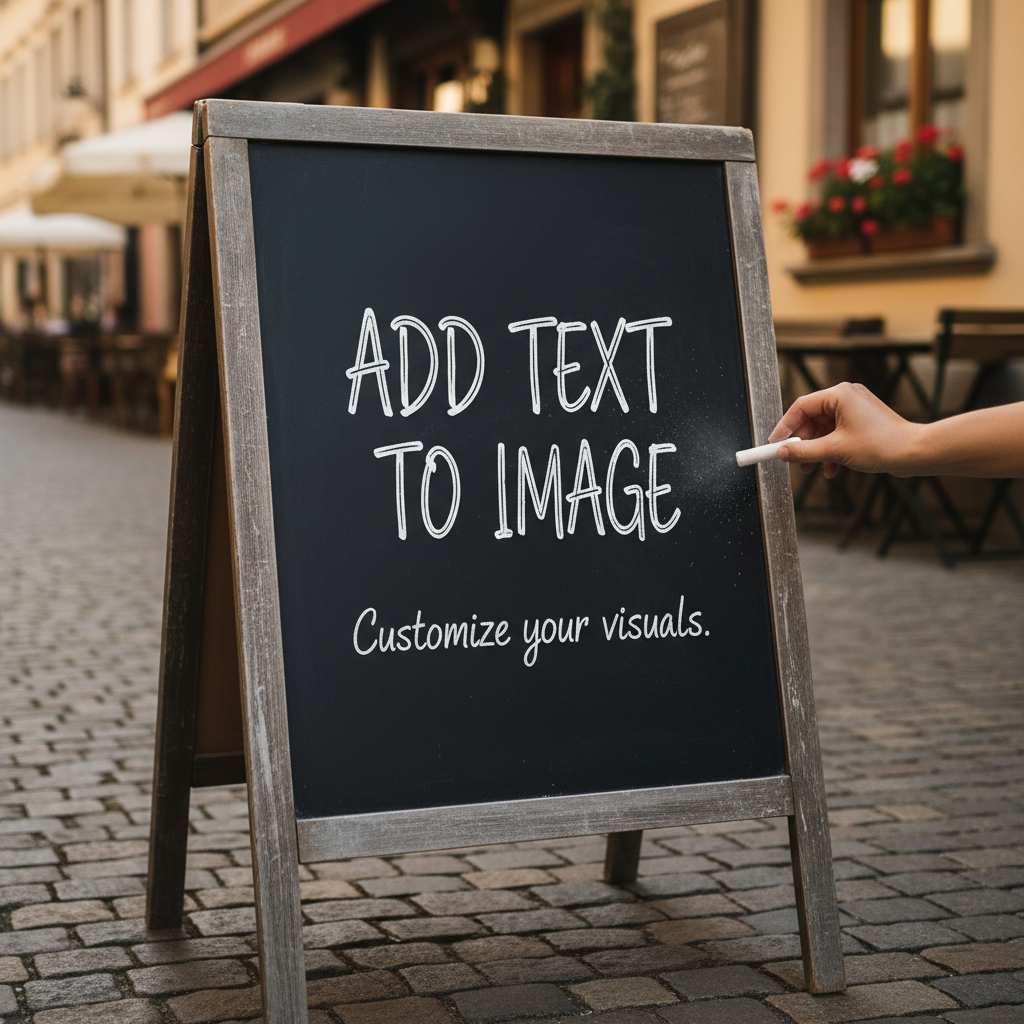
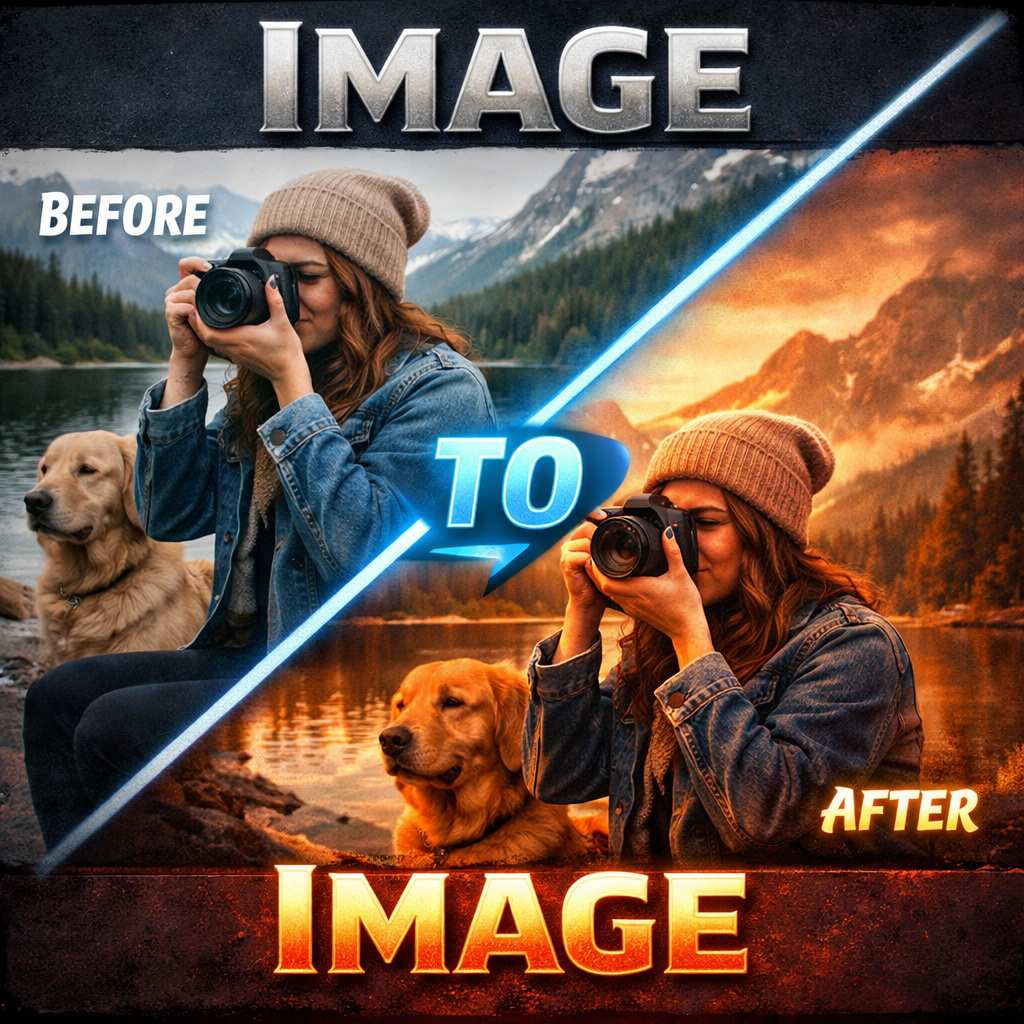


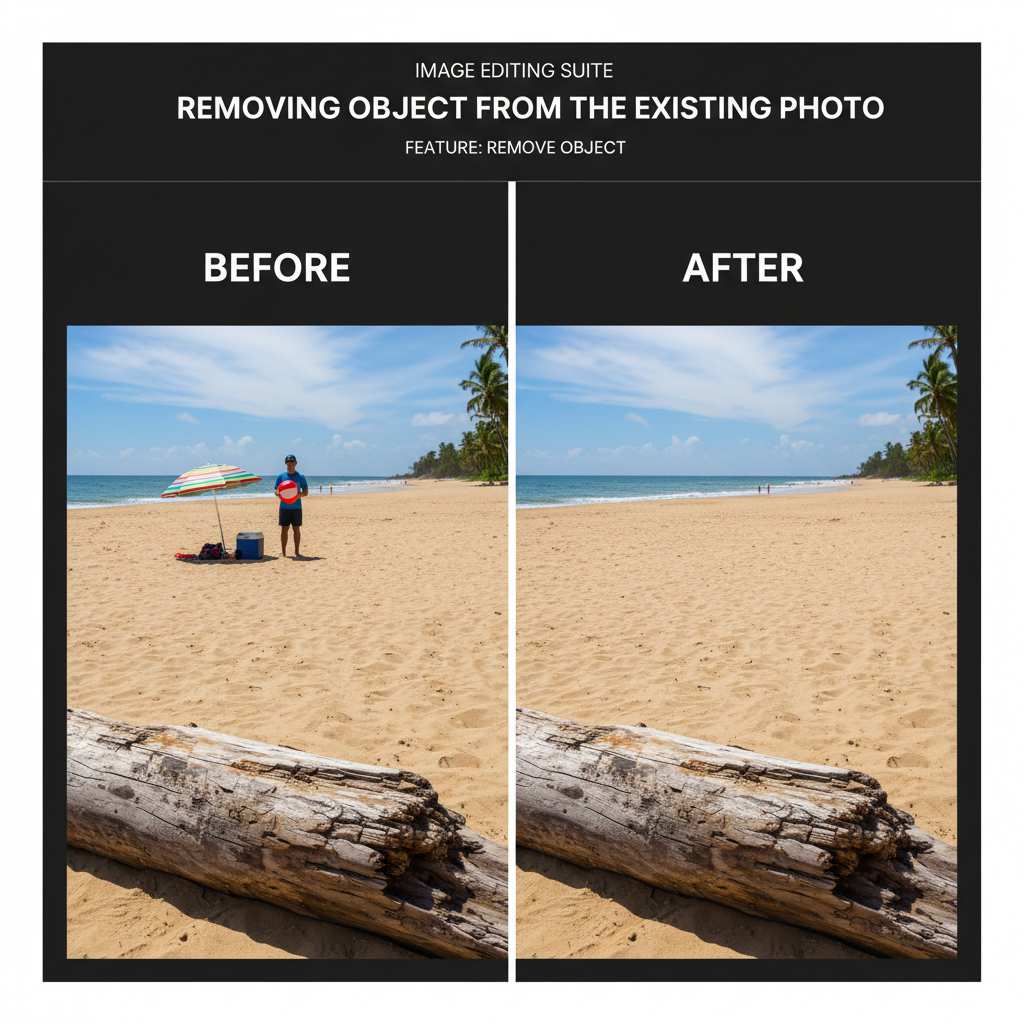

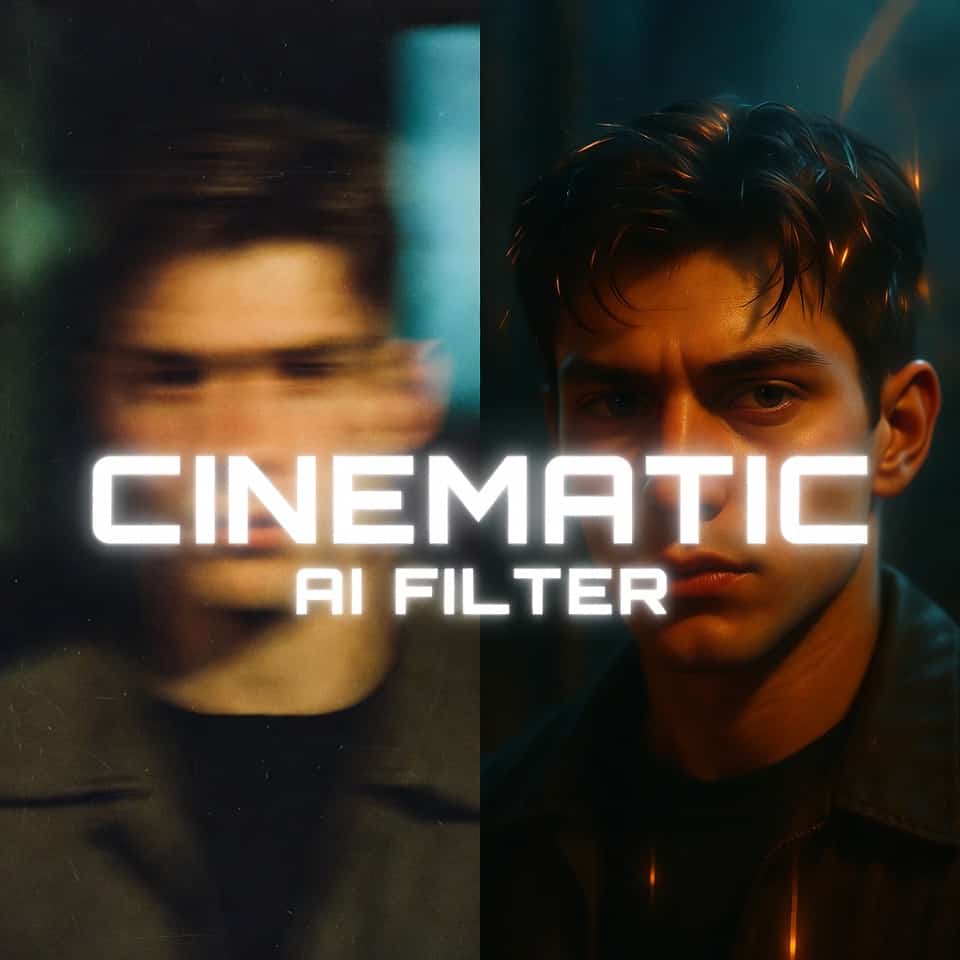




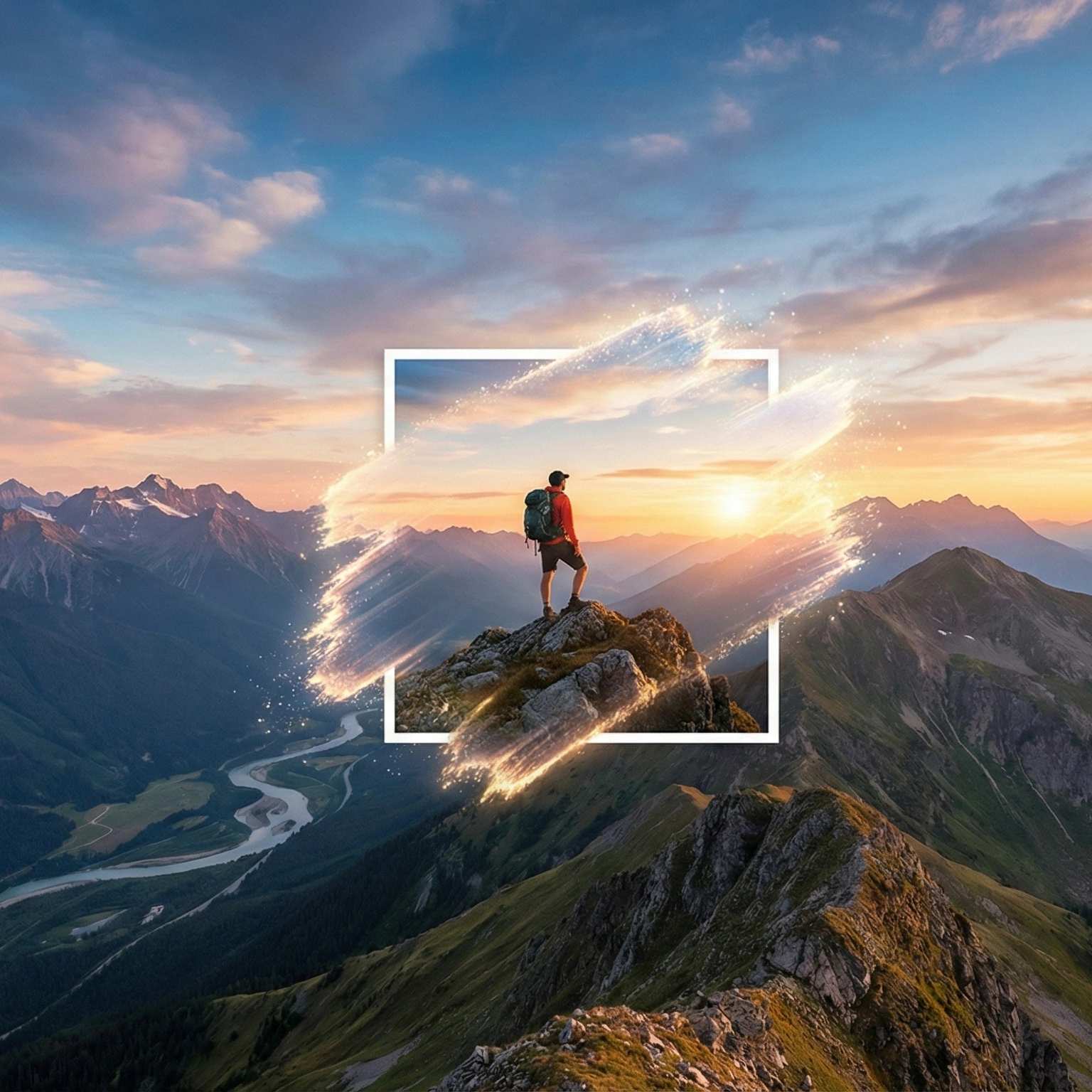

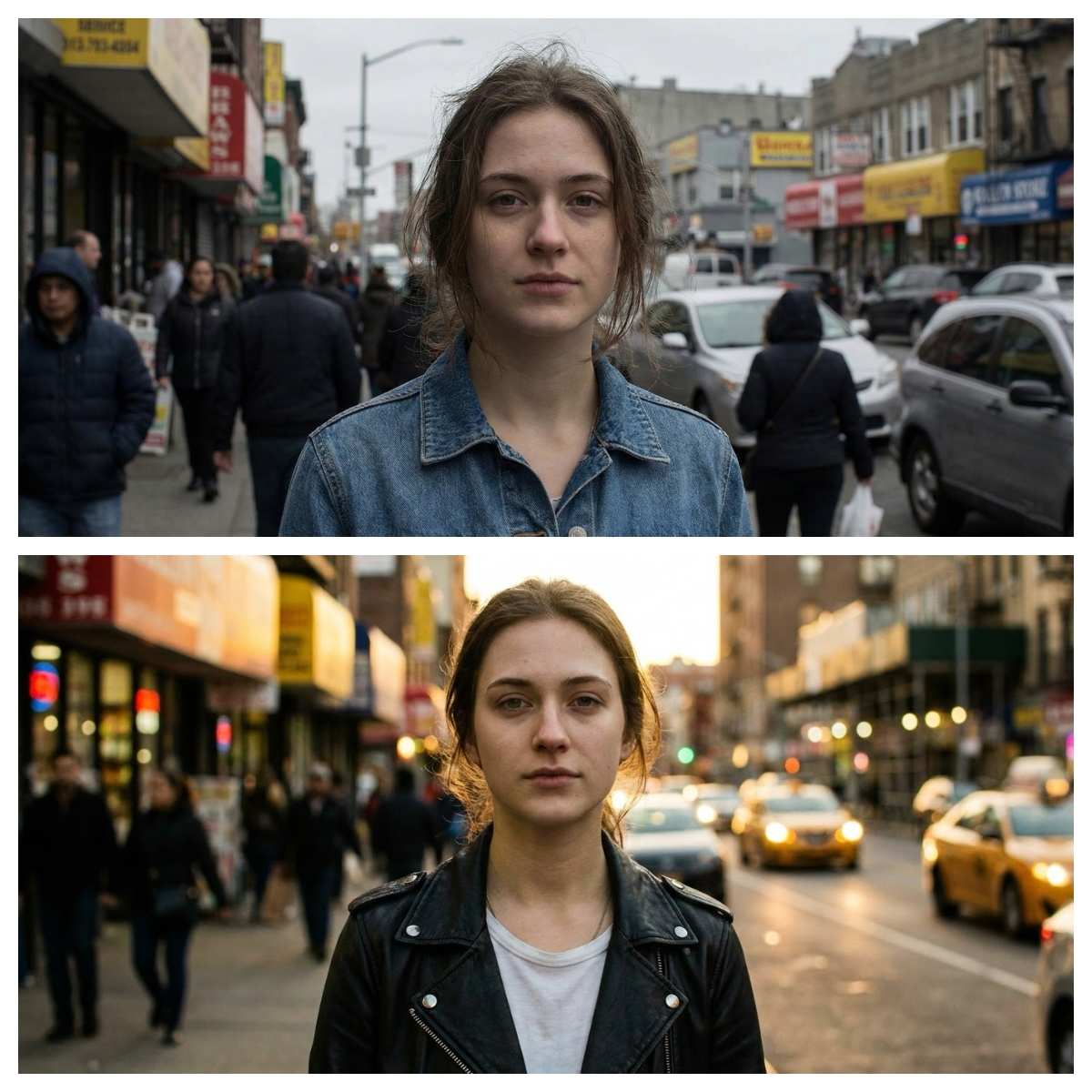
Core Features of Flux2 Klein Image Generator
Discover the innovative capabilities that make Flux2 Klein AI a powerful solution for fast local image editing, precise diffusion control, and high-fidelity visual refinement.
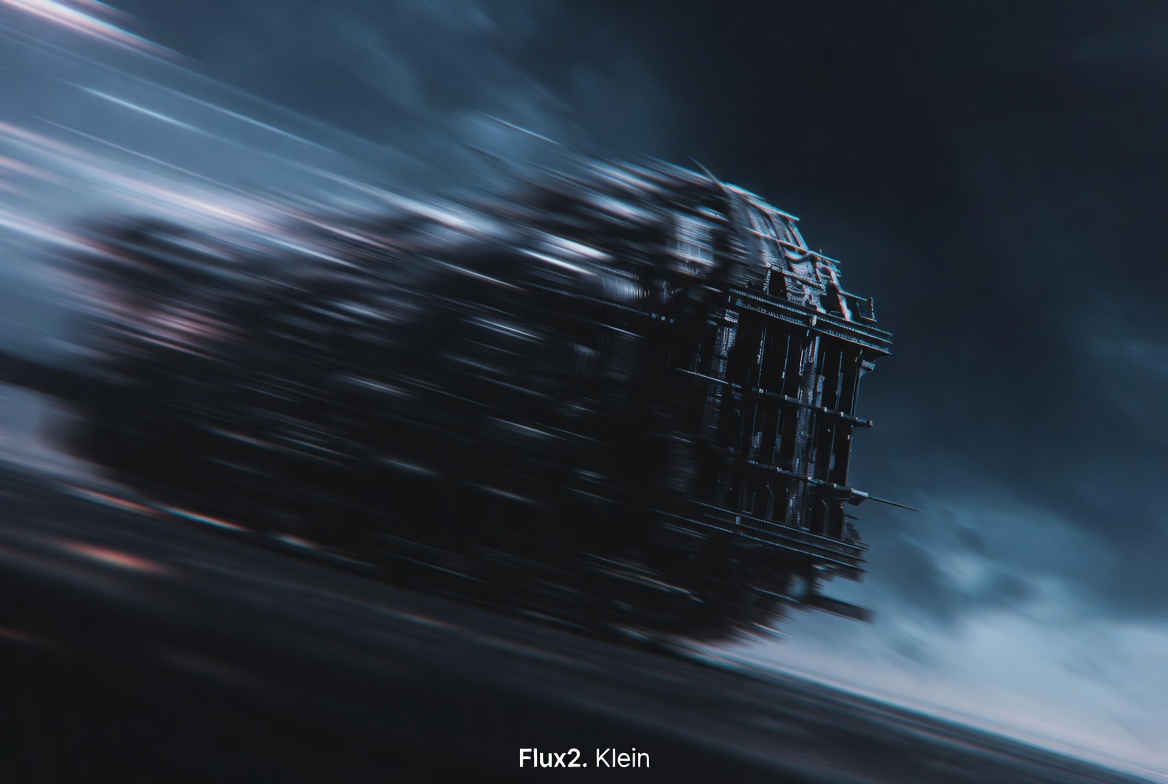
Fast Local Editing
- Powered by the 9B base architecture, Flux2 Klein Image Generator delivers ultra-fast local rendering while preserving fine-grained visual detail.
- Instead of reprocessing the entire image, the model applies micro-edits only where needed, allowing creators to see live updates in near real time.
- This makes Flux2 Klein AI ideal for refining facial features, backgrounds, reflections, or small visual elements without breaking overall composition.
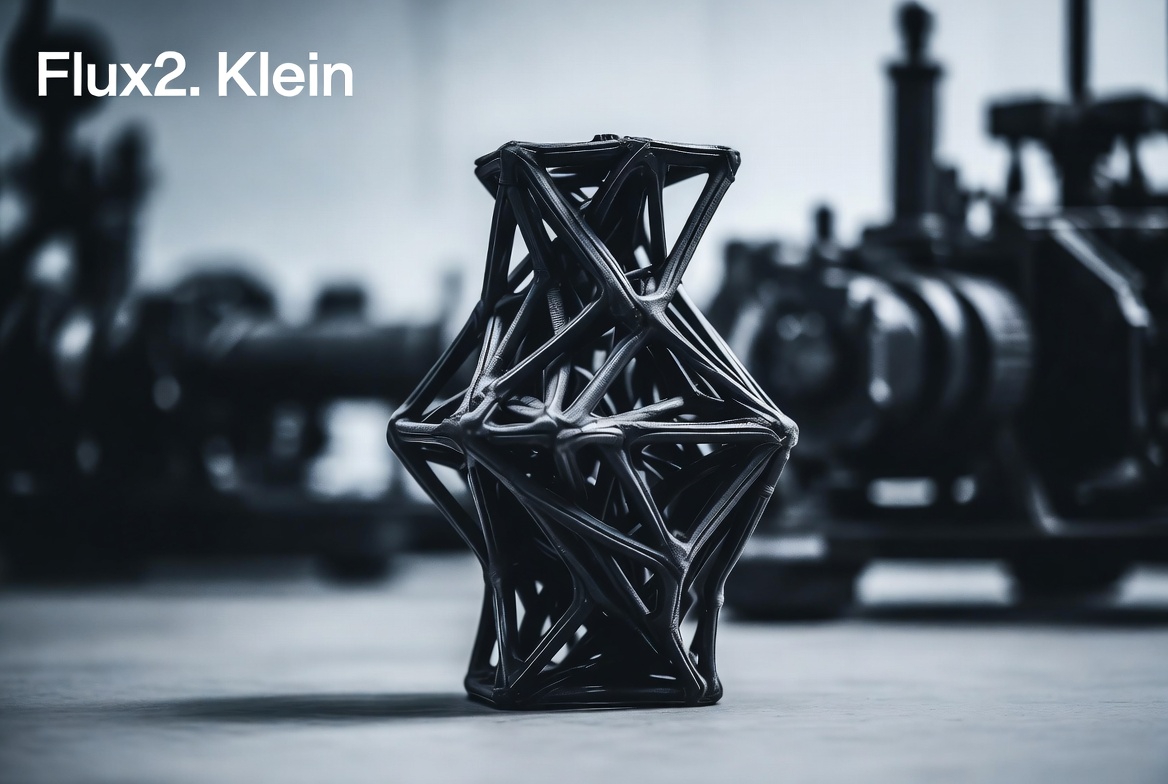
Precision Regional Control
- Flux2 Klein AI introduces advanced boundary-aware diffusion, giving users precise control over selected regions down to edges and gradients.
- You can confidently edit small objects, subtle lighting transitions, and fine textures without unwanted color bleeding or visual artifacts.
- The Flux2 Klein Image Generator preserves spatial context automatically, resulting in clean, balanced compositions even after multiple localized edits.
Stable Latent Consistency
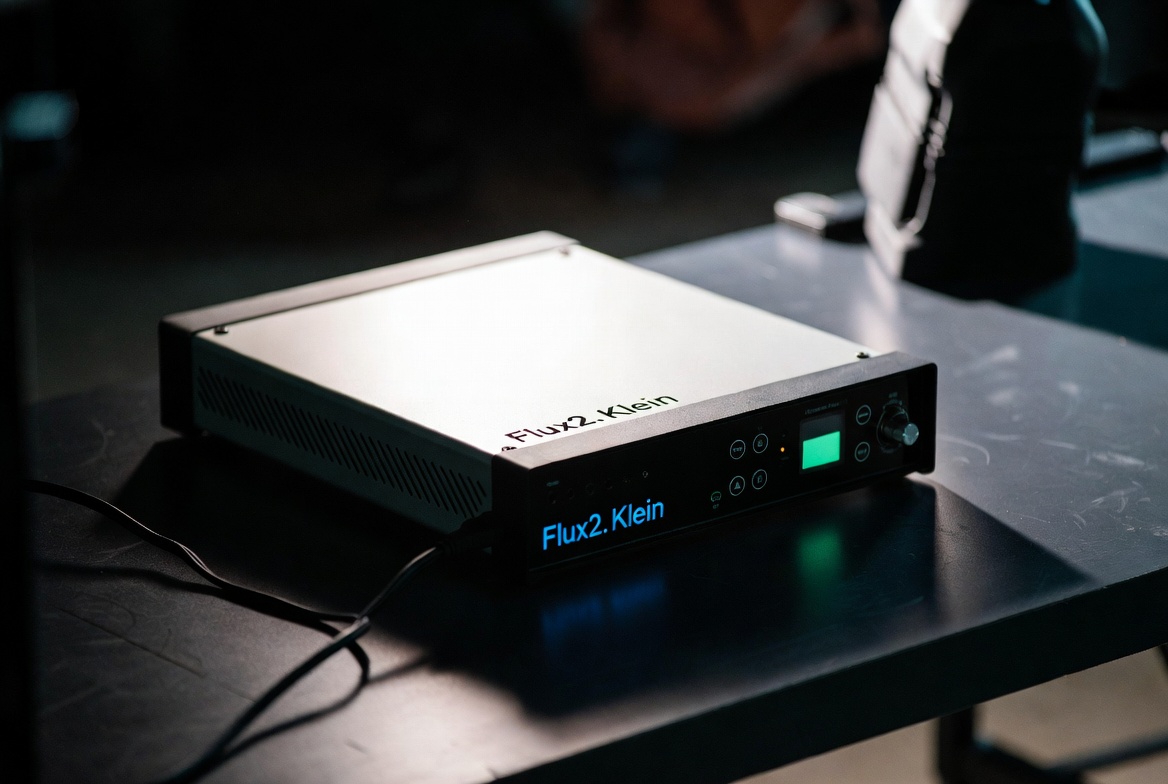
- Built on the Klein 9B base model, Flux2 Klein AI maintains strong latent consistency across iterative edits.
- Each refinement respects the underlying structure, lighting logic, and visual identity of the original image.
- With Flux2 Klein Image Generator, creators can experiment freely while ensuring that every change blends naturally into the existing composition.
Adaptive Lighting and Color
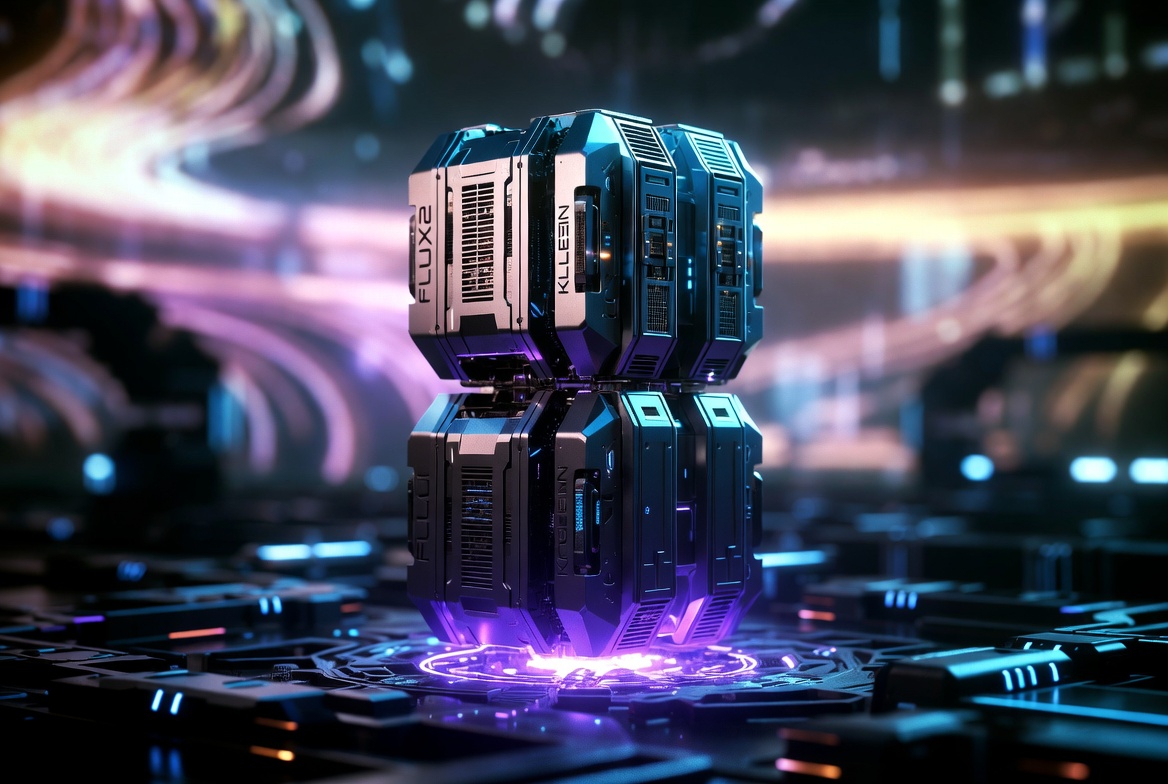
- The Flux2 Klein AI engine intelligently analyzes color relationships and lighting conditions from the input image.
- It enables precise adjustments to brightness, contrast, shadows, and ambient tones without flattening details.
- Whether correcting exposure issues or enhancing mood and atmosphere, Flux2 Klein Image Generator gives creators full control over visual tone.
Prompt-Driven Refinement
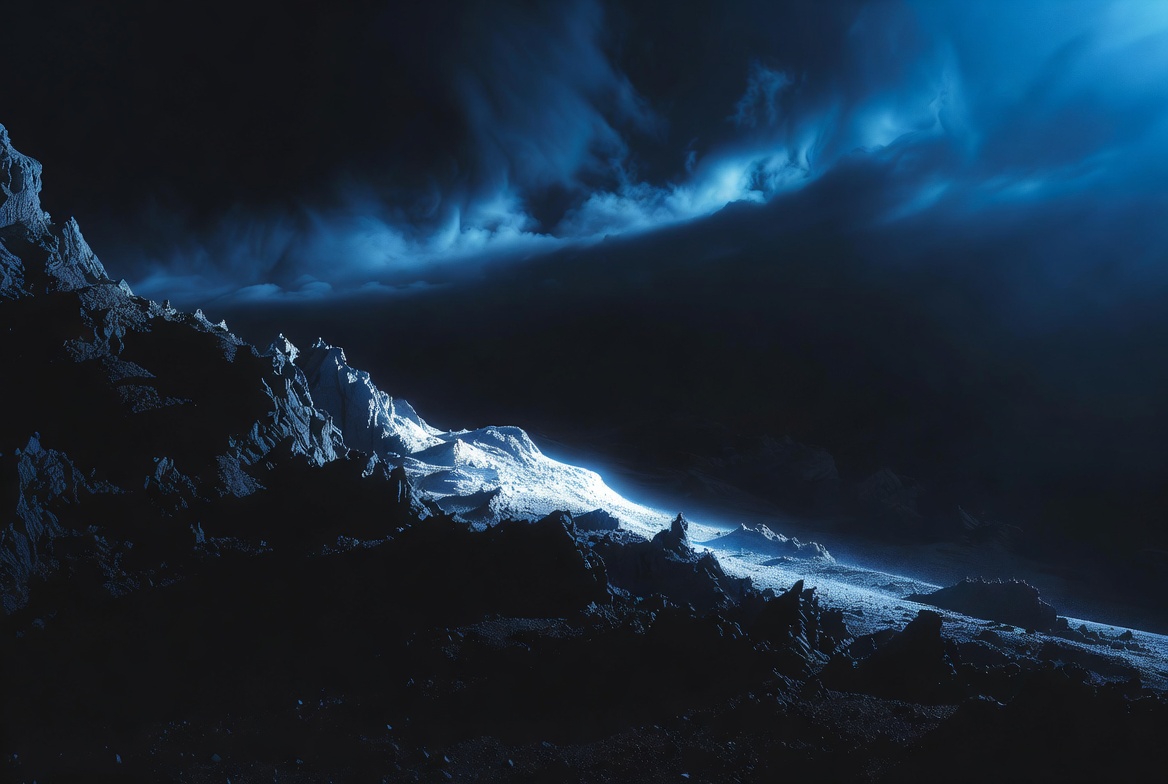
- Flux2 Klein Image Generator allows creators to refine images simply by updating natural language prompts.
- The model intelligently reinterprets only the relevant visual regions instead of regenerating the entire image.
- With support for prompt chaining and iterative refinement, Flux2 Klein AI fits seamlessly into professional design workflows and concept exploration.
Who Uses Flux2 Klein AI
From illustrators and photographers to studios and educators, Flux2 Klein Image Generator supports a wide range of creative workflows where precision, speed, and visual consistency are essential.

Digital Artists
Digital artists use Flux2 Klein AI to retouch, recolor, and stylize artworks with precise control over every pixel’s tone, texture, and depth. The real-time local editing engine removes uncertainty from the creative process, allowing artists to experiment freely, refine details instantly, and treat diffusion as an expressive medium rather than a final-only generation step.

Photographers
Professional photographers rely on Flux2 Klein Image Generator to correct lighting, remove visual distractions, and enhance compositions while preserving natural skin tones and textures. Instead of rebuilding images from scratch, they can make fast, localized adjustments that feel intuitive, efficient, and more flexible than traditional photo-editing software.

Design Studios
Design studios integrate Flux2 Klein AI into their creative pipelines to refine campaign visuals, UI assets, and brand imagery at scale. By maintaining consistent visual language across iterative edits, teams can quickly explore variations, polish final assets, and accelerate approval cycles without sacrificing visual coherence.

Game Developers
Game developers use Flux2 Klein Image Generator to create and refine environment textures, props, and concept art with strong spatial consistency. Its precise local diffusion logic helps ensure seamless tile blending, stable lighting transitions, and coherent scene details that integrate smoothly into real-time game engines.

Content Creators
Content creators and influencers use Flux2 Klein AI to fine-tune backgrounds, facial expressions, lighting, and overall aesthetics in seconds. The ability to make fast, localized edits helps creators maintain a consistent visual style across posts, improving shareability, audience recognition, and engagement on social platforms.

Educators
Educators and trainers adopt Flux2 Klein Image Generator for visual demonstrations in art, design, and creative technology courses. Its intuitive local editing interface allows students to see cause-and-effect changes in real time, making complex concepts like lighting, color balance, and composition easier to understand and teach.
What Users Say About Flux2 Klein Image Generator
Real creators share in-depth experiences using Flux2 Klein AI for professional image refinement, fast iteration, and creative exploration across different workflows.
Flux2 Klein Image Generator completely reshaped how I work as a visual designer. The local editing control allows me to fine-tune highlights, shadows, and textures without losing realism or re-rendering the entire image. It feels less like traditional AI generation and more like painting directly inside the diffusion process, giving me confidence and creative freedom at every step.
With Flux2 Klein AI, portrait retouching has become incredibly efficient. I can brighten a subject’s face, correct background lighting, and smooth tones instantly while preserving natural skin texture. The 9B base model delivers professional-level results even on complex lighting setups, saving me hours compared to manual photo-editing workflows.
Flux2 Klein Image Generator gives me full creative control during concept development. I can adjust armor reflections, material surfaces, and lighting balance directly through prompt updates without starting over. The responsiveness and stability of Flux2 Klein AI make iteration fast and intuitive, which is critical when exploring multiple visual directions.
Flux2 Klein AI lets me refine image details for my social campaigns in seconds. From background cleanup to subtle lighting tweaks, every update feels natural and well-balanced. There are no strange distortions or overblending, which helps me maintain a consistent visual style and polish content quickly for daily posting.
I rely on Flux2 Klein Image Generator for texture and environment asset refinement in my game projects. The local diffusion precision and color control are extremely reliable, even on high-resolution 4K assets. It allows me to iterate quickly while keeping visual consistency across multiple variations and scenes.
Flux2 Klein AI has become a valuable teaching tool in my digital art classes. Students can see real-time changes in composition, lighting, and color correction, which makes abstract concepts much easier to understand. Watching edits happen live keeps learners engaged and encourages creative experimentation.

Frequently Asked Questions
Explore the most common questions about Flux2 Klein Image Generator and its advanced local diffusion technology.
Flux2 Klein AI is the latest generation of diffusion-based image editing models from the Flux2 family. The 9B base version delivers top-tier precision for localized image modifications and adaptive prompt-to-image synthesis. It allows real-time editing without re-rendering the full frame, combining speed with artistic fidelity.
The Flux2 Klein Image Generator introduces a region-aware diffusion layer. When you edit a specific area, only that region is re-sampled in latent space while preserving surrounding details. This method ensures faster updates, consistent lighting, and coherent texture blending.
The 9B base version provides superior detail retention, smoother gradients, and better spatial coherence than its 4B or distilled counterparts. It handles intricate textures, facial expressions, and multi-object scenes with higher visual stability and reduced noise.
Yes. All outputs generated by Flux2 Klein Image Generator can be used for personal or commercial purposes. You retain full rights to edit, publish, and monetize your creations produced through SuperMaker’s platform.
Absolutely. You can upload any image and refine it using text prompts or local selection tools. Flux2 Klein AI integrates seamlessly with SuperMaker’s image-to-image interface for professional retouching workflows.
Flux2 Klein AI stands out through its live prompt editing, local region refinement, and contextual diffusion engine. Instead of regenerating entire images, it performs localized updates — making it faster, more efficient, and more creative than traditional image generators.
Start Creating with Flux2 Klein AI Today
Unleash the power of Flux2 Klein Image Generator and redefine what local editing can do. Edit, refine, and create with precision — all in real time, all powered by the 9B base model.
