
Create Anime Illustrations with Niji V7 Anime Image Generator
Niji V7 | Anime AI Image Generator | SuperMaker AI | 2D anime aesthetics | Style reference control
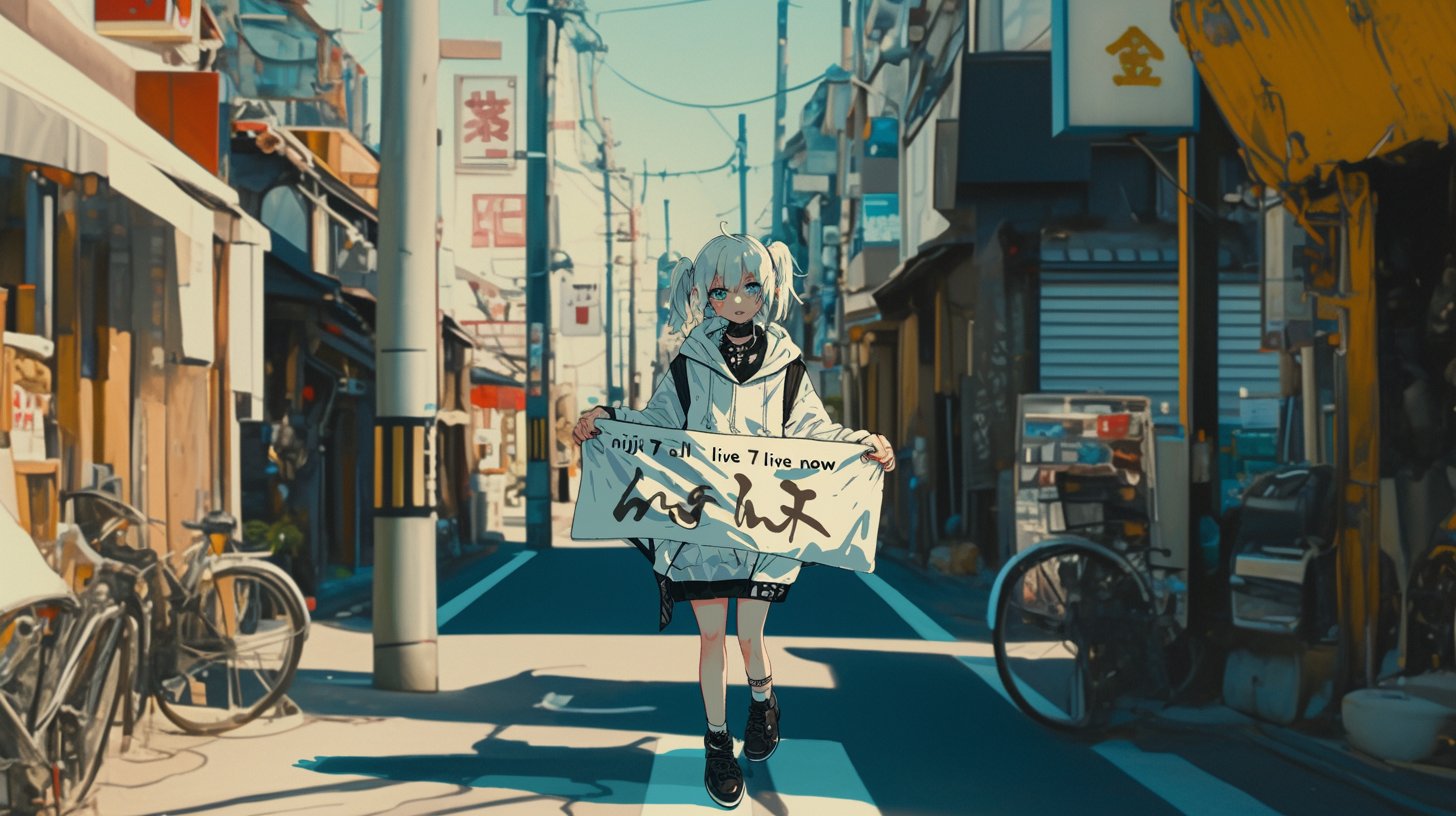
Niji V7 is an anime-focused image model available on SuperMaker AI, built for creators who want clean 2D anime aesthetics, strong prompt fidelity, and reliable character coherence. Instead of fighting messy hands, drifting faces, or inconsistent costumes, you can focus on directing the image: character design, emotion, framing, lighting, and story mood. Niji V7 is designed to handle both modern anime illustration and retro-inspired looks, including gritty 90s vibes, soft watercolor cel shading, and crisp key-visual poster styles. On SuperMaker AI, the goal is simple: you describe what you want, pick Niji V7, and iterate quickly until the image matches your vision. Use it for character sheets, manga-style panels, splash art, thumbnails, stickers, and concept art. With improved in-image text rendering, Niji V7 is also a practical choice when you need readable signage, simple logos, UI labels, or dialogue bubbles integrated into the artwork. Whether you are building an original IP, marketing an anime-style brand, or just exploring new art directions, Niji V7 gives you fast exploration without sacrificing consistency.
More AI Image Generators
Explore our collection of specialized AI image generators designed for different creative needs and styles




![FLUX.1 Krea [dev]](https://static.supermaker.ai/cdn-cgi/image/q=55/https://static.supermaker.ai/files/vtp5vmm87f65.png)
Niji V7: Anime AI Image Generator on SuperMaker AI
Create anime-style illustrations with better coherence, prompt understanding, and style reference control.
Niji V7 is a specialized anime and illustration model on SuperMaker AI, tuned for anime aesthetics and creator control. It improves character and composition coherence, follows prompts more faithfully, and renders in-image text more clearly—making it a strong choice for anime character design, manga-style panels, key visuals, and stylized concept art. If you care about repeatable results, Niji V7 is built for iteration: keep a character identity stable, adjust the scene, test multiple lighting setups, and refine your art direction without starting from scratch every time. You can create everything from clean portrait illustrations to dynamic action scenes, from cozy slice-of-life backgrounds to dramatic cinematic framing. Use it to generate assets for social media, storyboards for illustration projects, reference sheets for animation teams, or visual directions for games and comics. Niji V7 makes it easier to stay in a consistent 2D anime look while still exploring different styles, moods, and compositions.
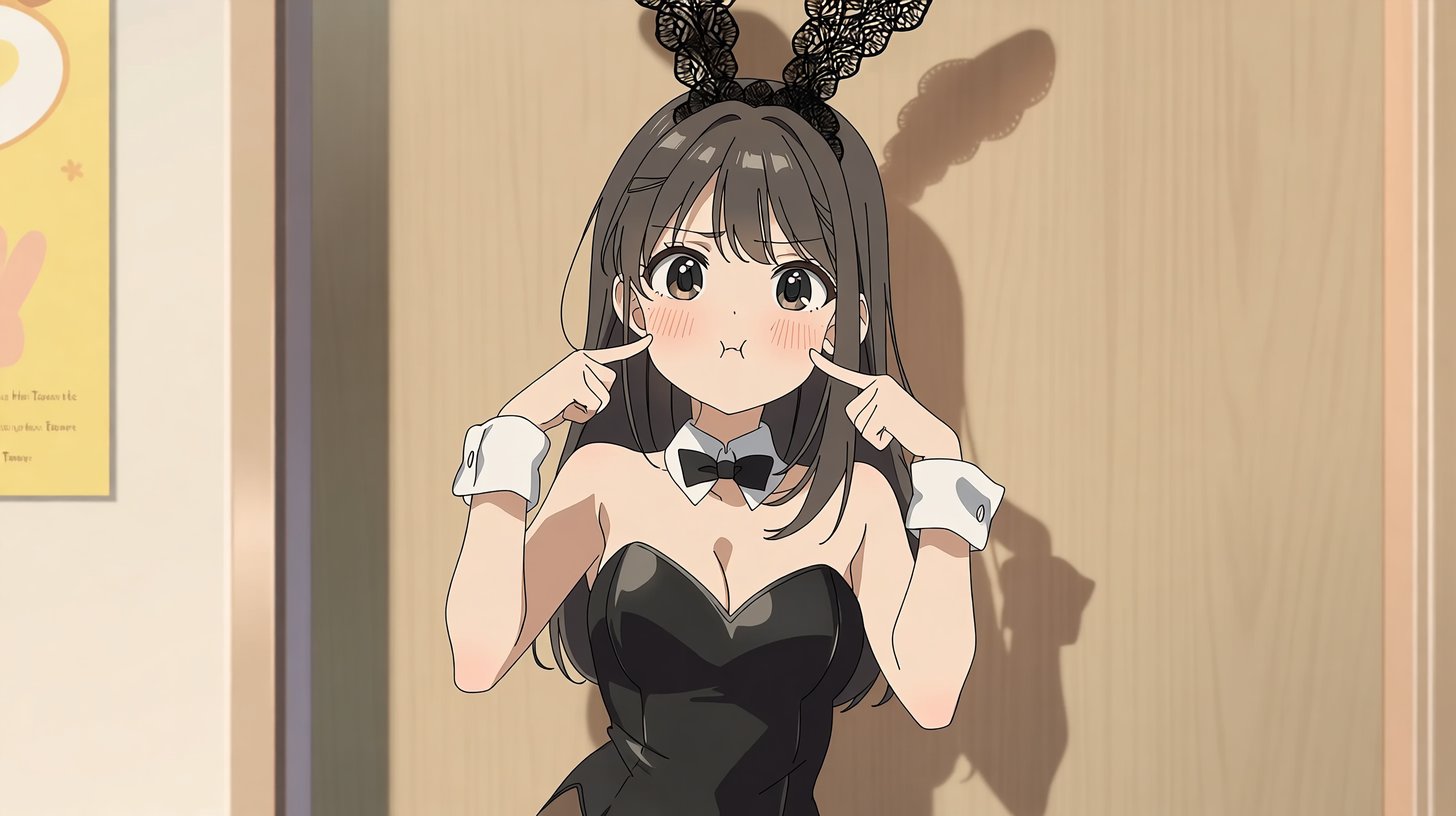
How to Use Niji V7
Generate anime-style illustrations in four quick steps: prompt, select Niji V7, iterate, and export.

Write Your Prompt
Describe your anime illustration clearly: subject, outfit, mood, camera, and background. Start with the essentials (who/what/where), then add details that matter (time of day, lighting, color palette, lens/framing, and key props). If you are designing a character, include identity anchors such as hairstyle, eye color, accessories, and signature clothing. Niji V7 has stronger prompt understanding, so you get more faithful results and faster iteration from the first generation.

Select Niji V7
In SuperMaker AI, choose Niji V7 as your generation model. Then decide how consistent you want the art direction to be. If you want a stable look across multiple images (for a character set, a series, or a campaign), add a style reference to lock or blend a target anime look. If you want exploration, keep the style reference lighter and iterate through multiple variations.

Generate Image
Generate and iterate. Niji V7 aims for cleaner 2D anime results, stronger coherence, and better adherence—especially useful for character sheets, posters, and key visuals. After the first output, refine your prompt with small, deliberate changes: adjust expression, pose, background complexity, or lighting. Keeping changes controlled helps you steer the result without losing character identity.

Download & Share
Download your final image and reuse it for content creation. Export high-resolution results for thumbnails, posters, or print assets, and save variations for future iterations. Niji V7’s improved text rendering helps when you need signs, logos, simple UI labels, or dialogue bubbles inside the artwork, so you can spend less time fixing typography in post-production.
Best AI Image Tools for Creative Projects
Explore creative tools for image, learn tips and tricks, and see how AI can be your assistant in turning concepts into finished projects.
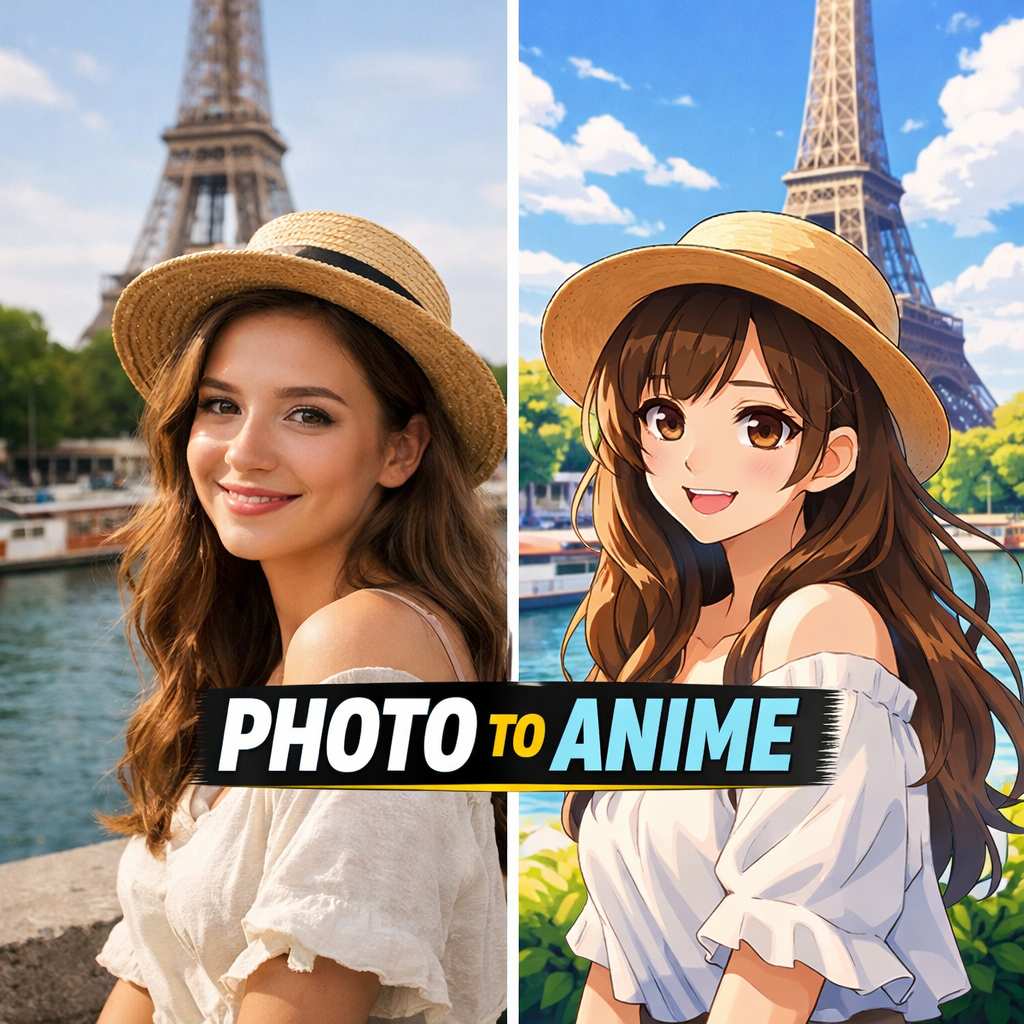

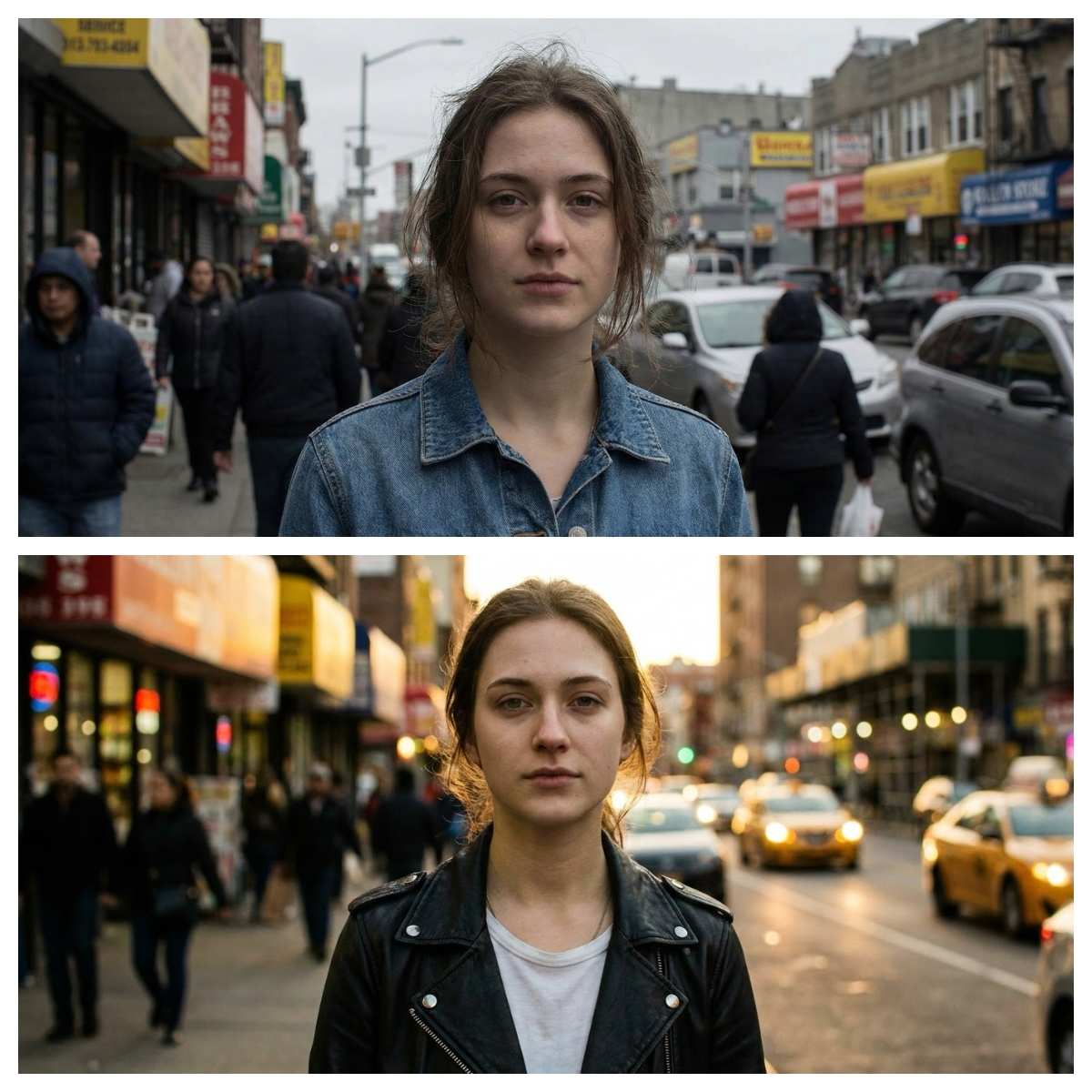
Key Features of Niji V7
Explore the core improvements of Niji V7 for anime and illustration workflows: coherence, prompt fidelity, text rendering, and style reference control.
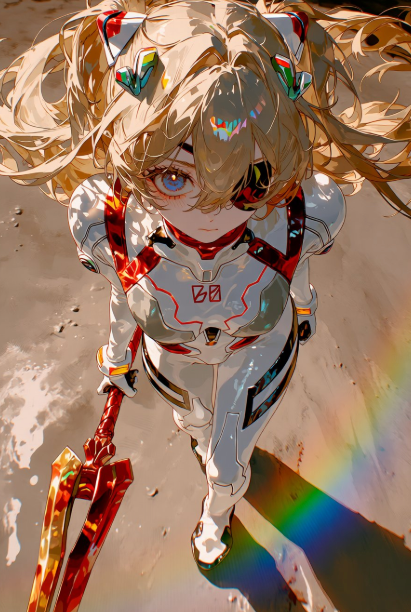
Stronger Anime Coherence
- Niji V7 improves anime coherence so characters, poses, and composition stay cleaner.
- It reduces common artifacts (like "melting" details) and better maintains design consistency.
- This matters for real production workflows: character sheets, consistent outfits, repeatable facial features, and stable visual identity.
- Use it to iterate on a protagonist design (hair, accessories, uniform, signature colors) while changing camera angles and expressions.
- Ideal for key visuals, poster-style compositions, and stylized concept art where continuity matters from one image to the next.
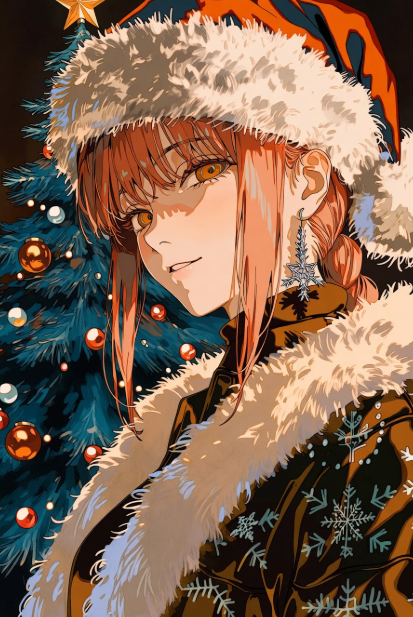
Better Prompt Understanding
- Niji V7 follows prompts more faithfully for more controllable results.
- This means fewer "vibes-only" surprises and better control over outfits, mood, and scene elements.
- Add specific directives like lighting (soft rim light, neon reflections), composition (close-up, wide shot, Dutch angle), and atmosphere (rainy alley, warm studio).
- For character design, define identity anchors and keep them stable while you test poses, expressions, and backgrounds.
- Great for creators who want fast iteration without losing the intended anime style, and for teams that need repeatable art direction across multiple assets.
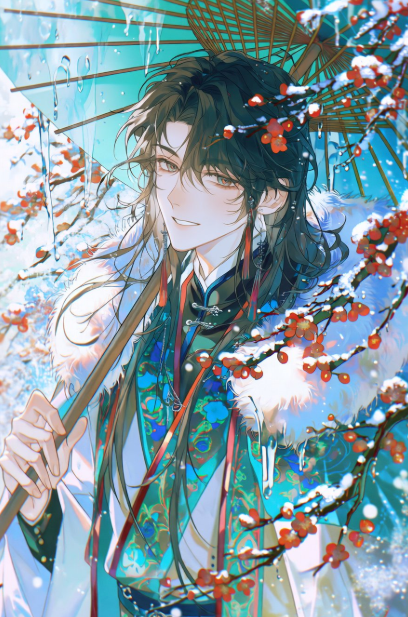
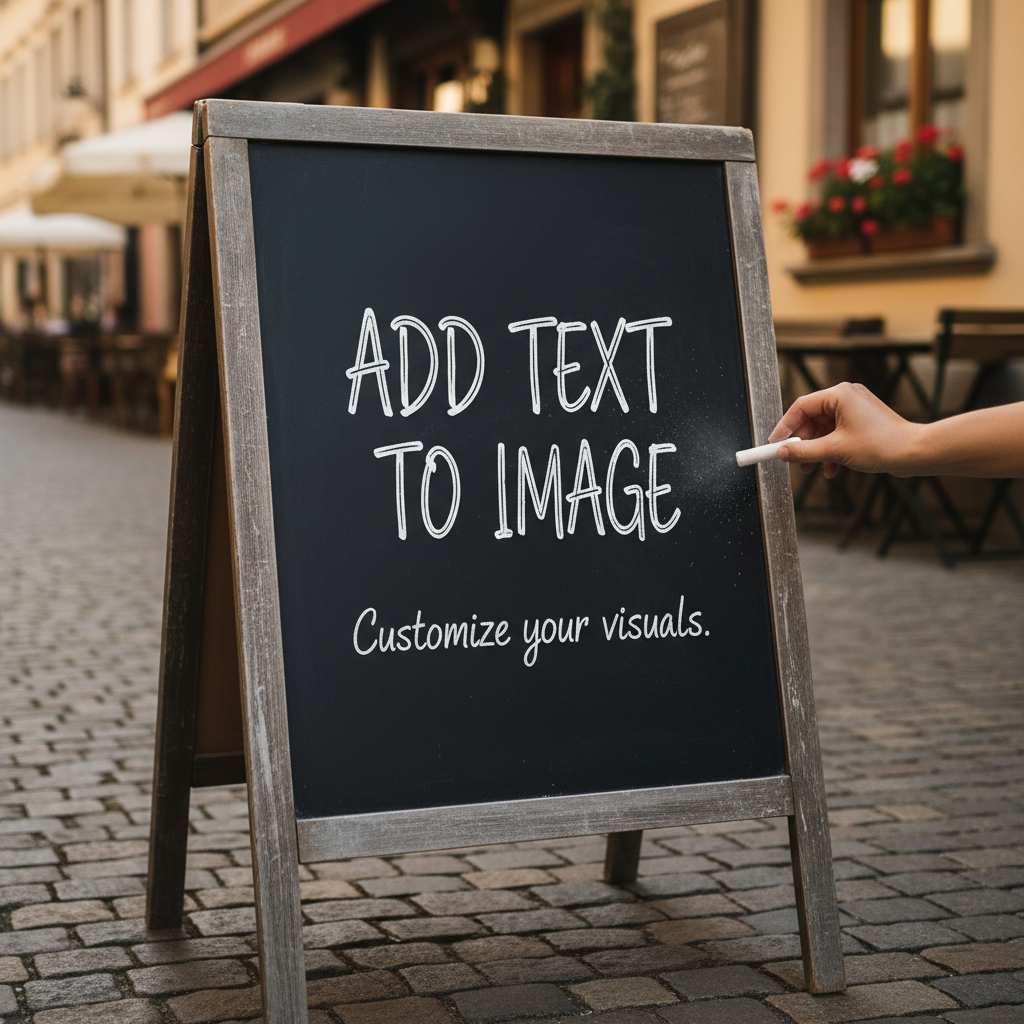
Improved Text Rendering in Images
- Niji V7 renders in-image text more clearly and integrates it better with anime aesthetics.
- Useful for signs, logos, UI overlays, title cards, menu boards, and dialogue bubbles.
- When you need text, keep it short and specify where it should appear (for example: "shop sign", "poster headline", "speech bubble").
- This feature is especially helpful for marketing creatives and thumbnails where readable words improve click-through.
- It also helps manga-style layouts where simple text elements need to feel like part of the illustration, not an afterthought.
- The result: less time correcting letters and spacing, more time refining the illustration itself.
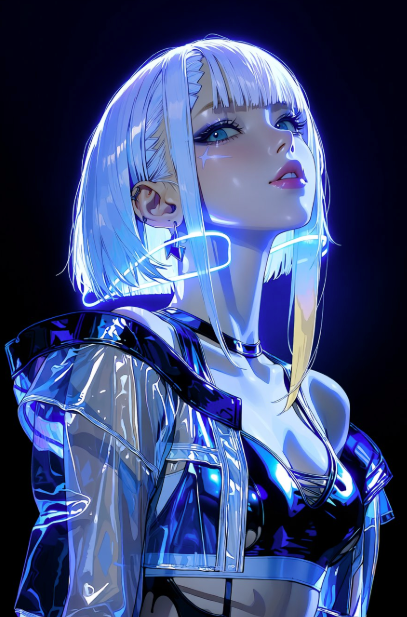
Stronger Style Reference (sref) Performance
- Niji V7 has stronger style reference and blending capabilities.
- Use a style reference to anchor an art direction and keep outputs more consistent across iterations.
- This is ideal when you are building a series: the same character in multiple scenes, multiple characters in the same universe, or a set of assets that must look like one cohesive project.
- You can also blend references to explore new aesthetics: retro cel shading, painterly anime illustration, soft pastel romance, or high-contrast action posters.
- Great for matching a signature look (for example, gritty 90s anime) while still exploring new compositions, camera angles, and lighting setups.
Who Should Use Niji V7?
Niji V7 is designed for anime and illustration workflows across creators, studios, and brands—especially when you care about coherence, style, and prompt fidelity.
Anime Character Designers
Use Niji V7 to explore character variations, outfits, expressions, and poses with better coherence—ideal for fast iteration when building an anime character set. Create multiple costume options, test seasonal outfits, and refine signature accessories while keeping the same identity anchors. This is perfect for character sheets, visual bibles, and consistent avatars used across content.
Manga & Illustration Creators
Create cover art, key visuals, splash illustrations, and concept frames. Niji V7’s stronger prompt adherence helps keep details aligned with your story direction: setting, era, props, and mood. Use it for panel concepts, dramatic scene visualization, and background exploration, then refine your favorites into final polished illustrations.
Creators & Social Media
Generate anime-style thumbnails, profile images, stickers, and themed series artwork. Improved text rendering helps with titles, labels, and signage in posts, and the coherent 2D look helps your feed feel consistent. Build recognizable series branding by reusing the same character design, palette, and style reference across multiple posts.

Game & IP Concept Art
Create anime-inspired concept characters and environments. Use style reference to keep an IP look consistent across multiple explorations, and iterate quickly on silhouettes, color palettes, props, and scene mood. This supports early-stage ideation, pitch decks, and art direction alignment before deeper production begins.

Brand & Merch Designers
Design anime-style posters, promo visuals, and packaging concepts. Niji V7’s clearer in-image text can help when mockups need readable wording, and style reference helps keep a consistent brand identity across multiple marketing assets. Generate variations for A/B testing: different headlines, layouts, characters, and color themes.

Style Studies & 90s Anime Vibes
Niji V7 is praised for gritty 90s anime-style replication and strong style blending—perfect for artists exploring different anime eras and looks. Study different shading approaches, line weight, grain, and color grading. Create consistent sets of experiments that let you compare styles side-by-side and decide on the final direction for your project.
User Reviews
See what creators are saying about their experience with Niji V7 for anime illustration generation.
Niji V7 gives me much cleaner anime coherence. Character designs stay consistent across iterations, so I can iterate outfits and expressions without fighting artifacts. I can prototype a full character sheet in one sitting and keep the face and styling stable while exploring different poses and lighting.
The workflow on SuperMaker AI is straightforward: pick Niji V7, set a style reference, and iterate. I get consistent anime styling much faster than before, and it is easier to keep a series looking cohesive. It is my go-to when I need a stable look across multiple posts and thumbnails.
The text rendering improvement is real. I can finally get readable signage and clean title-card typography in an anime look without heavy post edits. That saves me time when designing promo visuals and makes quick mockups feel much closer to a finished piece.
Niji V7’s style reference blending helps my project keep a consistent anime art direction. It is fast to explore concepts while staying on-brand, and it gives me a reliable baseline for character and environment exploration before we move into detailed production.

Frequently Asked Questions
Find quick answers about Niji V7, how to use it on SuperMaker AI, and how to get the best anime illustration results.
Niji V7 is an anime-focused image generation model available on SuperMaker AI. It is designed for cleaner 2D anime aesthetics, improved character and composition coherence, stronger prompt fidelity, and better in-image text rendering. In practical terms, it helps you generate anime-style art that stays visually consistent while you iterate.
Niji V7 works especially well for character design, key visuals, manga-style illustration concepts, and stylized concept art. If you need a repeatable look for an IP, a content series, or a brand campaign, Niji V7’s coherence and style control are built to support that workflow.
Open SuperMaker AI, start an image generation, and select Niji V7 as your model. Enter your prompt and generate your first draft. Then iterate with small changes: adjust camera distance, expression, lighting, background elements, or outfit details.
If you want a consistent art direction across multiple outputs, add a style reference and reuse it for the whole set. When you are satisfied, export the final image and save any variations you want to reuse later for thumbnails, posters, or a full series.
For best results, keep prompts specific and structured. Include character traits (age, hairstyle, eye color), clothing and accessories, emotion, camera framing (close-up, half body, wide shot), lighting (soft studio, sunset rim light, neon reflections), and environment (street, classroom, shrine, sci-fi corridor). Add key props only if they matter to the story.
To avoid drifting designs, keep identity anchors stable and change one variable at a time. If you need a consistent look across a set, use a style reference and reuse it across generations. This approach is ideal for character sheets, multi-image series, and production-style iteration.
Yes. Niji V7 includes improved text rendering for in-image typography—useful for signs, logos, UI labels, title cards, menu boards, or dialogue bubbles. For the best readability, keep text short and specify placement (for example: "on a shop sign", "in a speech bubble", or "as a poster headline").
If the text is part of a design system, describe the style (clean, bold, handwritten, minimal, retro) and the color contrast. Clear placement plus short copy generally produces the most usable results.
Niji V7 is designed to produce a more anime-forward 2D look with stronger coherence and better prompt fidelity. For creators, that typically means more stable faces, cleaner poses, more reliable composition, and less time spent fixing common artifacts.
If you have older prompts that relied on vague mood words, you may get better results by adding concrete visual details: camera framing, lighting, outfit descriptors, and environment cues. The benefit is more predictable control and easier iteration inside SuperMaker AI.
Use a style reference to anchor a consistent art direction and reuse it across your whole set. Keep prompts structured, and iterate with small changes rather than rewriting everything. For character exploration, keep identity anchors stable (hair, outfit, key accessories, signature colors) and adjust only one variable at a time.
A simple production workflow is: lock identity anchors, lock style reference, generate multiple variations for pose and expression, then refine lighting and background last. This approach makes it much easier to produce a cohesive series of anime illustrations on SuperMaker AI.
Start Creating with Niji V7 Now
Use Niji V7 on SuperMaker AI to create anime-style illustrations with stronger coherence, better prompt fidelity, improved text rendering, and reliable style control. Start from a single prompt, iterate through variations, and export high-quality results for character design, posters, manga-style concepts, social media creatives, and branded campaigns. If you want a consistent look across a series, add a style reference and keep your identity anchors stable—Niji V7 is built for fast, repeatable creation.
