GPT-6.1 Terra Makes the Everyday AI Choice More Interesting
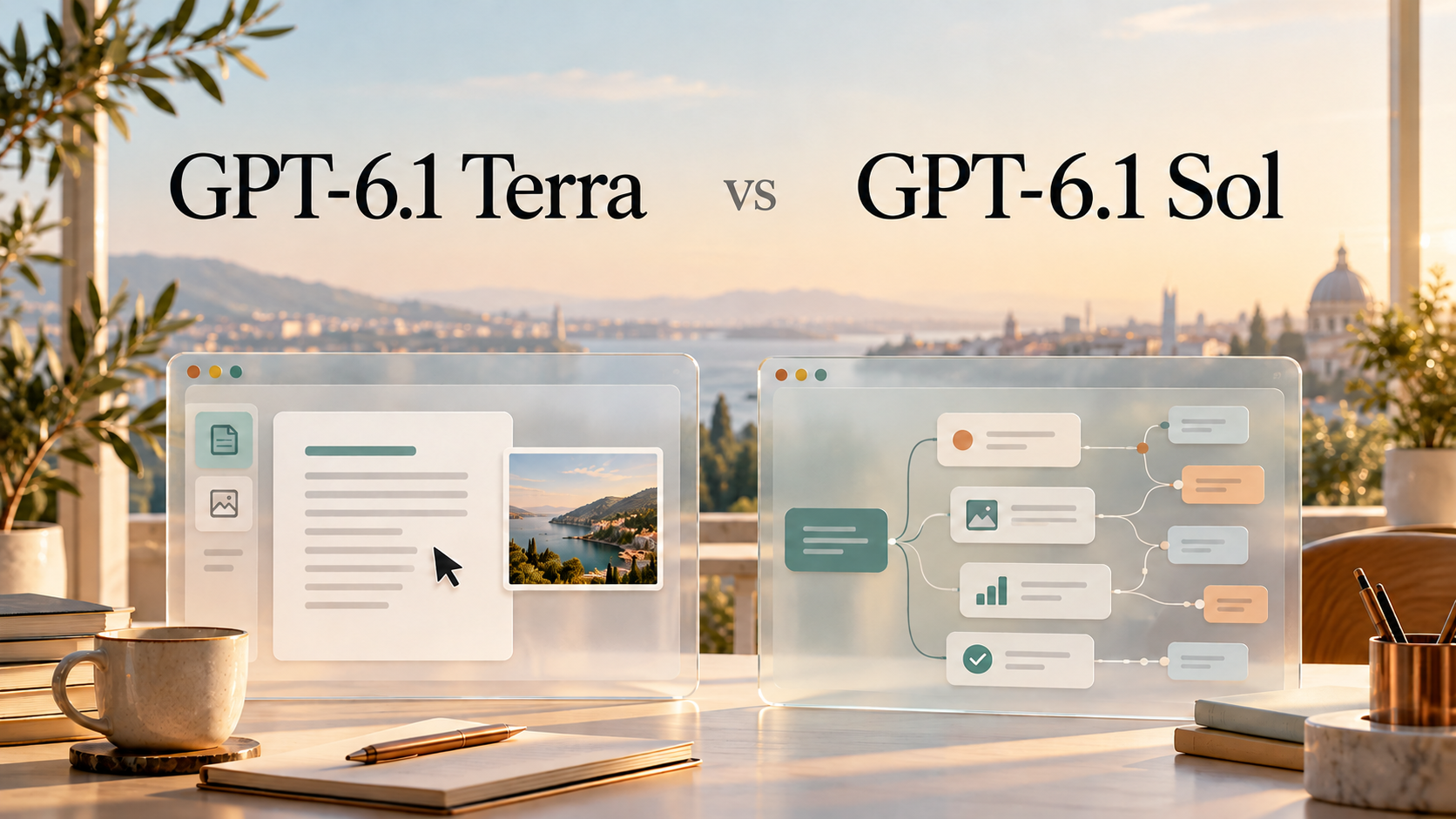
GPT-6.1 Terra Brings Visual Reasoning, Computer Use, and Natural Writing to Everyday Work at Lower API Prices Than Sol. Understand What Those Strengths Mean, Where Benchmarks Help, and When a More Complex Task Gives You a Reason to Choose GPT-6.1 Sol Instead.
Some AI tasks need serious thought. Others need a clear answer so you can get on with your day. Rewriting an awkward email and untangling a complicated software project are both useful jobs, but they don't ask the same things of a model.
GPT-6.1 Terra makes that distinction worth paying attention to. Its focus is visual reasoning, computer use, and natural writing, with standard API token prices half those of GPT-6.1 Sol. For people who use AI throughout the day, the interesting question is where that balance works—and when a task calls for Sol.
What Is GPT-6.1 Terra?
GPT-6.1 Terra is an OpenAI model designed for fast, efficient work with text, images, and application screens. Its model page lists examples such as matching product photos to a catalog, interpreting technical drawings, and revising text.
Visual reasoning means working out what an image tells you. Recognizing a button is one thing; understanding which button moves a task forward is another. Computer use adds the ability to act through tools, such as interacting with an application to complete a defined job.
The distinction matters. A model may understand a screenshot, but doing something in the application also requires the surrounding product to provide tools and access.
Terra accepts text and images and produces text. Its API card does not list native audio or video support. Helping operate video-editing software through tools is different from directly generating a video. For anyone exploring AI tools, that difference is easy to miss in a launch headline.
GPT-6.1 Terra vs GPT-6.1 Sol: Where the Choice Changes
OpenAI's model selection guide places Terra around screen-based workflows, concise writing, and scoped code fixes. Sol is positioned for more complex projects where cost still matters.
Here's how that distinction can guide a first choice. These are starting points for evaluation, rather than results from our own testing.
| What You Need Help With | Model to Try First | What to Look For |
|---|---|---|
| Rewriting an email or shortening supplied copy | Terra | Does it preserve the meaning and suit the audience? |
| Matching images to known products | Terra | Does it identify the details that distinguish similar items? |
| Completing a clearly defined task across application screens | Terra | Is the saved result correct? |
| Building a website from a brief with interacting requirements | Sol | Does the whole result hold together? |
| Planning a complex software change | Sol | Does it account for dependencies and competing constraints? |
Imagine asking AI to turn a page of notes into a polite follow-up email. You already know the facts and the desired outcome. Terra is a sensible first model to try.
Now imagine asking it to reconcile several conflicting documents and build a project around them. The difficulty lies in deciding how the pieces fit together. That is closer to the complex professional work described in Sol's introduction.
Both models have a 1,050,000-token API context window—the space available for input and generated output. That shared capacity doesn't make their judgment interchangeable. Fitting the material into a request and resolving its contradictions are separate challenges.
What GPT-6.1 Terra's Benchmarks Actually Show
OpenAI's Terra launch results offer a more interesting picture than a simple cheaper-versus-better ranking.
| Evaluation | OpenAI-Reported Result | How to Read It |
|---|---|---|
| Agents' Last Exam v1 | Tasks completed over three times faster than GPT-6.1 Sol in the reported evaluation | Evidence of speed on that task set, not every prompt |
| Terminal-Bench 4.0 | Terra solved 50.3% of tasks at maximum reasoning effort | A coding result under a specific evaluation setup |
| Terminal-Bench-Science 0.1 | Terra surpassed Sol at maximum reasoning effort and lower cost | Sol doesn't win every specialized workload |
Benchmarks are standardized tests, not a preview of every conversation. OpenAI still recommends Sol or Astra for the most complex coding tasks. The science result is a useful reminder to compare models on the work you actually need done.
GPT-6.1 Terra Pricing: What Half the Token Price Means
These are OpenAI's Standard API rates as of October 27, 2026, in US dollars per million text tokens. Tokens are the chunks of text used for processing and billing.
| Token Type | GPT-6.1 Terra | GPT-6.1 Sol |
|---|---|---|
| Input | $1.00 | $2.00 |
| Cached input | $0.05 | $0.10 |
| Output | $5.00 | $10.00 |
At those rates, 100,000 uncached input tokens plus 20,000 billed output tokens cost $0.20 with Terra or $0.40 with Sol, before additional charges. That example assumes equal token usage; actual tasks may consume different amounts.
The API pricing details also distinguish processing modes and cache writes. Prompts above 272,000 input tokens trigger higher full-request rates: twice the input and cache rates, and 1.5 times the output rate. Tool charges can add to the bill. These are API costs, not a ChatGPT subscription price or a SuperMaker price.
Where You Can Use It—and What to Check
Terra's launch announcement lists access through ChatGPT Work and Codex for Plus, Pro, Enterprise, and Edu users, alongside the API model ID gpt-6.1-terra. A model's availability through OpenAI doesn't establish its availability inside another AI product.
Before relying on an answer or completed action, check the source material or saved result. OpenAI's system card describes deliberately difficult factuality evaluations and warns against treating those error rates as everyday production rates.
Which One Should You Try First?
GPT-6.1 Terra is a sensible starting point for defined writing, visual, and screen-based tasks. Try Sol when the work involves more complicated decisions or dependencies.
For a fair comparison, give both models the same material, instructions, and reasoning setting where available. Then judge the finished work: its accuracy, useful detail, and how much correction it needs. A lower token price is welcome. A result you can confidently use is what makes it worthwhile.