How to Make a Crazy Frog AI Video With Two Photos
Turn Two Separate Portraits Into a Personalized Crazy Frog AI Chase on SuperMaker. Learn Which Photo Leads, Which Person Gives Chase, How to Check Video Settings and Credits, and What to Review in the Finished Clip Before Sharing Your Invisible Motorcycle Adventure.
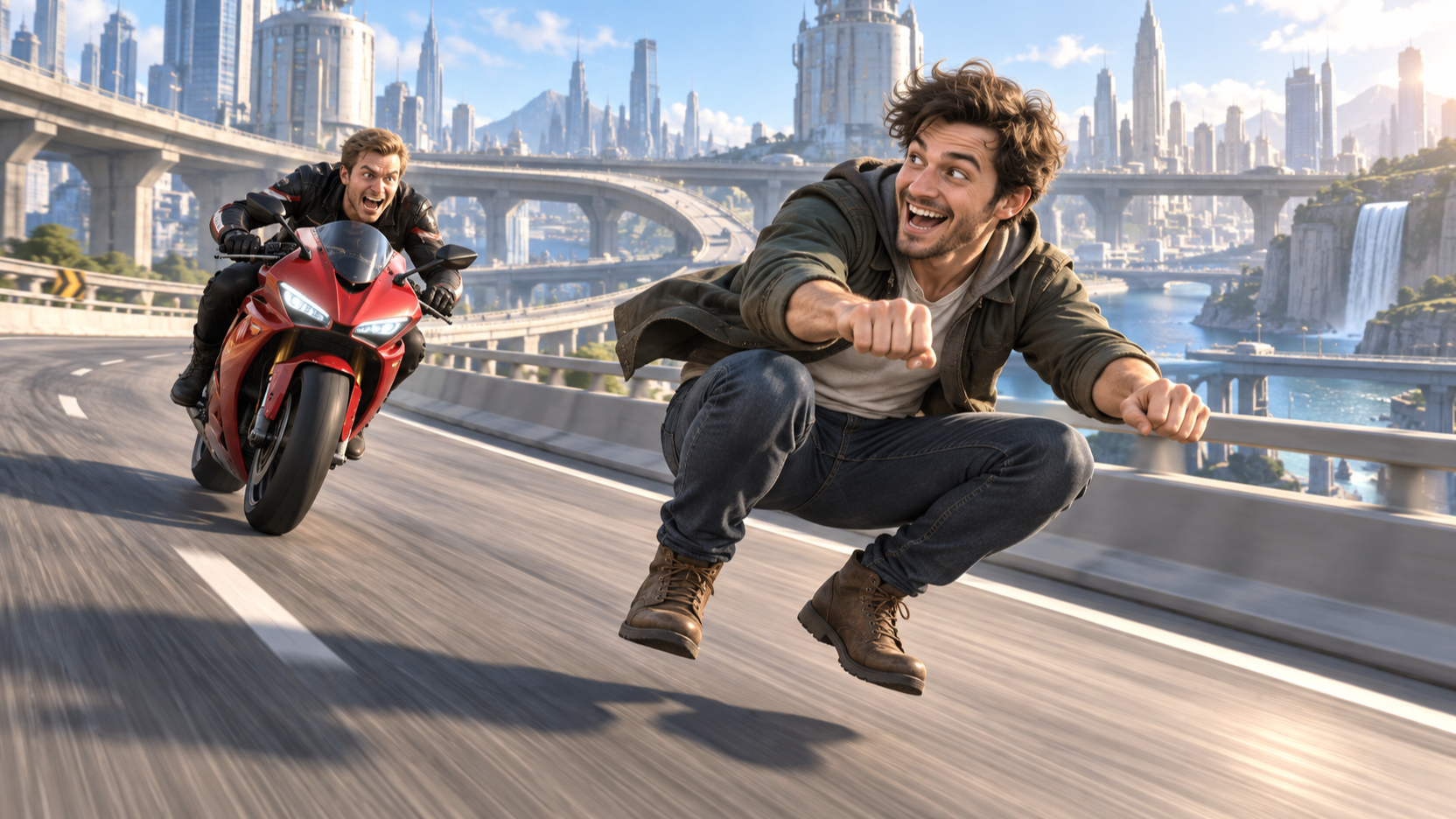
Two familiar faces, one invisible motorcycle, and a very determined pursuer: the Crazy Frog AI effect turns a pair of portraits into an absurd chase scene. You choose who leads and who follows. SuperMaker supplies the action, so you do not need to film a ride or edit a chase together.
Choose the photos, upload them in the right order, check the settings, and review the finished clip before sharing.
What Is the Crazy Frog AI Trend
This version of the Crazy Frog AI trend puts two people into a cinematic highway pursuit. The leading character crouches as though riding a motorcycle, with hands reaching toward invisible handlebars. Behind them, a second character gives chase on a visible red motorcycle. Elevated roads and industrial buildings make the impossible ride feel like an action sequence.
The joke works best when the casting means something. Put the friend who always makes spontaneous plans in front and the friend trying to keep everyone on schedule behind them. Or reverse those roles for a surprise.
How to Make a Crazy Frog AI Video on SuperMaker
Step 1 Choose Two Clear Individual Photos
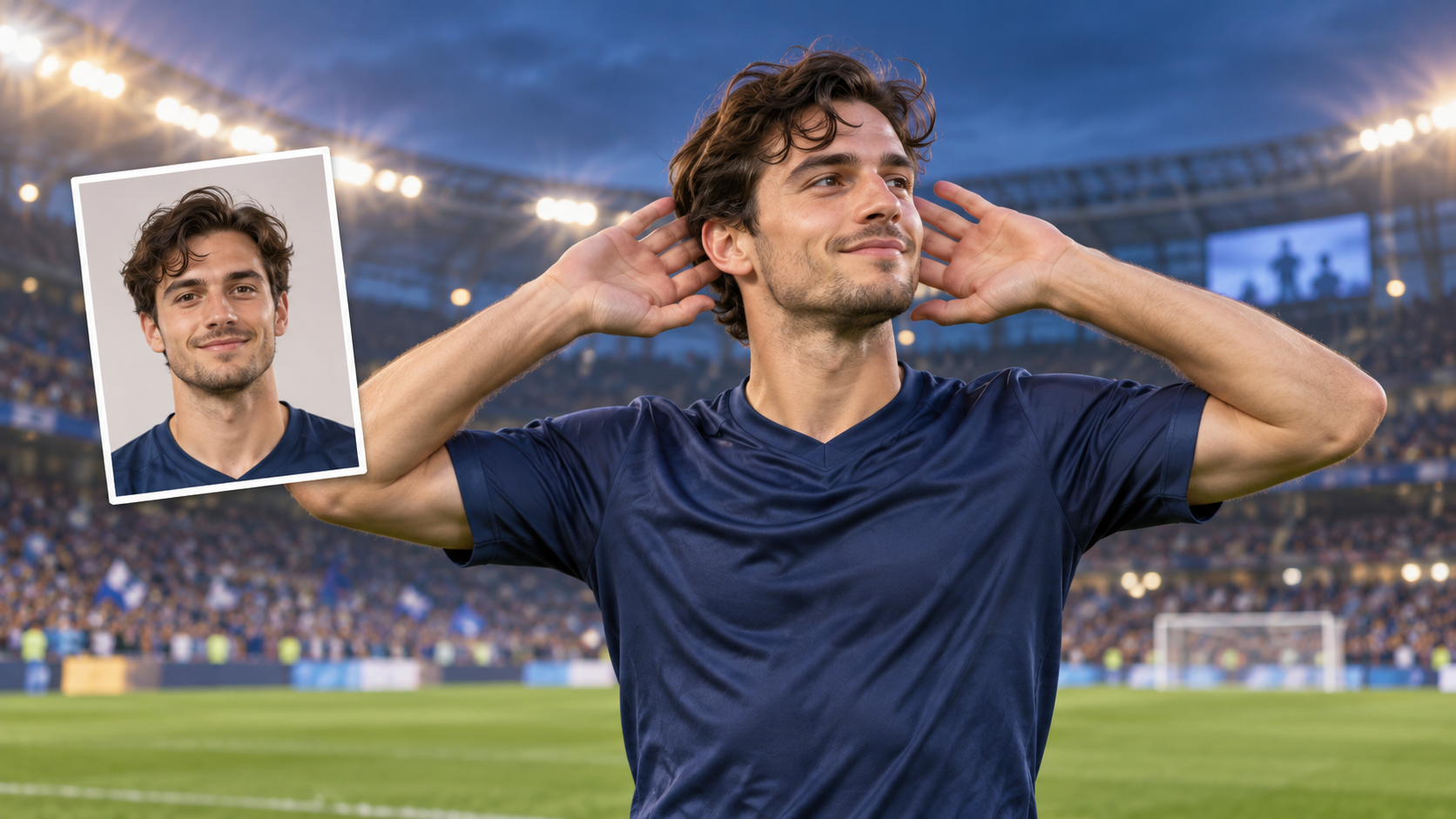
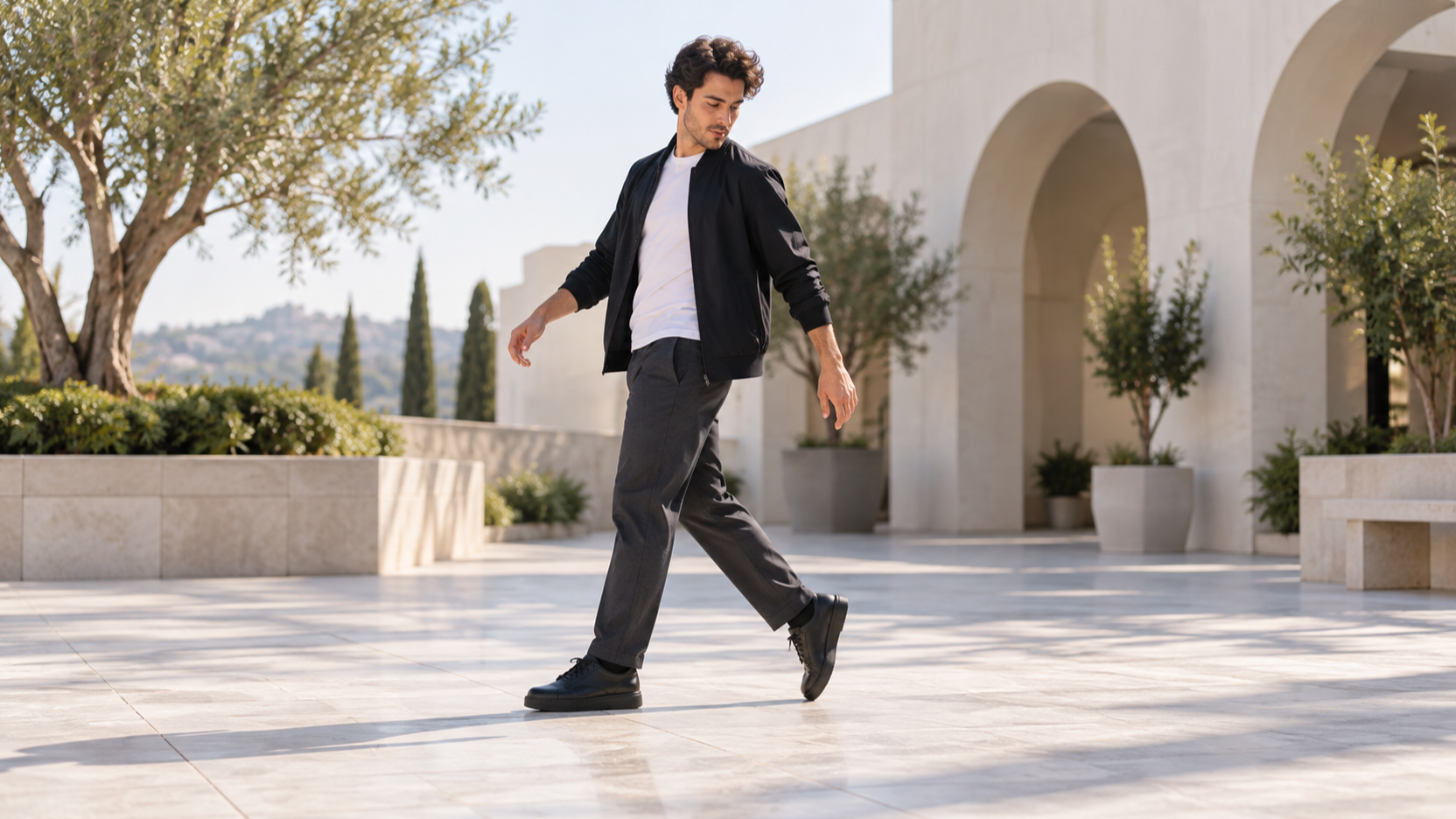
Choose one portrait of the leading rider and a separate portrait of the person giving chase. Each image should contain one clearly identifiable person. You do not need a photo of the pair together, and neither person needs to be sitting on a motorcycle.
Look for sharp facial features, even lighting, and a clear view of the eyes, nose, and mouth. Avoid heavy filters, motion blur, sunglasses, or hands covering the face. A dramatic background matters less than a recognizable person.
Decide the roles before uploading. The first photo is the front rider on the invisible motorcycle. The second photo is the pursuer on the red motorcycle. Use photos you have permission to upload and check that both people are comfortable with how you plan to share the result.
Step 2 Open the Effect and Upload Both Portraits
Open the Crazy Frog AI video generator and find Upload Two Character Photos. Add the leading rider’s portrait first, then upload the chasing motorcyclist as the second file.
Check that the two selected images match your intended casting before moving on. If the files are reversed, correct the order before generating. A group photo makes the roles less clear; use one person per file.
The chase scene is already provided. You do not need to upload the source video or write a prompt describing every camera move.
Step 3 Check the Video Settings and Credits
Review the available Aspect Ratio, Resolution, Generate Audio, and Number of Videos controls. Start with one video so you can check the pairing before making more versions.
Choose an aspect ratio for your sharing platform. The chase needs room for both people, so check the finished framing to make sure the crop keeps the action visible.
Review Public Visibility according to your sharing preference. Then read the Required Credits amount for your selected settings before clicking Generate Video. Settings and credit requirements can change, so use the values shown on the page when you create your clip.
Step 4 Generate and Review the Whole Chase
Click Generate Video and wait for processing to finish. Watch the entire result, including the opening view, the faster turns, and the wider shots where both characters appear.
Check whether you can recognize each person and whether they stay in their intended roles. Look at the leading rider’s arms and crouched pose, then check the pursuer and motorcycle. The invisible ride should read as a deliberate joke, and the chase should remain easy to follow.
If one face looks wrong, try a clearer portrait of that person while keeping the other reference the same. This gives you a more useful comparison than changing both photos at once.
Before You Share Your Crazy Frog AI Video
Play the clip at normal speed on the screen where people are likely to see it. Make sure the crop keeps the lead rider and pursuer readable, particularly when the camera pulls back. Place captions away from faces and the invisible-handlebar pose that carries the joke.
Keep the caption simple. “Me leaving early. My friend with one more plan.” gives the chase a relationship viewers can recognize.
Listen to the result as well as watching it. If you want a particular soundtrack, check what is actually present in the generated clip. Use music you have the right to post, including platform-provided audio where appropriate.
Crazy Frog AI Video FAQ
Can I Upload One Photo With Both People
Use two separate photos, with one person in each file. This effect assigns the first reference to the leading rider and the second to the chasing motorcyclist. Two individual portraits make that casting clear.
Do I Need to Upload a Motorcycle Video
No. SuperMaker provides the 15-second chase reference for this effect. You supply the two character photos; neither portrait needs to show a motorcycle or a riding pose.
Can I Swap the Leading Rider and the Pursuer
Yes. Reverse the order of the two portraits and generate another version. The first person leads on the invisible motorcycle, and the second follows on the red motorcycle. Swapping them is a simple way to test which version makes the better joke.
Will It Automatically Include the Crazy Frog Song
Do not assume the effect name guarantees a particular song. The page includes a Generate Audio control; check its setting and listen to the finished result. If you add a specific track afterward, use an audio source you have permission to publish.
What If a Face Changes During the Chase
Try a sharper portrait with fewer obstructions or filters. Review the next result through the turns and wider shots as well as the opening close view. Fast motion and changing angles can affect likeness, so clearer photos may help without guaranteeing the same facial detail in every frame.
Make Your Own Crazy Frog AI Video
Choose your duo and decide who should escape. Upload the leading rider first and the pursuer second, check the available settings and credit estimate, and generate your chase. Review both identities, the riding pose, and the final framing before sharing.