How to Make a Hotel Lobby AI Video With Your Own Photos
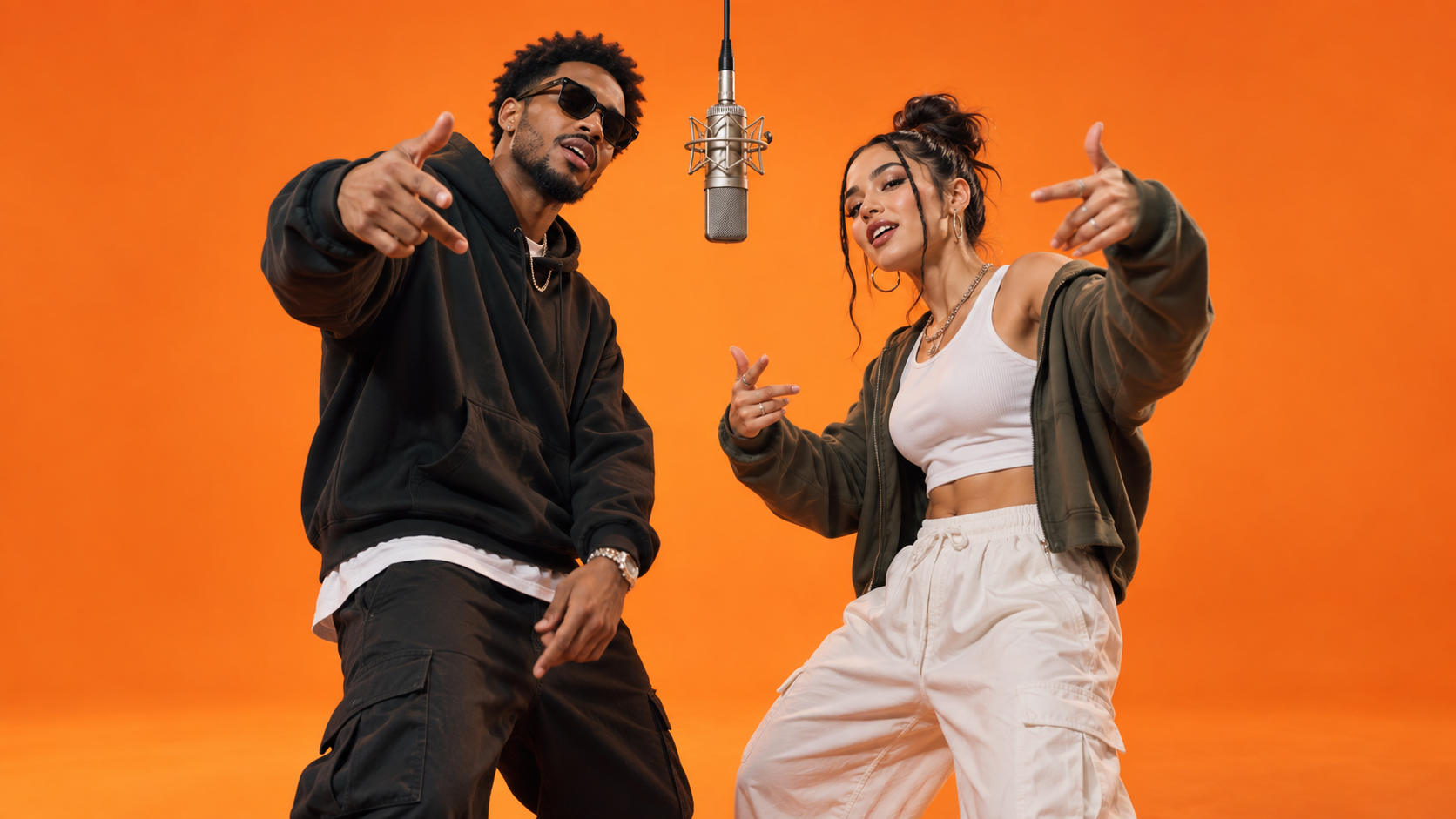
Create a Hotel Lobby AI Video With Two Separate Portraits and SuperMaker’s Rap Duo Effect. Learn How to Upload Each Person’s Photo, Choose Your Resolution, and Generate a Shared Performance, Plus Simple Ways to Pick Better Images and Prepare Your Finished Clip for Sharing.
Want to know how to make a hotel lobby AI video starring you and a friend? Start with two individual portraits, upload them to SuperMaker, select your resolution, and generate your duo. Each photo should feature a different person, with one clearly visible face per image.
This tutorial uses the same effect as the AI rap duo trend. You can make your version through the SuperMaker AI Hotel Lobby AI video generator, so that is the page to open when you are ready to begin.
Below, you will find the photo checklist, the creation steps, and a few ideas for making the finished post feel personal.
What Is a Hotel Lobby AI Video?
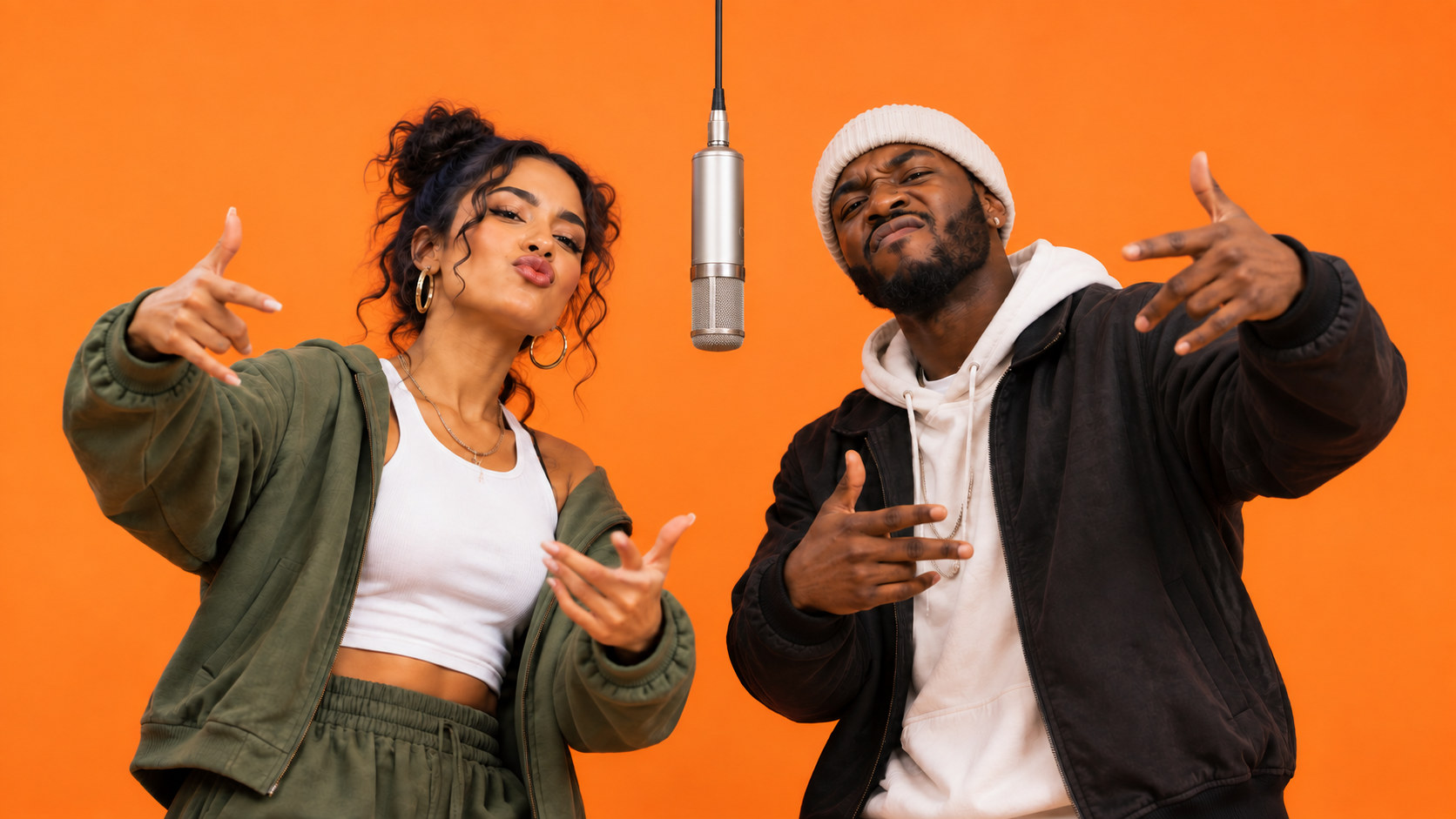
Here, hotel lobby AI video refers to the personalized two-person rap effect: your chosen pair appears in a shared performance against a bold orange background. The fun comes from seeing familiar people take on an unexpected stage presence.
The pairing gives you a simple creative starting point. Think of the friend who always joins your car singalongs, your partner who knows every lyric, or two siblings with completely different personalities. Choose a duo whose relationship gives the video a little story before anyone even reads the caption.
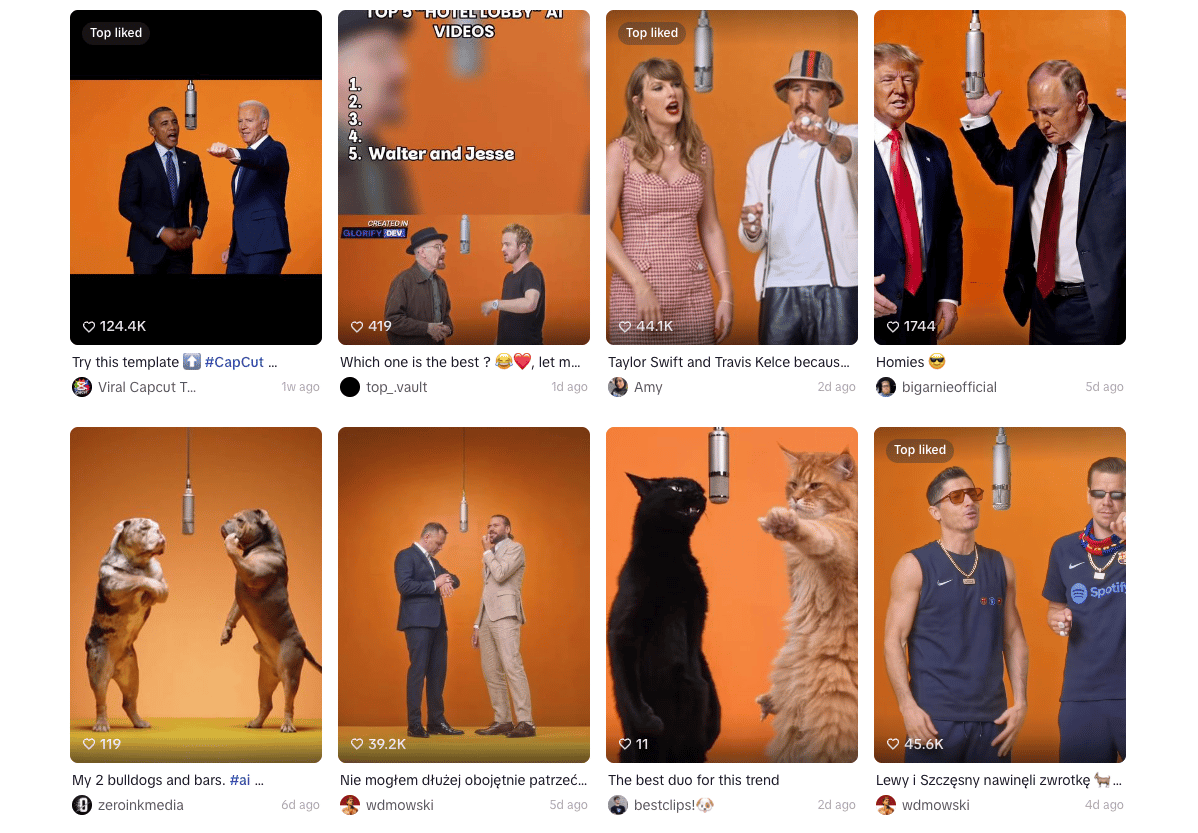
How to Make a Hotel Lobby AI Video on SuperMaker
Step 1: Prepare Two Individual Portraits
Choose one photo for the first person and another photo for the second person. These must be two different faces, supplied as two separate images.
Before uploading, give each portrait a quick check:
- Is there only one person in the image?
- Can you clearly see their eyes, nose, and mouth?
- Is the face sharp enough to recognize without zooming in?
- Is the lighting reasonably even?
Step 2: Open the Generator and Upload Each Photo
Open the hotel lobby AI video generator, which is labeled AI Rap Duo. Add your first portrait, then upload the second person’s photo separately.
Step 3: Choose Your Resolution
Select your preferred option under Resolution.
Step 4: Generate the Video
Once the two portraits are uploaded and your resolution is selected, click Generate Video.
The dedicated effect includes its performance setup and creative instructions, so you do not need to write a custom scene prompt. Let the generation finish before reviewing your result.
Before You Share Your Video
Preview the finished post on your phone, especially if you have cropped or resized the video. Check that both people remain visible and that your caption does not cover an expression you want viewers to notice.
If you are choosing between versions, decide what matters most for this particular post. A birthday message may depend on a recognizable smile; a playful duet may work best when both people have an expressive moment together. Pick the version that communicates your idea most clearly.
Hotel Lobby AI Video FAQ
Which Page Should I Use?
Use SuperMaker Hotel Lobby AI video generator. The page may say AI Rap Duo, but it is the same effect used for the hotel lobby AI video in this tutorial.
Can I Upload One Photo of Both People?
For this workflow, prepare two separate photos. Each image should show one person, and the two images should feature different people.
What Do I Select After Uploading?
Choose your resolution, then generate the video. Keep both portrait previews in mind when checking that you are ready to submit.
Do I Need a Custom Prompt?
No. Use the dedicated effect’s built-in setup and supply the two portraits.
Make Your Own Hotel Lobby AI Video
Choose your duo, find one clear portrait of each person, and open the SuperMaker Hotel Lobby AI video generator. Upload the photos separately, select your resolution, and generate your hotel lobby AI video. Finish with a caption that makes the pairing yours.