How to Scale Your Content with the Ultimate Bulk Video Generator with SuperMaker AI Studio
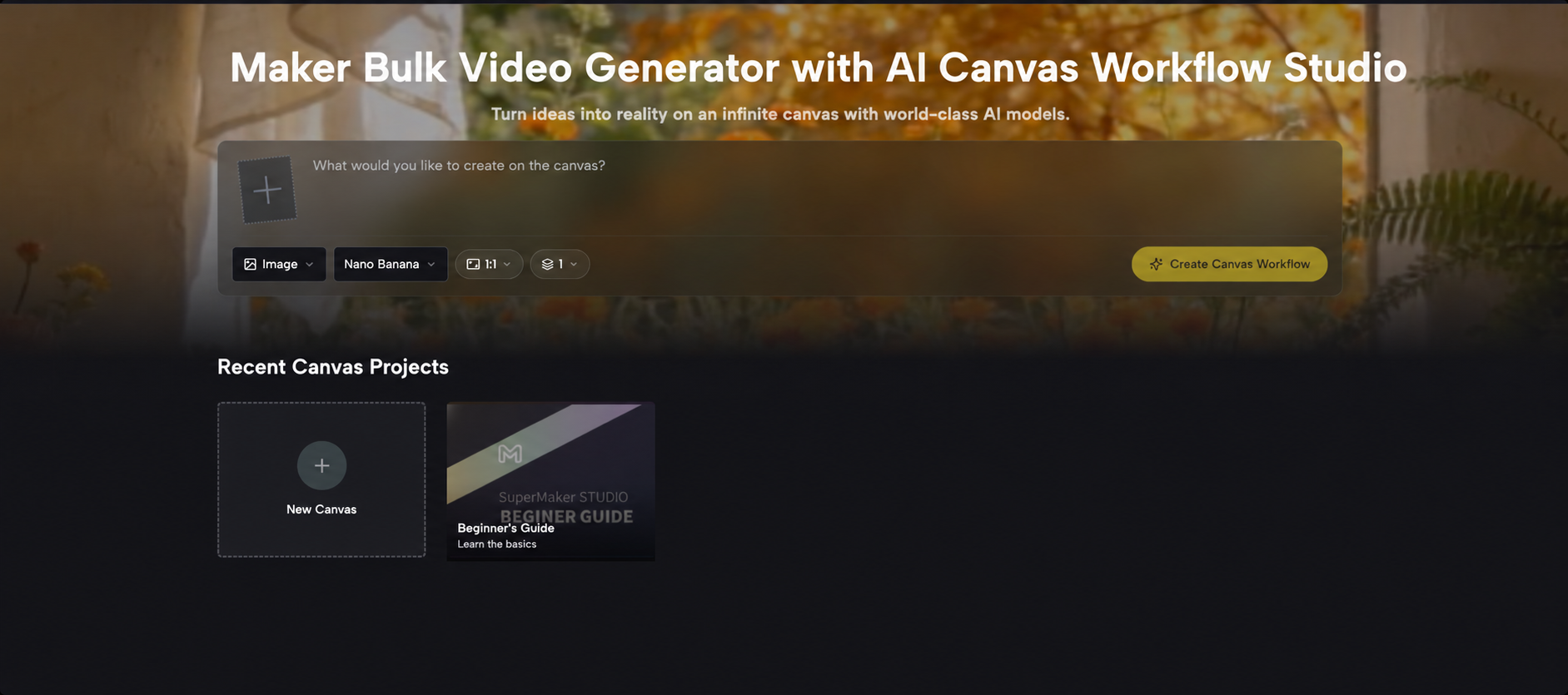
Learn how to scale your content matrix using SuperMaker AI Studio, the ultimate bulk video generator that leverages a visual node canvas and top-tier models for instant parallel production.
In today’s content creation era, video marketing is all about scale. Whether you are running A/B tests for social media, managing multiple matrix accounts, or meeting massive commercial asset demands, the traditional one-by-one video generation approach is simply too slow.
Every creator needs a truly efficient bulk video generator. Enter SuperMaker Bulk Video Generator, which uses a revolutionary infinite node canvas to seamlessly connect creative inputs, image references, and video rendering, allowing you to build a highly automated pipeline for bulk content production.
Why is SuperMaker AI the Go-To Bulk Video Generator?
SuperMaker Bulk Video Generator is purpose-built for model aggregation, parallel processing, and scaled production:
- Panoramic Visual Workflow: Organize your assets freely on an infinitely zoomable canvas, breaking free from the constraints of linear, hidden menus.
- Top-Tier Video Model Matrix: It aggregates the industry's most advanced models in one place, including Veo 3.1 (Premium/Basic/Lite), Kling 3.0 Turbo / 2.5 / 2.1, Wan 2.6 / 2.5, the entire Seedance series, MiniMax H3, and PixVerse V6, along with a dedicated Video Upscaler.
- One-Click Parallel Multiplication: Featuring robust Batch Generation, a single node can simultaneously render up to 4 video variations with one click.
- Free for Commercial Use & High Quality: It offers daily free credits and supports exporting high-resolution, watermark-free assets that are 100% ready for commercial use.
What is AI Canvas Workflow Studio?
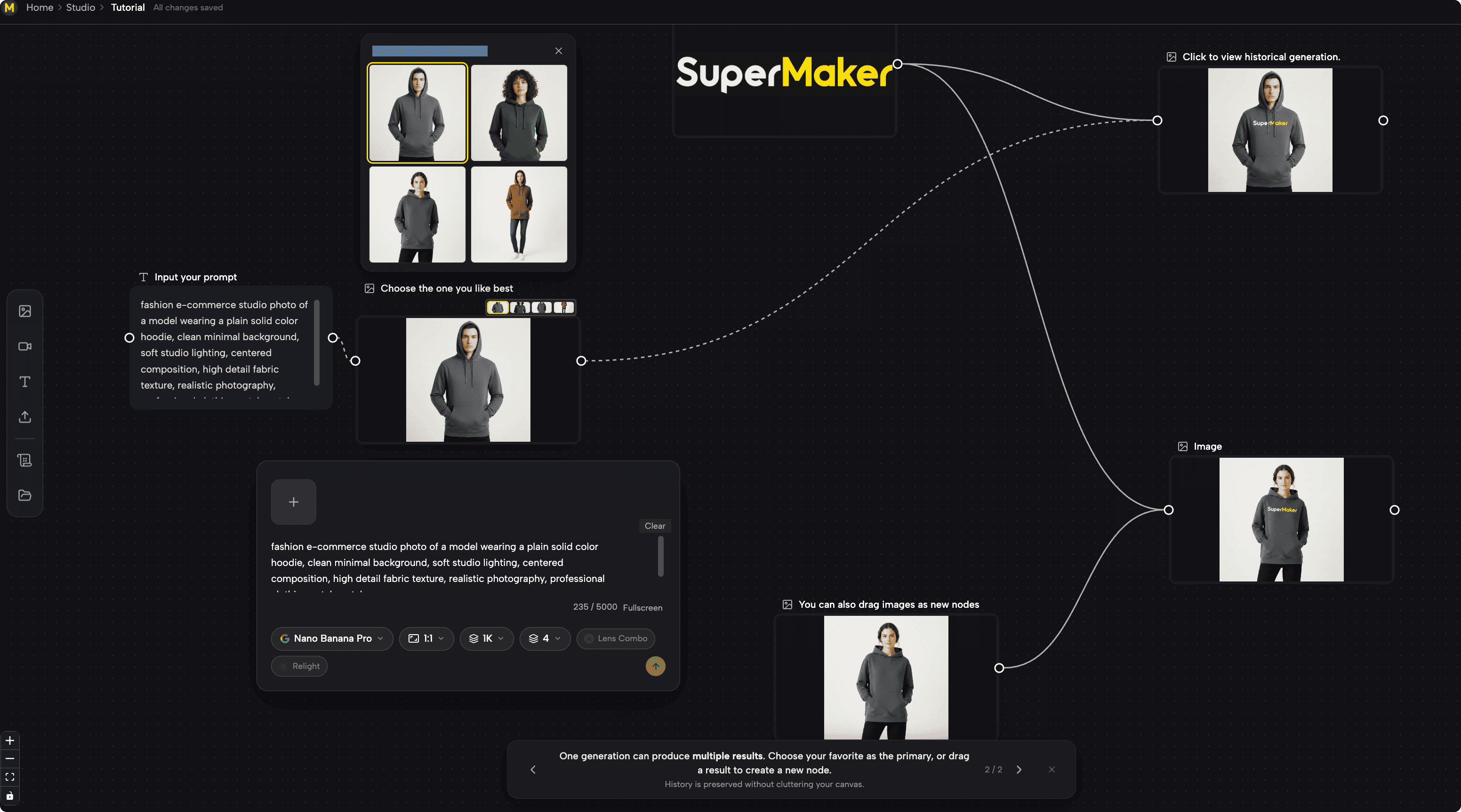
The SuperMaker AI Canvas Workflow Studio is a node-based, infinite visual workspace. It completely disrupts the traditional "input a prompt and wait" interaction model:
- Node-Based Piping: It encapsulates Text (prompts), Image (reference visuals), and Video (generation) into independent nodes. Simply drag and connect them to establish data dependencies.
- Cross-Model Orchestration: It allows you to seamlessly integrate cutting-edge AI models from different providers on the exact same canvas, completing a full industrial pipeline from "ideation → style definition → animation → quality upscaling."
Core Tutorial: 4 Steps to Build Your Bulk Video Generation Pipeline
Follow these steps to quickly set up your bulk video generator workflow:
Step 1: Enter the Infinite Canvas and Create Basic Nodes
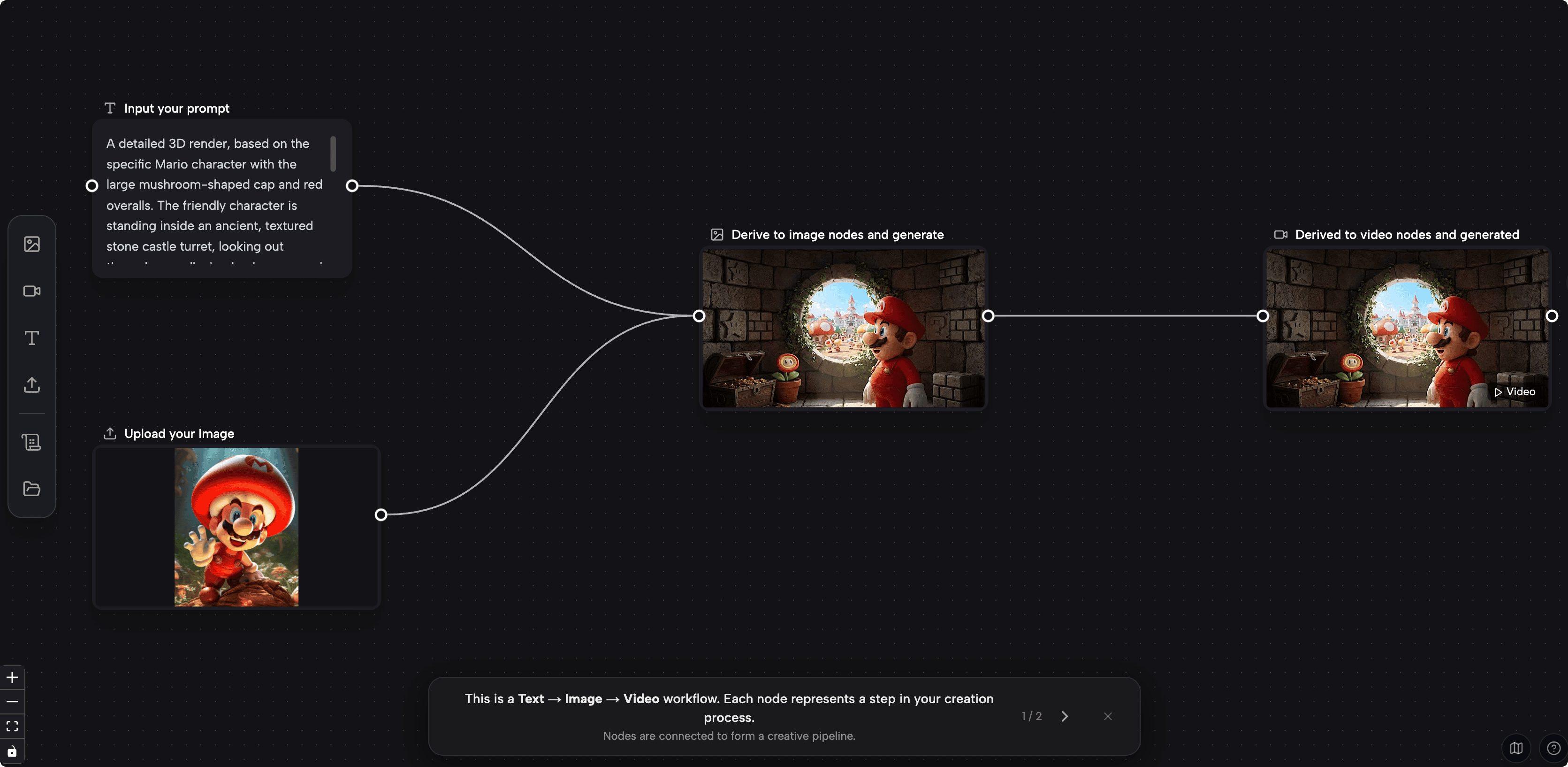
Log into SuperMaker Bulk Video Generator and create a new canvas project. Drag a Text node from the sidebar and input your core creative prompt. Next, drag in an Image node to establish the initial visual reference frame for your video.
Step 2: Connect Nodes to Build an Automated Pipeline
Drag the output port of the Text node to the input port of the Image node. Then, drag in a Video node and connect it to the Image node's output. From the Video node's dropdown menu, you can freely switch between powerful models like Veo 3.1, Kling 3.0 Turbo, Wan 2.6, or Seedance based on your specific visual needs.
Step 3: Activate Batch Generation for Instant Multiplication
Click the Batch Generation button on your video node. The system will process your upstream inputs and parallel-render up to 4 distinct variations. You can also duplicate multiple video nodes side-by-side, assigning a different model to each, to visually compare their dynamic performance on the same canvas.
Step 4: Filter, Branch, and Export Without Watermarks
Select your favorite video variations. You can set them as primary assets or drag them out to create new branches (for example, piping a result into the Video Upscaler node to enhance the resolution). Once satisfied, batch export your high-resolution, watermark-free final videos with a single click.
Say Goodbye to Linear Creation and Embrace the Bulk Future
In the highly competitive content race, production speed and visual quality are equally important. Traditional single-thread AI tools can no longer keep up with high-frequency update demands. By leveraging its original node-based canvas and a massive matrix of top-tier models, SuperMaker Bulk Video Generator transforms a complex professional workflow into a highly efficient bulk video generator that anyone can master.
With dual real-time saving mechanisms (local + cloud) and industry-standard keyboard shortcuts (Cmd/Ctrl+C/V), your creative process is fully protected, making the entire bulk production process incredibly smooth. There is no need to write complex code or get lost in tedious menus. You simply focus on your creativity, connect your ideas via nodes, and let the powerful AI handle the heavy lifting of parallel rendering.
If you are tired of the inefficient "one image, one video at a time" model and are eager to build your own content matrix and video factory, now is the perfect time to reinvent your workflow.
Experience SuperMaker Bulk Video Generator for free today, build your exclusive bulk video generation pipeline, and watch your content output speed and quality explode exponentially!