Mastering GPT Image 2.5: A Complete Guide to AI Generation, Editing, and Creative Workflows
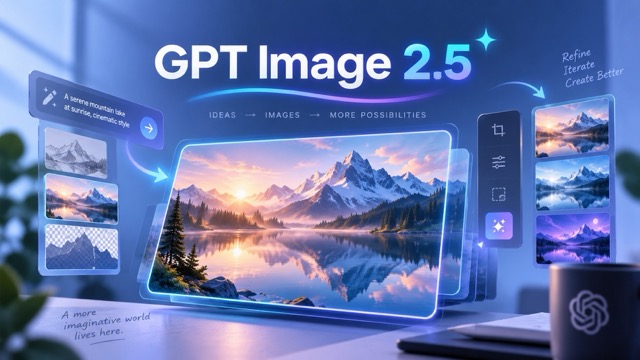
GPT Image 2.5 is OpenAI’s latest text-to-image model, engineered to make generative AI workflows faster, highly controllable, and fully integrated for real-world creative demands. Moving beyond the unpredictability of one-shot generation, this model focuses heavily on precise inpainting, reference-image consistency, multi-step refinement, and professional AI visual production.
What Is GPT Image 2.5?
At its core, GPT Image 2.5 bridges the gap between a traditional AI image generator and a precise editing tool. You can generate stunning visuals from scratch or upload an existing image and use natural language to execute targeted modifications.
Unlike previous iterations that struggled with context retention, GPT Image 2.5 excels at understanding exactly what to modify and what to preserve. If you want to change a model's jacket or swap a background out for a different setting, the tool utilizes advanced masking logic to ensure the rest of the image remains completely untouched.
Early AI Models vs. GPT Image 2.5
| Feature | Traditional AI Image Generators | GPT Image 2.5 |
|---|---|---|
| Editing Precision | Often regenerates the entire image, losing original details. | Supports targeted inpainting; modifies specific elements seamlessly. |
| Reference Consistency | Struggles to maintain character or product likeness across prompts. | High reference-image consistency; perfect for e-commerce and mascots. |
| Workflow Style | One-shot generation (blind trial and error). | Multi-turn refinement (conversational, iterative editing). |
| Prompt Complexity | Often ignores secondary instructions in long prompts. | Accurately renders complex layout, lighting, and spatial instructions. |
Key Features for Professional Creators
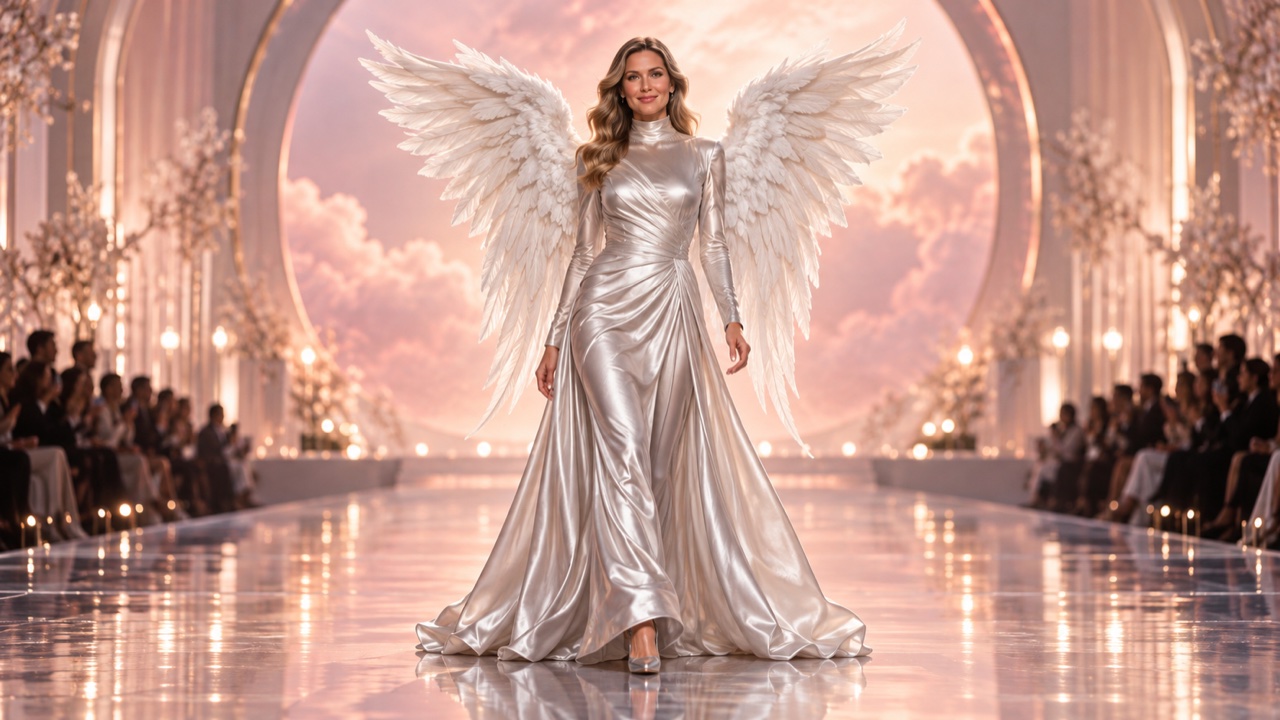
Image: Multi-turn editing workflow demonstrating character consistency while changing the background and apparel.
- Advanced Reference Image Consistency: Upload a photo of a subject, and the model maintains precise visual characteristics while adapting to new environments. The same model can appear in a studio portrait, a street-style shoot, or a neon-lit cyberpunk alleyway without losing facial or bodily consistency.
- Multi-Turn Image Editing: Generation is no longer a dead end. You can generate a base image, swap the background, adjust the lighting, and add props sequentially—creating a fluid: Generate → Edit → Refine → Export workflow.
- Superior Layout and Visual Design: Beyond photorealism, the model understands spatial composition. You can dictate negative space, typography placement, and specific subject positioning, making it highly effective for landing page banners and marketing collateral.
How to Master GPT Image 2.5 (With Advanced Prompts)
Controlling GPT Image 2.5 requires combining clear instructions with specific photographic terminology.
Step 1: Establish the Base Generation Instead of simple descriptions, utilize cinematic syntax, camera angles, and lighting parameters to guarantee high-quality base images.
Prompt: Create a realistic luxury skincare advertisement. A sleek glass serum bottle resting on a beige marble pedestal. Macro shot, 85mm lens, depth of field. Soft morning volumetric sunlight casting long, elegant shadows.
Step 2: Execute Precise Inpainting Once you have your base image or an uploaded reference, isolate the exact change you need without disturbing the scene's composition.
Prompt: Replace the glass serum bottle with a matte black minimalist bottle. Keep the marble pedestal, background, volumetric lighting, and shadows completely unchanged.
Step 3: Multi-Turn Refinement Iterate conversationally to perfect the aesthetic.
Prompt: Shift the lighting to a cooler, twilight blue tone. Add a delicate splash of water interacting with the base of the bottle.
Best Use Cases
- E-Commerce Product Photography: Transform flat-lay product shots into high-end lifestyle environments. Place a simple sneaker into a bustling urban street or a dramatic studio setup without organizing an expensive photoshoot.
- Fashion and Outfit Editing: Leverage reference consistency to visualize different apparel items on a single model. Swap textures, colors, and garments instantly for lookbooks or retail catalogs.
- Consistent Character Generation: Place a proprietary brand mascot or illustrated character into diverse marketing scenarios while locking in their core design traits.
- Sketch-to-Image Prototyping: Upload a rough wireframe or conceptual sketch and instruct the model to render a fully textured, photorealistic concept art piece, dramatically accelerating pre-production.
Frequently Asked Questions (FAQ)
How does GPT Image 2.5 maintain character consistency?
The model utilizes advanced reference-image anchoring. By uploading a base image and specifying which traits to lock (e.g., "keep facial features and hair identical"), it generates new poses and environments around the preserved subject.
Can I use GPT Image 2.5 for typography and poster layouts?
Yes. While earlier models struggled with text rendering, GPT Image 2.5 has improved spatial awareness. You can direct the model to leave specific areas blank (negative space) for web copy or generate structured layouts tailored for social media graphics.
Does it support multi-language prompts?
GPT Image 2.5 processes natural language instructions across multiple languages, making it highly adaptable for global marketing teams seeking to generate localized visual assets.