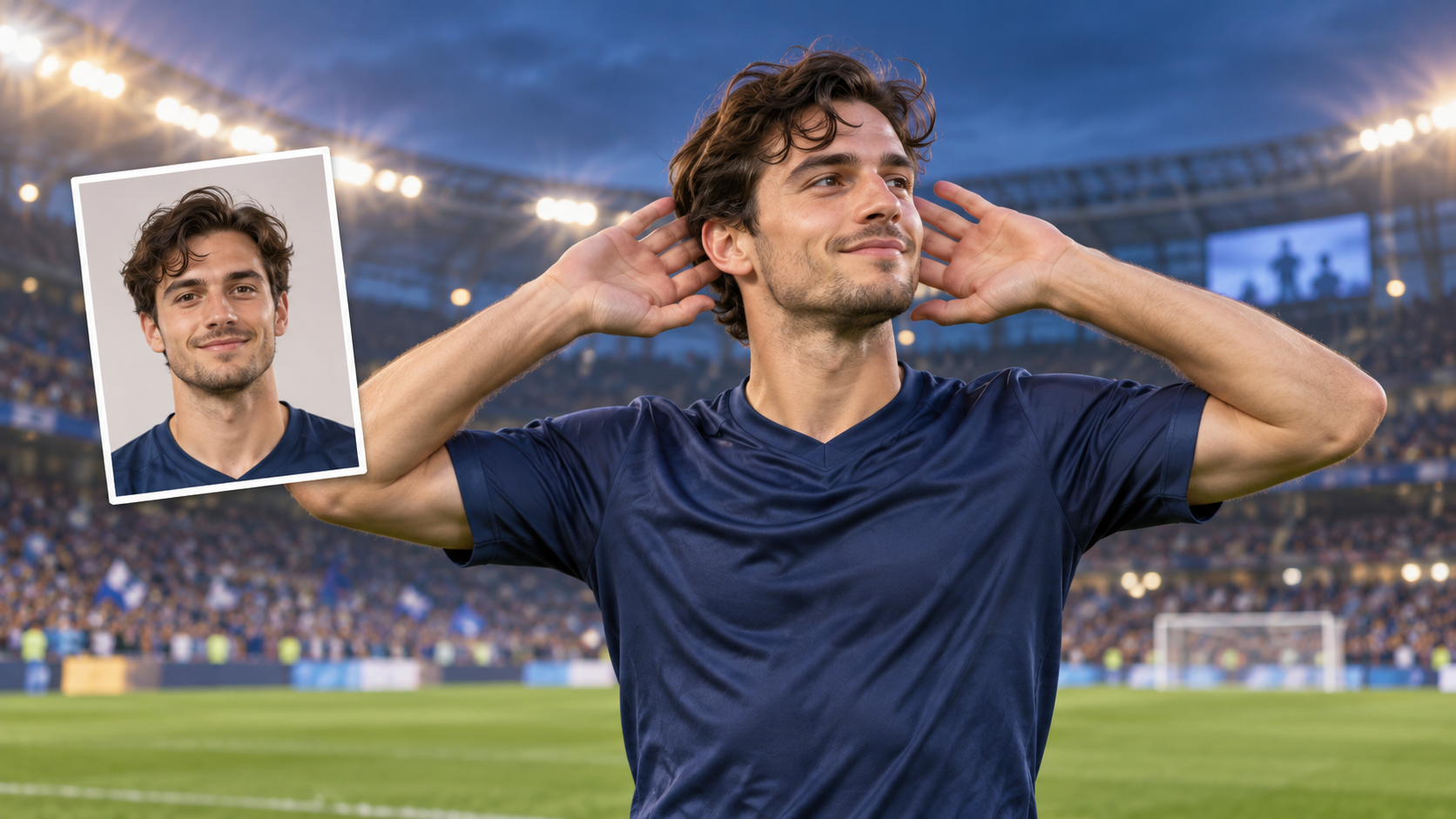
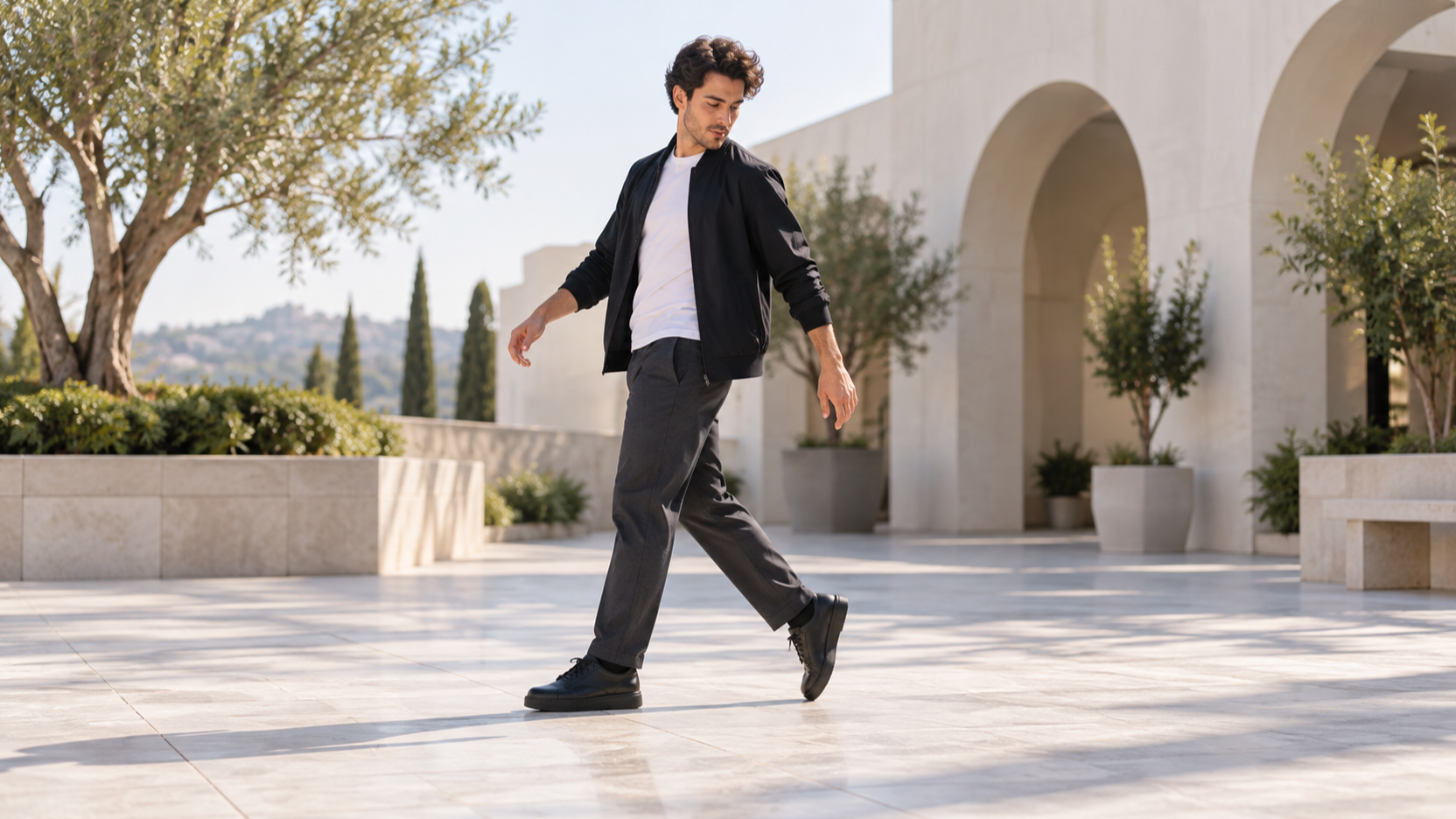
OmniHuman 2.0 Launches With Expressive Avatars and Five-Minute Audio Support
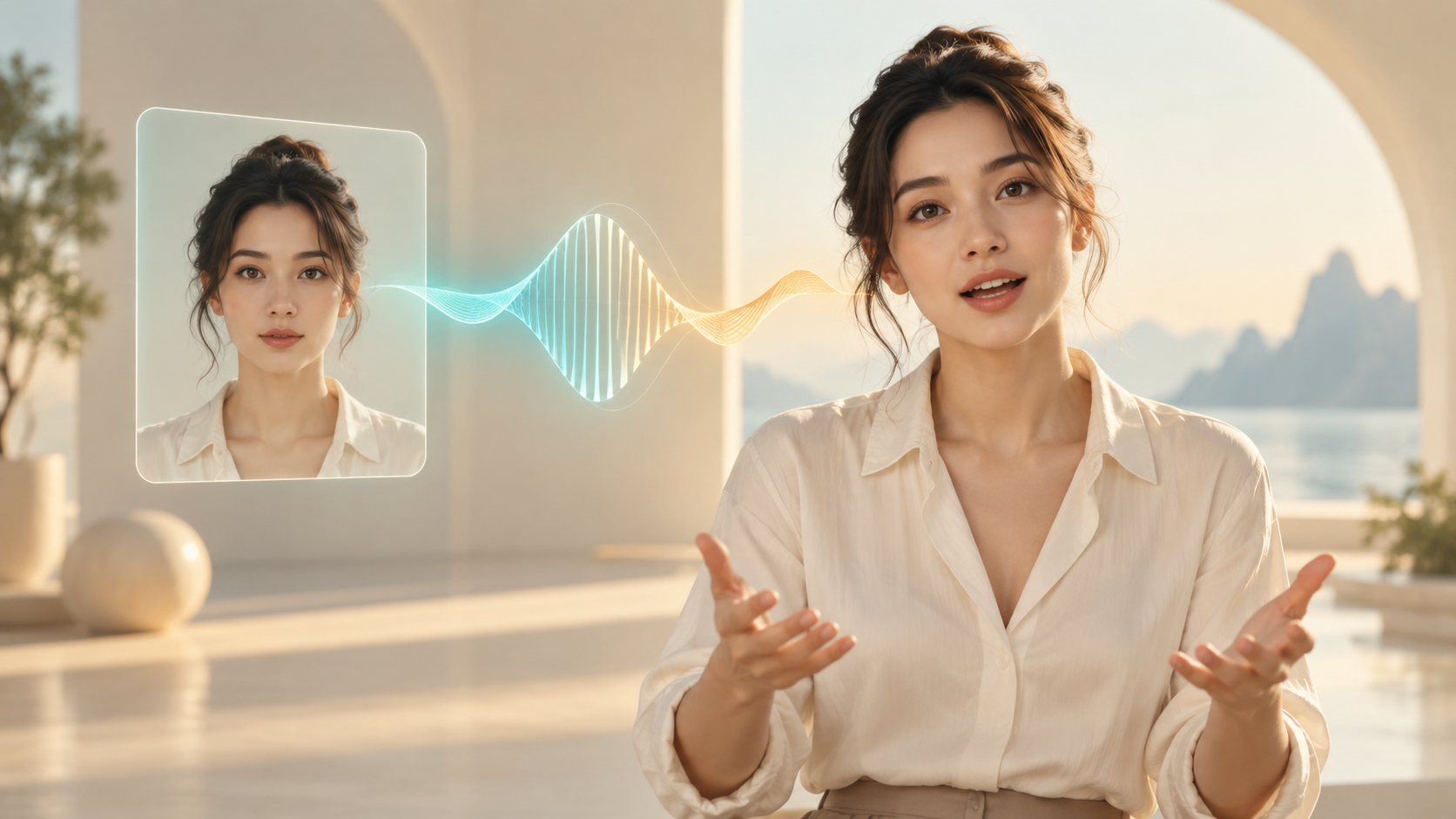
Discover How OmniHuman 2.0 Turns a Single Image and Audio Into Expressive Avatar Videos, With Text Prompts for Actions and Camera Movement. Explore Its Creative Uses, 720p Output, Five-Minute Audio Support, and API Pricing to Decide Where It Fits in Your Next Video Project.
A portrait that delivers your script, performs your song, or acts out a scene is a compelling starting point for a video. OmniHuman 2.0 aims to make that performance more expressive, with movement shaped by what the audio means as well as how it sounds. BytePlus announced that OmniHuman 2.0 is live on October 15, 2026, describing support for speech, music, and dialogue.
For creators following the launch on SuperMaker, the useful questions are practical: what can it animate, how much control do you get, and what does a finished clip cost?
What Is OmniHuman 2.0?
OmniHuman 2.0 is ByteDance's audio-driven avatar video model, available through BytePlus. You supply a still image and an audio track, with an optional text prompt, and the model generates a video performance. It is a digital character animation tool; the documented workflow requires you to provide the audio rather than asking it to synthesize a new voice.
The official product page lists native 720p output, rhythmic and emotional performances, multi-person scenes, and control over gestures and camera movement. The central promise is a character whose face and body respond coherently to the recording.
That matters when a simple talking portrait feels too static. A presenter explaining an idea should move differently from a singer holding a note or a character reacting during a conversation.
From Lip Sync to a Fuller Performance
BytePlus positions audio comprehension at the center of this release. Its launch announcement says the model reads tone, emotion, and words before performing the track. The product description also emphasizes rhythm, prosody—the stress and intonation of speech—and semantic content, meaning what the words convey.
For a creator, this suggests a useful shift in preparation: the recording becomes part of the direction. Pauses, emphasis, and emotional changes provide information the model can use when generating the performance. A flat recording may give it less expressive material to work with.
Text prompts provide another way to guide the scene. BytePlus describes controls for specific actions, camera movements, and additional objects. These controls make the model worth exploring for scenes that need more than synchronized speech, although the consistency of a particular instruction still needs testing on your own material.
What Creators Can Make With It
Three applications stand out from BytePlus's positioning.
Presenter videos: A single character image and recorded explanation could become a product introduction, educational segment, or social video. The value is a visible speaker who can accompany the message with expression and movement.
Music performances: BytePlus highlights digital singers, rhythm-driven actions, emotional delivery, and dynamic camera movement. This makes a song performance or character-led music clip a natural experiment, especially when the audio already has a clear mood.
Character scenes: Multi-person performance and prompt-controlled actions create possibilities for dialogue and stylized storytelling. The product page also showcases categories such as animal characters and 3D-style content. Creators should judge these through relevant official examples and their own trials rather than assuming every image style will behave equally well.
OmniHuman 2.0 Specifications and Input Limits
The OmniHuman 2.0 API documentation gives the following requirements:
| Input or Output | Official Specification |
|---|---|
| Video resolution | Native 720p, according to the product page |
| Audio duration | 4–300 seconds |
| Audio files | WAV or MP3, under 15 MB |
| Image files | JPEG, PNG, WebP, BMP, TIFF, GIF, HEIC, or HEIF; under 30 MB |
| Image dimensions | 300–6,000 pixels; width-to-height ratio 0.4–2.5 |
| Text prompt | Optional; controls scenes, actions, and camera movement |
The prompt-language list includes Chinese, English, Japanese, Korean, Spanish (Mexican), and Indonesian. That list describes text prompts; it should not be read as a separate guarantee about every spoken language.
The five-minute audio ceiling creates room for longer performances, but it does not establish how consistently a character or background will hold up throughout a full-length result. Start with a representative short passage before committing to the longest input.
OmniHuman 2.0 Pricing
As of October 15, 2026, BytePlus lists $0.07 per second on its OmniHuman 2.0 product page. Using that displayed rate, these are illustrative generation costs:
| Video Duration | Estimated Cost |
|---|---|
| 15 seconds | $1.05 |
| 30 seconds | $2.10 |
| 60 seconds | $4.20 |
| 300 seconds | $21.00 |
These figures are duration multiplied by the advertised API rate. Confirm applicable billing terms in your BytePlus account before budgeting a project. They are BytePlus API estimates, not SuperMaker credit prices.
Iteration also changes the creative budget. Three separately charged 30-second generations would total $6.30 at this rate. A lower per-second price helps, but choosing the right image, recording, and direction before generating can matter just as much.
OmniHuman 2.0 Benchmarks and Launch Evidence
The official product and API pages reviewed for this launch do not provide a quantitative OmniHuman 2.0 benchmark table. The product page's technical-report link currently leads to the OmniHuman 1.5 research page, so its results should not be presented as 2.0 scores.
The available evidence supports a review of the announced capabilities, input limits, and pricing. It does not establish a measured lead over competing models. Official showcases can help you choose a trial, while a useful evaluation should inspect lip alignment, emotional timing, hand movement, background stability, and whether camera instructions survive the full clip.
Is OmniHuman 2.0 Worth Trying?
OmniHuman 2.0 is worth testing when your video depends on a character delivering an existing recording with convincing expression. Its combination of audio-driven performance, optional scene direction, and support for up to five minutes of audio makes it relevant to presenters, musicians, and character storytellers.
Begin with one clear image, a short expressive track, and a focused prompt. If the result matches your intended performance, expand the scene and duration. The strongest reason to explore this launch is the possibility of making a character carry the emotion of a recording, with practical controls over how that performance appears on screen.