Genie 4 vs AI Video Generators: Direct a World or Deliver a Clip?
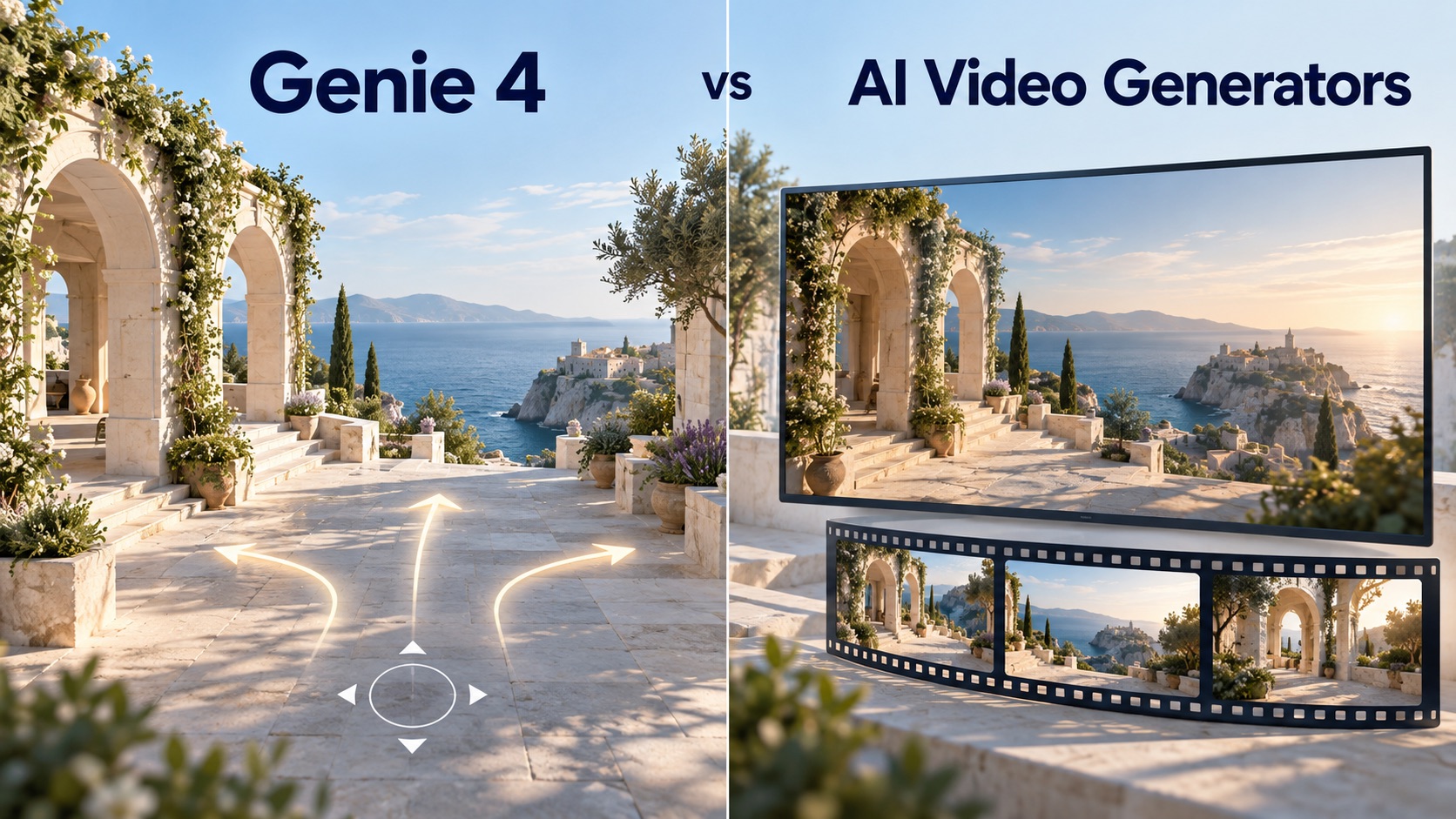
Genie 4 vs AI Video Generators Starts with What You Need to Make. Explore How Live Interaction, Camera Direction, Output Formats, and Stability Change the Creative Process, Then Decide Whether Your Project Needs an Explorable Scene, a Finished Video, or a Workflow That Uses Both.
Imagine directing a scene in a coastal courtyard. You move toward an archway, change the weather, and ask someone to enter. Do you need those instructions to affect a running experience, or do you need a finished shot for an edit?
That question makes Genie 4 vs AI Video Generators useful. Google DeepMind’s Genie 4 announcement describes a world model: a system that generates an environment as users interact with it. Video generators organize creation around producing and revising clips. Both can support creative direction, but the controls, deliverables, and reliability requirements differ.
Genie 4 vs AI Video Generators at a Glance
Here, “AI video generators” means tools built around generated clips, with Veo and Gemini Omni Flash as concrete examples. Features vary by model and platform.
| Dimension | Genie 4 | Clip-Based Video Generation |
|---|---|---|
| Real-time interaction | Steer an evolving simulation | Generate, review, and revise a clip |
| Camera control | Navigate and redirect the running scene | Specify framing, motion, or visual references |
| Output | Interactive audiovisual experience | Video asset for playback and editing |
| Stability question | Does the environment survive continued interaction? | Does the shot preserve required details? |
| Product fit | Exploration and interactive prototyping | Ads, short films, and social content |
These are workflow distinctions, not a universal ranking of visual quality.
Real-Time Interaction Changes When Decisions Happen
Genie 4 lets users steer scenes through keyboard navigation and text instructions while the simulation progresses. Its native audio includes environmental sounds and interactive dialogue.
The creative opportunity is immediate experimentation. In the courtyard example, a director could explore how a camera move and a new arrival change the scene’s rhythm. The next instruction responds to what is happening now.
Video generation also offers iterative control. Gemini Omni Flash supports conversational video editing across multiple turns. Asking for a different perspective is therefore no longer exclusive to interactive world models.
The distinction is the interaction loop: revising a generated result versus intervening in a world that is already unfolding. A conversational interface alone doesn’t establish continuous, real-time simulation.
Camera Freedom and Shot Precision Answer Different Needs
Exploration asks, “What happens if the camera goes there?” Production asks, “Can this shot start here, end there, and preserve the subject?”
Genie 4’s live navigation supports discovering viewpoints during a session. Google describes trusted testers exploring it for creative previsualization: roughing out a scene before committing to production.
Veo’s creative controls illustrate the other approach: reference images, camera direction, first and last frames, and clip extension help define a desired shot. Availability depends on the product exposing those features.
Neither approach guarantees an exact result. More freedom to roam doesn’t prove repeatable camera motion, and specifying an endpoint doesn’t prove every intermediate frame will follow the intended path. Evaluate control by the shot or interaction your project actually requires.
Output Determines What You Can Deliver
A clip can become a reusable production asset. Gemini Omni’s API guide includes saving generated output as MP4. A team can then assemble selected shots, add titles, and deliver an edit.
An interactive experience needs more than a recording. Its value depends on responding to the next action. Recording a session preserves one sequence; it doesn’t preserve the ability to explore alternate paths.
Equally, an explorable scene shouldn’t be assumed to provide a downloadable 3D environment. The reviewed Genie 4 preview material doesn’t establish an exportable scene graph, editable meshes, or a deployable game project.
Before choosing a tool, define the handoff: a video file, a live experience, or editable scene assets. Those are separate deliverables, even when their previews look similar.
Stability Means More Than a Convincing Frame
For a clip, test whether faces, product shapes, framing, and motion remain usable through the selected shot. A beautiful opening frame cannot rescue an unusable ending.
For an interactive world, the test expands: what remains consistent after moving away, returning, and changing the scene?
Genie 4’s published limitations include drifting details and object permanence—the persistence of objects as the viewpoint changes. Longer sessions, complex edits, and navigation can make these issues more noticeable. Continuous interaction currently lasts a few minutes; accurate audio, text, and complex interactions remain research challenges.
In Genie 4 vs AI Video Generators, benchmarks should reflect those different demands. The reviewed official material provides no shared, directly comparable test establishing an overall winner. Useful evaluation measures include instruction success, subject consistency, response time, recovery after changes, and usable output per attempt. These are proposed tests, not measured results.
Pricing and Access Shape Product Requirements
As of October 28, 2026, Genie 4 is a research preview for trusted testers. Wider access through Project Genie and early developer partners is described as forthcoming. The reviewed official pages don’t publish a standalone Genie 4 price, so this Genie 4 vs AI Video Generators comparison cannot support a numerical cost ranking.
Budget against the outcome instead. For video, consider cost per accepted shot, including retries and editing. For an interactive product, assess session duration, responsiveness, concurrency, and whether access terms support the intended deployment.
Platform details matter too. Google’s current video API guidance says Veo 3.1 preview endpoints in the Gemini API shut down on October 22, 2026. That change shouldn’t be generalized to every service offering Veo.
Genie 4 vs AI Video Generators: Which Fits Your Project?
Genie 4 makes real-time participation the defining part of creation: users can explore a scene and influence what happens next. That makes it worth evaluating for interactive concepts and creative previsualization, within its preview access and current stability limits.
For creators delivering ads, short films, or social posts, a video generator remains the more practical starting point. The deliverable is a finished sequence that can be reviewed, edited, and shared. SuperMaker’s AI Video Maker supports that workflow with text-to-video and image-to-video creation and MP4 downloads.
Genie 4 does not make video generators obsolete. It expands what generated visual experiences can become. The deciding factor in Genie 4 vs AI Video Generators is whether interaction belongs in the final product: choose a video workflow when the audience needs a finished story, and evaluate a world model when their actions need to become part of it.