
More AI Image Generators
Explore our collection of specialized AI image generators designed for different creative needs and styles















Gemini Image Generator for Nano Banana Image Generation
Create original visuals from text, work with image context, and refine results through natural conversation with Gemini's native Nano Banana image capabilities.
Gemini Image Generator turns detailed ideas into original visuals and supports image-aware revision through conversation. Use the native workflow to define a scene, inspect the result, and guide focused changes without losing sight of the creative brief.

How to Use Gemini Image Generator in Four Steps
A disciplined Gemini Image Generator workflow separates briefing, input selection, inspection, and revision. These four steps help the native generator produce more intentional results while keeping creative decisions visible and reviewable.

Write a Clear Visual Brief
Start Gemini Image Generator with a specific brief that names the subject, setting, action, camera angle, composition, lighting, and intended placement. Gemini AI image generator responds better to concrete relationships than to a pile of broad style adjectives.

Choose Text or Image Context
Use text alone when you want Gemini Image Generator to create a new scene, or provide an image with instructions when the selected Gemini workflow supports editing. Clearly identify what may change and what must stay fixed. Gemini image generator AI can add, remove, or modify elements.

Generate and Review the Result
Generate the first result, then compare it with the brief instead of judging only its polish. Check anatomy, object relationships, perspective, reflections, readable text, factual details, and focal hierarchy. Gemini Image Generator can create compelling interpretations.
Best AI Image Tools for Creative Projects
Explore creative tools for image, learn tips and tricks, and see how AI can be your assistant in turning concepts into finished projects.


















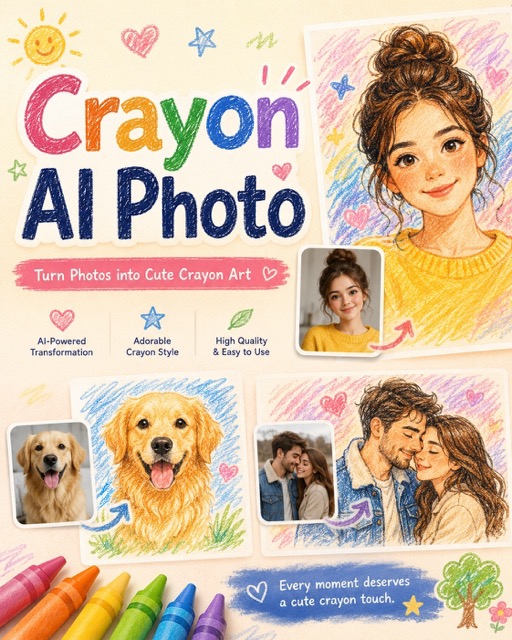
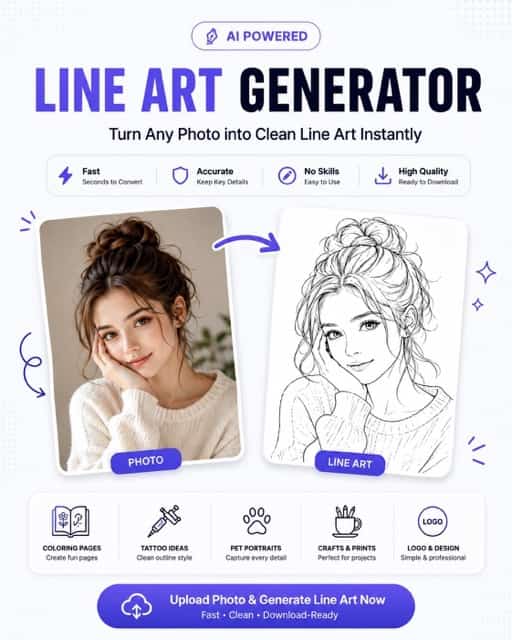
Creative Capabilities of Gemini Image Generator
Gemini Image Generator combines prompt-led creation, image-aware editing, and conversational iteration across the native Nano Banana family. This workflow supports focused exploration and production planning when human direction remains precise.
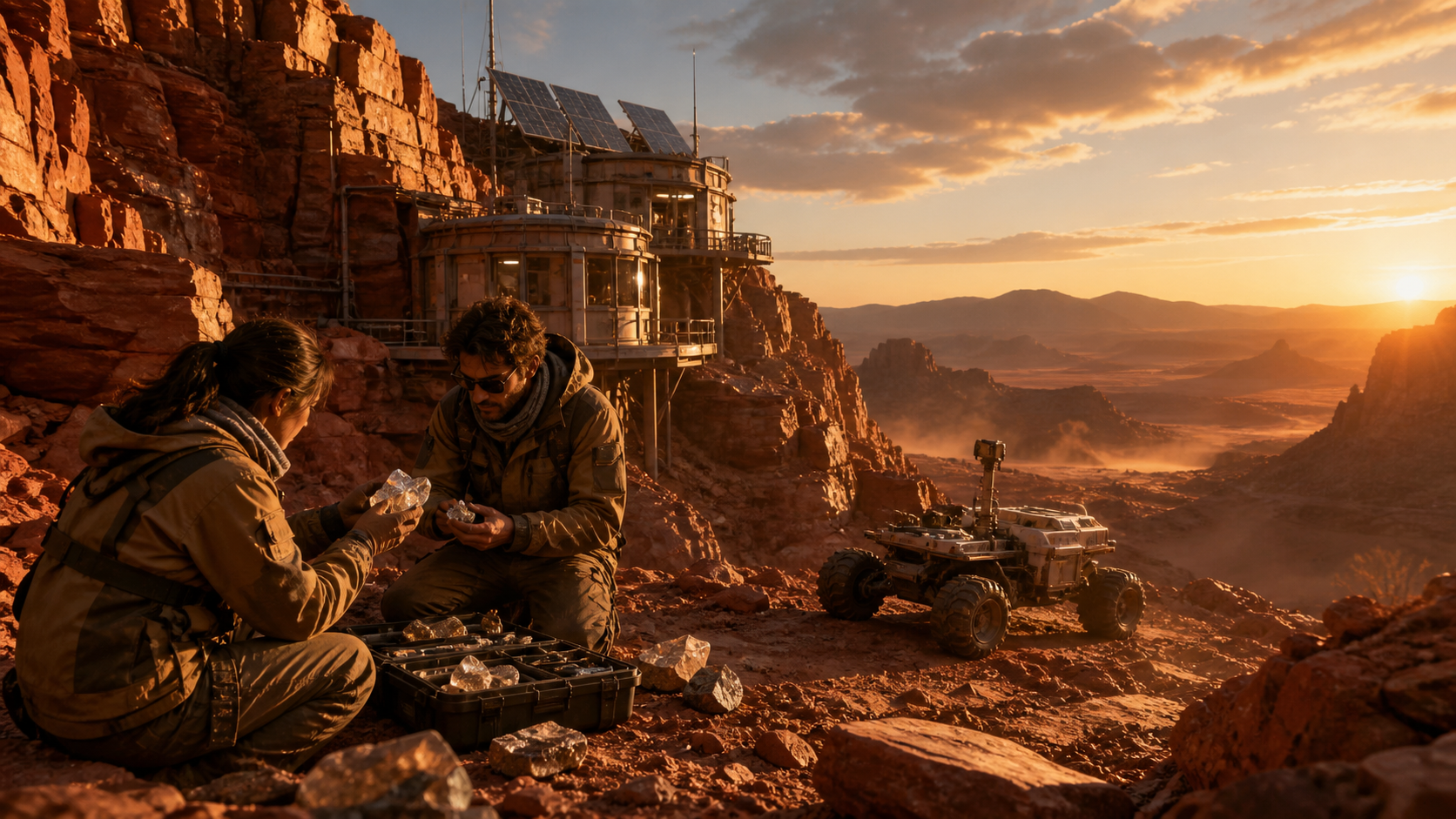
Text-to-Image Creation With Gemini Image Generator
Gemini Image Generator can turn a written brief into an original visual, covering subjects, environments, styles, and composition. Use concrete nouns, spatial relationships, and an intended destination so the scene has a clear purpose. A Gemini image generator AI session can support concept art, editorial illustration, campaign exploration, and product scenes, provided every generated detail receives a careful final review.

Natural-Language Image Editing and Revision
Compatible Gemini native image workflows can combine text and image context to add, remove, or modify elements, change visual style, and adjust color grading. Gemini Image Generator also supports conversational refinement across turns. Tell the Gemini AI image generator exactly what should change, repeat the features that must remain stable, and inspect identity, composition, edges, lighting, and reflections after each revision.
Consistent Subjects and Multi-Image Direction
Current Gemini image models include options designed to work with multiple visual references and improve consistency across complex creation tasks. Use Gemini Image Generator with a stable subject description, reference hierarchy, wardrobe, materials, and scene rules. The Gemini image generator AI may still drift, so carefully compare facial features, proportions, props, architecture, and lighting from one output to the next.
Practical Uses for Gemini Image Generator
Gemini Image Generator can support concepting, communication, and visual prototyping across creative disciplines. Use generated outputs as working material, with human judgment applied before publishing or presenting them as factual.

Campaign Concept Exploration
Use Gemini Image Generator to compare campaign directions before committing to full production. Define one audience, message, subject, and placement, then vary only the visual treatment. A Gemini AI image generator brief can explore editorial photography, illustration, and product-led scenes while keeping the strategy stable. Treat every result as a reviewable concept that still needs brand, legal, and factual approval.

Product and Packaging Mockups
Develop early product-scene and packaging concepts with Gemini Image Generator before commissioning photography or production artwork. The Gemini image generator AI can visualize materials, surfaces, shelf context, and lighting from a written direction. Keep real logos, regulated claims, measurements, and final packaging copy out of unreviewed generations; add or verify those elements later in a controlled professional design workflow carefully.

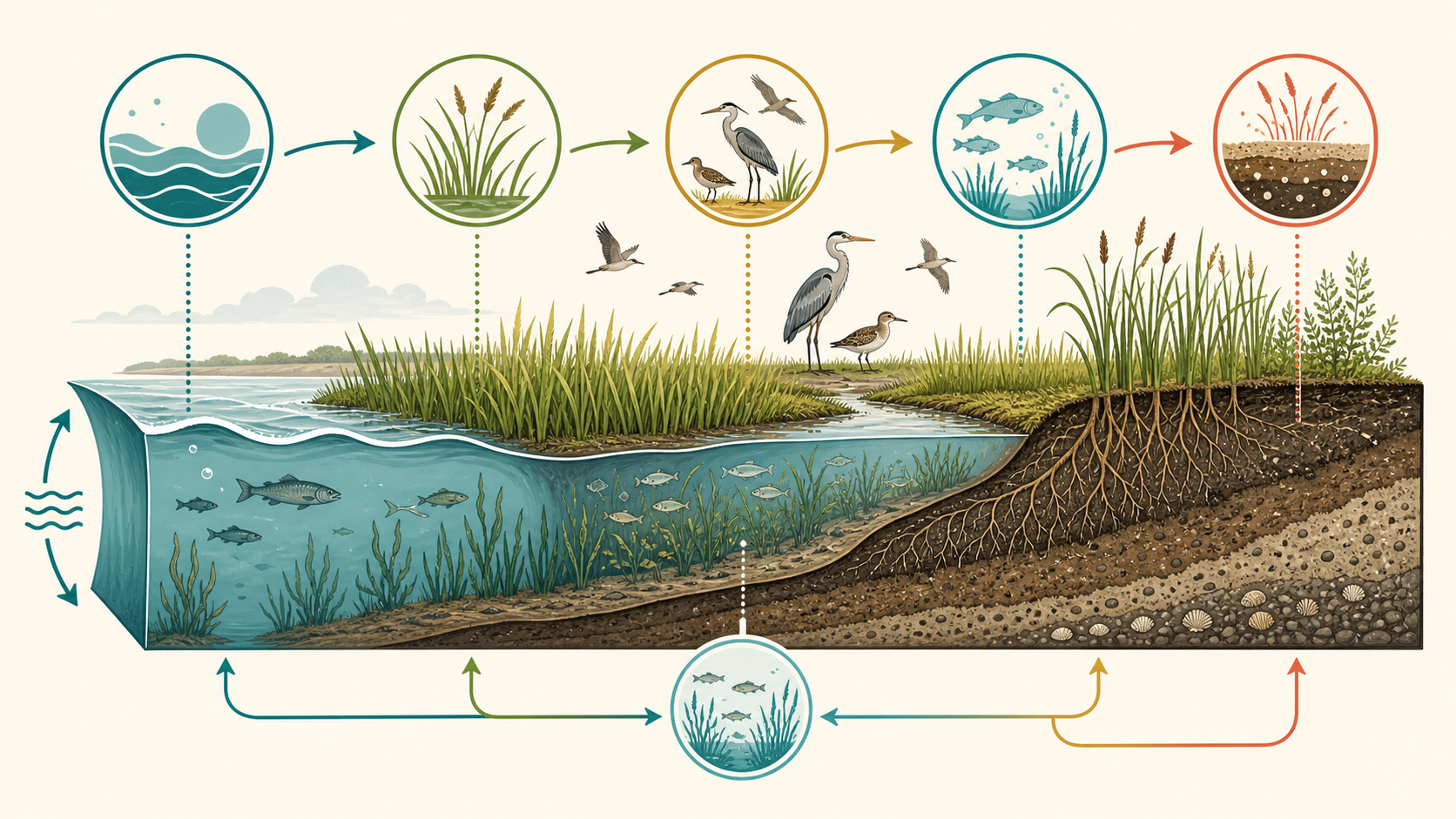
Editorial and Educational Illustration
Translate an abstract topic into a readable visual metaphor with Gemini Image Generator. Define the learning goal, audience, essential objects, and relationships before selecting a style. The Gemini AI image generator can explore diagrams and explanatory scenes, but facts, labels, proportions, and causal links require expert review. Useful illustration should clarify a subject without presenting invented visual details as evidence.

Storyboards and Sequential Concepts
Plan scenes, camera angles, and transitions with Gemini Image Generator before filming or animation. Establish a stable character description, environment, wardrobe, and visual rules, then request shots with precise framing. Gemini image generator AI workflows can support sequential ideation, but consistency is not guaranteed. Compare faces, props, architecture, screen direction, and lighting very carefully from one panel to the next.

Localized Posters and Social Graphics
Use Gemini Image Generator to explore poster and social concepts where hierarchy and short text matter. Current Gemini image models include stronger multilingual text and localization options, but all visible words still require native-language proofreading. Give the Gemini AI image generator exact copy, language, placement, and typography guidance, then verify spelling, line breaks, cultural fit, contrast, and safe margins before export.
Style and Composition Studies
Explore lighting, palette, framing, and material choices with Gemini Image Generator while holding the subject and objective steady. This makes alternatives easier to compare than prompts that change everything at once. A structured visual study works best when each round adjusts one controlled variable and uses a clear selection criterion, such as stronger focal contrast or more useful negative space.
Creative Workflow Stories for Gemini Image Generator
These illustrative scenarios show how different roles could place Gemini Image Generator inside a human-led process. Each native workflow emphasizes clear briefs, selective iteration, and professional review instead of automatic acceptance.
I use Gemini Image Generator to make campaign directions concrete. The team compares lighting, framing, and subject choices directly. The native generator does not replace our art director; it gives her material to approve, reject, or reshape.
For product concepts, Gemini Image Generator helps me test finishes and backgrounds. I use the native workflow for exploration, then hand directions to our designer. Clear prompts and careful review matter when packaging includes small labels or unrealistic construction details.
Gemini Image Generator is useful when a story needs an illustration angle. I describe the emotional beat, setting, and crop, then refine one issue per turn. That structure keeps the Gemini AI image generator focused and records why the direction changed.
I start storyboards in Gemini Image Generator to test shot order and camera coverage. The native workflow gives quick alternatives, but I still inspect continuity across wardrobe, props, and lighting. Its value is revealing which questions need answers before production.
For educational material, Gemini Image Generator helps me find a visual metaphor students understand quickly. I verify every label and relationship because polished images can contain mistakes. Used carefully, the workflow supports subject expertise rather than replacing it.





FAQs About Gemini Image Generator
Use these answers to understand what Gemini Image Generator does, how the native image model family is positioned, and where careful review matters. Available capabilities vary by model and product surface.
Gemini Image Generator refers to Gemini's native image creation capabilities, which Google also calls Nano Banana. Official Gemini documentation describes conversational generation with text, images, or a combination of both, enabling creation, editing, and iteration. The exact model and available controls vary by product surface. The Gemini image generator AI is therefore best understood as a family of related Gemini image workflows rather than one fixed interface.
Yes. Official documentation provides a text-to-image workflow in which a written prompt produces a new visual. Gemini Image Generator works best with a brief that names the subject, setting, action, composition, lighting, and intended format. A Gemini image generator AI result can still misread constraints or invent details, so inspect the image against the request and revise with one focused correction at a time.
Yes, compatible Gemini native image models support text-and-image editing. Official guidance says users can add, remove, or modify elements, change style, and adjust color grading through prompts. Gemini Image Generator also supports conversational iteration in applicable workflows. State the requested change and everything that must remain unchanged. Only upload images you have the necessary rights to use, and inspect the edited result carefully.
Google's current documentation positions Gemini 3.1 Flash Image, also called Nano Banana 2, as a general all-around choice, while Gemini 3 Pro Image targets complex professional asset production. A lighter Flash option prioritizes operational efficiency. Model availability and controls can change across the Gemini app, Google AI Studio, the Gemini API, and other products, so confirm current documentation before selecting a Gemini Image Generator workflow.
Gemini Image Generator can render words inside images, and current official materials highlight improved text rendering and multilingual localization in newer models. This is not a substitute for proofreading. Give the exact text, specify hierarchy, keep wording manageable, and inspect every character. Gemini image generator AI may still create spelling, punctuation, line-break, or typography errors that require another iteration or manual typesetting.
Yes. Official Gemini documentation recommends multi-turn conversation for iterative image creation and editing. Start with a complete brief, then make one bounded change per follow-up while repeating important invariants. Gemini Image Generator can drift when many edits are requested together. A disciplined Gemini image generator AI process compares each version and checks identity, composition, objects, lighting, text, and any factual visual content.
Write a structured brief rather than a list of broad adjectives. Specify subject, setting, action, viewpoint, composition, lighting, palette, materials, and intended placement. Add exact text only when necessary, along with constraints and elements to avoid. Gemini Image Generator responds to conversational refinement, so evaluate the first result and correct one issue at a time. Gemini AI image generator still benefits from human art direction.
Use rights-cleared source images and avoid prompts intended to deceive, harass, harm, or infringe another person's rights. Gemini Image Generator output can look convincing while containing invented or inaccurate details, so do not present it as evidence without verification. A responsible Gemini image generator AI workflow also checks brand permissions, sensitive contexts, disclosure needs, factual claims, and the rules of the platform where the image will appear.
Turn a Clear Brief Into a Gemini Image Generator Workflow
Give Gemini Image Generator a visual objective, inspect the first interpretation, and refine only what needs attention. Gemini AI image generator is more useful when creative decisions remain explicit, important details are verified, and human judgment stays in control.
