

More AI Image Generators
Explore our collection of specialized AI image generators designed for different creative needs and styles











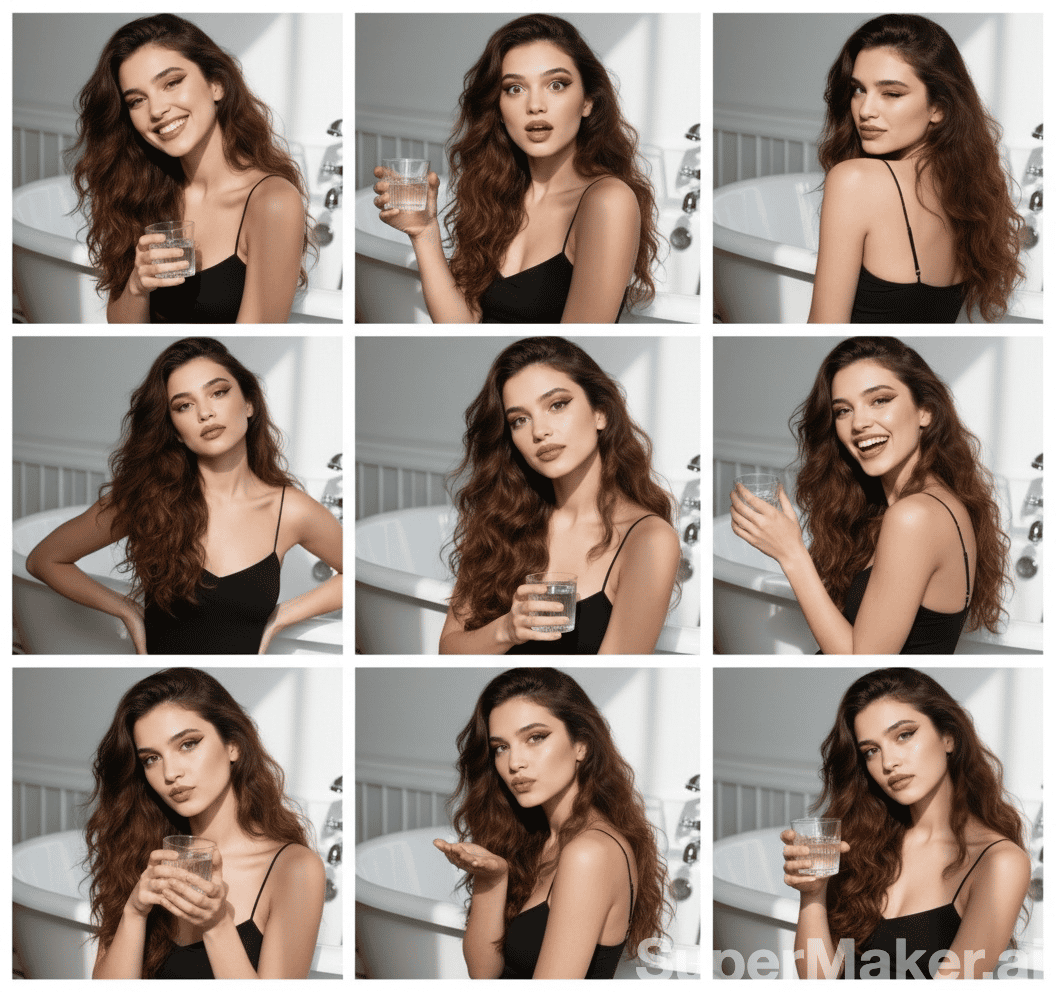
AI Wavy Hair Generator for Natural Wavy Hair
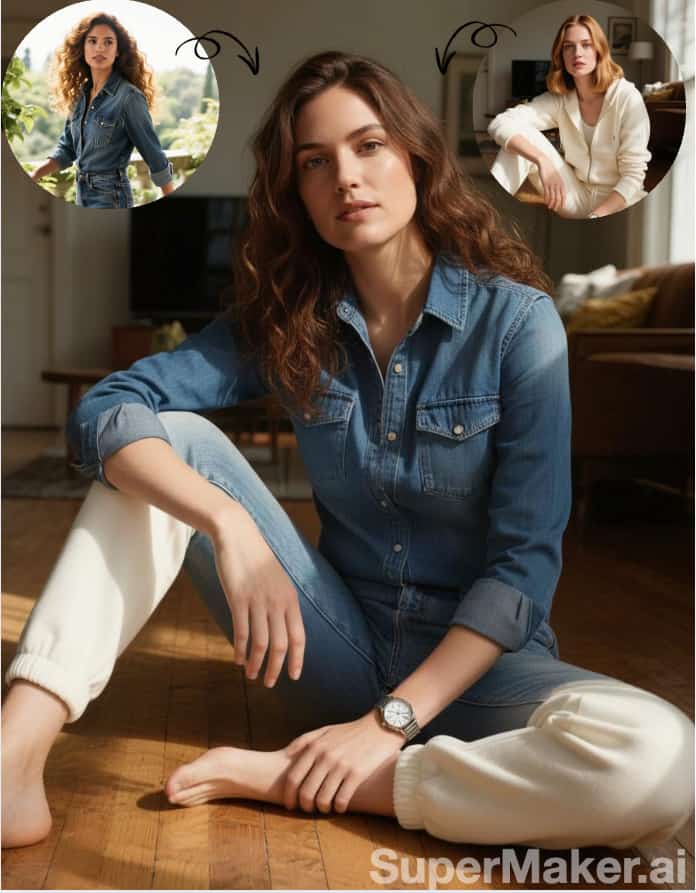
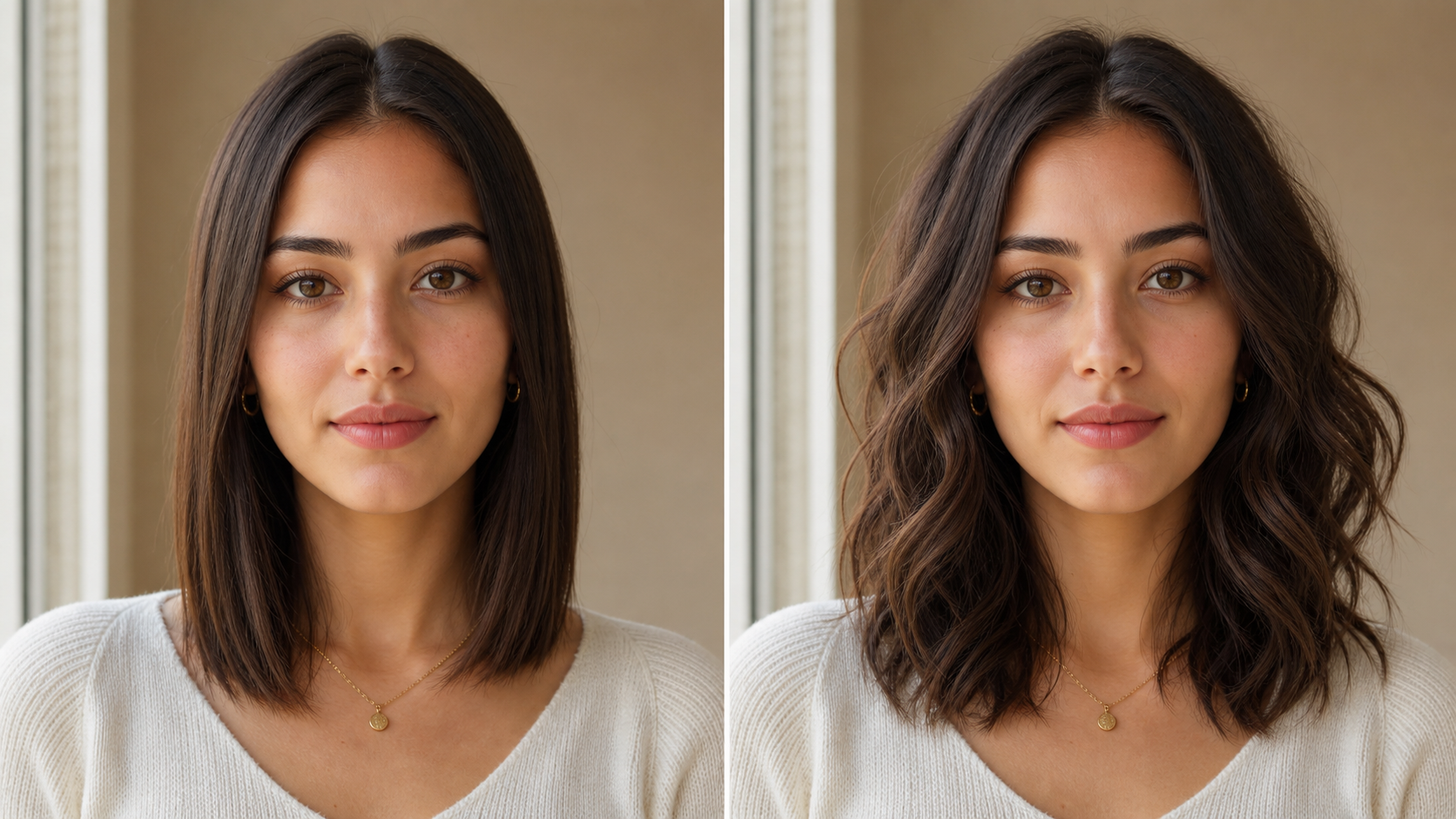
Upload a portrait and let AI Wavy Hair Generator create a wavy-hair version.
AI Wavy Hair Generator turns an uploaded portrait into a natural wavy-hair preview. Use AI Wavy Hair Generator to explore soft S-curves, balanced volume, and flowing texture while keeping the face, pose, outfit, and lighting visually consistent.
How to Use AI Wavy Hair Generator
AI Wavy Hair Generator keeps the workflow simple: upload a portrait, generate a wavy-hair version, then review the result. AI Wavy Hair Generator focuses on natural visual continuity rather than complicated editing controls.

Upload to AI Wavy Hair Generator
Start with a clear portrait where the hairline, shoulders, and face are easy to read. AI Wavy Hair Generator uses the uploaded image as the source, so the better the visible hair shape, the easier it is to produce a believable wavy-hair result.
Generate a Wavy Hair Preview
After upload, AI Wavy Hair Generator analyzes the existing hairstyle, face shape, head angle, and lighting before creating a new version with soft, varied waves. The AI Wavy Hair Filter should feel like a styling preview, not a face swap.

Review AI Wavy Hair Generator Result
Compare the original image with the new wavy-hair version and choose the result that feels most natural. AI Wavy Hair Generator is useful for checking parting, length, shine, and overall balance before trying a real-life change.
Best AI Image Tools for Creative Projects
Explore creative tools for image, learn tips and tricks, and see how AI can be your assistant in turning concepts into finished projects.




















Features of AI Wavy Hair Generator
AI Wavy Hair Generator is designed around realistic hairstyle transformation, face-aware balance, and source-photo preservation. AI Wavy Hair Generator helps turn a single uploaded portrait into a wavy-hair concept image.
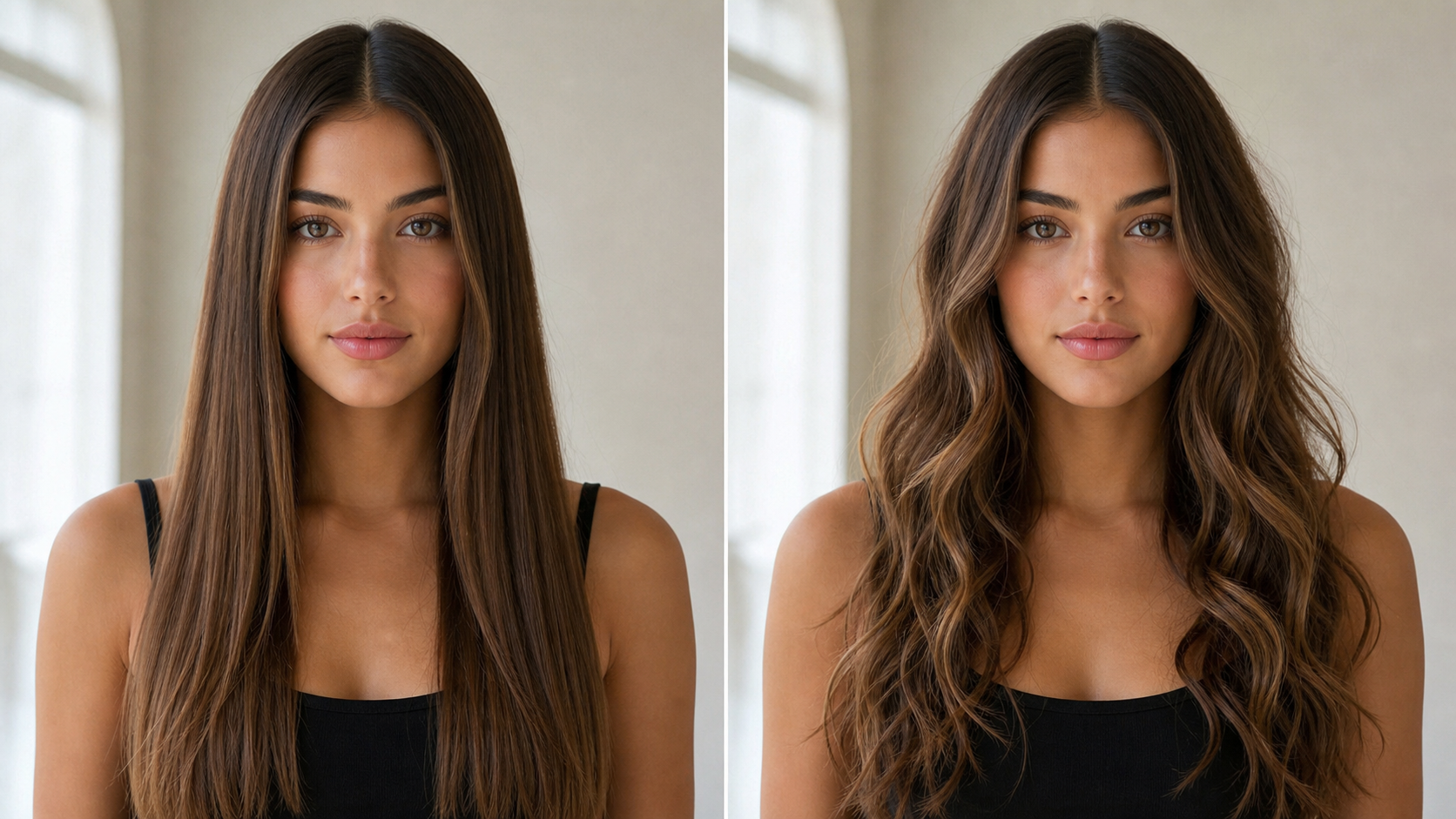
AI Wavy Hair Generator for Realistic Strand Flow
- AI Wavy Hair Generator reshapes the visible hairstyle into varied S-curves and loose waves while keeping the hair attached naturally to the head.
- It should respect existing length cues, part lines, density, volume, and face framing.
- Use the Wavy Hair AI Filter when you want the result to look like the same person with a salon-styled finish, not a pasted hairstyle.
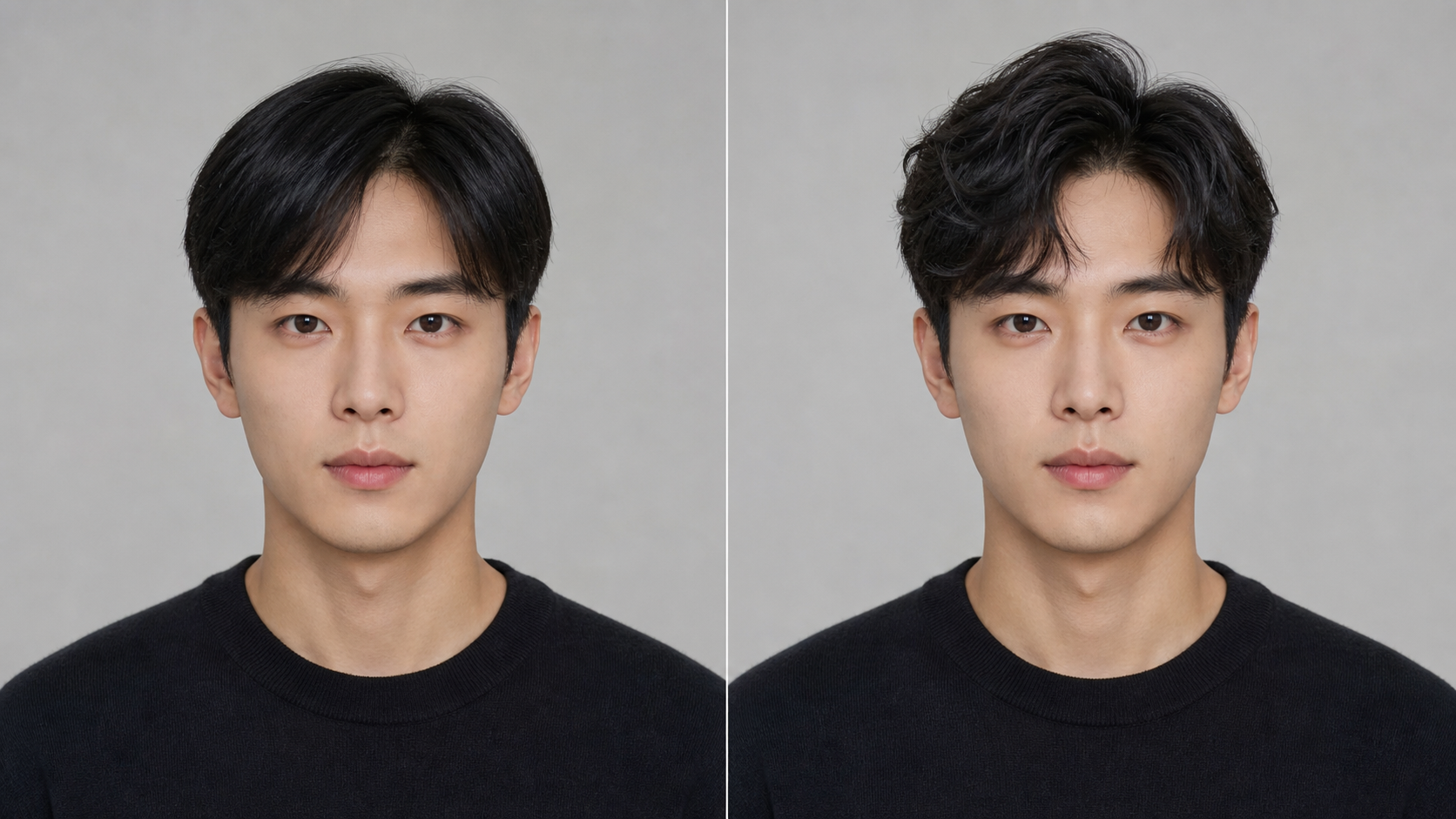
AI Wavy Hair Generator for Face-Aware Style Balance
- AI Wavy Hair Generator treats the haircut as part of the whole portrait, matching the new wavy shape to the subject’s jawline, forehead, shoulders, and camera angle.
- The AI Wavy Hair Filter can help test center parts, side parts, polished ends, and softer layers across the entire silhouette.
- The goal is a wavy-hair image that supports the face rather than overpowering it.
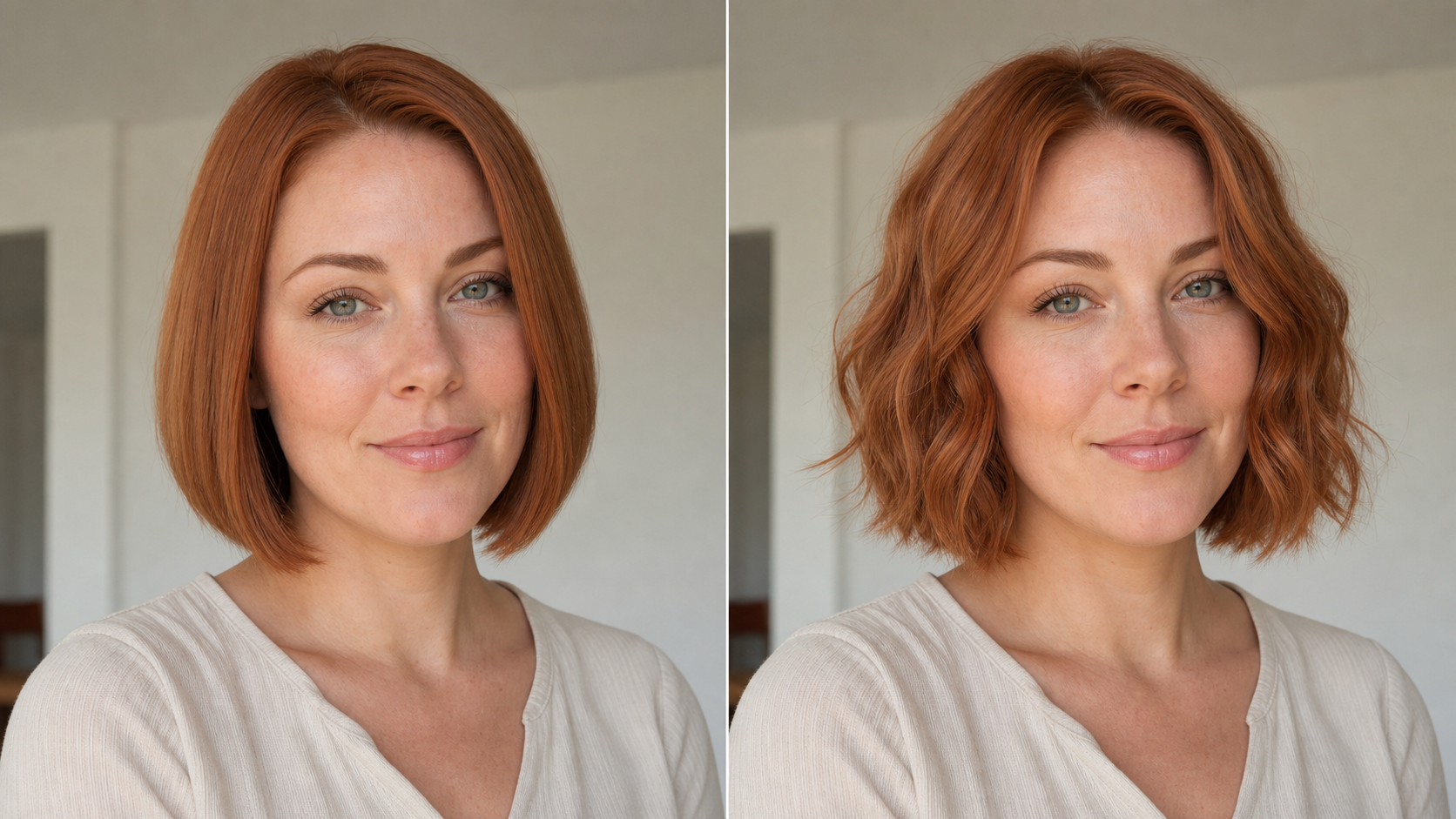
AI Wavy Hair Generator for Polished Portraits
- AI Wavy Hair Generator is built for portraits where hair texture changes the whole impression.
- It can add soft movement, balanced volume, and a natural edge around the face while keeping the original mood and lighting intact.
- Use AI Wavy Hair Generator when a selfie, avatar, headshot, or fashion image needs defined waves without rebuilding the entire picture.
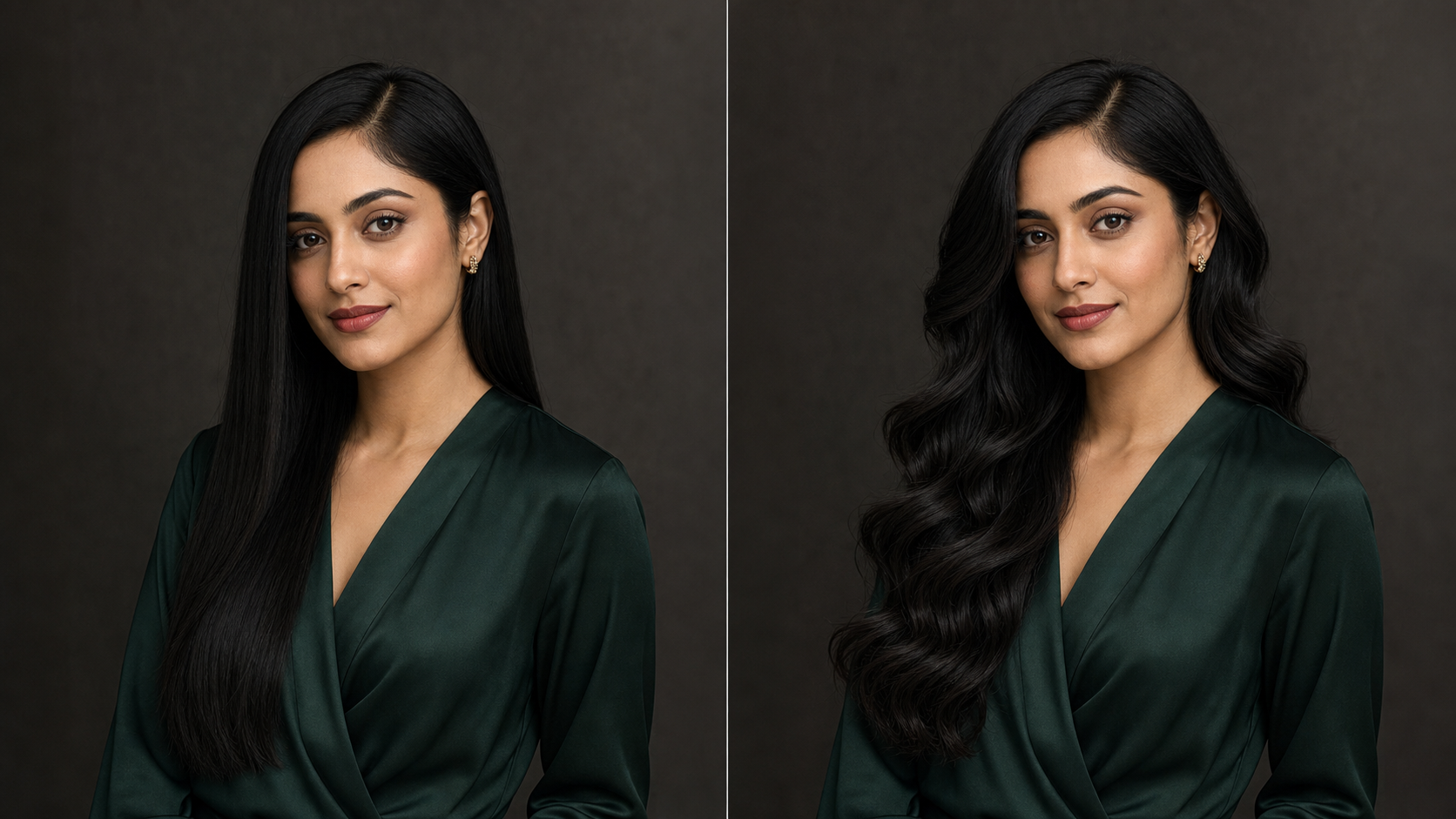
AI Wavy Hair Generator for Creative Hair Experiments
- AI Wavy Hair Generator gives creators a low-friction way to test visual direction before planning a shoot, haircut, or campaign concept.
- The AI Wavy Hair Filter can support beauty mockups, character references, salon consultations, and social posts with clearer visual context.
- Because the edit begins from an uploaded image, the final style can stay close to the source while still feeling refreshed.
Why Choose AI Wavy Hair Generator
AI Wavy Hair Generator is useful when you need a realistic wavy-hair preview from an existing photo. AI Wavy Hair Generator emphasizes identity preservation, hair detail, and practical style planning.
Preview a New Look Before a Salon Visit
A major hairstyle change can feel uncertain until you see it on your own face. AI Wavy Hair Generator helps you compare your current look with a softly waved style before discussing options with a stylist. Use it to evaluate whether beach waves, a textured bob, loose glam waves, or a different part fits your features and personal taste.
Plan Client Consultations with Visual Context
Stylists, barbers, and beauty consultants can use AI Wavy Hair Generator as a visual conversation starter. Instead of describing a possible wavy style only with words, show a direction that clients can react to. The Wavy Hair AI Filter can make consultations clearer by separating the haircut discussion from uncertainty about the final mood, texture, volume, and face framing.
Create Cleaner Social Profile Images
Profile photos often need a polished look without losing personality. AI Wavy Hair Generator can give selfies and portraits a softly textured hairstyle that feels intentional, balanced, and composed. It is useful when you like the original expression and lighting but want the hair to show more movement for social profiles, creator pages, portfolio cards, or casual announcements today.
Test Editorial and Beauty Directions
Beauty teams can use AI Wavy Hair Generator to explore wave direction while planning makeup, wardrobe, or lighting references. The AI Wavy Hair Filter can help compare glossy side parts, shoulder-length beach waves, textured bobs, and soft face-framing lines before committing production time to one direction. That makes early visual reviews more specific and much easier to discuss together.

Build Character and Avatar References
When a character concept depends on hairstyle, AI Wavy Hair Generator can turn an existing face or reference portrait into a coherent wavy-hair option. AI Wavy Hair Generator is useful for exploring identity-consistent avatars, cosplay references, and stylized portrait directions where hair shape changes the entire silhouette. Artists can compare wave length and volume before committing to a final design.

Refresh Content Without a Reshoot
Creators often have portraits with good lighting and expression but a hairstyle that does not fit the concept. AI Wavy Hair Generator can add controlled waves while keeping the rest of the photo familiar. Use AI Wavy Hair Generator when the source image works, but the hair needs more texture and movement for a specific post or layout.
What Users Say About AI Wavy Hair Generator
People use AI Wavy Hair Generator for style previews, client conversations, content refreshes, and creative references. AI Wavy Hair Generator gives them a visual answer instead of a vague guess.
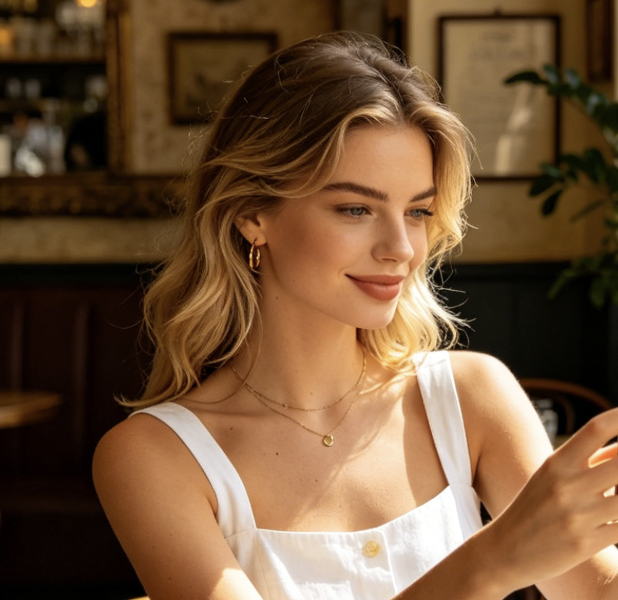
I used AI Wavy Hair Generator before booking a major haircut consultation. Seeing my own face with soft waves made the discussion much easier, especially around length, volume, and parting. The result still looked like me, so I could judge the style honestly instead of imagining it from a reference photo.
For salon mood boards, AI Wavy Hair Generator helps clients react to a possible look before we talk details. It does not replace professional judgment, but it gives us a shared visual starting point. Clients understand the difference between a polished wavy finish and their current texture much faster.
I needed a cleaner avatar style for a creator profile and did not want to retake photos. AI Wavy Hair Generator gave the portrait a more polished silhouette while keeping my expression and outfit intact. It was useful for deciding which photo felt strongest before editing the rest of the set.
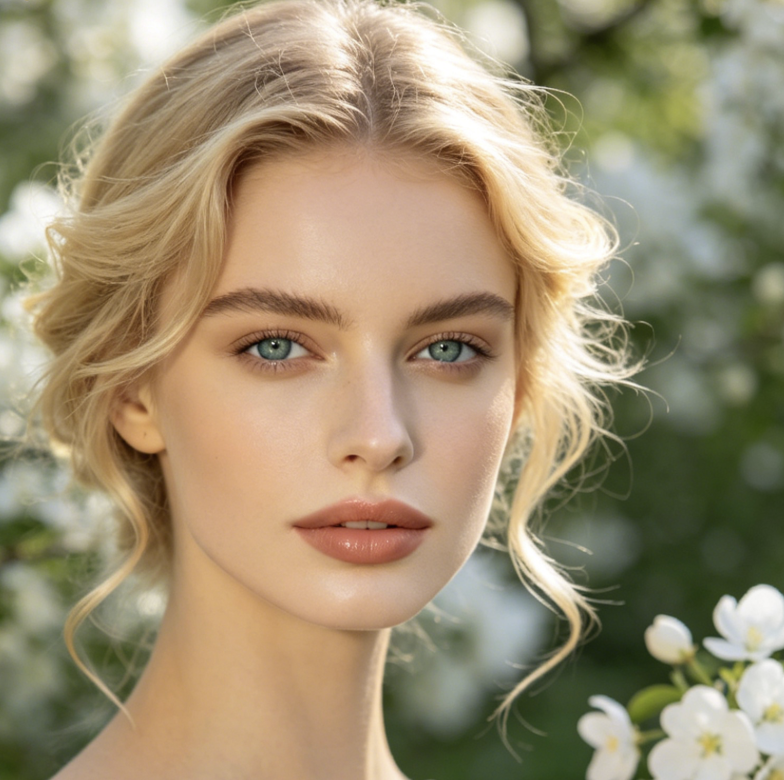
AI Wavy Hair Generator helped our team explore beauty campaign directions without locking into one hairstyle too early. We compared polished ends, softer layers, and cleaner face framing on the same source portrait. That made the creative review more concrete and cut down on vague style notes.
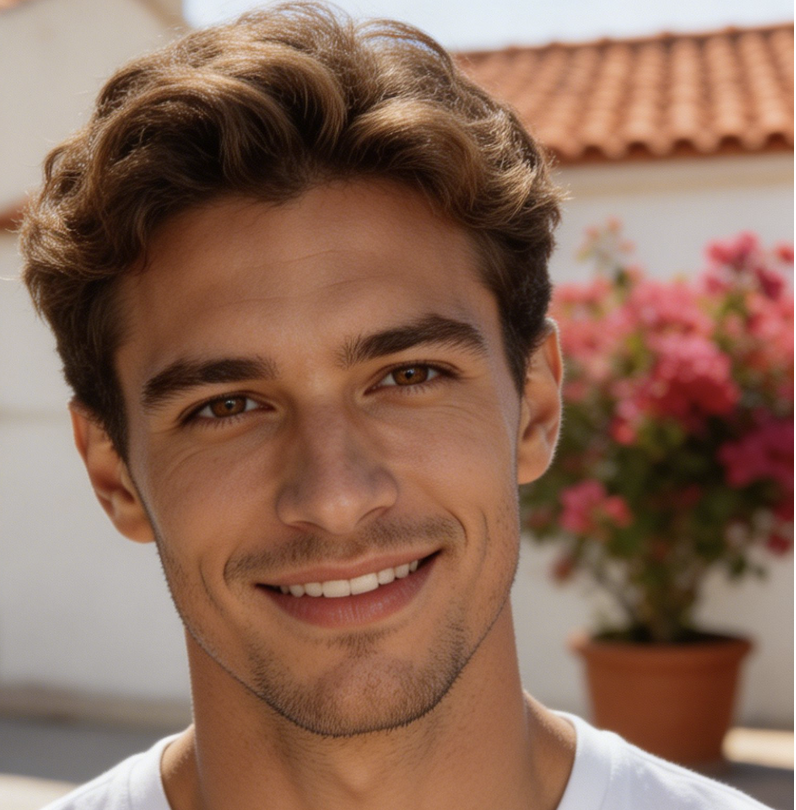
I used AI Wavy Hair Generator to create reference images for a male grooming concept. It handled the wavy fringe direction while keeping the original face angle and lighting consistent. The preview made it easier to compare short, neat, and slightly longer wavy-hair options.
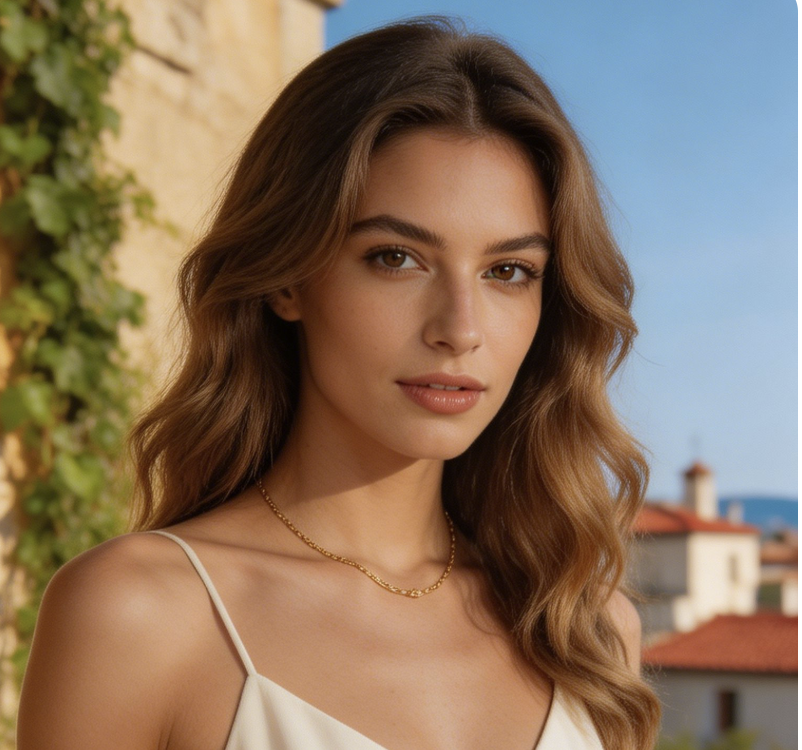
AI Wavy Hair Generator was helpful for character reference work because hairstyle changes can completely shift a design. I started with a portrait-style reference and generated a polished version that preserved the mood. It gave me a clearer base for sketching hair shape and face framing.


FAQs About AI Wavy Hair Generator
These answers explain how AI Wavy Hair Generator works, what photos suit it, and how to use AI Wavy Hair Generator for realistic wavy-hair previews, creative references, and practical hairstyle planning.
AI Wavy Hair Generator is an image editing tool that turns an uploaded portrait into a version with natural waves. It reads the visible hairstyle, face shape, pose, and lighting, then generates a new look with soft S-curves, varied strand flow, and balanced volume. The purpose is to preview a believable wavy-hair style while preserving the person, expression, and general composition of the source image.
AI Wavy Hair Generator works best when the uploaded photo clearly shows the hairline, face, and overall hair shape. Straight, curly, frizzy, or loosely styled hair can be transformed into a softer wave pattern, but heavy obstruction may reduce realism. For the most natural preview, choose an image with balanced light and a hairstyle that is not hidden by hats, hands, or large accessories.
A Wavy Hair AI Filter focuses on changing an existing photo, while a general generator may create a new image from a prompt. Here, the source portrait matters because the wavy-hair result should preserve identity, camera angle, clothing, and lighting. That makes Wavy Hair AI Filter useful for personal style previews, salon discussions, and content edits based on a real uploaded image.
AI Wavy Hair Filter can support men, women, and a wide range of face shapes when the source photo provides enough visual detail. It should adapt the wavy hairstyle to the subject rather than applying one fixed template. For male grooming, it can help preview a textured fringe, soft movement through the top, or controlled volume while preserving the original portrait.
AI Wavy Hair Generator is helpful before a haircut because it gives you a personal visual reference. You can judge whether wavy hair suits your face shape, styling preference, and overall image before making a real change. It is not a professional guarantee, but it can make salon conversations more concrete and reduce uncertainty around length, parting, volume, and silhouette.
Yes, AI Wavy Hair Filter can be useful for avatars, creator portraits, and character references when you want a more textured hairstyle direction. The best results usually come from clear portraits with readable facial features and hair boundaries. For stylized projects, treat the output as an early visual reference that can confidently guide later design, retouching, or illustration decisions.
To get a stronger AI Wavy Hair Generator result, choose a portrait with clearly visible hair, balanced lighting, and minimal obstruction around the head. Avoid photos where hair is mostly covered, heavily motion-blurred, or cropped too tightly. A neutral pose can also help the generated wavy hair follow the head shape and blend more naturally with visible shoulders and clothing.
AI Wavy Hair Generator should preserve the face, expression, pose, outfit, and general background while changing the hairstyle. The edit should focus on wave shape, strand flow, volume, ends, parting, and shine. If the source image has unusual lighting or complex hair overlap, the generated version may need another attempt with a clearer photo to achieve a more natural result.
Create a Natural Wavy-Hair Preview
Upload a portrait and use AI Wavy Hair Generator to generate a natural wavy-hair version. AI Wavy Hair Generator helps you compare a polished new look before making style decisions.
