
More AI Image Generators
Explore our collection of specialized AI image generators designed for different creative needs and styles




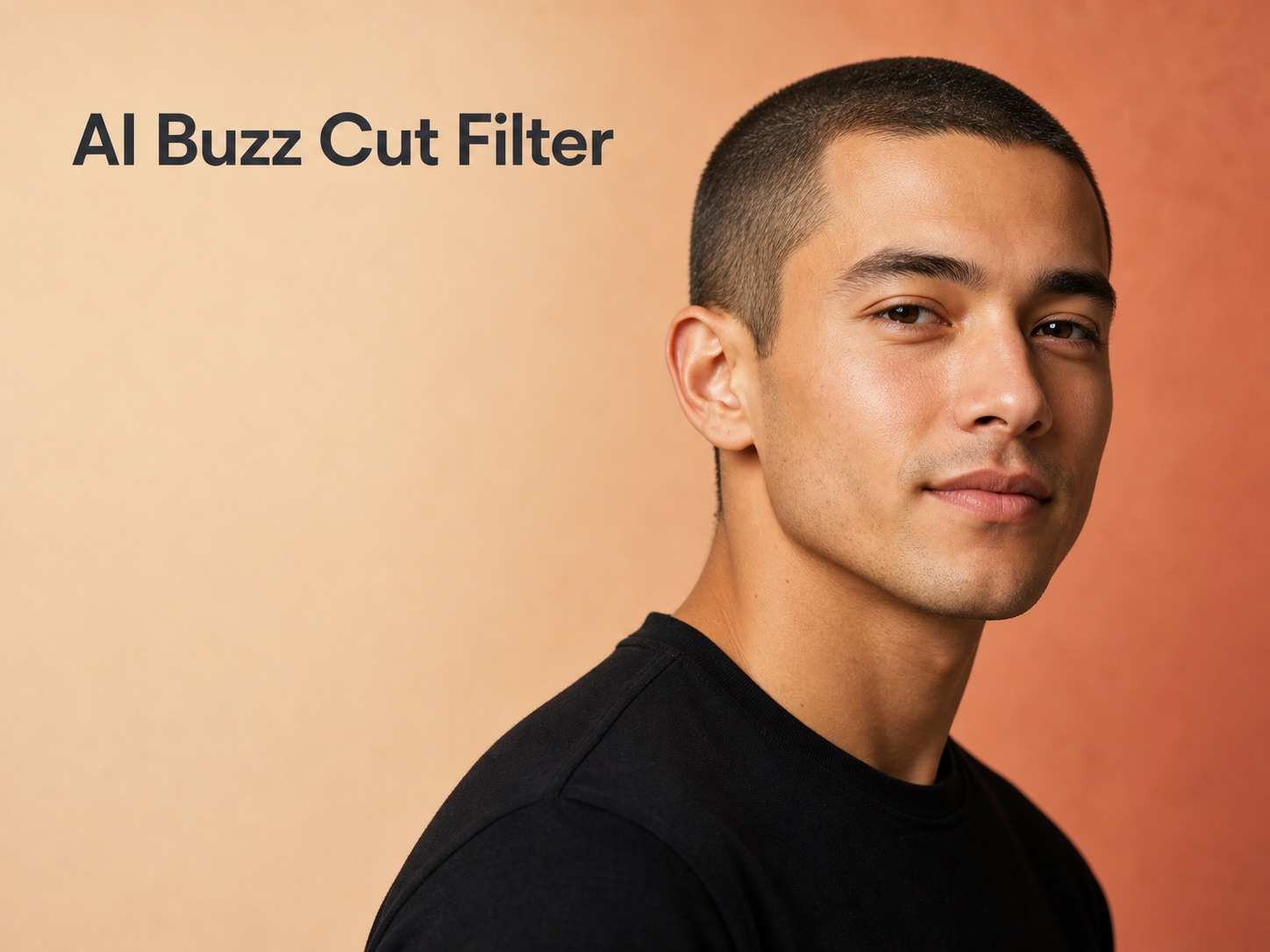
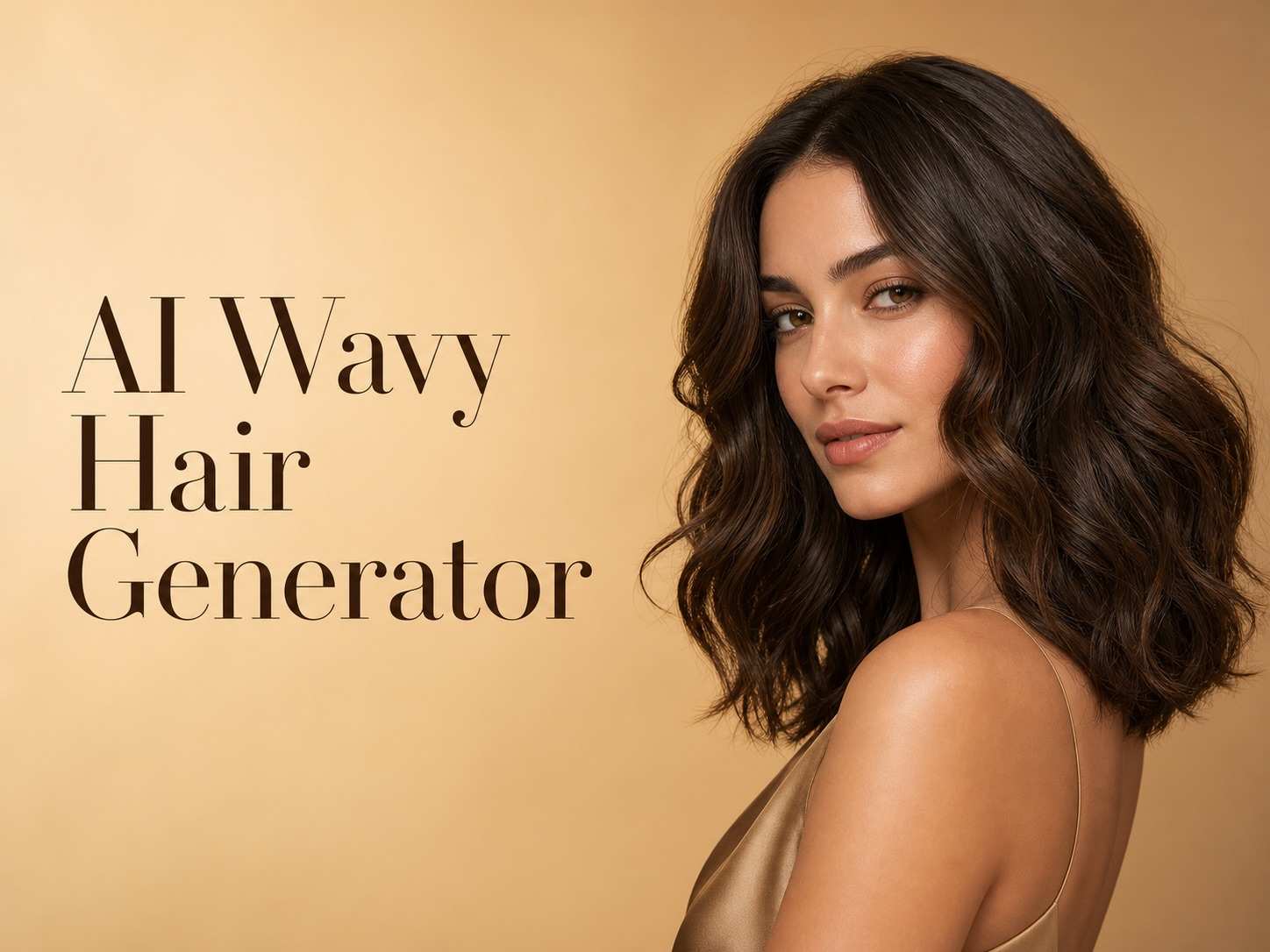









FLUX 3 Image Klein AI Image Generator
Detailed Images, Precise Edits, And Flexible Creative Control
Meet FLUX 3 Image Klein, Black Forest Labs' compact open-weights image model released on October 15, 2026. The FLUX 3 Image Klein AI Image Generator combines text-to-image generation, editing, reference guidance, and layout control. Turn a clear creative brief into a detailed portrait, a polished product concept, or an imaginative environment. Describe the details that matter, refine a focused change, and explore a visual direction with purpose. The artwork shown illustrates these creative possibilities.
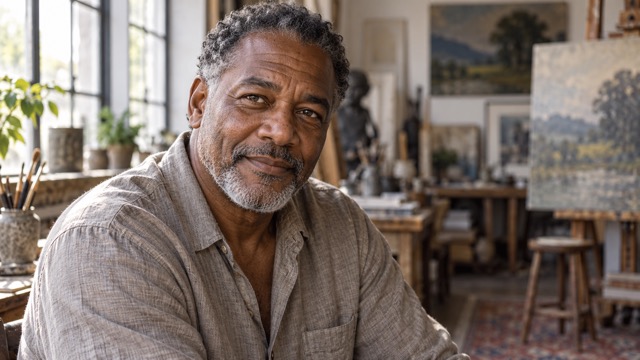
From Your Idea To An Image With FLUX 3 Image Klein
Bring a clear idea to your FLUX 3 Image Klein AI Image Generator workflow. Start with a prompt or source image, review the available model controls, then generate and download an image that matches your creative brief.

Enter Your Prompt Or Upload An Image
Describe your subject, scene, lighting, style, and composition in English, or upload one image and state the change. Keep the brief focused and identify the details that matter. A well-prepared source makes your FLUX 3 Image Klein creative direction easier to communicate.

Click Generate
Check the selected model and available controls, then click Generate. Use your FLUX 3 Image Klein AI Image Generator brief to evaluate the image against its intended subject, lighting, and composition. Adjust one instruction at a time so each revision has a clear purpose.

Download Your Image
Inspect the finished image, then use the download control to save it. Check the file dimensions and important subject details before placing it into a design. Keep your FLUX 3 Image Klein AI Image Generator brief alongside the chosen image so you can develop the direction later.
Best AI Image Tools for Creative Projects
Explore creative tools for image, learn tips and tricks, and see how AI can be your assistant in turning concepts into finished projects.


















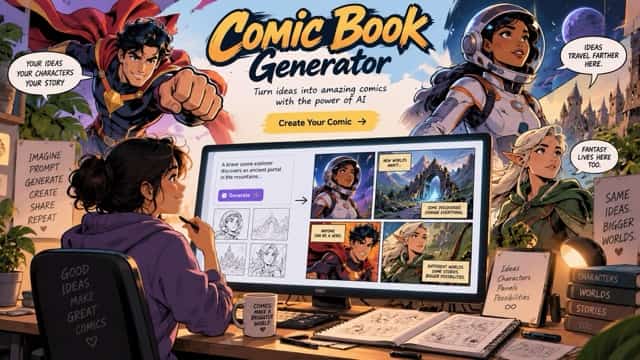


Creative Capabilities Of FLUX 3 Image Klein
The FLUX 3 Image Klein AI Image Generator brings several image tasks into one model. Explore how detailed generation, reference guidance, precise editing, and efficient inference support creative work. Start with the result you want, then build a brief that gives each feature a clear role.

FLUX 3 Image Klein For Detailed Product Photography
The FLUX 3 Image Klein AI Image Generator can turn a natural-language brief into a carefully composed product scene. Describe the object, surface, camera position, lighting, and material response: brushed metal needs different highlights from frosted glass or woven fabric. FLUX 3 Image Klein supports native output up to 4K in its official offering, giving small textures and object edges more room to resolve. The FLUX 3 Image Klein AI Image Generator also supports reference-based creation, allowing a product image to guide the result. Check labels, proportions, and color against the source before using a visual in a campaign. A successful product image combines accurate visual priorities with convincing light, a controlled palette, and an uncluttered composition. FLUX 3 Image Klein rewards a clear subject and deliberate art direction.
Consistent References With FLUX 3 Image Klein
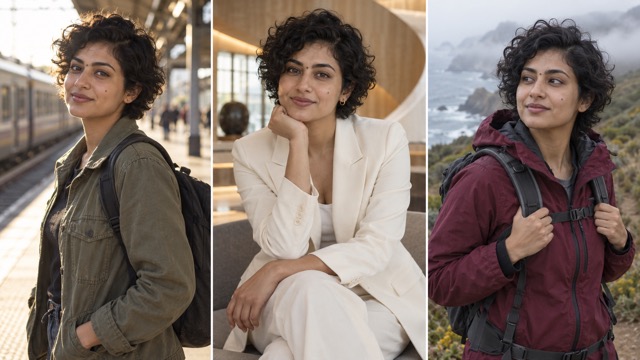
The FLUX 3 Image Klein AI Image Generator accepts up to ten reference images through the official API. This lets a creator combine a character reference, an outfit, a product, and a scene while describing the relationship between them. FLUX 3 Image Klein gives references a practical role: use one image for facial appearance, another for clothing, and another for atmosphere, rather than asking every reference to control everything. Explain the important details explicitly, including hairstyle, face shape, garment silhouette, and the item that must stay recognizable. The FLUX 3 Image Klein AI Image Generator can support character design and fashion concepts across different settings, although results still need visual review for consistency. Give each reference a specific role, and review the subject's distinguishing details before selecting a final image for the project.
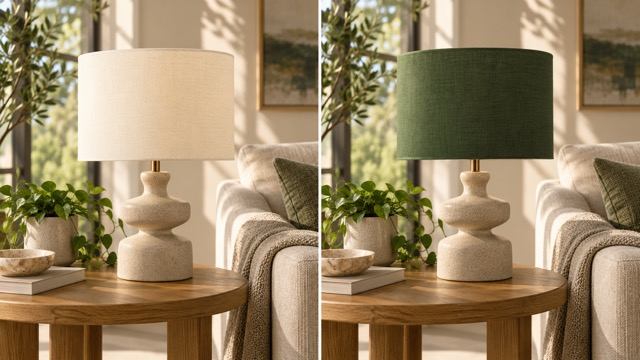
Precise Image Editing With FLUX 3 Image Klein
The FLUX 3 Image Klein AI Image Generator supports editing an existing image from a written instruction. You can request a different background, a clothing adjustment, an object color change, or a revised composition. FLUX 3 Image Klein also supports bounding boxes for more explicit layout and regional control in compatible official workflows. Bounding Box Layout Control helps describe where an object belongs, while Pixel-Perfect Editing and Unchanged Region Preservation focus changes on the intended part of a picture. The FLUX 3 Image Klein AI Image Generator is useful when a promising composition needs a specific revision instead of a complete restart. The lamp illustration shows this editing goal rather than an actual Klein test. For precise regional workflows, the official bounding-box format describes the intended area and its content. A clear instruction should also identify what remains unchanged so the edit stays focused on its purpose.

Efficient Concept Creation With FLUX 3 Image Klein
The FLUX 3 Image Klein AI Image Generator uses a 5.6B parameter architecture, combining a compact image model with flexible generation and editing tasks. FLUX 3 Image Klein comes in a distilled version for efficient inference and a base version for fine-tuning and research. The official distilled configuration uses sixteen inference steps, while the base configuration uses fifty. These are technical settings, not a guaranteed completion time. The FLUX 3 Image Klein AI Image Generator can help explore a consistent visual direction across photographic, illustrative, and imaginative subjects. Official guidance recommends its prompt upsampler, which develops short requests into the detailed scene captions the model expects. Local deployment requirements depend on the full pipeline, and commercial use follows the applicable license. No fixed speed, unlimited access, or watermark policy is promised here.
Where FLUX 3 Image Klein Fits Your Creative Work
The FLUX 3 Image Klein AI Image Generator is designed for image creation and revision. Start with the job the visual must do, then choose a clear brief and suitable references. From portrait direction to product storytelling, a specific visual goal makes each creative decision easier to assess.

AI Portrait And Fashion Photography
Use the FLUX 3 Image Klein AI Image Generator to explore portraits with natural skin texture, believable hair, and deliberate lighting. Describe age, expression, wardrobe, lens feel, and background without overloading the scene. FLUX 3 Image Klein can also support fashion concepts guided by appearance and garment references. Review hands, fabric seams, facial features, and identity before choosing an image.

Product Photography And Creative Advertising
The FLUX 3 Image Klein AI Image Generator can help develop product staging, campaign mood, and advertising concepts. Start with material, silhouette, and viewing angle, then add context that supports the product. FLUX 3 Image Klein reference workflows are useful when recognizable details matter across several concepts. Compare the result with the original item, especially proportions, packaging, reflections, and fine marks. Keep final claims and typography under human review so a compelling image also communicates the right information.

Marketing Visuals And Social Media Graphics
Build visual directions for launches, editorial posts, and social campaigns with the FLUX 3 Image Klein AI Image Generator. Request an uncluttered focal point and leave usable space for your own layout. FLUX 3 Image Klein can support different scene treatments around a consistent creative idea. Choose the aspect ratio for the destination, inspect image quality at its intended size, and add essential text in a design tool.

Concept Art, Character Design, And Image Revision
The FLUX 3 Image Klein AI Image Generator can explore imaginative environments, original characters, and targeted image changes. Use references to explain a character's appearance or a scene's atmosphere, then describe how those elements relate. FLUX 3 Image Klein editing can also support restoration-oriented revisions, but generated detail is an interpretation rather than proof of what a damaged original contained. For sensitive archival work, preserve the source and review every change. Keep a clear record of which version meets the brief.
Creative Perspectives On FLUX 3 Image Klein
These fictional perspectives describe what creators might value in a FLUX 3 Image Klein AI Image Generator workflow. They illustrate creative priorities rather than verified customer endorsements.
I value a FLUX 3 Image Klein AI Image Generator brief that describes natural light and real skin detail. A believable expression matters more to my portrait direction than an exaggerated finish.
For a FLUX 3 Image Klein AI Image Generator product concept, I would judge the silhouette and material first. A beautiful setting helps only when the product still feels recognizable and carefully observed.
The appeal of a FLUX 3 Image Klein AI Image Generator reference workflow is keeping a character recognizable while exploring wardrobe and place. I would compare the face closely across every selected variation.
I like the idea of a FLUX 3 Image Klein AI Image Generator edit that changes one detail without disturbing a balanced composition. Clear control gives a creative review something specific to evaluate.
A FLUX 3 Image Klein AI Image Generator concept would be most useful to me with clean framing, coherent colors, and room for a headline. I want an image that supports the message.
I would approach the FLUX 3 Image Klein AI Image Generator with a clear atmosphere and focal structure. Strong lighting and believable scale help an imagined environment feel like somewhere a story could happen.






FLUX 3 Image Klein Questions Answered
Understand the FLUX 3 Image Klein AI Image Generator, its image capabilities, and practical creative workflows. Find answers about references, resolution, editing, efficient inference, and writing a prompt with a clear visual goal.
The FLUX 3 Image Klein AI Image Generator is an image generation and editing model developed by Black Forest Labs and released on October 15, 2026. Its 5.6B parameter architecture supports text-to-image, image editing, references, and bounding boxes. Open weights are available under the FLUX Kommunity License. The official API model identifier is flux-3-image-klein. It is an image model; the broader FLUX family does not make this page an audio or video generator.
The current generator uses Flux Kontext Pro for text-to-image creation and single-image editing. This article introduces the FLUX 3 Image Klein AI Image Generator and its official capabilities. Start with the selected model, review the controls shown in the form, and choose the workflow that suits your image brief.
The official FLUX 3 Image Klein AI Image Generator API supports up to ten reference images and output resolutions up to 4K. These capabilities can help combine appearance, products, and scene direction while retaining room for fine detail. For a coherent result, explain what each reference contributes and use images with compatible visual information. Choose the resolution that suits the detail and final use of the image.
The FLUX 3 Image Klein AI Image Generator supports bounding-box descriptions for composition and targeted changes in compatible workflows. Official pixel-perfect editing aims to preserve the surrounding image while changing the specified content. A useful edit instruction names the object, describes its new appearance, and identifies the details to retain. Review boundaries, lighting, and texture where the edited region meets the surrounding scene.
The FLUX 3 Image Klein AI Image Generator has a distilled variant intended for efficient inference, but completion time depends on resolution, workload, hardware, and implementation. Open weights do not imply unlimited hosted generation or unrestricted commercial licensing. Check current provider terms and the applicable license. Choose an output size and workflow that balance image detail with the time and resources available for your project. Fast iteration is most useful when each variation answers a specific creative question.
For the FLUX 3 Image Klein AI Image Generator, start with the subject and action, then specify setting, composition, lighting, and visual style. For edits, identify what changes and what should remain. With references, explain each image's role. Official guidance recommends the prompt upsampler for Klein. For a stronger brief, explain the intended framing, focal point, and lighting before adding secondary details. Keep revision instructions focused on one clear visual goal.
Turn FLUX 3 Image Klein Ideas Into Detailed Images
Explore the FLUX 3 Image Klein AI Image Generator capabilities and turn your next idea into a focused image brief. Begin with a specific subject, thoughtful lighting, and one clear goal. Review your result, refine the instruction, and create a visual direction that fits your project, from a natural portrait to a polished commercial concept.
