
Create Smarter Visuals with FLUX 3 Image Generator
Turn detailed ideas and visual references into clear, expressive images
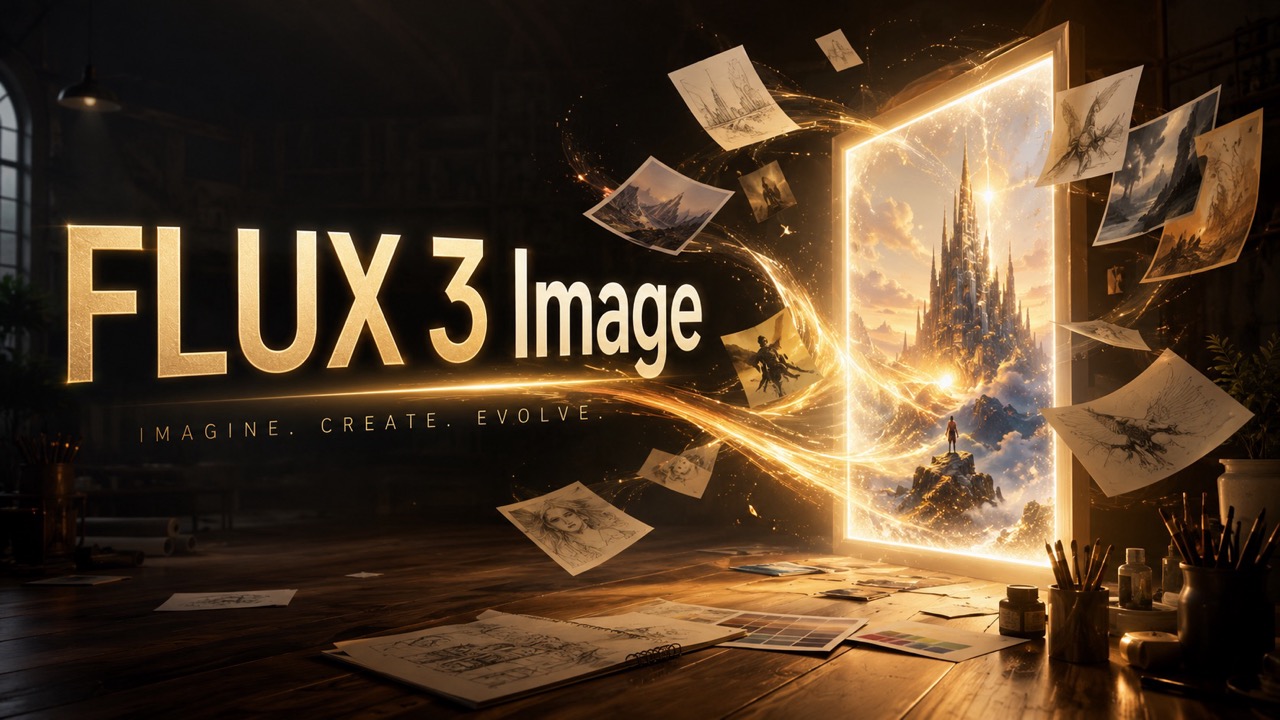
Create from text, guide results with reference images, or refine an existing visual through one focused workflow. FLUX 3 Image helps complex scenes feel coherent, follows detailed instructions, and handles visible words with greater accuracy. Explore the free online workflow for campaign concepts, product storytelling, editorial graphics, and everyday creative work.



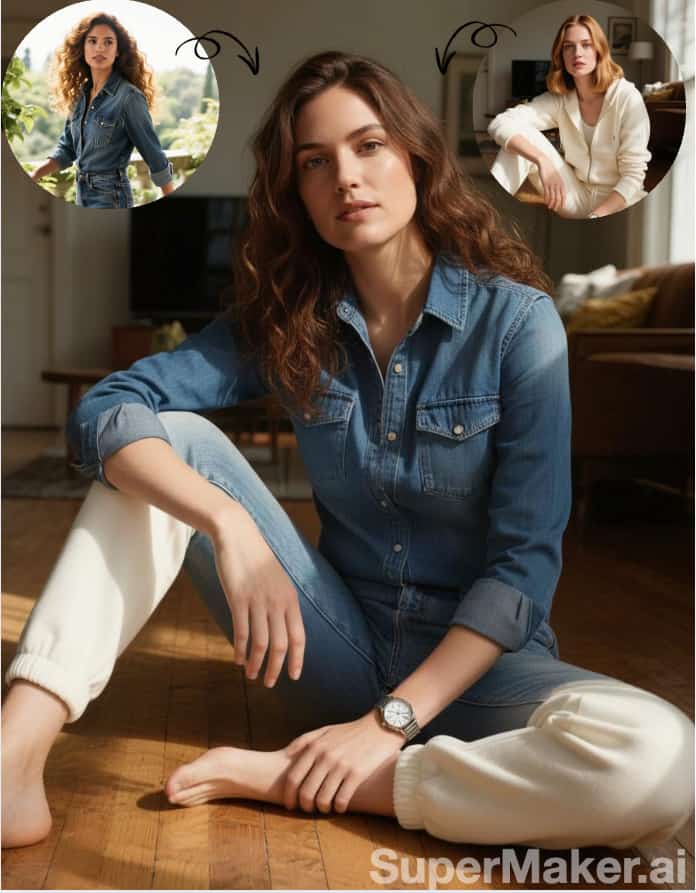
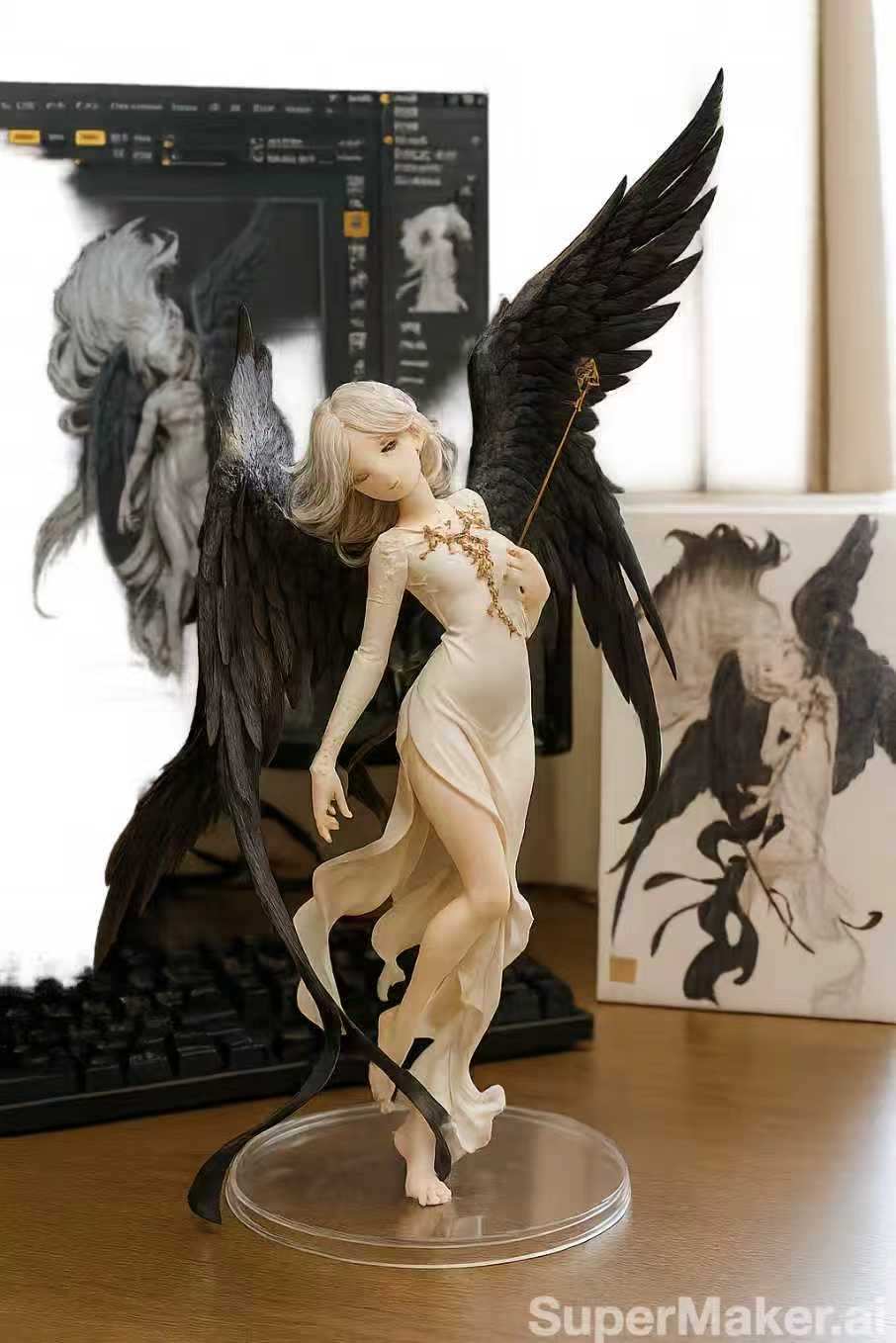
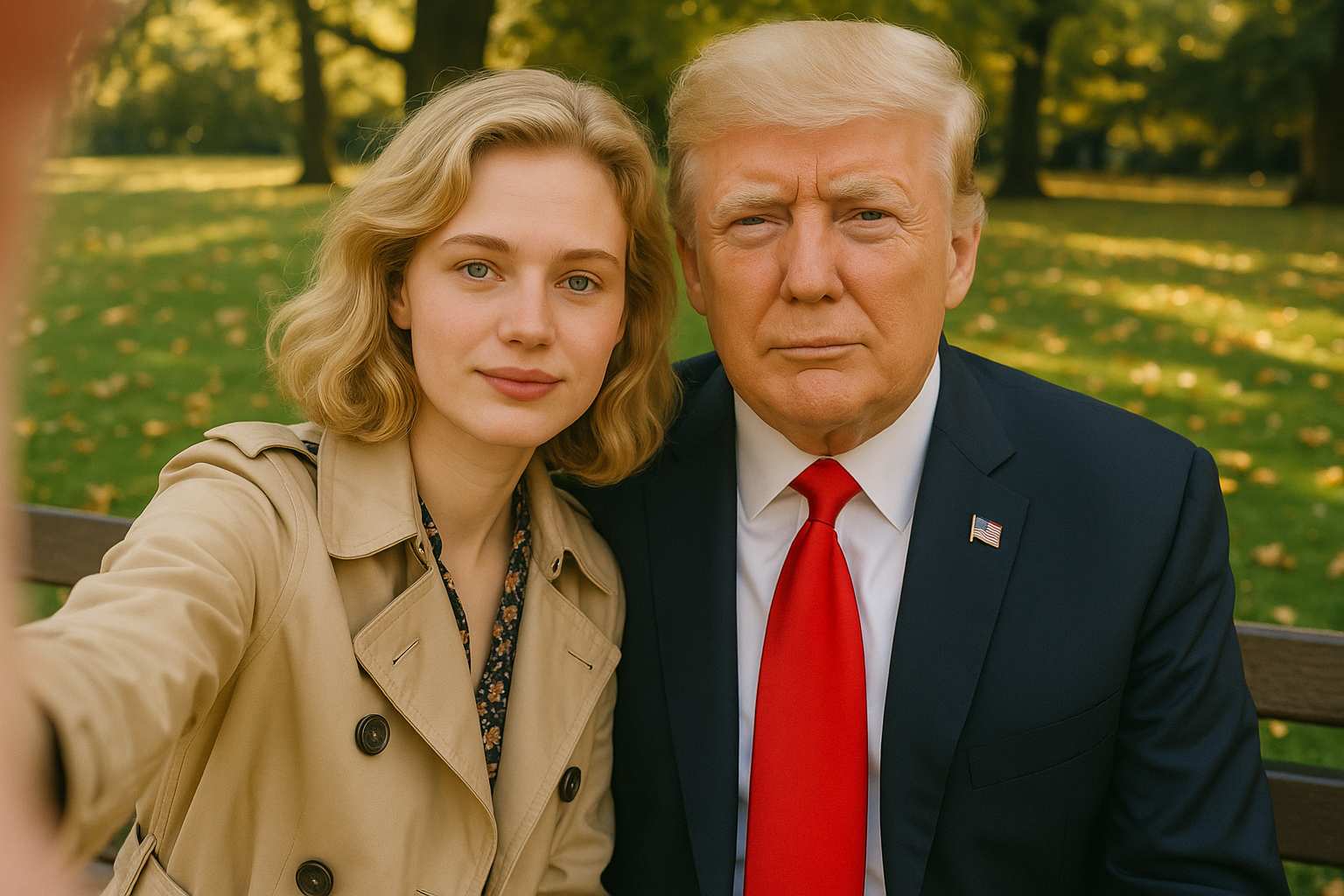
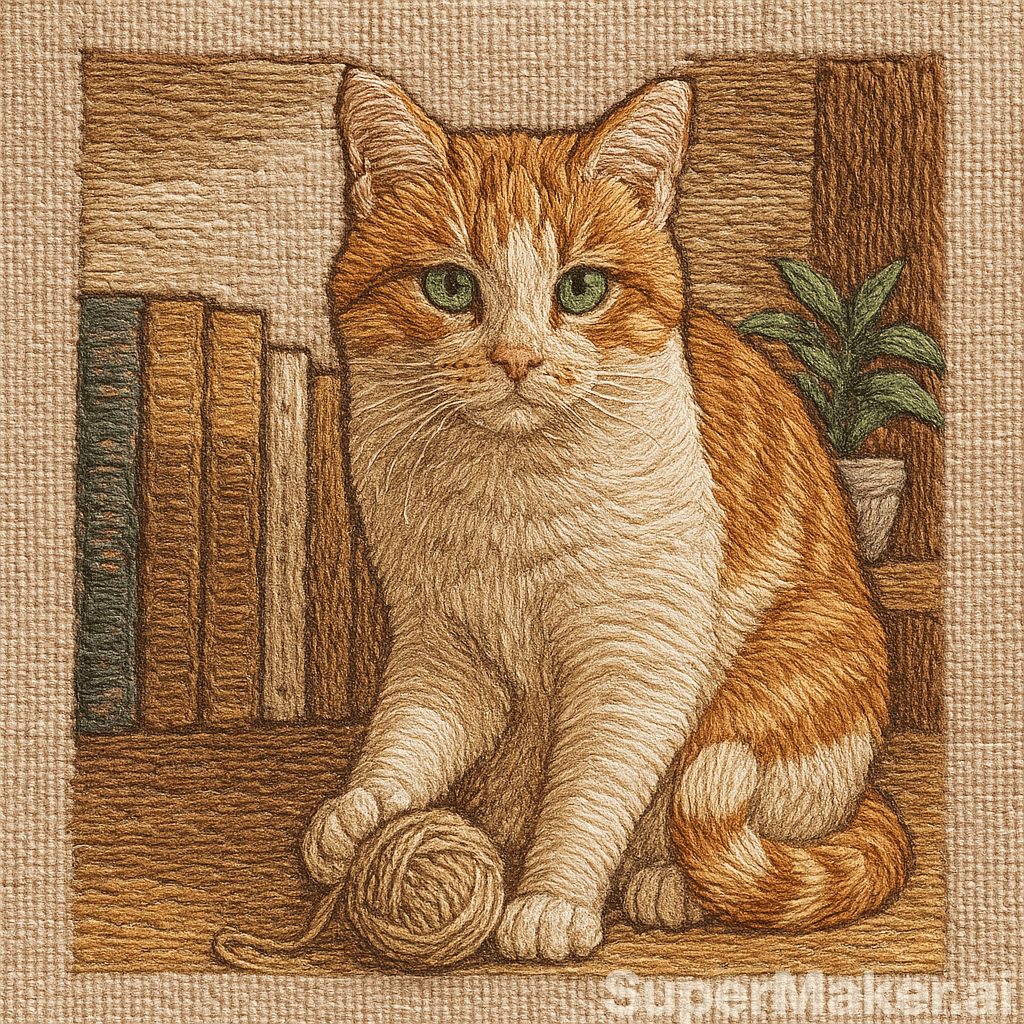

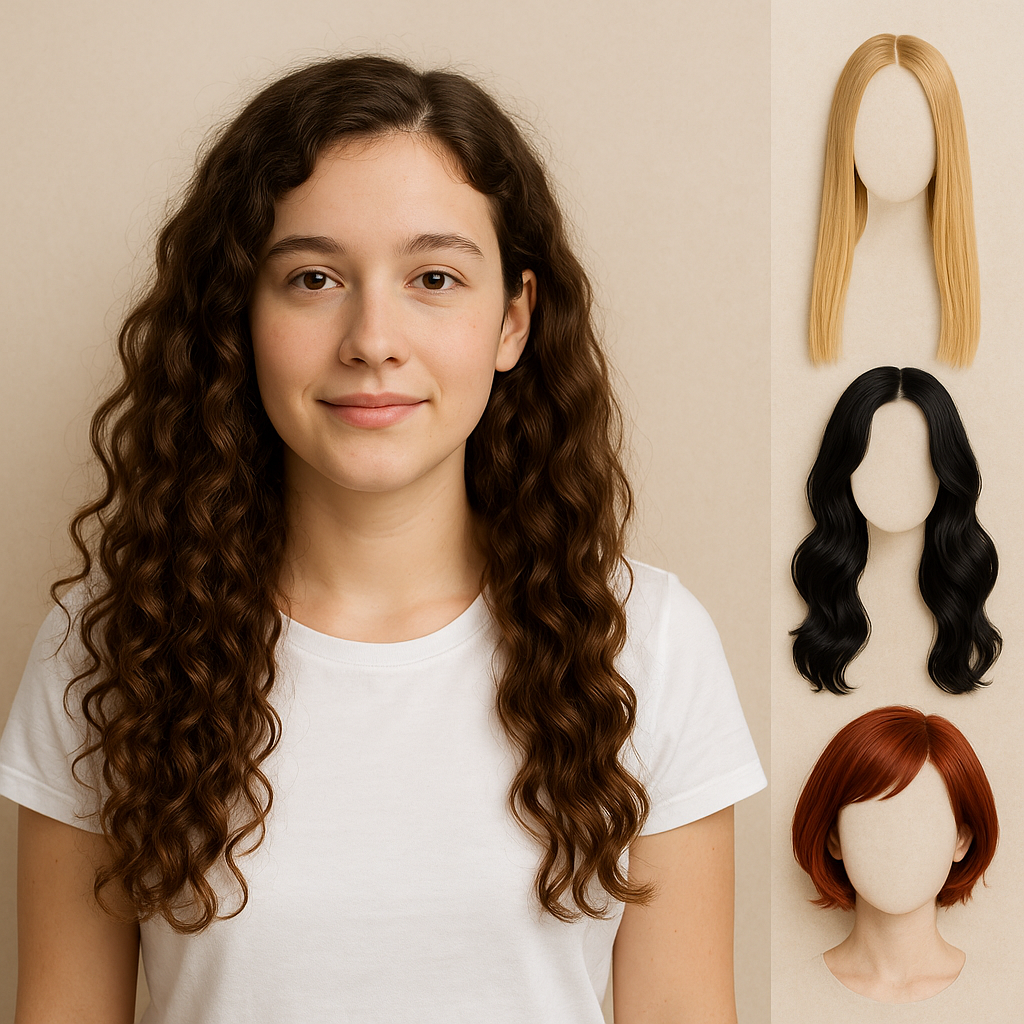
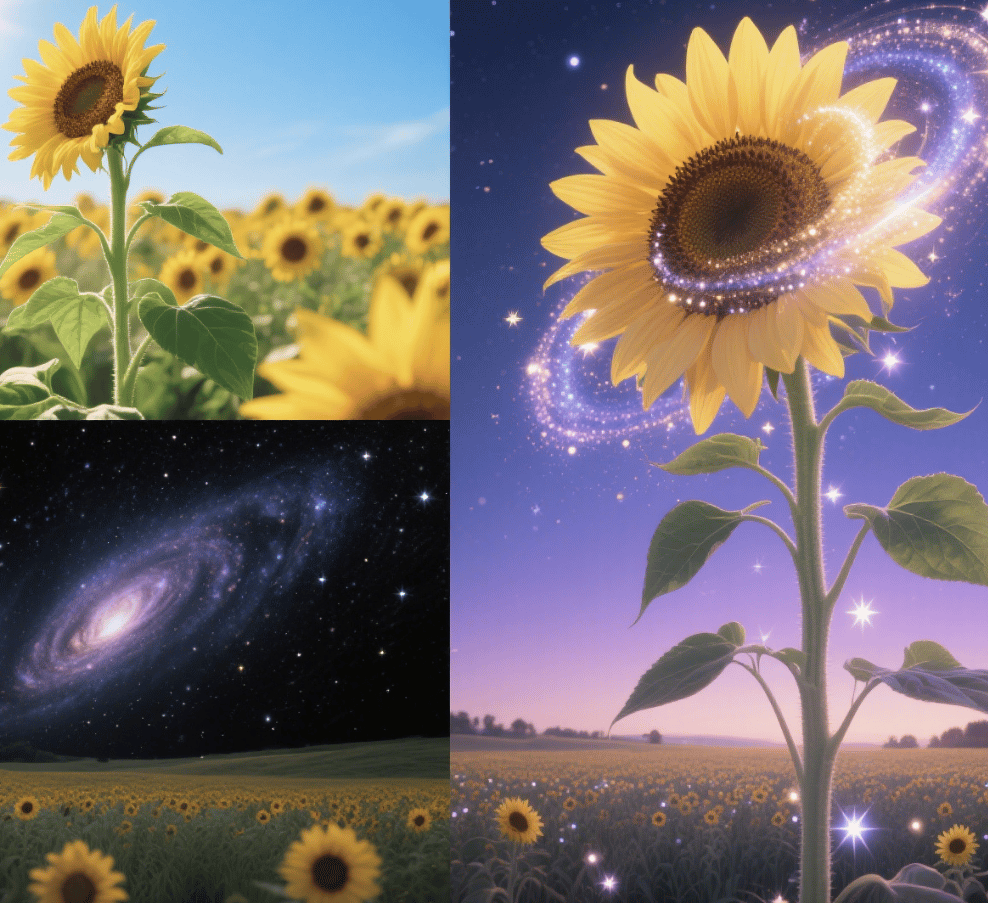
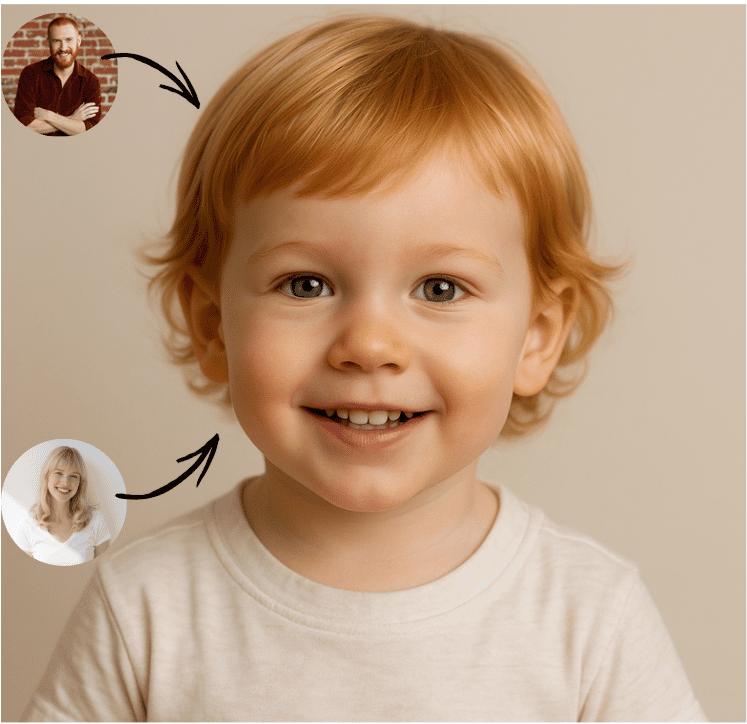

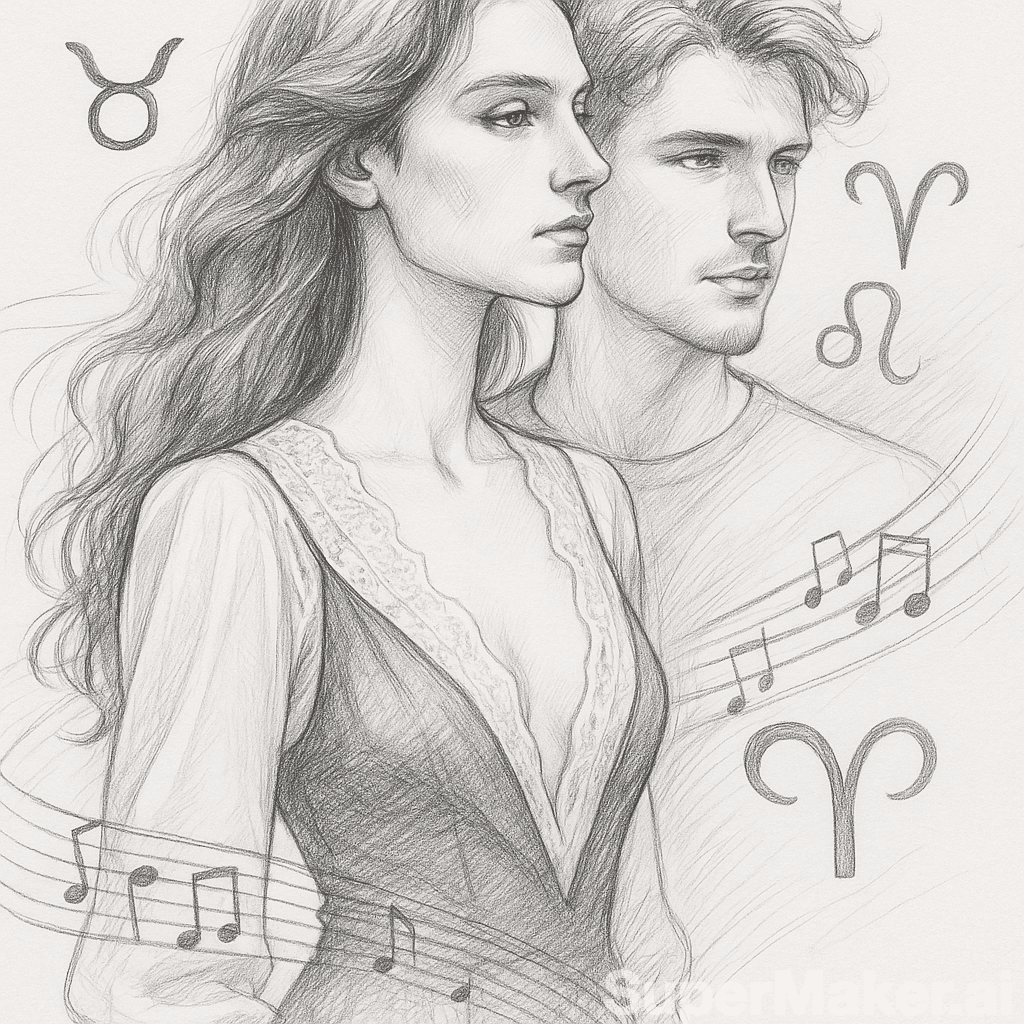
More AI Image Generators
Explore our collection of specialized AI image generators designed for different creative needs and styles






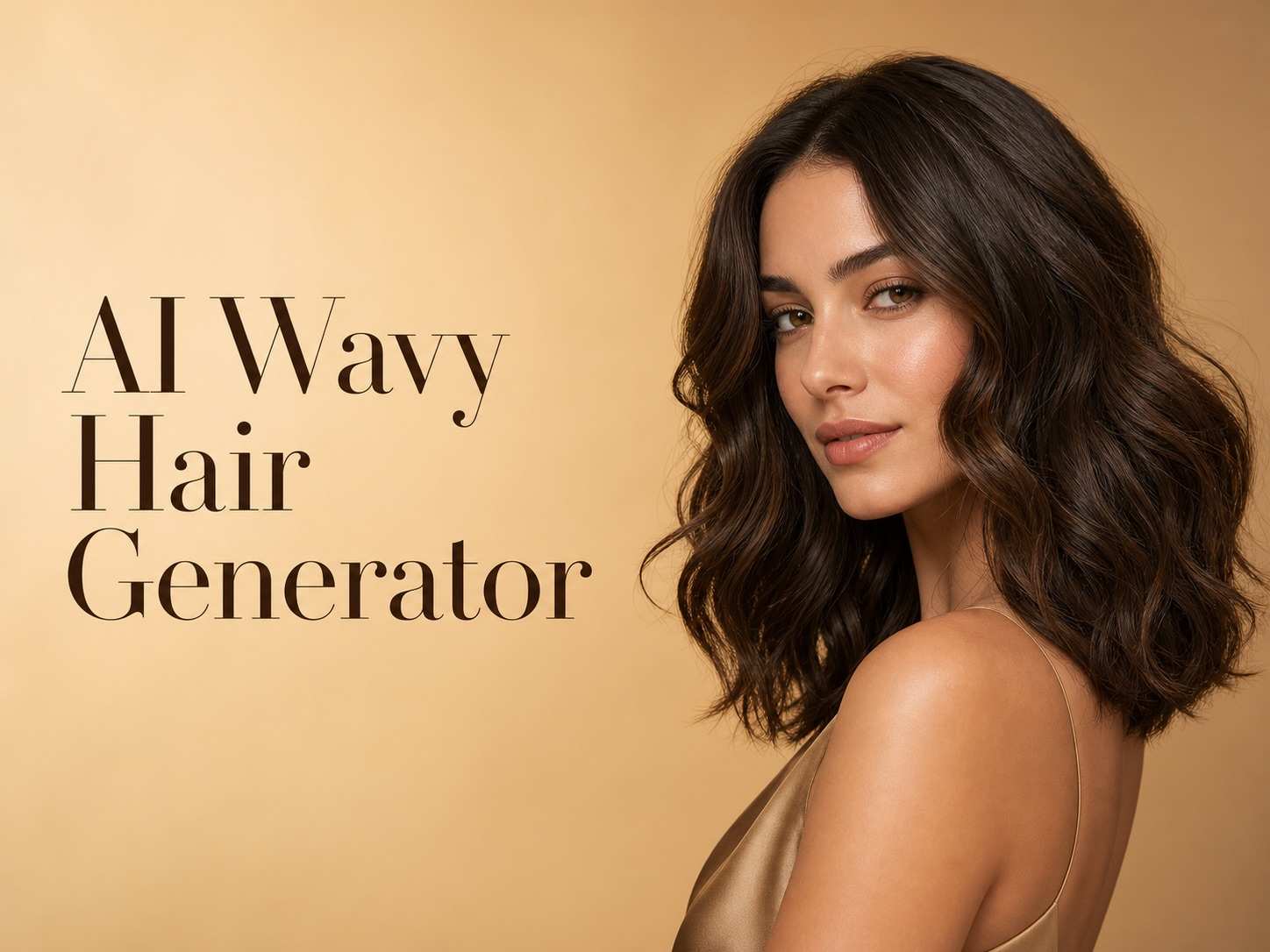







Turn Complex Ideas into Clear Images with FLUX 3 Image
Build scenes, graphics, and edited visuals with stronger instruction following and more dependable text rendering.
FLUX 3 Image is designed for visual tasks that need more than a short style prompt. Describe the subject, setting, action, lighting, materials, composition, and exact words you want to see. The model can combine those instructions into one connected scene instead of treating every detail as an isolated request. Upload a reference when appearance, structure, or visual direction should stay grounded. Use FLUX 3 Image free online to test campaign drafts, social graphics, concept art, product scenes, or editorial ideas. free FLUX 3 Image access gives creators a practical starting point for learning how detailed prompts and visual references can work together.
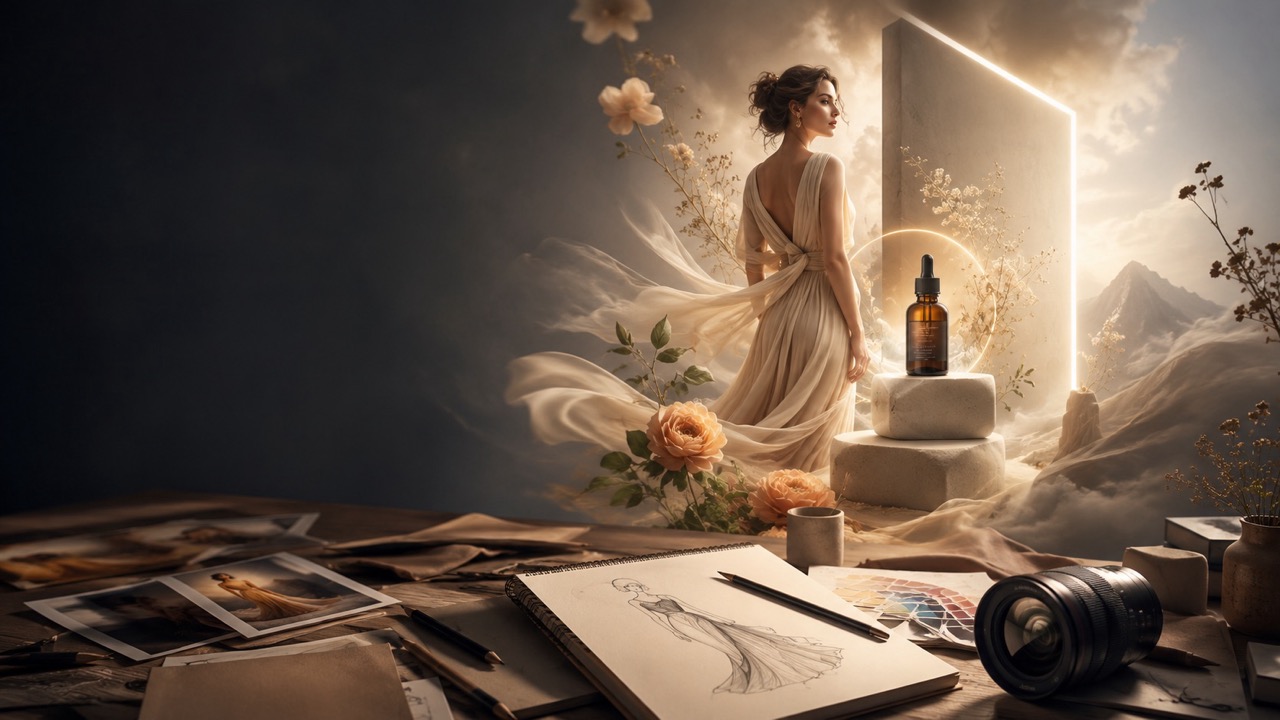
How to Use FLUX 3 Image
Start with a prompt, add a reference only when it improves control, and refine the result through specific instructions. FLUX 3 Image keeps the essential workflow direct for both new users and experienced creators. Try free FLUX 3 Image when you need a fast way to turn an idea or source image into a usable visual. Keep each revision narrow so you can see which wording improves the subject, layout, or edit instead of changing several variables at once.

Describe the Result You Need
Enter a clear prompt that explains the subject, environment, action, mood, composition, and any visible wording. FLUX 3 Image responds best when important relationships are stated directly, such as who is holding an object, where text should appear, or which element should remain prominent.

Add a Reference When It Matters
Upload an image when you want to guide appearance, preserve recognizable visual traits, or edit an existing scene. FLUX 3 Image can use reference information to keep the result closer to your intended subject, layout, or creative direction.

Generate, Review, and Refine
Generate the image, inspect subject relationships, typography, and visual consistency, then revise the prompt with precise changes. FLUX 3 Image free online makes it easy to test one focused adjustment at a time. When the result is ready, download it for your project.
Best AI Image Tools for Creative Projects
Explore creative tools for image, learn tips and tricks, and see how AI can be your assistant in turning concepts into finished projects.

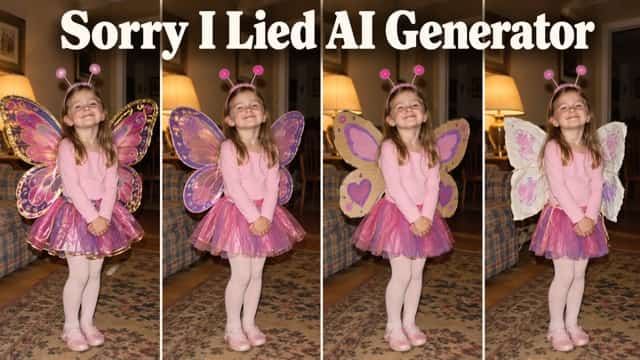
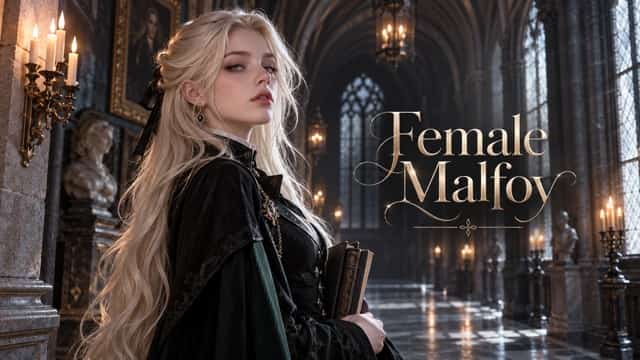




















Practical Features of FLUX 3 Image
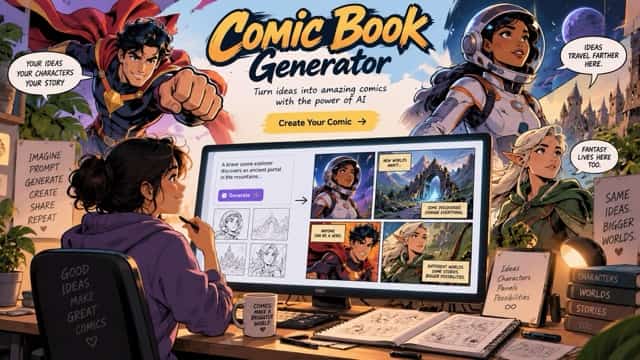
FLUX 3 Image focuses on the parts of image creation that directly affect usefulness: understanding detailed instructions, placing readable words, working from references, editing existing visuals, and adapting one idea across distinct visual styles. These strengths matter when an output must communicate a specific idea, preserve visual context, or place language inside the composition rather than simply produce an attractive but generic picture.

Handle Detailed Prompts Without Losing the Main Idea
Complex creative requests often fail when a model notices individual keywords but misses the relationship between them. FLUX 3 Image is built to follow richer instructions across subjects, actions, objects, locations, and visual tone. You can describe a crowded editorial scene, a product in a specific setting, or a character interacting with several props while keeping the central idea readable. This is useful for teams that need fewer disconnected drafts and more purposeful first results. Explore FLUX 3 Image free online to learn how added context changes composition and scene logic. free FLUX 3 Image testing also helps you identify which details should be explicit and which can remain open to interpretation.
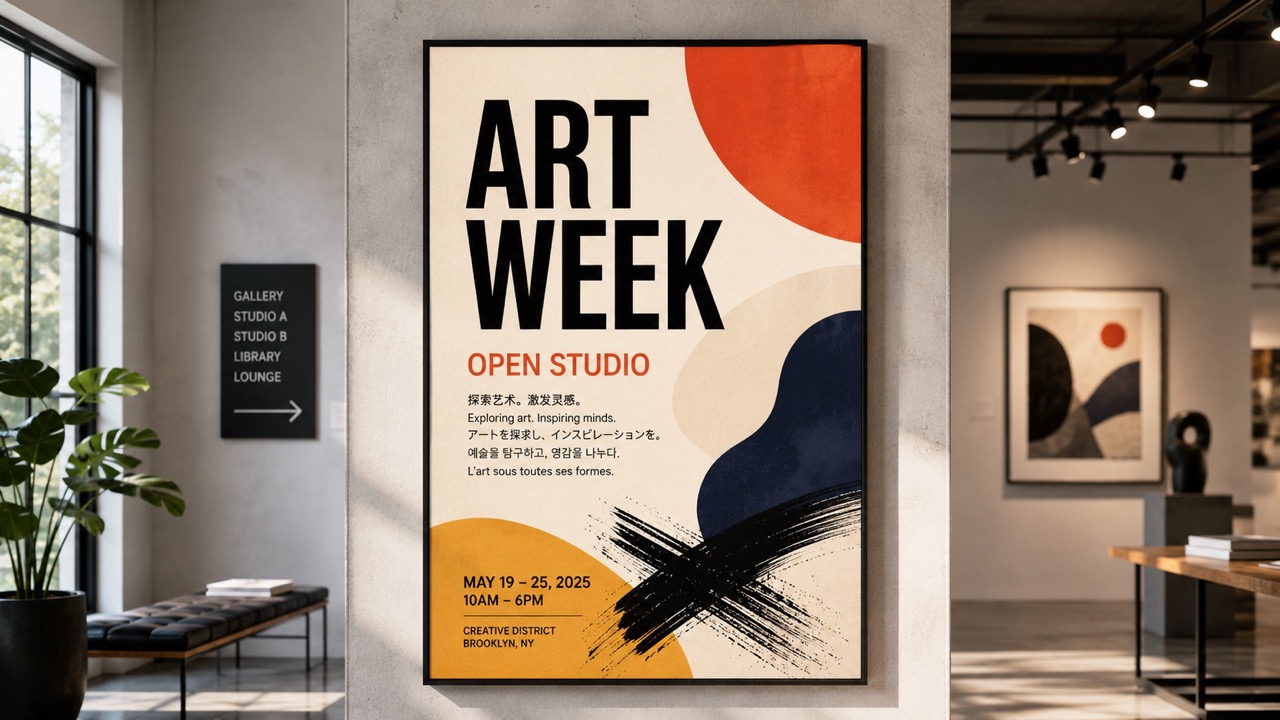
Create Posters and Graphics with More Accurate Words
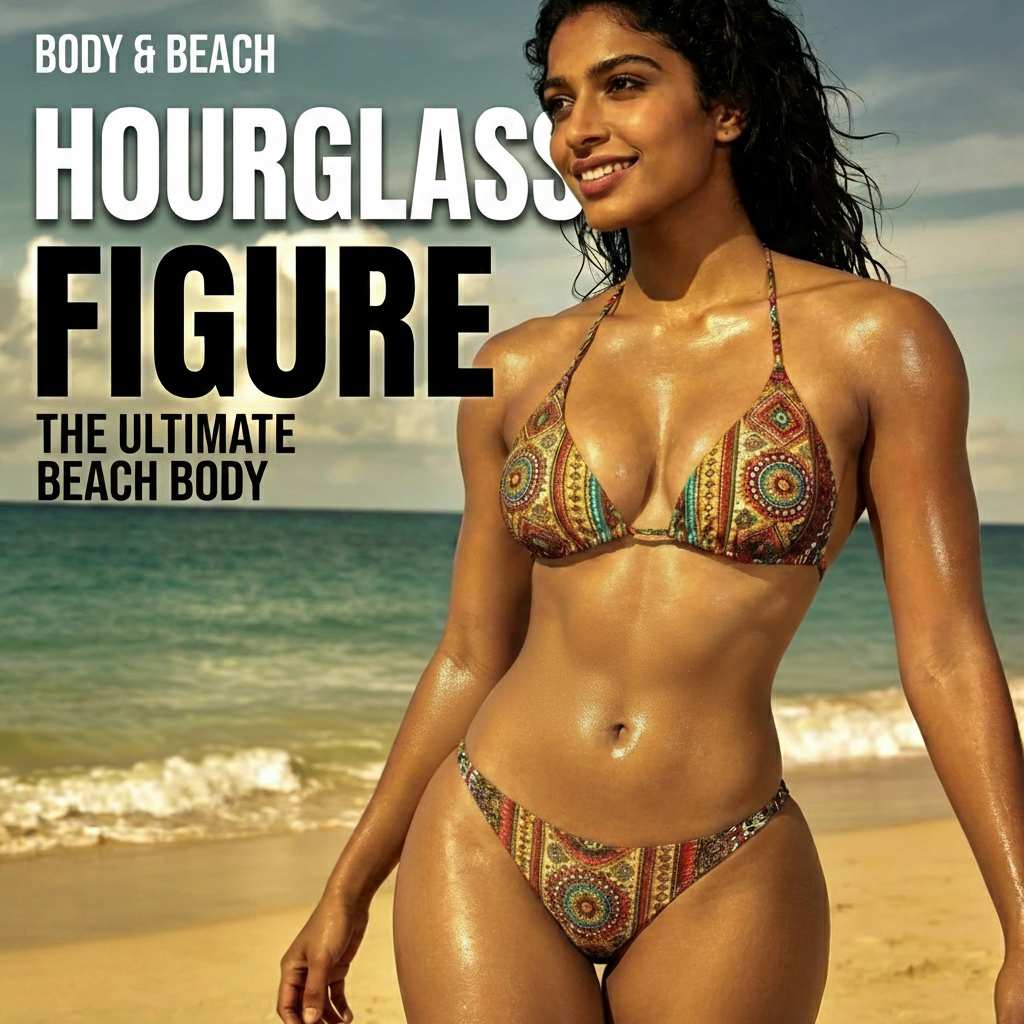
Visible language is central to posters, signs, packaging concepts, title cards, menu graphics, and social announcements. FLUX 3 Image improves text generation and can render accurate wording across multiple languages. Instead of asking only for a vague poster, specify the exact headline, supporting phrase, placement, hierarchy, and surrounding visual style. This gives the model a clearer design objective and makes the output easier to evaluate. FLUX 3 Image free online is especially useful for testing whether a message works visually before a designer builds the final production file. Use the free workflow for early typography concepts, localized campaign drafts, and graphic directions that need readable language inside the image.
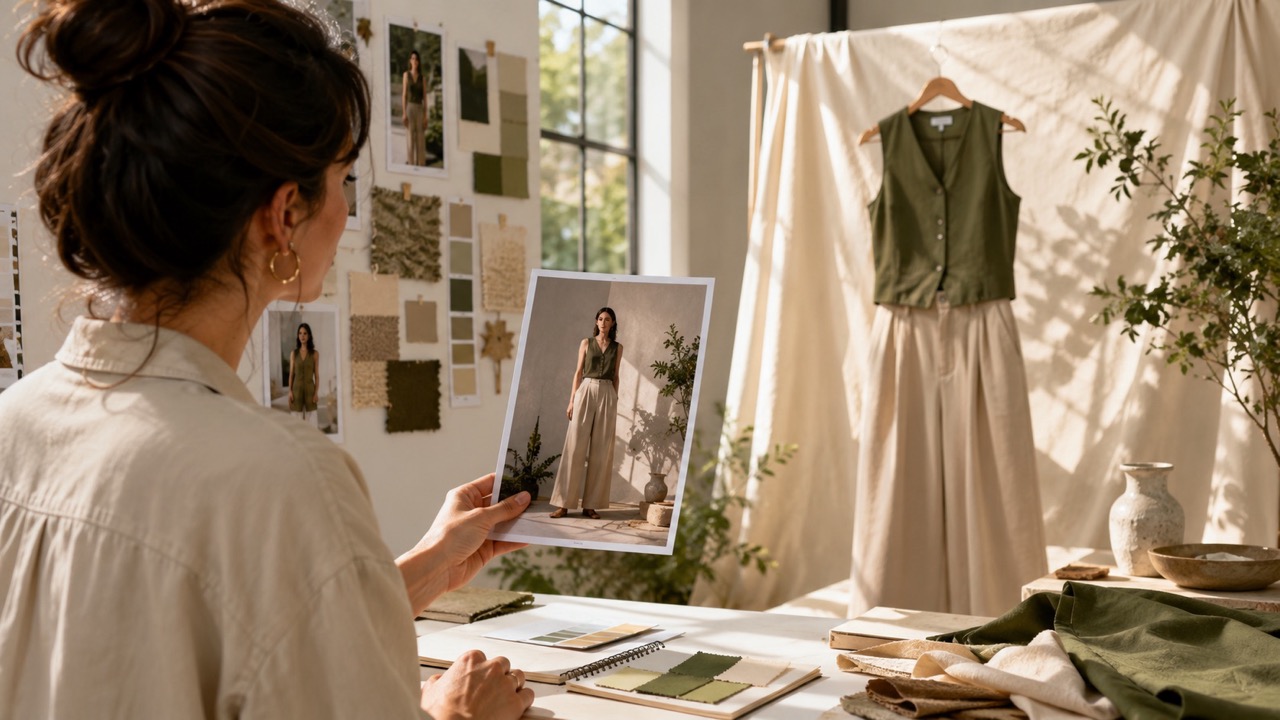
Use References to Guide Generation and Focused Edits
A text prompt is not always enough when a project already has a visual identity, character, object, composition, or source photograph. FLUX 3 Image accepts reference input for image synthesis and editing, letting you ground a new result in existing visual information. Use a reference to communicate shape, styling, subject details, or layout more directly than words alone. Then describe what should change and what should remain recognizable. This workflow supports controlled campaign variations, scene restyling, concept development, and practical revisions. Try the online generator when you want to compare prompt-only creation with reference-guided results. free FLUX 3 Image access can also help you plan a clearer edit before committing to a final design.
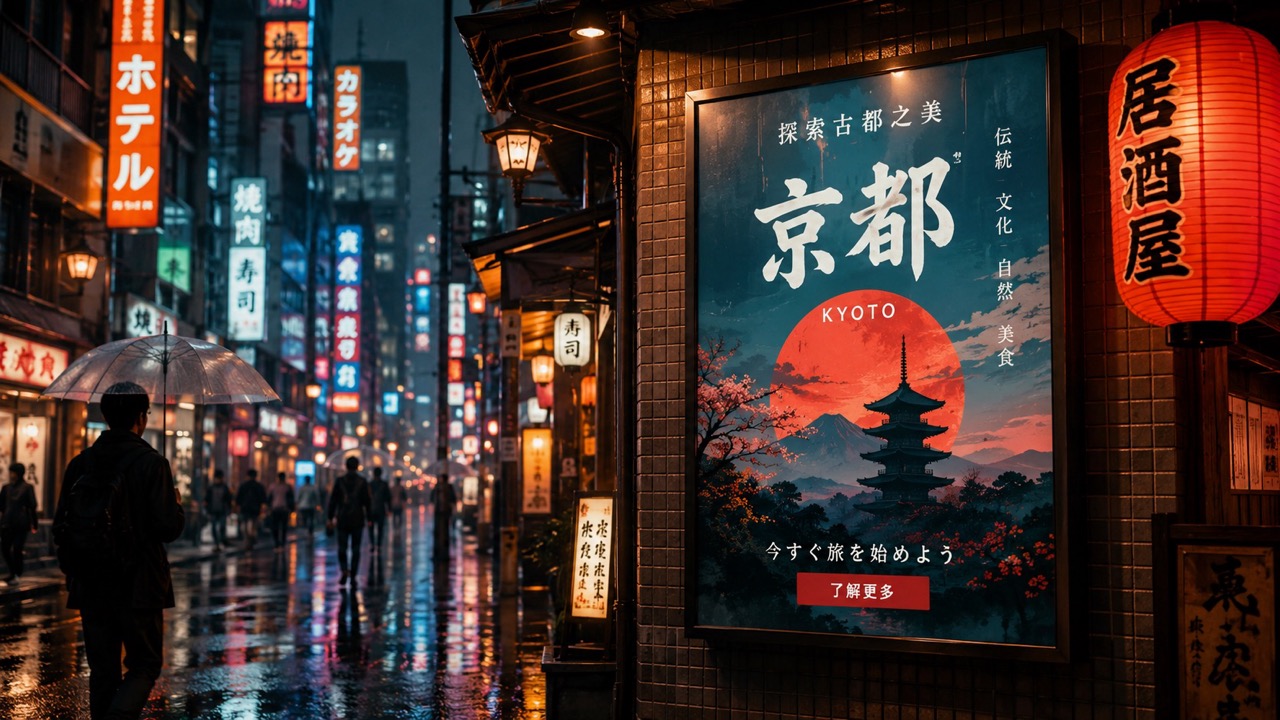
Move Between Realistic, Graphic, and Experimental Styles
Creative work rarely belongs to one visual category. FLUX 3 Image can produce a broad range of styles, helping users move from candid photography and polished product imagery to illustration, animation-inspired art, graphic layouts, and more experimental concepts. Style range matters because the same campaign idea may need different treatments for a landing page, social post, pitch deck, or moodboard. Describe materials, lighting, visual era, camera language, color behavior, and finish instead of relying on a single style label. The online workflow gives you room to compare directions before choosing one. Use it to discover which visual treatment best supports the message rather than selecting a style only because it looks impressive.
Best Uses for FLUX 3 Image
FLUX 3 Image works well when a project depends on relationships, context, references, or readable wording rather than a simple decorative image. Use it to explore ideas, communicate visual direction, and refine concepts before final production. It is especially valuable during planning, when several creative directions need to be compared quickly and explained clearly to clients, teammates, or decision makers.

Campaign Concept Development
Use FLUX 3 Image to turn a campaign brief into visual directions before production begins. Compare settings, subjects, props, and art treatments while keeping the message consistent. FLUX 3 Image free online is useful for finding a direction that stakeholders can discuss with concrete examples.

Product Storytelling
Place products inside contextual scenes that communicate use, mood, or audience. FLUX 3 Image can interpret detailed relationships between the product, environment, lighting, and supporting objects. Try free FLUX 3 Image for launch concepts, seasonal scenes, and early advertising compositions.

Posters and Social Graphics
Build graphic concepts that combine imagery with visible headlines or multilingual wording. FLUX 3 Image helps creators explore how text and image can share one composition. FLUX 3 Image free online supports quick poster drafts, event announcements, promotional cards, and social campaign ideas.

Reference-Guided Variations
Start from an existing character, product, photo, or composition and request a new context or controlled change. FLUX 3 Image can use reference information to keep key visual traits grounded. The free workflow is useful when words alone cannot communicate the intended appearance.

Editorial and Story Illustrations
Translate an article, scene, or narrative moment into a purposeful visual. FLUX 3 Image can handle multiple subjects and contextual details, making it suitable for editorial concepts, storyboards, educational imagery, and scene exploration without reducing every idea to a generic portrait.

Localized Visual Content
Test graphics that include accurate words in different languages. FLUX 3 Image supports multilingual text rendering, which helps with localized posters, regional campaign drafts, signs, labels, and presentation concepts. The online generator lets teams evaluate wording and visual balance together.
What Creators Say About FLUX 3 Image
Creators use FLUX 3 Image to clarify visual ideas, test text-rich graphics, guide edits with references, and compare styles before moving into final production. Their feedback highlights a shared benefit: stronger early drafts make creative reviews more specific, reduce vague discussion, and help teams decide what should be refined next.
I used FLUX 3 Image for an early product campaign and found it much easier to describe the full scene instead of generating every element separately. The first drafts gave our team something concrete to discuss. The free online workflow was especially helpful for comparing two visual directions before we selected one for production.
My work involves posters with short headlines, so readable text matters as much as the illustration. FLUX 3 Image gave me stronger starting concepts and made multilingual variations easier to visualize. I tried free FLUX 3 Image for several event layouts and quickly learned how exact placement instructions improved the results.
Reference images are essential when I prepare product stories for clients. FLUX 3 Image helped me keep the visual direction grounded while changing the setting and mood. The free online workflow made early exploration feel less wasteful because I could test the edit idea before sending a detailed production brief.
I often need one editorial idea shown in several styles. FLUX 3 Image let me move from a realistic scene to a graphic illustration without losing the narrative focus. The free workflow was a useful way to compare approaches, and the detailed prompt handling made my review process more organized.



Frequently Asked Questions About FLUX 3 Image
Find concise answers about prompts, references, image editing, typography, and current access. Use them to prepare better inputs and understand where reference-guided generation, visible wording, and targeted revisions fit into a practical visual workflow.
FLUX 3 Image is an image synthesis and editing model built within a multimodal system trained across images, video, and audio. It supports text prompts and visual references.
Describe the subject, action, environment, composition, lighting, style, and exact text. State important relationships directly instead of listing disconnected keywords.
Yes. Reference images can guide synthesis or editing by communicating appearance, structure, composition, or other visual information that is difficult to express with text alone.
It is designed to generate more accurate visible text across multiple languages, making it useful for poster concepts, signs, title graphics, and localized campaign drafts.
Use reference input and clearly explain what should change and what should remain recognizable. Focused instructions usually make revisions easier to evaluate.
Availability may depend on the current rollout and platform access. Image capabilities were announced for early access before broader API and private-weight availability.
Start Creating with FLUX 3 Image
Turn detailed prompts and visual references into clearer creative directions. Explore FLUX 3 Image free online for campaign concepts, text-rich graphics, product scenes, editorial visuals, and focused image edits. Start with free FLUX 3 Image and refine each result through precise, practical instructions. Build one strong draft, review the details that matter, and improve the next version with a clear instruction instead of restarting from an unrelated prompt.
