
More AI Image Generators
Explore our collection of specialized AI image generators designed for different creative needs and styles










Change PNG Color Instantly with AI PNG Color Changer
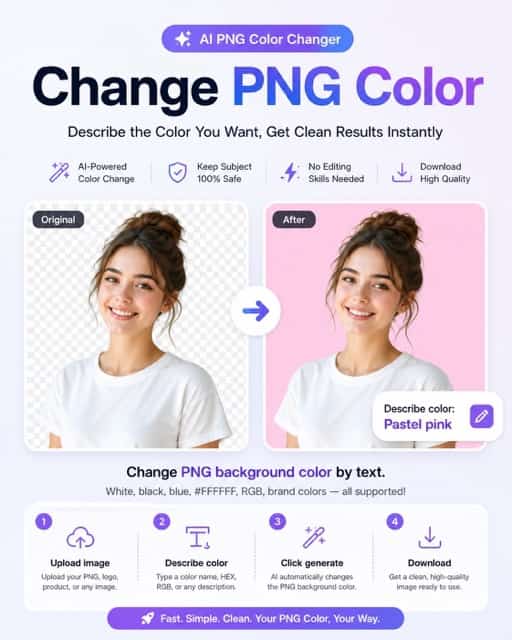
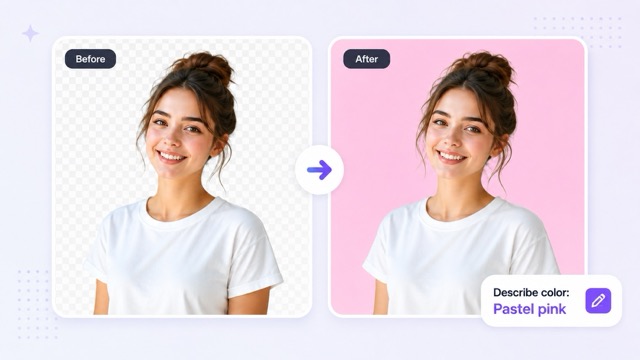
Change PNG background color by describing the color you want. Preserve your main subject perfectly.
Looking to change png color online free? Our advanced ai png color changer makes it simple and fast. Just upload your image, describe your desired color, and let our tool change png background color instantly. Whether you want to change png background to white, black, or a custom hex color png background, our png background color changer handles it all. Change PNG Background Color by Describing the Color You Want while ensuring clean subject preservation. Preserve the Main Subject, Logo, Product, and Image Details Naturally without distortion. No Editing Skills Required for Clean PNG Color Results. Get Download-Ready Images for Branding, Profiles, Products, and Social Media when you change png color with us.
How to use our png color changer tool
Learn how to change png color in four easy steps. Our png background color changer is designed to quickly change png background color for any image type.

Upload image
Start your process to change png color by uploading your PNG, logo, or product photo. Our ai png color changer instantly recognizes the main foreground subject.

Describe color
Enter your desired shade into the png color changer. You can describe the color with text, or use HEX/RGB values to change png background color accurately.

Click generate
Let the png background color changer process the image. The AI will change background color of png while perfectly preserving the main subject and edges.

Download
Save your clean image. You can now download your high-quality result after you change png color online, perfect for sharing on social media or branding.
Best AI Image Tools for Creative Projects
Explore creative tools for image, learn tips and tricks, and see how AI can be your assistant in turning concepts into finished projects.




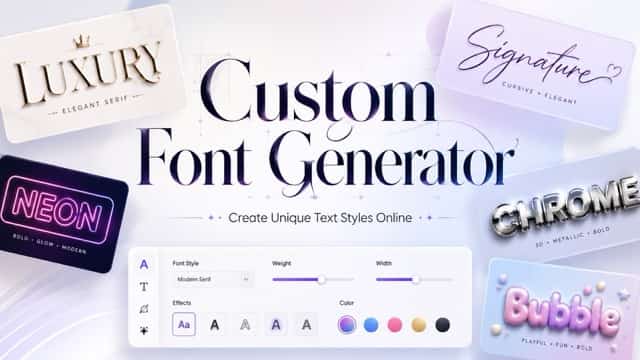


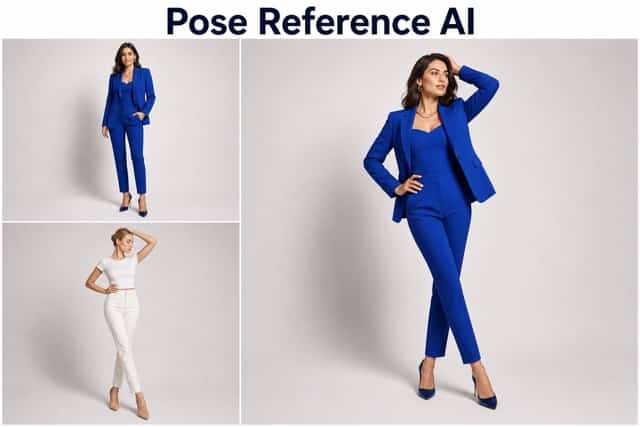

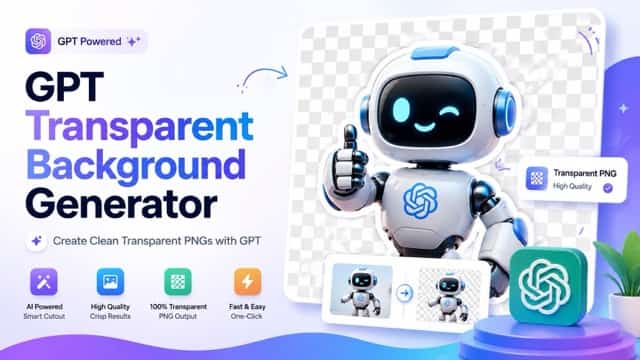




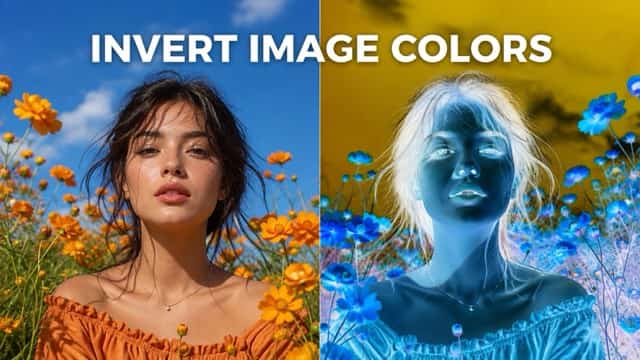





Core Features of our ai png color changer
Discover why our png background color changer is the best tool to change png color online. Explore the powerful features that make it easy to change png background color instantly.
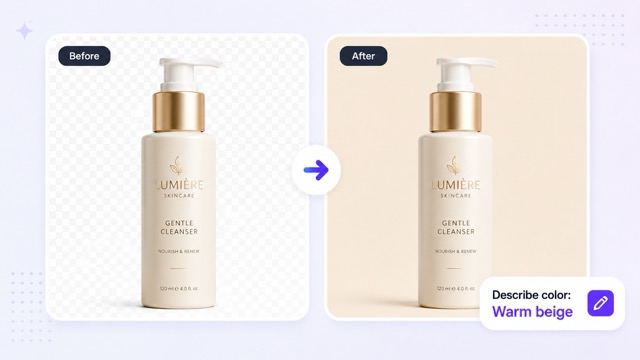
Text-Based PNG Color Change
With our png color editor online, you can change png color by text effortlessly. Users don't need to manually select areas; simply describe png background color you want—such as light blue, pastel pink, or dark green—and the AI will change png background color online instantly. It is the smartest way to change image background color by prompt and get immediate results when you change png color.
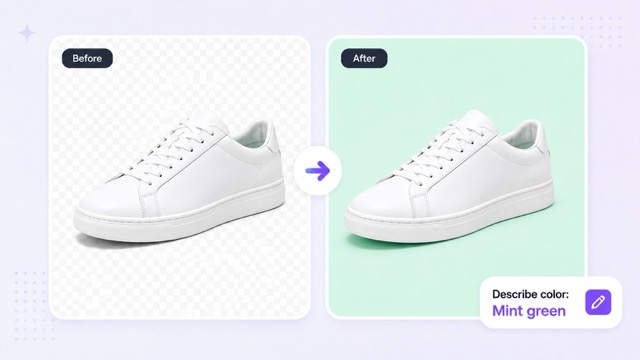
Clean Subject Preservation
When you use our tool to change png color, we guarantee clean subject preservation. Whether you change logo png background color or change product png background color, our png background color changer online ensures the AI keeps the main subject, object, face, clothing, and edges perfectly intact. You can confidently change png background color without worrying about blurry edges or lost details.
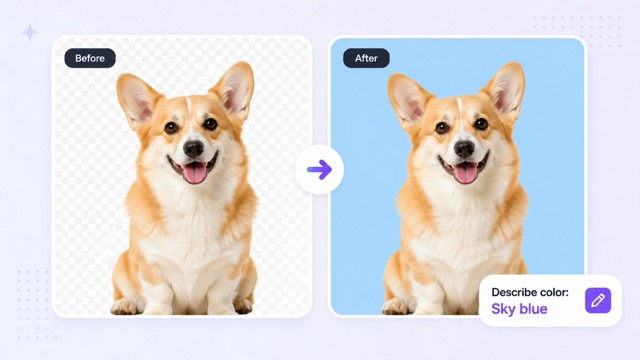
HEX and RGB Color Support
Ensure absolute brand consistency with our precise png color changer. Our tool allows you to input exact hex color png background codes or rgb color png background values. This feature makes it the perfect png background color changer to build professional marketing assets. You can easily apply a custom png background color to exactly match your brand guidelines when you change png color.
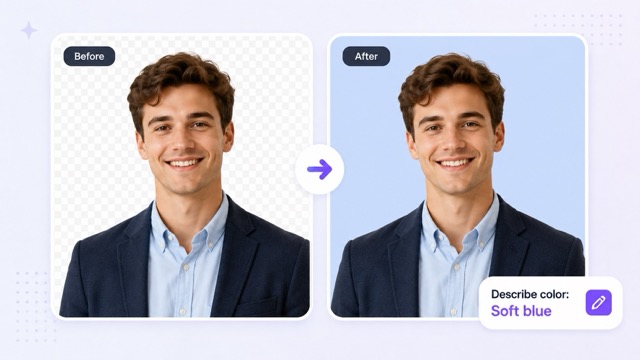
Useful for Many Image Types
Our versatile ai png color changer handles a wide variety of images. You can seamlessly change profile picture background color, change png color for social media, and change png color for product photos. Whether you need to change png background to transparent color, change png background to white, or change png background to black, our tool is ready. It is the ultimate solution to change png color for any creative need.
Fast Results Without Manual Editing
Achieve stunning visual upgrades without complex software. You can change png color without photoshop and change png background without editing skills. Our png color changer automates the entire process, providing rapid, clean output. It is the fastest way to change png color with ai, giving you download-ready files in seconds after you decide to change png background color.
Why Choose Our png color changer?
Discover the top reasons users prefer our png background color changer. From saving time to maintaining brand consistency, see why you should use our tool to change png color today.

Skip Manual Cutouts with AI
Why struggle with complicated selection tools? Our png color changer automates the background replacement process. If you want to change png background to white or any other shade, simply type it. Our change png color tool eliminates the need for manual background editing, saving you hours of frustrating work.

Maintain Perfect Brand Consistency
Brands require exact colors. Our png background color changer supports HEX and RGB inputs perfectly. You can seamlessly change png color for branding and ensure your logo or product matches your marketing guidelines. It is the easiest way to change png background color while staying strictly on-brand.

Optimize Ecommerce Product Photos
Online sellers need clean, uniform visuals to increase sales. Use our tool to change png color for product photos. Describe the color to change product png background color, and the AI will preserve lighting, textures, and product shapes perfectly while executing the change png color command.
Enhance Social Media and Profiles
Need a fresh look for your personal or brand accounts? Use our ai png color changer to change profile picture background color or change png color for social media. It is the absolute easiest way to change png color and make your personal content pop without needing any design experience.
What users say about our png color changer
Read how professionals from various industries use our png background color changer to change png color effortlessly.
This png color changer saved my business hours! I use it to change product png background color daily. It executes the change png color command perfectly without affecting my product edges.
As a designer, I need precise HEX support. This png background color changer is amazing. I can change logo png background color instantly. It is the best tool to change png color online free.
I frequently change png background color online for client portraits. The clean subject preservation is flawless. Great ai png color changer to change png color without photoshop!
I use this to change background color of png images for my class slides. I can change png background to white simply by typing. It makes it so easy to change png color.
I change png color for branding materials all the time. The png color editor online is so fast. I can change image background color by prompt. Fantastic png background color changer!





Frequently Asked Questions about our png color changer
Find answers to the most common questions on how to change png color and use our png background color changer effectively.
To change png color means to replace the background of your PNG image with a new solid color or transparency using AI. It only affects the background, keeping the main foreground subject completely unchanged.
You can use our png color changer to change png background color online. Just upload your image, describe the new color, click generate, and download your updated image.
Yes, our png background color changer lets you describe the color in natural language. You can type descriptions like 'pastel pink' or 'dark green' to change png color by text easily.
Absolutely. You can input exact hex color png background codes or rgb color png background values into our ai png color changer. This ensures brand-consistent results when you change png color.
No, our tool to change png color uses advanced AI to perfectly preserve the main subject. Your logo, face, clothing, and product shape will remain completely unchanged.
You can use this png background color changer for a variety of images. It works perfectly for logos, product photos, profile pictures, ID-style photos, and social media graphics.
Yes, you can confidently change product png background color, change logo png background color, and change profile picture background color. It is highly optimized for all these platforms.
Yes, after you change png background color, you can download clean, high-resolution results. The download-ready images are perfect for branding, products, and social media.
Start now and change PNG color in seconds
Upload your image, describe the color, and download a clean result today. Our ai png color changer allows you to change png color fast while preserving your main subject completely. Experience the best png color changer and png background color changer right now!
