



More AI Image Generators
Explore our collection of specialized AI image generators designed for different creative needs and styles


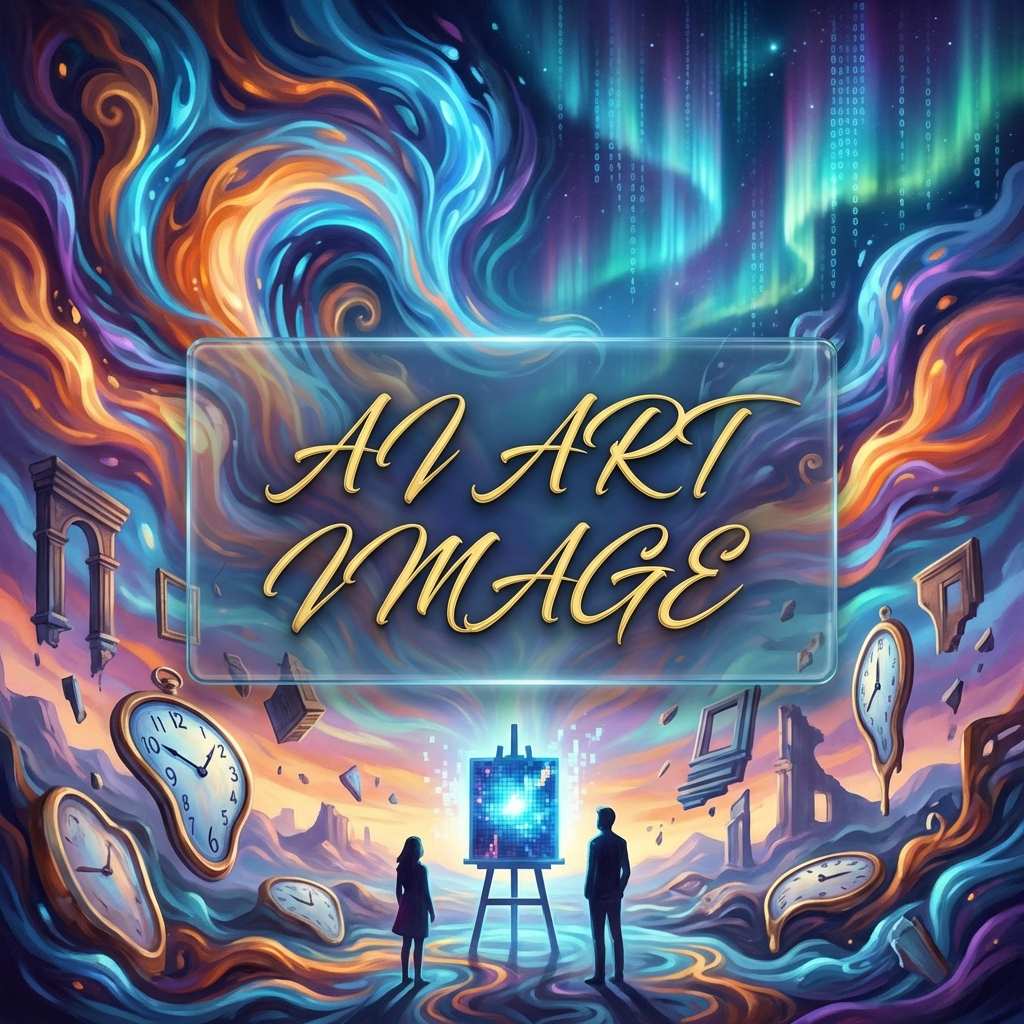

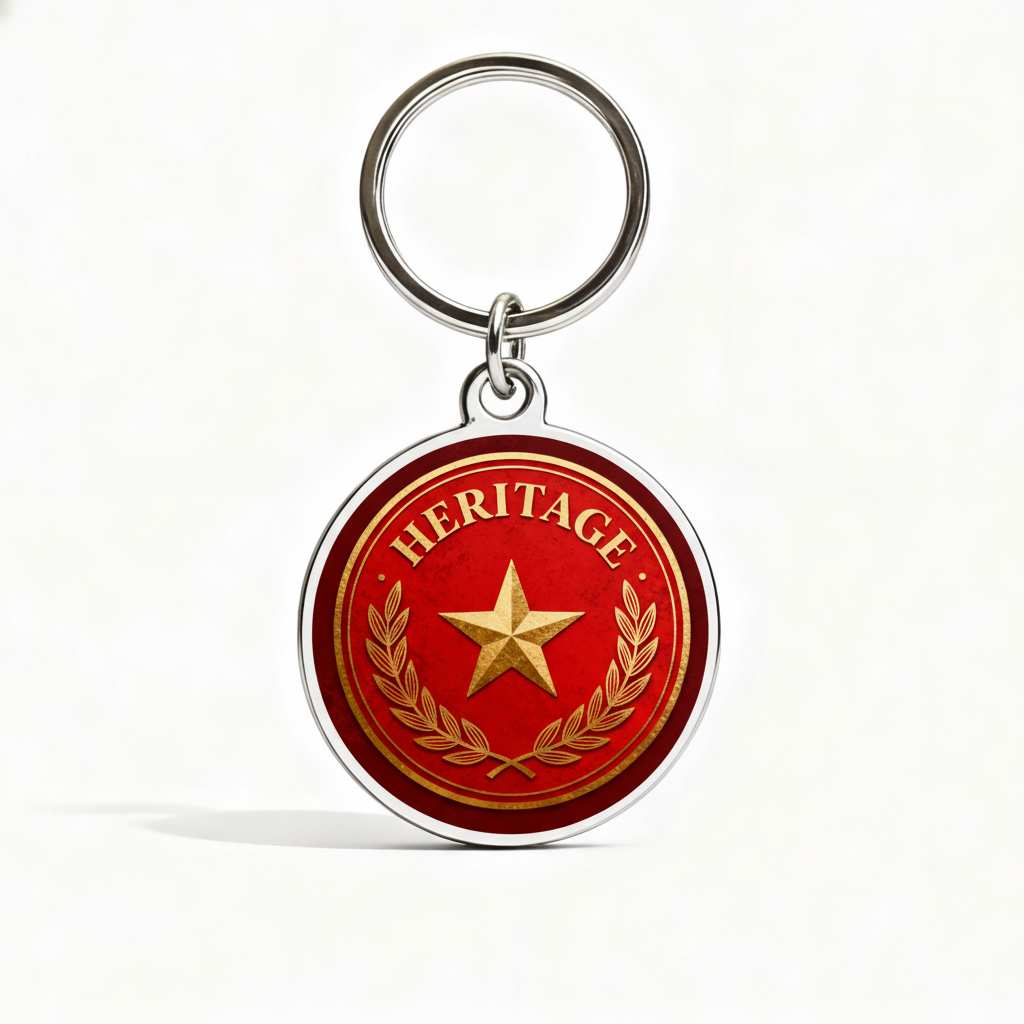

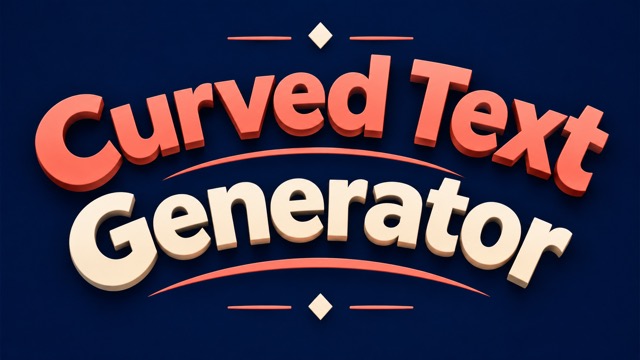
Curved Text Generator For Arched Lettering
Give Your Words A Shape Worth Looking At
Turn a short phrase into an arched headline, a circular badge concept, or a playful curved wordmark. Curved Text Generator lets you describe the wording, curve, lettering style, and background in one prompt. Start from text or upload a reference image to guide the design. Explore a bold retro arch for a poster or a softer curve for an invitation, then choose the image that fits your project.
How To Use Curved Text Generator
Start with the exact words you want people to read. Then describe their shape and visual style, generate your image, and check the lettering before putting it into your design.
Describe Your Text And Curve
Enter your exact wording, then describe an upward arch, a downward curve, or a circular arrangement. Add the lettering style, colors, and background you want. For an existing visual direction, upload a reference image and explain which details should guide the result.

Generate Your Lettering Image
Choose the available image settings and generate your design. Keep the first prompt focused on one phrase and one curve direction. Review the result for readable letters, balanced spacing, and a shape that leaves enough room around the words for your layout.
Review And Download Your Design
Check every letter, punctuation mark, and word before downloading the image. If the arc feels crowded, shorten the phrase or ask for a wider curve in another generation. Keep the version that remains legible at the size your audience will actually see.
Best AI Image Tools for Creative Projects
Explore creative tools for image, learn tips and tricks, and see how AI can be your assistant in turning concepts into finished projects.

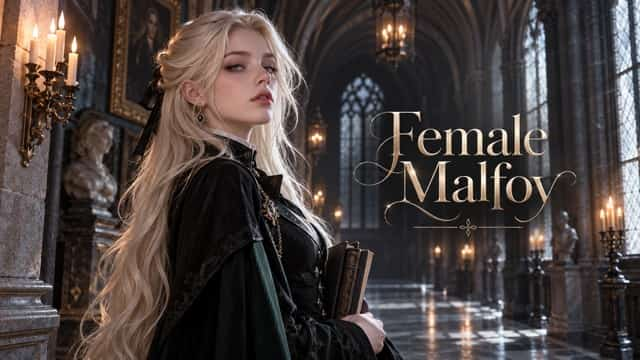
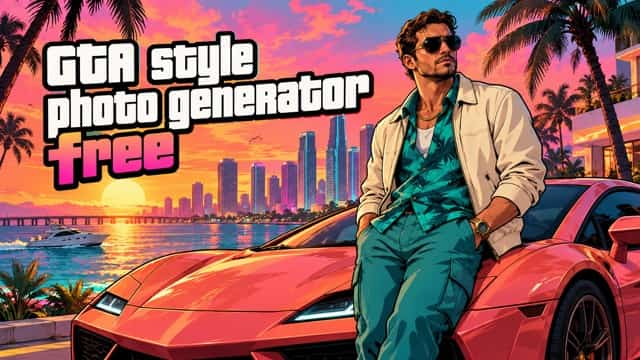
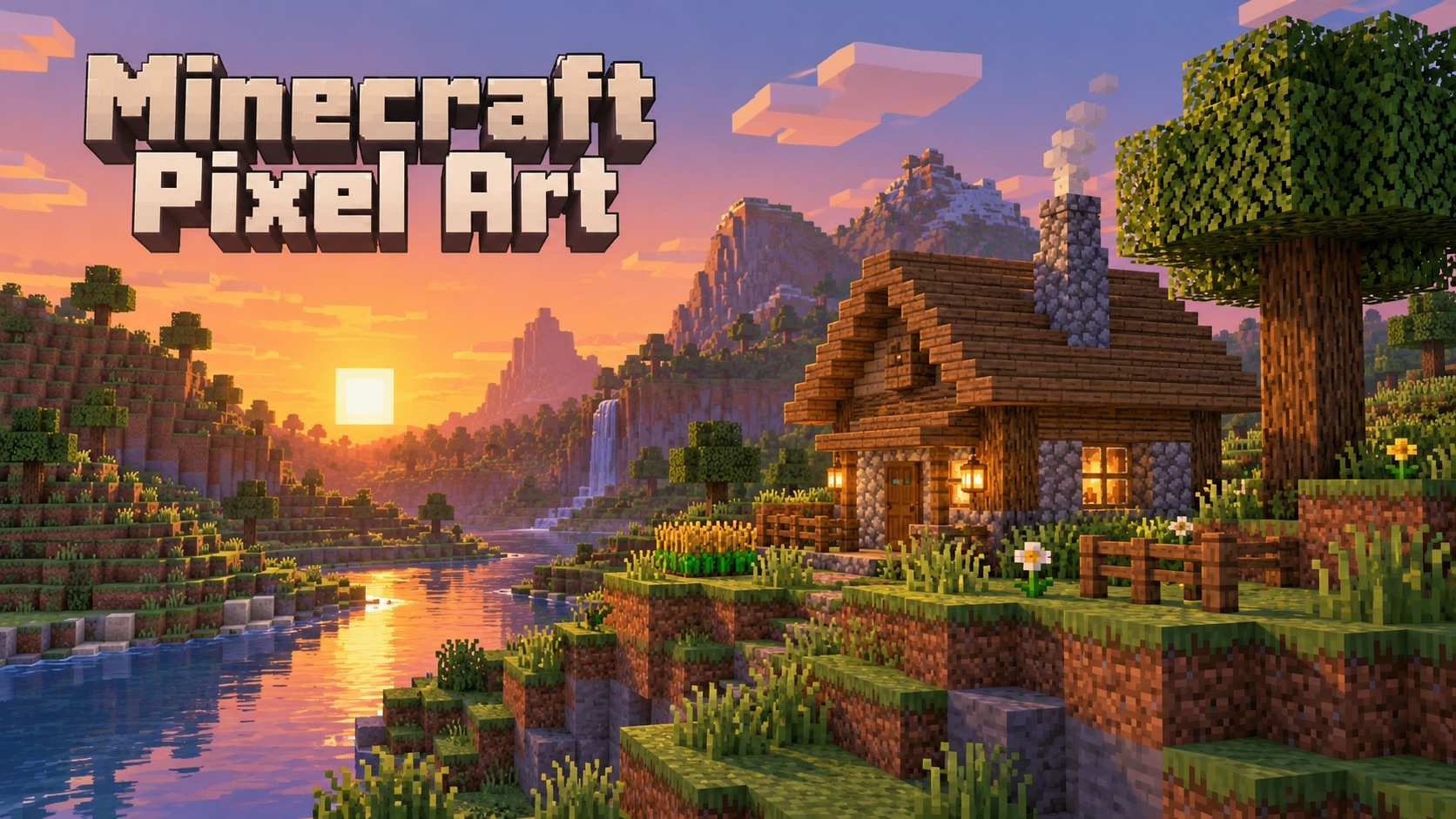
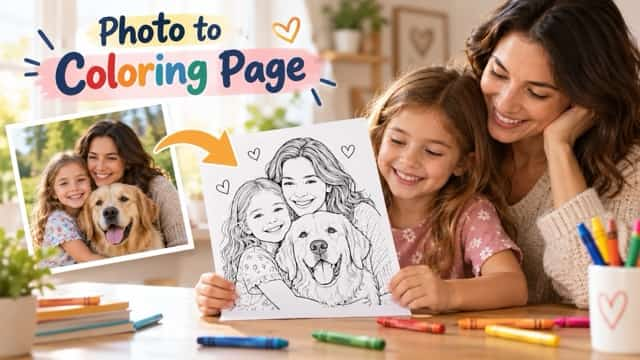



Shape The Words Around Your Idea
A curve changes how a phrase sits in a composition. Use Curved Text Generator to explore the relationship between lettering, empty space, and the image or message you want to frame.
Build A Clear Arched Headline
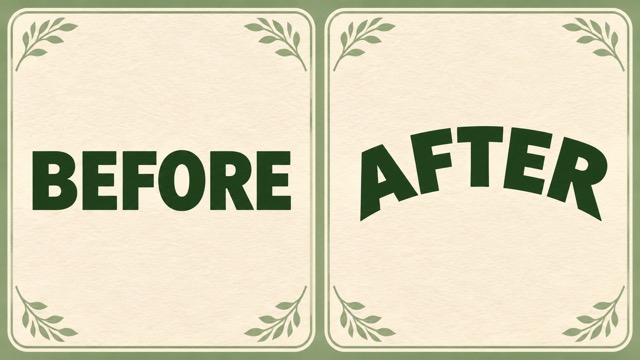
An upward arch can make a short title feel like the top of a badge, a vintage shop sign, or a friendly greeting. Describe the exact phrase and ask for a gentle or pronounced arch, with enough space between letters to keep it readable. Curved Text Generator gives you a way to explore that composition through an image prompt, so you can compare the overall visual direction before developing a final layout.
Explore Circular Badge Concepts
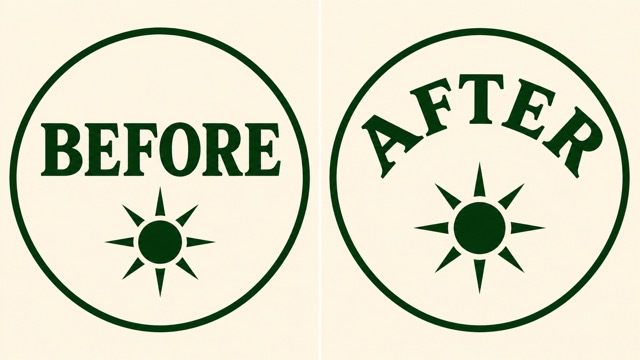
Wrap a short name or slogan around a central motif to explore a round badge design. Specify which words belong above the center and which belong below it, then describe the space you want between the lettering and the illustration. A simple palette and a restrained center often make the concept easier to judge. Review the reading direction along the lower arc, especially when the wording needs to stay upright.
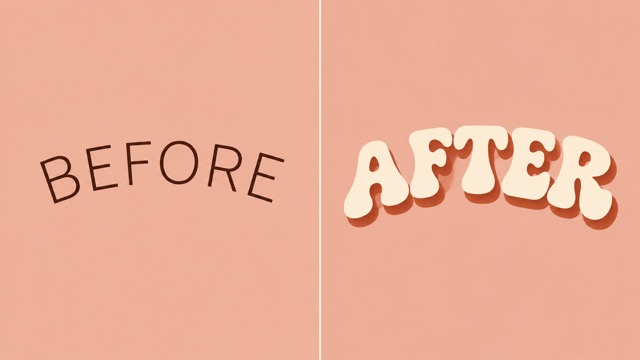
Match The Lettering To The Mood
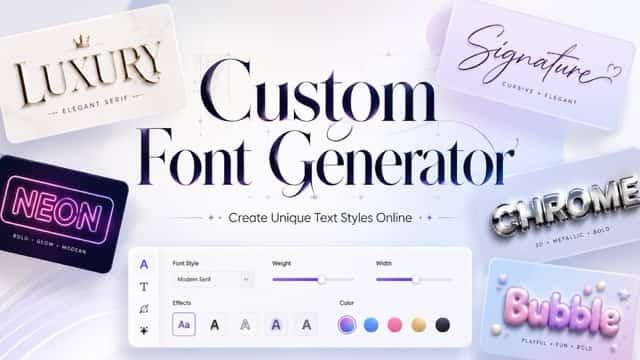
The same curve can feel cheerful, formal, sporty, or nostalgic depending on the letterforms. Ask for thick rounded lettering for a playful poster, a restrained serif for an invitation, or bold vintage lettering for a club badge concept. Describe the appearance you want rather than relying only on a font name. Use Curved Text Generator to explore color and texture alongside the curve while keeping the phrase itself prominent.
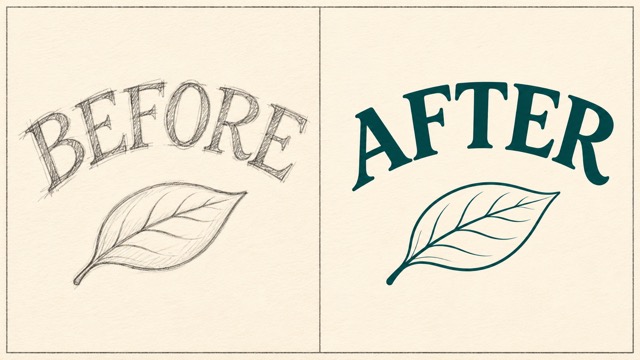
Use A Reference To Guide The Look
Upload a sketch, a previous design, or a visual reference when a written description alone leaves too much open. Explain what matters in the image, such as the arch direction, color palette, or position of a central motif. Then state the new wording clearly. This gives the generation a visual starting point while you direct the change. Inspect the result closely if your project depends on preserving a specific detail.
Where Curved Lettering Fits
Choose a shape that supports the message and its destination. These starting points show how Curved Text Generator can help you explore lettering concepts for personal projects, community events, and creative work.

Small Business Badge Concepts
For a neighborhood bakery, coffee stall, or craft shop, curve a short business name around a simple symbol to explore a welcoming badge. Compare a warm vintage direction with a cleaner modern treatment before committing to the look. The resulting image can help a designer understand your preferred composition when developing the final identity and production files.
Club And Event Graphics
Community organizers can place a club name above a central illustration and a brief event theme below it. An arched headline gives a meetup announcement or team celebration a distinct focal point. Use the concept in your planning process to compare the balance of words and artwork, then check small details before adapting it to the final event layout.
Social Posts And Cover Artwork
Content creators can use a curved phrase to frame a portrait, product idea, or illustrated subject in a social graphic. Keep the message short so it still reads on a phone. Explore an image with a bold outer arc and a simple center, then choose a crop that keeps the full phrase visible in the intended post format.

Invitations And Personal Gifts
For a birthday invitation, reunion card, or gift concept, an arched name can make the design feel personal without filling every corner. Describe a gentle curve, a favorite color combination, and a few supporting decorative details. Preview the lettering at the intended size, especially with longer names, and check spelling before sharing the image or preparing it for print.
Creative Directions For Your Next Project
These fictional evaluations illustrate how different creators might approach curved lettering. They are examples of design priorities, not verified customer testimonials.
I like a badge concept that makes the relationship between the name and central symbol obvious. A clear arch gives me a useful starting point for discussing the layout.
For our event graphics, the title needs to read before the decorative details. Keeping the phrase short and the curve open is the direction I would choose for a poster.
A curved heading can frame the subject without covering it. I would compare a few simple arrangements and keep the one that still feels readable on a small screen.
A gentle curve feels more appropriate for an invitation than a crowded ring of letters. I would start with the names, then build the supporting decoration around that shape.
Seeing a rounded wordmark beside a vintage arch would help me explain the mood I want. The most useful concept is one where the shop name remains the focus.
I would use a lettering image to discuss the badge direction with our members. Checking the small letters first makes it easier to spot issues before preparing production artwork.
Curved Text Generator Questions
Get clear on the input, the output, and the details worth checking. A focused prompt helps you explore a design direction while keeping the wording and intended use in view.
Curved Text Generator creates images of lettering from your description, with an optional reference image. You can request an arch, a circular arrangement, or another curved composition. The output is a generated image rather than an editable text object, so use it for visual designs and concepts that suit an image-based workflow.
Give the exact phrase first, then explain its shape and position. For example, request SUNRISE CLUB in a broad upward arch, with bold cream lettering on a dark green background and an empty center. Mention a gentle or stronger curve, and keep unrelated decoration out of your first attempt.
Yes. The image input lets you upload a reference and describe the curved lettering you want to create or change. Explain which visual details matter and provide the exact new words. If you need to preserve particular colors, symbols, or spacing, include those requirements and compare them with the generated result.
This page uses AI image generation controlled by your prompt. It does not provide a curve slider, individual letter handles, or editable font outlines. For exact radius measurements, editable SVG lettering, or production typography, use a dedicated layout editor to build or refine the final artwork after exploring your visual direction.
Use a short phrase, a clear lettering style, and strong contrast between the words and background. Ask for wider spacing or a gentler curve if the letters crowd together. Check spelling, punctuation, and the reading direction of circular text. For difficult words or longer phrases, simplify the layout and generate another version.
Review every character and view the image at the size you plan to use. Check the edges, empty margins, and contrast, especially for a small badge or social thumbnail. For printing, confirm the downloaded image dimensions against your printer's requirements and prepare any required production files in an appropriate design editor.
Give Your Next Phrase A New Shape
Start with a name, a greeting, or a short slogan. Tell Curved Text Generator how the words should curve, describe the colors and lettering style, and explore a design that fits your project. Review the letters, choose your favorite image, and build from there.