
Create Rich Visuals With AI Image Creation
Generate and edit detailed images from clear creative instructions
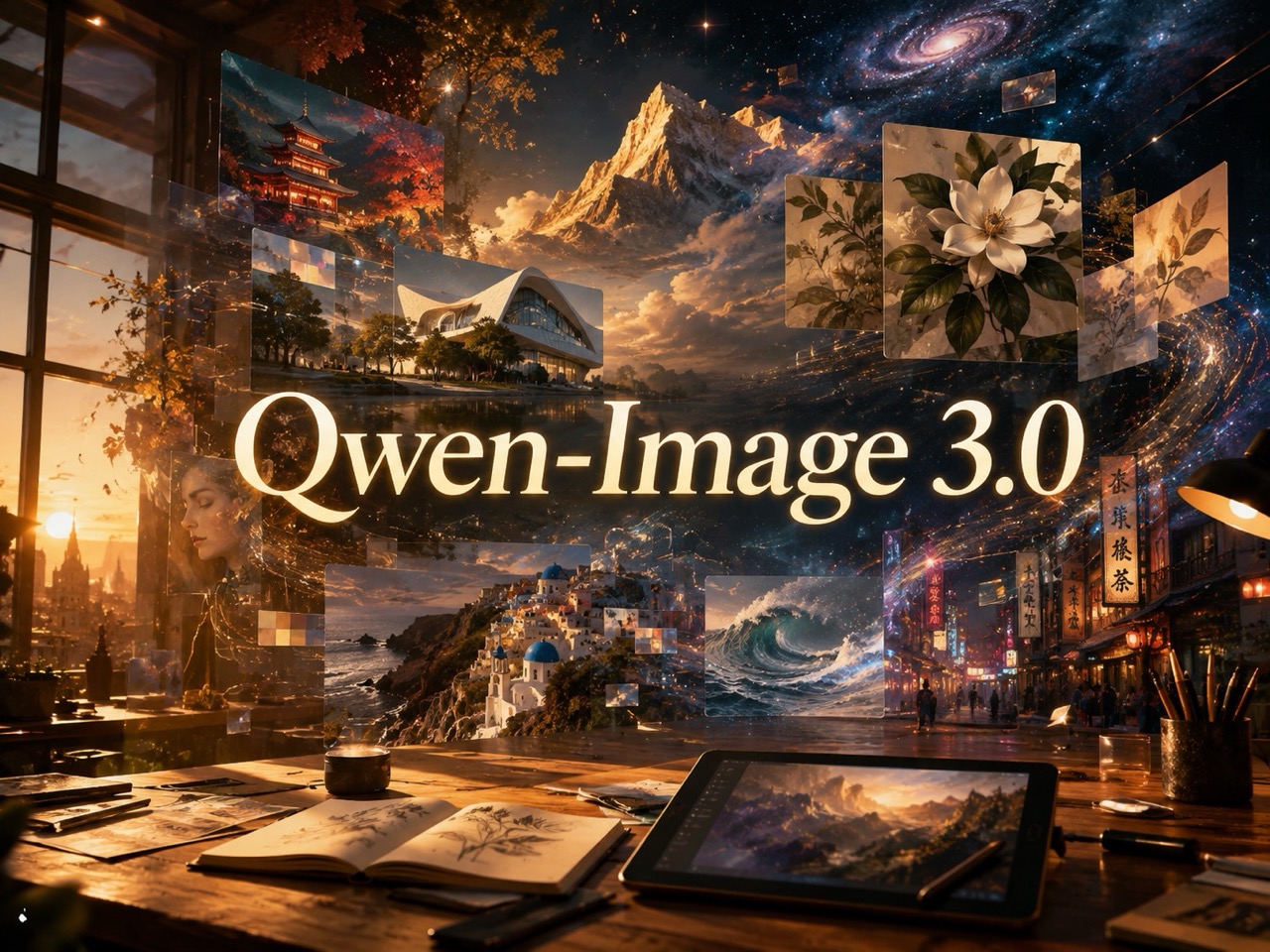
Qwen Image 3.0 turns prompts and reference images into polished visual content. Use this image model for posters, storyboards, product concepts, editorial layouts, and realistic scenes with readable text and stronger instruction control.



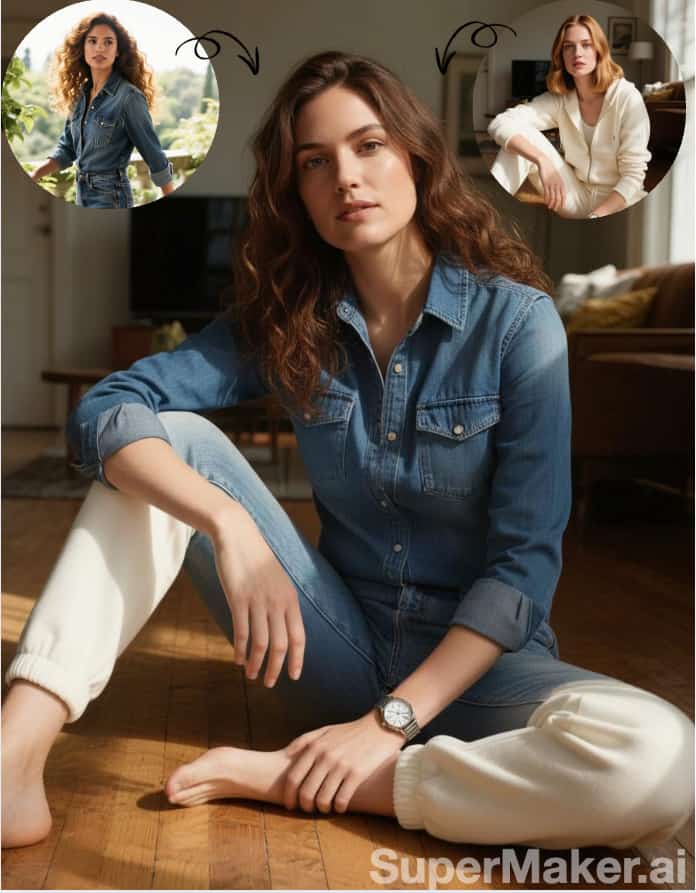
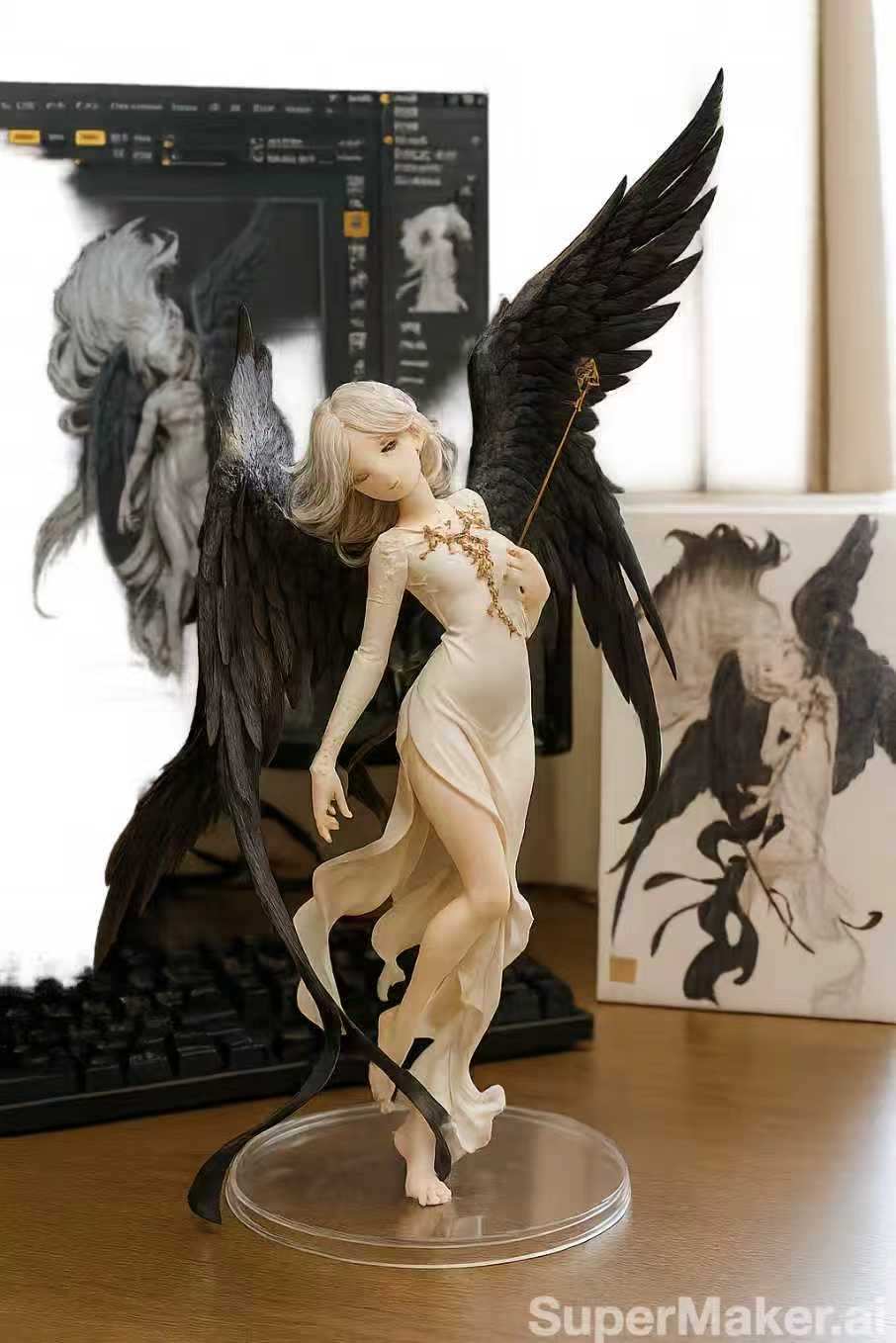
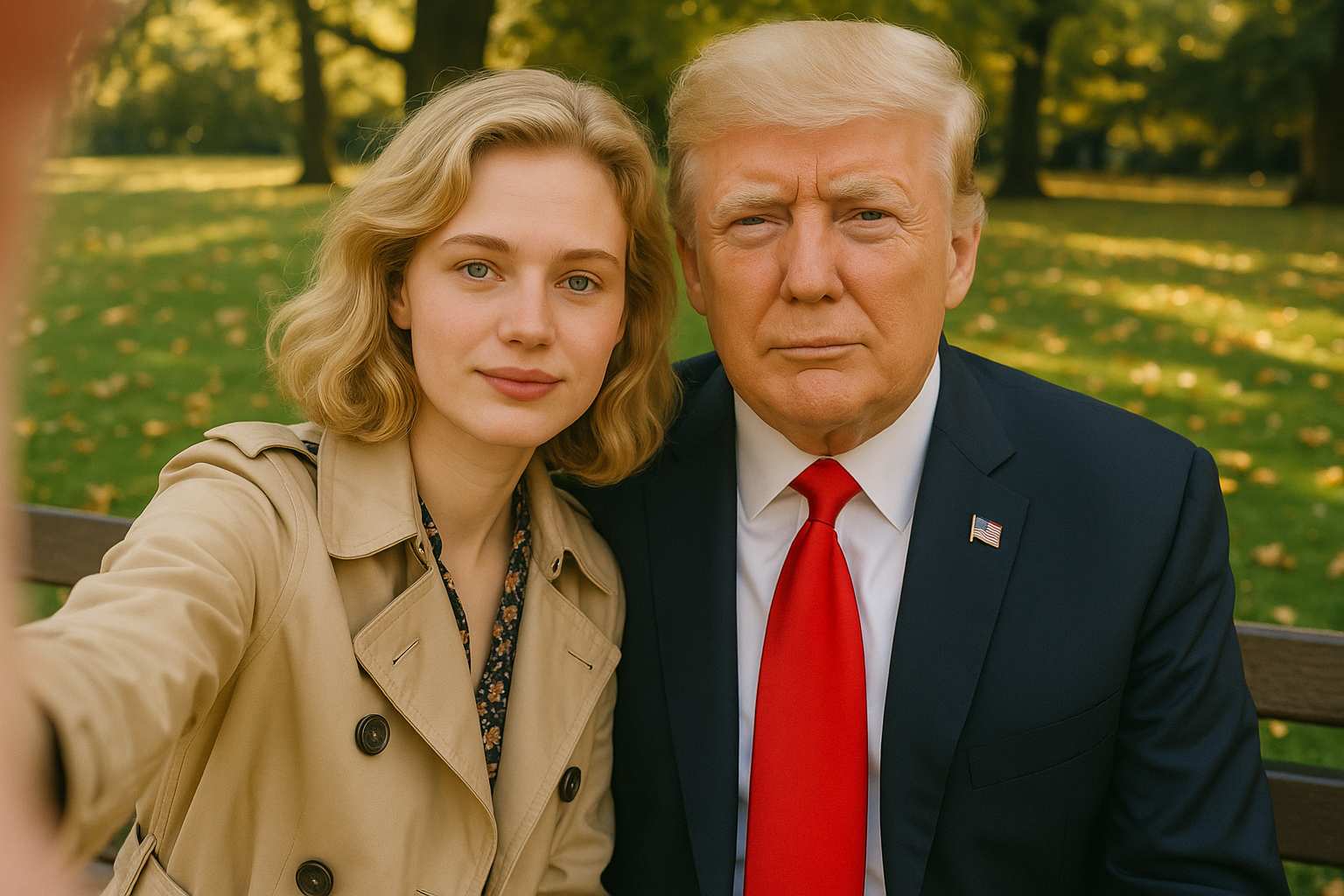
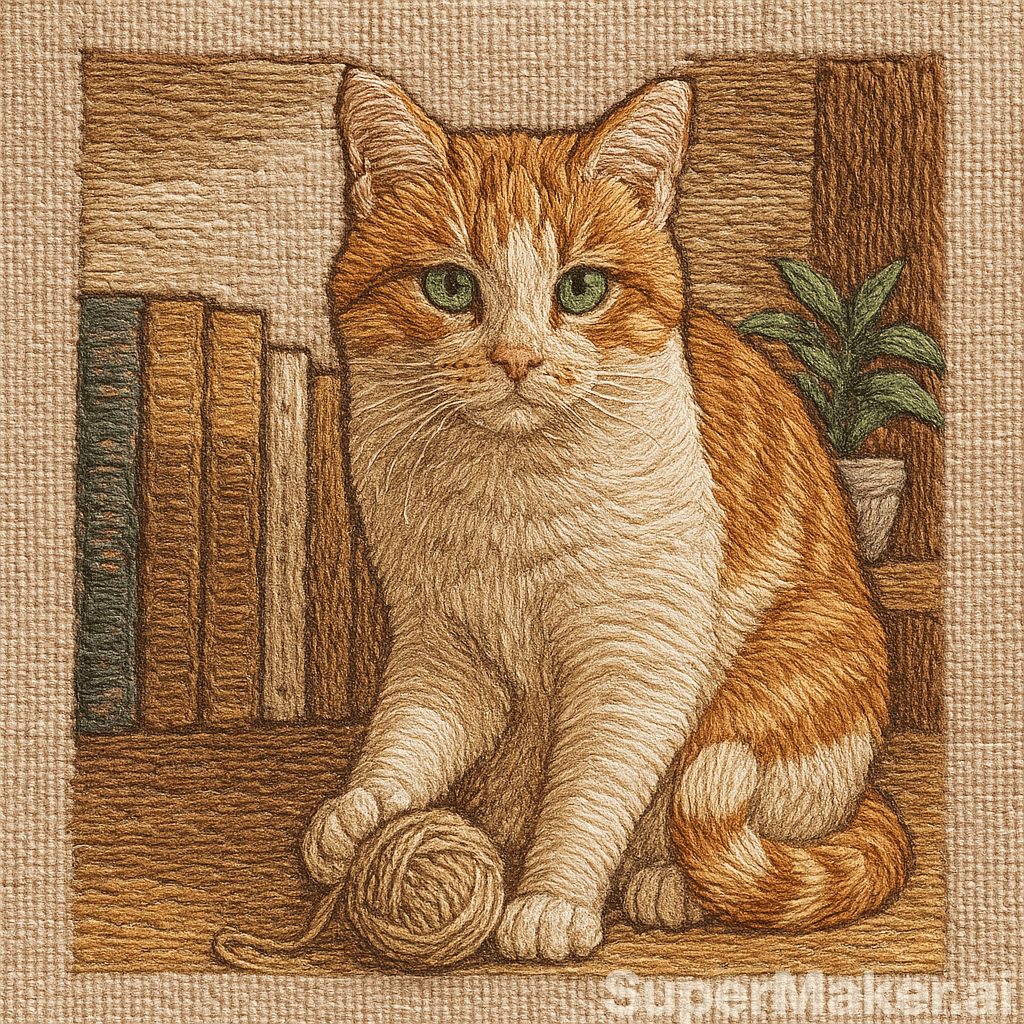



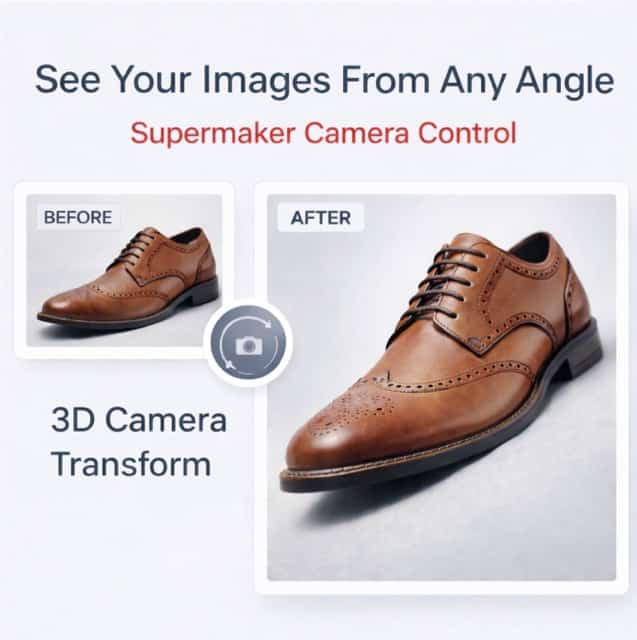
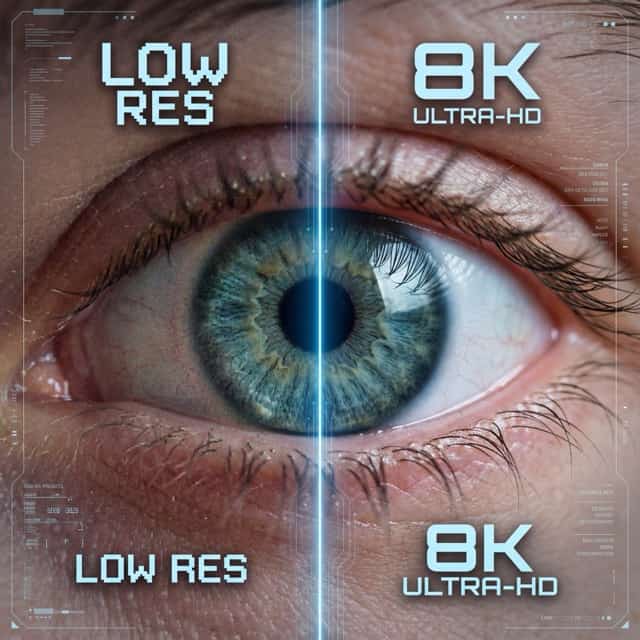
More AI Image Generators
Explore our collection of specialized AI image generators designed for different creative needs and styles

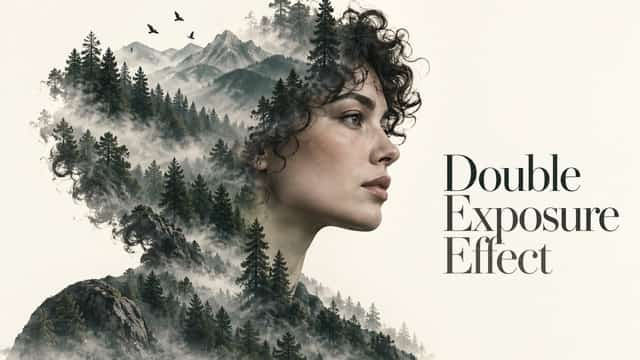
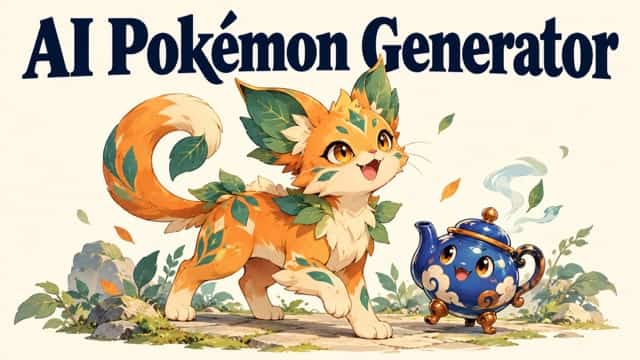










Turn Detailed Ideas Into Clear, Usable Images
Create visual content from text, or refine one to three reference images with focused editing instructions.
This online image model helps creators move from long instructions to structured visuals without separating generation and editing. Qwen Image 3.0 supports marketing concepts, editorial graphics, product scenes, educational visuals, and image revisions in one practical workflow.
How to Use Qwen Image 3.0 Online
Qwen-Image-3.0 combines prompt-based generation and reference-guided editing in a short workflow. Start with a clear goal, provide only the references that matter, then refine the output with specific instructions.

Describe the Image
Write what should appear, including subject, setting, composition, visible text, visual style, lighting, and mood. The model responds best when the prompt clearly separates essential content from optional details.

Add Reference Images When Needed
Upload one to three images when you want to preserve a face, object, layout idea, or visual direction. The image model can use those references together with editing instructions.

Generate and Review
Run Qwen Image 3.0 Generator Online and inspect the subject, layout, text, and small visual details. Compare the result with your original brief before making another version.

Refine the Result
Adjust only what needs improvement. Ask Qwen Image 3.0 AI Image Generator Online to replace text, change an object, revise the background, refine styling, or rebuild the composition while keeping useful elements.
Best AI Image Tools for Creative Projects
Explore creative tools for image, learn tips and tricks, and see how AI can be your assistant in turning concepts into finished projects.























What Makes Qwen Image 3.0 Generator Different
Qwen-Image-3.0 is built around useful creative problems: dense layouts, readable text, reference-guided editing, detailed scenes, and stronger adherence to long instructions. These strengths make the workflow relevant beyond simple decorative image generation.

Build Complex Visual Layouts From One Detailed Brief
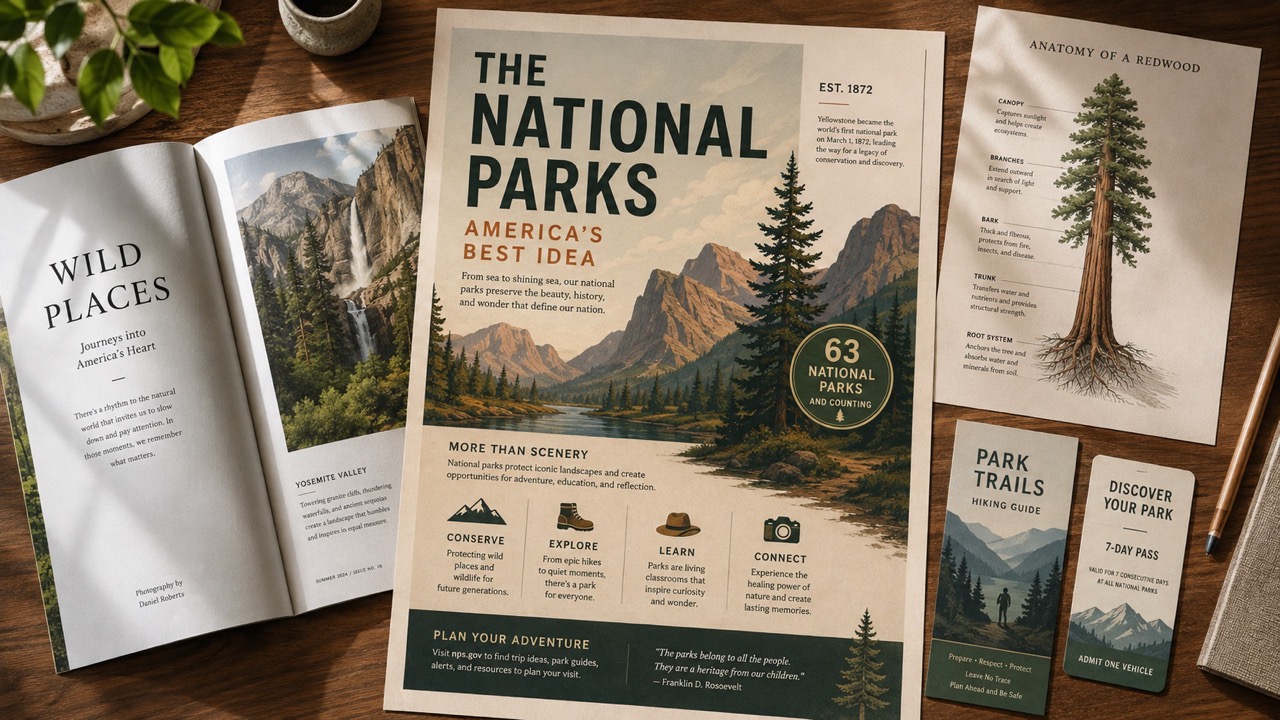
Qwen Image 3.0 is designed for prompts that describe more than a single subject. It can organize headlines, supporting copy, illustrations, panels, labels, and background elements into one coherent visual. That makes the model useful for menus, newspapers, exam sheets, storyboards, campaign boards, and information-heavy posters. Instead of generating separate pieces and assembling them manually, creators can explain the hierarchy and relationships in one brief. Qwen Image 3.0 Generator helps turn that brief into a more complete first draft, while Qwen Image 3.0 Online keeps revision close to the generation step. This reduces early layout assembly work and gives designers a stronger visual reference for discussing hierarchy, balance, and content coverage before detailed production begins.

Place Readable Text Inside Designed Images
Visual content often fails when titles, labels, prices, or captions become distorted. This model focuses on text rendering inside images, including compact typography and multilingual content. The model can therefore support posters, menu cards, product callouts, educational diagrams, and social graphics where words are part of the design rather than an afterthought. Users can specify the exact copy, its role, and its placement. Qwen Image 3.0 Generator also makes it easier to revise a wording error without rebuilding the entire idea. Start with Qwen Image 3.0 Free Online when text accuracy is central to the concept. Clear typographic instructions remain important: provide exact spelling, identify the primary headline, separate secondary labels, and describe alignment so the visual hierarchy is easier to interpret.
Generate and Edit Within the Same Creative Direction
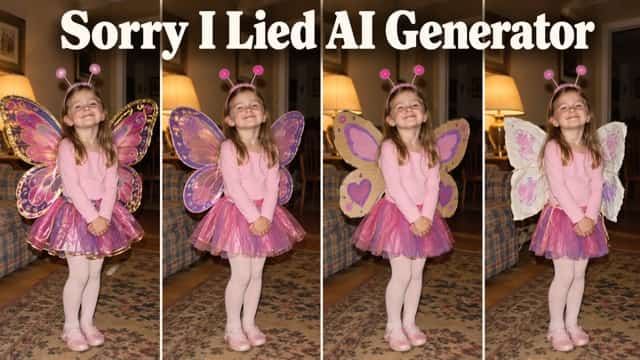
This model supports both text-to-image creation and image-to-image editing. Begin from a written concept, or upload one to three references when the result should follow an existing person, object, scene, or arrangement. The generator can modify selected elements while retaining useful visual context. This is valuable for changing clothing, replacing backgrounds, updating displayed text, adapting product scenes, or exploring variations from one source image. Qwen Image 3.0 Generator keeps ideation and refinement connected, so a promising draft does not need to be recreated elsewhere. Free Qwen Image 3.0 AI Image Generator provides a practical entry point for testing this combined workflow. A focused edit request works best when it names the element to preserve, the element to change, and the visual relationship that should remain consistent.

Create More Convincing Faces, Materials, and Scenes
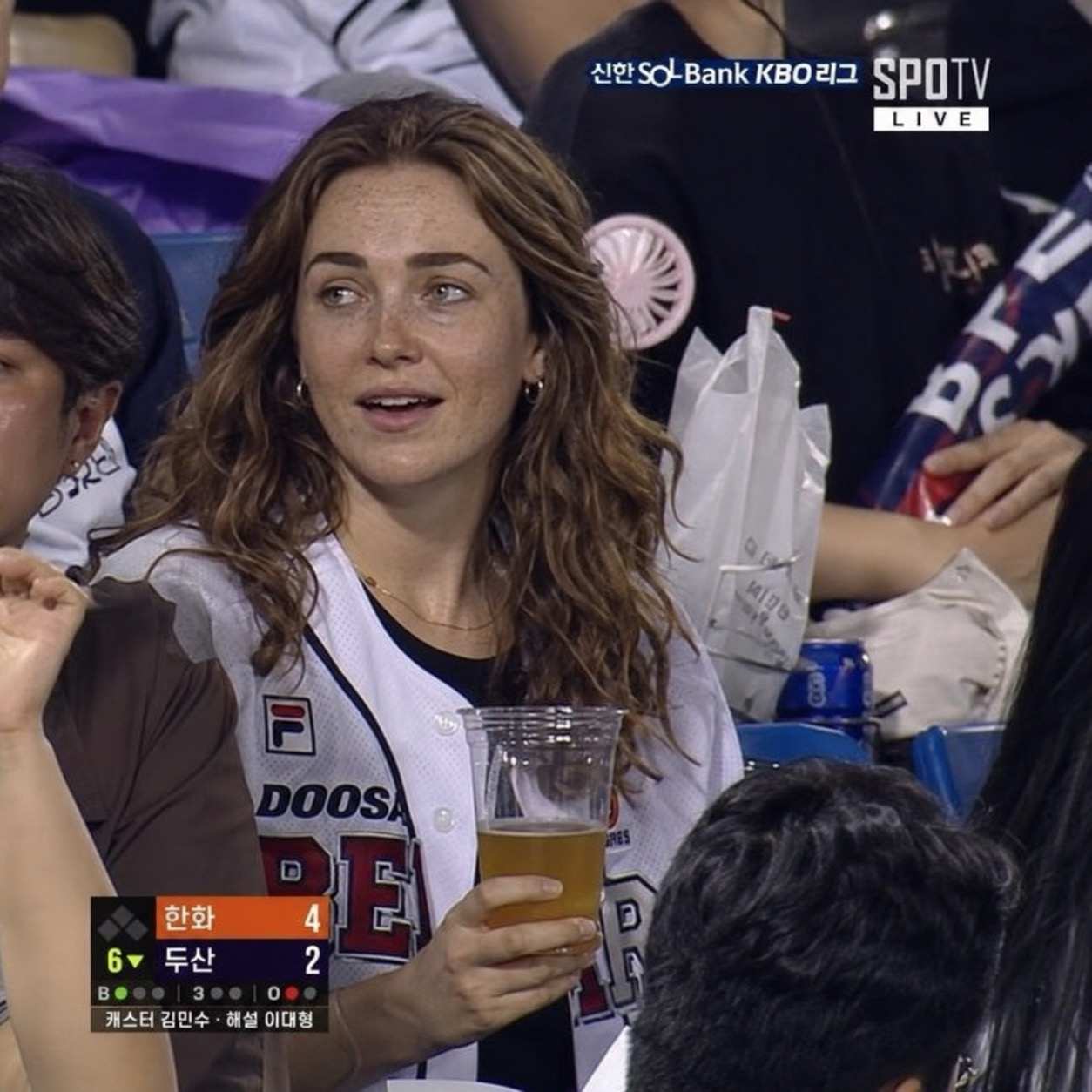
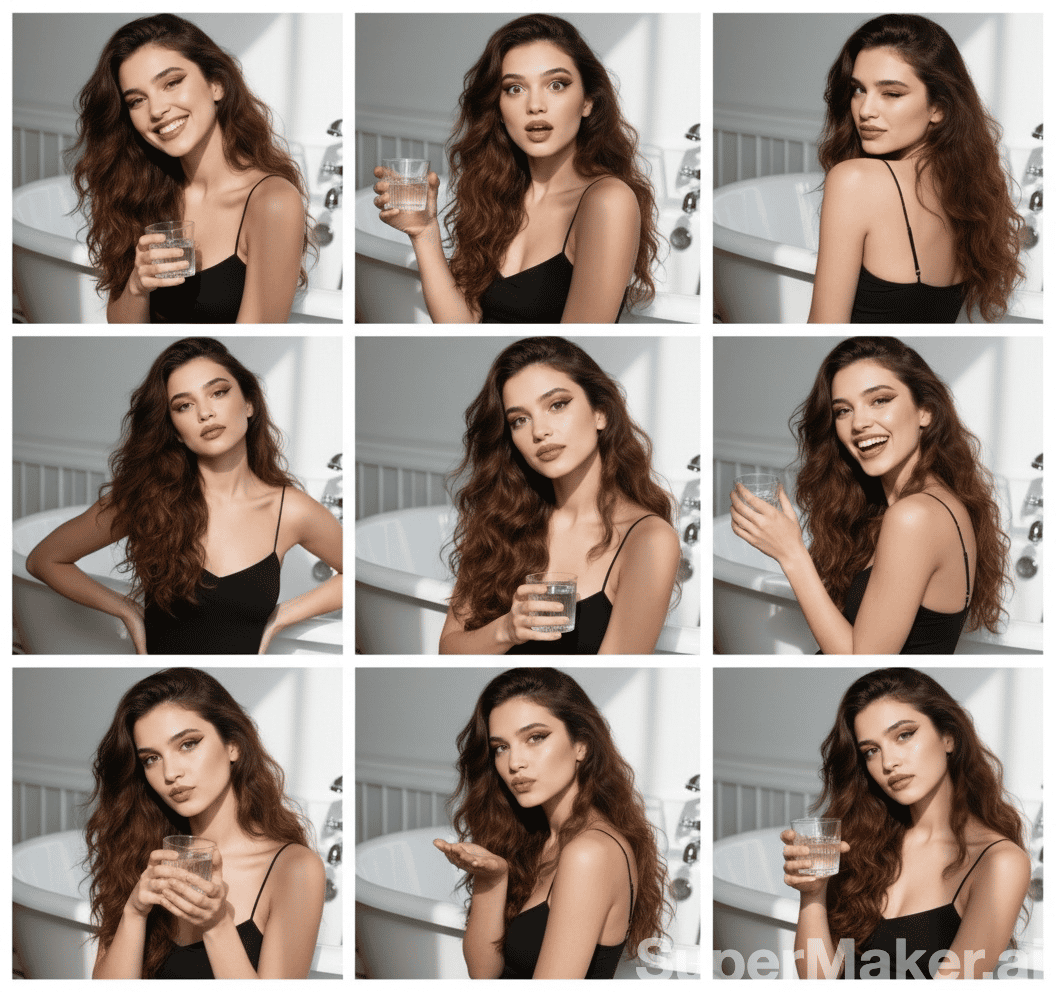
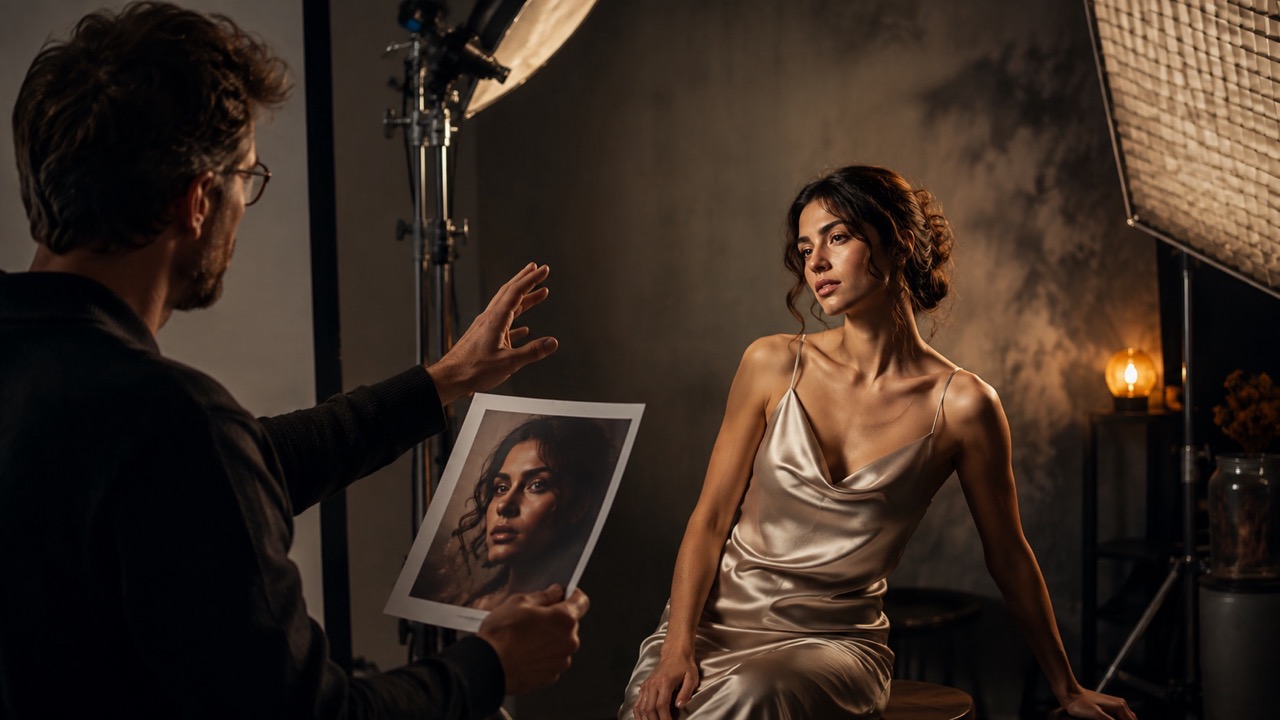
This model pays closer attention to fine visual signals such as hair strands, skin texture, facial expression, fabric, reflected light, and physical materials. Those details matter in portraits, lifestyle scenes, editorial photography, product concepts, and cinematic artwork. The model gives creators more room to describe subtle atmosphere instead of settling for generic polished imagery. Qwen Image 3.0 Generator can also interpret longer briefs that connect subject, environment, lighting, and mood. Use Qwen Image 3.0 AI Image Generator Online to explore realistic scenes, then refine only the details that weaken the final impression. Detailed material and lighting language can make concept reviews more useful, especially when teams need to compare premium, natural, playful, editorial, or cinematic directions.
Practical Ways to Use Qwen Image 3.0
Qwen Image 3.0 is most valuable when an image must communicate, not simply decorate. Use it for structured design drafts, text-heavy visuals, reference-based revisions, realistic concepts, and creative planning. This makes the workflow especially relevant to marketers, designers, educators, storytellers, product teams, and creators who need an image to carry both visual appeal and clear information.

Posters and Campaign Graphics
Use Qwen Image 3.0 AI Image Generator to combine a central visual, campaign headline, supporting details, and decorative elements. Qwen Image 3.0 Online is useful when a poster needs both visual impact and readable information. Qwen Image 3.0 AI Image Generator also helps compare headline placement, supporting copy, and visual emphasis before a design moves into final production.

Menus and Product Information
Qwen Image 3.0 Generator can organize names, descriptions, prices, labels, and product imagery into a unified concept. Qwen Image 3.0 Free Online helps teams explore different visual directions before preparing final production files. Qwen Image 3.0 Generator gives teams a fast way to compare information hierarchy, product grouping, and visual tone.

Storyboards and Comic Planning
Describe multiple panels, character actions, camera framing, dialogue placement, and scene progression. Qwen Image 3.0 AI Image Generator Online can create a structured visual draft that makes narrative pacing easier to review.

Educational and Editorial Visuals
Create illustrated explainers, worksheet concepts, exam layouts, newspaper-style pages, and labeled diagrams. Qwen Image 3.0 Generator Online is suited to content where information hierarchy matters as much as the central image.

Reference-Guided Image Editing
Upload existing visuals and describe the required change. Qwen Image 3.0 AI Image Generator can revise clothing, objects, scenery, wording, or styling while following the direction established by the references. Qwen Image 3.0 AI Image Generator makes focused revisions easier when the original composition already contains elements worth preserving.

Realistic Creative Concepts
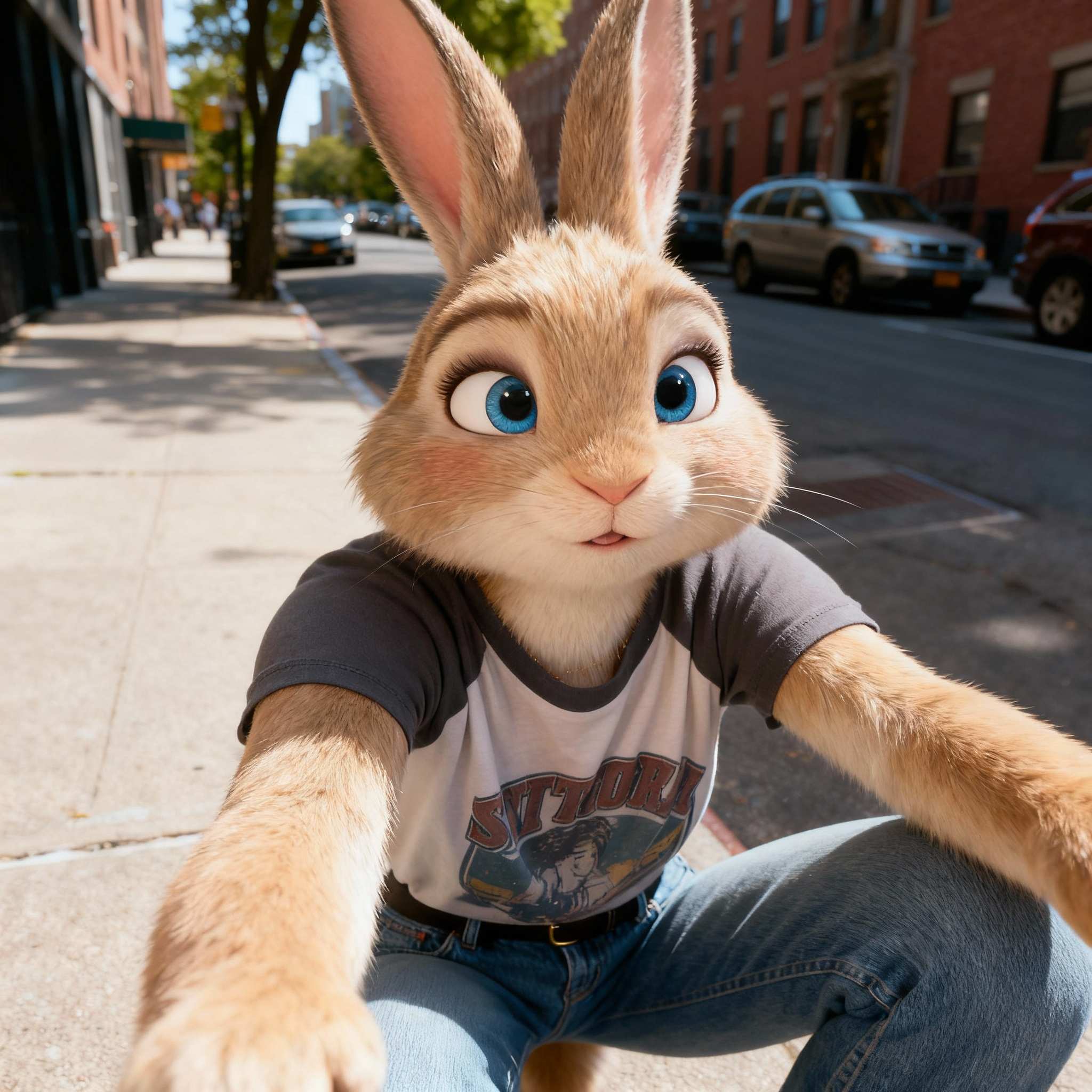
Qwen Image 3.0 Generator supports portraits, product scenes, architecture concepts, travel imagery, and cinematic compositions. Free Qwen Image 3.0 AI Image Generator is useful for testing how lighting, materials, and atmosphere work together. Qwen Image 3.0 Generator helps creators test subtle differences in texture, camera perspective, environment, and mood.
What Creators Say About Qwen Image 3.0
These reactions show how Qwen Image 3.0 Generator supports design planning, narrative work, multilingual layouts, image editing, and realistic concept development.
I needed a campaign poster with a headline, event details, and several visual layers. Qwen Image 3.0 AI Image Generator handled the hierarchy better than my usual quick image tools. I used Qwen Image 3.0 Generator to explore three directions, then refined the strongest version. Qwen Image 3.0 Free Online gave me enough room to test whether the typography and composition matched the brief.
My work involves storyboard drafts with specific camera notes and visible labels. Qwen Image 3.0 AI Image Generator Online made the scenes easier to review because the panels followed the written structure. Qwen Image 3.0 Generator also helped me revise individual scene details without losing the overall direction. Qwen-Image-3.0 now fits naturally into my early planning process.
I tested Free Qwen Image 3.0 AI Image Generator for a multilingual menu concept. The result gave me a clear visual draft with product images, section headings, and pricing areas. Qwen Image 3.0 AI Image Generator was especially helpful when I rewrote several labels. Qwen Image 3.0 Online kept the generation and editing process simple.
Qwen Image 3.0 Generator Online worked well for realistic product scenes that needed specific materials and lighting. I could describe the setting in detail, review the first result, and request a focused edit. Qwen Image 3.0 AI Image Generator gave me more control over the atmosphere than a short generic prompt. Qwen Image 3.0 Free Online was a useful starting point for evaluating the workflow.




Frequently Asked Questions About Qwen Image 3.0
Learn how Qwen Image 3.0 Generator works for generation, editing, structured visuals, text rendering, and prompt-led refinement.
Qwen Image 3.0 is a unified image model for text-to-image generation and reference-guided editing. It is designed for complex layouts, text rendering, detailed scenes, and instruction-based visual revisions.
Yes. Qwen Image 3.0 AI Image Generator can create an image from text and edit an existing image. Editing can use one to three reference images with a written instruction.
Qwen Image 3.0 Generator is useful for posters, menus, storyboards, editorial pages, exam layouts, diagrams, product concepts, realistic portraits, and other visuals that combine content with design.
State the subject, composition, exact visible text, style, lighting, and required relationships between elements. Qwen Image 3.0 AI Image Generator performs better when essential instructions are specific and logically ordered.
Use the online generator to request a focused change, such as replacing wording, adjusting an object, changing clothing, revising the background, or refining the visual style.
Qwen-Image-3.0 is designed to render multilingual words within images. Clear spelling, placement, hierarchy, and typography instructions improve the chance of a usable result.
Qwen Image 3.0 AI Image Generator Online is useful when the project includes dense information, several visual components, exact wording, or a detailed scene that depends on a longer brief.
Create Your Next Visual With Qwen Image 3.0
Use Qwen Image 3.0 AI Image Generator to build complex layouts, edit reference images, place readable text, and develop more convincing scenes. Open Qwen Image 3.0 Generator and turn a detailed creative brief into a visual you can review, refine, and use. Free Qwen Image 3.0 AI Image Generator offers a direct way to test the workflow before expanding a larger visual project.
