
More AI Image Generators
Explore our collection of specialized AI image generators designed for different creative needs and styles




Kling 4.0 Image Free
Create Images From Ideas And Refine Your References
Bring a visual idea into focus with Kling 4.0 Image Free. This AI image generator gives your creative brief a visual starting point for product concepts, portraits, illustrations, and campaign artwork. Explore Kling 4.0 Image Free with a concrete destination in mind: a warm product scene, a character illustration, or a portrait shaped by a particular light. Kling Image 4.0 brings image creation and editing into the same creative conversation. Start with text to image generation when you need an original composition; use a reference when an existing image holds details you want to retain. Make each Kling 4.0 Image Free attempt answer one useful question. Compare the framing, the subject, and the atmosphere before adding more instructions. Free access follows current account offers and usage terms. Kling Image 4.0 gives this AI image generator its model focus.
How To Use Kling 4.0 Image Free
Move from a clear brief to a visual result with Kling 4.0 Image Free. Choose a starting point, describe your intention, and review the image.

Choose Your Starting Point
Start with a written idea for a new image. For an edit, upload one clear reference image.

Describe The Image
Enter the subject, setting, and visual treatment you want. For an edit, state what to change and what to keep.

Review And Generate
Review the available settings and your instructions. Select Generate when your brief is ready.

Inspect And Save
Open the result and check the details that matter. Save your preferred image or revise one part of your brief.
Best AI Image Tools for Creative Projects
Explore creative tools for image, learn tips and tricks, and see how AI can be your assistant in turning concepts into finished projects.





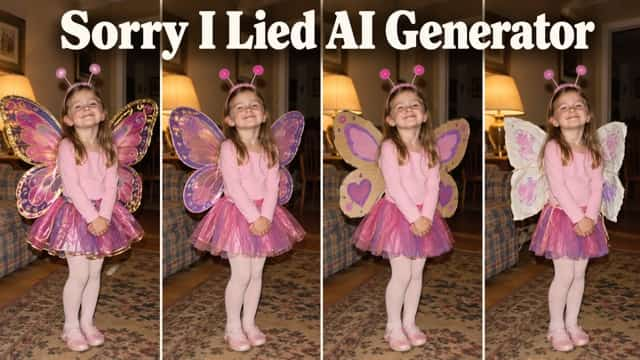
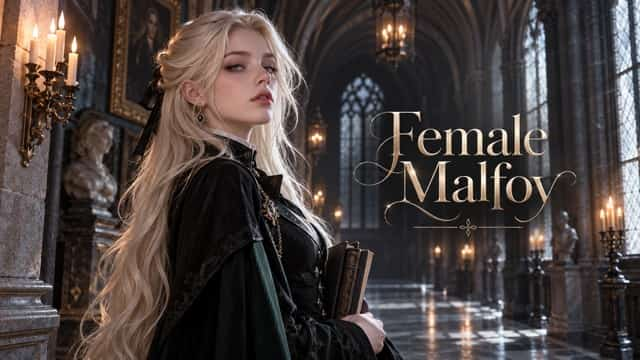

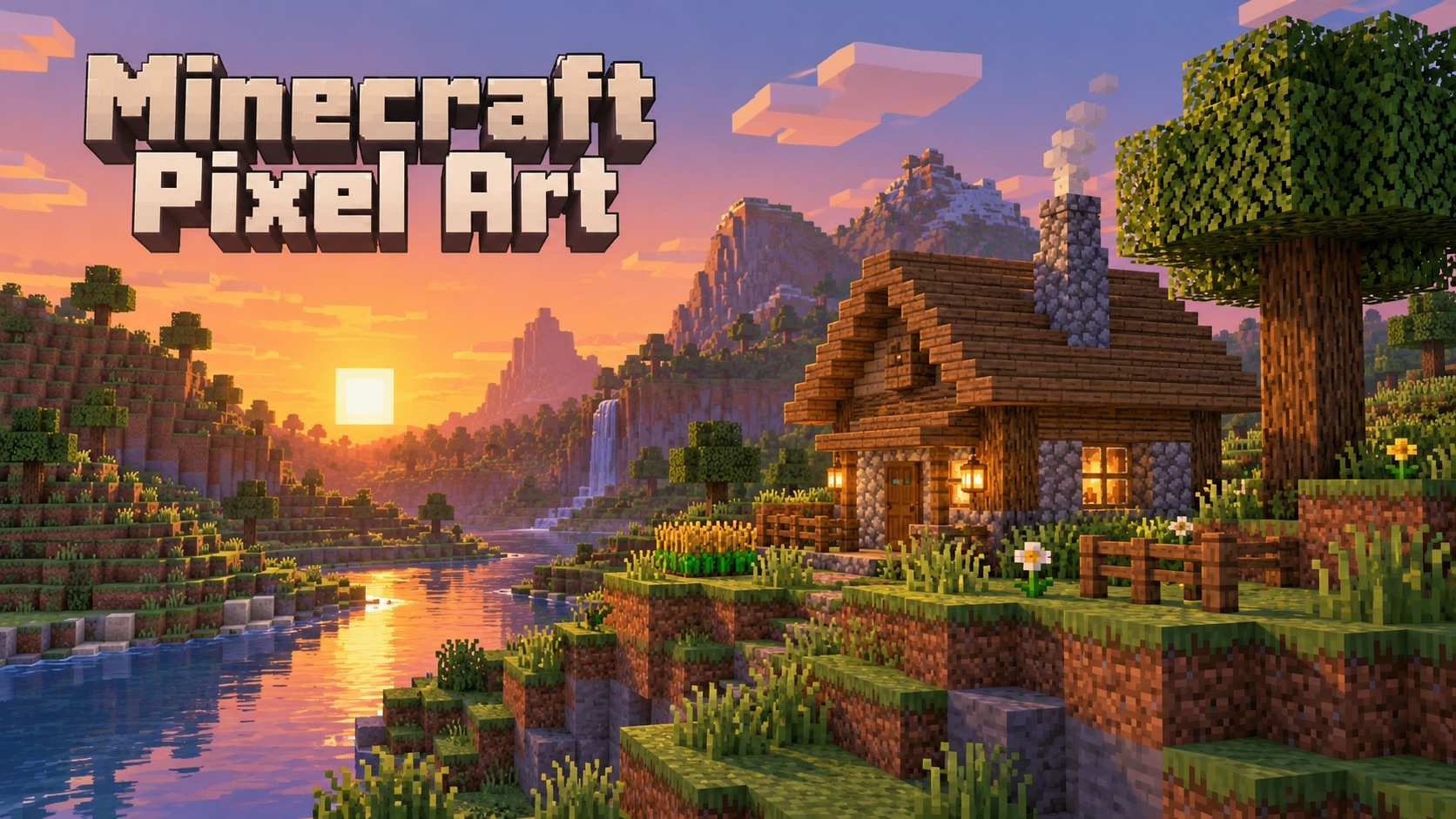

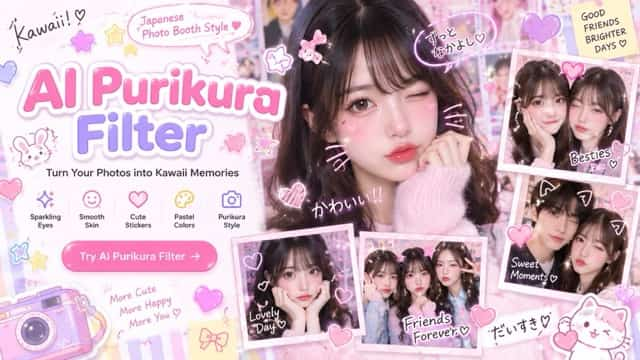





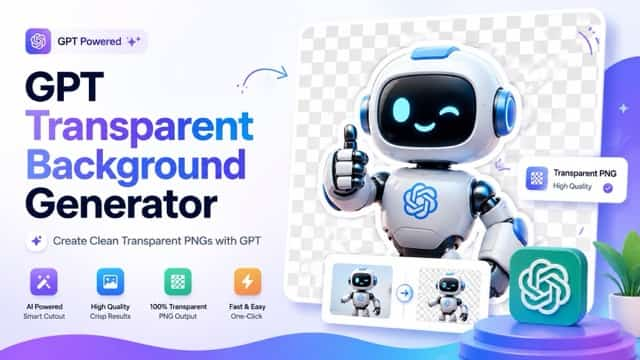

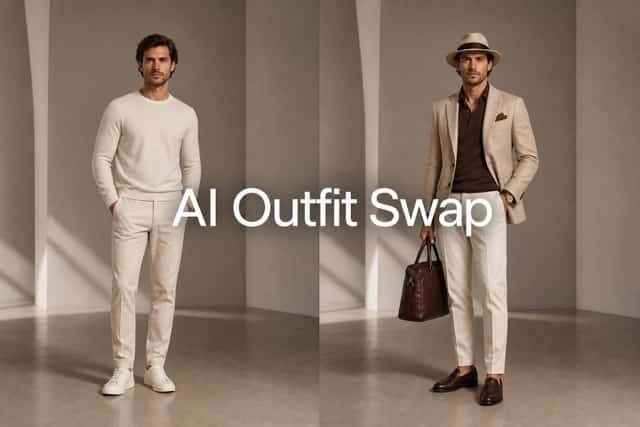
Explore Kling 4.0 Image Free Through A Clear Creative Brief
Use Kling 4.0 Image Free for a scene you can describe and an edit you can evaluate. Bring one visual priority to your AI image generator, then develop it through the image. Kling Image 4.0 supports both creation and instruction-based editing.
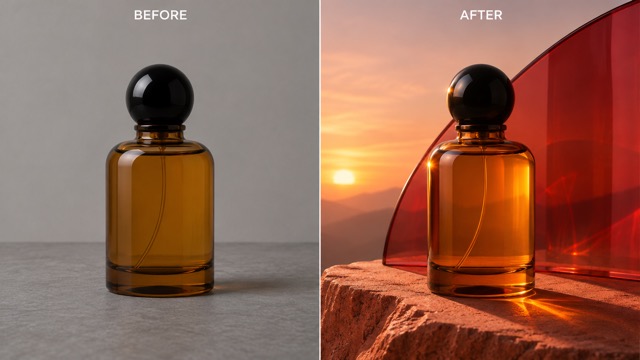
Kling 4.0 Image Free For Product Art Direction
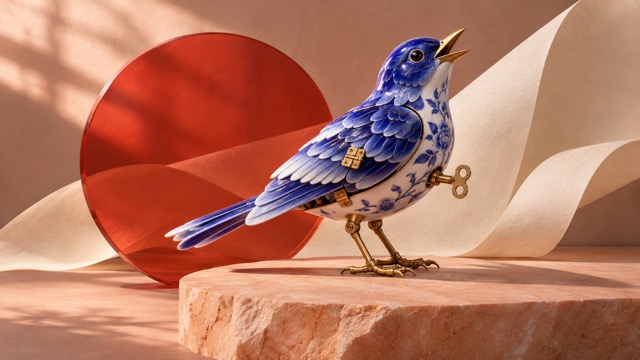
Give AI product photography a specific visual goal with Kling 4.0 Image Free. Describe the surface, light direction, and camera position so your AI image generator has a coherent scene to interpret. Kling Image 4.0 can be approached as a visual sketchbook for those decisions, with the finished image reviewed against your original brief.
Use Kling 4.0 Image Free to explore an environment around a product reference. Explain which shape and design details matter, then request a focused change to the background or atmosphere. AI product photography benefits from close inspection of edges, reflections, and contact shadows. With Kling 4.0 Image Free, keep the strongest composition and refine the distracting detail. This makes the next round of image editing with text purposeful: a clearer setting, a more useful crop, or a better relationship between subject and background.
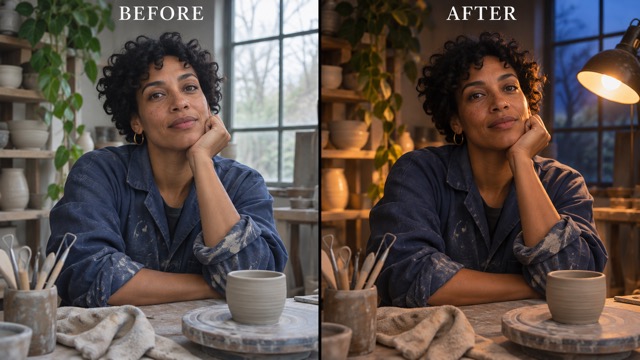
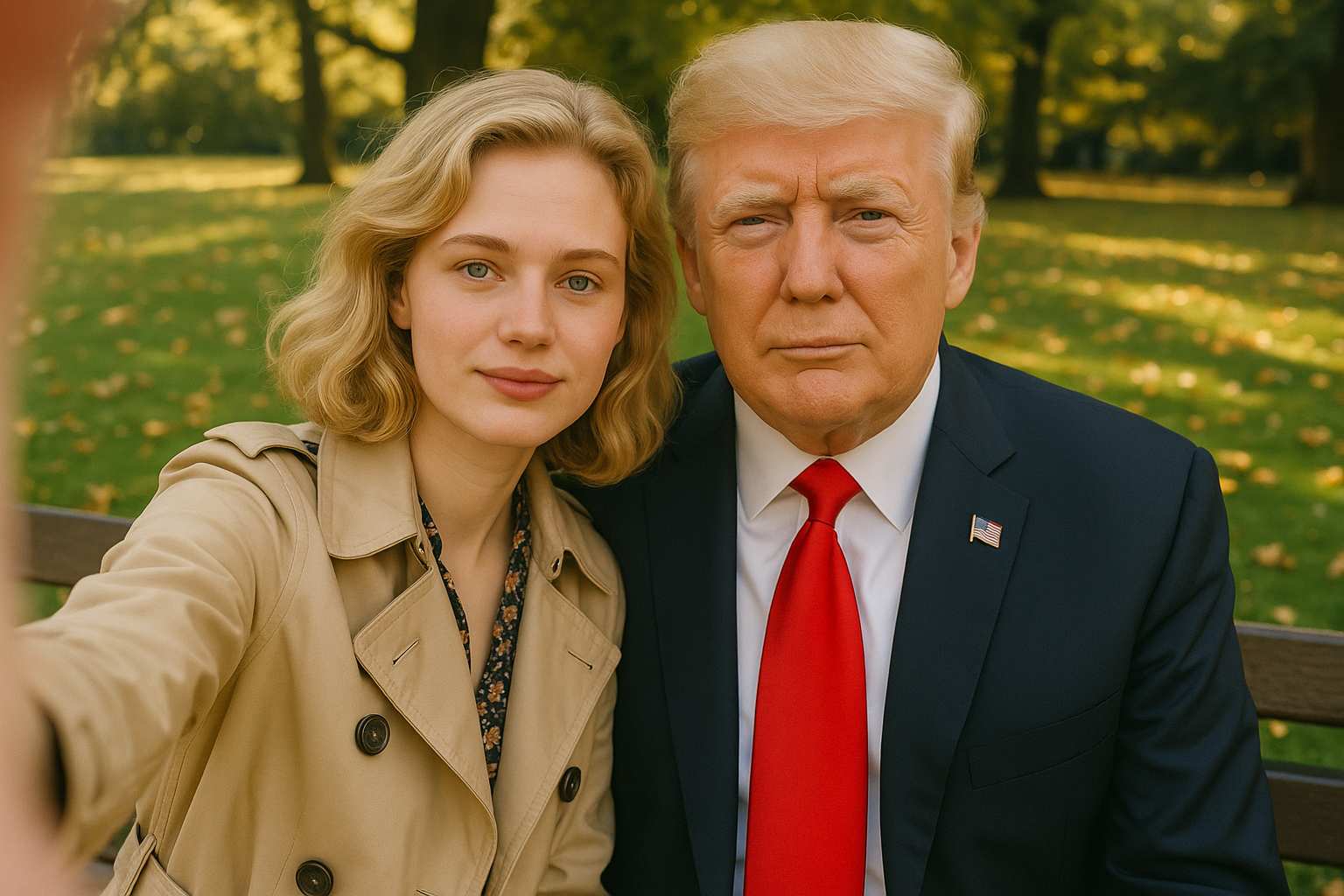
Kling 4.0 Image Free For Portraits With Atmosphere
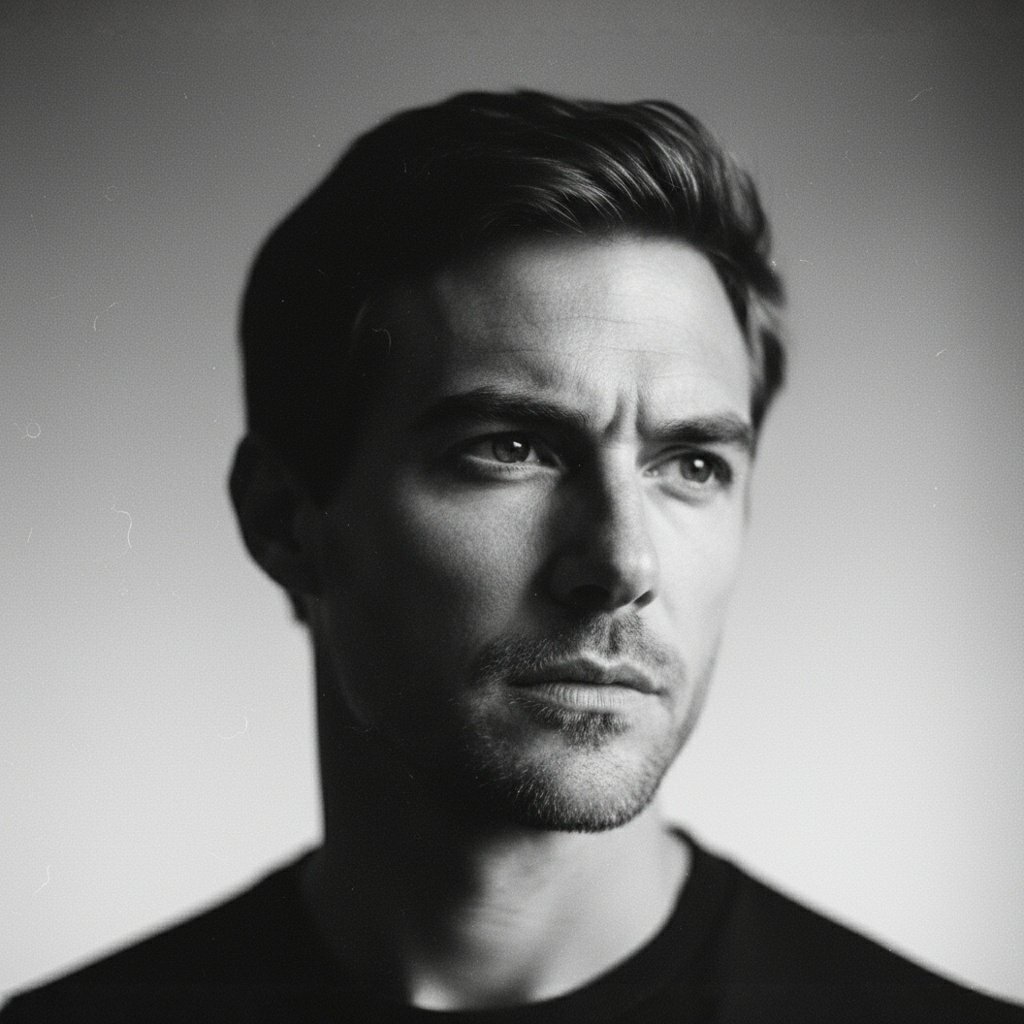
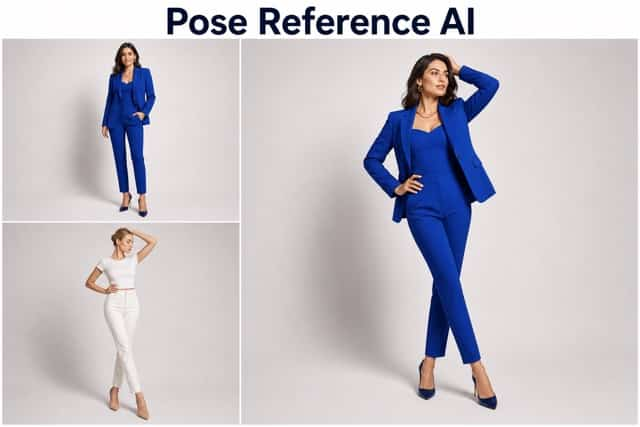
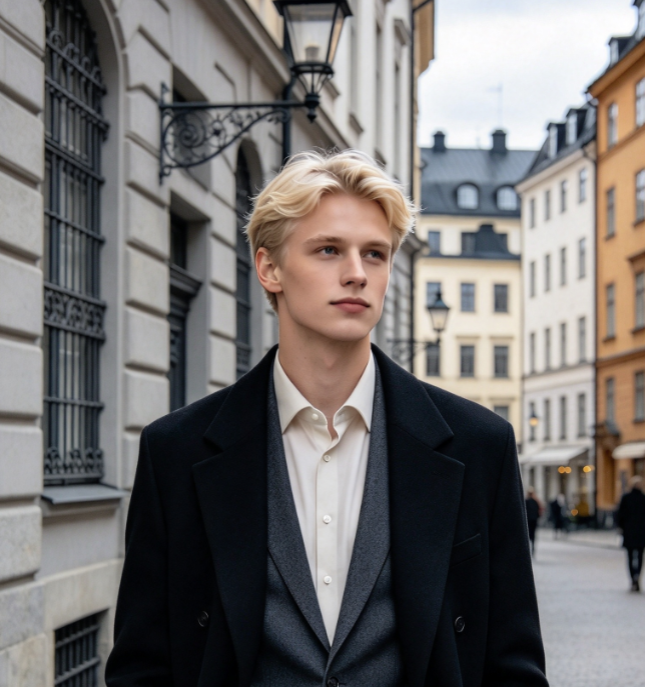
Build cinematic portrait prompts around a person, a place, and a believable source of light. For Kling 4.0 Image Free, describe an adult ceramic artist at a worktable, soft window light across the face, and a quiet expression. Your AI image generator receives a stronger direction when the mood connects to the setting. Kling Image 4.0 supports image creation and editing, so a reference can also give a portrait revision a starting point.
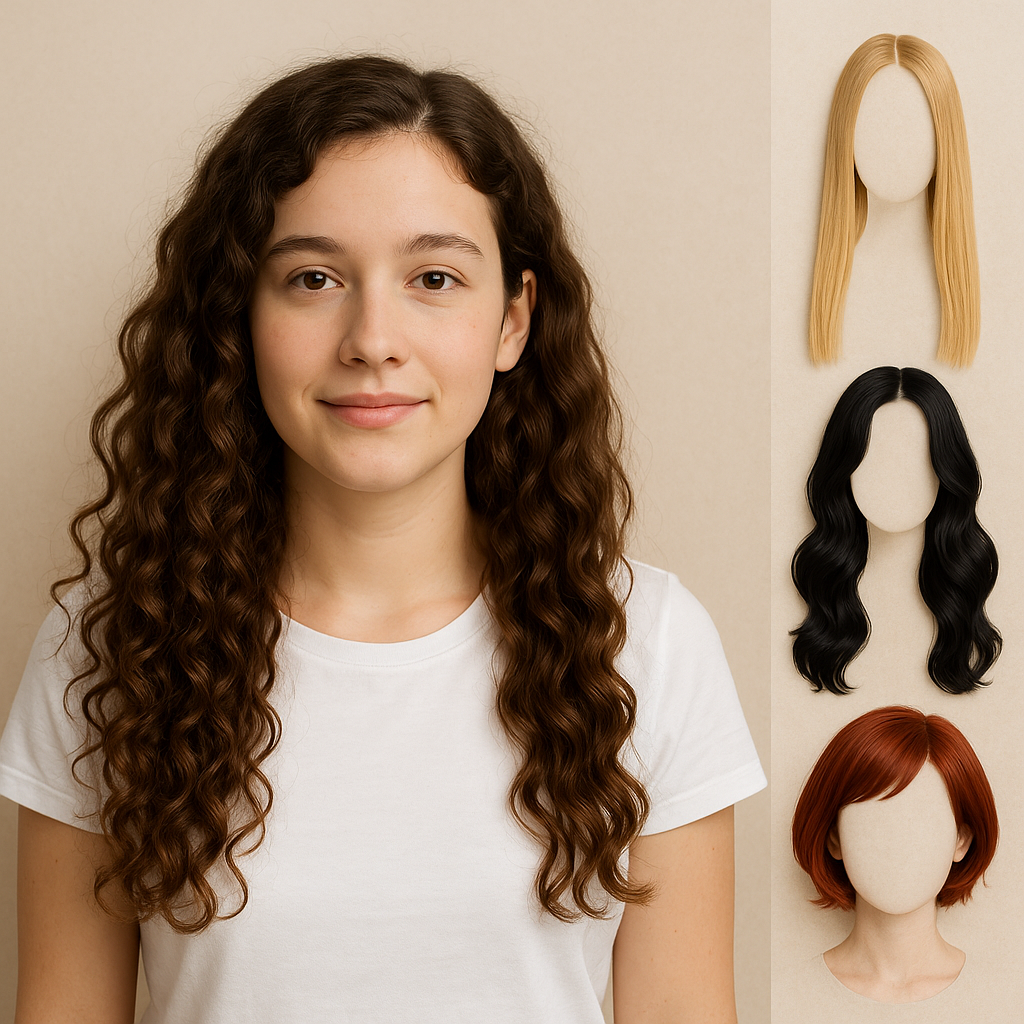
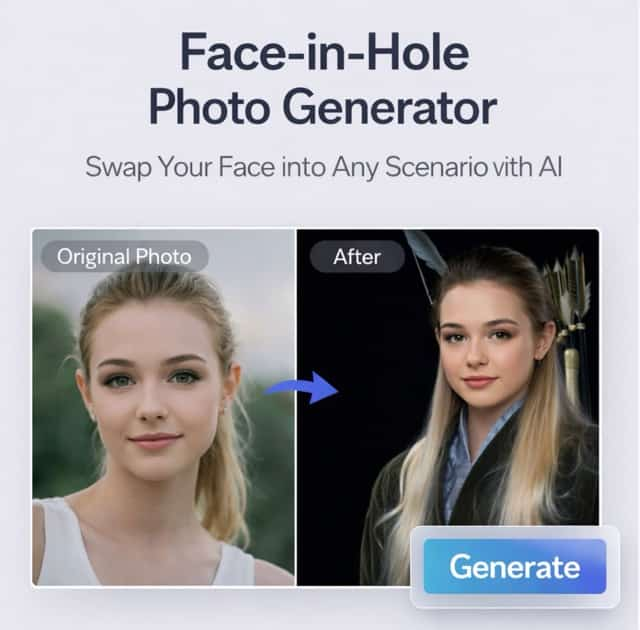
Use Kling 4.0 Image Free for image editing with text when the portrait already has a useful pose or composition. Name the elements to retain before describing a warmer light or a different background. Cinematic portrait prompts work best as connected visual instructions rather than a list of competing styles. Review facial details, hands, and the surrounding objects in each Kling 4.0 Image Free result.
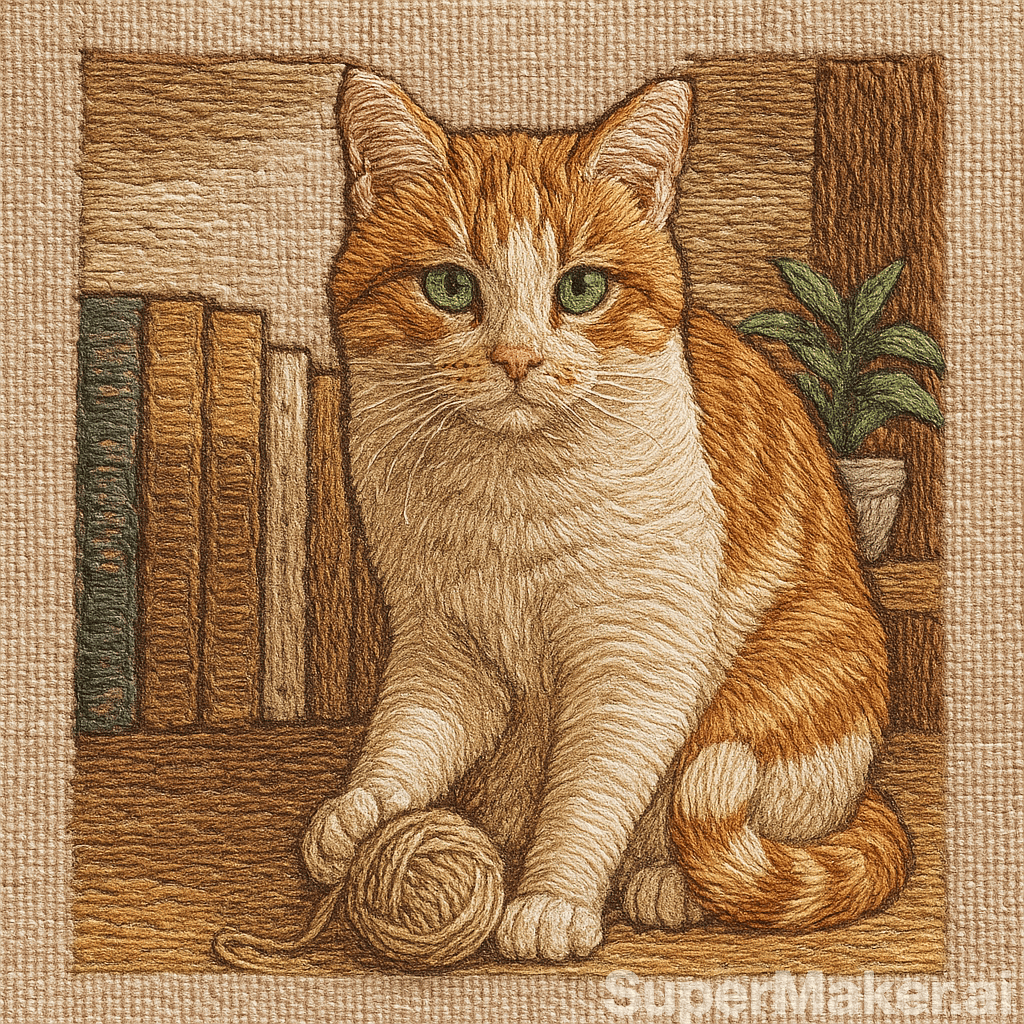
Kling 4.0 Image Free For Illustrated Ideas
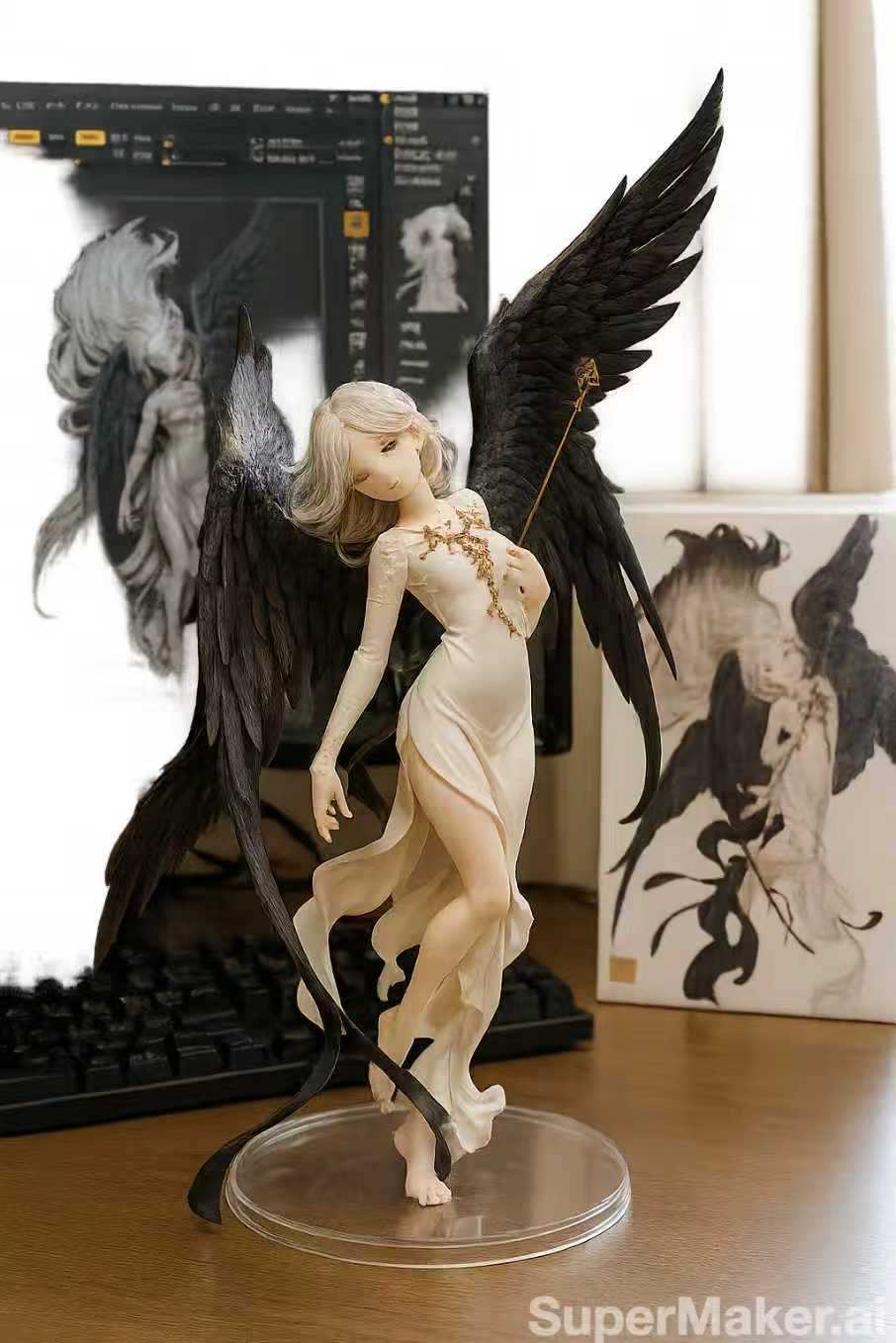
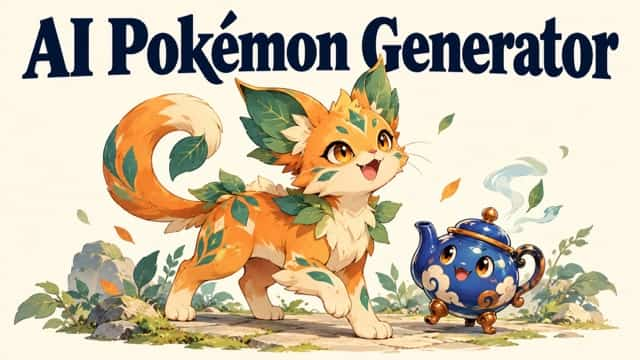
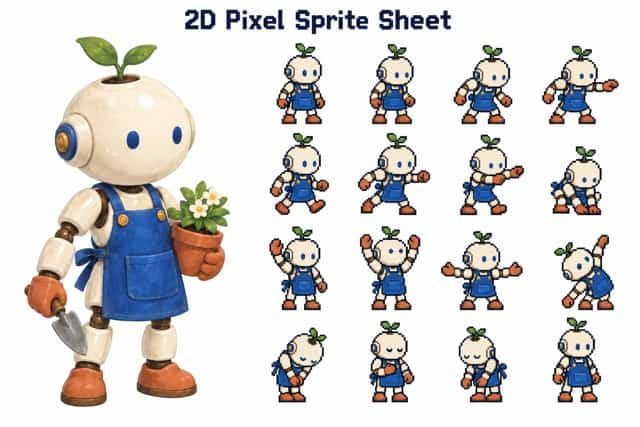
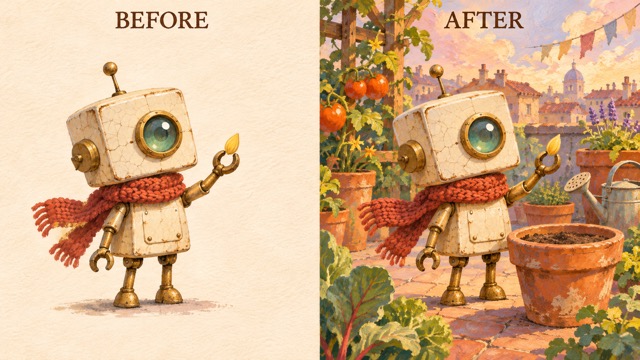
Turn a character idea into an image brief with Kling 4.0 Image Free. Text to image generation begins with those visible relationships: who the character is, what it is doing, and what surrounds it. An AI image generator can help you explore a composition before you commit to a finished layout. Kling Image 4.0 offers a place to develop that direction through image creation and editing.
For another Kling 4.0 Image Free variation, keep the main character description and change one part of the treatment. Try a softer palette, a closer viewpoint, or a more open background. Text to image generation is easier to evaluate when you have one visual question to answer. Compare the silhouette, the gesture, and the focal point in your Kling 4.0 Image Free result. Save a useful reference for later revisions and keep your final typography or publication layout in your editing workflow.
What To Create With Kling 4.0 Image Free
Use Kling 4.0 Image Free for visual exploration across products, people, stories, and social content. Kling Image 4.0 is an image creation and editing model; the most useful brief connects the image to its intended placement. Give this AI image generator a brief shaped by the destination.

Product Campaign Concepts
Plan AI product photography around the question your campaign needs to answer. With Kling 4.0 Image Free, write the material, surface, and light that communicate that direction.
Use Kling 4.0 Image Free to compare a simple tabletop arrangement with a more expressive setting. Kling Image 4.0 gives the project an image to discuss before final production. An AI image generator is useful for exploring a direction; inspect the actual product details before using any result. For AI product photography, a convincing setting starts with a recognizable focal subject. Give your AI image generator one clear product priority.
Editorial Portrait Studies
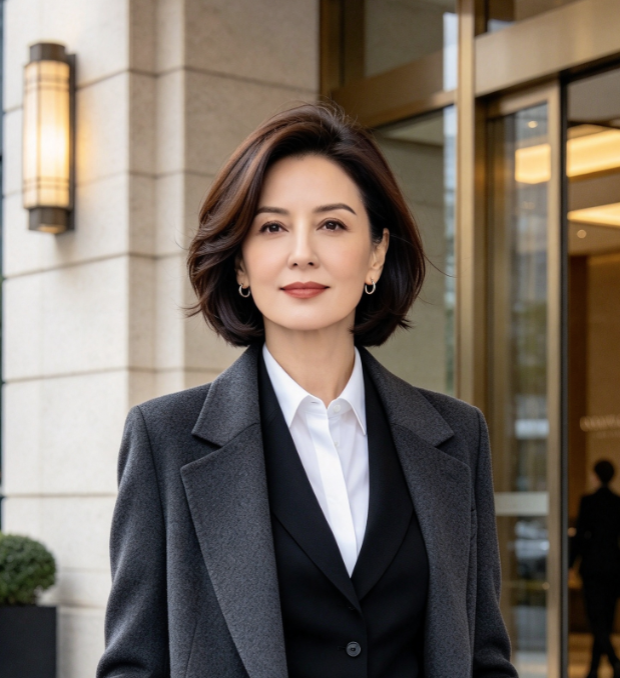
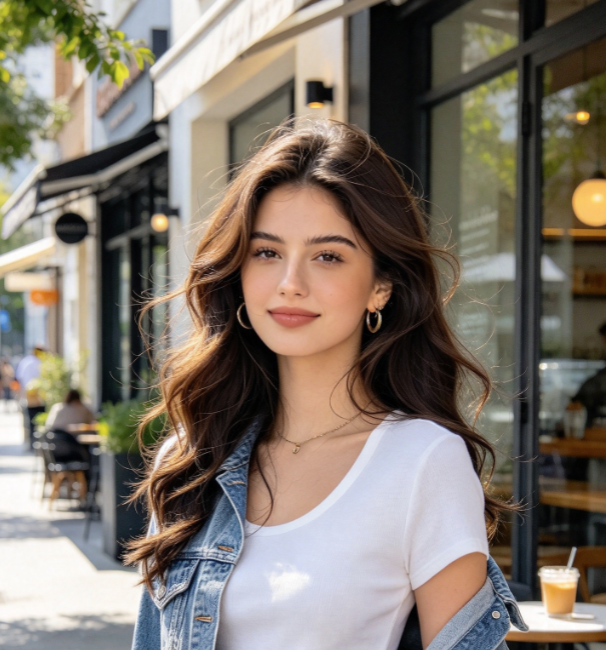
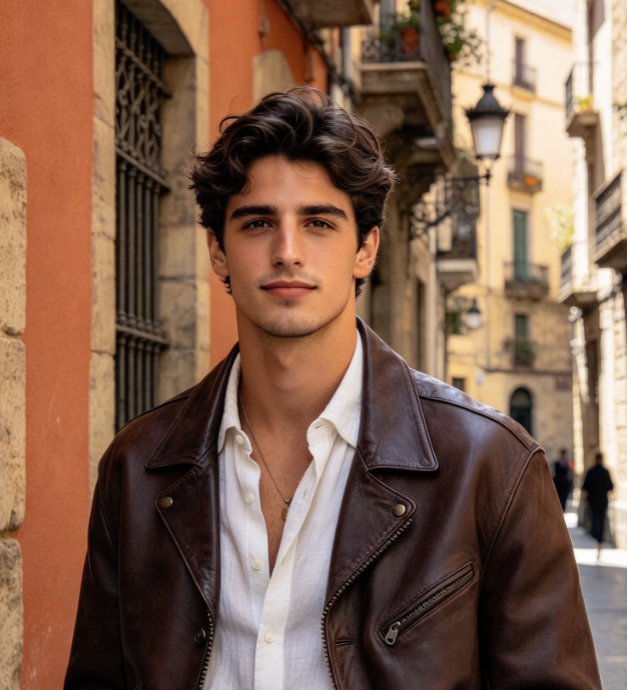
Explore cinematic portrait prompts for a musician backstage, an artist in a workshop, or an adult reader beside a window. Each Kling 4.0 Image Free brief can connect expression, posture, surroundings, and light.
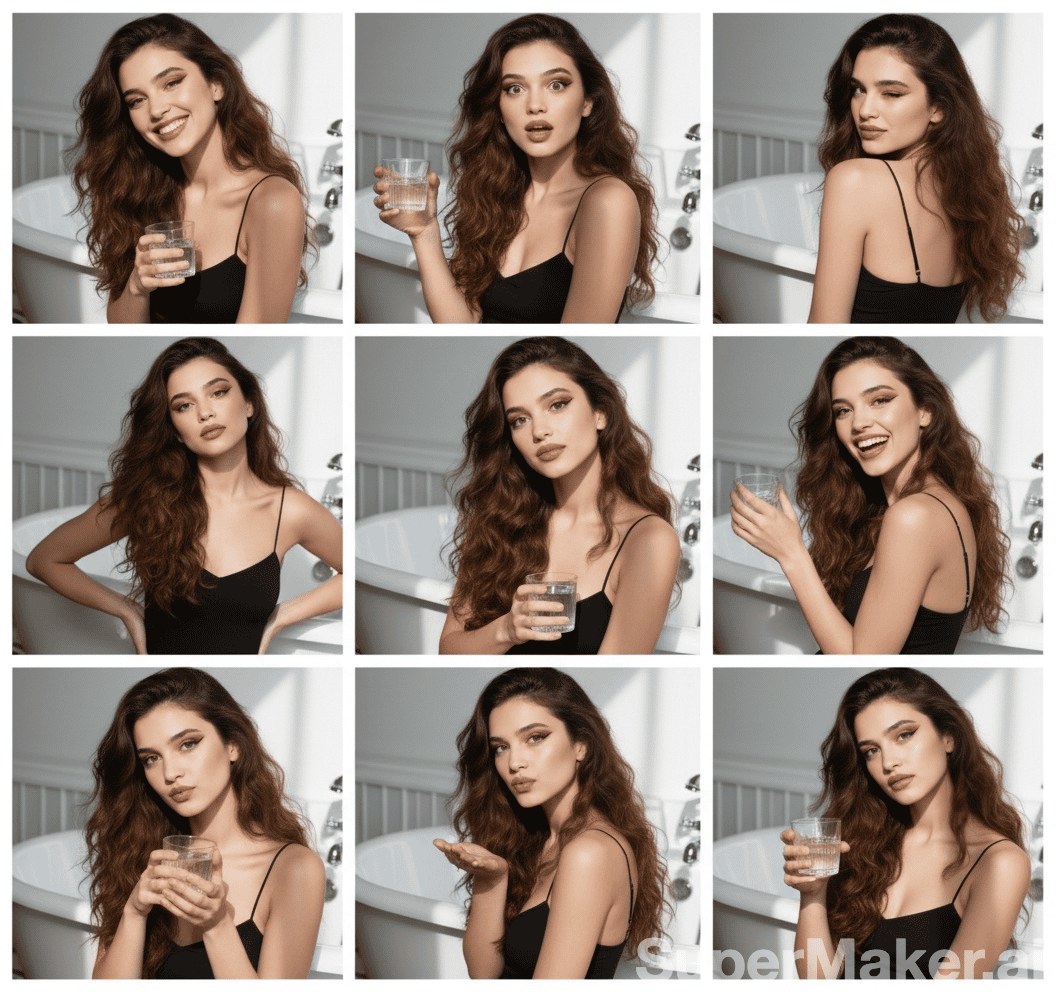
Use Kling 4.0 Image Free to investigate atmosphere while keeping a reference as your visual anchor. Kling Image 4.0 can work with an editing instruction as well as an original image idea. An AI image generator still needs a result review: check expressions, anatomy, and the relationship between the person and the scene. Refine one issue in Kling 4.0 Image Free before changing the entire concept. Cinematic portrait prompts give a useful starting structure, and your judgment determines which version expresses the intended character. Direct your AI image generator toward a coherent portrait.

Character And Story Concepts
Use text to image generation to explore a character before building the surrounding story.
Try Kling 4.0 Image Free again with one deliberate change to palette or viewpoint. Kling Image 4.0 can help turn a written concept into something you can inspect and revise. Treat an AI image generator as a tool for visual decisions: compare silhouettes, spacing, and the elements that carry the story. Keep Kling 4.0 Image Free iterations organized around the same character description. Text to image generation becomes more useful when each image tests a specific creative choice instead of introducing a completely different scene. Kling Image 4.0 gives an AI image generator brief a visual starting point.

Social Artwork And Image Revisions
Develop a visual for a launch announcement, a creator post, or a personal project with Kling 4.0 Image Free. Kling Image 4.0 supports image generation and editing, making both an original brief and an existing reference useful starting points.
Use image editing with text to request a different background, a calmer palette, or a clearer visual emphasis. An AI image generator gives you a version to judge alongside the intended placement. Return to Kling 4.0 Image Free with a precise adjustment after checking the image at the size people will see. Keep typography in your design workflow when exact lettering matters. This approach to Kling 4.0 Image Free makes image editing with text a focused part of a larger creative process, with each revision tied to a visible purpose. Judge your AI image generator result against your intended placement.
Creative Perspectives On Kling 4.0 Image Free
These illustrative names and reactions describe possible creative priorities for Kling 4.0 Image Free; they are not verified customer endorsements.
Kling 4.0 Image Free is an appealing starting point for thinking through a product scene. A useful AI image generator should help make the lighting, surface, and focal point easier to discuss.
The appeal of Kling 4.0 Image Free is giving a portrait a specific atmosphere. For me, Kling Image 4.0 is most interesting when the brief connects the person, the setting, and the light.
Kling 4.0 Image Free suggests a way to explore a character before finishing a layout. I value a clear silhouette, a readable gesture, and a scene with a simple visual story. An AI image generator is useful when the composition has a clear purpose.
A focused brief makes Kling 4.0 Image Free more useful to a creative discussion. Kling Image 4.0 interests me as a way to put an image beside an idea and ask what should change.
Kling 4.0 Image Free Questions And Answers
Get practical answers about briefs, references, revisions, and free access before exploring Kling 4.0 Image Free.
Kling 4.0 Image Free is an image creation and editing experience centered on Kling Image 4.0. Use a written description to develop an original composition or give an existing reference a focused editing instruction. This AI image generator is suited to exploring visual ideas for products, portraits, illustrations, and other still-image projects. Start Kling 4.0 Image Free with a subject, setting, and intended treatment.
Begin Kling 4.0 Image Free with the subject and the action or arrangement you want to see. Add a setting, viewpoint, light source, and a treatment that fit together. Kling Image 4.0 can use that description as the starting point for an image. Text to image generation is easier to judge when the brief has a clear destination. Keep Kling 4.0 Image Free revisions focused, and use your AI image generator to test one important composition or atmosphere decision at a time.
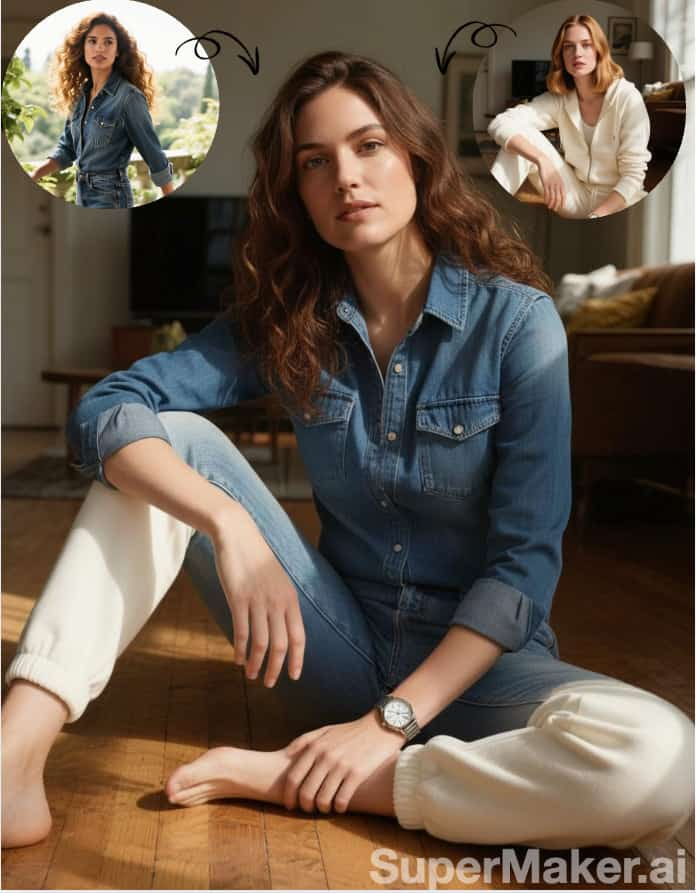
Yes. For Kling 4.0 Image Free, upload a clear reference when you want to revise an existing image, then describe the requested change. State the important elements to retain, such as a product silhouette, a pose, or the main composition. Kling Image 4.0 supports instruction-based editing, and image editing with text benefits from a specific keep-and-change brief. Use Kling 4.0 Image Free to explore a new light, surface, or environment, then compare the result with the source.
Connect Kling 4.0 Image Free to a concrete scene. AI product photography starts with the object, its material, the surface beneath it, and the direction of the light. Cinematic portrait prompts start with the person, expression, setting, and atmosphere. Kling Image 4.0 gives both kinds of brief a visual form to review. In Kling 4.0 Image Free, prefer connected instructions over competing styles. Tell your AI image generator which treatment matters, then check the focal subject before refining the supporting scene.
No. Free access depends on current account offers and usage terms. Sign in and review the access conditions shown for your account before starting Kling 4.0 Image Free. The page name does not imply unlimited usage or access without an account. Kling Image 4.0 can be explored through new image ideas or reference edits. Keep Kling 4.0 Image Free variations purposeful, and compare the actual results before developing the concept further. Use this AI image generator with a specific visual goal.
Review Kling 4.0 Image Free at a useful size and begin with the focal subject. Check product edges, facial details, hands, important shapes, and the composition you requested. Kling Image 4.0 results should be judged by the needs of the project. If one detail distracts, rewrite that part of the instruction and keep the rest of the direction stable. Save your Kling 4.0 Image Free image that best communicates your idea, then complete any exact lettering, layout, or final production work in your editing tools.
Bring Your Next Idea Into Kling 4.0 Image Free
Choose one scene you want to make and give Kling 4.0 Image Free a clear creative brief. Start with a product, a portrait, or an original character, then describe the light, setting, and visual treatment. Kling Image 4.0 brings image creation and editing into your process, while your review gives the next revision its direction. Open Kling 4.0 Image Free and turn a specific idea into an image you can build on. Bring a focused brief to this AI image generator. Explore Kling Image 4.0 with your own direction.