
Transform Your Static Images with Grok Imagine Video 1.5
The Ultimate AI Image to Video Platform
Instantly animate your static pictures into cinematic videos up to 15 seconds in 480p/720p. Upload your photo, maintain perfect style consistency, and let the AI add breathtaking motion effortlessly. Experience the future of visual storytelling today with Grok Imagine Video 1.5.
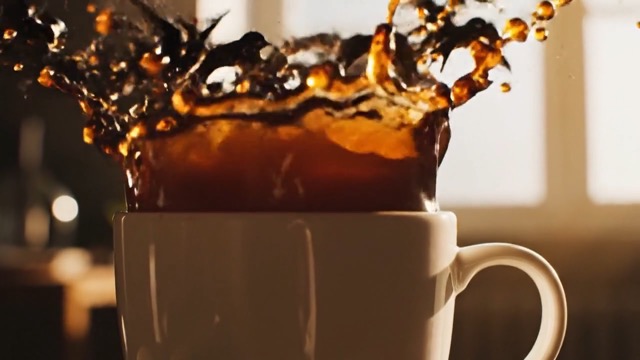
More AI Video Generators
Explore our collection of specialized AI video generators designed for different creative needs and styles
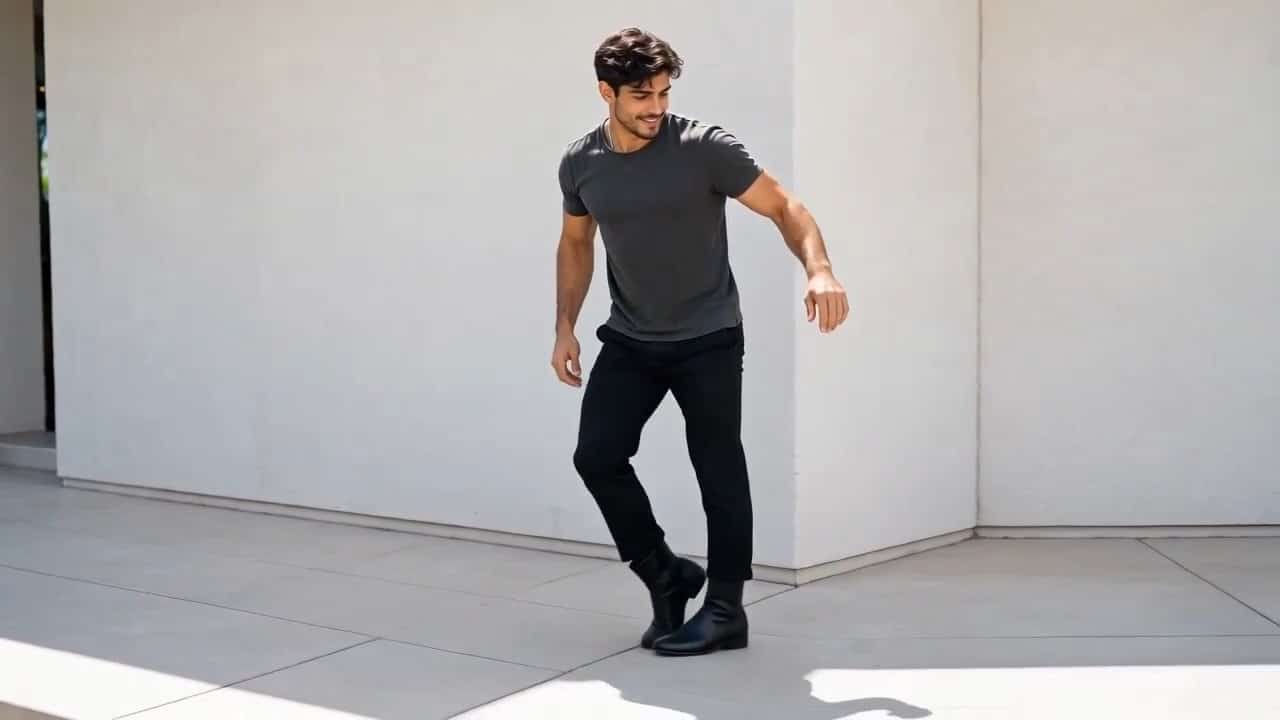
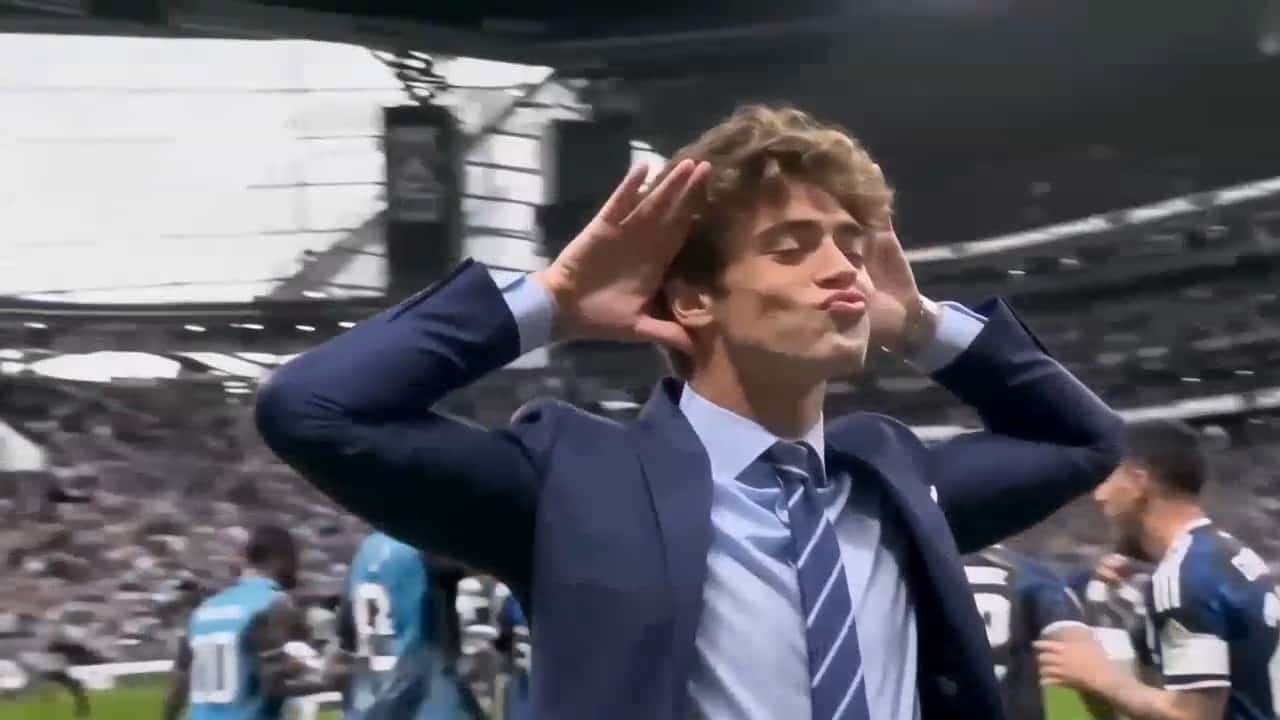
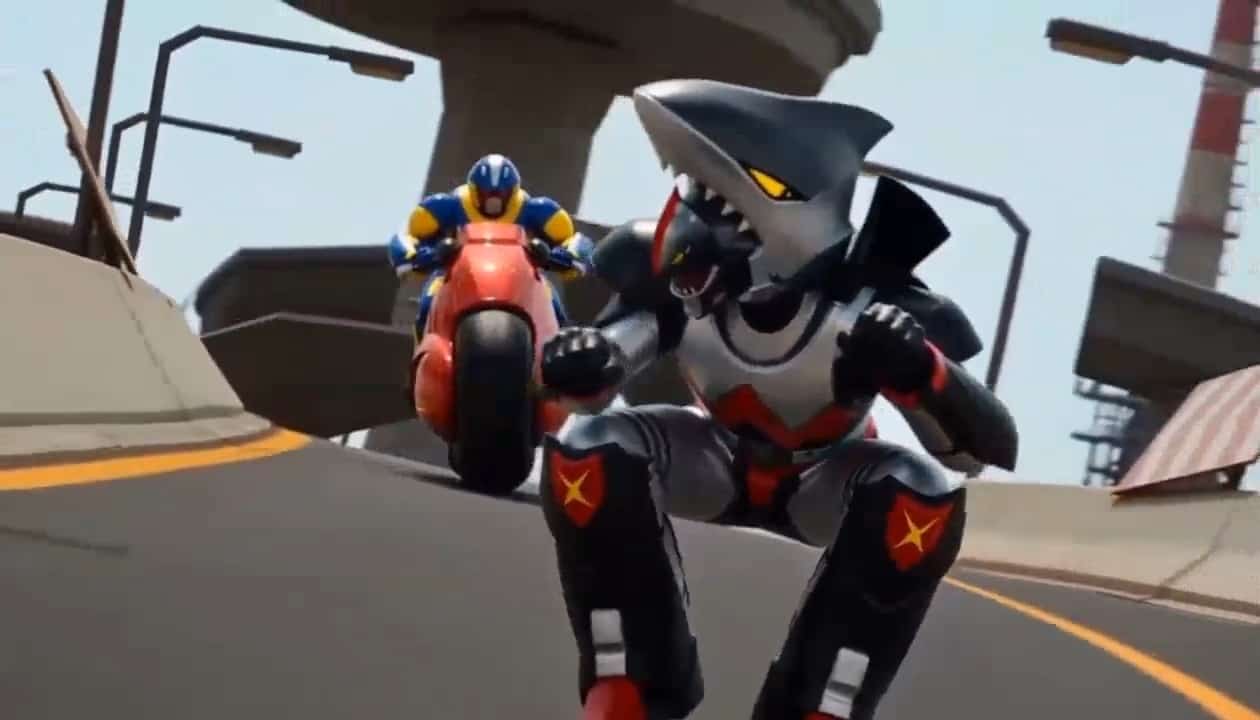

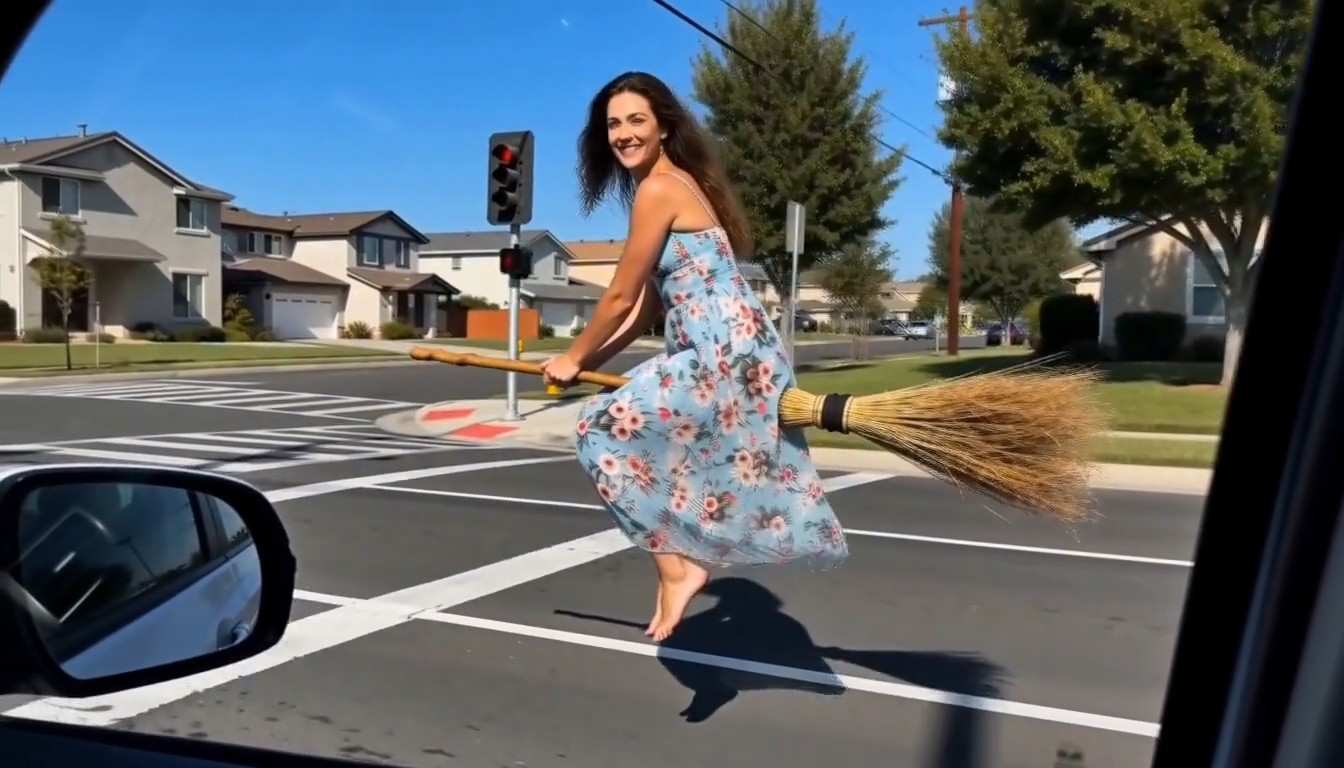
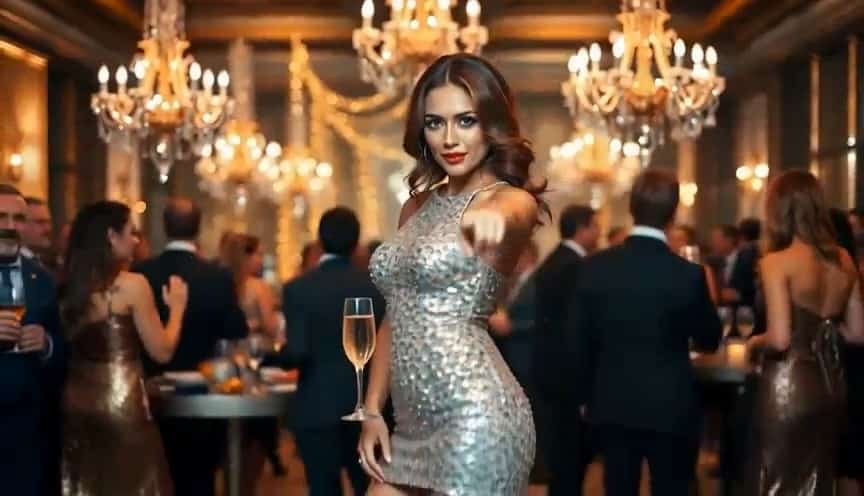
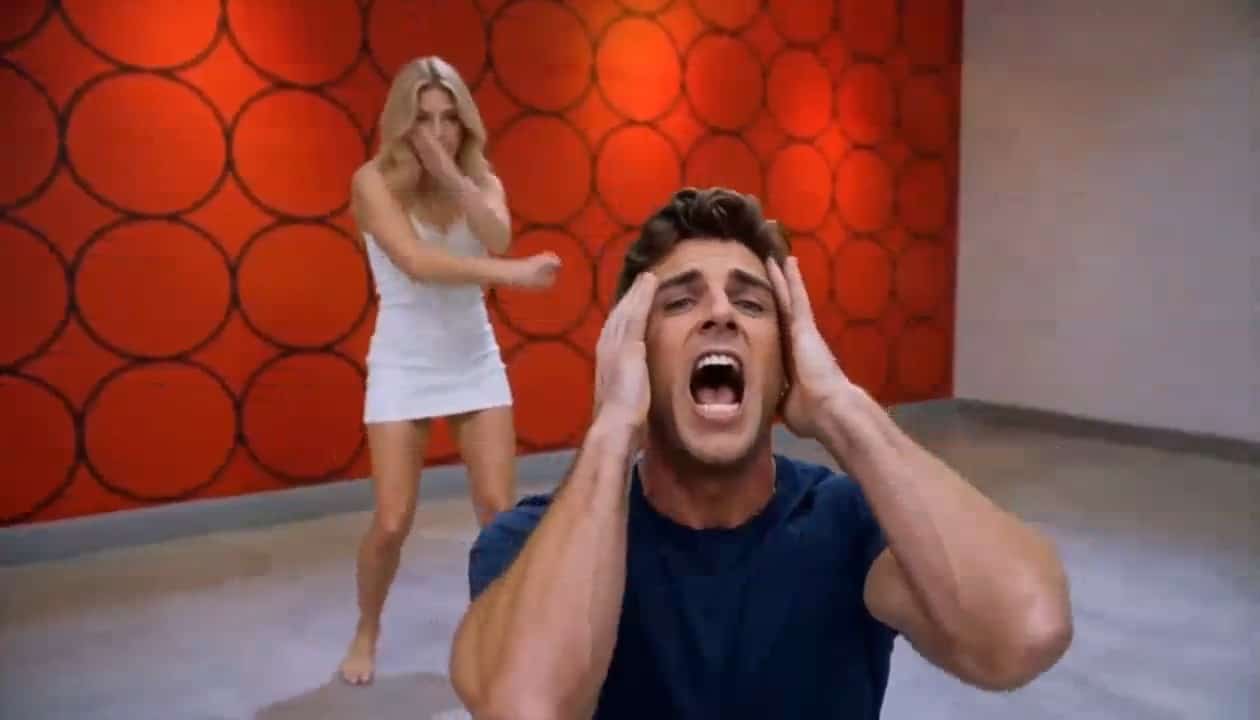
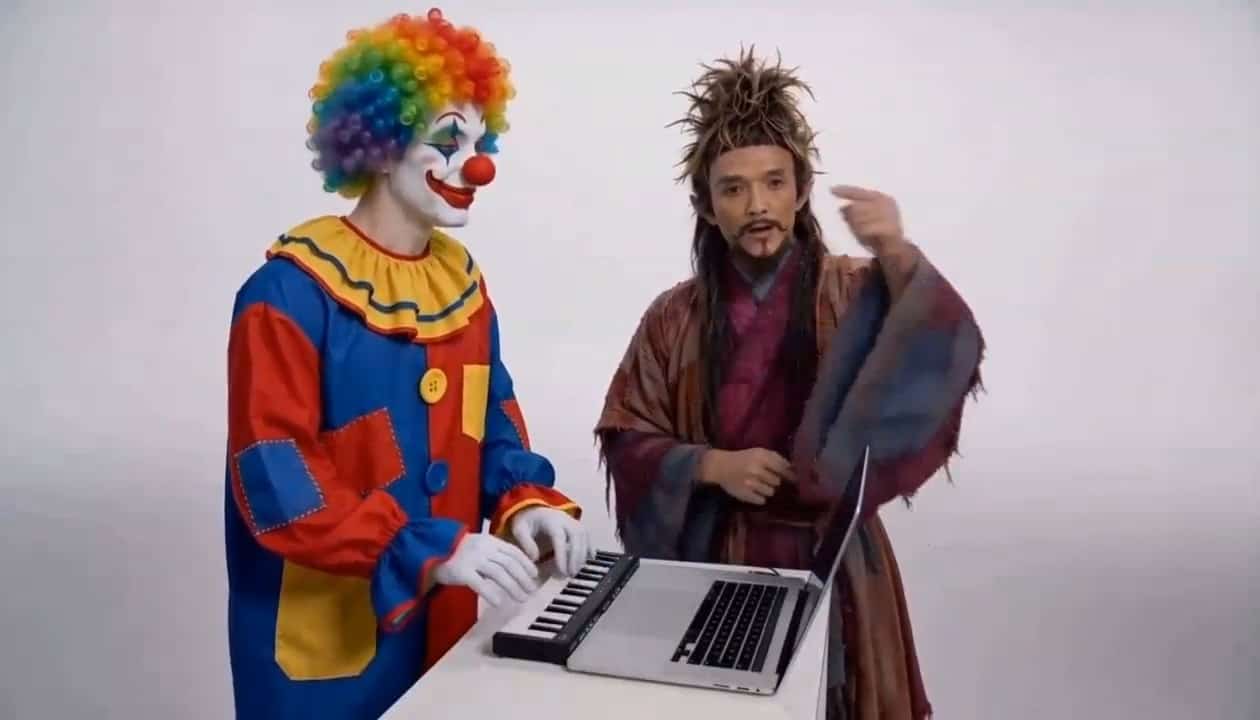
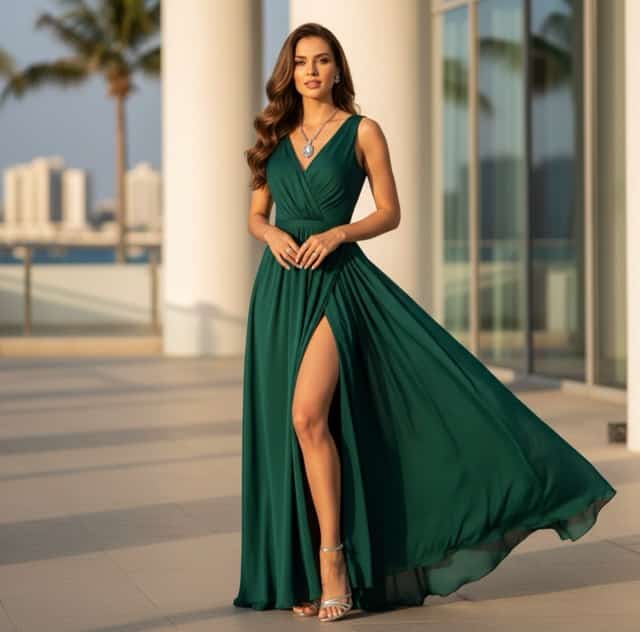
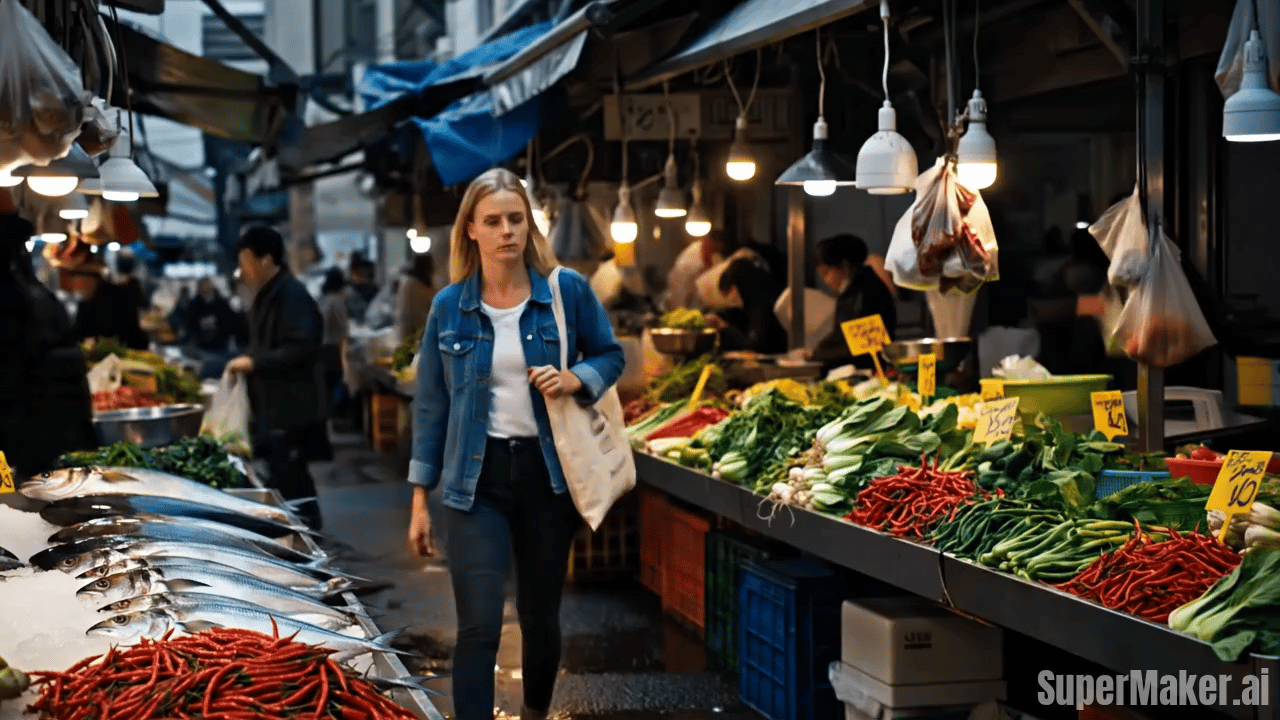
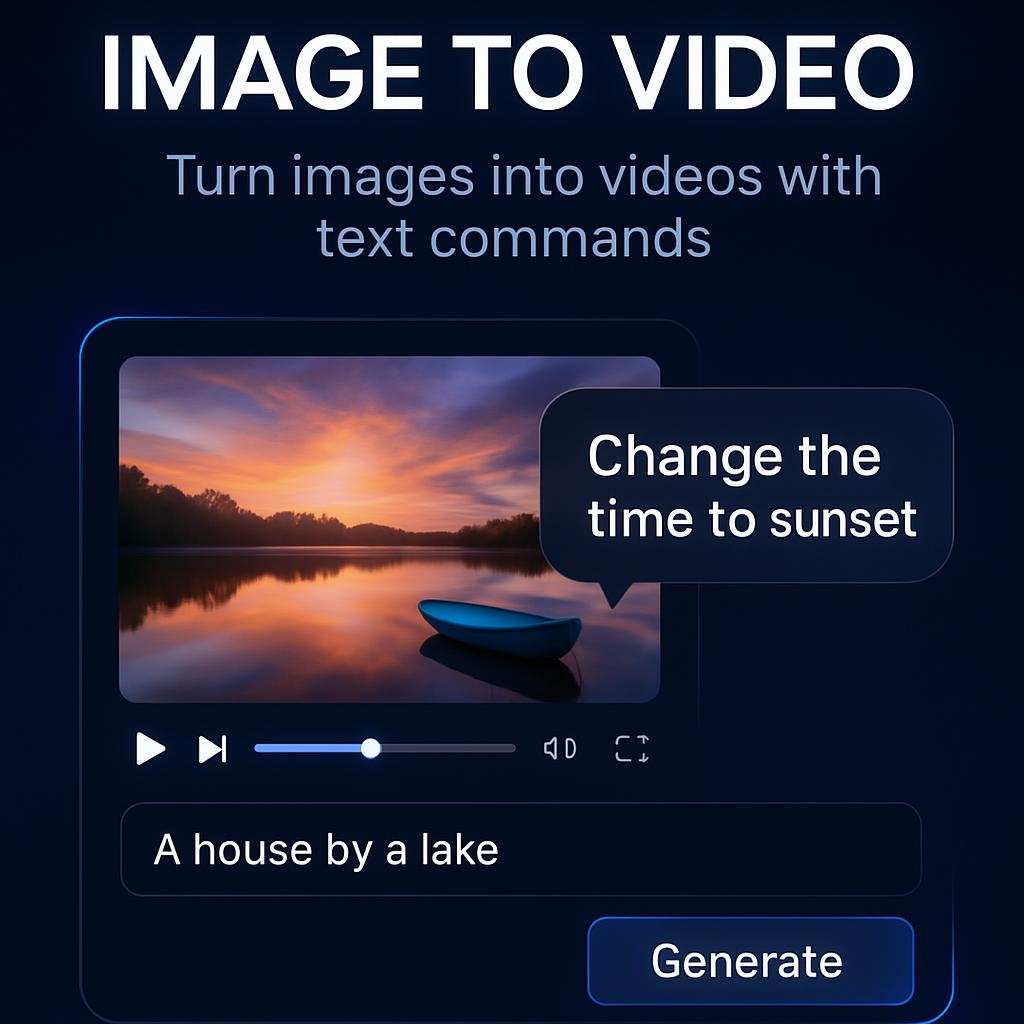
Grok Imagine Video 1.5: The Ultimate AI Image to Video Generator
Transform Static Images into Dynamic Cinematic Videos Fast with Grok Imagine Video 1.5.
Welcome to the ultimate visual animation toolkit. With Grok Imagine Video 1.5, you can seamlessly transform your static images into dynamic, cinematic video clips. Simply upload your picture, and watch as our advanced AI breathes life into your scenes with smooth, natural motion. Keep your subject, lighting, and brand aesthetics 100% consistent by using your exact images as the foundation. Get download-ready visuals tailored for social media, marketing campaigns, and creative storytelling. Whether you are turning product photos into 15-second 480p/720p video ads using the Grok Imagine Video 1.5 image to video feature, or animating concept art, this platform does it all. Experience the unmatched animation power of the Grok Imagine Video 1.5 generator and elevate your visual content today.
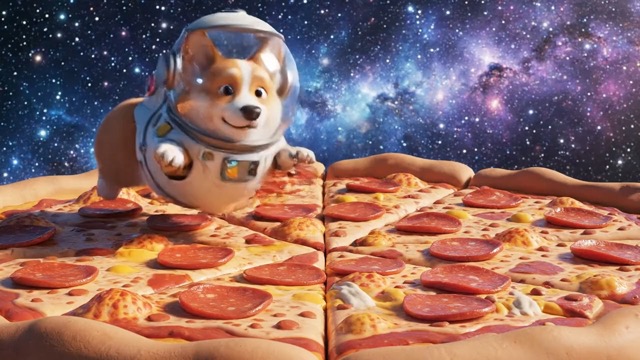
How to Use Grok Imagine Video 1.5
Mastering Grok Imagine Video 1.5 is incredibly simple. Turning your static uploads into cinematic 480p/720p video clips via the powerful Grok Imagine Video 1.5 image to video tool takes just a few intuitive steps.

Upload your image
Start by uploading your static reference picture. Your image serves as the perfect visual foundation for the Grok Imagine Video 1.5 engine to understand your subject, colors, and layout.

Click generate
Let the Grok Imagine Video 1.5 generator process your uploaded picture. Watch as the AI applies seamless motion and cinematic animation to create a stunning clip up to 15 seconds long.

Download and share
Save your animated results instantly. Outputs from the Grok Imagine Video 1.5 image to video tool are rendered in crisp 480p/720p, perfectly optimized for marketing and social media sharing.
Best AI Video Tools for Creative Projects
Explore creative tools for video, learn tips and tricks, and see how AI can be your assistant in turning concepts into finished projects.




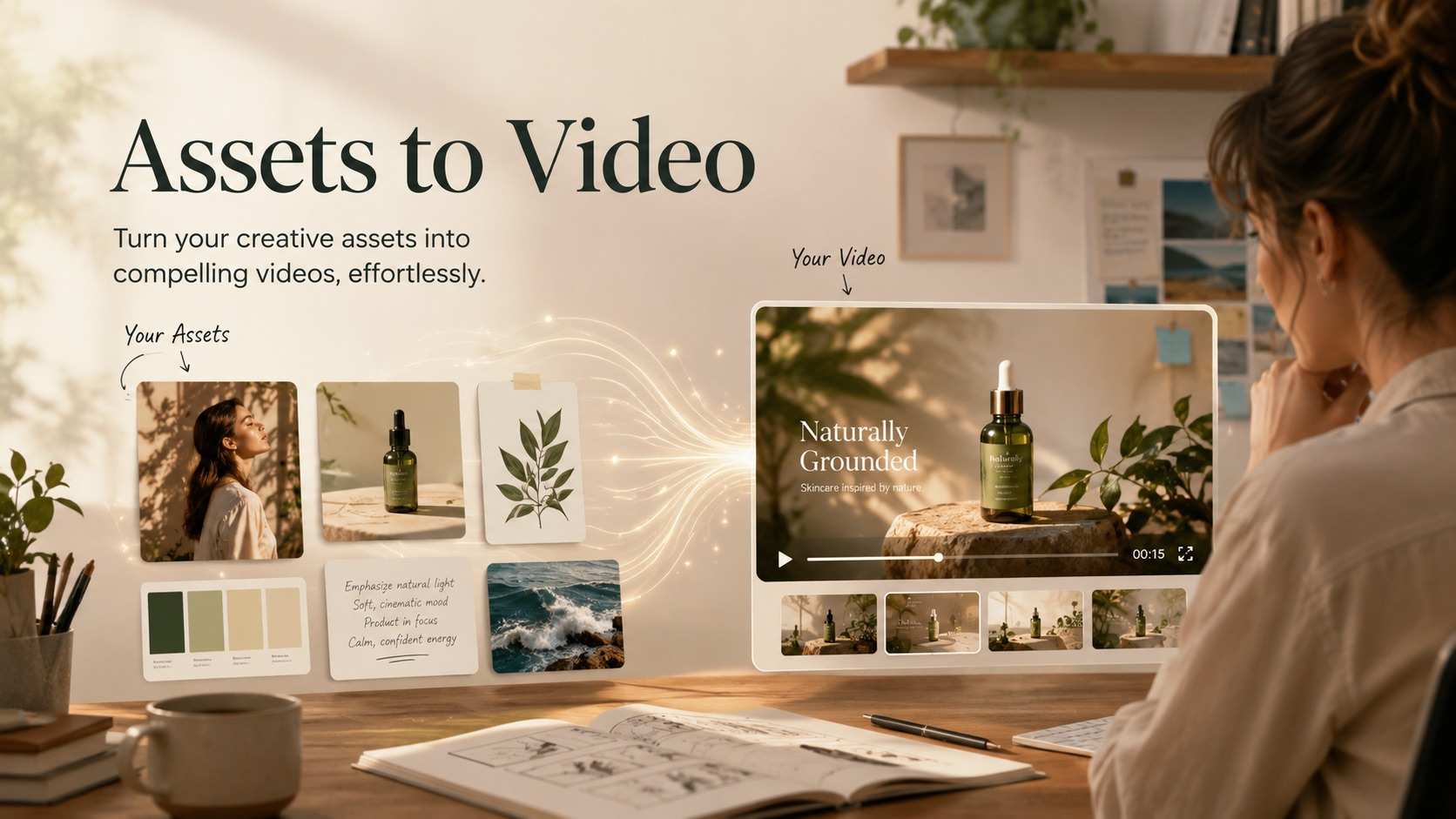
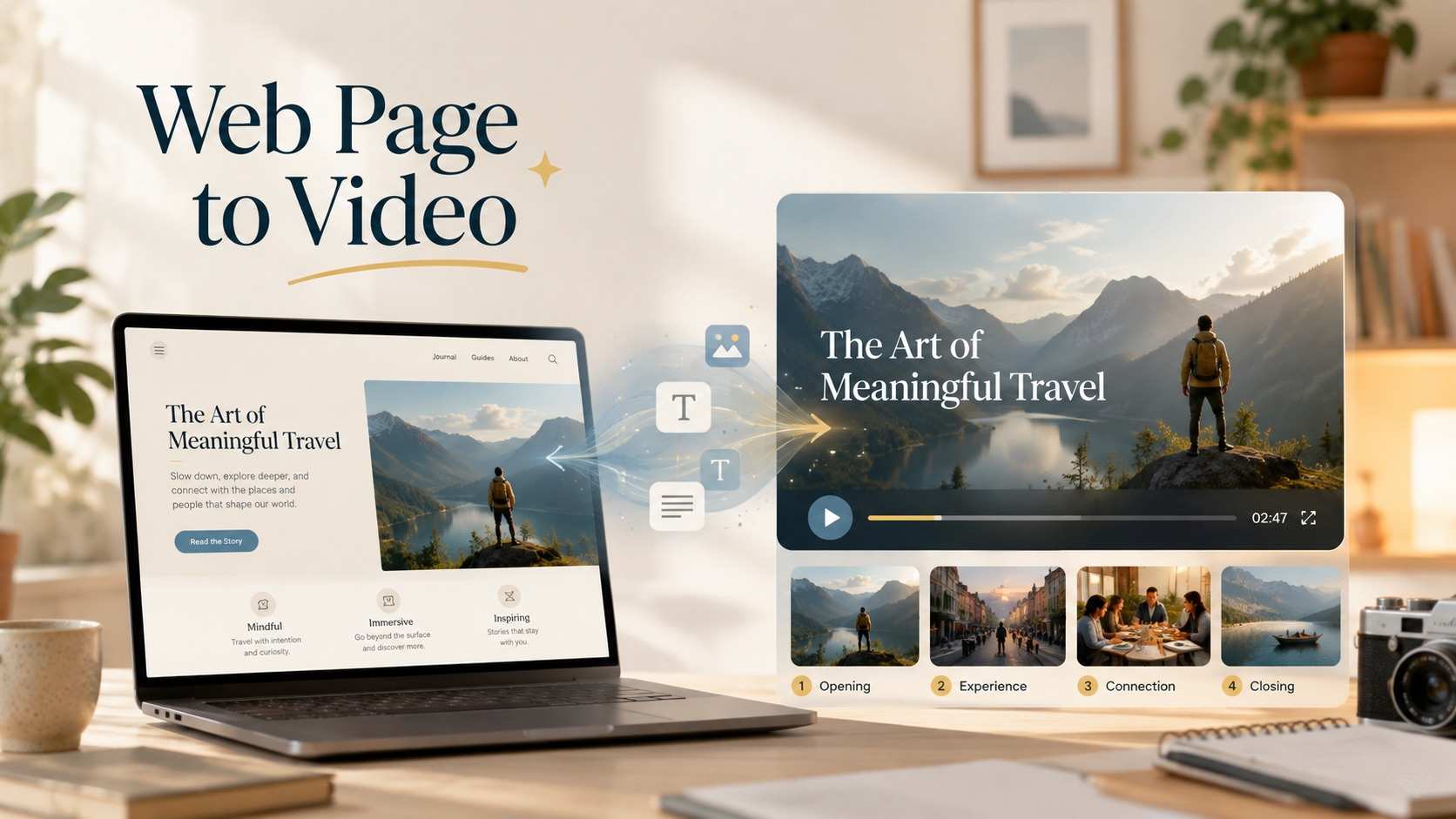
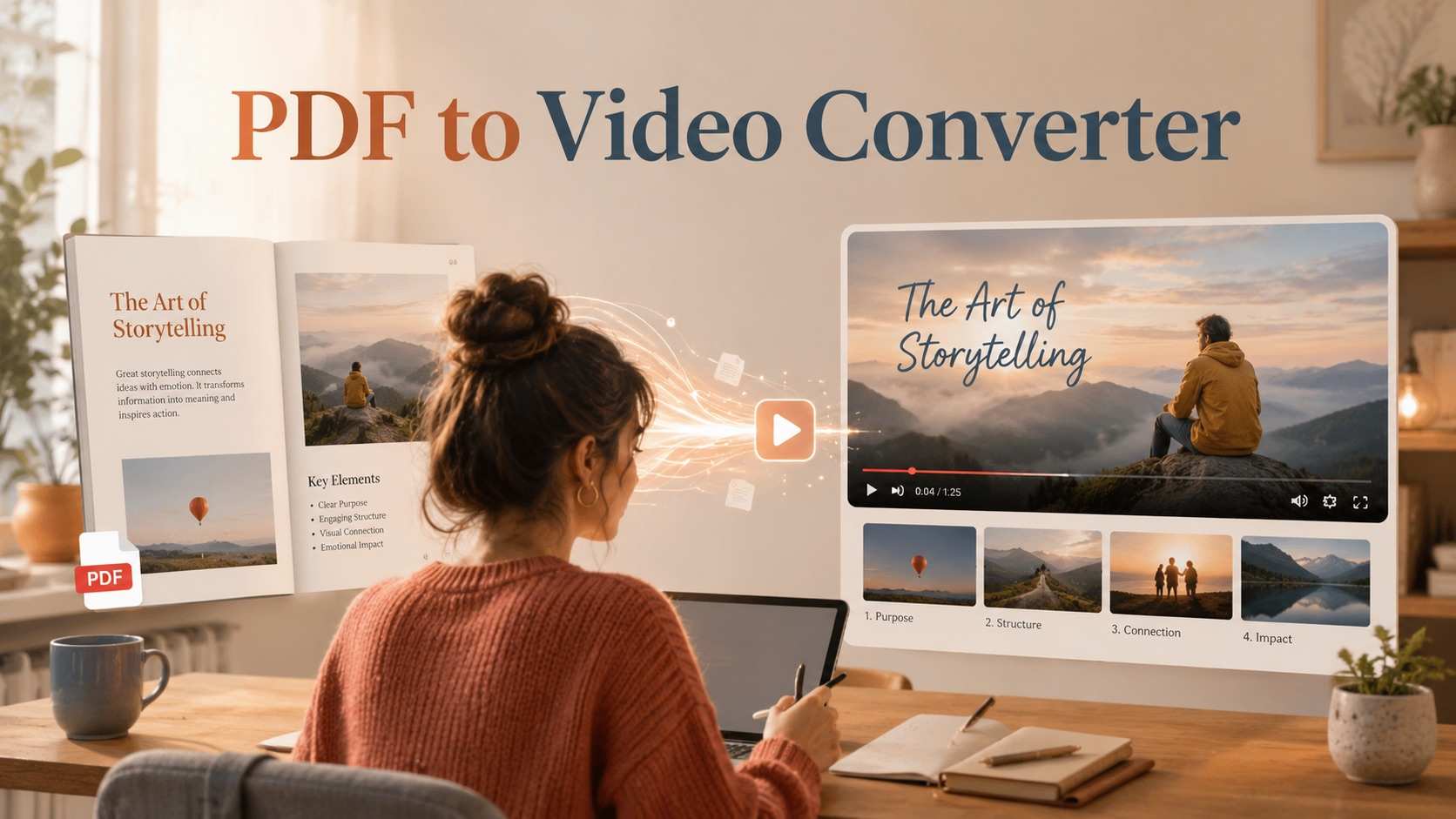
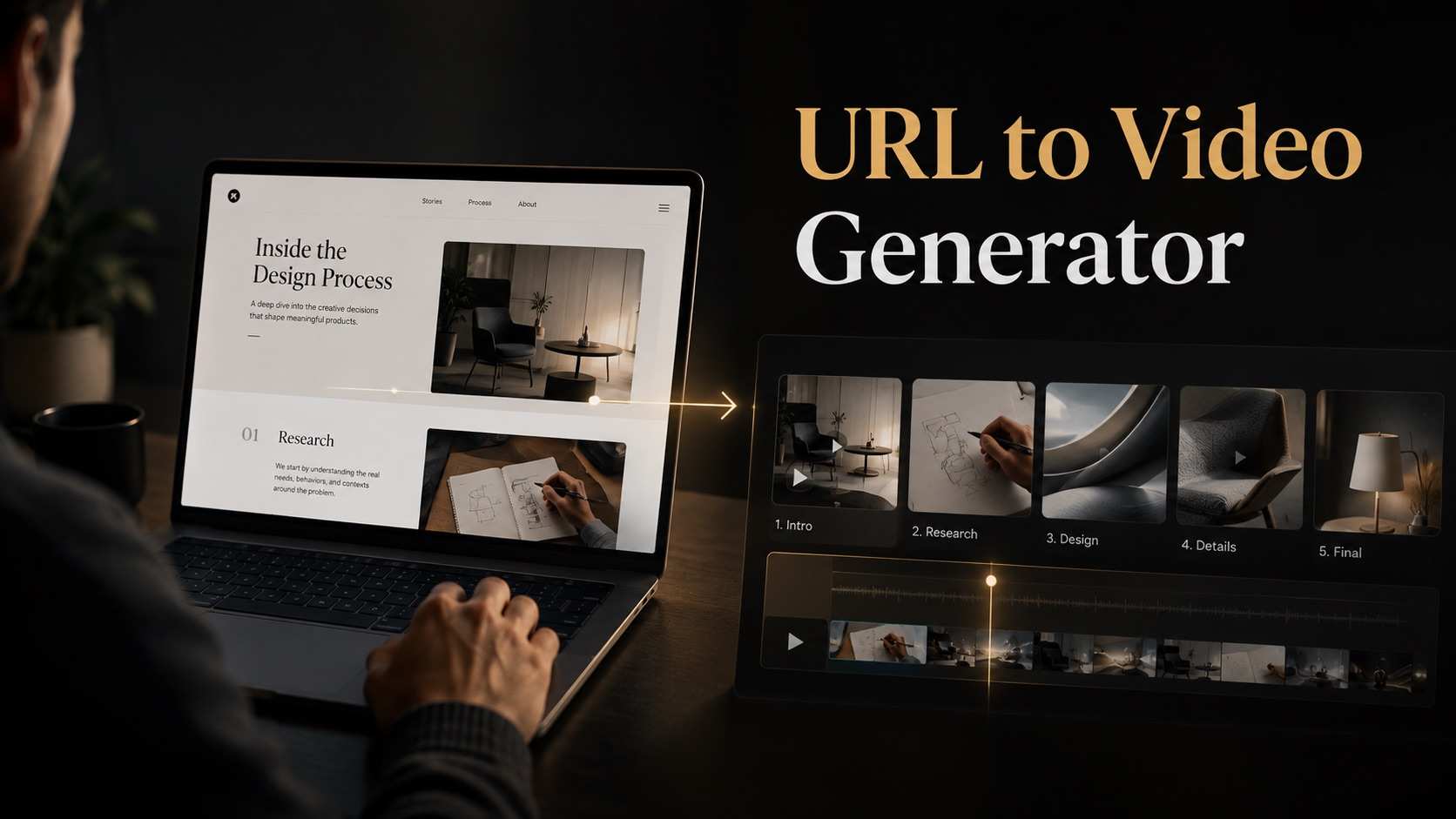

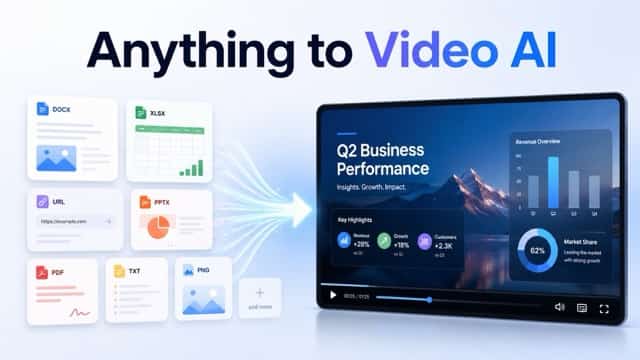
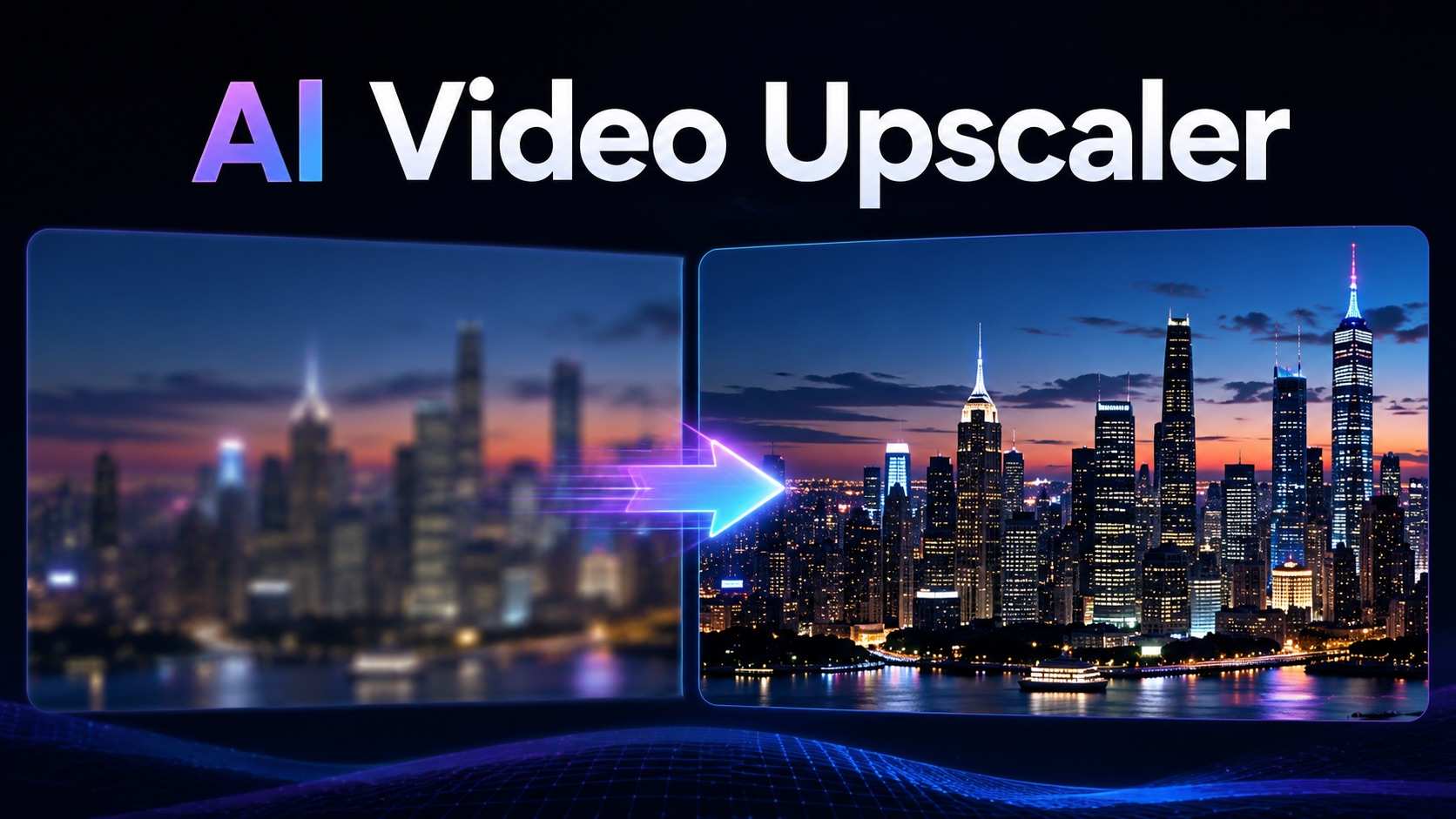
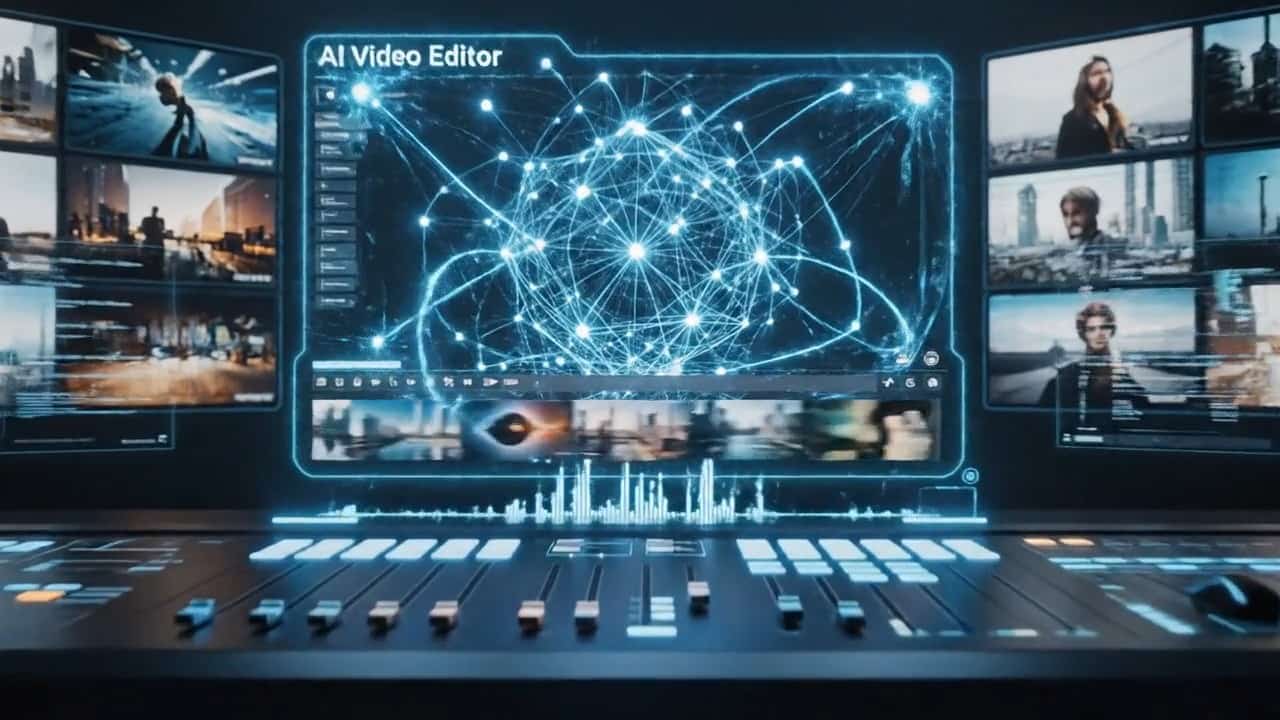



Core Features of Grok Imagine Video 1.5
Explore how Grok Imagine Video 1.5 transforms your static assets. Powered by the advanced Grok Imagine Video 1.5 generator, these image-to-video capabilities are built to maximize your productivity and visual impact.
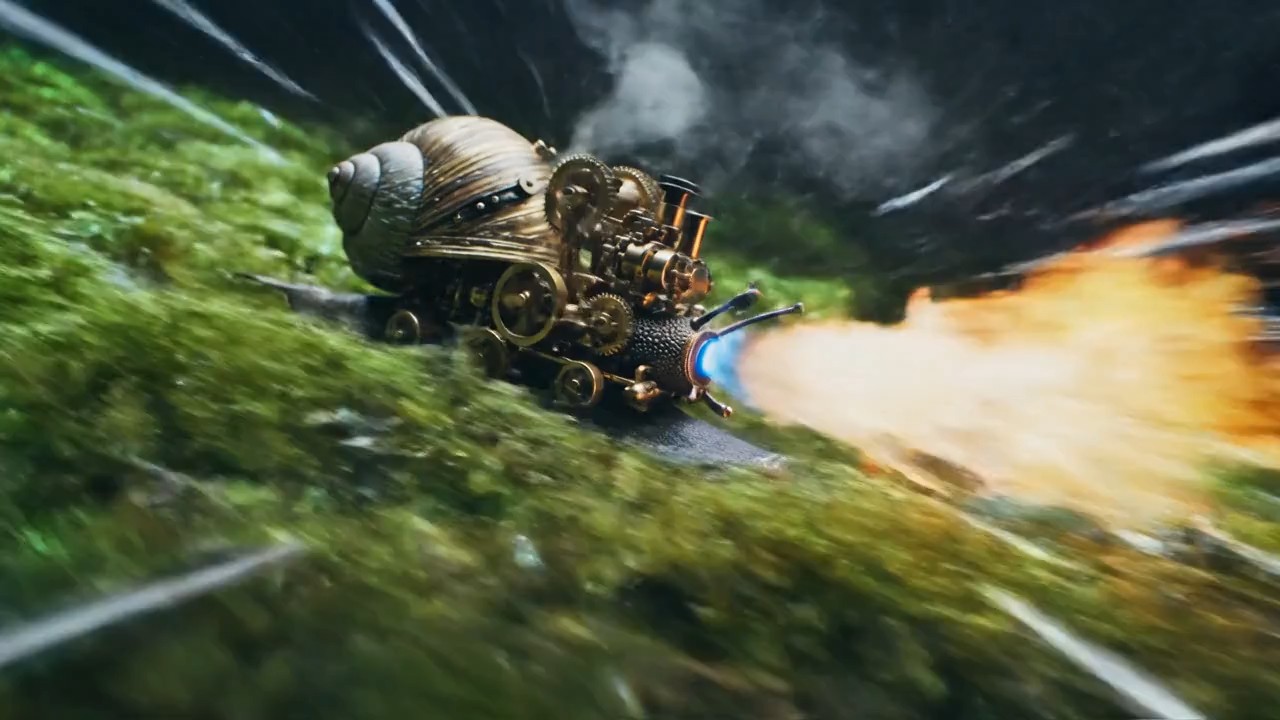
Seamless Image to Video Conversion
Turning still images into captivating video clips is effortless with the Grok Imagine Video 1.5 image to video tool.
- Breathe Life into Stills: Easily animate your static landscapes, portraits, and scenes.
- Fluid Motion: The Grok Imagine Video 1.5 generator intelligently maps depth and adds natural movement to flat images.
- Cinematic Quality: Create stunning video outputs in 480p/720p that are perfect for modern storytelling.
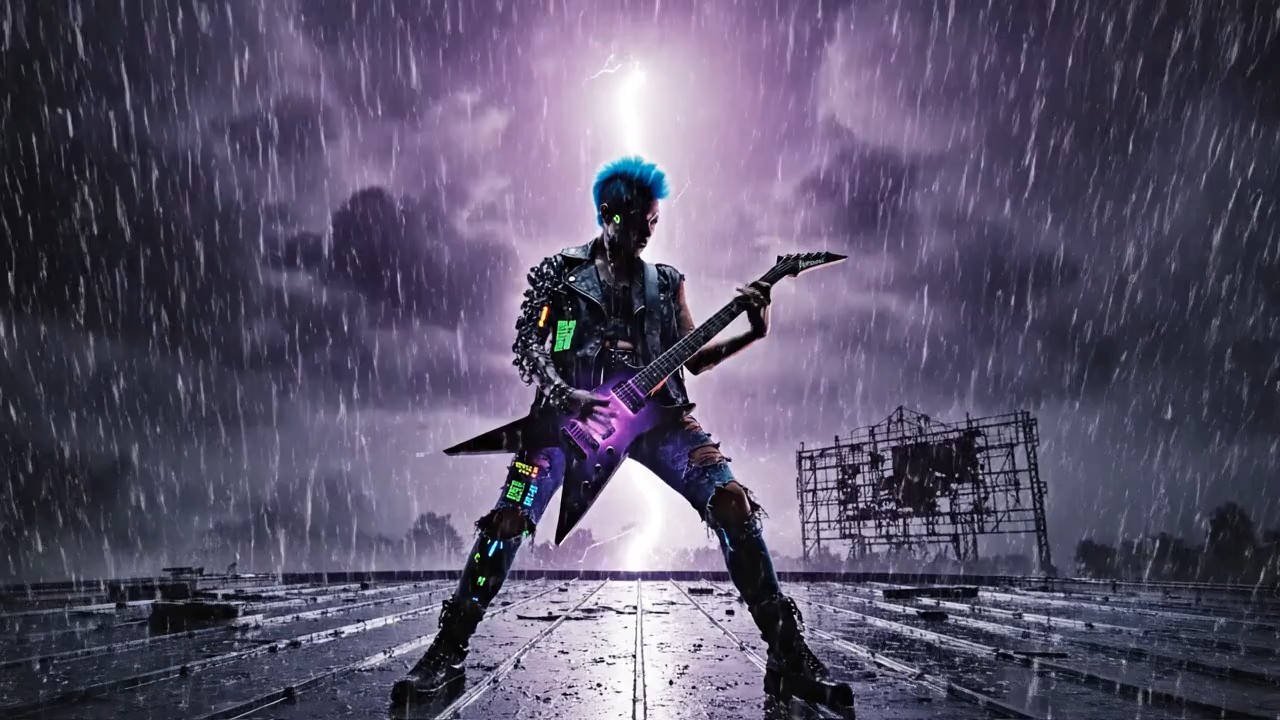
Dynamic Product Animations
Upgrade your e-commerce and promotional content instantly with Grok Imagine Video 1.5.
- From Photo to Showcase: Turn basic static product photos into engaging, moving 15-second advertisements.
- Highlight Details: Add subtle camera pans or background motion to make your products stand out.
- Marketing Ready: Generate high-converting assets directly from your existing product photography catalog.
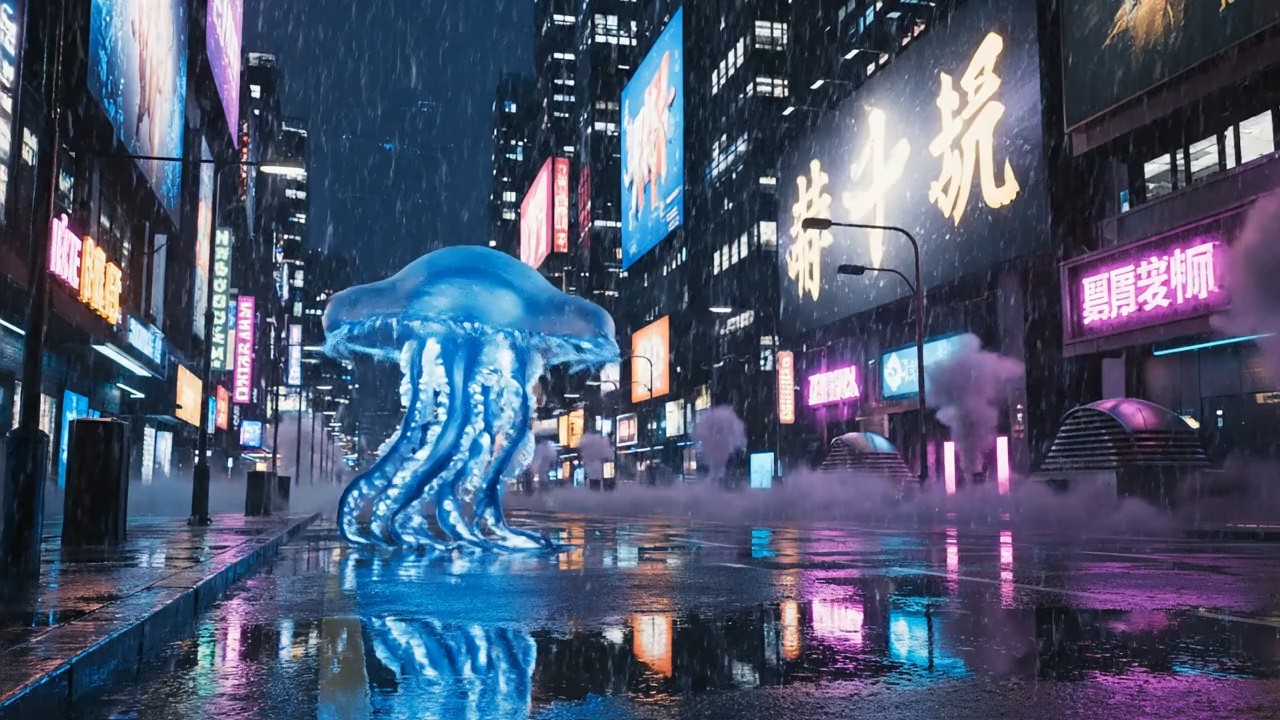
Consistent Brand and Character Styles
Because the animation is based directly on your uploaded files, Grok Imagine Video 1.5 guarantees absolute visual fidelity.
- 100% Style Retention: Keep your exact character designs, colors, and artistic styles intact while adding motion.
- Perfect for Creators: Ideal for illustrators and designers who want to animate their specific concept art.
- Brand Alignment: Ensure every video generated aligns flawlessly with your pre-established brand guidelines.
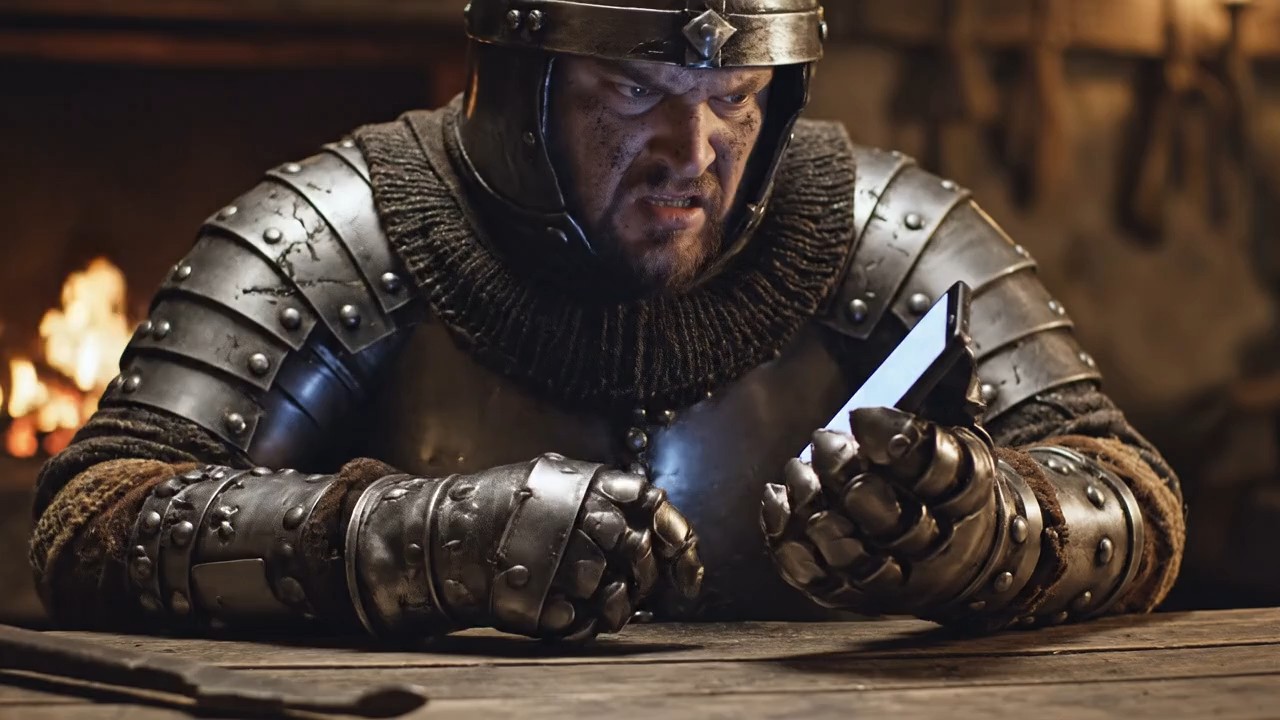
High-Quality 15-Second Video Output
The engine powering Grok Imagine Video 1.5 is optimized for generating highly usable short-form content.
- Up to 15 Seconds: Create clips with sufficient length for YouTube Shorts, Reels, and TikToks.
- Crisp Resolutions: Download your animated creations in clear 480p or high-definition 720p formats.
- Zero Rendering Wait: Experience rapid processing speeds powered by the advanced Grok Imagine Video 1.5 generator.
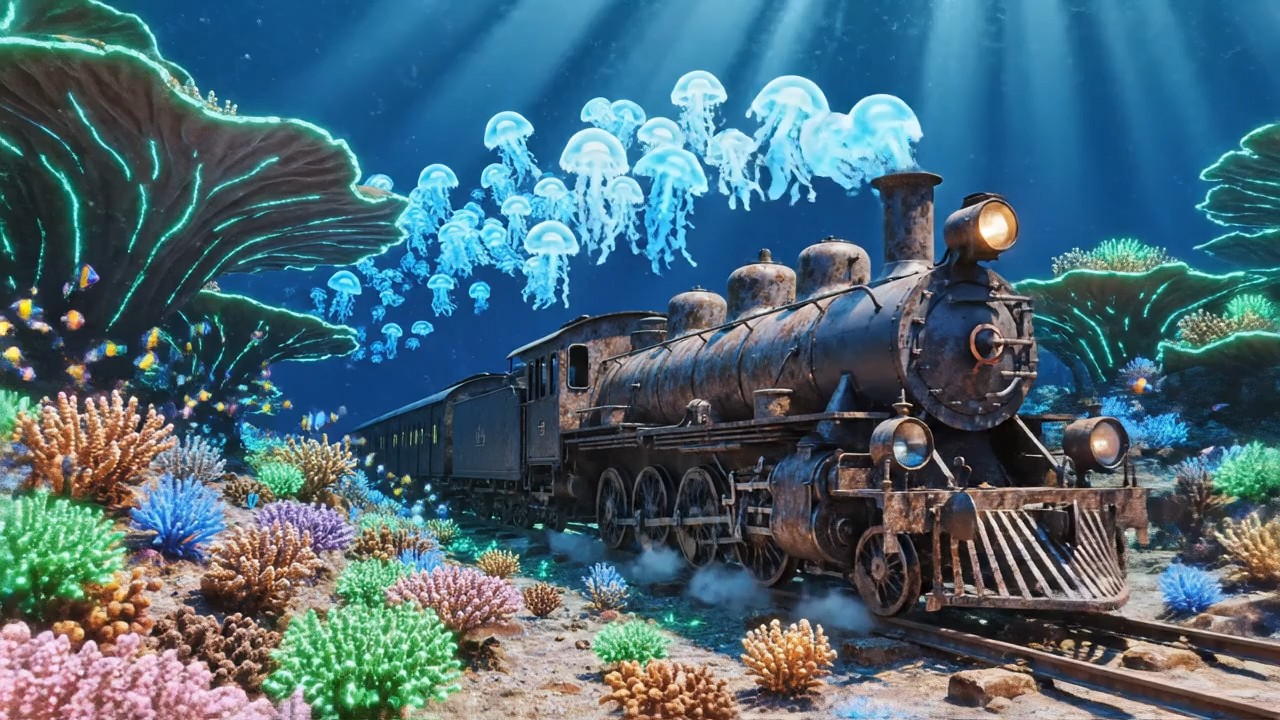
Enhance Social Media Engagement
Video content drives significantly higher engagement, and Grok Imagine Video 1.5 helps you bridge the gap.
- Animate Static Posts: Transform your standard image posts into eye-catching video content to beat the algorithm.
- Viral Potential: Moving visuals capture audience attention much faster than static pictures in a crowded feed.
- Consistent Posting: Rapidly convert your entire image gallery into a library of ready-to-post video clips.
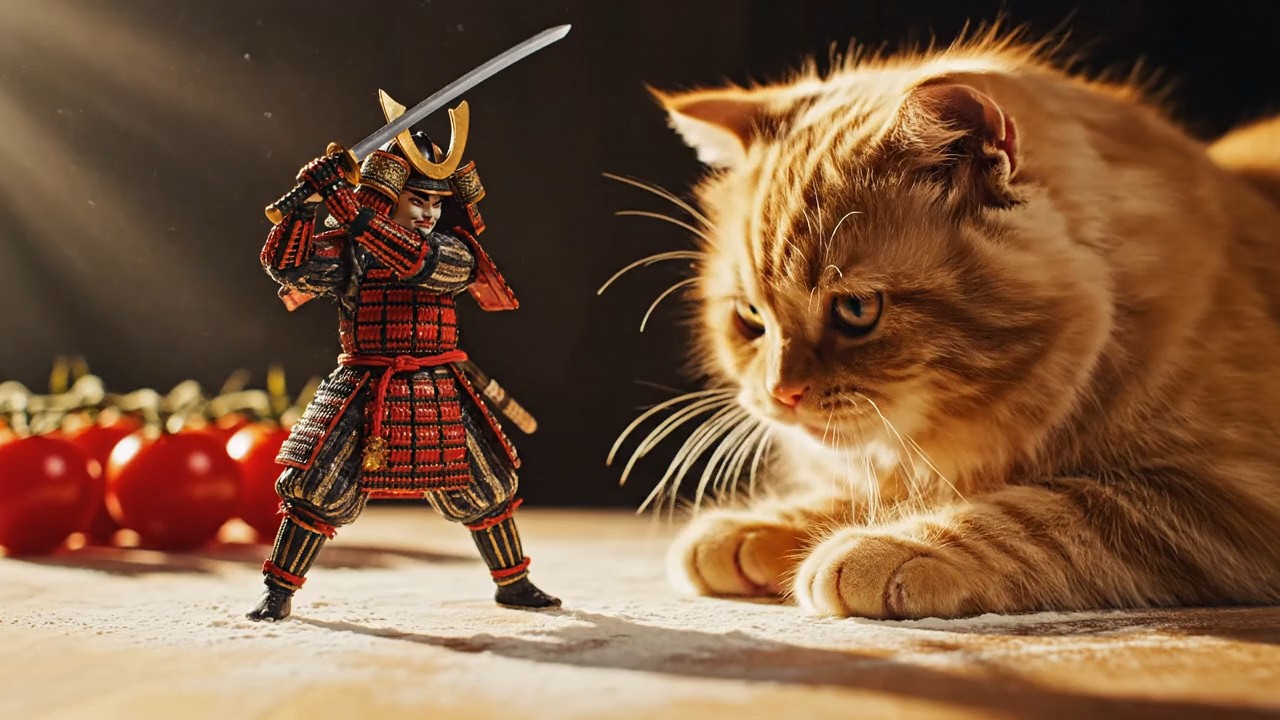
No Video Editing Skills Required
Complex software like After Effects is no longer a barrier thanks to the Grok Imagine Video 1.5 image to video workflow.
- Fully Automated Motion: The AI automatically determines the best way to animate the elements in your photo.
- One-Click Magic: Simply upload and click generate; the engine handles all keyframes and rendering.
- Accessible to Everyone: Built specifically for marketers, small business owners, and creators without animation backgrounds.
Why Choose Grok Imagine Video 1.5?
Discover why top professionals are relying on the Grok Imagine Video 1.5 generator to turn their static images into compelling video content efficiently.
Dynamic Concept Art Presentation
For artists and designers, presenting static concept art can sometimes feel flat. With the Grok Imagine Video 1.5 image to video tool, you can instantly add atmospheric motion to your illustrations, creating a much more immersive experience for your clients or audience.
Elevating E-Commerce Product Listings
Turn your standard product photography into engaging video ads. The Grok Imagine Video 1.5 generator allows store owners to quickly convert static catalog shots into premium, 15-second moving showcases that increase conversion rates.

Creating Thumb-Stopping Social Content
Social media algorithms favor video. By using Grok Imagine Video 1.5, influencers and social media managers can rapidly convert their existing photo libraries into dynamic video clips perfectly sized for Instagram Reels, TikTok, and YouTube Shorts.
Animating Storyboards and Pre-viz
Filmmakers and directors can bring their static storyboards to life in seconds. Upload your sketch or reference frame, and let Grok Imagine Video 1.5 add camera movement, giving your production team a much clearer sense of the final cinematic shot.
What Users Say About Grok Imagine Video 1.5
See how creators and businesses are transforming their static visual assets into stunning videos with the **Grok Imagine Video 1.5 image to video** tool.
Using **Grok Imagine Video 1.5** has totally revolutionized my content strategy. I upload my static promotional photos, and the image-to-video AI instantly turns them into gorgeous, smooth animations for my Instagram. It saves me hours of editing!
The **Grok Imagine Video 1.5 generator** is mind-blowing. I use the **Grok Imagine Video 1.5 image to video** tool to animate my standard product photos into dynamic 15-second ads in 720p. Our ad click-through rates have doubled since we started doing this.
As an illustrator, seeing my static drawings come alive is magical. The fact that the AI uses my exact uploaded image means the final video never loses my specific artistic style. **Grok Imagine Video 1.5** is the best animation tool I have used.
I run a small online boutique and don't have the budget for expensive video shoots. Now, I just take a good photo of a dress, upload it to **Grok Imagine Video 1.5**, and get a professional-looking video clip in return. It is an absolute lifesaver.
The cinematic camera motion generated by **Grok Imagine Video 1.5** from just a single flat image is incredible. I use it constantly to animate my pre-production storyboards into moving sequences. The 720p quality is excellent for web presentations.


Frequently Asked Questions
Find quick, helpful answers about the core image animation features of the **Grok Imagine Video 1.5 generator** and how to get the best results from your uploads.
Grok Imagine Video 1.5 is an advanced AI animation platform specifically designed to transform your static images into dynamic, high-quality video clips instantly.
The core feature is the Grok Imagine Video 1.5 image to video engine. You simply upload a still photograph, illustration, or design, and the AI will add natural, cinematic motion to create a video clip.
You can animate a wide variety of static images, including product photography, landscape shots, digital portraits, concept art, and promotional graphics.
The Grok Imagine Video 1.5 generator can create smooth, dynamic video clips that last up to 15 seconds, giving you plenty of time to showcase your visuals.
Absolutely. Because the video is generated directly from the file you upload, it preserves your original character designs, brand colors, and specific artistic aesthetic perfectly.
Yes, outputs from the Grok Imagine Video 1.5 image to video tool are rendered in crisp 480p and 720p resolutions, making them ideal for professional social media and marketing use.
Not at all. The platform is entirely automated. You do not need to know anything about keyframing, timeline editing, or complex software to get stunning results.
Yes, animating static assets is one of the best ways to boost engagement. The videos created by Grok Imagine Video 1.5 are perfect for Facebook Ads, Instagram Reels, TikTok, and YouTube.
Start Animating with Grok Imagine Video 1.5
Unlock your visual potential with Grok Imagine Video 1.5 today. Stop settling for flat, static photos when you can easily turn them into captivating, moving stories. Enjoy rapid video generation, up to 15-second clips in 480p/720p, and perfect style retention from your original uploads. Whether you are a marketer, artist, or social media manager, the Grok Imagine Video 1.5 image to video platform is your ultimate animation tool. Start your creative journey right now.
