
Gemini Omni 1.1: AI Video Generator
Create, Edit, and Extend Videos with AI
Use Gemini Omni 1.1 to create videos from text, images, or existing footage. Refine scenes with natural-language prompts, control keyframes, extend clips, and generate high-quality video in one AI video generator workflow.

More AI Video Generators
Explore our collection of specialized AI video generators designed for different creative needs and styles

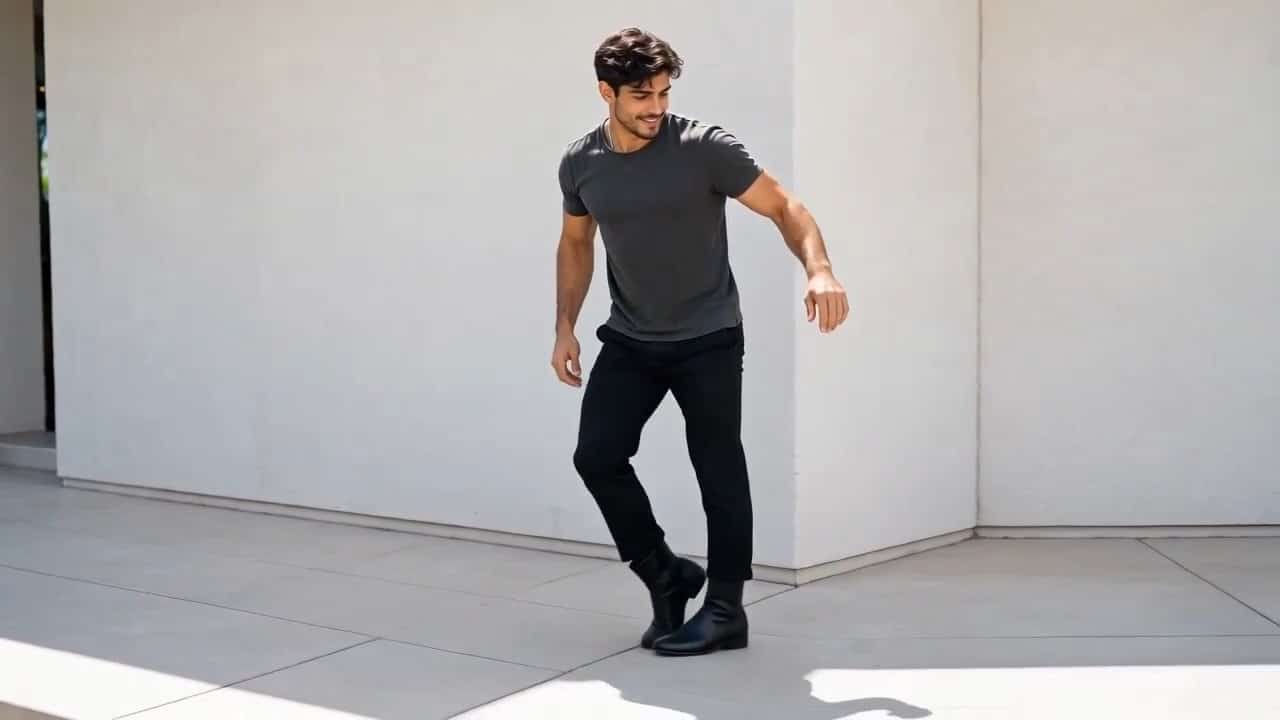

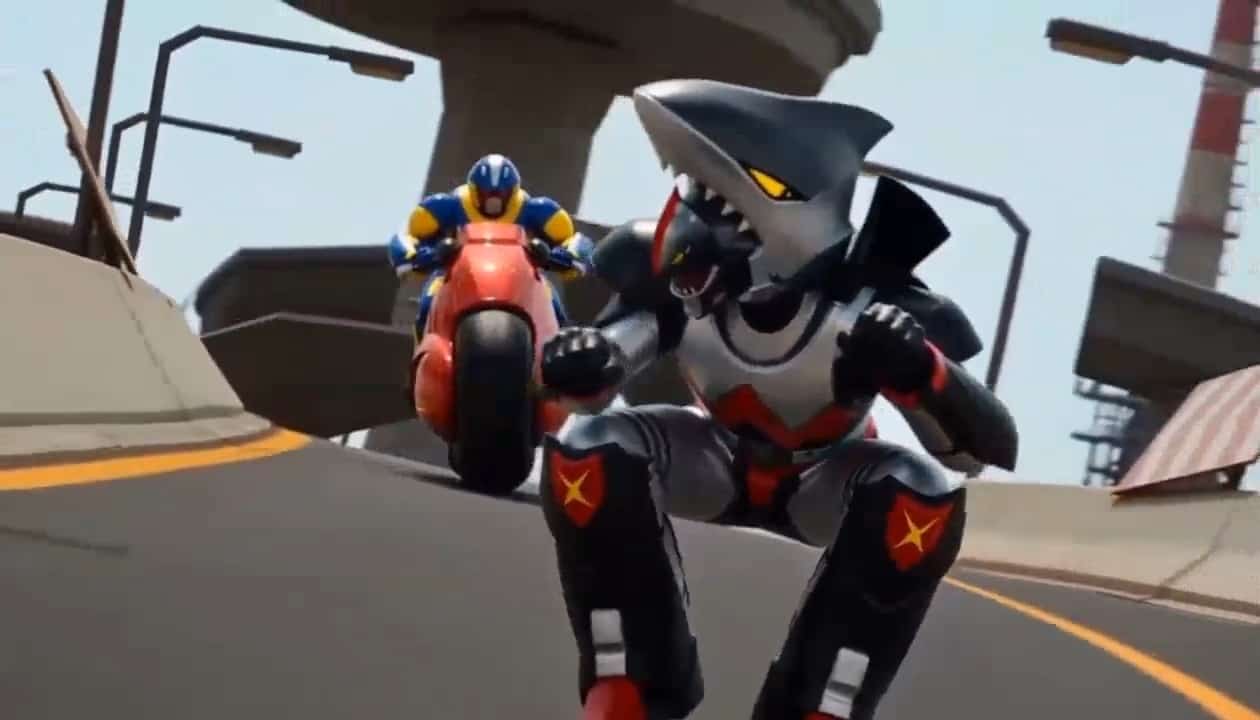

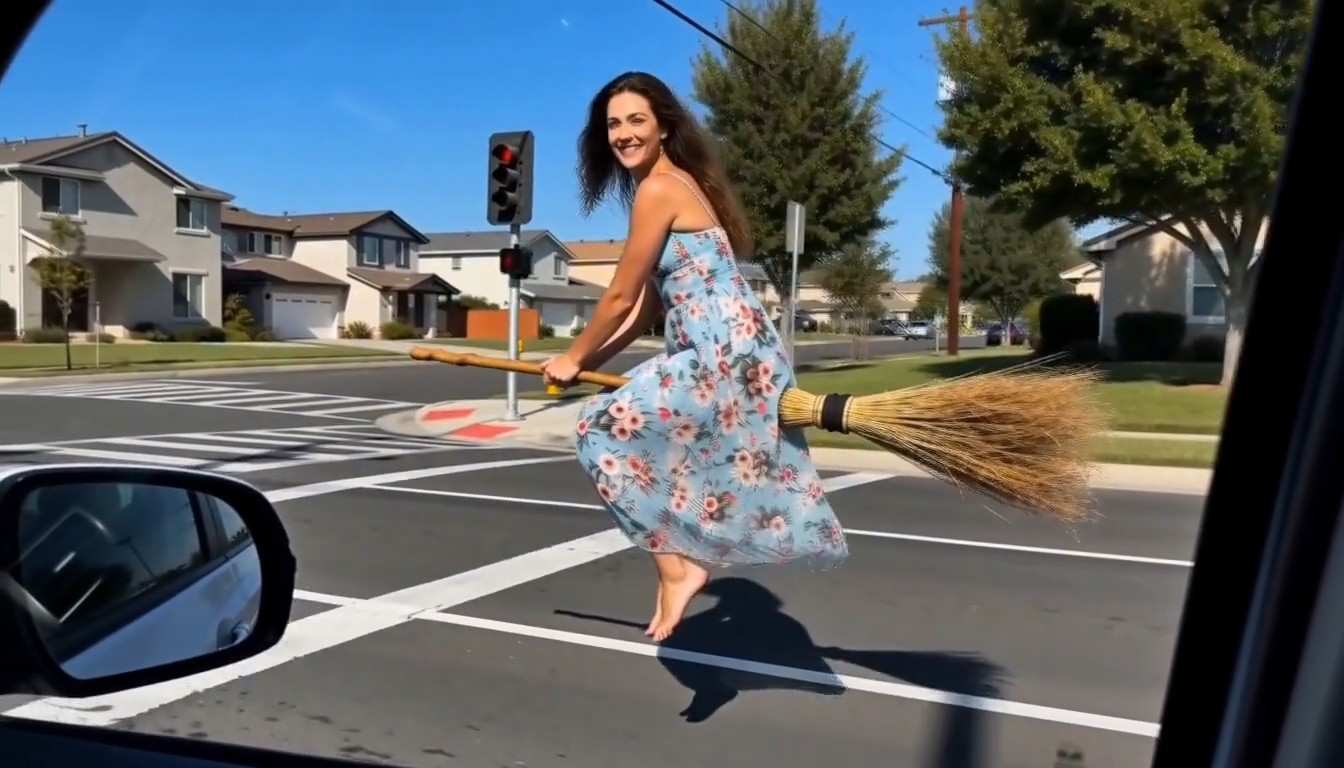





Gemini Omni 1.1 AI Video Generator for Fast, Controllable Creation
Create, edit, extend, and refine videos with one multimodal workflow
Bring ideas to motion with Gemini Omni 1.1, Google’s fast multimodal video generation and editing model. Start with text, images, or video, then guide the result through natural-language edits instead of rebuilding every shot from scratch. This AI video generator supports native audio, first-and-last-frame interpolation, scene extension, and flexible resolution options from lightweight drafts to 4K delivery. Whether you are testing a campaign concept, animating product images, shaping a cinematic sequence, or refining existing footage, Gemini Omni 1.1 gives creators a more direct path from prompt to polished video. Gemini Omni 1.1 is built for fast creative iteration.

Create Videos in Three Simple Steps
Gemini Omni 1.1 keeps video creation simple: add your idea, generate a result, then refine it with prompts. The AI video generator supports multiple visual inputs for both new concepts and existing assets.

Add Your Prompt or Visual
Describe your scene or upload an image or video reference. Add details about the subject, camera movement, lighting, style, and audio to help Gemini Omni 1.1 understand the result you want.

Generate Your First Video
Generate your first clip with Gemini Omni 1.1. Use a lower-resolution draft to quickly check composition and motion before creating a higher-quality final version.

Edit, Extend, and Export
Refine the video with natural-language instructions, adjust the camera, extend scenes, or control first and last frames. Then export your finished video in up to 4K.
Best AI Video Tools for Creative Projects
Explore creative tools for video, learn tips and tricks, and see how AI can be your assistant in turning concepts into finished projects.























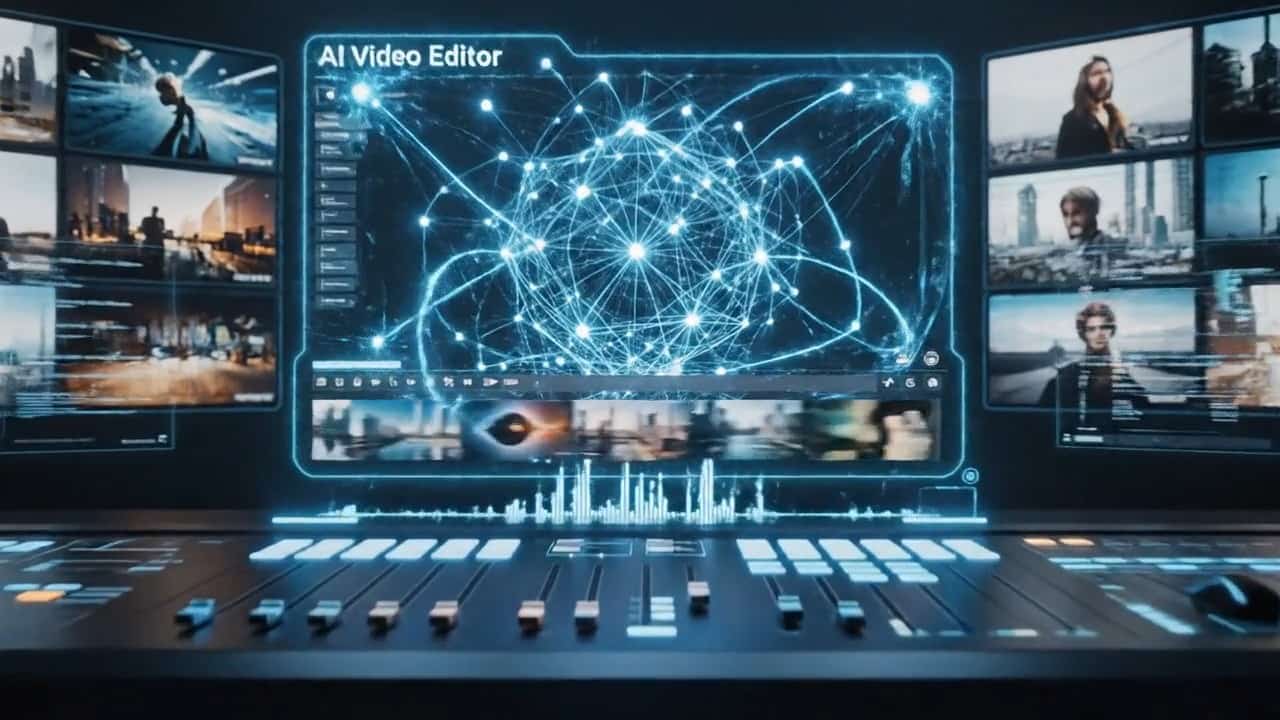

More Control From First Prompt to Final Frame
Gemini Omni 1.1 brings video generation, editing, extension, and refinement into one workflow, giving creators more control without switching between multiple tools.

Create From Text, Images, and Video
Gemini Omni 1.1 supports text, image, and video inputs. Start with a written idea, animate a still image, or use existing footage as visual context. The AI video generator can better understand subjects, products, environments, composition, and movement from these references. This makes Gemini Omni 1.1 useful for ads, cinematic concepts, social videos, and other workflows where visual consistency matters.
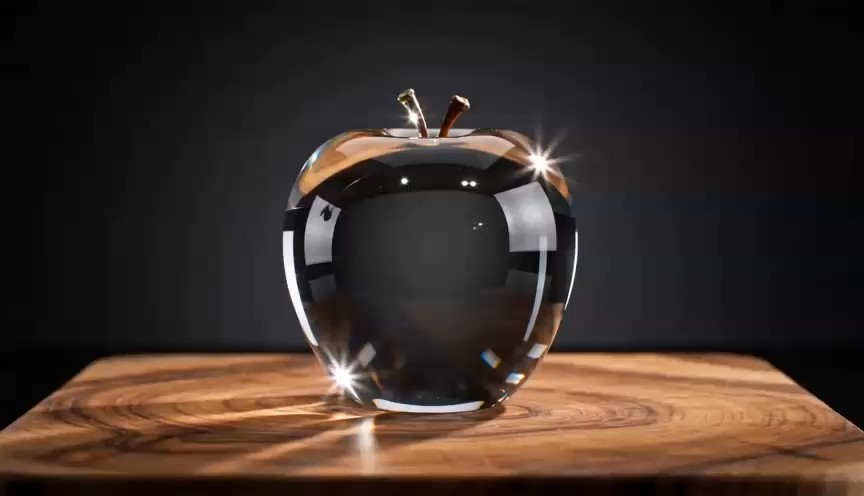
Refine Videos Through Conversation
Gemini Omni 1.1 supports conversational editing, so you can describe what needs to change while keeping the parts you like. Adjust backgrounds, camera angles, lighting, clothing, or other visual details with follow-up prompts. This makes the AI video generator easier to refine without repeatedly starting from scratch.
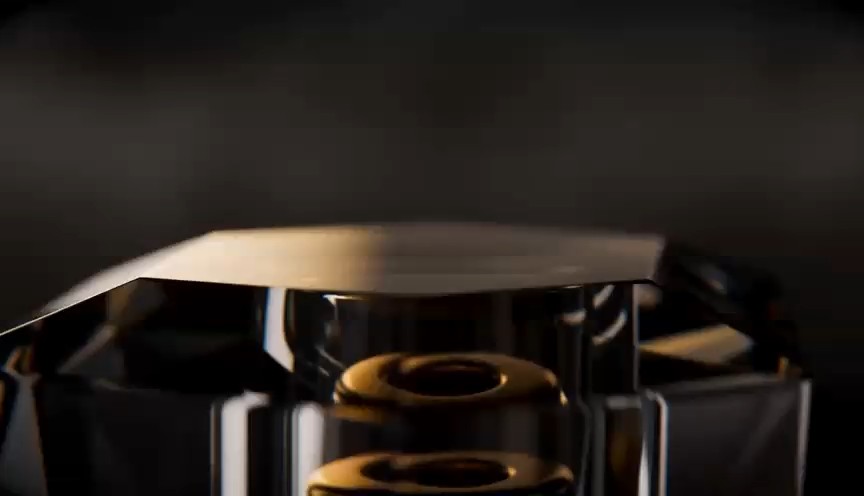
Control Motion With First and Last Frames
Gemini Omni 1.1 can create motion between a chosen opening and closing frame. Use it for reveals, camera moves, transitions, product rotations, and other shots that need clear start and end points. The AI video generator fills in the movement between these keyframes for more controlled results.
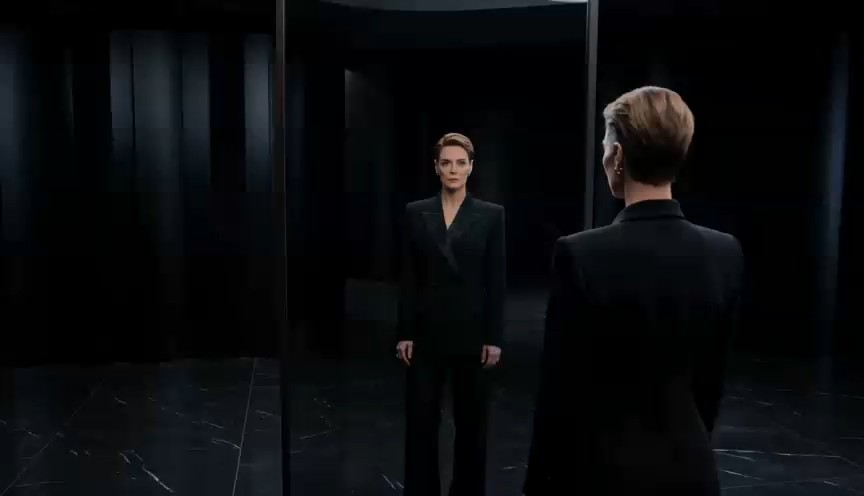
Draft Fast, Extend Scenes, Deliver in High Resolution
Gemini Omni 1.1 supports fast 360p drafts plus 720p, 1080p, and 4K output. Test ideas quickly, refine promising results, and extend existing scenes using previous footage as context. This gives the AI video generator a practical draft-to-final workflow for faster creative iteration.
Turn Everyday Creative Ideas Into Motion
Gemini Omni 1.1 can fit many video workflows because it accepts multiple kinds of input and supports iterative editing. Use the AI video generator when you need speed, visual control, or a simpler route from reference material to a finished concept. Gemini Omni 1.1 can support creators across marketing, social, storytelling, and visual planning.

Product and Ecommerce Videos
Turn product photography into short motion concepts for ads, product pages, launches, and social campaigns. Gemini Omni 1.1 can help animate a still product, explore camera movement, change the surrounding scene, or produce multiple creative directions. The AI video generator is useful when a team wants to test visual ideas before committing to a larger production. Gemini Omni 1.1 also helps teams compare ideas before production.

Social Media Content
Create short-form visuals for TikTok, Reels, Shorts, and campaign posts. Gemini Omni 1.1 lets creators move from a simple prompt or image reference to an animated scene, then improve it through follow-up edits. Use the AI video generator to explore hooks, transformations, character moments, and visually distinctive social concepts.

Cinematic Previsualization
Use Gemini Omni 1.1 to test composition, camera movement, scene continuity, and transitions before production. Directors, designers, and creative teams can use the AI video generator to communicate an idea visually instead of relying only on written descriptions or static boards. Keyframe control makes planned starts and endings easier to express.

Video Editing and Creative Variations
Start with existing footage and ask for targeted changes. Gemini Omni 1.1 can support video-to-video editing and multi-turn refinement, helping teams explore alternative environments, lighting, styling, or camera choices. The AI video generator is especially valuable when you want multiple visual directions while keeping important elements of the original clip recognizable.
Why Creators Prefer a More Iterative Video Workflow
The biggest advantage of Gemini Omni 1.1 is not simply generating a clip. It is the ability to keep shaping the result. These example user perspectives show where a conversational AI video generator can make creative work feel faster and more manageable.
I usually create several visual directions before a campaign is approved. With Gemini Omni 1.1, I can start from a product image, test motion, then keep refining the same idea instead of rebuilding every version. That makes the early creative stage much easier to manage.
The first-and-last-frame workflow is the feature I notice most. Gemini Omni 1.1 gives me a clearer way to communicate where a camera move should end, which is useful when I am planning transitions and concept shots.
For short social videos, speed matters. I like being able to draft an idea, check the motion, and adjust it with another instruction. The AI video generator fits the way I already iterate on hooks and visual concepts.
Gemini Omni 1.1 is useful when our team has strong reference images but no finished video direction yet. We can explore different scenes and movement before deciding which concept deserves more production time.
I care more about iteration than one perfect prompt. Gemini Omni 1.1 lets me refine visual details through follow-up instructions, so the process feels closer to directing than repeatedly rolling the dice on unrelated generations.





Gemini Omni 1.1 Frequently Asked Questions
Learn how Gemini Omni 1.1 works, what inputs it supports, how scene extension and keyframe interpolation function, and when this AI video generator fits into a creative workflow. Gemini Omni 1.1 brings these capabilities together for creators who want more control over iteration.
Gemini Omni 1.1, officially available as Gemini Omni 1.1 Flash, is Google’s multimodal model for fast video generation and editing. It can process text, images, and video as input and produce video with native audio. Gemini Omni 1.1 is designed not only to create new clips but also to support conversational editing, scene extension, and keyframe interpolation. That makes it useful as an AI video generator for creators who want to generate a result and continue refining it through natural-language instructions.
Yes. Gemini Omni 1.1 supports image-to-video generation, allowing a still visual to become the starting point for an animated scene. You can describe the desired movement, environment, camera behavior, and overall mood. The AI video generator can also use visual references to give the model more context than text alone. This is particularly useful for product images, concept art, portraits, branded visuals, and scenes where visual consistency matters.
Yes. Video editing is one of the core strengths of Gemini Omni 1.1. Through conversational editing, you can request changes to an existing result using natural language. Depending on the workflow, that can include changes to visual details, scene direction, camera behavior, lighting, styling, or other elements. Rather than treating every revision as a new generation, the AI video generator is designed to support multi-turn refinement so creators can work toward the desired result more gradually.
Gemini Omni 1.1 supports 360p, 720p, 1080p, and 4K output options. The 360p mode is intended for faster draft generation, which can be useful when testing prompts, motion, and composition. After the idea is working, creators can move to a higher-resolution output. This gives the AI video generator a practical draft-to-delivery workflow instead of forcing every experiment to use the same output quality.
Gemini Omni 1.1 can continue an existing video by generating what happens next. Google states that the model can analyze up to 10 seconds of prior context and extend scenes in 10-second increments, with cumulative sequences reaching about 40 seconds. The goal is to preserve stronger continuity across the extended sequence. For creators, this means the AI video generator can help develop a promising short shot into a longer scene without immediately restarting from zero.
Give Gemini Omni 1.1 clear information about the subject, action, setting, composition, camera movement, lighting, style, timing, and audio you want. Instead of writing only “make a cinematic product video,” explain what the product is doing, how the camera moves, what the background looks like, and how the shot should feel. If the first output is close but not right, use follow-up instructions rather than rewriting everything. A good AI video generator workflow is iterative: establish the scene, inspect the result, refine the weak details, then increase resolution when the direction is ready. Gemini Omni 1.1 responds best when each revision gives a specific creative direction.
Create Your Next Video With Gemini Omni 1.1
Move from idea to motion with a workflow built for generation, editing, and iteration. Use Gemini Omni 1.1 to turn text or visual references into video, refine scenes through natural language, control key moments, extend promising shots, and prepare higher-resolution outputs when the creative direction is ready. Start creating with an AI video generator designed to keep your ideas moving. Gemini Omni 1.1 keeps that process focused on creative direction rather than disconnected tools.
