
More AI Video Generators
Explore our collection of specialized AI video generators designed for different creative needs and styles

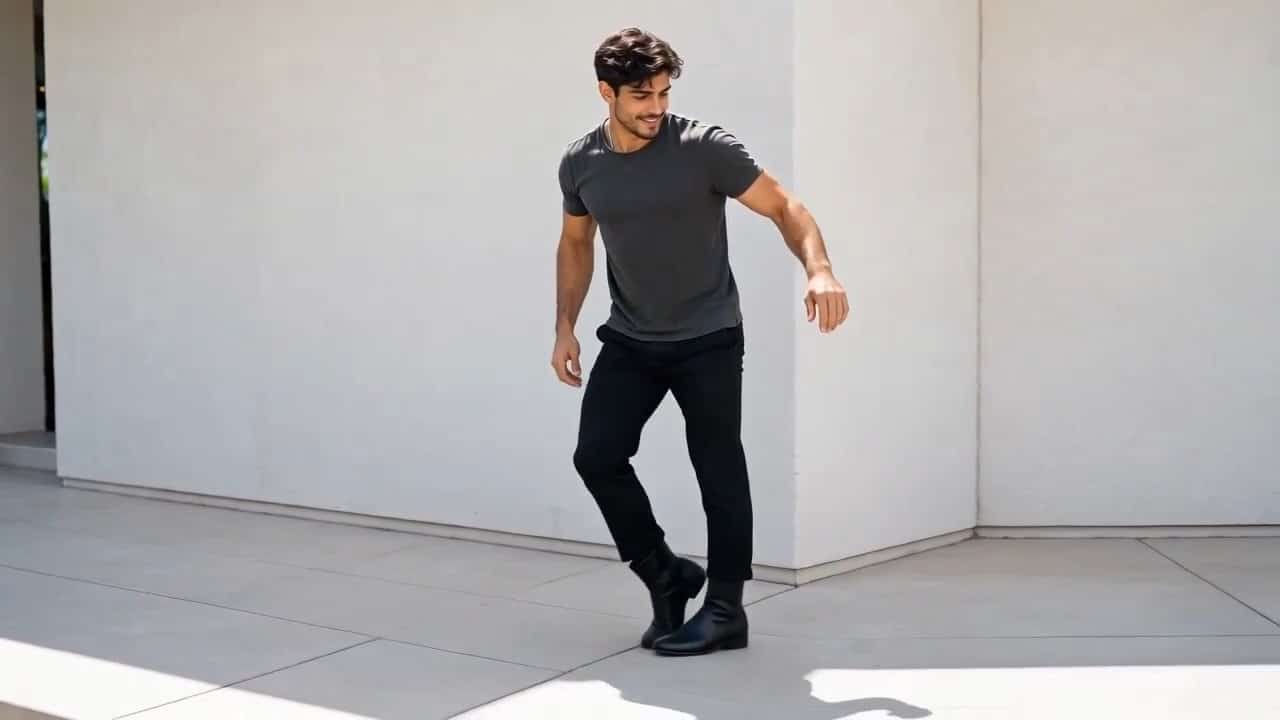
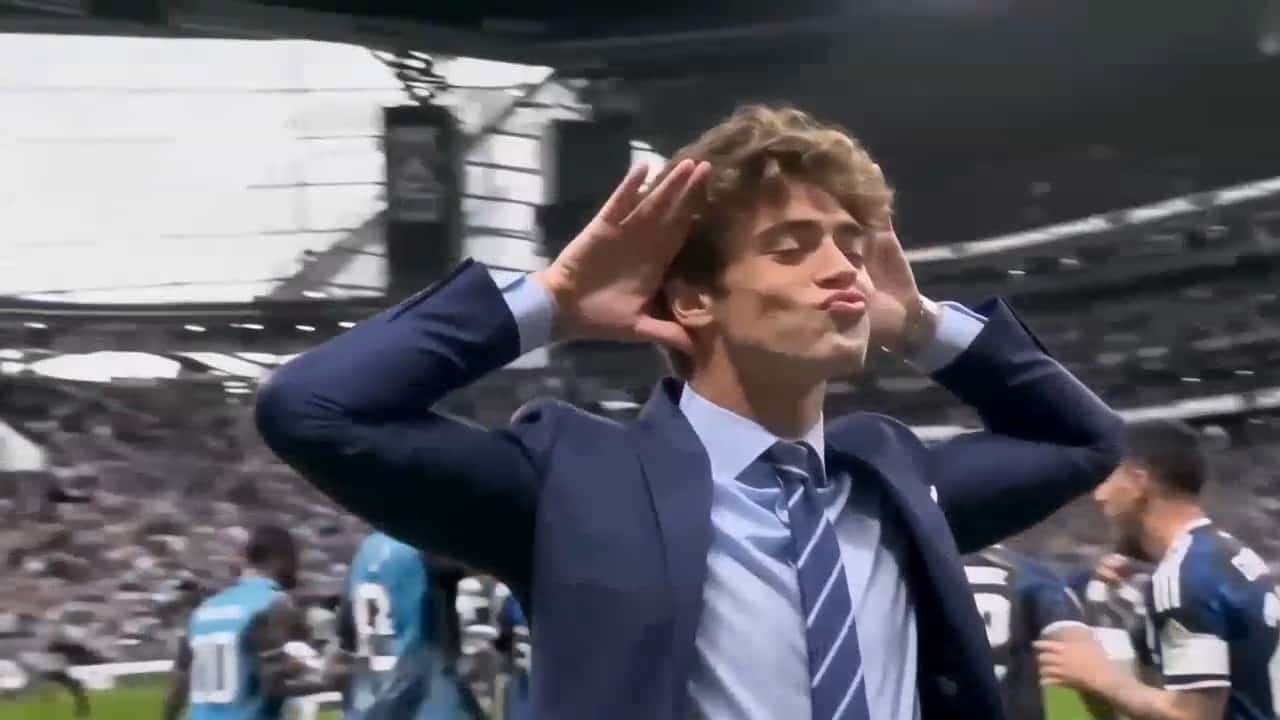
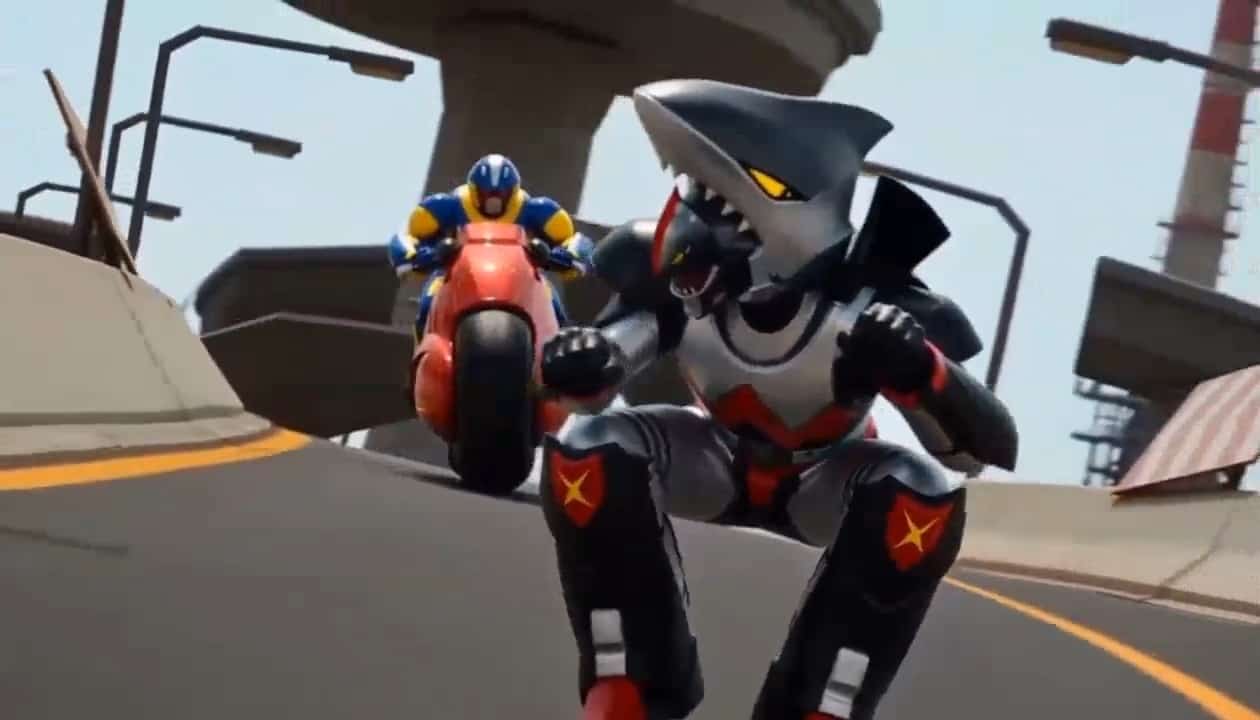

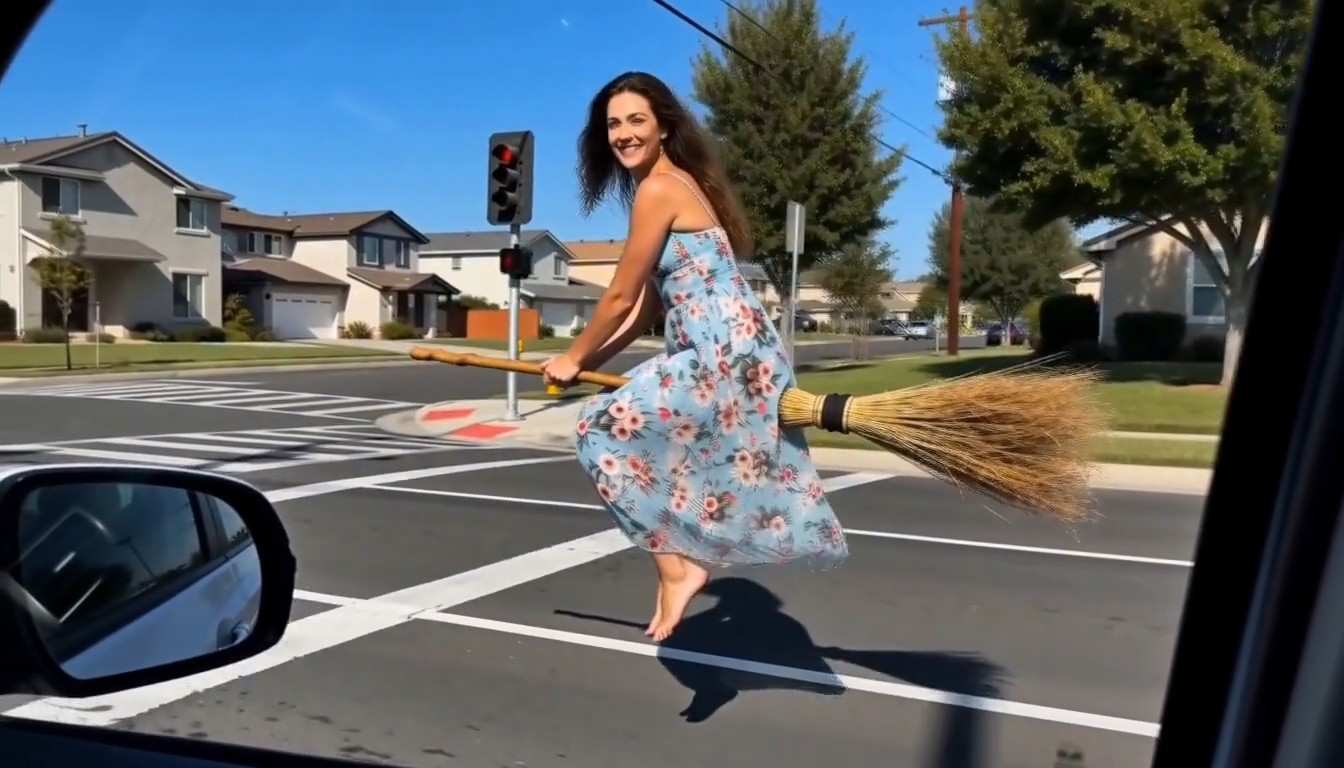
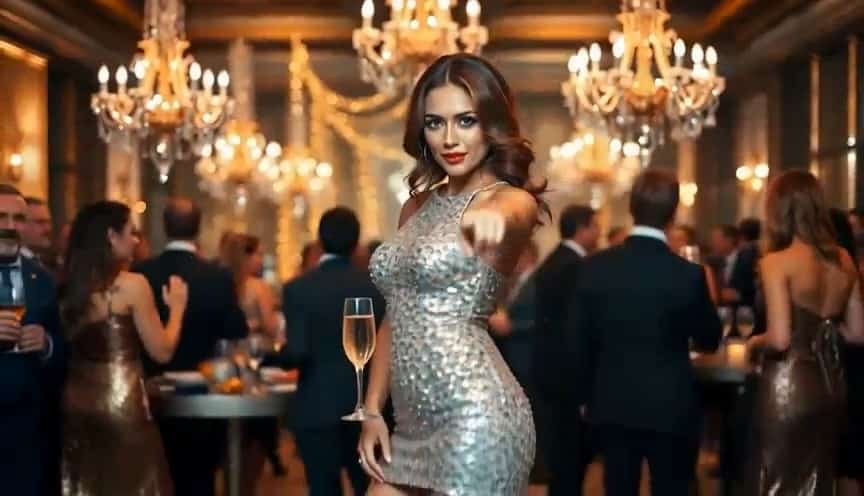
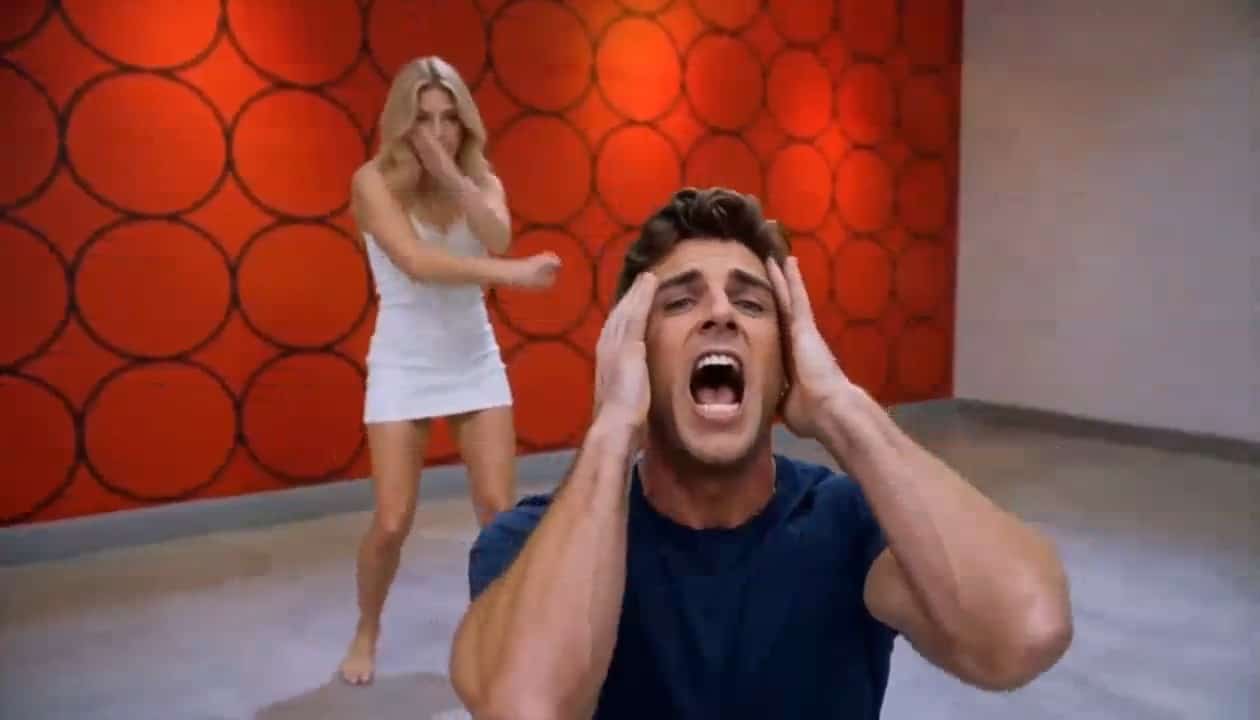



MiniMax H3 Max AI Video Generator for Fast, Cinematic Creation
Turn text or images into polished short videos with native audio, stronger prompt control, and fast generation.
MiniMax H3 Max creates expressive AI videos from detailed prompts or still images with strong prompt adherence, smooth motion, visual quality, and synchronized sound. The H3 Max AI Video Generator helps creators, marketers, and ecommerce teams turn ideas into cinematic short videos for ads, social posts, product showcases, and visual stories with a fast, repeatable workflow.
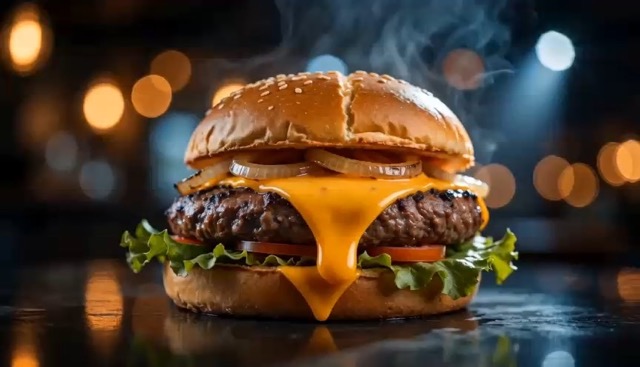
Create with MiniMax H3 Max in Three Simple Steps
The H3 Max AI Video Generator keeps video creation simple with text-driven and image-guided workflows. Add a subject, action, camera direction, lighting, and audio intent, or upload an existing image. MiniMax H3 Max turns your input into a short moving scene with coordinated visuals and sound.

Add Your Prompt or Image
Describe what you want MiniMax H3 Max to create or upload an image as the first frame. Include the subject, movement, environment, camera motion, lighting, and audio for more controlled results.

Generate the Video
Click generate and let MiniMax H3 Max turn your input into a short AI video. The H3 Max AI Video Generator keeps motion, framing, style, and prompt instructions aligned while supporting fast creative iteration.

Preview and Download
Preview the MiniMax H3 Max result, check the motion, timing, composition, and audio, then download your video. Adjust the prompt and regenerate whenever you want a different camera move, mood, or action.
Best AI Video Tools for Creative Projects
Explore creative tools for video, learn tips and tricks, and see how AI can be your assistant in turning concepts into finished projects.


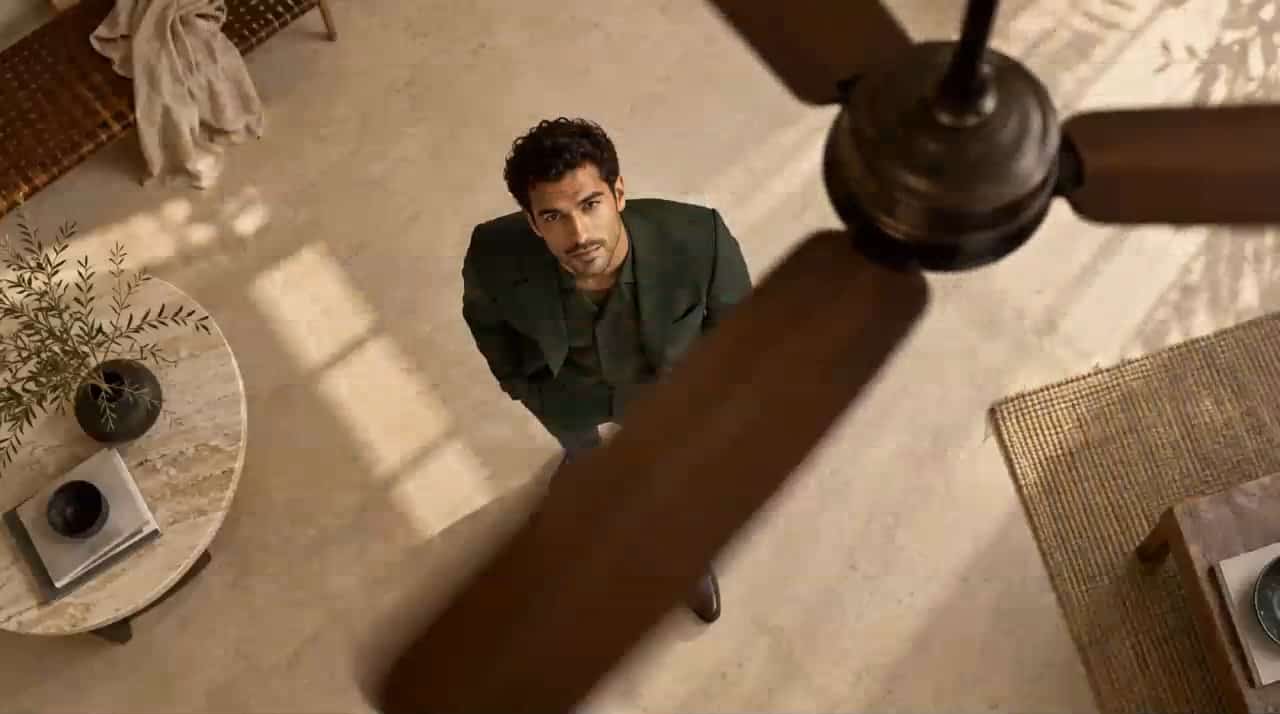




















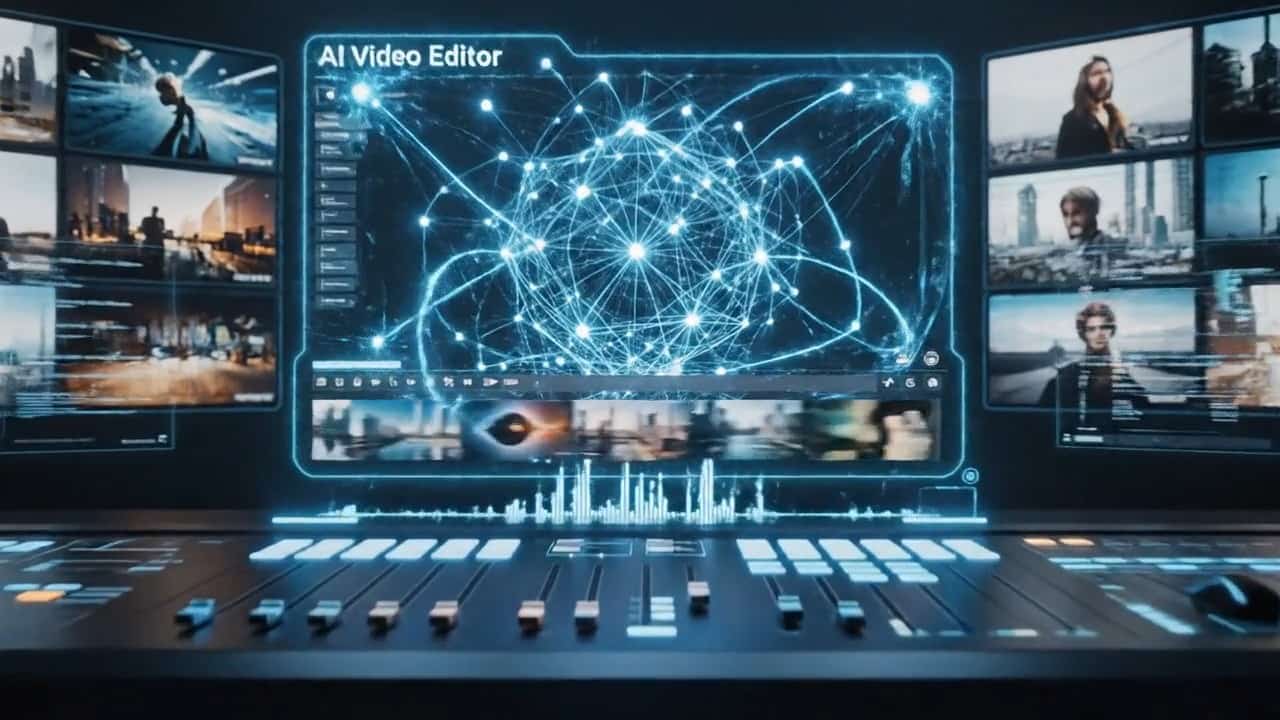

Why MiniMax H3 Max Stands Out for AI Video Creation
MiniMax H3 Max combines strong prompt adherence, natural motion, visual quality, fast iteration, and synchronized sound. The H3 Max AI Video Generator gives creators a faster path from an idea to a polished short video while maintaining useful creative control.
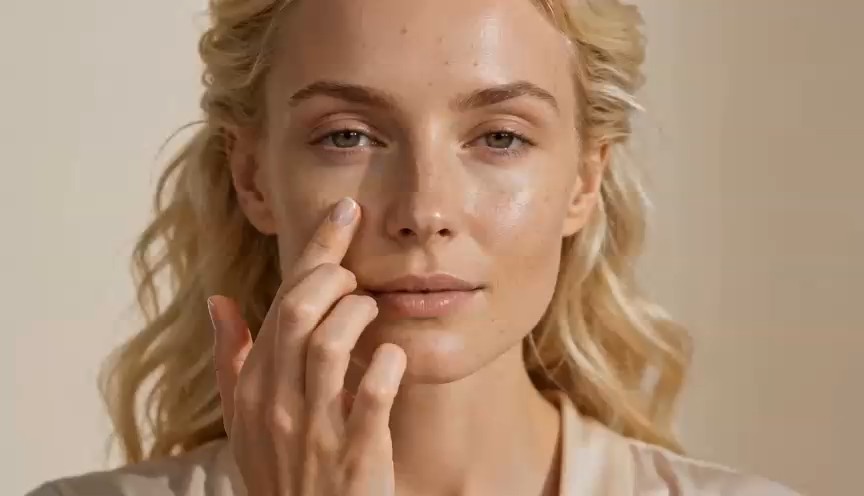
Strong Prompt Adherence for More Predictable Results
MiniMax H3 Max focuses on understanding detailed instructions, including action sequences, camera movement, lighting, and visual rhythm. Stronger prompt adherence helps reduce wasted generations and gives creators more predictable control over tracking shots, push-ins, wide shots, macro views, and other cinematic directions.
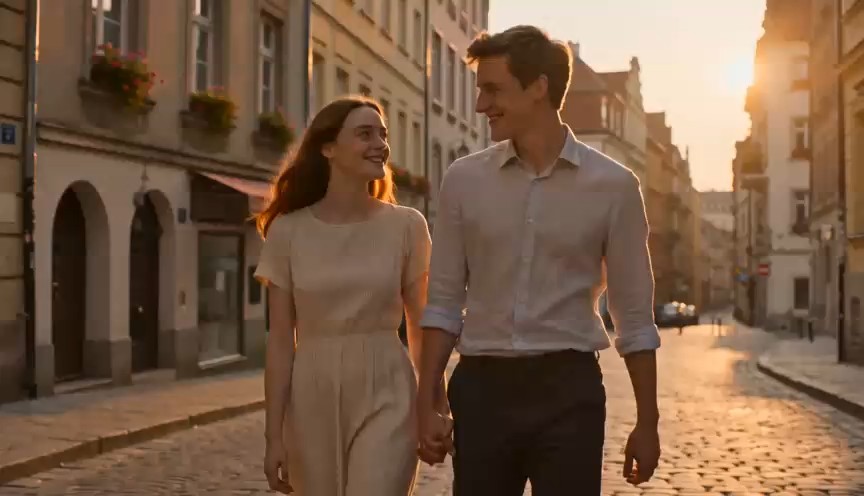
Native Synchronized Audio for More Complete Videos
MiniMax H3 Max generates synchronized audio together with the video, so sound becomes part of the creative direction. Describe rain, traffic, ambience, mechanical sounds, dialogue, or music directly in the prompt to create a more complete short video with fewer editing steps.

Fast Generation for Rapid Creative Iteration
MiniMax H3 Max is optimized for faster generation, making it easier to test new camera angles, lighting styles, ad hooks, and visual directions. Teams can quickly compare multiple creative versions instead of spending too much time on a single generation.
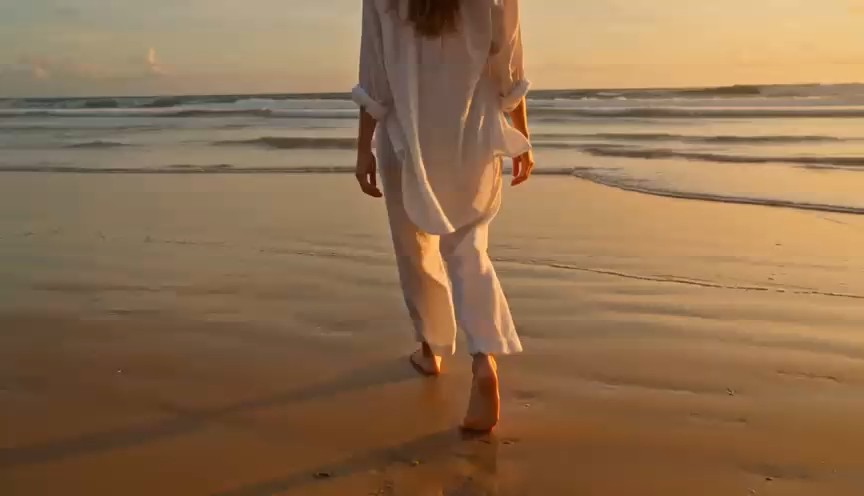
Text to Video and Image to Video in One Workflow
MiniMax H3 Max supports both text-to-video and image-to-video creation. Generate new scenes from prompts or animate product photos, illustrations, character designs, and branded visuals while preserving the direction of the original image.
Create More with MiniMax H3 Max
MiniMax H3 Max combines visual generation, motion, prompt control, and audio for a wide range of short-form video tasks. The H3 Max AI Video Generator helps creators move quickly from an idea to usable content for marketing, ecommerce, storytelling, and social media.

Product and Ecommerce Videos
Turn product photos into commercial-style clips with MiniMax H3 Max. Add camera push-ins, rotation, reflections, fabric motion, or premium lighting to create more dynamic ecommerce visuals and test different product video styles quickly.

Social Media and Short-Form Content
Create engaging clips for reels, shorts, feeds, and campaigns with MiniMax H3 Max. Test different hooks, camera movements, moods, and pacing quickly to discover which creative direction performs best.

Cinematic Storytelling and Concept Scenes
Use MiniMax H3 Max to visualize settings, character actions, camera moves, lighting, weather, and sound before full production. It gives filmmakers, writers, and designers a faster way to communicate cinematic ideas.

Animate Illustrations, Characters, and AI Images
Bring still visuals to life with MiniMax H3 Max by adding facial motion, environmental effects, camera movement, or larger actions. The H3 Max AI Video Generator offers a simple way to transform finished images into moving scenes.
Why Creators Choose MiniMax H3 Max
MiniMax H3 Max reduces the steps between an idea and a finished visual with fast iteration, prompt control, image-to-video generation, and synchronized sound. It supports practical workflows across marketing, design, ecommerce, and content production.
MiniMax H3 Max makes it much easier to test several ad directions from one product image. I can change the camera motion, lighting, and pace without rebuilding the whole concept, which makes early creative testing far more efficient.
The biggest advantage for me is how quickly MiniMax H3 Max turns a written scene into something I can actually review. The AI video generator helps me compare visual ideas before I commit to a larger production.
I use MiniMax H3 Max to animate still product shots for social campaigns. Being able to describe the movement and the sound in the same prompt makes the workflow feel much more direct than stitching several tools together.
For concept work, MiniMax H3 Max gives me a fast way to see whether a scene idea works visually. The H3 Max AI Video Generator is especially useful when I want to test different camera moves or different moods from the same starting image.
MiniMax H3 Max has become a practical tool for short-form experiments. I can create a few versions, compare them, then refine the strongest one instead of spending too much time trying to perfect the first prompt.


MiniMax H3 Max FAQ
Find quick answers about MiniMax H3 Max, the H3 Max AI Video Generator, and its text-to-video, image-to-video, audio, and prompt capabilities.
MiniMax H3 Max is a post-trained video generation model built on MiniMax H3 and optimized by fal Research for stronger prompt adherence, attractive visual results, and fast inference. It supports short AI video creation from text and images and can generate synchronized audio together with the visuals. The H3 Max AI Video Generator is designed for creators who want to move quickly from an idea or still image to a polished short clip.
Yes. MiniMax H3 Max supports image-to-video generation. Upload a product photo, illustration, character image, concept visual, or other source image, then describe the movement you want. The H3 Max AI Video Generator can use the image as the visual starting point while adding subject motion, camera motion, environmental effects, and audio direction.
Yes. MiniMax H3 Max can generate synchronized audio together with the video. You can describe environmental sound, mechanical sound, ambience, dialogue intent, or music direction in the prompt when appropriate. This gives the AI video generator an advantage for creators who want a more complete first output instead of creating a silent clip and adding every sound later.
MiniMax H3 Max is designed for short-form AI video generation and supports clips in the 5 to 15 second range. That makes it well suited to ad concepts, social content, product animations, visual hooks, transitions, and short cinematic scenes. For longer projects, creators can use MiniMax H3 Max to build individual shots and then combine selected clips in an editing workflow.
Use a structured prompt that explains the subject, action, environment, camera, lighting, visual style, timing, and audio. For example, instead of writing only a luxury watch on a table, describe how the watch moves, how the camera approaches it, what the light does, and what sound should be heard. MiniMax H3 Max benefits from clear sequence and motion instructions, and the H3 Max AI Video Generator is easier to control when each important creative choice is stated directly.
You can use MiniMax H3 Max for product videos, ecommerce ads, social media clips, cinematic concept shots, animated illustrations, character scenes, visual storytelling, mood videos, campaign experiments, and image-to-video transformations. The H3 Max AI Video Generator is most useful when you need short, visually strong content and want to iterate quickly across multiple creative directions.
Start Creating with MiniMax H3 Max
Turn ideas, product images, illustrations, or creative concepts into short AI videos with MiniMax H3 Max. Guide the motion and sound with a prompt, generate quickly, and refine the result until it matches your creative direction.
