



More AI Image Generators
Explore our collection of specialized AI image generators designed for different creative needs and styles








Flip Image Online For A Clean Mirror Effect
Turn Any Photo Into A Balanced New Perspective
Use flip image online to reverse a photo horizontally in a focused, easy-to-follow workspace. Upload one image, choose the built-in mirror action, and review the result before you save or share it. This flip image online tool is designed for creators who want a precise visual change without rebuilding a composition. If you need a mirror image online for a social post, product mockup, profile picture, lesson, or design draft, the workflow keeps the important details in view. The preview makes the change understandable, while the original image remains your reference. Try flip image online when a subject faces the wrong direction, text needs a new layout, or a familiar scene needs a fresh visual rhythm.
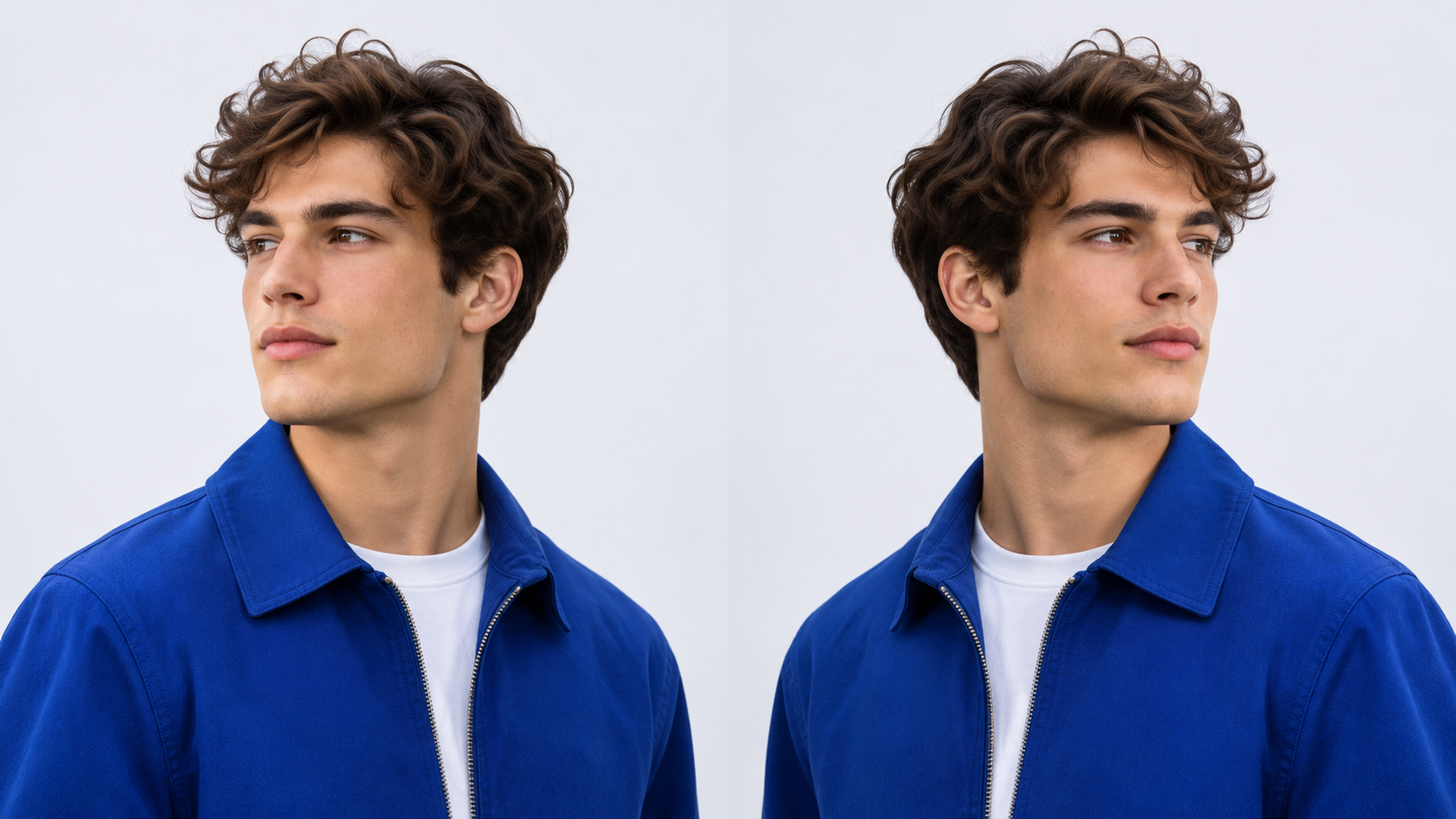
A Calm Three-Step Flip Image Online Workflow
The best flip image online experience should feel predictable from the first click. This short workflow gives you a clear start, a visible transformation, and a confident finish. You can use the same sequence for a quick mirror image online request or a more considered design iteration.

Upload One Image
Start your flip image online session by adding the photo you want to reverse. A single source keeps the edit focused and makes the before-and-after difference easy to judge.

Apply The Mirror Direction
Choose the built-in horizontal mirror action for a familiar mirror image online result. The preset keeps the instruction clear so you can spend time evaluating the composition.

Review And Use
Check the flip image online preview for faces, labels, product orientation, and edge details. When the result fits your goal, continue to your next creative or publishing step.
Best AI Image Tools for Creative Projects
Explore creative tools for image, learn tips and tricks, and see how AI can be your assistant in turning concepts into finished projects.












How To Flip Image Online Without Losing Your Intent
A good flip image online routine starts with a simple question: what should change, and what should stay familiar? Upload the source image at the moment you are ready to work. The tool uses the image as the visual anchor, then applies a horizontal reversal that changes orientation while keeping the scene recognizable. For a mirror image online task, inspect any words, logos, directional cues, hands, interfaces, or product labels that may read differently after the change. This small review protects the meaning of your image. If your goal is a new layout, compare the original and the flip image online version side by side in your design process. If your goal is a profile or social image, look at the subject’s eye line and the open space around the face. The workflow is quick, but the review step gives the result care.
Choose A Clear Source
Use the photo that best represents the final subject, framing, and lighting you want to keep.
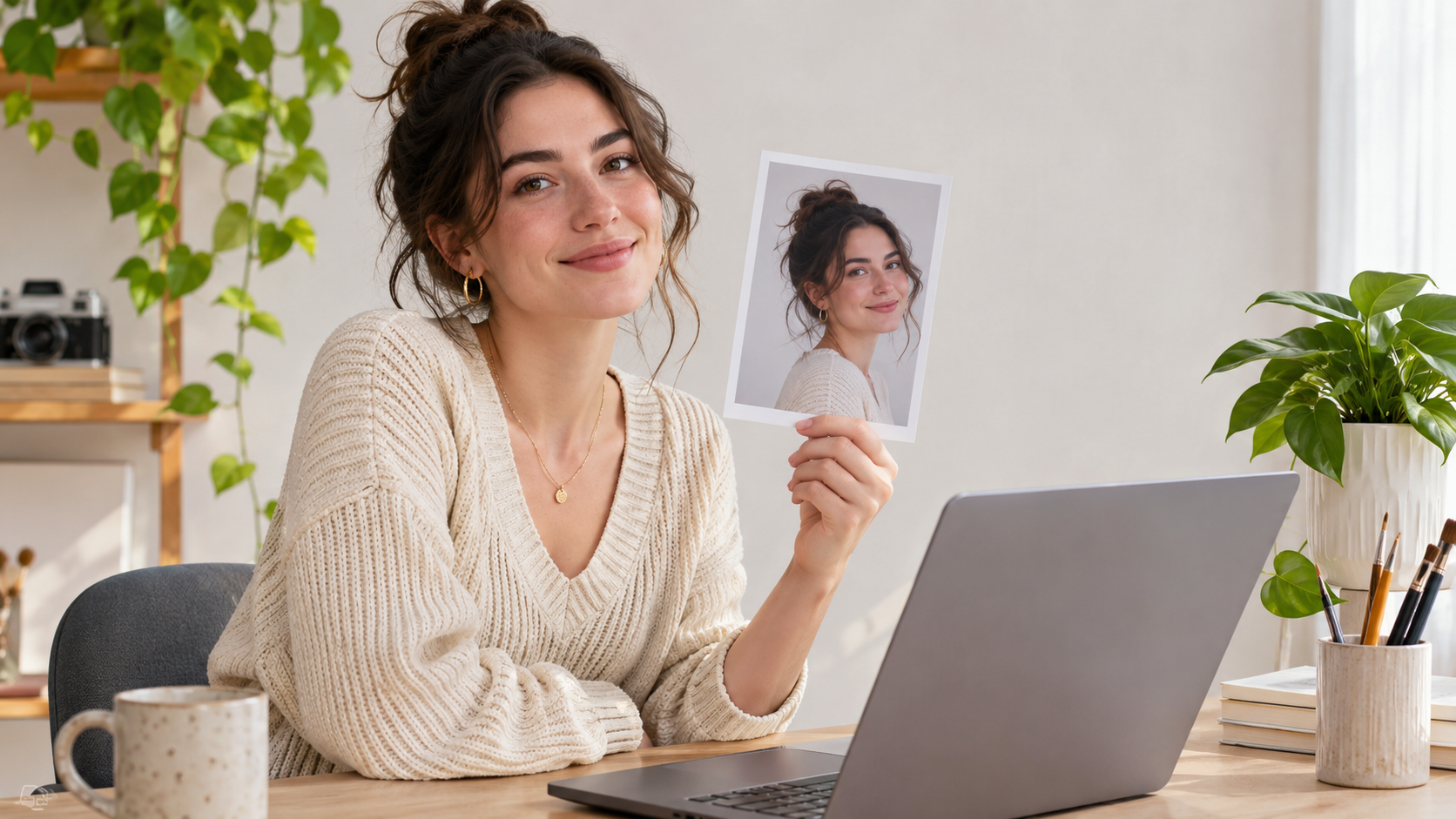
Create The Mirror
Run flip image online to reverse the visual direction and create a clean mirror image online variation.
Check Meaning And Balance
Look at text, faces, objects, and negative space before you move the flipped result into your next tool.
Flip Image Online Features Built Around Visual Clarity
A useful the flip tool page does more than reverse pixels. It helps you make a small visual decision with confidence. Each feature supports a different moment in the creative process, from the first upload to the final handoff.
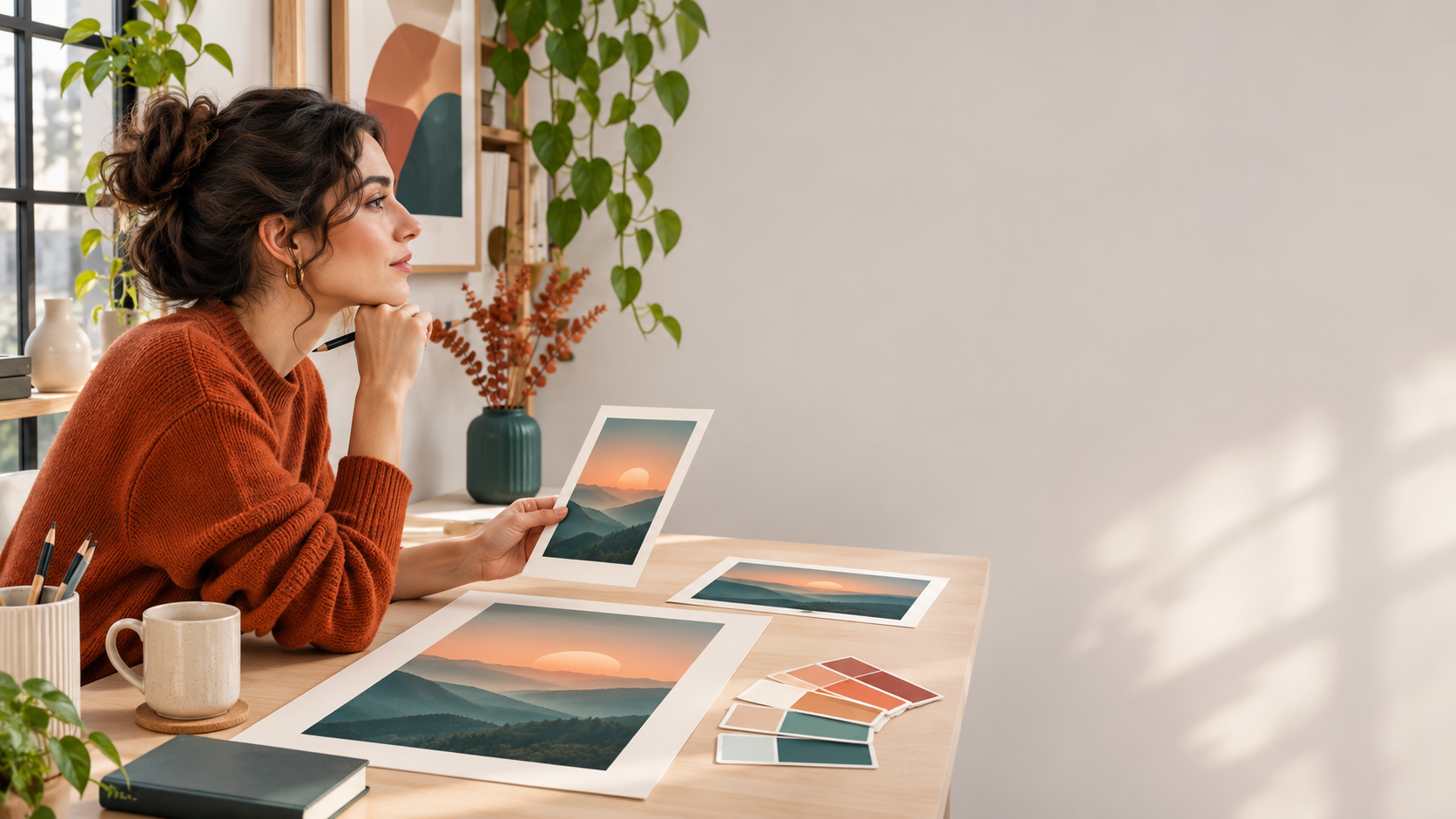
See The Direction Change Clearly
The flip image online preview gives your eye a direct comparison point. You can spot a changed gaze, a new balance of light and shadow, or an empty area that now sits on the opposite side. That clarity matters when the image will sit next to other visual assets.
Create A Mirror Image Online For Layouts
A mirror image online version can help a banner face toward a headline, give a collage a better flow, or create room for copy in a presentation. Use flip image online when composition, not heavy retouching, is the change you need.
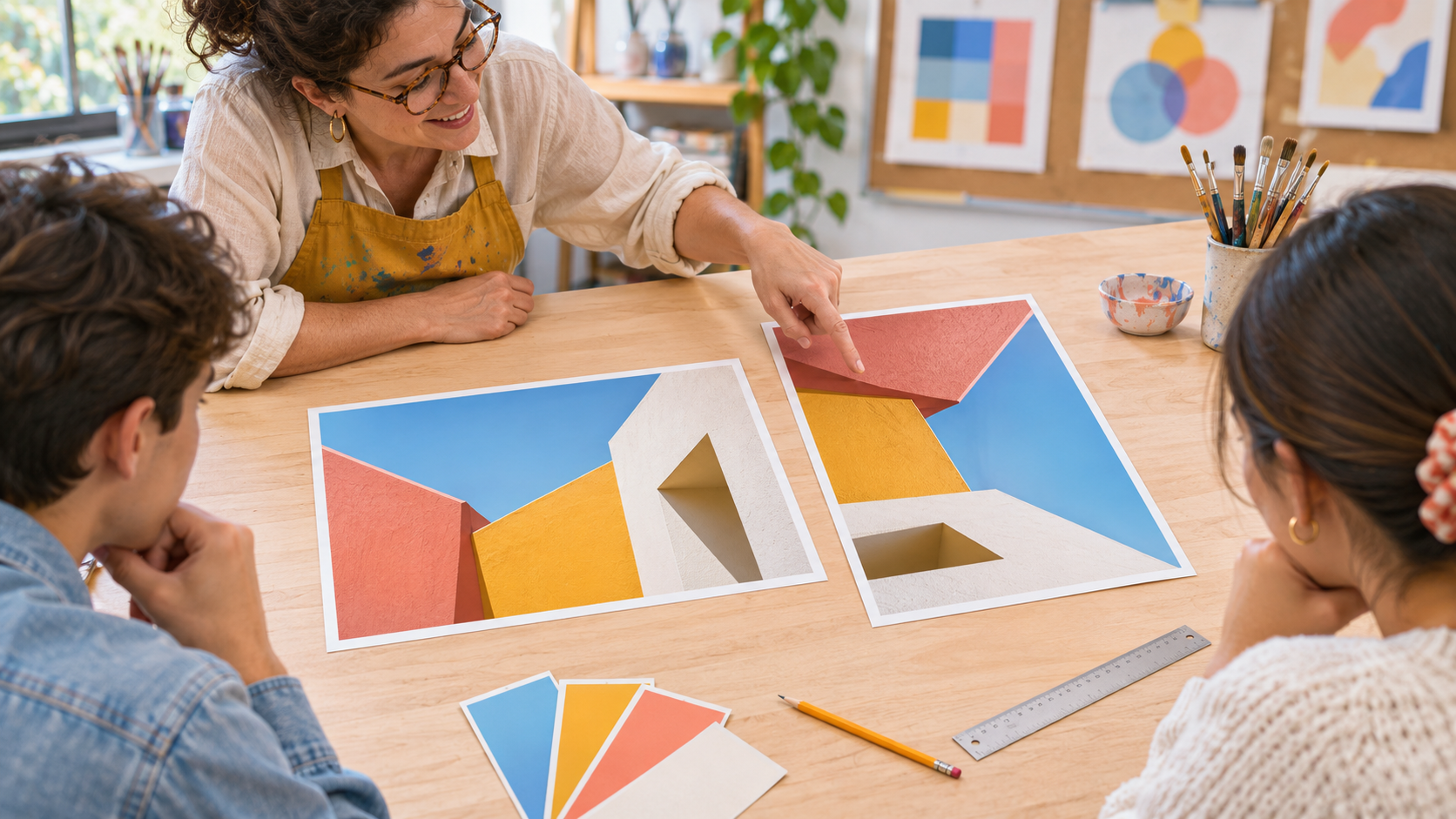
Keep The Editing Decision Focused
The flip image online tool keeps the task narrow, which makes it easier to evaluate the result. Instead of opening a large editor for one adjustment, you can test a direction, compare the visual weight, and continue with the version that fits your idea.

Move From Preview To Your Next Step
Once your a mirrored version result looks right, use it as a source for a campaign draft, a design board, a classroom example, or a social post. A well-judged flip image online edit should make the next step feel obvious.
Small Changes, More Useful Creative Options
Use the flip tool as a practical composition tool. The sections below show how a simple horizontal reversal can solve familiar visual problems while keeping your workflow light.
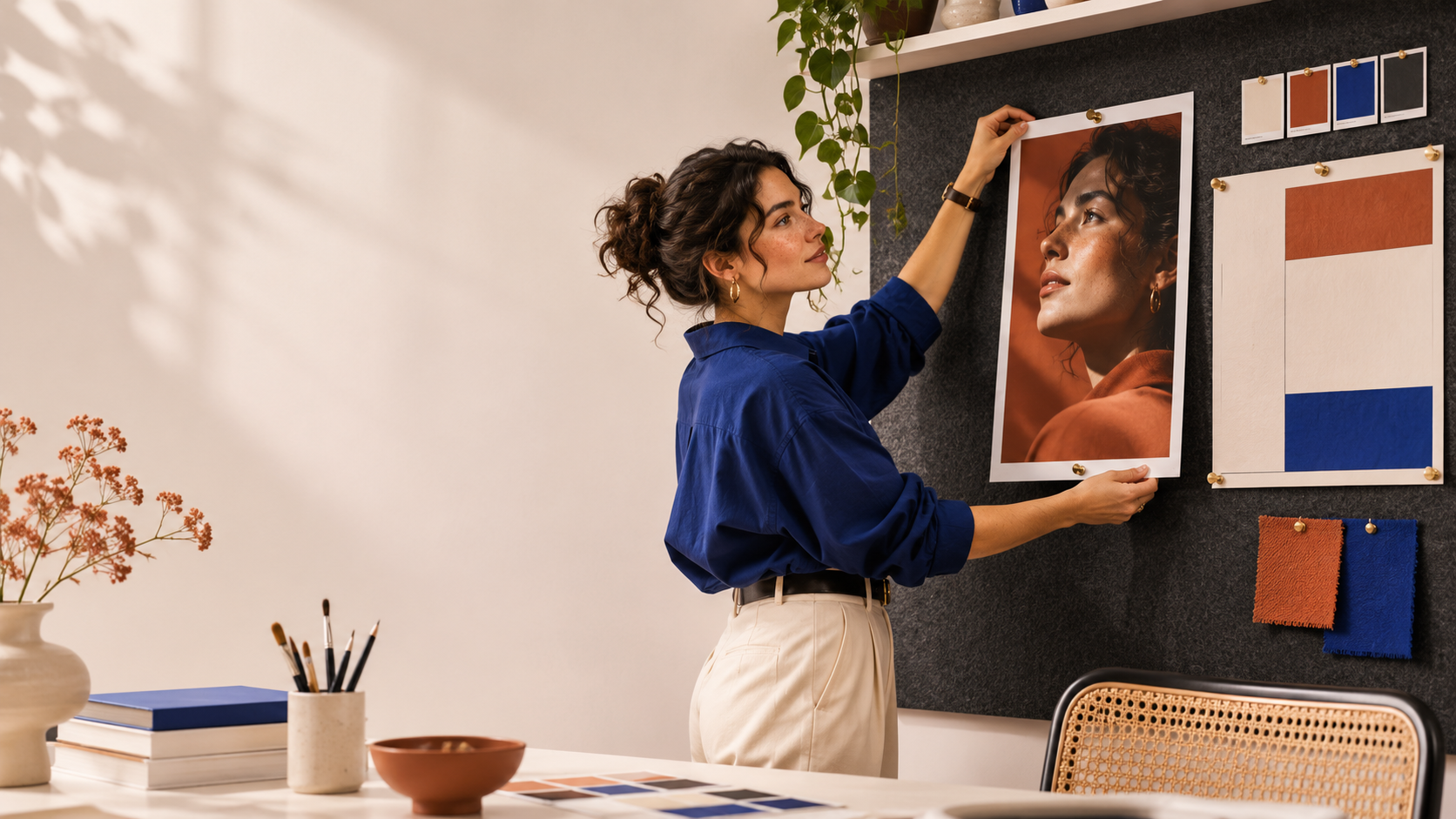
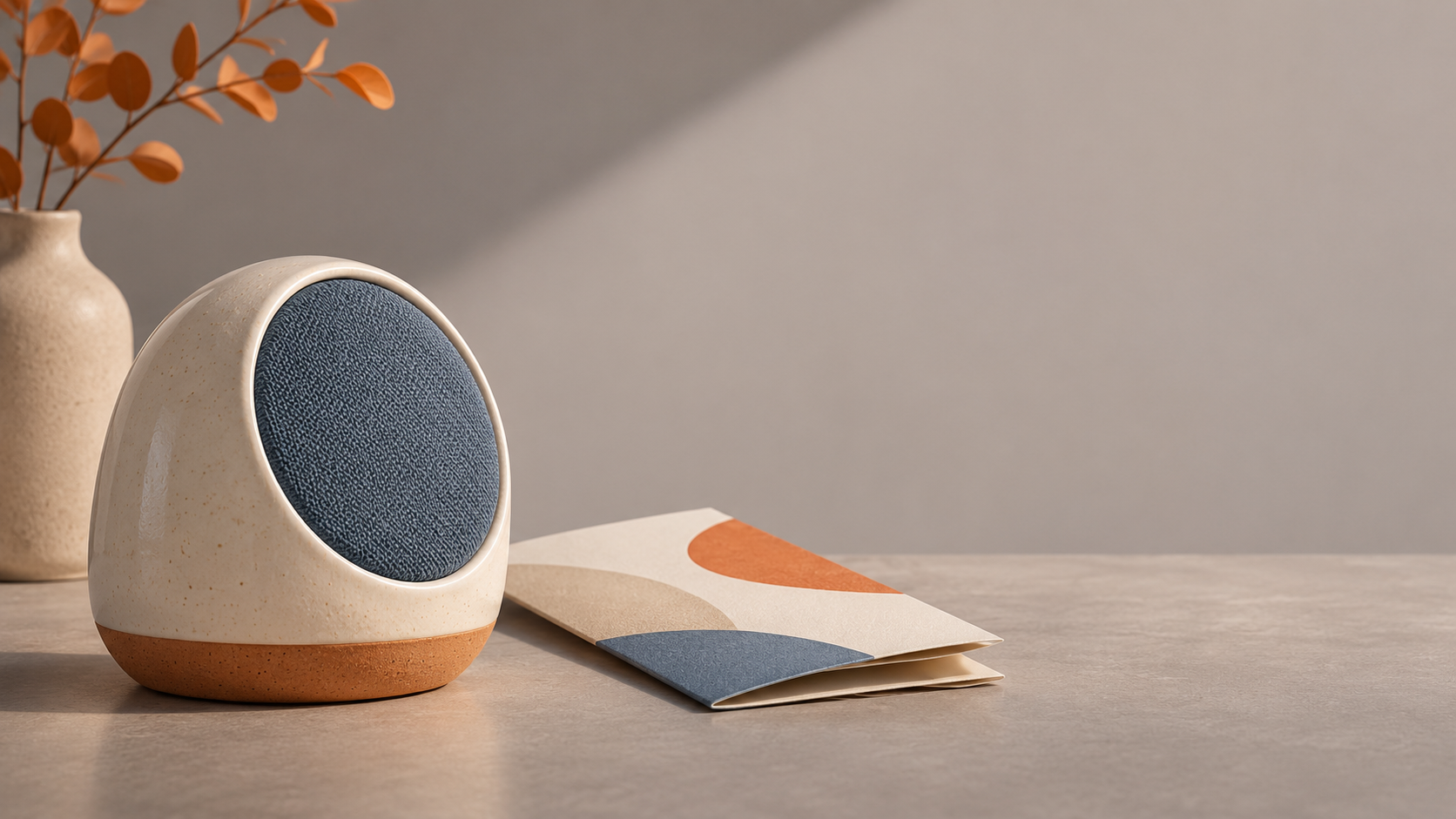
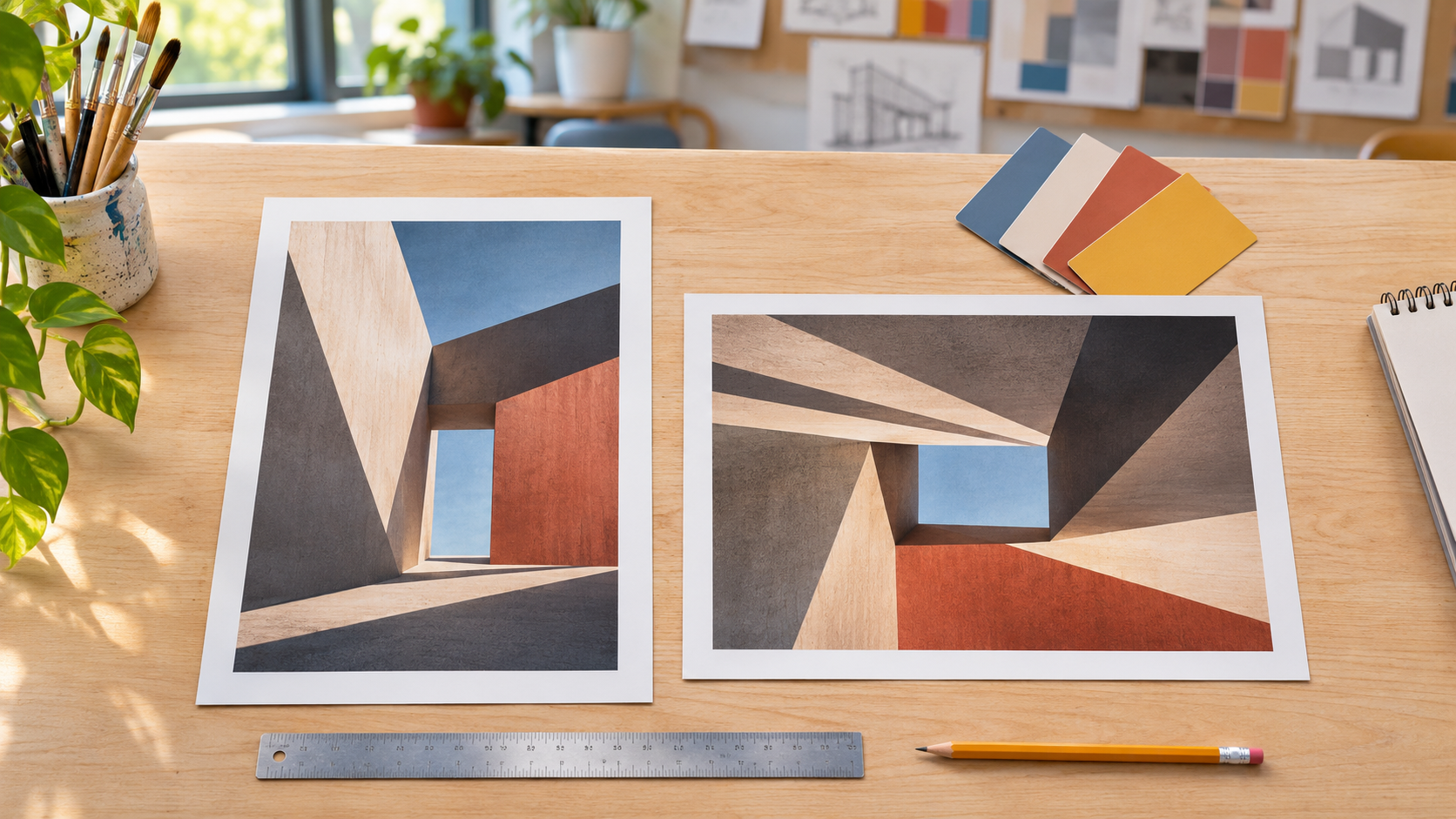

Give Copy More Breathing Room
Composition
When a subject points toward the edge of a frame, this editor can place the open space where a headline or caption belongs. Review the new direction before you publish, especially when the image carries a strong visual cue.
Build A Consistent Visual Set
Brand Content
A the reversed image variation can help a set of portraits or product scenes alternate direction. Use the the horizontal flip result as one controlled option in a larger grid, then keep spacing and scale consistent across the set.
Prepare A Teaching Example
Learning
Show how orientation changes perception with a clear before-and-after exercise. A the image reverser demonstration can make symmetry, direction, and visual balance easier to discuss in a classroom or workshop.
Refresh A Familiar Image
Creative Practice
If a photo feels visually settled, a a reflected copy version offers another starting point. Use the direction change to test a new opening frame, profile direction, or thumbnail rhythm before committing to a bigger redesign.
Who Uses This Image Flip Tool?
Different creators arrive with different reasons, but they share the same need for a clear visual decision. the image reverser can support a quick adjustment or become one step in a thoughtful production workflow.
Social Media Creators
Create a the mirror result option when a portrait or lifestyle scene needs to face the opposite direction in a feed, cover, or story layout.

Product And Ecommerce Teams
Test whether a product photo leaves the right space for a price, feature label, or campaign message before the asset goes live.
Designers And Art Directors
Use this editor to explore balance, visual weight, and reading order during a fast concept review or moodboard session.
Teachers And Students
Turn a a mirrored version into a simple example for discussing symmetry, direction, perspective, and how viewers scan a frame.
A Flexible Image Flip Space For Real Work
The tool is made for the moments when you already know the change you want. You do not need a long editing session to create a reflected copy. Start with the source that carries the right story, use this editor to test direction, and keep your attention on the outcome.

For Fast-Moving Creators
When a deadline is close, a focused transformation helps you test a visual idea without interrupting the rest of the workflow.
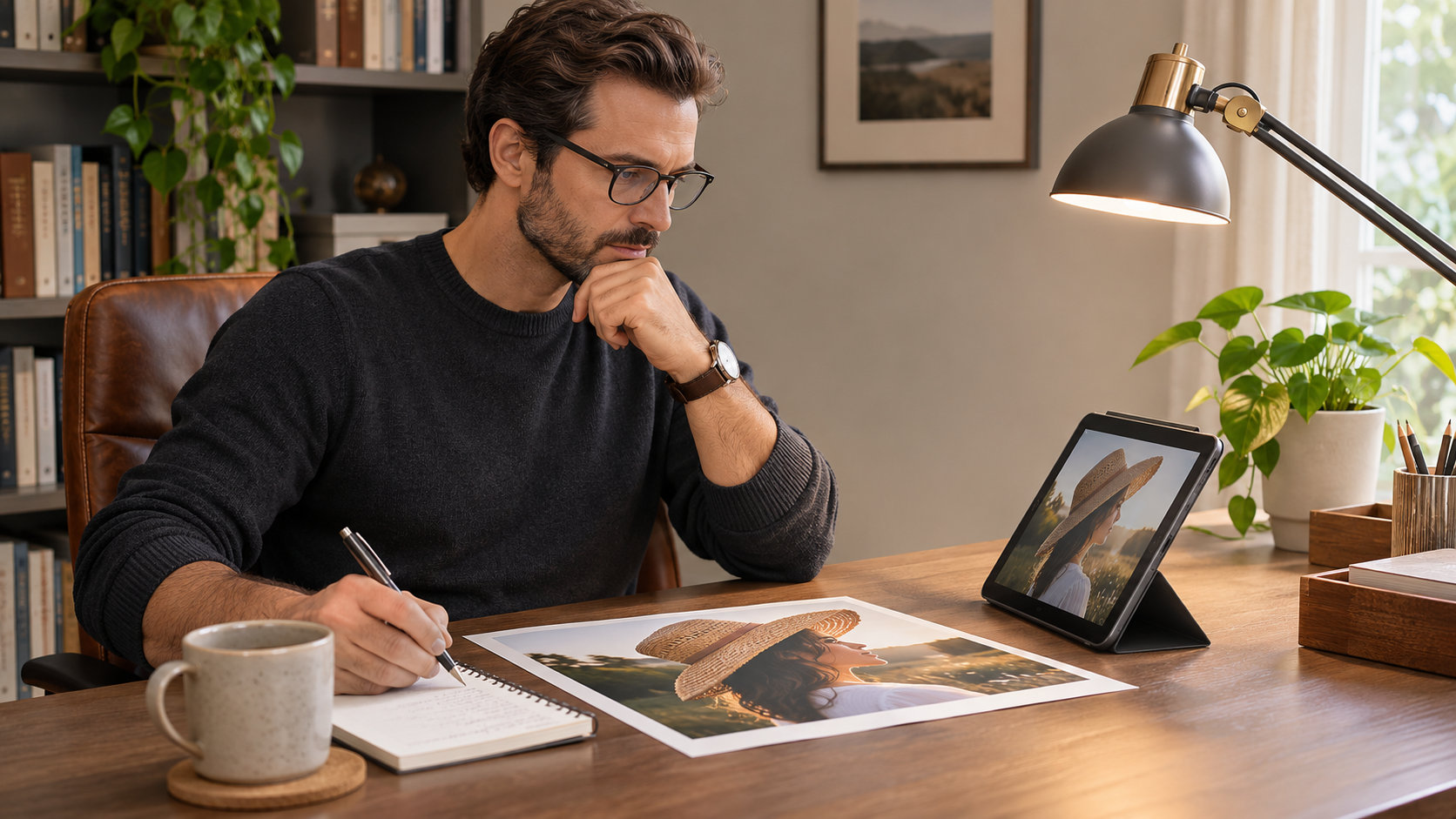
For Thoughtful Reviewers

For Curious Beginners
Why Creators Keep A Flip Tool Nearby
The value of a focused edit appears in the small moments: a cleaner layout, a more natural gaze, or one less detour in a busy production day.
I used the horizontal flip to make space for a campaign headline. The new direction was easy to judge, and I moved the right version into my layout.
The the mirror result preview helped my students understand how orientation changes a composition. It gave us a clear example to discuss together.
I like having a focused way to test a photo before opening a full editor. the image reverser fits neatly into my daily content checks.

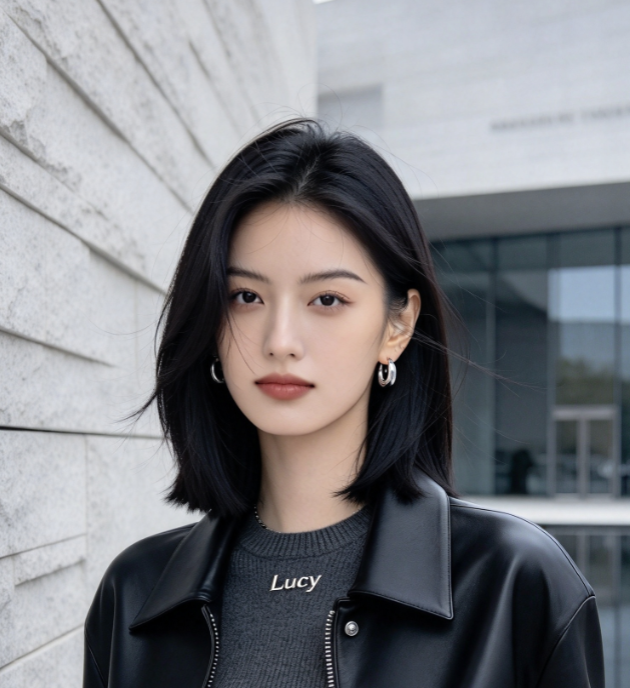
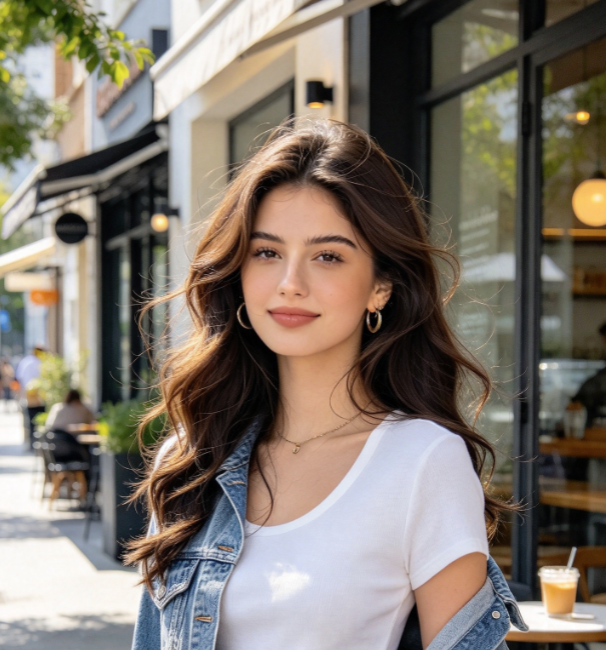
Image Flip Questions, Answered
These answers explain the practical decisions behind a the horizontal flip workflow so you can choose the right moment to use it.
the flip tool reverses the visual direction of an uploaded image from left to right. The result is a horizontal a mirrored version variation that keeps the scene recognizable while changing its orientation.
Use a the reversed image when a subject should face the opposite side of a layout, when open space needs to move toward copy, or when you want a second composition to compare. Review text and logos because they may read backward after the flip.
Yes. A the horizontal flip result can be useful for a profile crop, story frame, thumbnail, or campaign draft when the direction of the subject matters. Check the final crop and any words before publishing.
The intended change is orientation. The the direction change workflow is suited to a horizontal reversal, so use the preview to confirm that the subject, objects, and edges remain in the arrangement you expect.
A the mirror result reverses text, logos, and interface elements with the rest of the image. If readable text is part of the design, consider placing the text again in your layout after the flip.
Compare the original and the this editor preview. Look at faces, hands, labels, product orientation, lighting direction, and the amount of open space. This quick review helps you choose the version that supports your message.
Yes. The the reversed image workflow is intentionally focused: upload one image, apply the direction change, and review the result. You can start with a personal photo or a practice image and build confidence through comparison.
It can be. Designers often test a the image reverser version when a person, object, or gesture should point toward a title, button, or product detail. Treat it as a composition option and keep the version that improves the reading path.
Before sharing a the mirror result result, check names, signs, packaging, watch faces, uniforms, and other directional details. If the flipped image communicates the intended idea, continue to your publishing or design workflow.
Start with the source image you want to evaluate, open the the flip tool page, and follow the three-step flow. A clear source and a short review are enough to create a useful a mirrored version option.
Ready To See Your Image From A New Direction?
Use the direction change when one controlled change can make a photo fit your idea better. Create a the reversed image option, review the balance, and continue with the version that feels right for your work.