
More AI Image Generators
Explore our collection of specialized AI image generators designed for different creative needs and styles


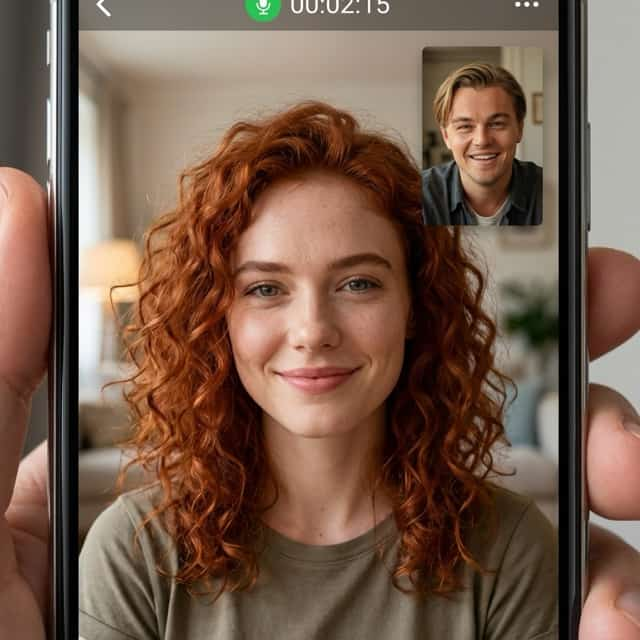


Photo From Emoji Free Generator
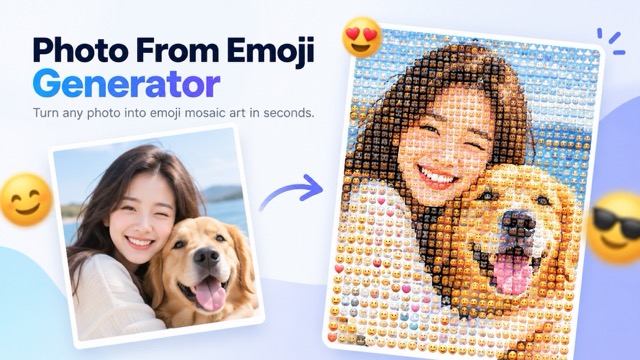
Create An Emoji Mosaic Photo From Any Image
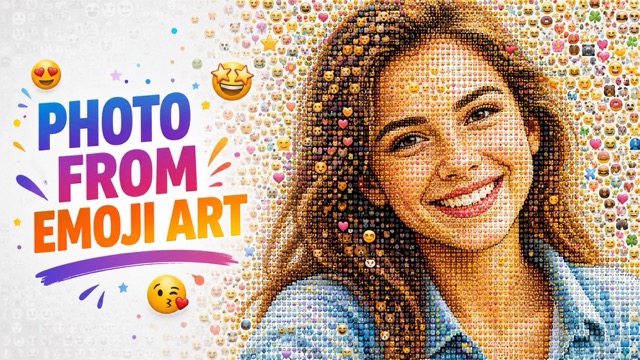
Use SuperMaker AI to create a photo from emoji free effect from any portrait, pet photo, product image, or daily picture. Upload one image and turn the whole picture into an emoji mosaic photo made from tiny colorful emoji tiles. This photo from emoji free tool keeps the original composition, face, outfit, lighting, and background recognizable while rebuilding every detail as playful emoji art. With this emoji art photo generator, you can make viral avatars, social posts, profile pictures, gifts, and creative visuals in seconds.
How To Create A Photo From Emoji Free
SuperMaker AI makes the photo from emoji free workflow simple. You do not need design skills, editing layers, or manual emoji placement. The emoji art photo generator reads your image and creates an emoji mosaic photo with clear structure, colorful detail, and recognizable identity.

Upload Your Image
Start the photo from emoji free process by uploading a selfie, couple photo, pet image, product shot, or travel picture. SuperMaker AI analyzes the subject, background, colors, lighting, and image layout before creating an emoji mosaic photo.
Generate Emoji Mosaic
Choose the photo from emoji free effect and let the emoji art photo generator rebuild the full image with many small emoji blocks. The result looks like your original image from a distance and reveals emoji details up close.

Download And Share
Download your emoji mosaic photo and use it as a profile picture, gift image, poster, meme, or social media post. The photo from emoji free result is ready for Instagram, TikTok, X, Facebook, and creative campaigns.
Best AI Image Tools for Creative Projects
Explore creative tools for image, learn tips and tricks, and see how AI can be your assistant in turning concepts into finished projects.







How Photo From Emoji Works
Photo From Emoji is an AI image-to-image effect. Upload one photo, and the tool rebuilds the whole picture as a mosaic of tiny emoji tiles. From a distance, the face, pose, outfit, and background stay recognizable; up close, the individual emojis become visible. You don't place tiles by hand. Just choose your output options and click Generate Image.
Upload And Output Options
- Upload: 1 photo, JPG or PNG, max 10MB
- Aspect Ratio: Auto, 1:1, 3:2, 2:3, 4:3, 3:4, 16:9, 9:16 and more
- Resolution: 1K, 2K, or 4K (some ratios support 1K only)
- Background: Auto, Transparent, or Opaque
- Number of Images: 1 to 4 per run
Tips for Choosing the Best Photo
A clear subject and good lighting help your emoji mosaic stay recognizable.

Use A Sharp, Well-Lit Photo
Start with a sharp, well-lit photo where the main subject is easy to see.

Fill The Frame
Let the subject fill most of the frame. Tiny faces in a wide group shot are harder to read as a mosaic.

Choose A Clear Background
Choose a simple or high-contrast background so the silhouette stays clear.
Frame Your Avatar
For avatars, use a front-facing portrait with even light and set Aspect Ratio to 1:1.

Keep Details Visible
Avoid motion blur, heavy filters, and deep shadows.
Turn Any Picture Into An Emoji Mosaic Photo
The photo from emoji free feature in SuperMaker AI is designed for users who want a fun, colorful, and highly shareable image effect. Instead of adding a few emoji stickers, the emoji art photo generator rebuilds the whole image as an emoji mosaic photo, so every part of the face, hair, clothing, object, and background becomes part of the emoji tile artwork.
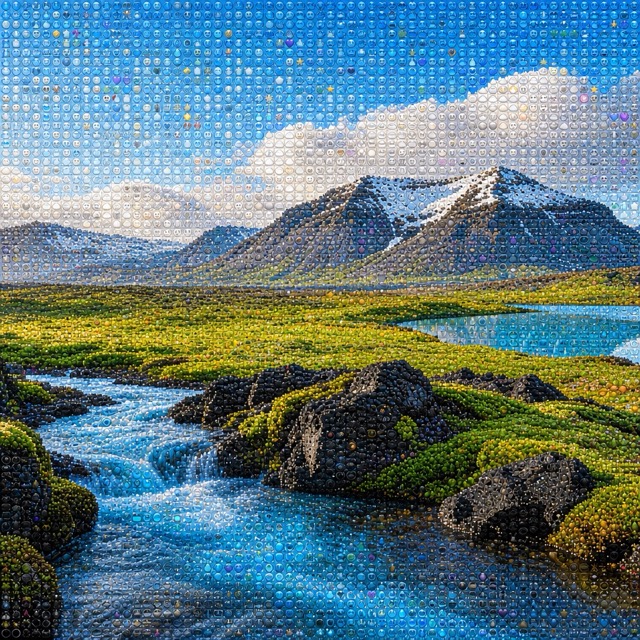
Create A Recognizable Photo From Emoji Free
A strong photo from emoji free result should still look like the uploaded photo. SuperMaker AI keeps the original identity, face shape, expression, hairstyle, pose, outfit, and background layout while turning the whole image into an emoji mosaic photo. The emoji art photo generator uses emoji colors as mosaic tiles, so shadows, highlights, skin tones, hair texture, clothes, and scenery remain visually clear.
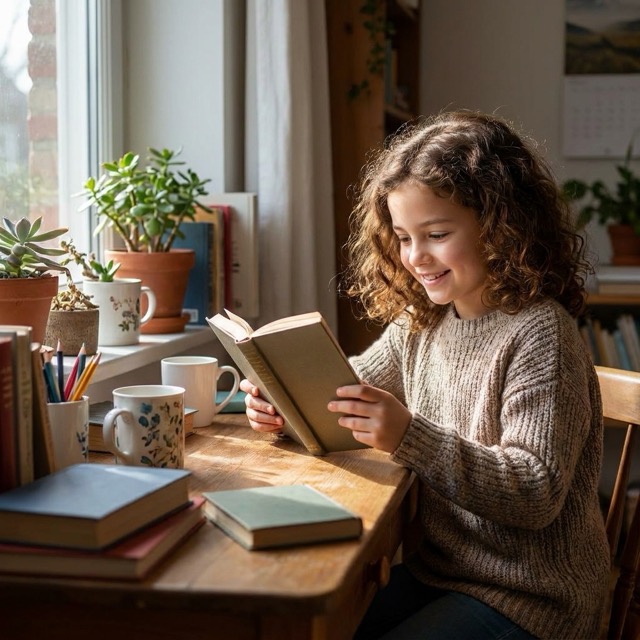
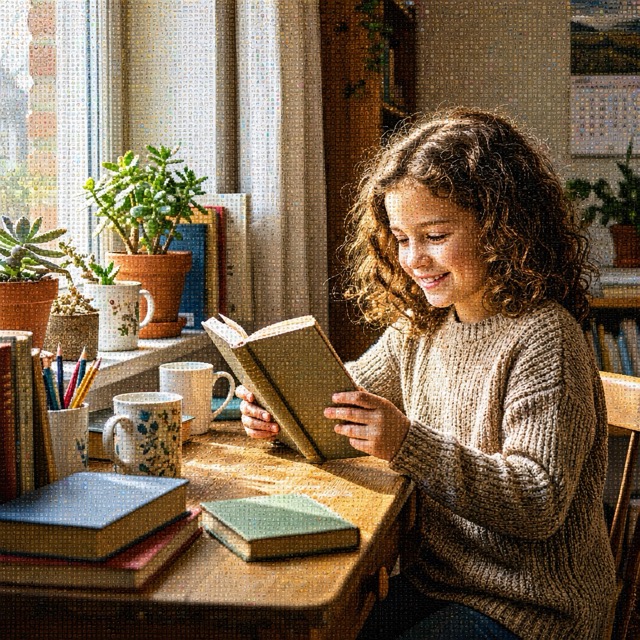
Make Viral Emoji Mosaic Photo Content
The photo from emoji free effect works well for viral posts because the image looks normal at first glance, then surprises viewers with tiny emoji details. Use the emoji mosaic photo style for selfies, pet photos, couple pictures, creator portraits, event images, and funny reaction posts. SuperMaker AI turns a normal image into a playful emoji art photo generator result without manual editing.
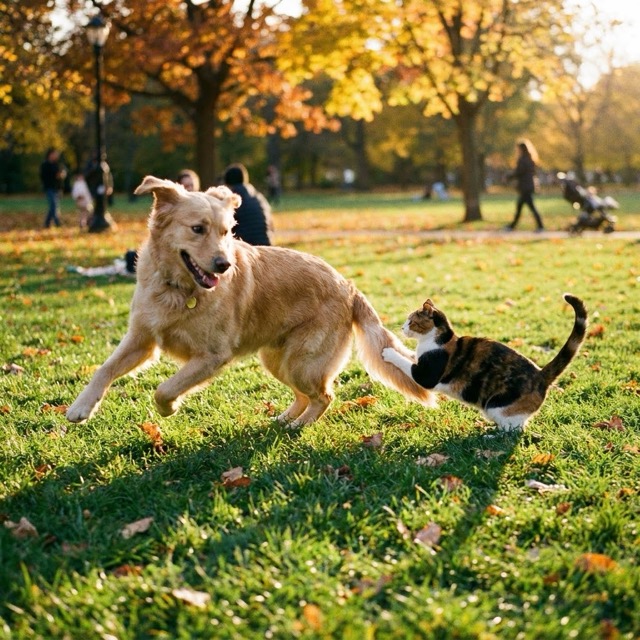
Use Emoji Art Photo Generator For Gifts
The emoji art photo generator is also useful for personalized gifts. Create a photo from emoji free image from a birthday photo, wedding picture, graduation portrait, family photo, or pet image. The emoji mosaic photo keeps the emotional moment while adding a cute, modern, and creative look. It is easy to use for greeting cards, digital gifts, stickers, wallpapers, and social sharing.
Best Use Cases For Emoji Mosaic Photo
SuperMaker AI helps you create a photo from emoji free result for many situations. The emoji art photo generator is flexible enough for personal images, social media trends, gifts, brand visuals, and fun creative edits.

Emoji Profile Picture
Create a photo from emoji free avatar that keeps your face recognizable while turning the whole image into an emoji mosaic photo. Use it for Instagram, TikTok, X, Discord, YouTube, and gaming profiles.

Personalized Gift Image
Use the emoji art photo generator to make birthday, anniversary, graduation, or friendship gifts. A photo from emoji free image feels personal because the emoji mosaic photo still keeps the original person and moment.

Pet Emoji Portrait
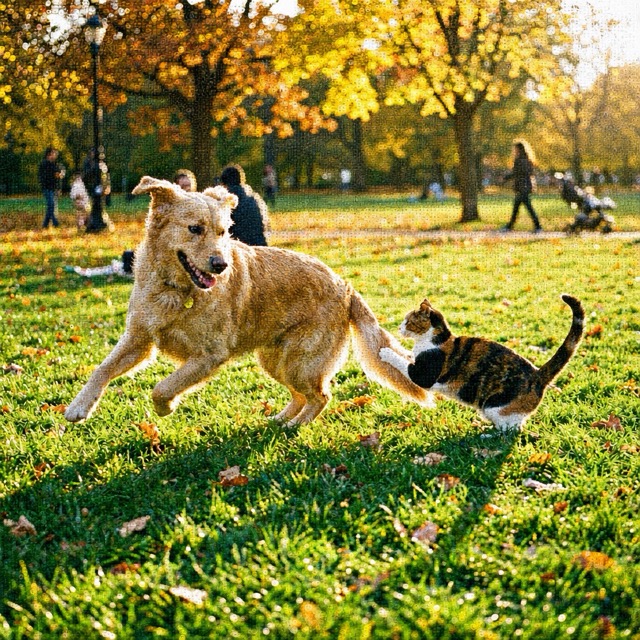
Turn a pet photo into an emoji mosaic photo with SuperMaker AI. The photo from emoji free effect can preserve the pet’s face, fur color, pose, and background while adding a cute emoji art photo generator texture.

Viral Social Post
Use photo from emoji free to create surprising visual posts. Viewers first see a normal picture, then notice that it is an emoji mosaic photo made with the emoji art photo generator.

Creative Product Visual
Brands can use photo from emoji free to turn product photos into emoji mosaic photo ads, launch visuals, and playful campaign images. The emoji art photo generator helps products look fresh and shareable.
Event Memory Artwork
Create a photo from emoji free version of wedding photos, party pictures, travel images, or concert moments. The emoji mosaic photo style makes memories more colorful and unique.
Users Love Photo From Emoji Free
People use SuperMaker AI because the photo from emoji free result is fast, recognizable, and fun to share. These users turned simple pictures into emoji mosaic photo artwork with the emoji art photo generator.
I used photo from emoji free for my profile picture, and the result looked exactly like me but made from tiny emojis. The emoji mosaic photo got more replies than my normal selfie.
The emoji art photo generator gave our campaign a playful visual hook. We used photo from emoji free for creator portraits, and the emoji mosaic photo style looked fresh.
I like that SuperMaker AI does not just place emoji stickers on top. The photo from emoji free effect rebuilds the full image as an emoji mosaic photo with real structure.
We tested the emoji art photo generator for product teasers. The photo from emoji free output made our product image more fun while keeping the item recognizable.
My dog photo became a cute emoji mosaic photo in seconds. The photo from emoji free tool kept the face and fur pattern, so the result felt personal.
The emoji art photo generator is perfect for engagement posts. I used photo from emoji free for a group image, and people zoomed in to find the tiny emojis.
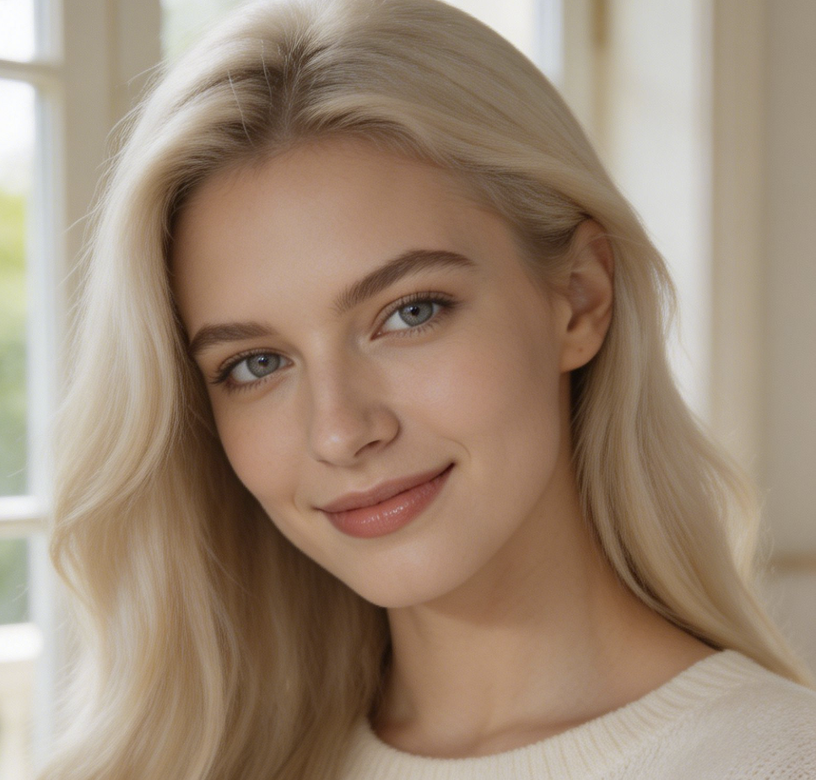
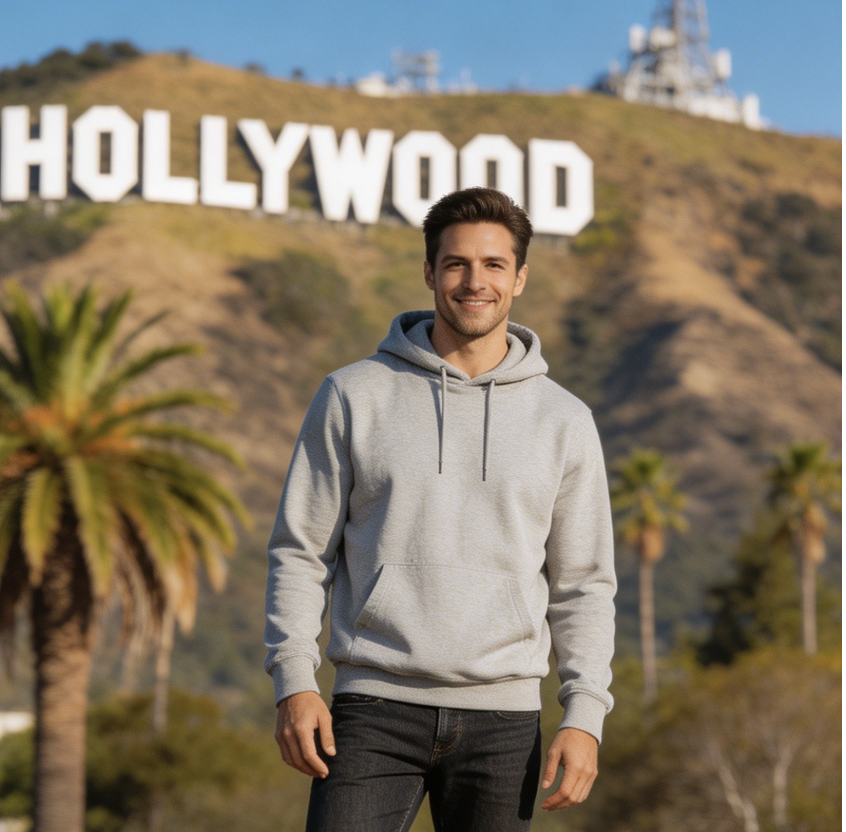


Photo From Emoji Free FAQ
Learn how the photo from emoji free tool works, what images you can upload, and how to get the best emoji mosaic photo from SuperMaker AI.
Photo from emoji free is an AI image effect that turns your uploaded picture into an emoji mosaic photo. SuperMaker AI rebuilds the whole image with many small emoji tiles while keeping the subject, face, pose, outfit, and background recognizable.
This emoji art photo generator does not simply add large emoji stickers. It transforms the whole picture into an emoji mosaic photo, so the face, hair, clothing, shadows, highlights, and background are all made from small emoji blocks.
Yes. Photo from emoji free works especially well for selfies, portraits, couple photos, family photos, and profile pictures. The emoji mosaic photo keeps the original identity clear while adding a creative emoji art photo generator style.
Yes. Upload a pet photo and SuperMaker AI can create a photo from emoji free result with emoji tiles forming the pet’s face, fur, eyes, pose, and background. The emoji art photo generator is useful for dog, cat, and animal portraits.
Clear images with good lighting work best for photo from emoji free. A visible subject, simple pose, and sharp facial or object details help the emoji mosaic photo stay recognizable after the emoji art photo generator effect is applied.
Yes. You can use your photo from emoji free result as a profile picture, post, story, meme, gift image, or campaign visual. The emoji mosaic photo style is designed to be colorful, playful, and shareable.
Yes. New users get free credits when they sign up, so you can try photo from emoji at no cost.
Open the tool in your browser, upload a JPG or PNG (max 10MB), choose your options, and click Generate Image.
Yes. Choose an Aspect Ratio (Auto, or options such as 1:1, 9:16, and 16:9) and a Resolution of 1K, 2K, or 4K. Some ratios only support 1K, and 4K is not available for 1:1.
It rebuilds your uploaded photo as an emoji mosaic while keeping the original composition readable. It is an image effect, not a sticker overlay.
Yes. It works with portraits, pet photos, product shots, and everyday pictures. A clear subject and a simple background help the mosaic stay recognizable.
Yes. Set Number of Images to 1–4 in one run, then download the ones you like.
Create Your Photo From Emoji Free Now
Upload any image and let SuperMaker AI turn it into an emoji mosaic photo made from tiny emoji tiles. Use the emoji art photo generator to create a viral avatar, pet portrait, gift image, social post, or creative campaign visual in seconds.