
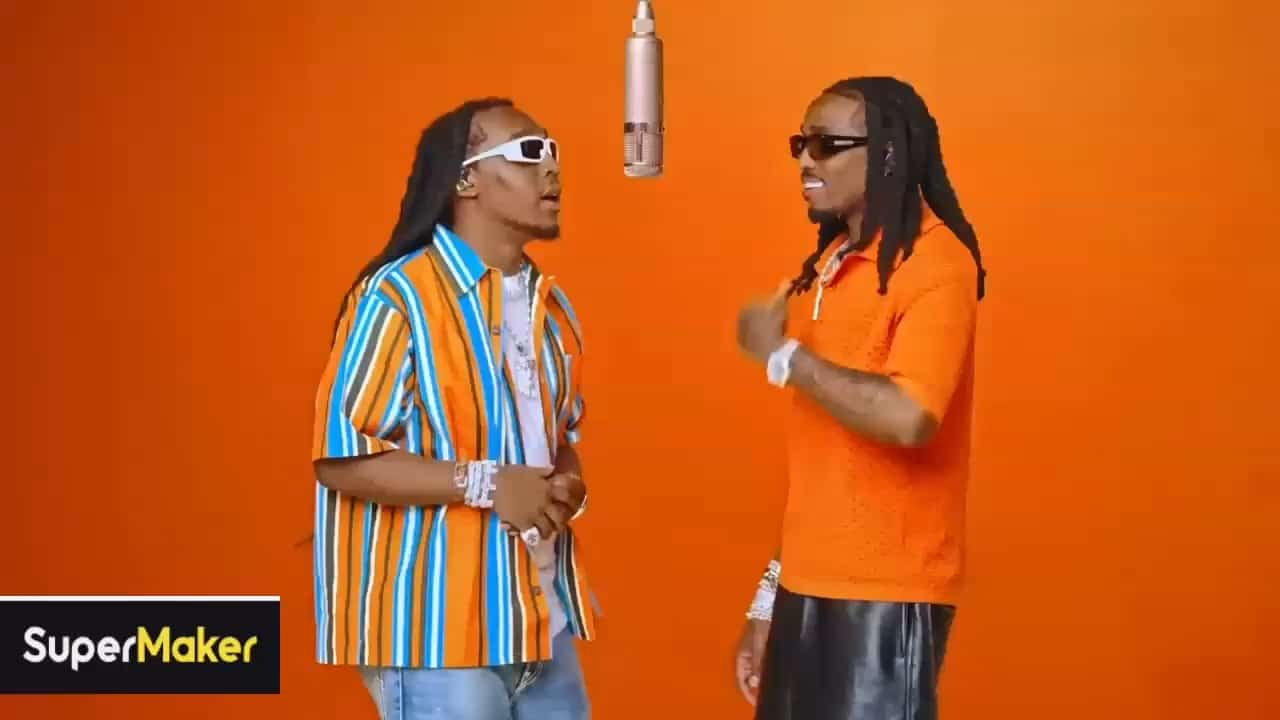
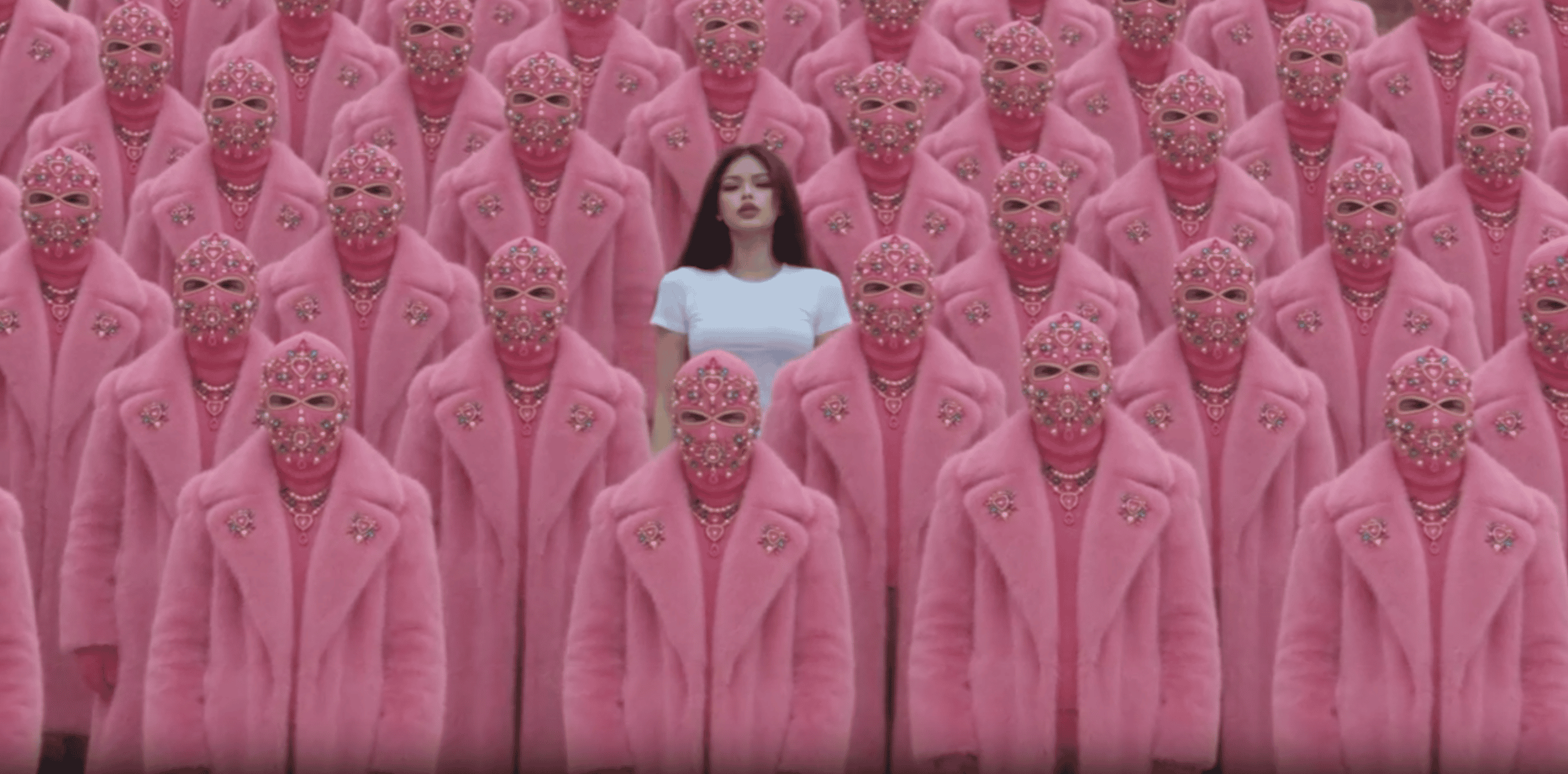
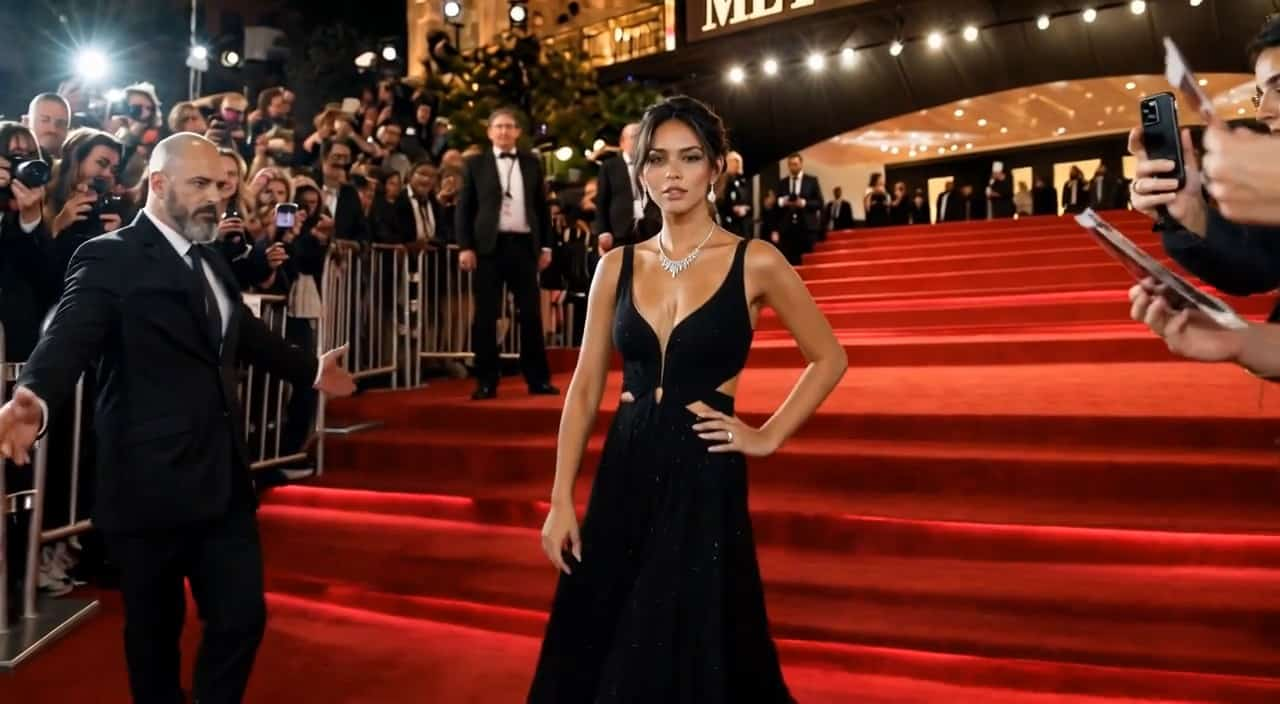
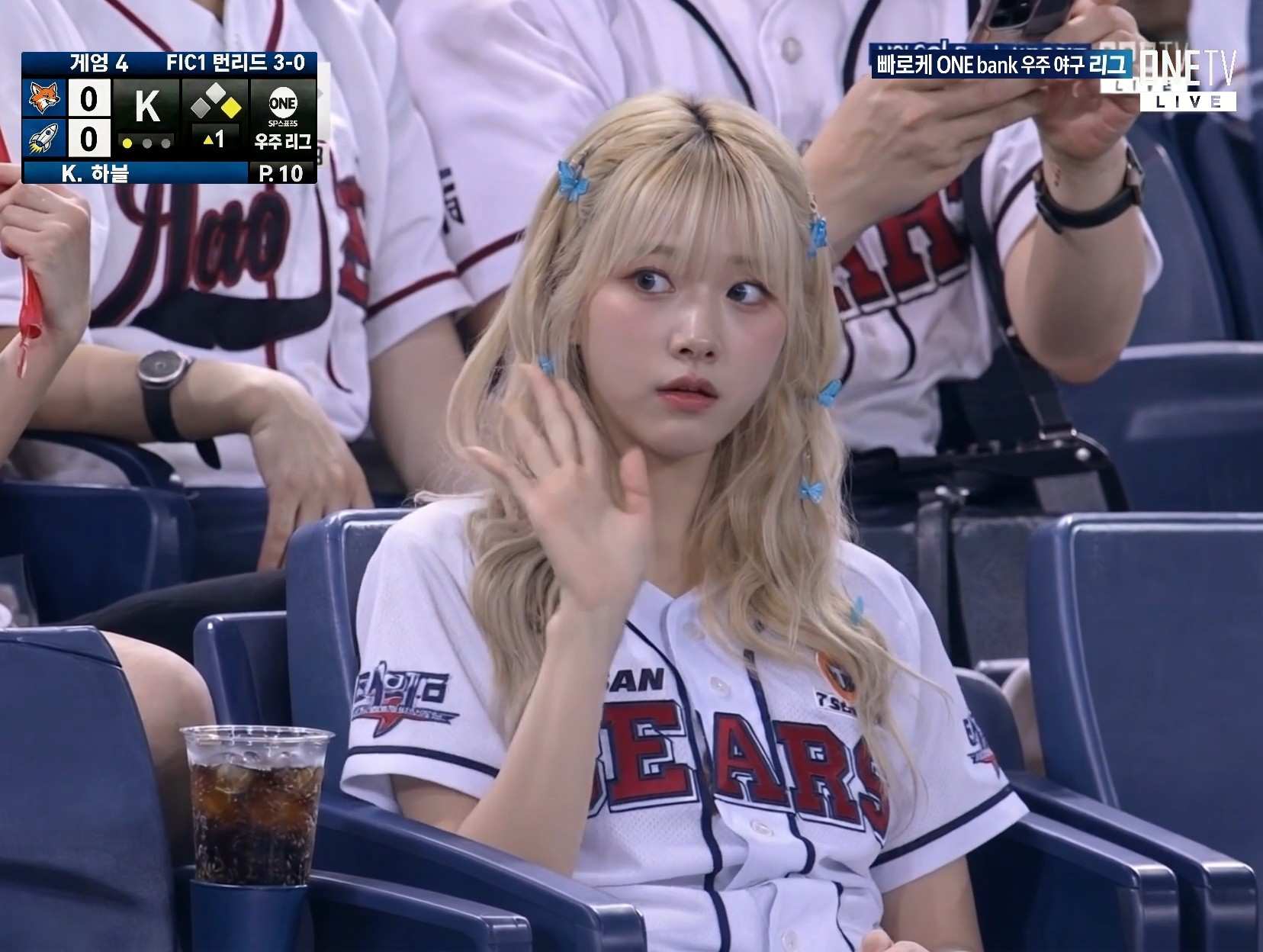





More AI Video Generators
Explore our collection of specialized AI video generators designed for different creative needs and styles
Boom Clap Trend AI Video
Your Selfie Gets A Confetti Encore
Pick the selfie your friends would recognize across a crowded room. Now picture yourself singing straight to the camera as white confetti tumbles past your shoulders. Just when it looks like the celebration is over, gold pieces catch the light. Make your own Boom Clap Trend AI Video from one portrait and give that second burst to someone with something worth celebrating.

How To Make A Boom Clap Trend AI Video
Choose who gets the close-up and where you want to share the result. The Boom Clap Trend AI Video supplies the performance. You choose how much room the falling paper has around the singer.

Choose A Solo Portrait
Look for both eyes, a clear mouth and a little space around the hairline. A phone snapshot taken near a window works well for a Boom Clap Trend AI Video. If you have two candidates, shrink them to thumbnail size. Choose the one where you can still recognize the person and read their expression without zooming in.

Add Your Photo
Under Upload Your Portrait, drop in your image and check the preview. A group photo can work after a close crop if just one face remains sharp. You can leave your hands out of the picture. The Boom Clap Trend AI Video supplies the opening finger cue, the larger gestures and the paper falling through the shot.

Choose A Frame And Generate
Pick 9:16 for a full-screen phone post, 1:1 for a square feed or 16:9 for a wider dedication. The Boom Clap Trend AI Video runs for 13 seconds in each shape. Enable audio if you want the musical cues, review the displayed credits for your settings, then select Generate Video.

Watch Both Confetti Cues
Play the Boom Clap Trend AI Video with the volume up before choosing a cover frame. Look for the first white flecks, then the brighter gold shower later in the performance. Watch the mouth and hands through both moments. A still with one gold strip beside a clear face often makes a better thumbnail than the busiest frame.
Best AI Video Tools for Creative Projects
Explore creative tools for video, learn tips and tricks, and see how AI can be your assistant in turning concepts into finished projects.



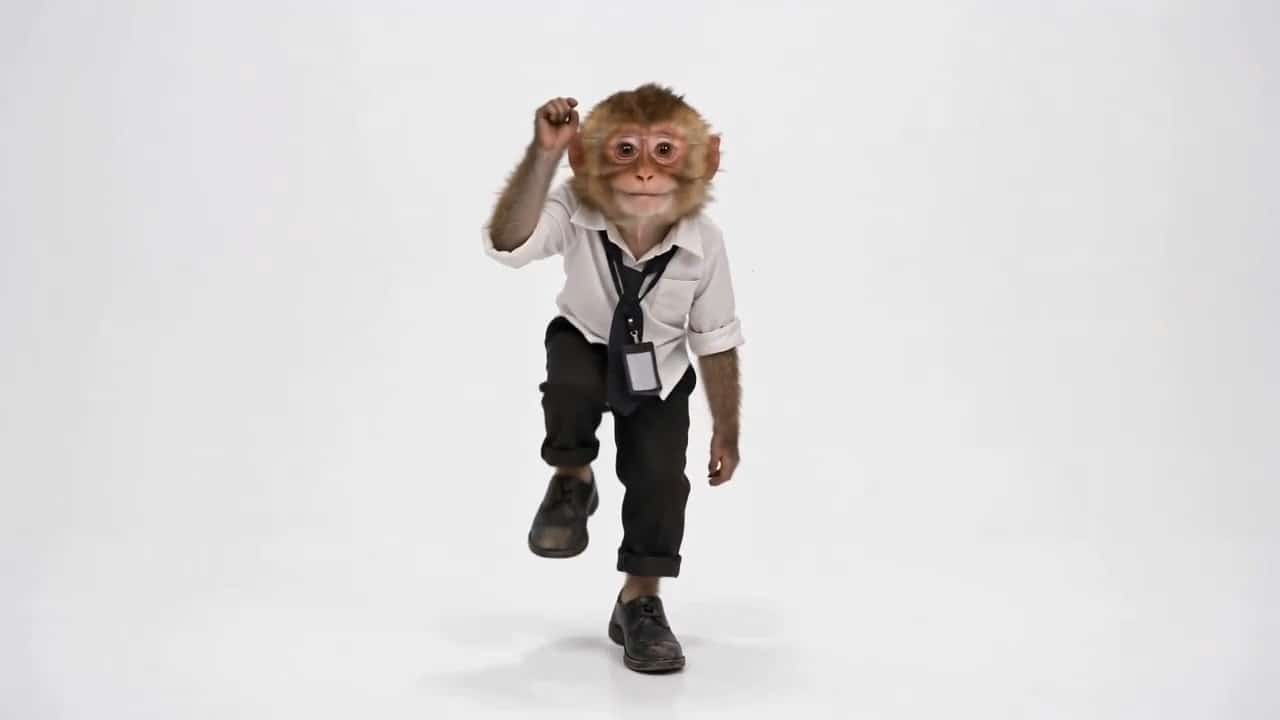

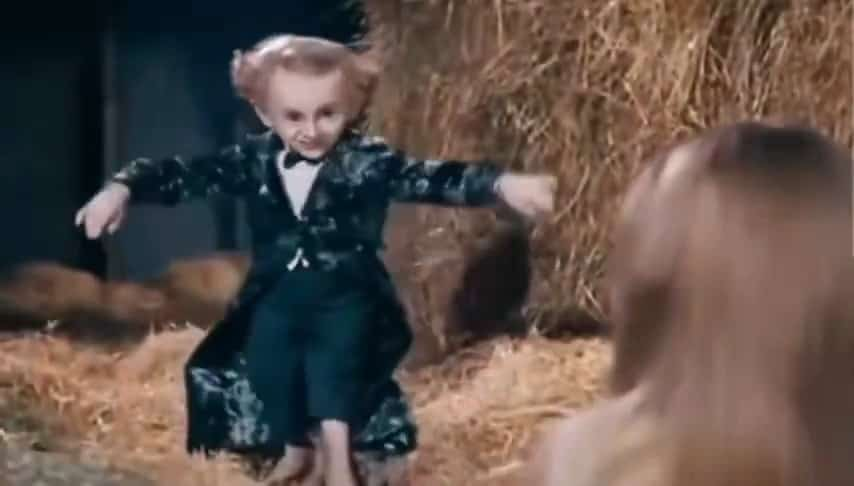


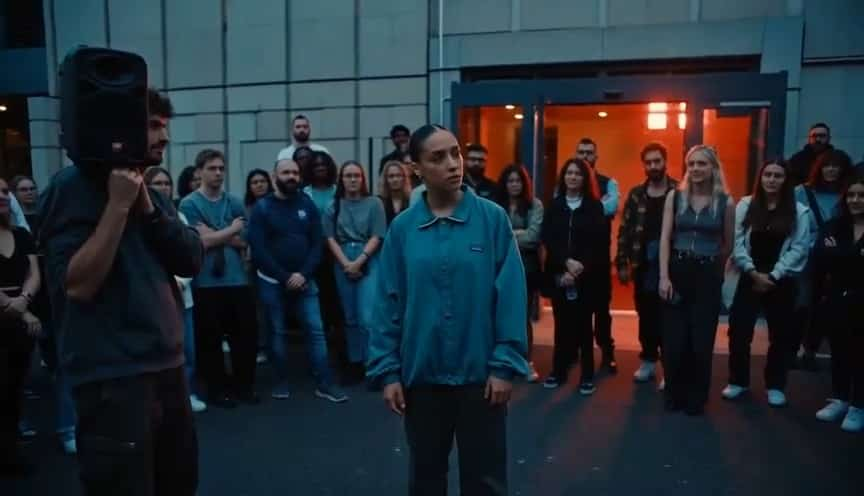






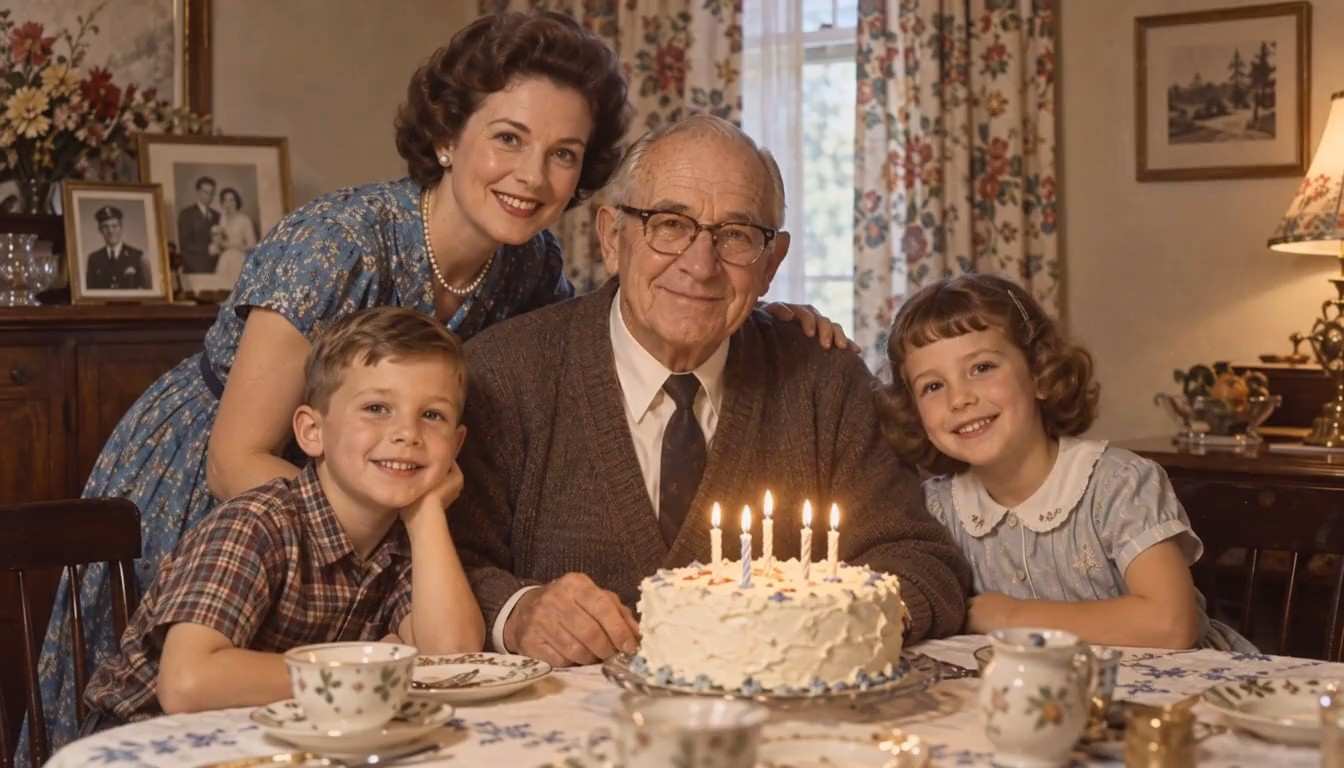


Inside The Boom Clap Trend AI Video
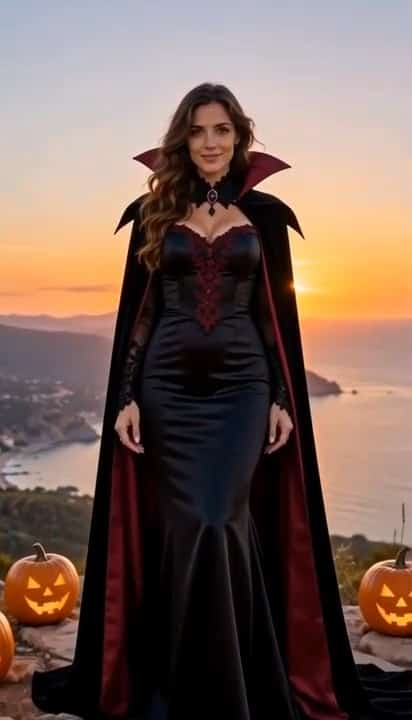
The Boom Clap Trend AI Video has two reveals. White paper interrupts the opening gestures, and the gold shower catches the light later in the song. Follow the color change in these illustrations.

A Face You Know Before The First Beat
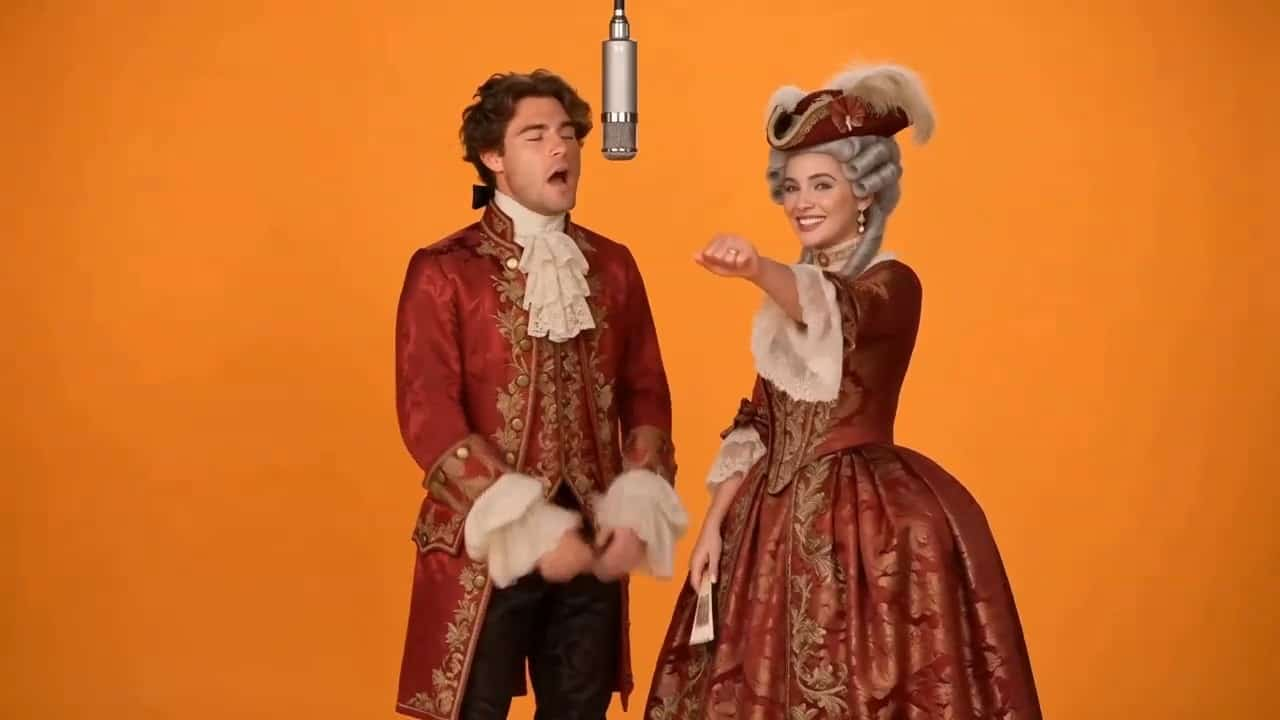
The opening of a Boom Clap Trend AI Video gives the viewer a moment to recognize the performer. A finger lifts as if to count everybody in, and the face stays turned toward the lens. That small gesture works especially well as the answer to a message. Let a friend open the clip without a long introduction and see how quickly they spot who is singing.
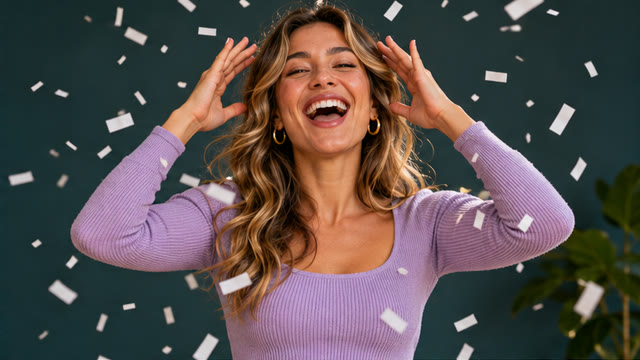
The First Shower Falls In White
Light paper slips into the frame while the singer brings both hands up. The little pieces are easiest to see beside the hair and shoulders, where they cross a darker edge. If you plan to add text to your Boom Clap Trend AI Video later, leave this part of the screen clear. Put the occasion in the post caption so the first few flecks can surprise the viewer.

Gold Arrives On The Next Cue
The gold pieces change the feel of the room. They flash as they turn, and a handful close to the lens can look larger than the ones falling behind the performer. This is a good place for the highlight of a Boom Clap Trend AI Video. For a birthday edit, time a cut to the real cake just after the gold arrives and let the two celebrations meet on that beat.

A Finish With Room To Breathe
As the paper thins, the hands come back toward the chest and the performer has the viewer’s attention again. A wide Boom Clap Trend AI Video leaves room for a dedication at the side in your own editor. In a vertical version, try keeping the words in the accompanying message. Either way, watch the ending before trimming it so the last gesture has time to settle.
Four Ways To Share Your Boom Clap Trend AI Video
Who is the confetti for? A Boom Clap Trend AI Video can be a birthday card, an invitation or a standing ovation from somebody miles away.

Send A Birthday Opener
Make a Boom Clap Trend AI Video starring you and send it to the birthday person before the first call of the day. A straight-faced selfie can be particularly funny if they know you would never perform on cue. Save their name and your birthday wish for the message underneath.

Celebrate The Friend Who Got The News
A new job, a finished exam or the keys to a first apartment deserves more than the usual row of emojis. Use your own face in a Boom Clap Trend AI Video as the cheering section. Pair the video with one specific line about what your friend did, especially something only the two of you remember from the run-up.

A Boom Clap Trend AI Video Invitation
Send a Boom Clap Trend AI Video as the opening shot of a party invitation. In a separate end card, add the time, place and one thing to bring. Keeping those details together gives guests a frame they can pause or screenshot, while the white and gold showers get a whole shot to themselves.
Open A Year-In-Review Reel
Use the first white flakes to introduce a run of quieter photos and the gold cue to lead into a group celebration. If the rest of your reel is horizontal, generate a wide Boom Clap Trend AI Video from the start. It gives you usable space around the moving arms when you cut back to the performer at the end.
What To Say With Your Boom Clap Trend AI Video
A short message gives the confetti a recipient. Borrow one of these caption ideas for your Boom Clap Trend AI Video, or swap in the place, person or running joke that makes the moment yours.
You said you didn’t want a fuss. This is a very small, extremely reasonable amount of confetti. Happy birthday from the person who would absolutely do this in your kitchen.
I can’t be there when you open the door to your new place, so picture me in the hallway doing this. The gold part is your housewarming present.
Remember that practice question we both thought was impossible? You got through that and everything after it. I think that earns two rounds of confetti.
The first shower is your invitation. The second is me reminding you that you promised to bring dessert. See you Friday.
For everybody who caught a missed cue or quietly put the prop back where it belonged. You deserve your own curtain call.
You finally sent the email you’d been rewriting all week. I saved my most over-the-top reaction for the occasion. Sound on.
Boom Clap Trend AI Video Questions
Find the right photo, frame and sound for your Boom Clap Trend AI Video.
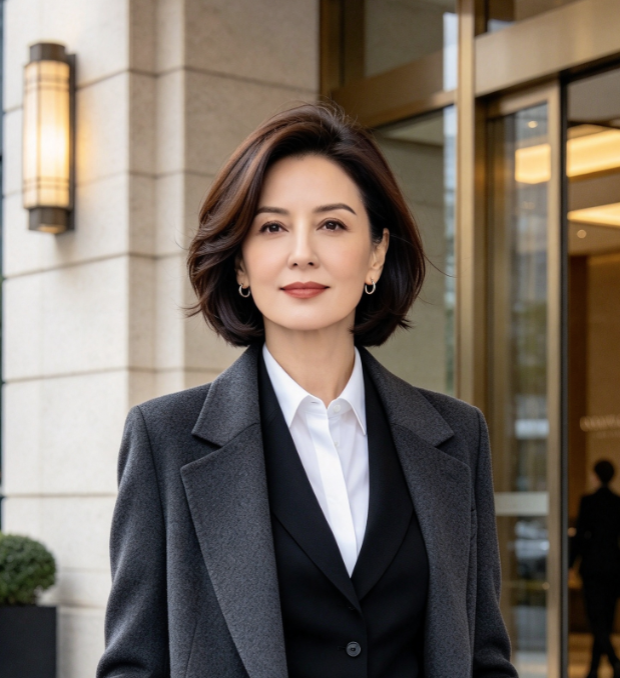
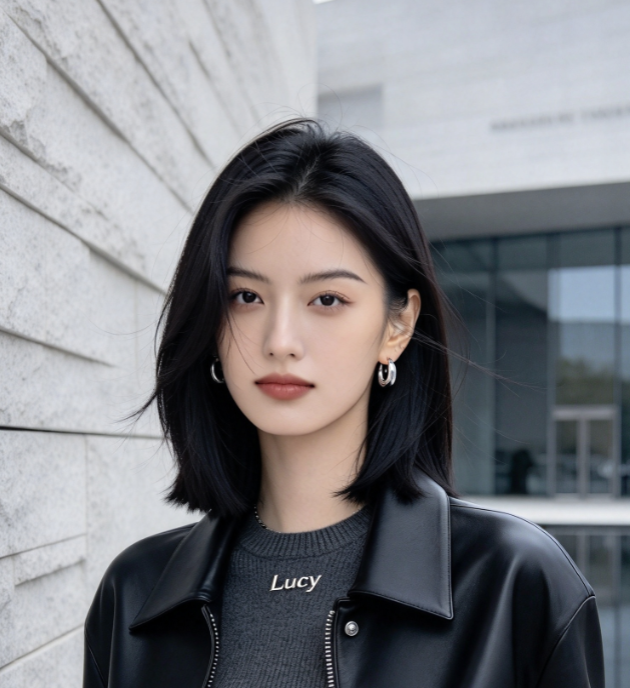
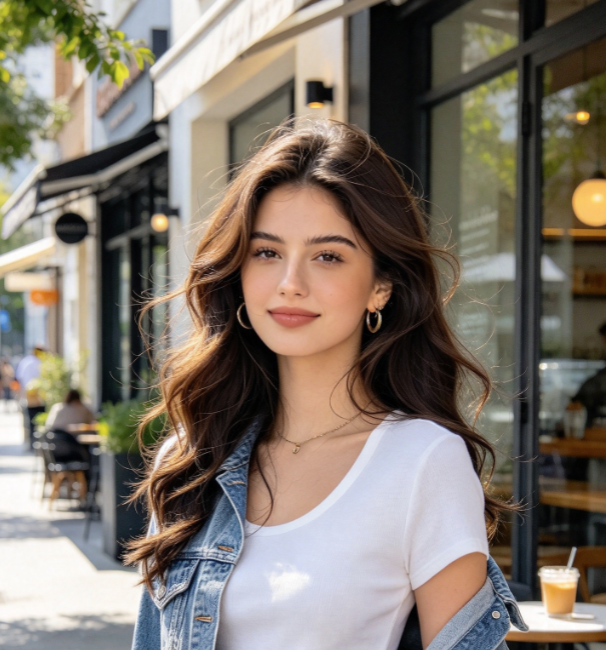
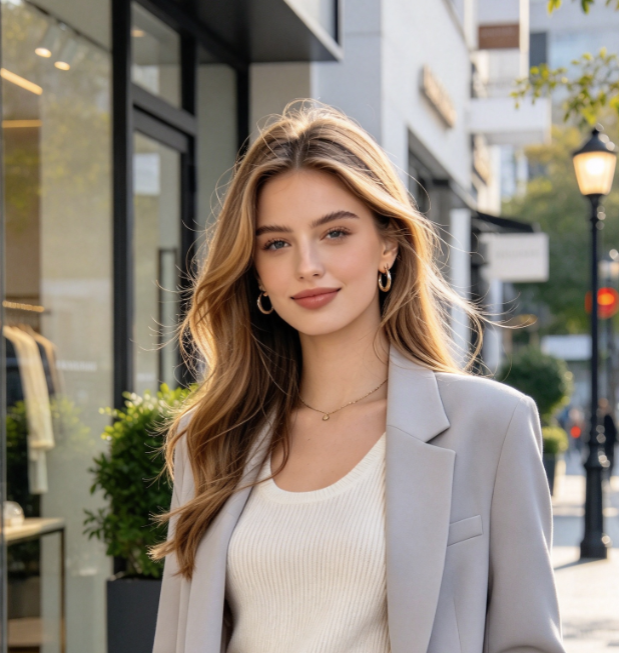
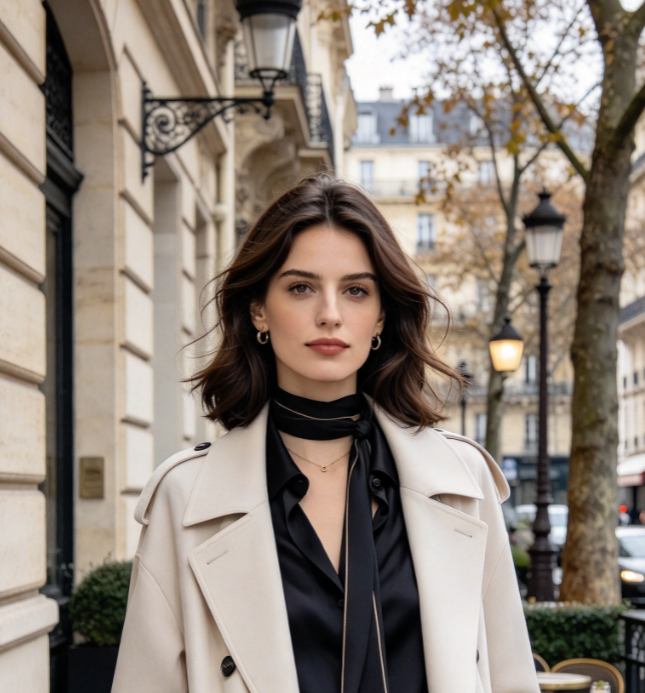
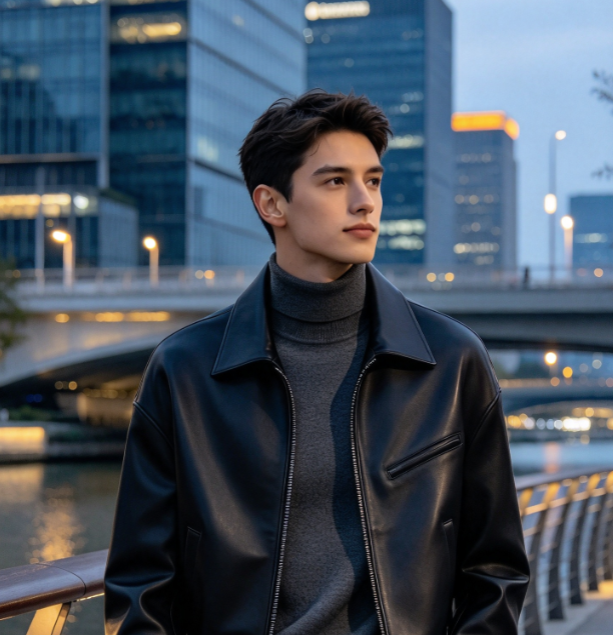
One clear photo of one person is enough. The built-in clip supplies the choreography and confetti cues. When making a Boom Clap Trend AI Video for someone else, use your face as the performer or choose a portrait they are happy for you to upload.
You can make a Boom Clap Trend AI Video with a still photo. The mouth movement and hand gestures follow the reference performance, and you can enable audio before generating. If you are choosing a portrait specifically for the lip sync, pick one with the mouth clearly visible. A microphone, scarf or phone covering it makes the expression harder to carry through the song.
The output is set to 13 seconds. That leaves time for the opening cue, the white paper, the gold shower and the final expression. If you want a shorter greeting, trim your finished Boom Clap Trend AI Video in your editor. Play the cut once with sound to make sure the gold shower still lands where you want it.
Use 9:16 if the person will open your Boom Clap Trend AI Video on a phone and you want the face to fill the screen. Use 16:9 for a party screen or for a horizontal edit with other clips. A square frame is a good middle ground for a feed post. Choose the shape before generating so there is room for the hands as they rise.
Pause the Boom Clap Trend AI Video just before the first flakes appear. If the face already looks unfamiliar, try a sharper portrait with more even lighting across both cheeks. If the opening looks right and paper briefly passes an eye later, move your thumbnail a few frames forward. That small change can give you a much clearer cover without generating another take.
Let the two color changes tell the story. Keep the start of the Boom Clap Trend AI Video long enough for viewers to recognize the face and give the gold a moment on screen before cutting away. In your posting app, add a short dedication where it stays clear of the raised hands. Play the result muted once before sending it.
Make Your Own Boom Clap Trend AI Video
Who deserves a little confetti today? Pick a portrait, choose where you want to share it and make a Boom Clap Trend AI Video for that person. Save your message for the send button and let the gold come as a surprise.