
More AI Video Generators
Explore our collection of specialized AI video generators designed for different creative needs and styles

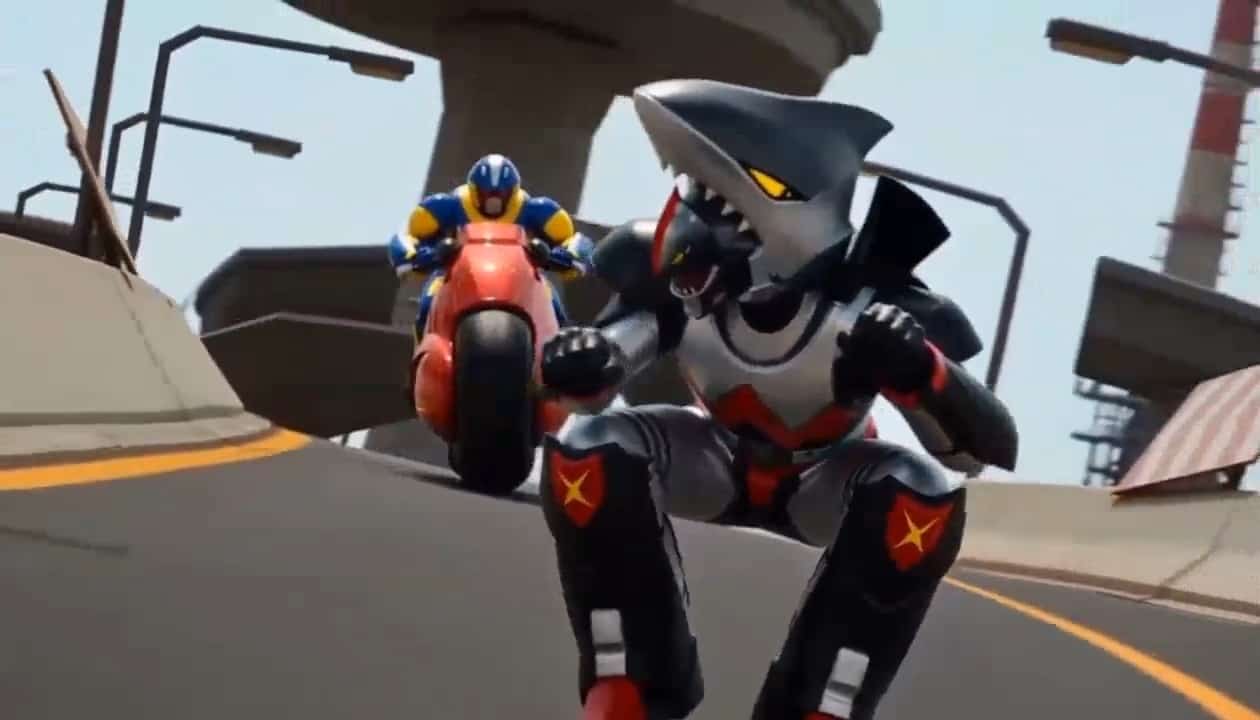

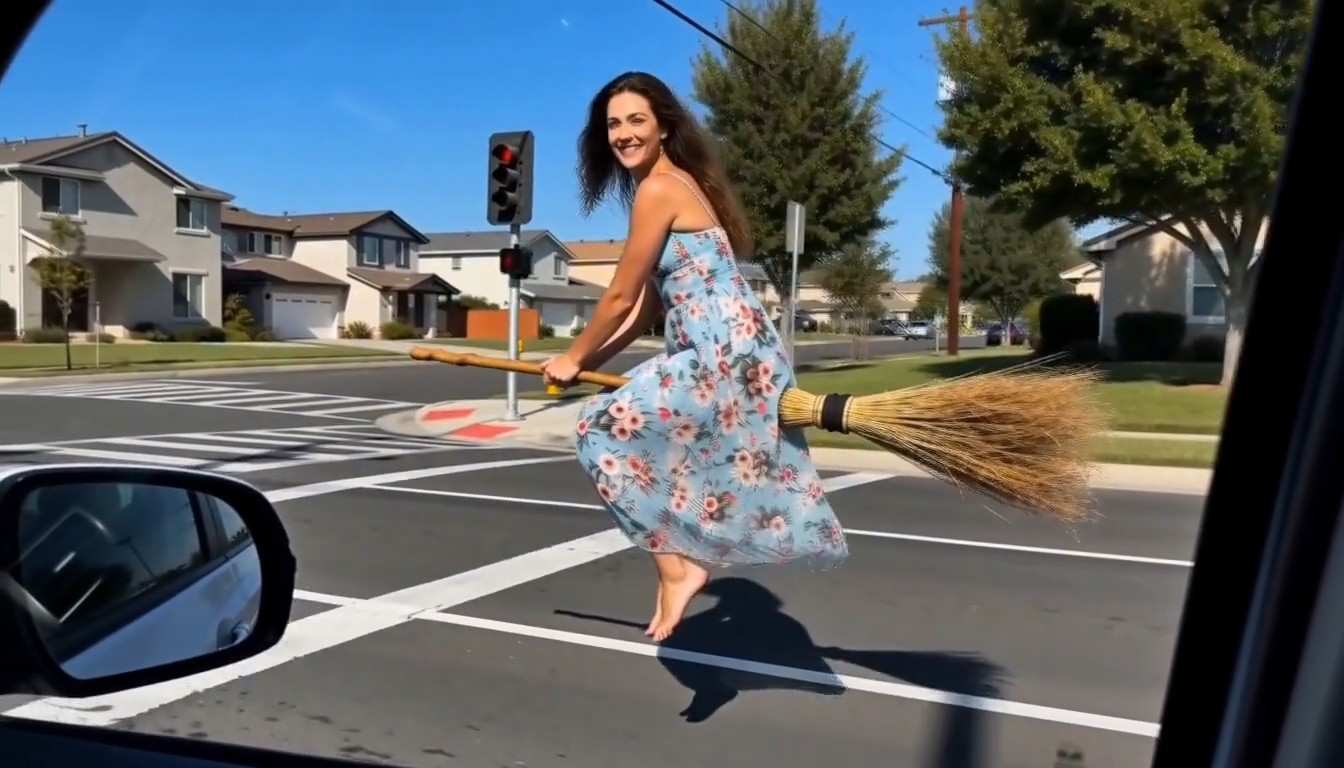
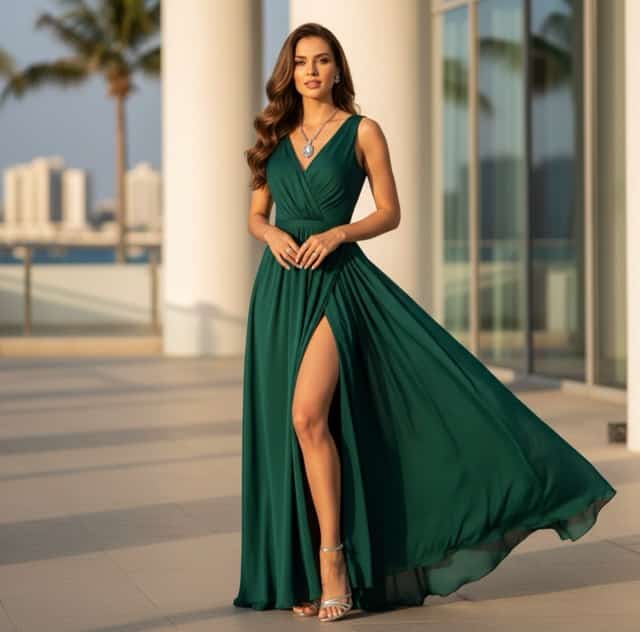
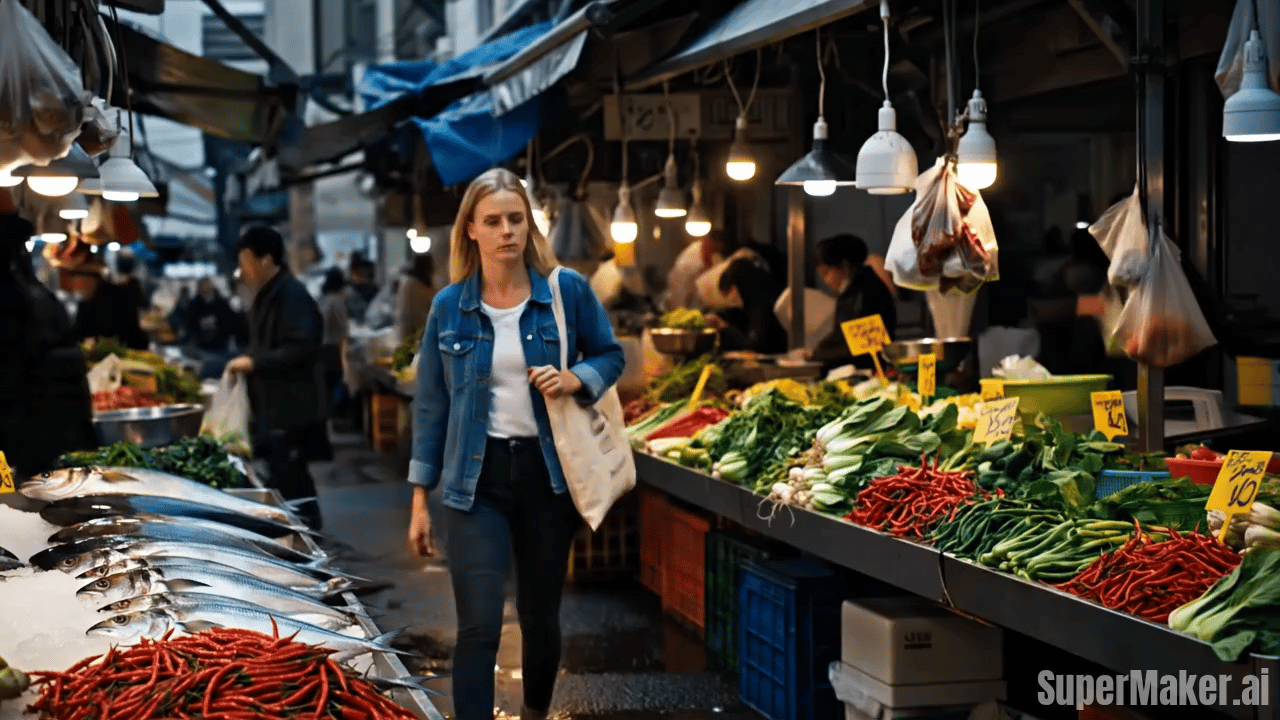
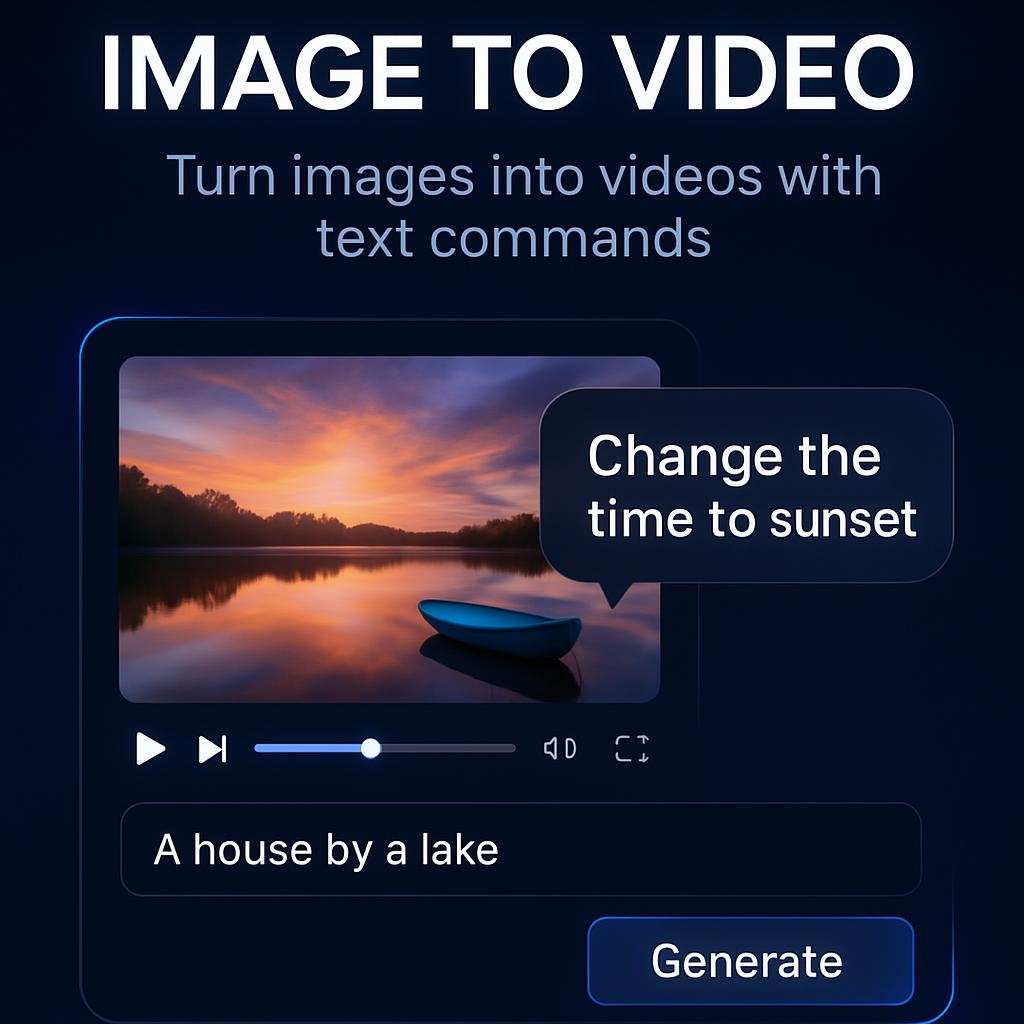
Create a Cinematic Day to Night Effect Video from One Photo
Upload one image and turn a still scene into a smooth daytime to nighttime transformation while keeping the people, pose, and composition visually consistent.
SuperMaker AI helps you create a stunning day to night effect video from a single photo in just a few clicks. Upload any portrait, couple shot, travel photo, street scene, or lifestyle image, and our AI turns it into a smooth day to night effect video that shows natural lighting change from bright day to moody evening. The people in the frame stay visually consistent, so your day to night effect video looks clean, believable, and ready to share.
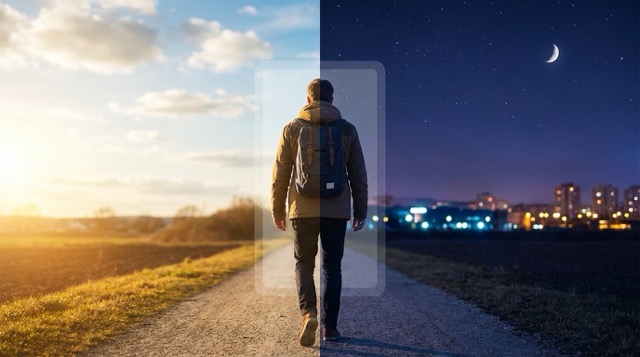
How to Make a Day to Night Effect Video
SuperMaker keeps the workflow simple so anyone can generate a polished day to night effect video without editing skills or timeline work.

Upload Your Photo
Upload any image you want to animate. A portrait, selfie, travel photo, couple image, outdoor lifestyle shot, or street scene can all become a day to night effect video. The clearer the original image, the smoother the final day to night effect video will look.

Click Generate
Click generate and let SuperMaker AI turn your still image into a day to night effect video. The system gradually shifts the lighting, sky brightness, ambient tone, and atmosphere while keeping the main subjects stable and recognizable throughout the day to night effect video.

Preview and Download
Preview your day to night effect video, then download it for TikTok, Instagram Reels, YouTube Shorts, product storytelling, or personal sharing. The final day to night effect video is ready in a social friendly format with no complex editing required.
Best AI Video Tools for Creative Projects
Explore creative tools for video, learn tips and tricks, and see how AI can be your assistant in turning concepts into finished projects.


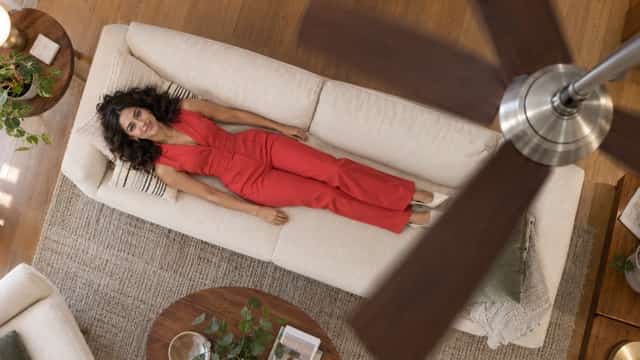
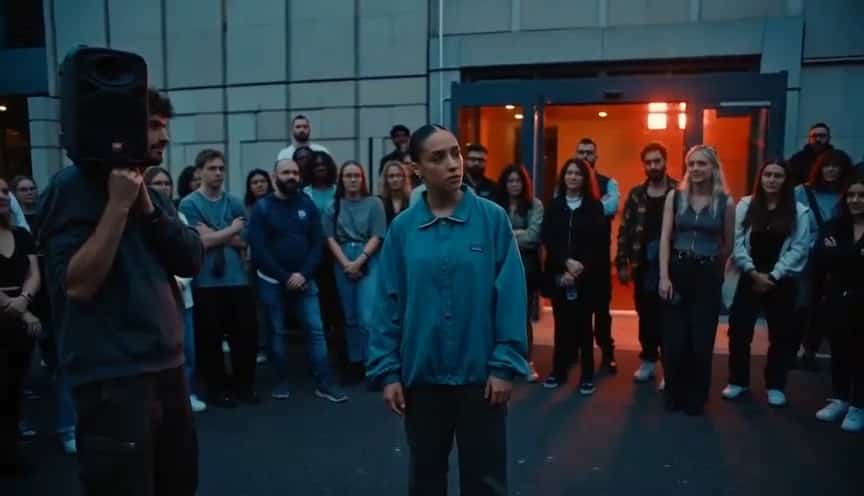









Features of Our Day to Night Effect Video Tool
SuperMaker AI is designed to make every day to night effect video look smooth, cinematic, and consistent from the first frame to the last.
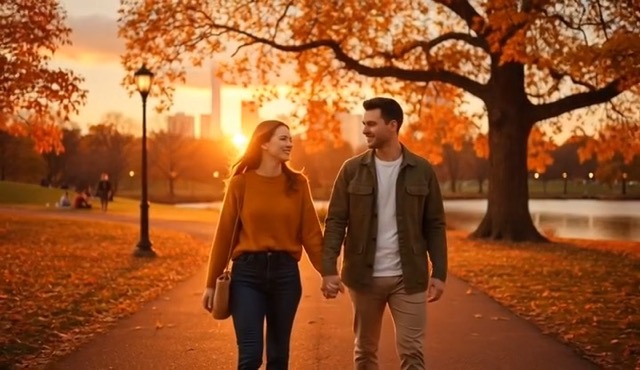
Smooth Daylight to Evening Transition
- SuperMaker creates a day to night effect video with progressive lighting changes instead of an abrupt switch.
- Your day to night effect video can move from bright daylight to sunset tones and then to a darker night mood.
- Shadows, sky color, and overall atmosphere shift naturally for a more cinematic day to night effect video.
- This helps the final result feel visually rich and more engaging on social platforms.
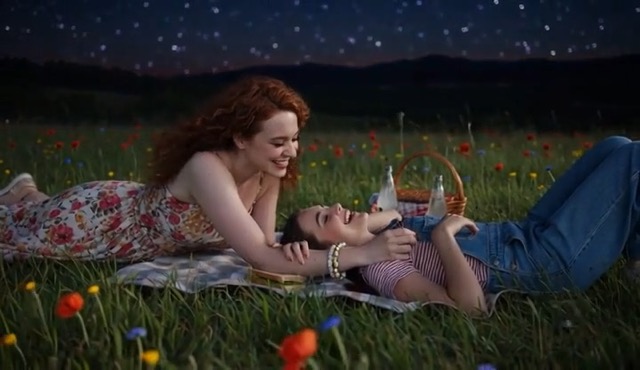
Keep People and Subjects Consistent
- A strong day to night effect video should not change the face, pose, outfit, or identity of the people in the image.
- SuperMaker is built to keep your portrait or group shot visually stable during the day to night effect video process.
- The tool focuses on time of day transformation rather than replacing the main subjects.
- That makes each day to night effect video more suitable for personal photos, romantic scenes, and creator content.
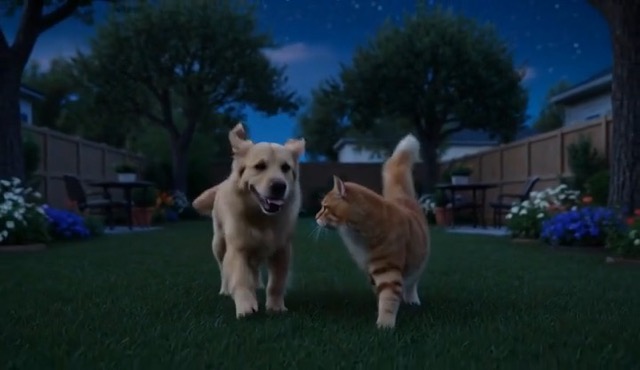
Works for Portraits, Travel, and Lifestyle Scenes
- You can create a day to night effect video from selfies, couple shots, city scenes, travel photos, outdoor cafés, beach images, or fashion content.
- Each day to night effect video is optimized to preserve the original composition while changing the mood of the scene.
- This makes SuperMaker useful for both casual creators and brands.
- A versatile day to night effect video workflow helps you repurpose one photo into more dynamic content.
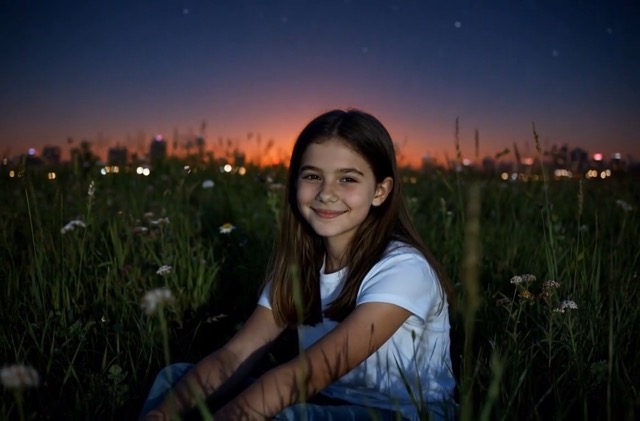
Fast Image to Video Workflow
- Traditional editing takes time, but SuperMaker lets you build a day to night effect video with a simple upload and click workflow.
- You do not need masking, keyframes, or advanced grading tools to create a shareable day to night effect video.
- This makes it easier to test ideas quickly and publish more often.
- Whether you are a beginner or a content team, this day to night effect video tool saves creative time.
Why Choose SuperMaker for Day to Night Effect Video
If you want a clean and creator friendly day to night effect video workflow, SuperMaker gives you speed, consistency, and visual impact.

Create More Cinematic Social Content
A day to night effect video instantly makes a still image feel more emotional and dynamic. It is ideal for TikTok edits, Instagram posts, short brand clips, and personal storytelling.

Turn One Photo into a Story
Instead of posting a static image, use a day to night effect video to show the passage of time in one scene. This gives your content a stronger narrative and better visual retention.

Preserve Identity and Framing
SuperMaker is built so your day to night effect video focuses on lighting and atmosphere change while keeping the people, pose, and core layout aligned with the original image.

Great for Travel and Romantic Scenes
A beach photo, city walk, mountain view, dinner date, or street portrait can all become a beautiful day to night effect video with richer mood and more emotional range.

No Editing Experience Needed
You do not need pro software to create a polished day to night effect video. SuperMaker keeps the process easy enough for creators, students, marketers, and casual users.

Ready for Fast Creative Testing
If you want to test visual hooks for content marketing or personal posting, a day to night effect video is a strong format. One source image can quickly become more eye catching and more memorable.
What Users Say About Our Day to Night Effect Video Tool
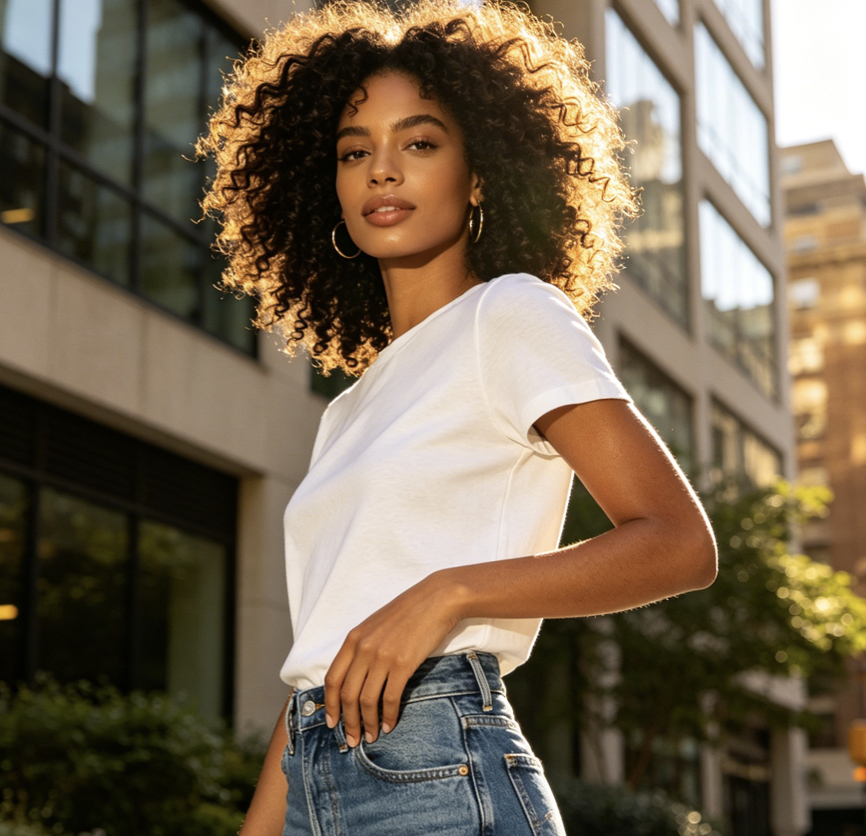
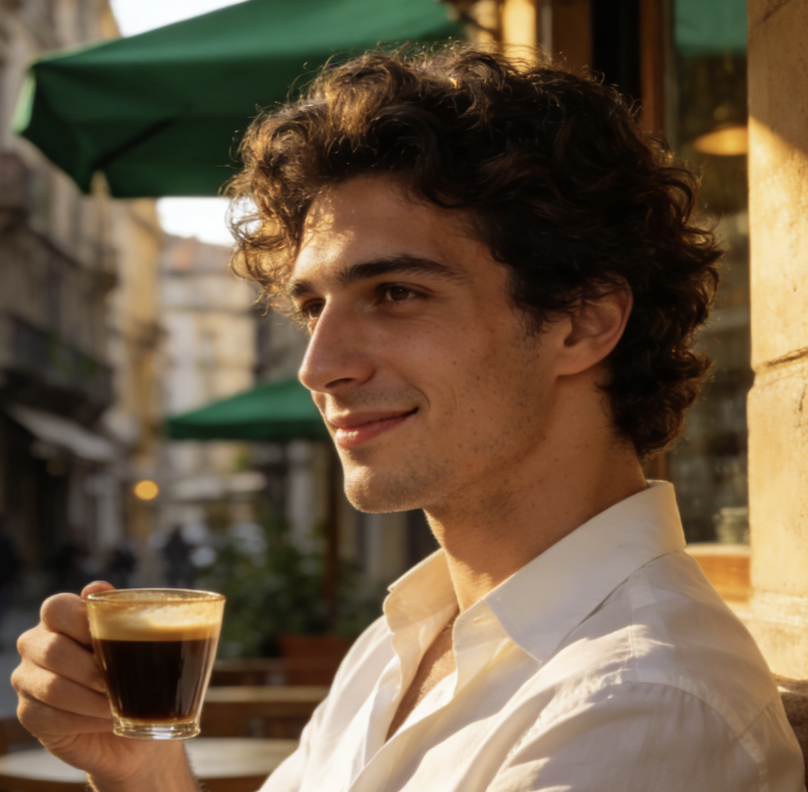
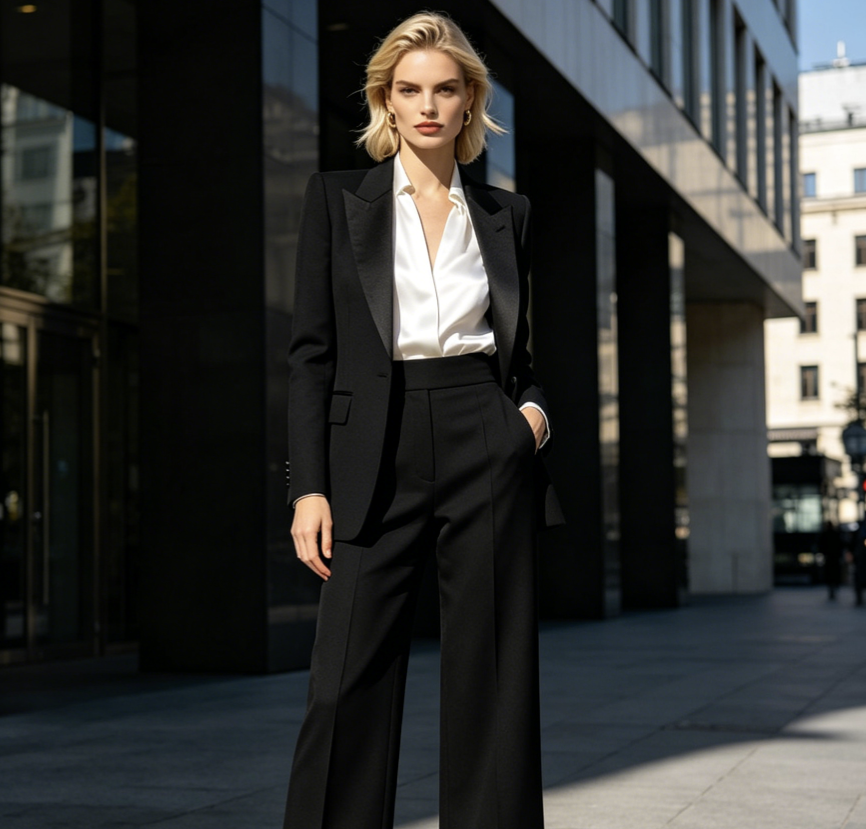
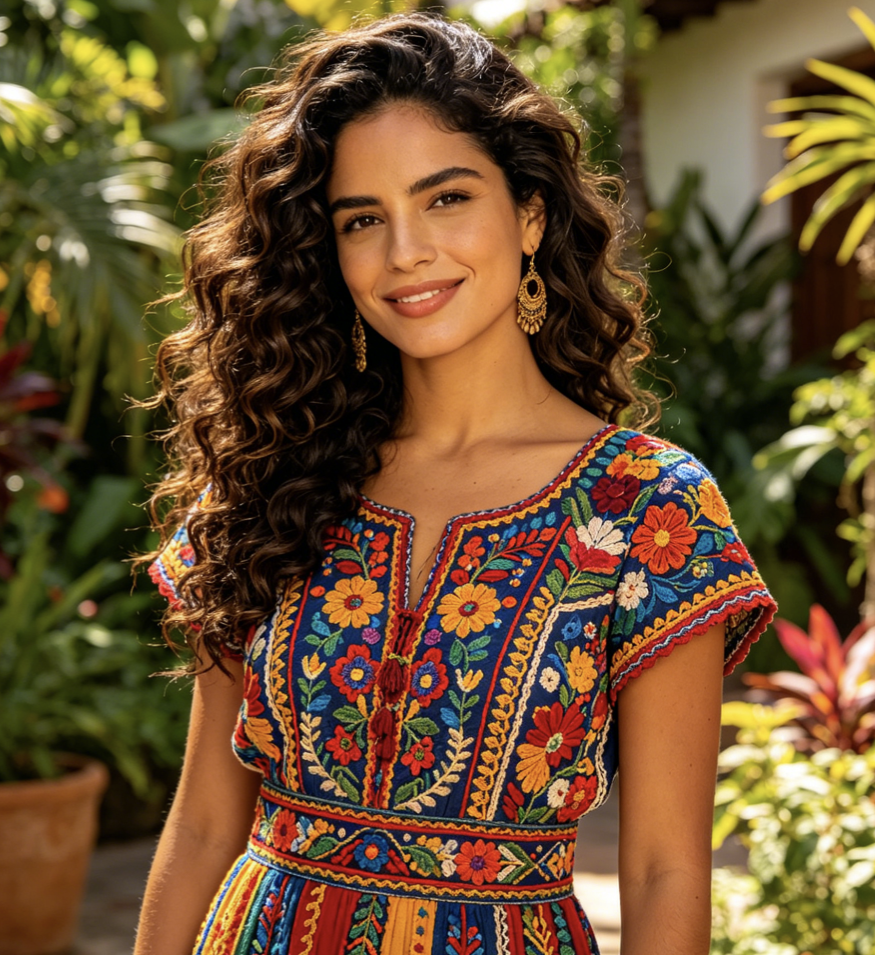
Creators from different fields use SuperMaker to turn static images into a polished day to night effect video with better mood and stronger visual storytelling.
I used this tool on a beach portrait and the final day to night effect video looked much more cinematic than a normal photo post. The person stayed consistent and the lighting shift felt smooth.
Our team tested one café photo and got a clean day to night effect video for a social campaign. It gave the image more depth without changing the people or the original composition.
I wanted a romantic transition for a couple photo, and this day to night effect video tool gave me exactly that mood. It felt soft, emotional, and very easy to make.
Most tools distort the face or change the outfit, but this day to night effect video result stayed close to the original image. That consistency made it much more usable for client work.
I turned a city street photo into a day to night effect video for my Reel and it performed better than my usual static content. The mood shift was the part people noticed first.
This day to night effect video workflow is simple enough for quick experiments but polished enough for branded storytelling. I like that the image identity stays stable while the atmosphere changes.

Frequently Asked Questions About Day to Night Effect Video
Here are answers to common questions about creating a day to night effect video with SuperMaker AI.
A day to night effect video is a short AI generated video that transforms the lighting and atmosphere of a still image from daytime into evening or nighttime. Instead of staying static, the scene gradually changes in mood, making the image feel more cinematic and alive.
Yes. SuperMaker is designed to create a day to night effect video from a single uploaded image. You do not need multiple frames or any editing timeline. Just upload one photo and generate the effect.
That is one of the main goals of this tool. A strong day to night effect video should keep the people, face, outfit, pose, and overall framing visually consistent while the environment changes from day to night.
Portraits, couple photos, travel shots, outdoor lifestyle scenes, city images, and romantic environments usually work very well. Any image with a clear subject and visible background can become a compelling day to night effect video.
No. SuperMaker keeps the day to night effect video workflow simple. You upload the image, click generate, preview the result, and download the finished video. No manual masking or advanced editing is required.
SuperMaker gives you a fast and intuitive way to create a day to night effect video while focusing on smooth atmosphere change and subject consistency. It is a practical option for creators, marketers, and everyday users who want better visual storytelling from a single photo.
Turn Your Photo into a Day to Night Effect Video
Upload one image and create a cinematic day to night effect video with SuperMaker AI. Show the passage of time, keep your subjects consistent, and make your content more dynamic in seconds.
