



More AI Video Generators
Explore our collection of specialized AI video generators designed for different creative needs and styles
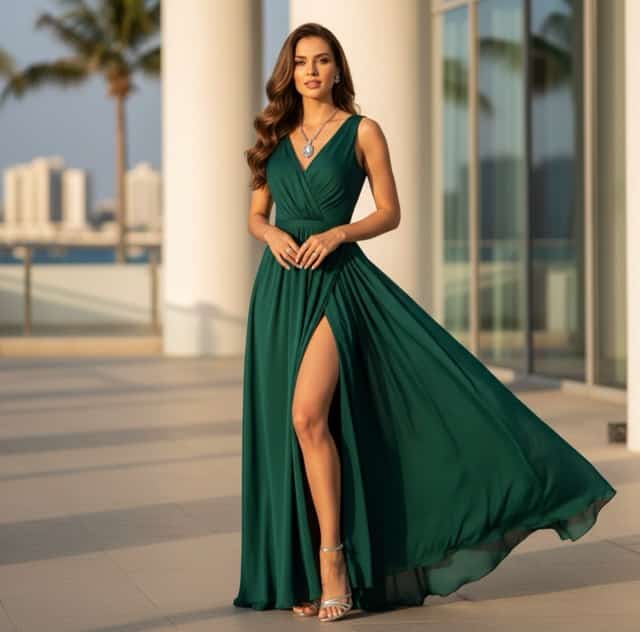
Middle Finger Video Generator
Turn Any Character Image into a Funny Meme Video
Create a middle finger video from any uploaded image with SuperMaker AI. Upload a human portrait, pet photo, cartoon avatar, mascot, toy, anime character, or fantasy creature, and turn it into a playful meme clip in seconds. This middle finger video effect keeps the original character identity while adding expressive motion, direct eye contact, exaggerated comedy, and upbeat background music. Designed for funny AI videos, reaction memes, social posts, and viral-style clips, this tool makes image to video creation simple, fast, and entertaining.
How to Create a Middle Finger Video
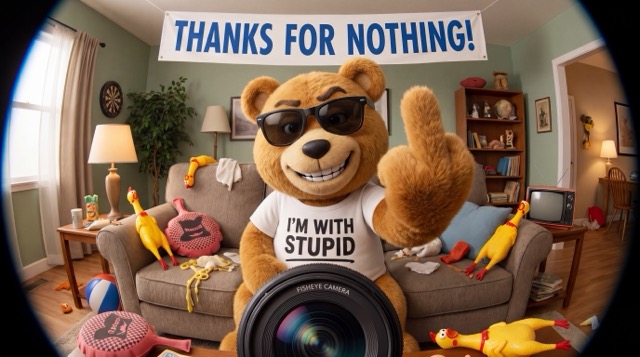
Upload your character image, click generate, and instantly get a funny middle finger video with meme-style motion, playful expression, and background music.

Upload Your Character Image
Upload the photo or artwork you want to animate. SuperMaker AI can turn a portrait, pet, cartoon figure, game avatar, mascot, doll, anime character, or fantasy creature into a middle finger video. The tool keeps the main character recognizable and prepares the image for a funny meme-style image to video transformation.

Click Generate
Click the generate button and let SuperMaker AI automatically animate your uploaded character. The AI creates a middle finger video with playful motion, exaggerated expression, meme-style timing, and comedic background music, so you do not need manual editing or complex prompts.

Get Your Meme Video Instantly
Preview your generated middle finger video and use it as a funny reaction clip, social media post, private joke, meme reply, or short-form entertainment video. In one simple workflow, you can create funny AI videos from humans, pets, cartoons, mascots, and more.
Best AI Video Tools for Creative Projects
Explore creative tools for video, learn tips and tricks, and see how AI can be your assistant in turning concepts into finished projects.
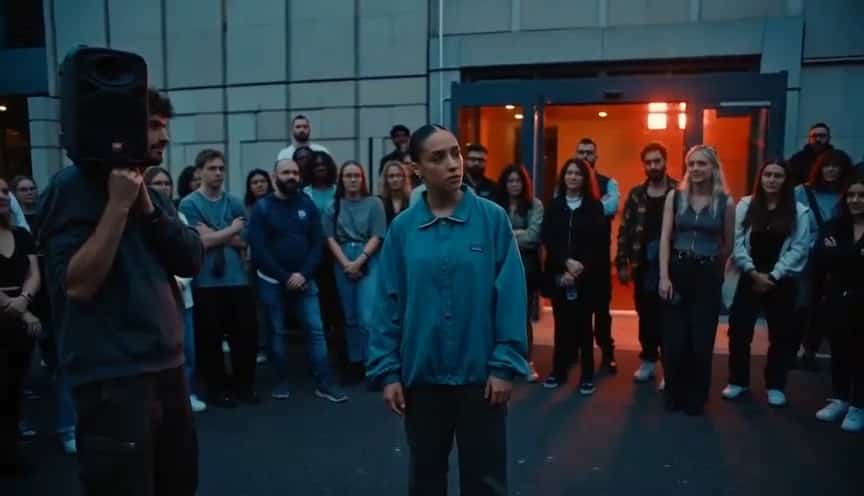
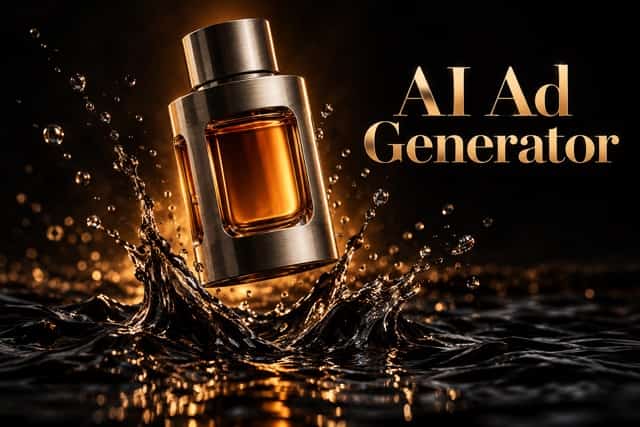



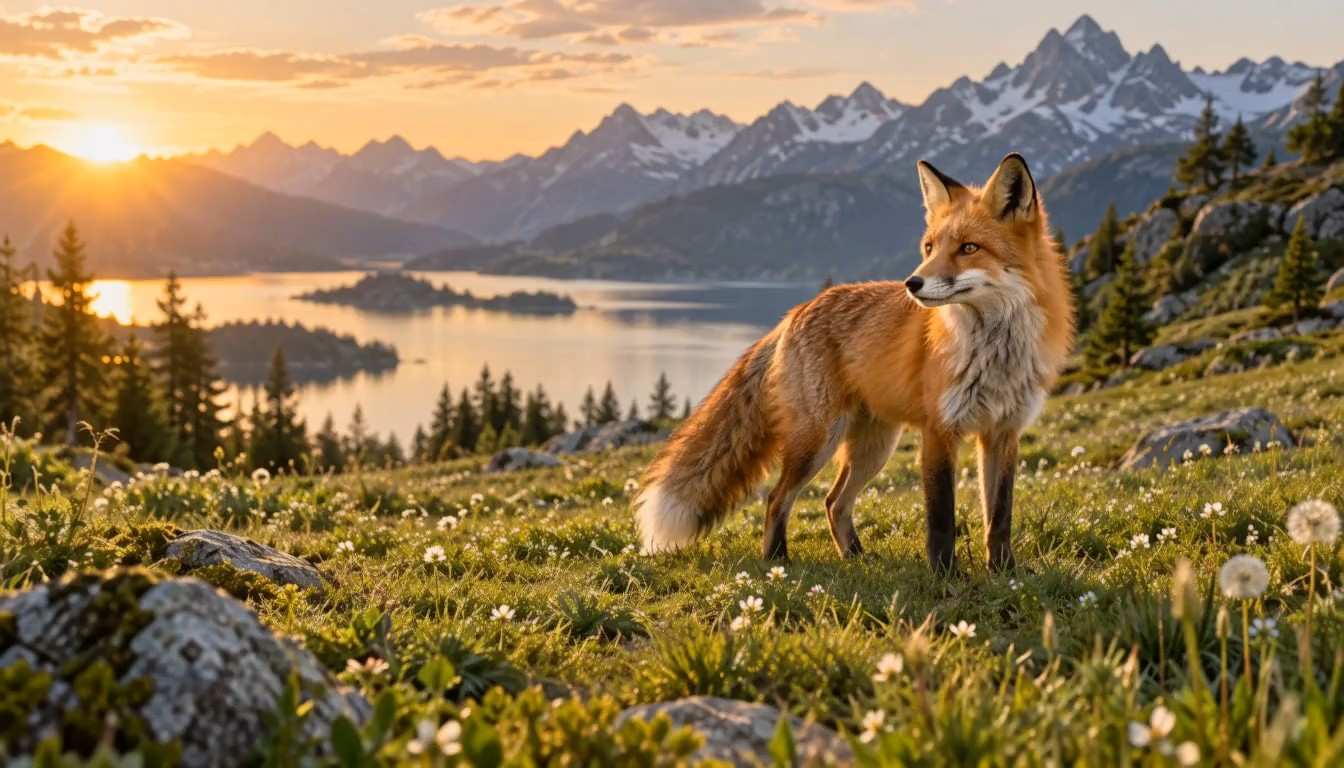

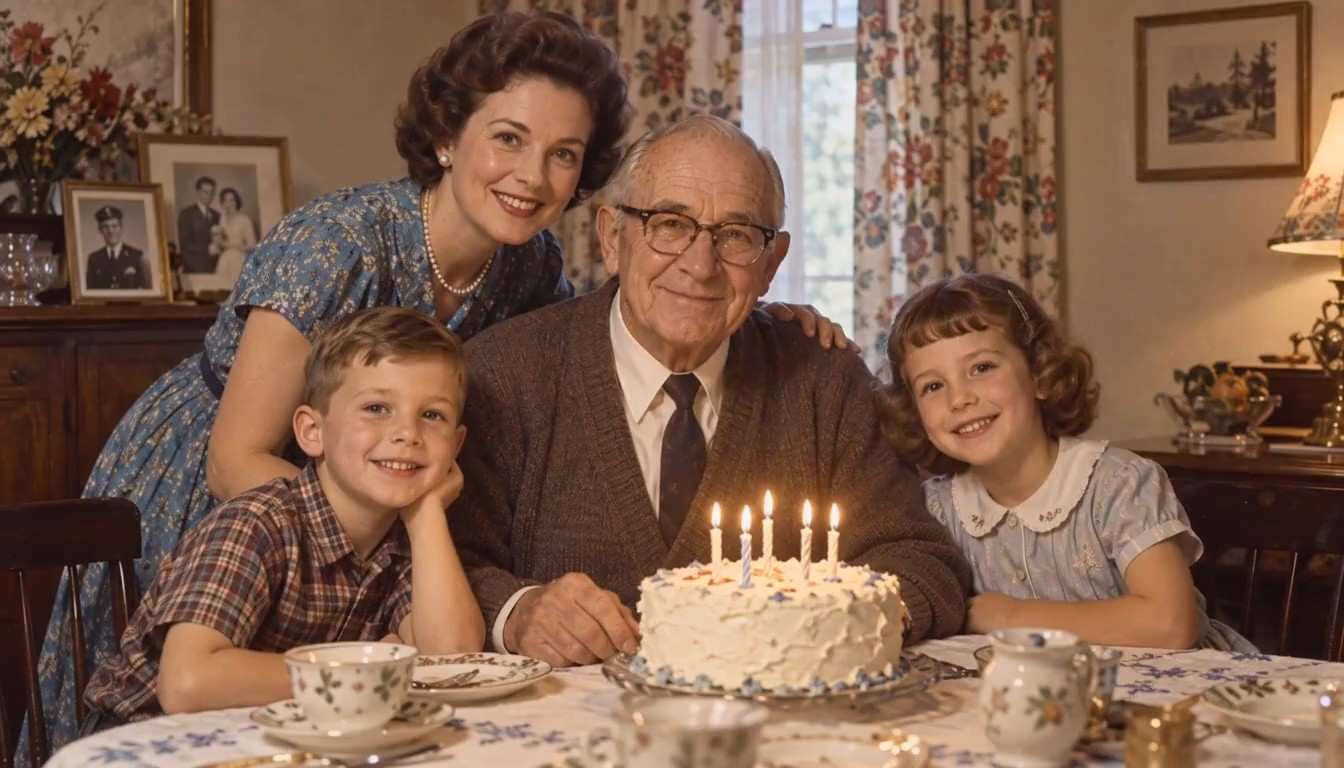


Features of the Middle Finger Video Generator
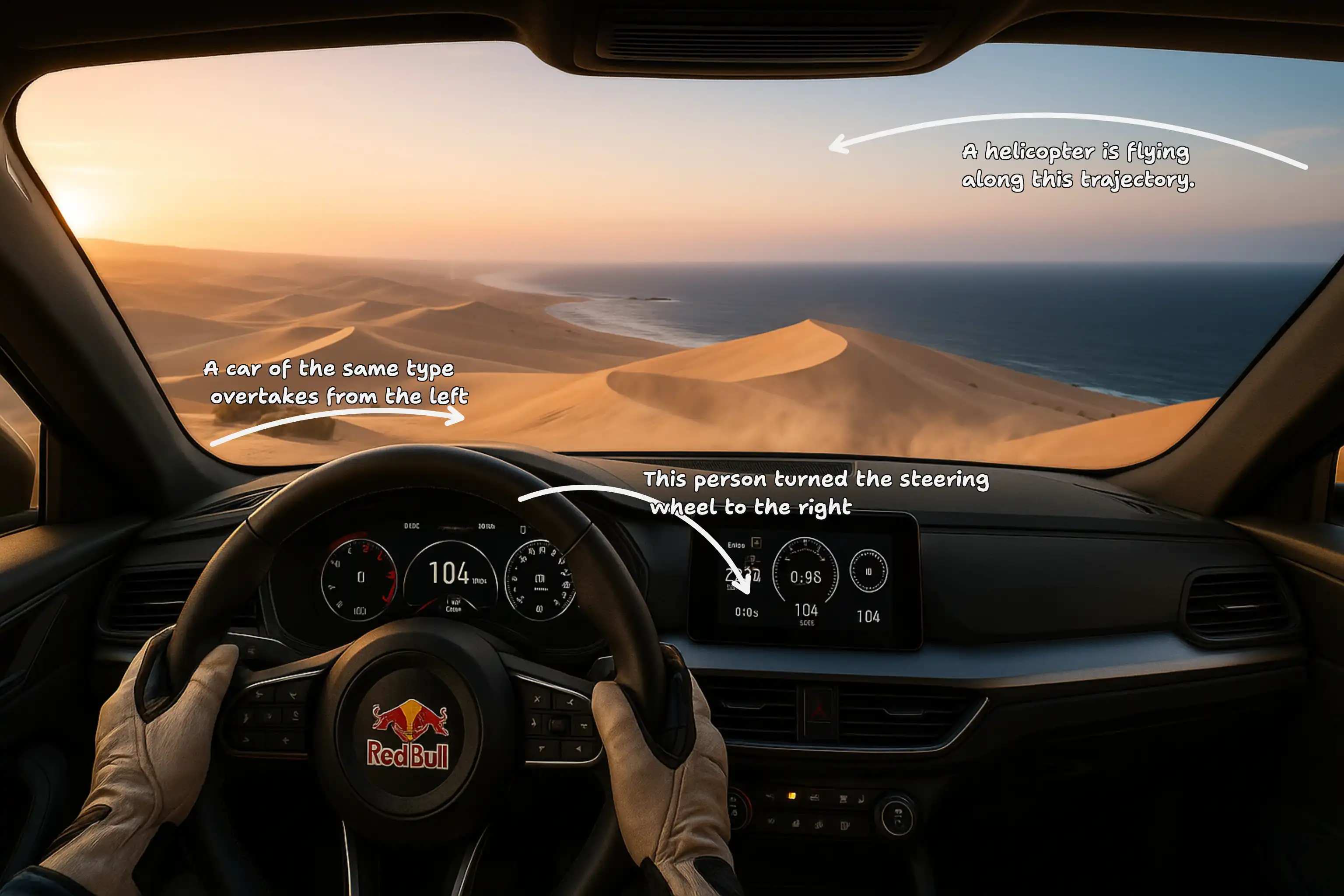
SuperMaker AI helps creators make a middle finger video from any character image. With meme motion, funny music, flexible character support, and viral-ready timing, it is built for funny AI videos that stand out.
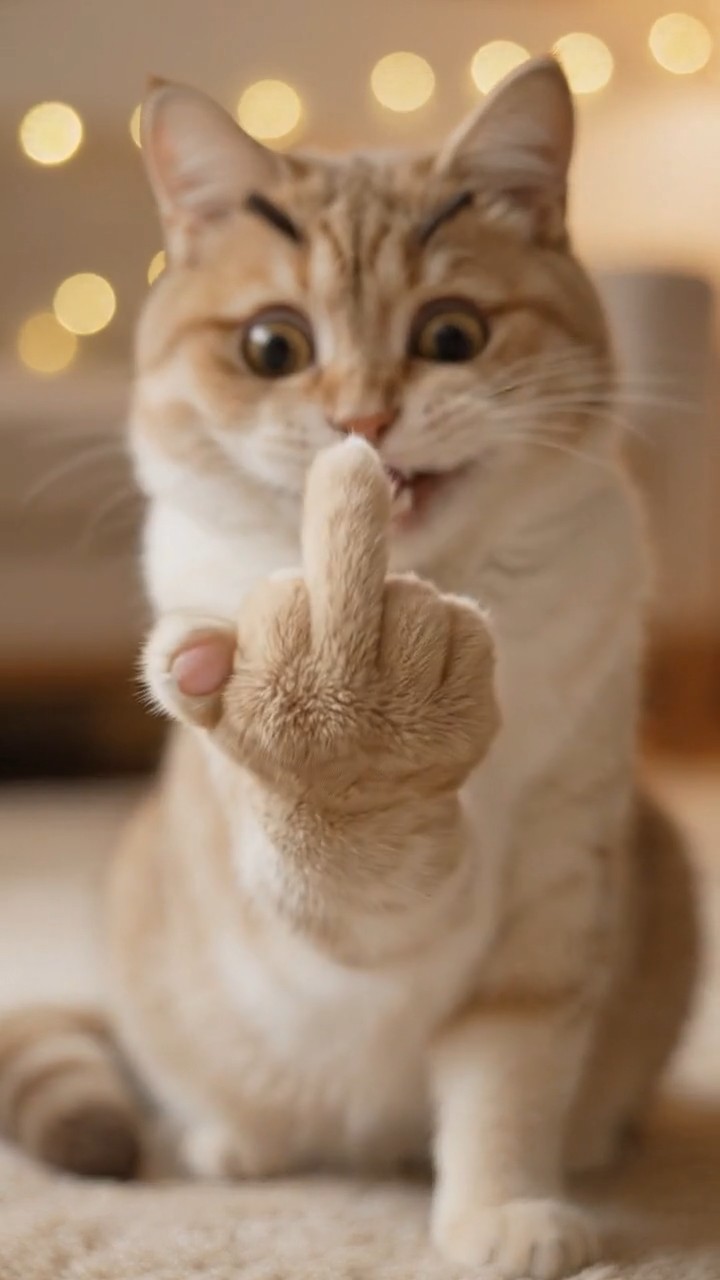
Image to Video Meme Animation
- SuperMaker AI turns a static image into a middle finger video with expressive movement, face direction, gesture animation, and meme-style pacing.
- Upload a human, pet, cartoon, anime character, toy, or mascot, then create funny AI videos without manual editing.
- The middle finger video effect preserves the core identity of the uploaded character while adding playful attitude and motion.
- Use this feature for reaction clips, short memes, humorous replies, and casual social content.
- Instead of producing a flat image edit, SuperMaker AI gives the character a dynamic moment that feels ready for TikTok, Reels, Shorts, and meme pages.
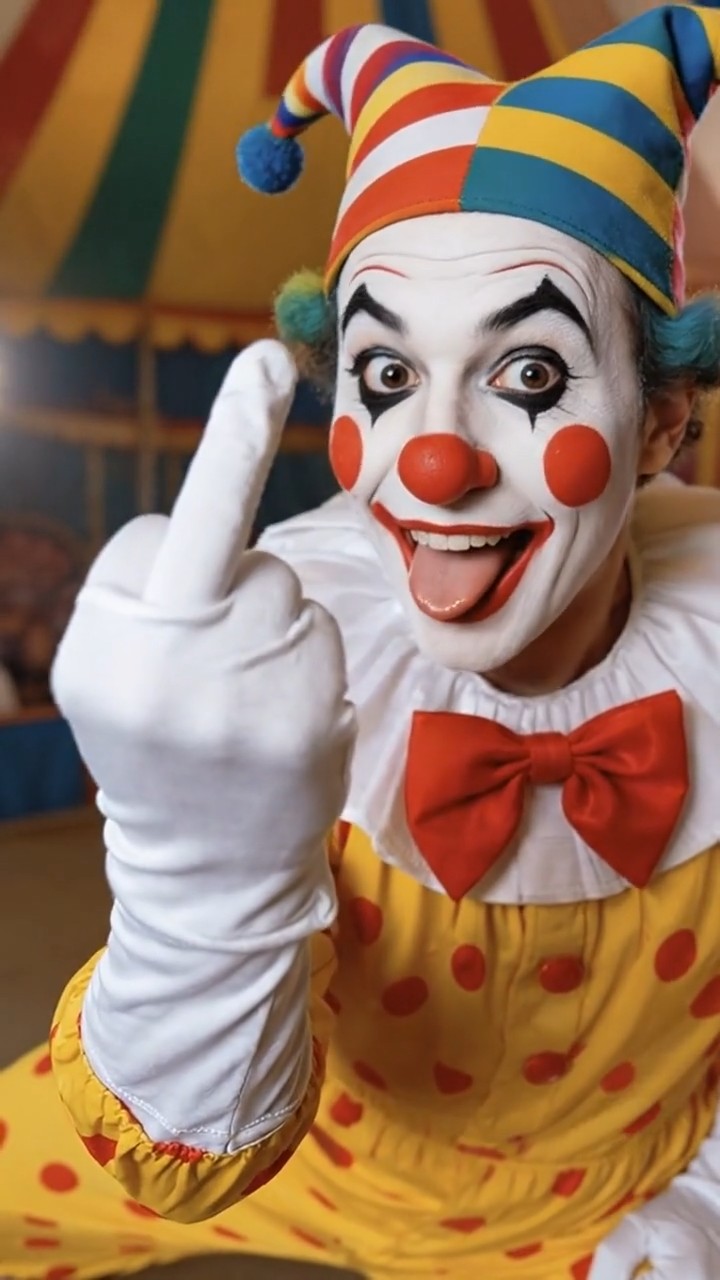
Funny Background Music and Sound Effects
- A strong middle finger video needs more than movement, so SuperMaker AI supports a playful music-driven style for better meme impact.
- Generate funny AI videos with upbeat background music, quirky percussion, funky bass, cartoon pops, whooshes, record scratches, and comedic beat drops.
- The music can sync with the moment when the character raises the middle finger, making the gesture feel like a punchline.
- This audio-first meme feeling helps the middle finger video become more entertaining, more expressive, and more suitable for short-form platforms.
- Use it when you want a character video that feels funny, cheeky, and instantly shareable.
Works with Humans, Pets, Cartoons, and Mascots
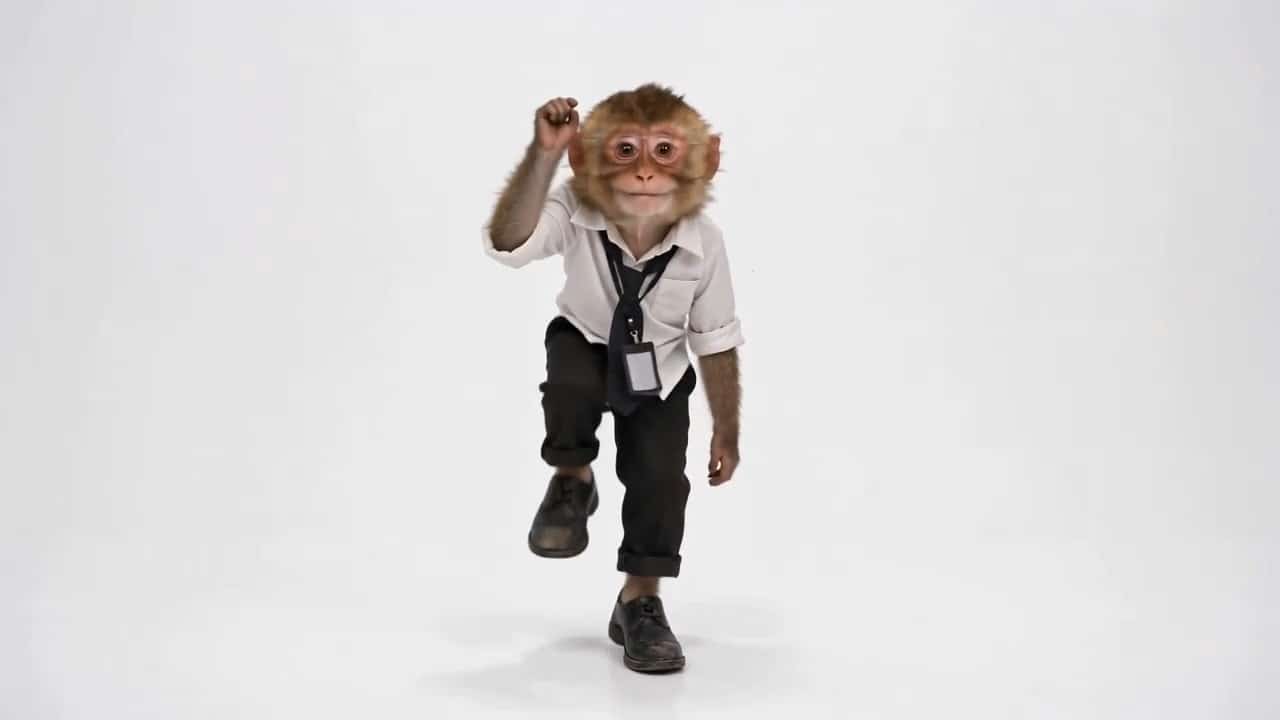
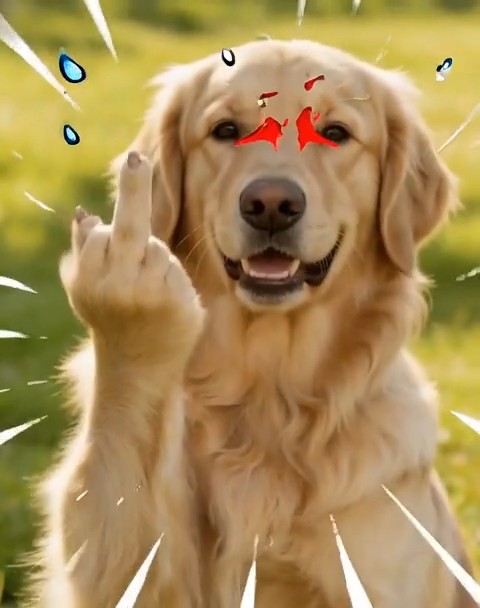
- This middle finger video generator is not limited to human portraits. You can upload a dog, cat, hamster, cartoon avatar, anime figure, puppet, toy, robot, monster, brand mascot, or game-style character.
- SuperMaker AI adapts the gesture to the uploaded subject, so funny AI videos can feel natural even when the character is non-human.
- A pet can raise a paw, a cartoon character can exaggerate the pose, and a mascot can lean toward the camera with a cheeky expression.
- The middle finger video effect is designed for playful transformation, not realistic aggression.
- This flexibility gives creators more room to test meme ideas and build original character-based comedy content.
Viral-Ready Meme Timing
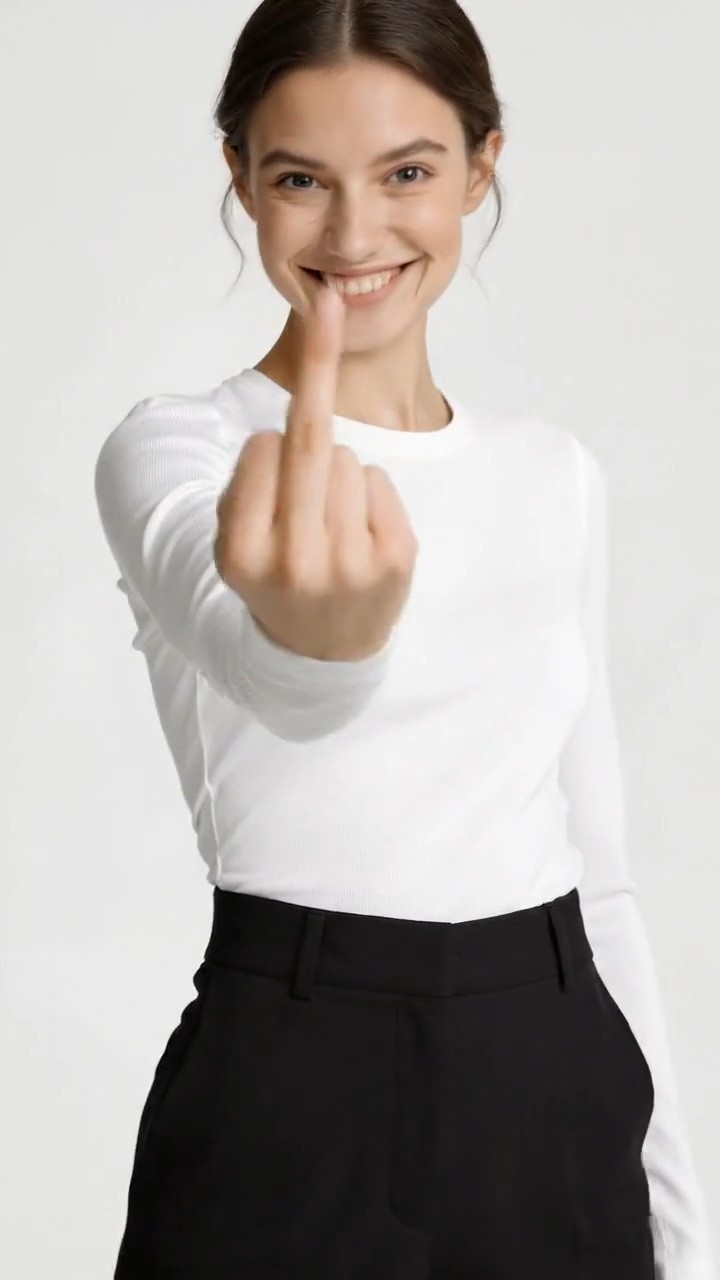
- A good middle finger video depends on timing, expression, camera movement, and the final reaction beat.
- SuperMaker AI can add direct eye contact, a small pause, quick zoom-in, playful head movement, camera shake, and a freeze-frame finish.
- These details make funny AI videos feel closer to social memes rather than ordinary AI animations.
- The middle finger video can be styled as sarcastic, dramatic, silly, chaotic, cute, cartoonish, or over-the-top.
- Use it for trend-driven posts, character reactions, meme replies, and humorous creator content that needs a fast visual hook.
Why Use SuperMaker AI for Middle Finger Video
SuperMaker AI gives creators a simple way to make a middle finger video from one image. It supports different character types, meme music, expressive animation, and funny AI videos for social sharing.

Reaction Meme Videos
Use SuperMaker AI to create a middle finger video as a funny reaction clip. Upload a character image and generate funny AI videos for sarcastic replies, playful jokes, group chats, and meme pages. The gesture becomes a comedic punchline, especially when paired with exaggerated expression and upbeat music.

Pet Meme Content
Turn a cat, dog, hamster, or other pet image into a middle finger video with a paw-based gesture and silly attitude. Pet creators can use this effect to make funny AI videos that feel cute, chaotic, and highly shareable without filming new footage.

Cartoon and Anime Character Edits
Upload a cartoon avatar, anime character, comic figure, or fantasy design and create a middle finger video with stylized movement. SuperMaker AI helps turn static character art into funny AI videos with expressive motion, meme zooms, and playful sound effects.

Mascot and Brand Humor
Use a mascot, toy, or fictional brand character to create a middle finger video for humorous internal content, parody posts, or casual social engagement. The style should stay playful and light, making funny AI videos that feel entertaining rather than hostile.

Short-Form Social Posts
Create a middle finger video for TikTok, Instagram Reels, YouTube Shorts, or X posts. With direct camera movement, music, and a dramatic reaction moment, SuperMaker AI makes funny AI videos that can catch attention quickly in a scrolling feed.

Private Jokes and Group Chat Clips
Generate a middle finger video from a favorite meme character, pet photo, or cartoon avatar for private jokes and casual chat reactions. SuperMaker AI helps users create funny AI videos that feel personal, expressive, and easy to share with friends.
What Users Say About Middle Finger Video
Creators use SuperMaker AI to make a middle finger video from portraits, pets, cartoons, mascots, and character art. The result is fast, playful, and ideal for funny AI videos.
I used SuperMaker AI to turn my cartoon avatar into a middle finger video for a meme post. The expression, zoom, and music made it feel like one of those funny AI videos people instantly replay.
The best part was that the tool worked with my dog photo. The middle finger video came out playful instead of harsh, and the background music made it perfect for funny AI videos on my socials.
I needed a fast reaction clip for a short-form post, and this middle finger video generator saved a lot of editing time. SuperMaker AI gave me funny AI videos with motion, sound, and meme timing.
I uploaded a toy character image and created a middle finger video that looked surprisingly expressive. It was exactly the kind of weird, funny AI videos my audience likes to comment on.
For my parody account, I wanted something cheeky but not aggressive. The middle finger video effect delivered that meme attitude, and the music made the final clip feel like funny AI videos made for Reels.
SuperMaker AI made it easy to test several character styles. I created a middle finger video with an anime mascot, then changed the prompt to make more funny AI videos with different reactions.



Frequently Asked Questions About Middle Finger Video
Learn how to create a middle finger video with SuperMaker AI, what images work best, how music improves funny AI videos, and how to use the effect responsibly.
A middle finger video is a short AI-generated clip where the character in an uploaded image looks at the camera and raises the middle finger in a humorous meme style. In SuperMaker AI, the effect is designed for playful entertainment, reaction memes, and funny AI videos, not for hateful or threatening content.
Yes. SuperMaker AI can create a middle finger video from many character types, including humans, pets, cartoons, anime figures, toys, mascots, robots, and fantasy creatures. The tool adapts the pose and movement to the image, which makes it useful for funny AI videos across different styles.
Yes. You can guide the middle finger video with a funny meme style, upbeat music, cartoon sound effects, dramatic zoom, bouncy movement, and exaggerated expressions. These details help the final clip feel like funny AI videos made for social media.
Upload a clear image where the main character is visible. A front-facing or half-body image usually works well because the AI can better animate the face, body, hand, paw, or character gesture. The clearer the subject, the better the middle finger video and other funny AI videos can look.
The middle finger video effect is best used as playful meme content, reaction humor, parody, or casual entertainment. Avoid using it to target, bully, threaten, or harass a real person. SuperMaker AI is designed to help users create funny AI videos with a light and comedic tone.
You can use the generated middle finger video for short-form social posts, meme pages, reaction clips, private jokes, parody accounts, pet edits, cartoon content, and creator experiments. It is especially useful when you want funny AI videos that are quick to make and easy to share.
Create Your Middle Finger Video Now
Upload any character image and let SuperMaker AI create a middle finger video with meme-style motion, playful expression, and upbeat background music. Make funny AI videos for social posts, reaction clips, pet memes, cartoon edits, and viral-style entertainment.
